

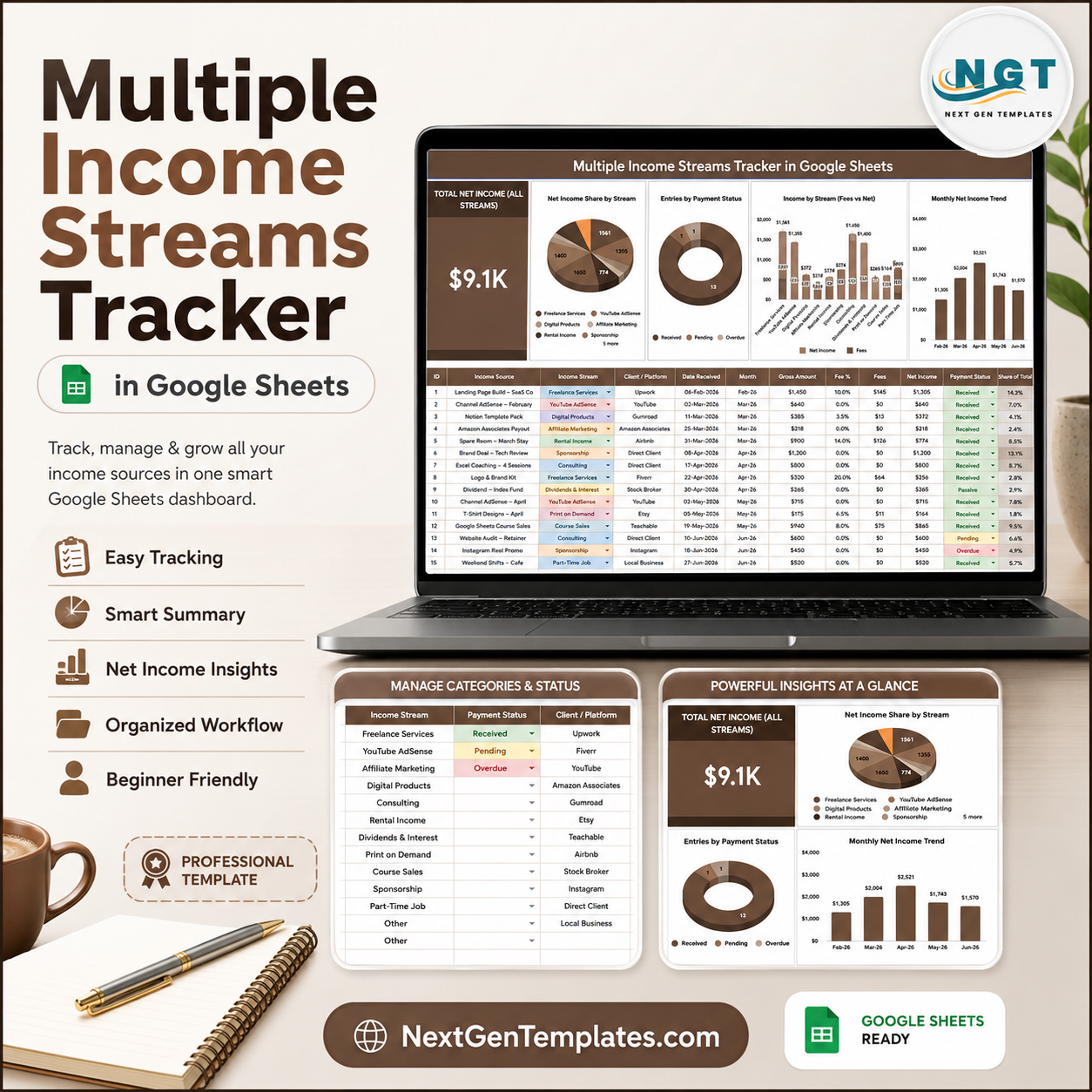

The Multiple Income Streams Tracker in Google Sheets helps freelancers, creators, consultants, investors, and side-income builders organize every income stream in one editable file. In June 2026, FRED/BLS data showed multiple jobholders at 5.3% of employed people, while the Federal Reserve’s household report found that 13% of adults sold items and 9% earned from short-term tasks in 2024. Built by PK for a 300K+ subscriber training audience, this one-time $6.99 template gives buyers lifetime access, no subscription, and a clear way to review net income, fees, status, stream mix, client platform, and monthly trends.
Key Features of Multiple Income Streams Tracker in Google Sheets
- Overview dashboard: Review Total Net Income, stream share, payment status, fees, income by stream, and monthly net income from one sheet.
- Total Net Income card: See the headline value across all streams before checking the charts.
- Multiple slicers: Filter the tracker quickly by income stream, payment status, client platform, or period.
- Net income analysis: Compare which streams contribute most after fees, not only before deductions.
- Fee visibility: Separate platform fees, transaction costs, commissions, and other deductions from gross income.
- Payment status tracking: Monitor paid, pending, overdue, and custom status values for follow-up.
- Setup Lists sheet: Maintain available options for income stream, payment status, and client platform in one controlled area.
- Google Sheets workflow: Copy the file into Drive, edit the sample records, and share with a partner, accountant, or assistant.
- One-time purchase: Use the tracker without paying for a monthly personal finance or freelancer SaaS app.
What’s Inside the Multiple Income Streams Tracker in Google Sheets
1 – Overview Page
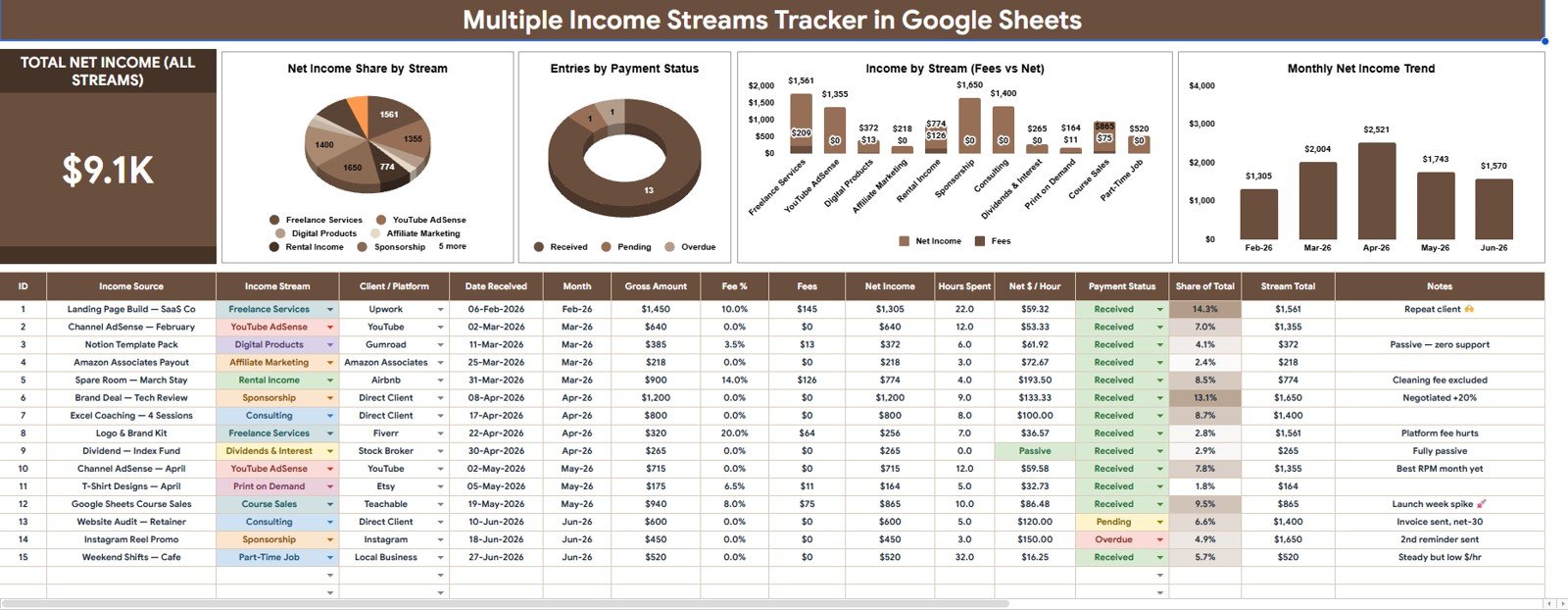
The Overview Page is the main dashboard sheet. At the top, the Total Net Income card shows net income across all streams, giving users a quick financial snapshot before they drill into the charts.
Multiple slicers are included so users can filter the page by income stream, payment status, client platform, or reporting period. This makes it easy to review one side hustle, one client source, or one payment state without changing the raw data.
Net Income Share by Stream: This chart shows how total net income is distributed across each income stream. It helps users see whether one stream dominates the financial picture or whether income is becoming more balanced.
When one stream has a large share, the user can decide whether that concentration is intentional or whether another stream deserves more attention.
Entries by Payment Status: This chart counts records by payment status, such as paid, pending, overdue, or custom labels. It helps users identify where follow-up is needed before cash flow gets delayed.
The view is useful for freelancers and consultants who need to separate earned income from actually collected income.
Income by Stream: This chart compares gross income by stream before deeper review of fees. It helps users see which services, platforms, products, rentals, dividends, or other sources are generating activity.
Use it with slicers to compare one month, one platform, or one status category at a time.
Fees by Stream: This chart shows which streams carry the highest fees or deductions. It helps users spot platforms or channels that look strong in gross income but lose too much through costs.
That makes the tracker useful for improving pricing, platform choices, and payment terms.
Monthly Net Income by Month: This chart shows net income month by month. It helps users detect seasonality, slow months, growth months, and the stability of the full income mix.
For people managing irregular income, this monthly view is often the clearest planning signal.
2 – Setup Lists Sheet
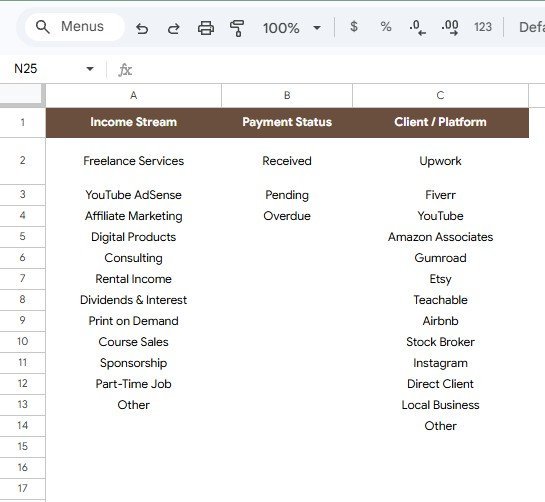
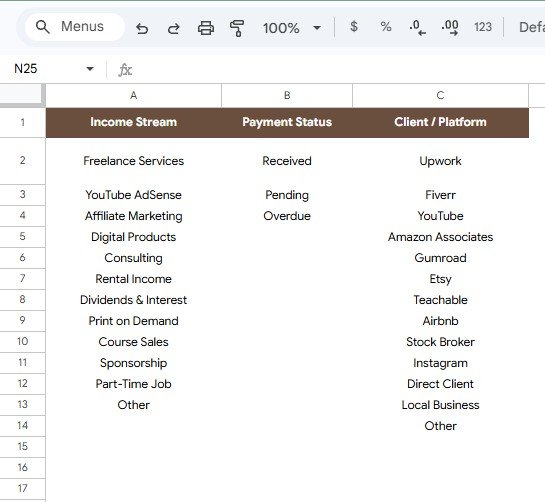
The Setup Lists sheet keeps dropdown options clean so the dashboard does not split the same value into several misspelled labels. Users can update the available options as their work, clients, and platforms change.
Available Options by Income Stream: This area stores income stream names such as salary, freelancing, consulting, affiliate income, product sales, dividends, rentals, or any custom stream.
Available Options by Payment Status: This area stores payment states such as paid, pending, overdue, partial, disputed, or any workflow labels the user needs.
Available Options by Client Platform: This area stores platform or client source options such as Upwork, Fiverr, direct client, Etsy, YouTube, Gumroad, Stripe, PayPal, or custom sources.
Multiple Income Streams Tracker in Google Sheets vs. Microsoft Excel vs. Paid CRM/SaaS – Where This Fits
| Feature | This Google Sheets Tracker | Microsoft Excel Tracker | Paid Finance or CRM SaaS |
|---|---|---|---|
| Cost | $6.99 one-time sale price | Template cost plus any Excel access | Usually monthly or annual subscription |
| Platform | Google Sheets in Google Drive | Excel desktop or web | Vendor-hosted app |
| Setup time | Copy file, update lists, enter income records | Open workbook and adjust fields | Account setup, imports, plans, and permissions |
| Real-time collaboration | Built into Google Drive sharing | Depends on OneDrive or SharePoint | Usually role or seat based |
| Mobile access | Google Sheets mobile app or browser | Excel mobile app or browser | Usually included |
| Customizable fields | Editable streams, statuses, platforms, and labels | Editable if workbook is unlocked | Limited by vendor settings |
| Share with link | Yes, through Drive permissions | Yes, through Microsoft sharing | Usually account based |
| Year-1 cost at 5 users | $6.99 before any Google Workspace cost | Template plus licensing if needed | Can become hundreds per year |
| Income stream charts | Included for stream share, income, fees, status, and month | Must be built or customized | Depends on plan and integration |
Who This Template Is For – and Who It’s Not For
This tracker is for freelancers, creators, consultants, contractors, small business owners, investors, side-hustle operators, household planners, and anyone who wants to see several income sources in one Google Sheets file.
It is not a tax filing system, invoicing platform, bank-feed connector, payroll system, bookkeeping replacement, or regulated financial advice tool. It works best when you can enter or paste income records regularly and want fast visual analysis.
How to Use the Multiple Income Streams Tracker in Google Sheets
- Open the PDF guide from the final download package and create your editable Google Sheets copy.
- Review the Setup Lists sheet and update income stream, payment status, and client platform options.
- Enter or paste your income records using the same column structure as the sample data.
- Open the Overview Page to review Total Net Income and the five analysis charts.
- Use slicers to focus on one stream, one status, one platform, or one reporting month.
- Review fees and pending statuses before monthly planning or follow-up work.
Real-World Use Cases
Maya, freelance designer: tracks Upwork, direct client, template sales, and affiliate income in one sheet so she can see which stream produces the best net income after platform fees.
Daniel, content creator: compares sponsorships, ad revenue, product sales, and consulting income by month before deciding where to spend his next content sprint.
Priya, household planner: tracks salary, rental income, dividends, and side projects with her spouse so their monthly planning uses collected income instead of rough estimates.
Frequently Asked Questions
What does the Multiple Income Streams Tracker in Google Sheets track?
It tracks net income, gross income, fees, income streams, payment status, client platforms, monthly trends, and setup list options for clean dropdowns.
Can I customize the income stream names?
Yes. The Setup Lists sheet lets you edit income stream values so the tracker can match freelancing, consulting, dividends, rentals, product sales, affiliate income, or any custom source.
Does the tracker show unpaid or pending income?
Yes. Entries by Payment Status helps you monitor paid, pending, overdue, partial, disputed, or custom statuses.
Can I use this tracker with my accountant?
Yes. Since it runs in Google Sheets, you can share your copied file through Google Drive permissions. It can support review, but it does not replace formal bookkeeping or tax filing.
Does it connect directly to PayPal, Stripe, or bank feeds?
No. This is a spreadsheet tracker. You enter or paste records manually, which keeps the file simple and editable.
Is the digital file attached to this draft?
No. Add the final downloadable PDF or copy-guide URL before publishing so buyers receive the correct Google Sheets access instructions.
About the Author
Built by PK – Microsoft Certified Professional with 15+ years of Excel, Google Sheets, and Power BI experience. Founder of NextGenTemplates, reaching 300K+ subscribers across YouTube channels. Every template is hand-built and tested before release.
Explore Related Templates
- Personal Cash Flow Tracker in Google Sheets
- Dividend Income Tracker in Google Sheets
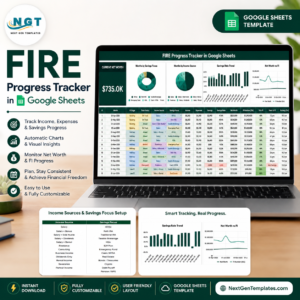
- FIRE Progress Tracker in Google Sheets
- Income and Expenses Monthly and Yearly View in Google Sheets
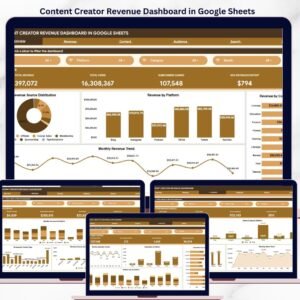
- Content Creator Revenue Dashboard in Google Sheets
Browse more Google Sheets tracker templates and Google Sheets financial tools.
Use the Multiple Income Streams Tracker in Google Sheets to review stream share, payment status, fees, gross income, net income, platform options, and monthly income in one editable spreadsheet.
Watch the step-by-step video Demo:
Last updated: August 5, 2026.
Compatibility and Requirements
- Works in Google Sheets. You need a free Google account and a web browser.
- The Setup Lists sheet holds the options for income stream, payment status and client platform. Google explains how to start with Sheets in Get started with Google Sheets.





















Reviews
There are no reviews yet.