

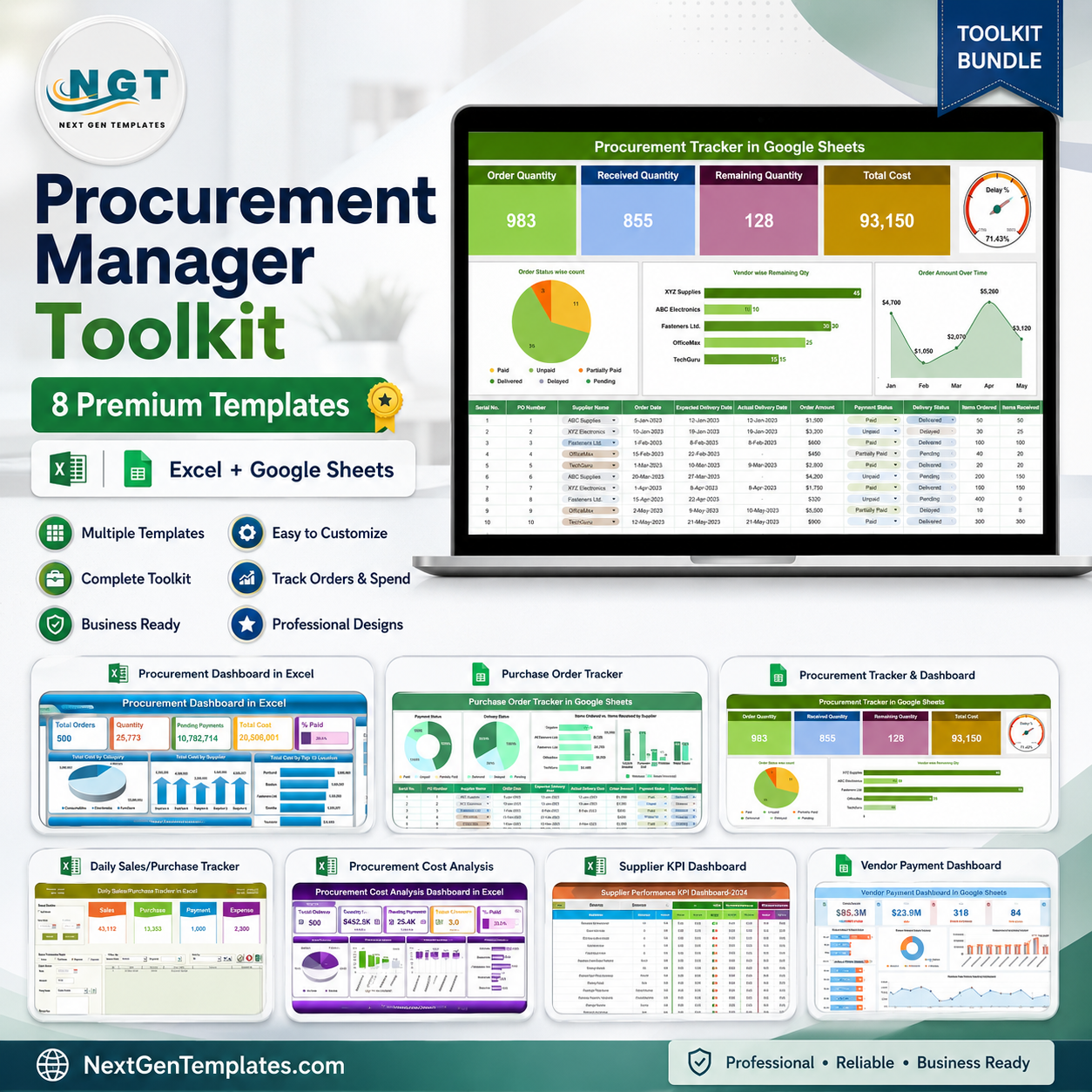


The Procurement Manager Toolkit brings together 8 hand-picked NextGenTemplates tools into one money-saving procurement template bundle built for buyers, sourcing leads and supply-chain teams. Instead of paying $100.92 for these templates one by one, you get the complete pack for just $60.99 – a straight 40% saving of $39.93. From live procurement dashboards to purchase-order tracking, supplier KPIs, cost analysis, vendor payments and delivery scheduling, everything a procurement manager touches in a week is covered – across both Excel and Google Sheets.
🔑 Key Features of the Procurement Manager Toolkit
- 📊 End-to-end procurement coverage – sourcing, ordering, delivery, payment and supplier scoring in one kit
- 🧩 Excel + Google Sheets – work offline in Excel or collaborate live in the cloud
- 💰 Save 40% vs individual purchase – $100.92 worth of templates for just $60.99
- ⚡ Interactive slicers & charts – filter by supplier, category, month and location instantly
- 🚚 Delivery & payment tracking – never miss a due date or a pending payment again
- 🏆 Supplier KPI scoring – rank vendors on cost, quality and on-time delivery
- 🧾 Cost analysis built in – spot overspend and negotiate smarter
- 🔌 Plug-and-play – replace the sample data with yours and every chart updates automatically
📦 What’s Inside the Procurement Manager Toolkit
Eight premium templates, each sold separately on our store, bundled at one low price:
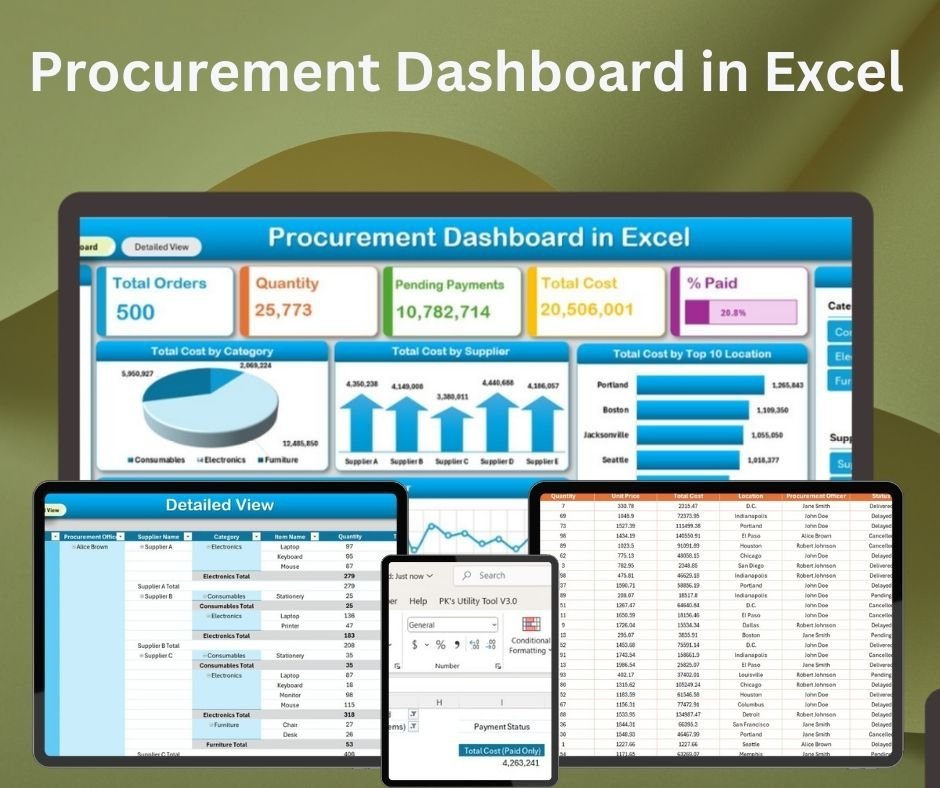
- Procurement Dashboard in Excel (Excel · $17.99) – a real-time overview of orders, suppliers, costs and payments with interactive slicers, pie/line/bar charts and a detailed drill-down sheet.

Procurement Dashboard in Excel
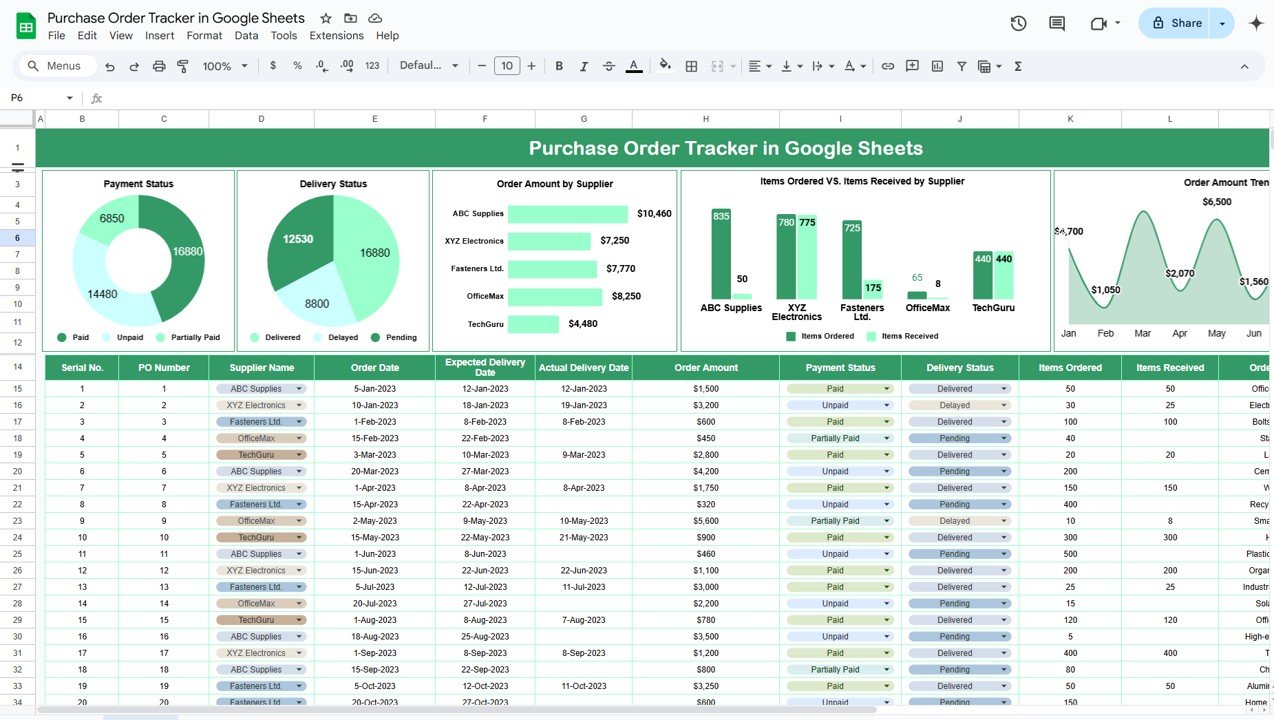
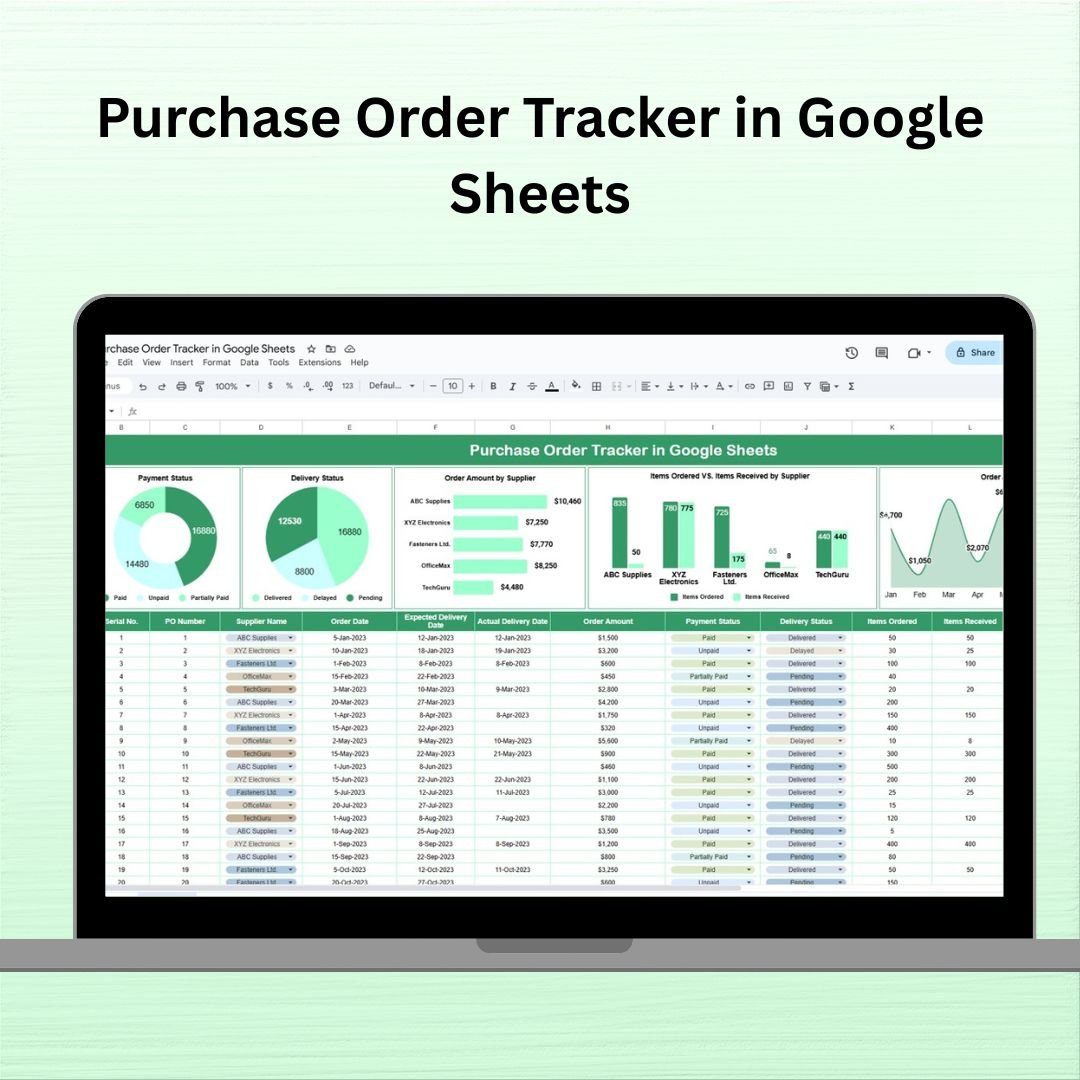
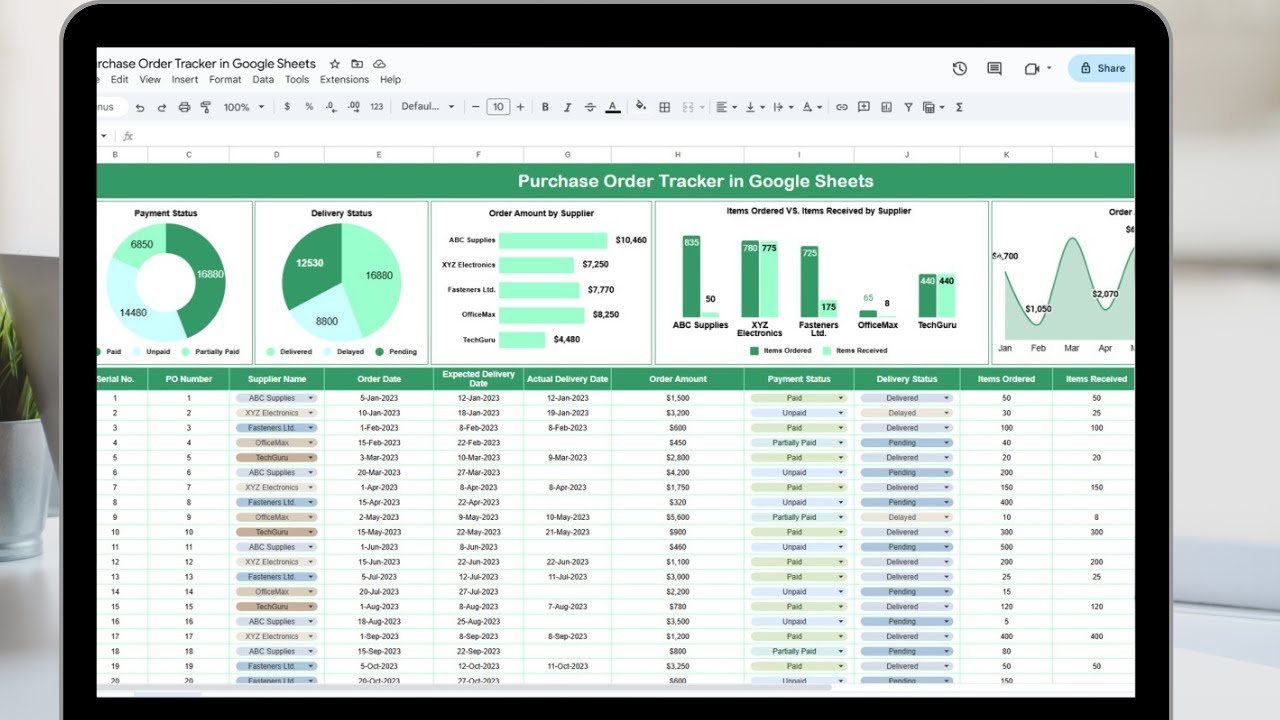
- Purchase Order Tracker in Google Sheets (Google Sheets · $6.99) – track every PO from creation to delivery with payment status, delivery status and monthly spend trends.
Purchase Order Tracker in Google Sheets
- Procurement Tracker and Dashboard in Google Sheets (Google Sheets · $9.99) – manage orders, suppliers and budgets with real-time collaboration and visual spend insights.
Procurement Tracker and Dashboard in Google Sheets
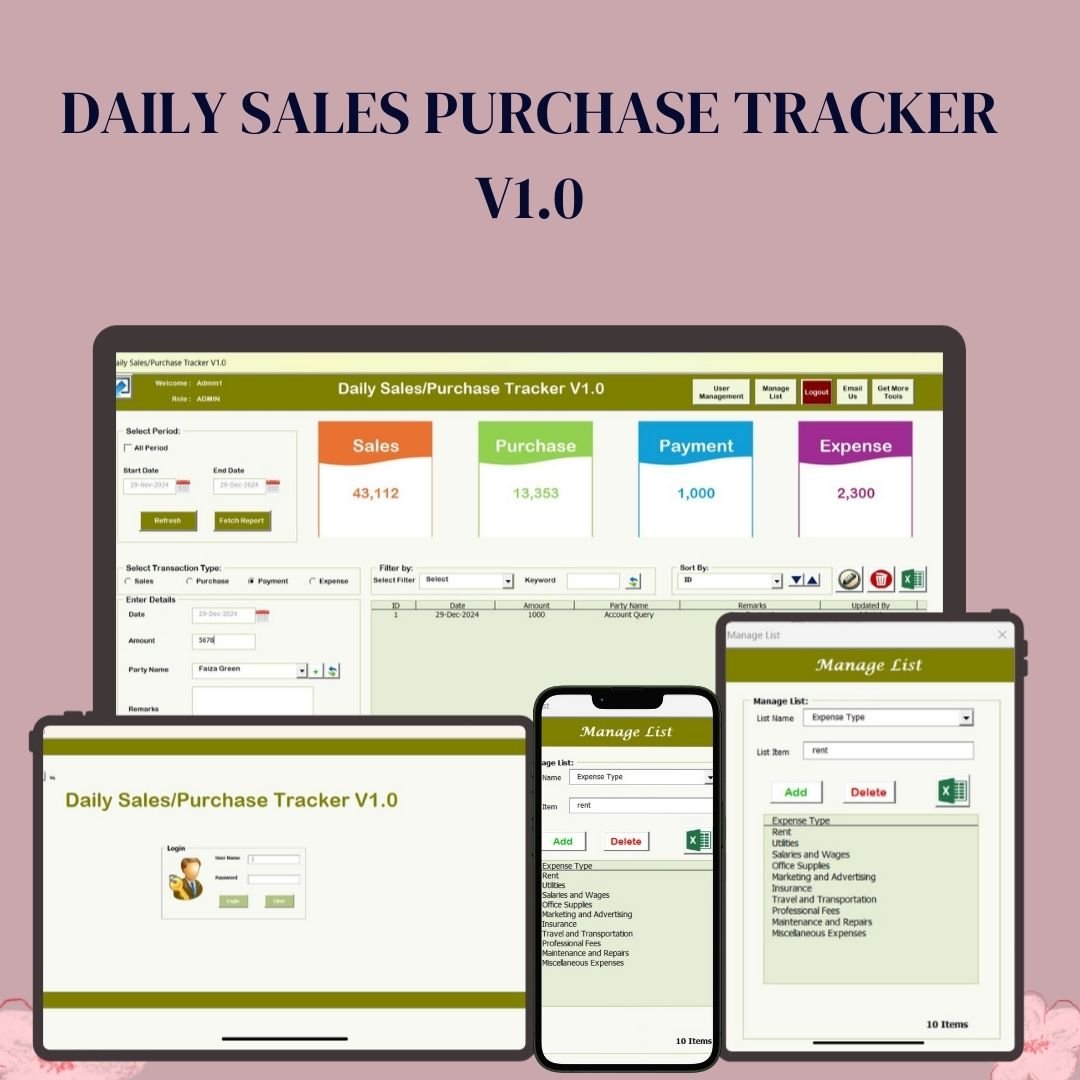
- Daily Sales Purchase Tracker V1.0 (Excel/VBA · $19.99) – a secure, login-protected VBA tool to record daily sales, purchases, payments and expenses with report export.
Daily Sales Purchase Tracker V1.0
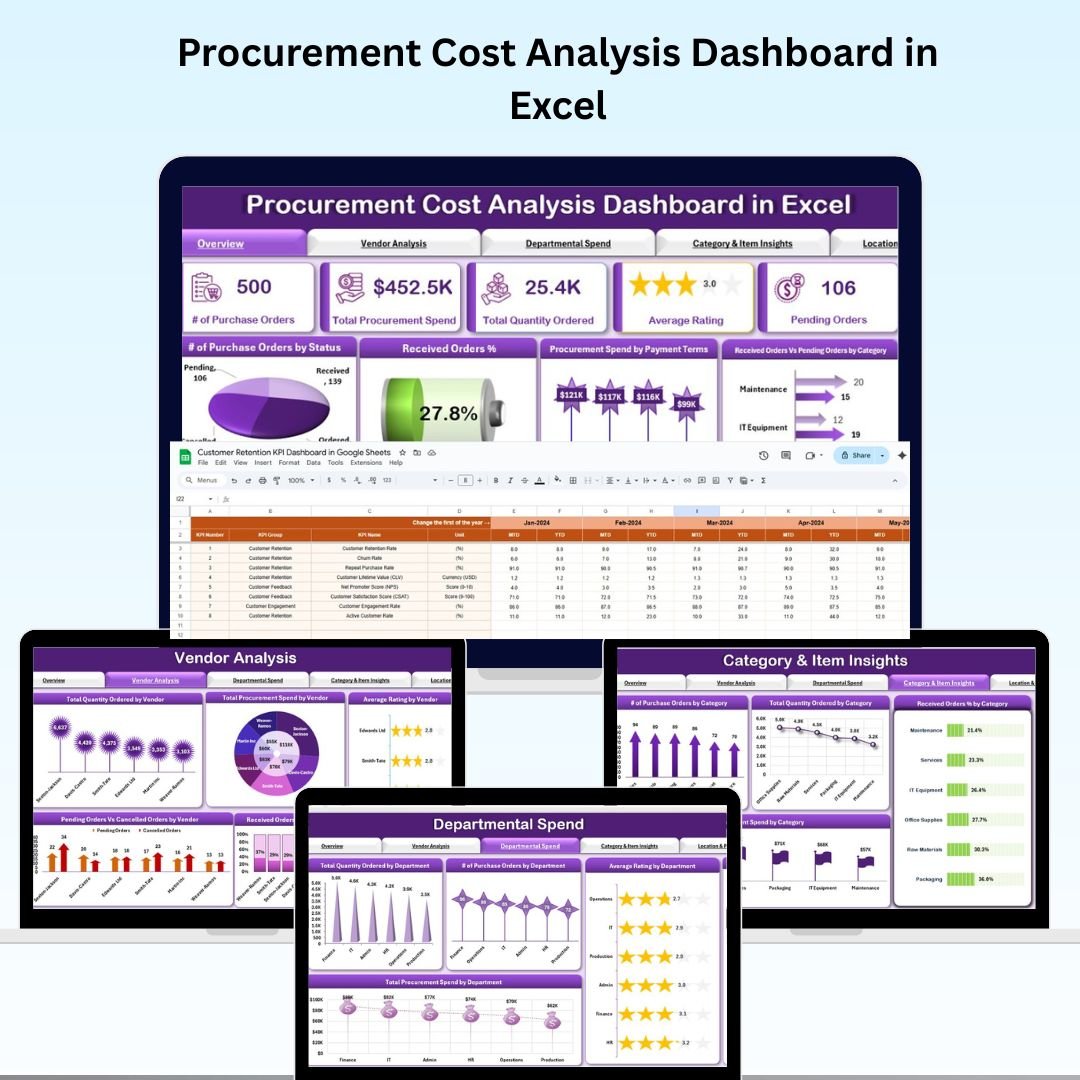
- Procurement Cost Analysis Dashboard in Excel (Excel · $17.99) – break down spend by category, supplier and period to uncover savings and control your budget.
Procurement Cost Analysis Dashboard in Excel
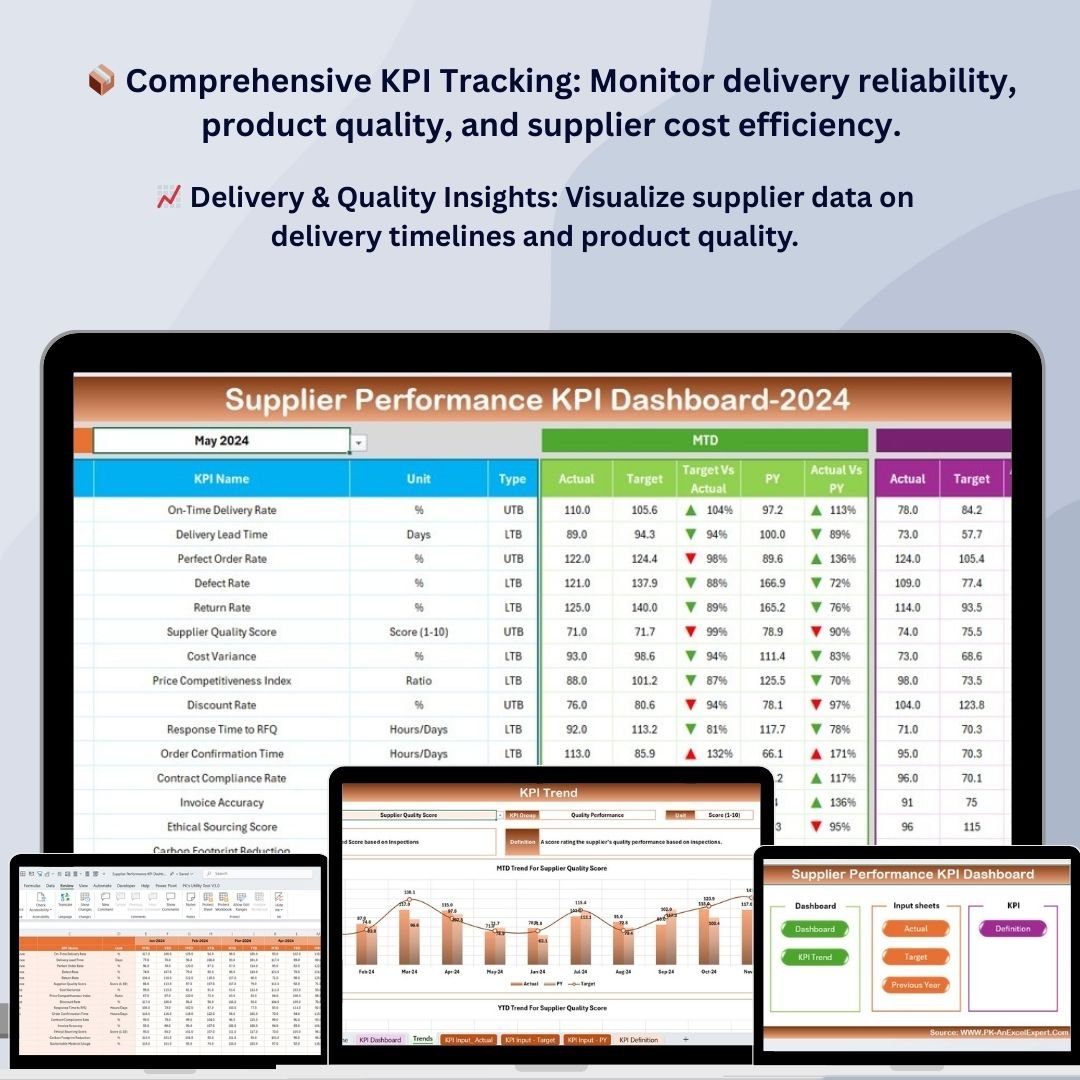
- Supplier Performance KPI Dashboard in Excel (Excel · $12.99) – score and compare vendors on cost, quality, lead time and on-time delivery with clear KPI cards.
Supplier Performance KPI Dashboard in Excel
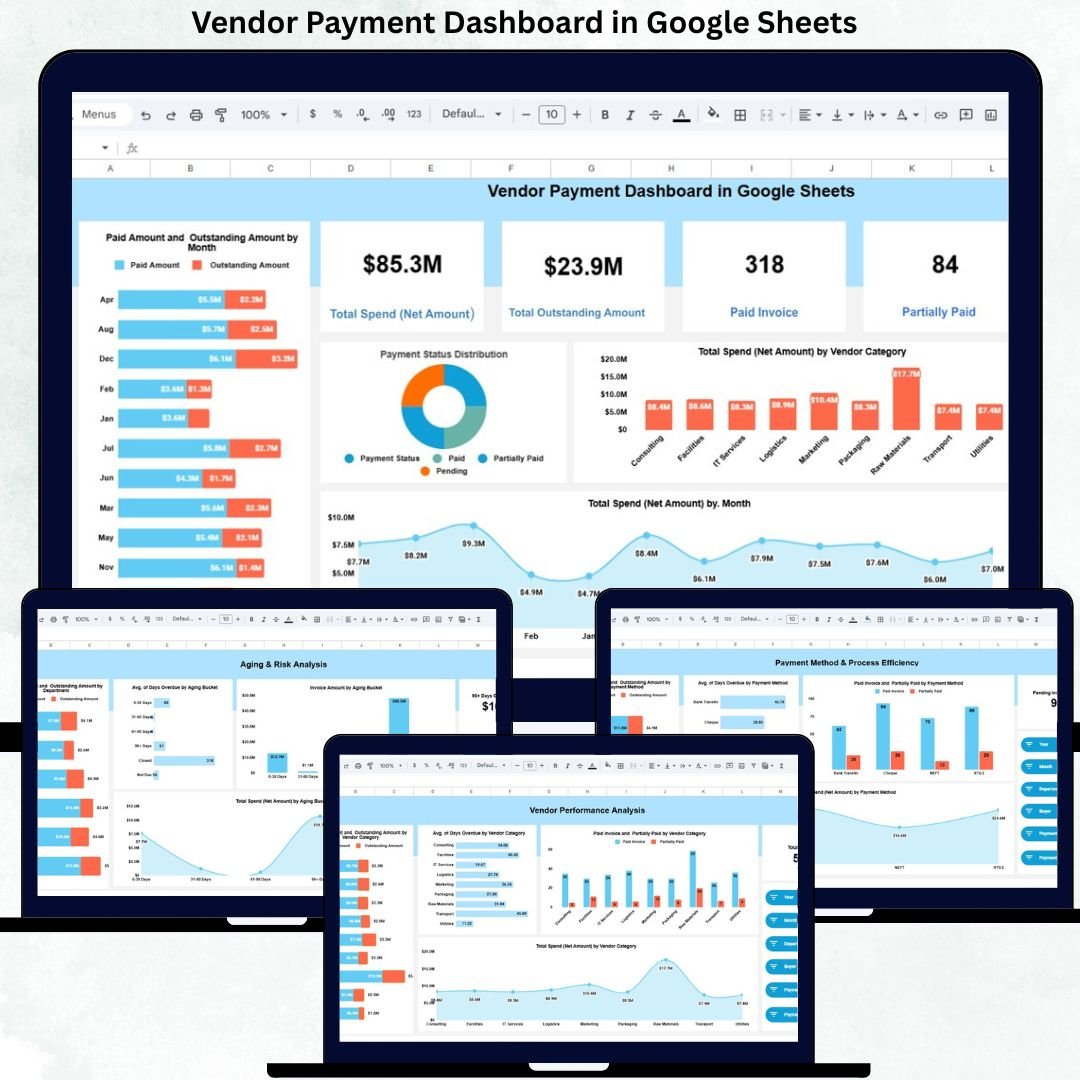
- Vendor Payment Dashboard in Google Sheets (Google Sheets · $9.99) – stay on top of vendor dues, payment cycles and outstanding balances in the cloud.
Vendor Payment Dashboard in Google Sheets
- Supplier Delivery Schedule Calendar in Excel (Excel · $4.99) – a visual delivery calendar so you never miss an inbound supplier delivery date.
Supplier Delivery Schedule Calendar in Excel


💡 Smart Comparison – Individual vs Bundle
| # | Template | Platform | Individual Price |
|---|---|---|---|
| 1 | Procurement Dashboard in Excel | Excel | $17.99 |
| 2 | Purchase Order Tracker in Google Sheets | Google Sheets | $6.99 |
| 3 | Procurement Tracker and Dashboard in Google Sheets | Google Sheets | $9.99 |
| 4 | Daily Sales Purchase Tracker V1.0 | Excel/VBA | $19.99 |
| 5 | Procurement Cost Analysis Dashboard in Excel | Excel | $17.99 |
| 6 | Supplier Performance KPI Dashboard in Excel | Excel | $12.99 |
| 7 | Vendor Payment Dashboard in Google Sheets | Google Sheets | $9.99 |
| 8 | Supplier Delivery Schedule Calendar in Excel | Excel | $4.99 |
| Total if bought individually | $100.92 | ||
| Procurement Manager Toolkit Bundle | $60.99 | ||
| You Save (40%) | $39.93 | ||
⚙️ How to Use the Procurement Manager Toolkit
- Download the bundle – unzip the pack to get all 8 Excel and Google Sheets templates.
- Pick your platform – open the Excel files directly or copy the Google Sheets templates to your Drive.
- Replace the sample data – enter your POs, suppliers, costs and payments; charts and KPIs update automatically.
- Filter & analyze – use slicers and dropdowns to review spend by supplier, category, month and location.
- Act on insights – renegotiate with underperforming vendors, clear pending payments and plan deliveries.
👥 Who Can Benefit from This Toolkit
- 💼 Procurement Managers & Buyers – run the full sourcing-to-payment cycle from one kit
- 📦 Supply-Chain & Operations Teams – track deliveries and supplier performance
- 💰 Finance & Accounts – monitor vendor payments, dues and procurement spend
- 🏢 Small & Medium Businesses – enterprise-grade procurement analytics without SaaS fees
Get the Procurement Manager Toolkit – 8 Templates for $60.99
Individual price $100.92 → $60.99
Save $39.93 (40% off) – one payment, lifetime access, free bug fixes.
📖 Click here to read the detailed blog post
🎥 Visit our YouTube channel for step-by-step video tutorials: Youtube.com/@PKAnExcelExpert
Compatibility and Requirements
- The Excel templates work in Microsoft Excel desktop (Excel 2016 or later, or Microsoft 365).
- Daily Sales Purchase Tracker V1.0 is a login-protected VBA tool. Use Excel desktop on Windows with macros enabled. Microsoft explains how to turn macros on in Enable or disable macros in Microsoft 365 files.
- The Google Sheets templates need a free Google account and a web browser. Google’s guide How to use Google Sheets covers the basics.
Frequently Asked Questions
Which templates are in the Procurement Manager Toolkit?
Procurement Dashboard in Excel, Purchase Order Tracker in Google Sheets, Procurement Tracker and Dashboard in Google Sheets, Daily Sales Purchase Tracker V1.0, Procurement Cost Analysis Dashboard in Excel, Supplier Performance KPI Dashboard in Excel, Vendor Payment Dashboard in Google Sheets and Supplier Delivery Schedule Calendar in Excel.
How do I open the Google Sheets templates?
Copy each Google Sheets template to your own Drive, then replace the sample data with yours.
Can I filter the dashboards?
Yes. Slicers and dropdowns let you review spend by supplier, category, month and location.
Can I buy the templates one at a time?
Yes. Each of the eight templates is also sold separately on the store.
Related Procurement Bundles and Templates
- Procurement and Vendor Management Kit: 7 Excel, Power BI and Google Sheets procurement templates
- Logistics Manager Toolkit: 8 Excel templates for logistics managers
- Inventory & Warehouse Master Kit: 8 inventory and warehouse templates
- Finance & Accounting Command Center: 8 finance templates in one bundle
- Procurement Dashboard in Power BI: a Power BI procurement dashboard
Browse all template bundles.































Reviews
There are no reviews yet.