

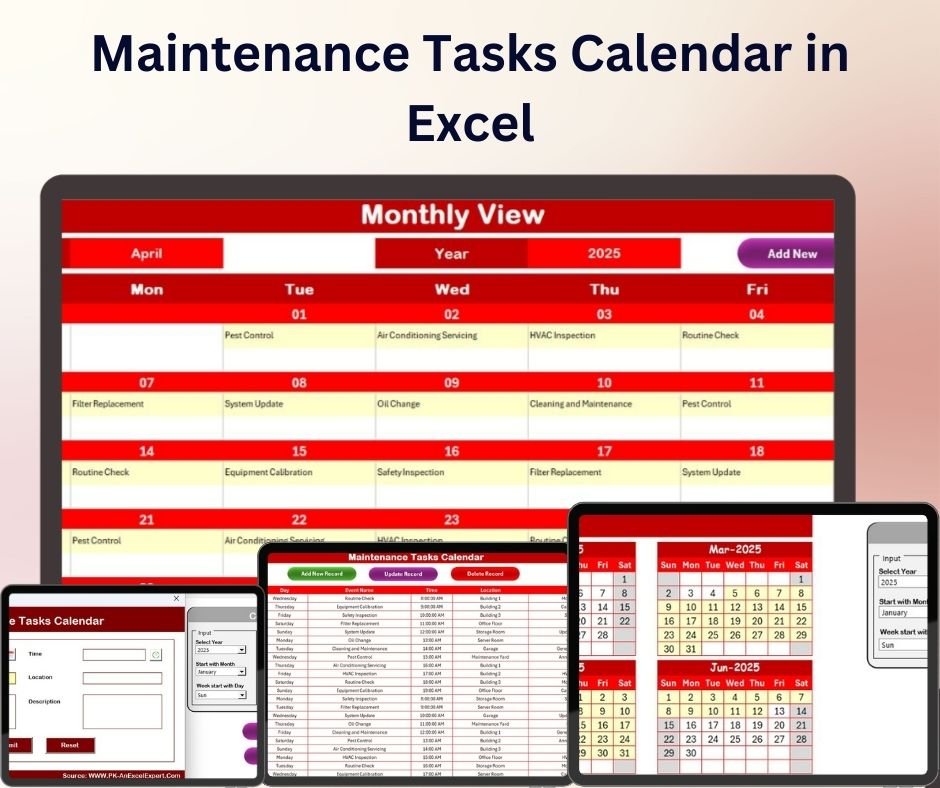
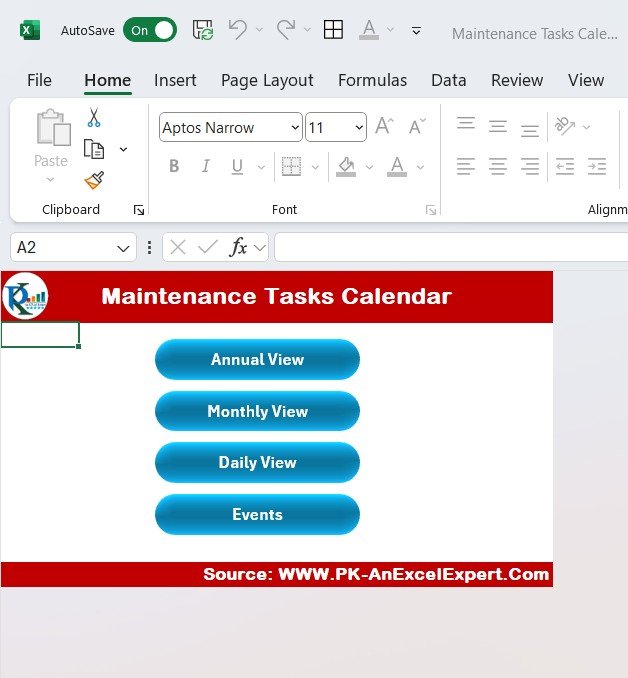
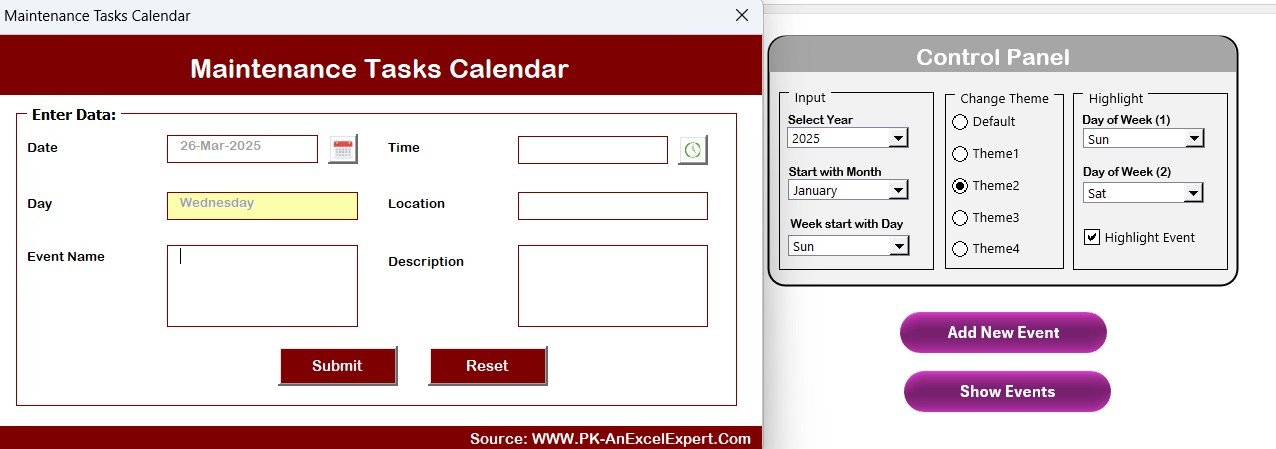
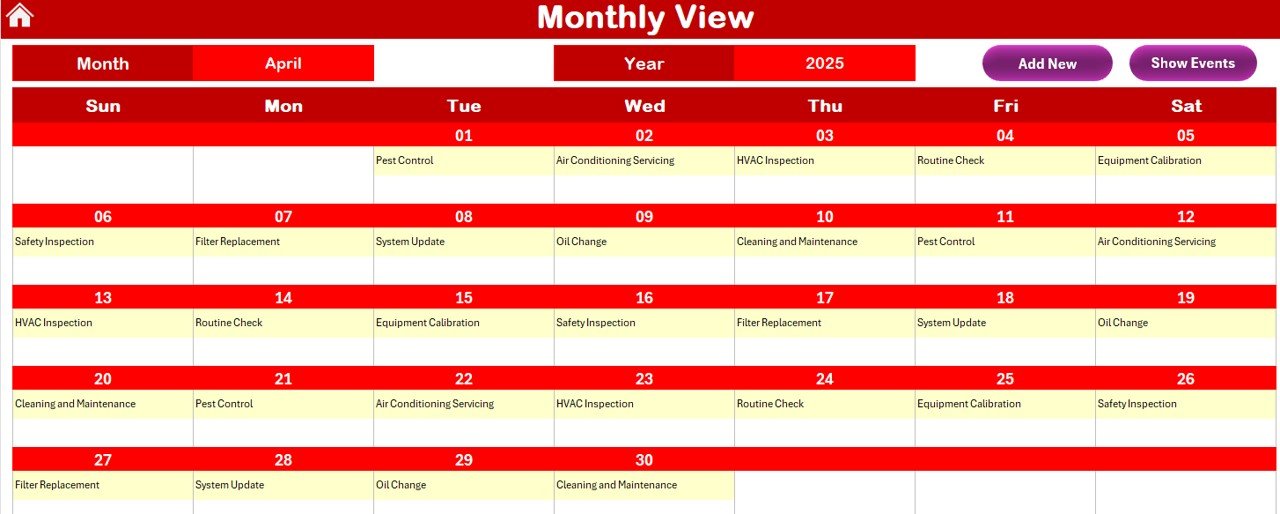
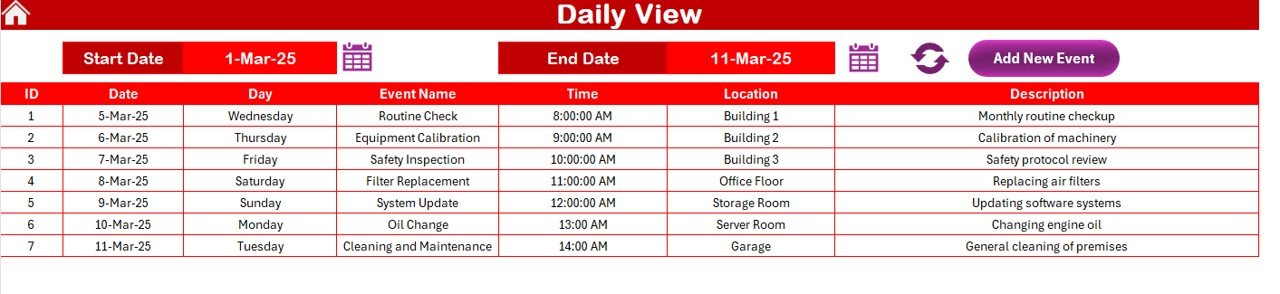
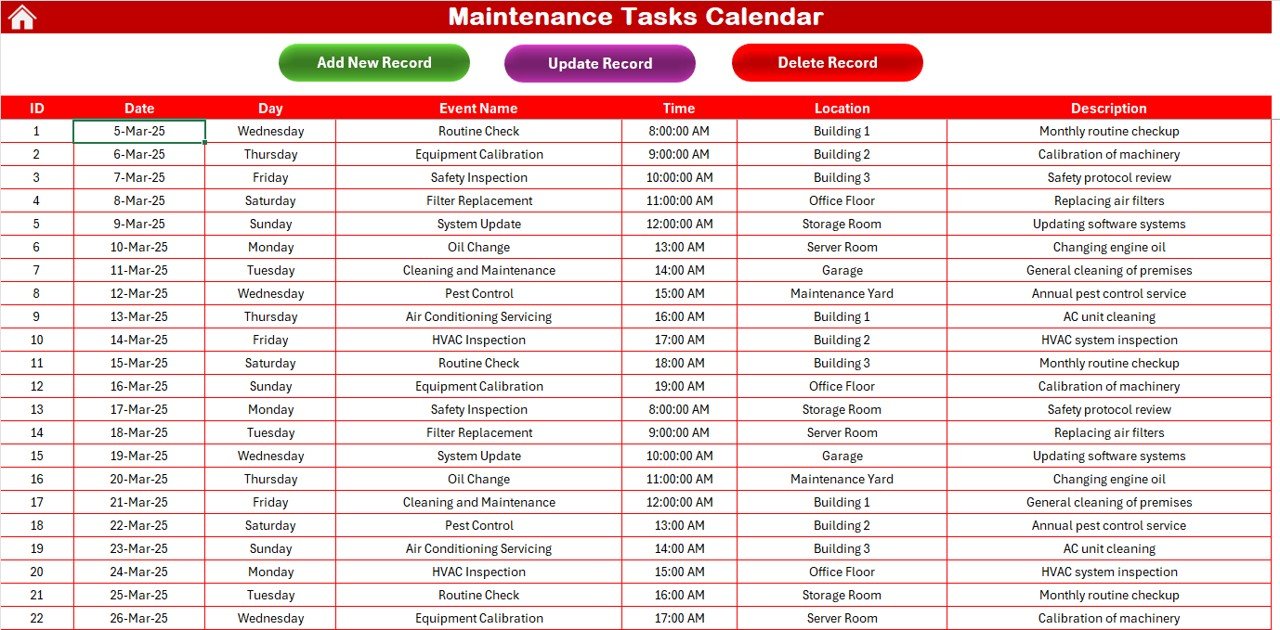

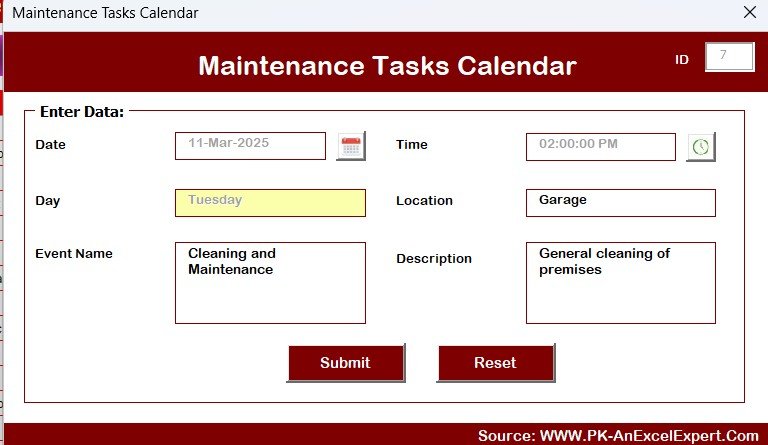
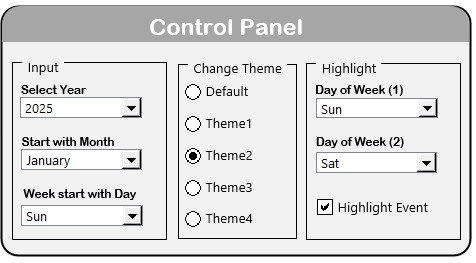

The Maintenance Tasks Calendar in Excel is a highly efficient and customizable tool designed to help businesses and individuals organize, schedule, and track maintenance tasks. Whether you are managing equipment, facilities, or any type of maintenance activities, this calendar is a must-have for staying on top of your schedule and ensuring timely maintenance. The Excel template provides an easy-to-use interface for planning and tracking maintenance tasks, making sure nothing falls through the cracks.
This Maintenance Tasks Calendar allows you to schedule, monitor, and update tasks, set recurring maintenance intervals, and maintain a record of completed activities. Its user-friendly design makes it easy to track all your maintenance schedules, keeping your operations running smoothly and preventing costly downtime due to missed tasks.
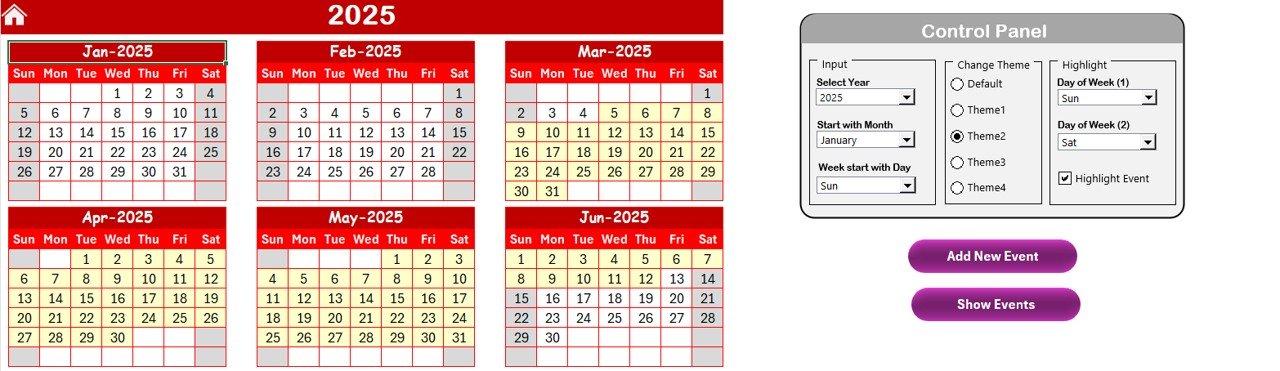
Key Features of the Maintenance Tasks Calendar in Excel
📌 Comprehensive Maintenance Scheduling
This calendar allows you to plan and track all your maintenance tasks in a centralized location. You can add tasks, assign responsible team members, set due dates, and monitor the progress of each activity.
🛠 Recurring Tasks Management
Easily set up recurring maintenance tasks with customizable intervals. Whether it’s weekly, monthly, or annually, the calendar ensures that tasks are never missed, and maintenance is completed on schedule.
💡 Color-Coded Task Status
Track the status of each task with color-coded indicators. Tasks can be marked as “Pending,” “In Progress,” or “Completed,” providing a visual cue for which tasks require attention and which are on track.
🔢 Easy-to-Update Interface
The Maintenance Tasks Calendar is designed to be easy to use and update. You can quickly add, modify, and remove tasks with just a few clicks, ensuring that your maintenance schedule stays up to date.
🚀 User-Friendly Template
This Excel template comes pre-formatted and ready to use. You won’t need advanced Excel skills to start using the calendar—just enter your tasks, set your dates, and begin tracking.
📊 Real-Time Updates
As you update the calendar with completed tasks or adjustments to the schedule, the status updates automatically, ensuring that the calendar always reflects the latest information. This feature helps you stay on top of your maintenance schedule with minimal effort.
📅 Ideal for Businesses and Individuals
Whether you are managing facility maintenance for a business or organizing home maintenance tasks, this calendar is flexible enough to suit all needs. It can be used for managing building maintenance, equipment servicing, or even vehicle maintenance.
⚙ Why You’ll Love the Maintenance Tasks Calendar in Excel
✅ Centralized Task Management – Keep all your maintenance tasks in one place for easy tracking. ✅ Recurring Task Setup – Set up and track recurring maintenance tasks automatically. ✅ Color-Coded Task Status – Quickly see which tasks are completed, in progress, or pending. ✅ Simple and User-Friendly – Easily add and update tasks without needing advanced Excel skills. ✅ Real-Time Updates – The calendar updates automatically as tasks are completed.
📂 What’s Inside the Maintenance Tasks Calendar in Excel?
- Comprehensive Task Management: A calendar to track all maintenance tasks, including details like due dates, responsible person, and status.
- Recurring Task Setup: Customizable intervals for recurring tasks.
- Color-Coded Status Indicators: Easily monitor the progress of each task.
- Step-by-Step Setup Guide: Simple instructions for setting up and using the calendar effectively.
🔍 How to Use the Maintenance Tasks Calendar in Excel
1️⃣ Download the Template – Instant access to the Excel file upon purchase. 2️⃣ Input Your Maintenance Tasks – Enter tasks, due dates, and responsible individuals. 3️⃣ Set Recurring Intervals – Customize recurring tasks based on your maintenance schedule. 4️⃣ Track Progress – Use color-coded status indicators to monitor the status of each task. 5️⃣ Update in Real-Time – Keep the calendar updated as tasks are completed or rescheduled.
🎯 Who Can Benefit from the Maintenance Tasks Calendar in Excel? 🔹 Facility Managers
🔹 Operations Teams
🔹 Business Owners
🔹 Homeowners
🔹 Equipment Managers
🔹 Anyone needing to organize and track maintenance tasks
Organize and optimize your maintenance tasks with the Maintenance Tasks Calendar in Excel. With its customizable features, color-coded indicators, and ease of use, this tool helps ensure that all maintenance activities are completed on time and within schedule.
Click here to read the Detailed blog post
https://www.pk-anexcelexpert.com/maintenance-tasks-calendar-in-excel/
Visit our YouTube channel to learn step-by-step video tutorials
Compatibility and Requirements
- Works in Microsoft Excel desktop (Excel 2016 or later, or Microsoft 365).
- Task statuses are shown with color-coded cells inside the workbook.
Frequently Asked Questions
What does the Maintenance Tasks Calendar track?
It tracks each maintenance task with its due date, the responsible person and its status, in one calendar.
Can I set up recurring maintenance?
Yes. You can set weekly, monthly or annual intervals so repeat tasks stay on the schedule.
How are task statuses shown?
Tasks are marked Pending, In Progress or Completed, and each status has its own color so open work stands out.
Can I use it for home maintenance too?
Yes. It suits facility and equipment maintenance for a business as well as home maintenance tasks.
Related Maintenance Templates
- Maintenance Tasks Calendar in Google Sheets: the same calendar in Google Sheets
- Maintenance Schedule Calendar in Excel: another maintenance calendar layout
- Preventive Maintenance Dashboard in Excel: analyze maintenance work with charts
- Equipment Maintenance Log Tracker in Excel: log maintenance history per machine
- Calendar & Planner Pack: a bundle of 12 calendar and planner templates
Browse all Excel calendars or the Excel operations templates.

































Reviews
There are no reviews yet.