

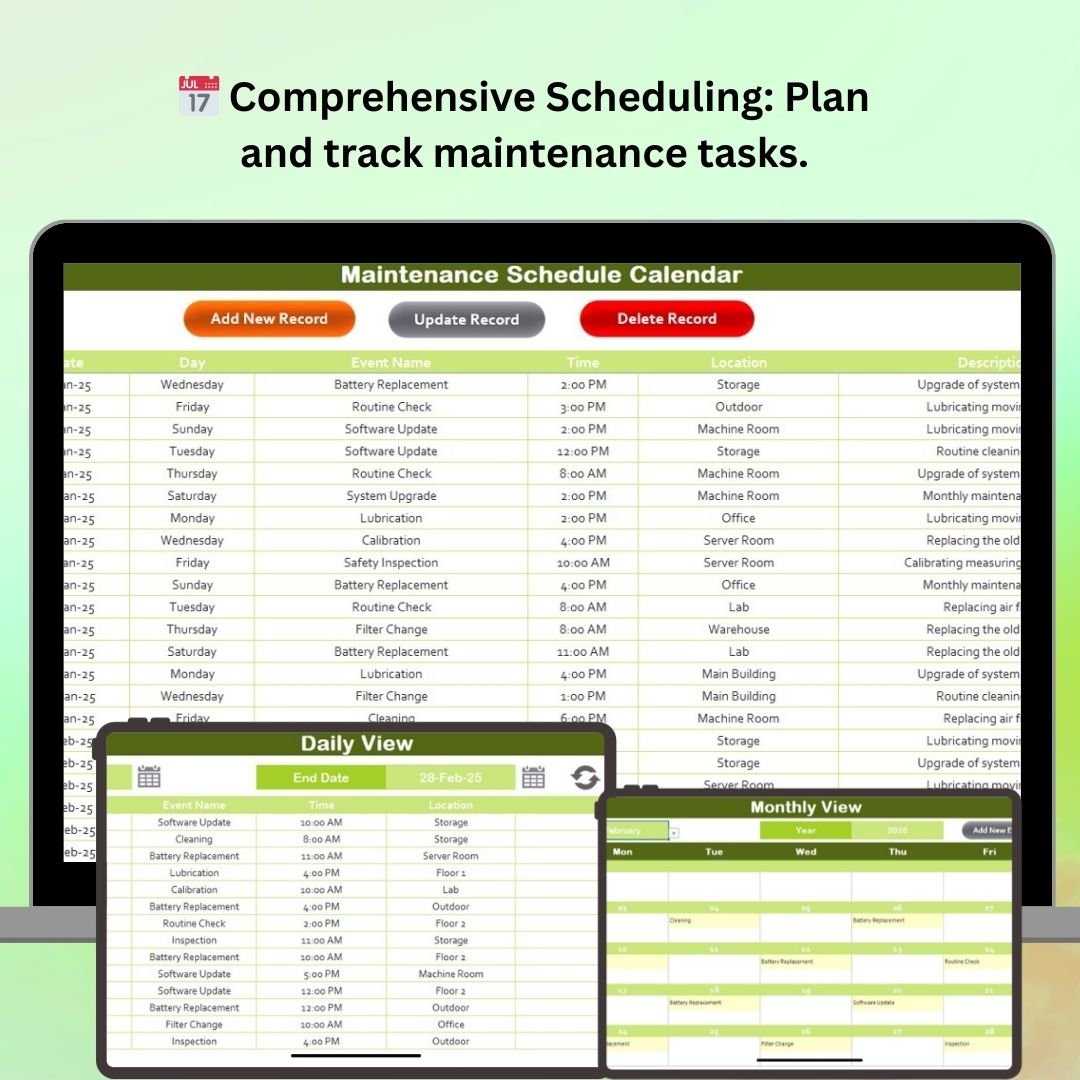


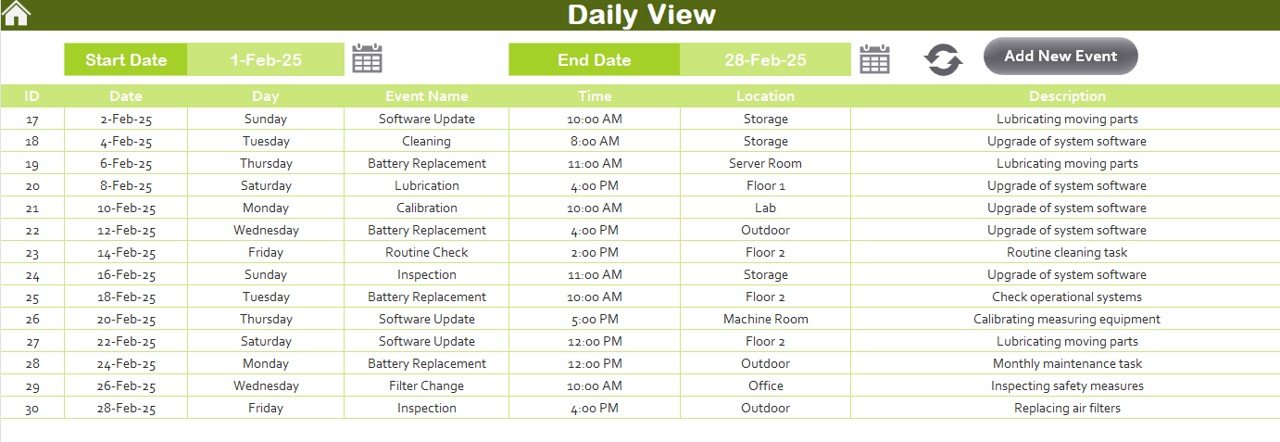


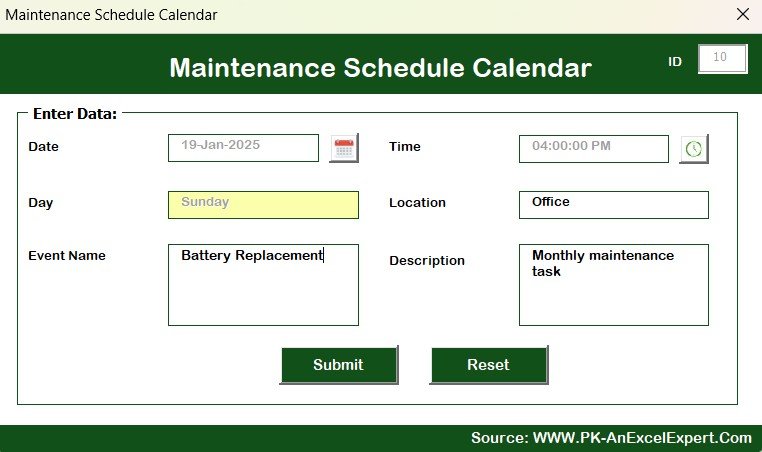

The Maintenance Schedule Calendar in Excel is a highly efficient tool designed to help businesses and maintenance teams organize, track, and schedule routine maintenance tasks. Whether you manage machinery, equipment, or facilities, this Excel-based calendar ensures that no maintenance task is overlooked and that everything is completed on time, reducing downtime and improving operational efficiency.
This maintenance schedule calendar allows you to schedule preventive maintenance tasks, track completion, and keep records of past maintenance activities. It’s perfect for industries like manufacturing, facilities management, and property maintenance. By keeping all your maintenance schedules in one place, you can improve your equipment’s longevity, ensure compliance, and avoid unexpected repair costs.
Key Features of the Maintenance Schedule Calendar in Excel
📅 Comprehensive Maintenance Scheduling
Plan and schedule all routine maintenance tasks, including equipment checks, cleaning, and repairs. Set reminders for upcoming tasks to ensure timely completion.
🛠 Customizable Maintenance Tasks
Create and customize tasks based on your equipment or facility needs. Add specific maintenance instructions and assign responsible team members to each task.
⏱ Time-Based Task Tracking
Track the completion of tasks on a time-based schedule, ensuring that routine maintenance is done at regular intervals. Avoid missed maintenance activities with a clear timeline for all tasks.
📊 Visual Calendar & Dashboard
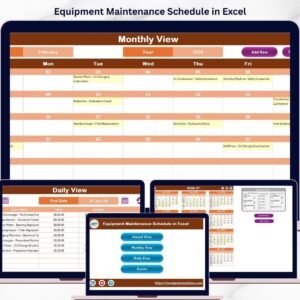
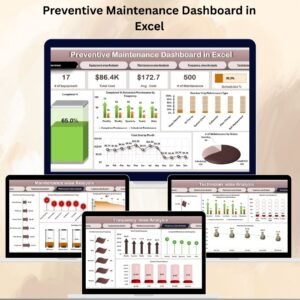
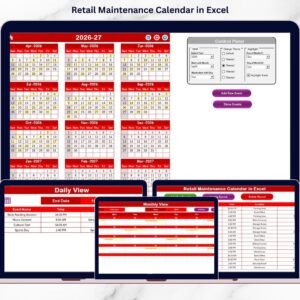
View your entire maintenance schedule in an easy-to-understand visual format, with color-coded dates for completed and pending tasks. The dashboard helps to quickly identify overdue or upcoming tasks.
📈 Maintenance Performance Analysis
Track the performance of your maintenance activities, identify any recurring issues, and ensure compliance with industry standards. Use the insights from the dashboard to enhance efficiency.
⚙️ Customizable Fields
Customize the calendar to fit your specific business needs. Add additional maintenance details, equipment names, and task statuses as required.
Why You’ll Love the Maintenance Schedule Calendar in Excel

✅ Centralized Task Management
Keep all your maintenance schedules in one organized calendar, so you never miss an important task. Track and update your schedules easily.
✅ Preventive Maintenance
Reduce unplanned downtime by scheduling regular maintenance activities. Prevent costly repairs by addressing issues before they become major problems.
✅ Easy-to-Use & Customizable
The Excel-based format is easy to navigate and customize. Modify task categories, intervals, and reminders according to your specific requirements.
✅ Improve Operational Efficiency
Ensure that your equipment, machinery, and facilities are operating at optimal levels by staying on top of your maintenance tasks. This helps to improve overall efficiency and productivity.
✅ Cost-Effective & Scalable
Ideal for small businesses and large organizations alike. The calendar can be scaled to accommodate a single piece of equipment or an entire fleet of machines.
What’s Inside the Maintenance Schedule Calendar in Excel?
Comprehensive Scheduling: Plan and track maintenance tasks for various equipment and facilities.
Customizable Task Details: Add detailed maintenance instructions, assign responsibilities, and track task completion.
Visual Calendar & Dashboard: View scheduled tasks in a color-coded calendar and monitor progress on a dashboard.
Performance Tracking: Analyze task completion, identify trends, and improve maintenance efficiency.
Scalable & Flexible: Adapt the template to fit your business needs, from single-item tracking to large-scale fleet management.
How to Use the Maintenance Schedule Calendar in Excel
1️⃣ Download the Template: Instantly access the Maintenance Schedule Calendar in Excel.
2️⃣ Input Equipment & Tasks: Add your equipment names, maintenance tasks, and assign responsible team members.
3️⃣ Set Reminders & Deadlines: Schedule regular maintenance intervals and set reminders for upcoming tasks.
4️⃣ Track Completion Status: Monitor the status of each task (completed, pending, or overdue) and make updates in real time.
5️⃣ Generate Reports & Improve Processes: Use the data and insights from the dashboard to analyze maintenance performance and improve operations.
Who Can Benefit from the Maintenance Schedule Calendar in Excel?
🔹 Maintenance Managers & Teams
🔹 Facility Managers
🔹 Equipment & Machinery Operators
🔹 Property Maintenance Services
🔹 Manufacturing & Industrial Businesses
🔹 Small to Medium Enterprises (SMEs)
🔹 Large Corporations with Multiple Facilities
Ensure your maintenance operations run smoothly with the Maintenance Schedule Calendar in Excel. Stay organized, prevent downtime, and improve operational efficiency with this easy-to-use and customizable tool.
Click here to read the Detailed blog post
Visit our YouTube channel to learn step-by-step video tutorials
Youtube.com/@PKAnExcelExpert
Compatibility and Requirements
- Works in Microsoft Excel desktop (Excel 2016 or later, or Microsoft 365).
- Dates are color coded for completed and pending tasks.
- Want to change the colors? Microsoft explains how in Use conditional formatting to highlight information.
Frequently Asked Questions
What can I schedule in the Maintenance Schedule Calendar?
Routine maintenance tasks such as equipment checks, cleaning and repairs, with instructions and a responsible team member for each task.
How do I see what is overdue?
The calendar color codes completed and pending tasks, and the dashboard shows overdue and upcoming tasks.
Can I add my own equipment and task fields?
Yes. You can add equipment names, task statuses, intervals and other maintenance details.
Does it work for more than one machine?
Yes. It scales from a single piece of equipment to a full fleet of machines.
Related Maintenance Templates
- Maintenance Schedule Calendar in Google Sheets: the same calendar online
- Equipment Maintenance Schedule in Excel: plan service dates per machine
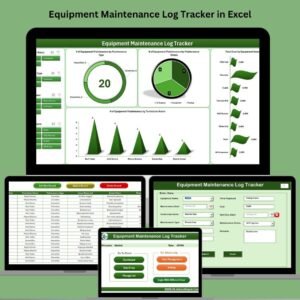
- Equipment Maintenance Log Tracker in Excel: keep a record of completed work
- Preventive Maintenance Dashboard in Excel: analyze maintenance results
- Calendar & Planner Pack: 12 calendar and planner templates in one download
Browse all Excel calendars or the Excel operations templates.




























Reviews
There are no reviews yet.