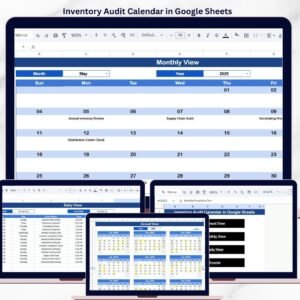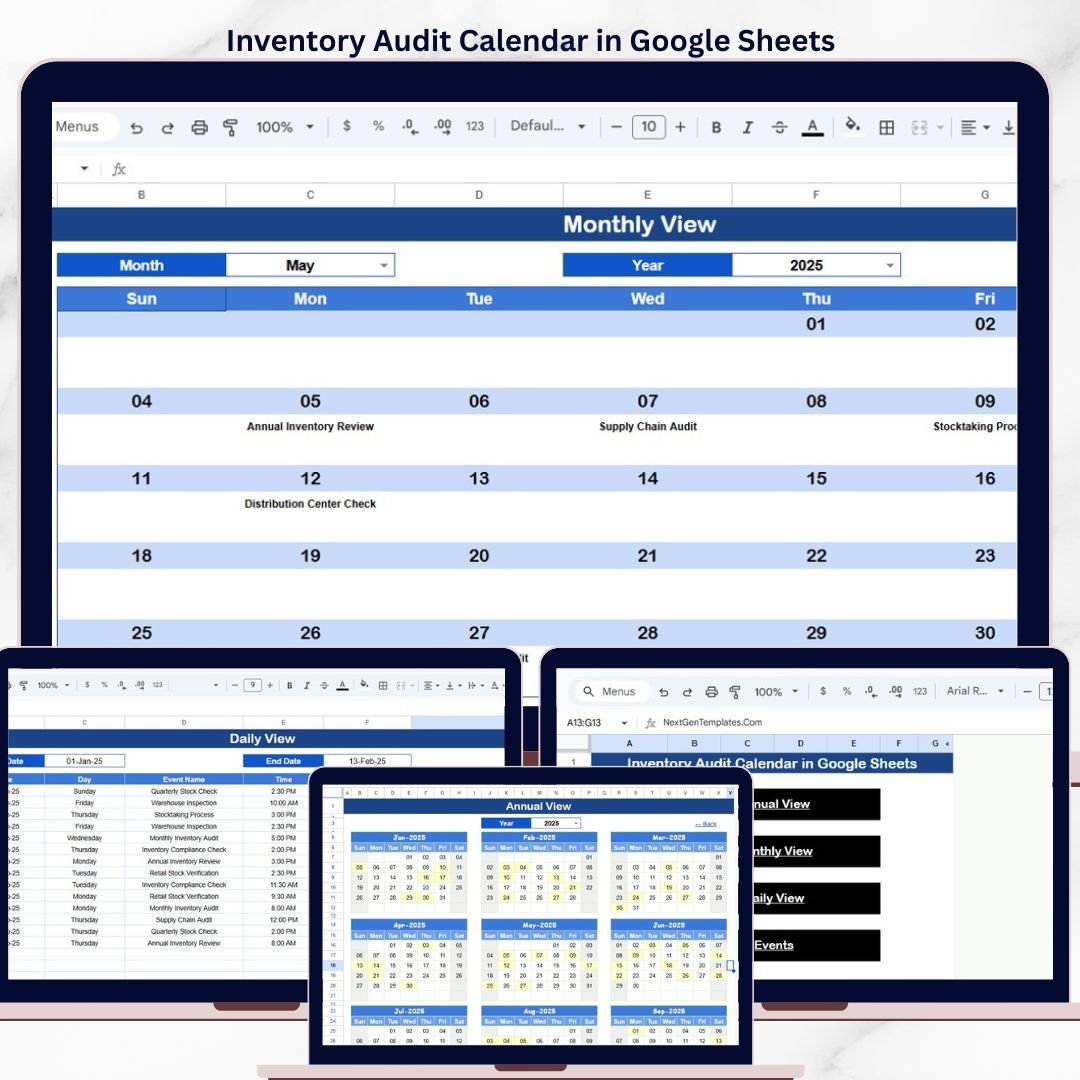
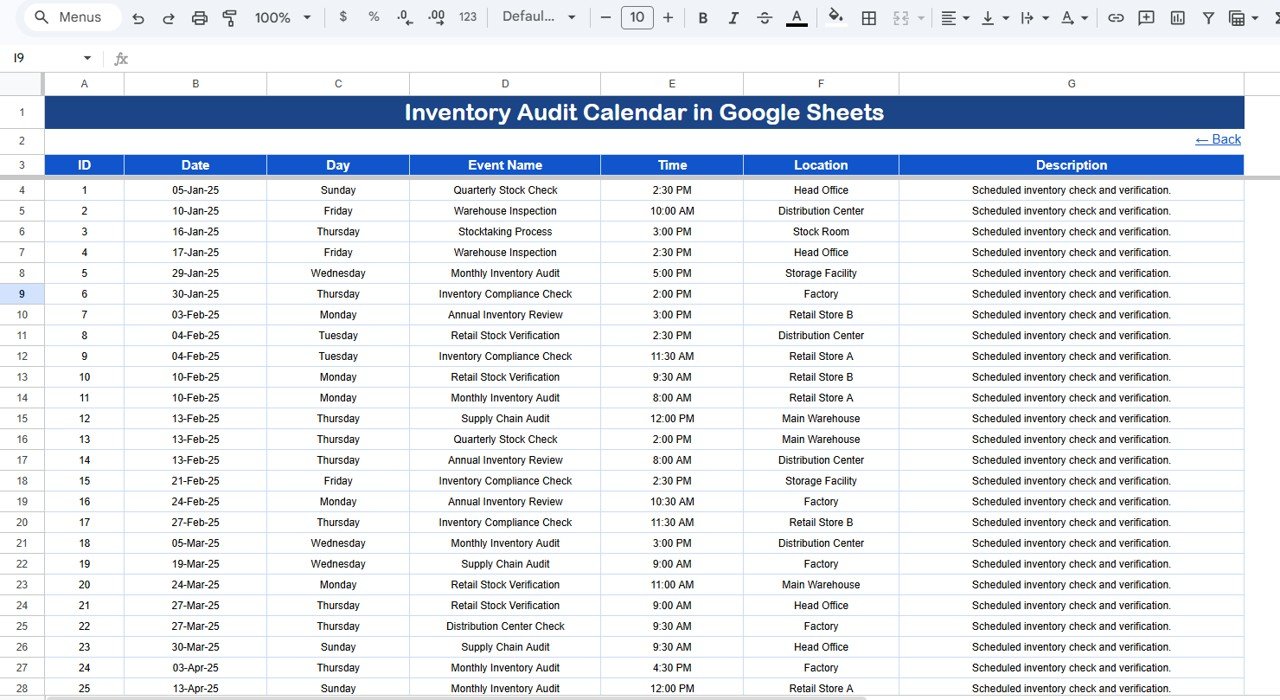
The Inventory Audit Calendar in Google Sheets organizes audit schedules across 4 interactive views — Annual, Monthly, Daily, and Events — with 7 tracked data fields per audit entry. Setup takes under 10 minutes: just open the Google Sheets link, make a copy, and start entering your audit events.Inventory Audit Calendar in Google Sheets
🌍 Join 8,400+ teams in 40+ countries using NextGenTemplates to replace paid SaaS tools with one-time-purchase Excel, Google Sheets, Power BI, and HTML templates.Inventory Audit Calendar in Google Sheets
✅ Instant download · One-time payment · No subscription · No per-user fees · Lifetime access
🔑 Key Features of Inventory Audit Calendar in Google Sheets
This calendar template tracks inventory audit events with 7 data fields: ID, Date, Day, Event Name, Time, Location, and Description. It provides 4 distinct views — a 12-month annual overview, a single-month calendar with event indicators, a daily list filtered by date range, and a master events database. Each audit entry gets an auto-generated unique ID, and the calendar auto-updates when you select a different month or year.Inventory Audit Calendar in Google Sheets
The Home sheet includes navigation buttons for instant one-click access to any view. The Monthly View highlights dates with scheduled audits and shows event previews — if more than one audit falls on the same date, it displays a “more than 1…” indicator. The Daily View supports custom date-range filtering using a built-in date picker (double-click any date cell to open it). These features make it easy for Google Sheets template users to manage recurring inventory audits without switching between tabs or platforms.Inventory Audit Calendar in Google Sheets
📦 What’s Inside the Inventory Audit Calendar
This template includes 5 worksheets designed for end-to-end audit scheduling:
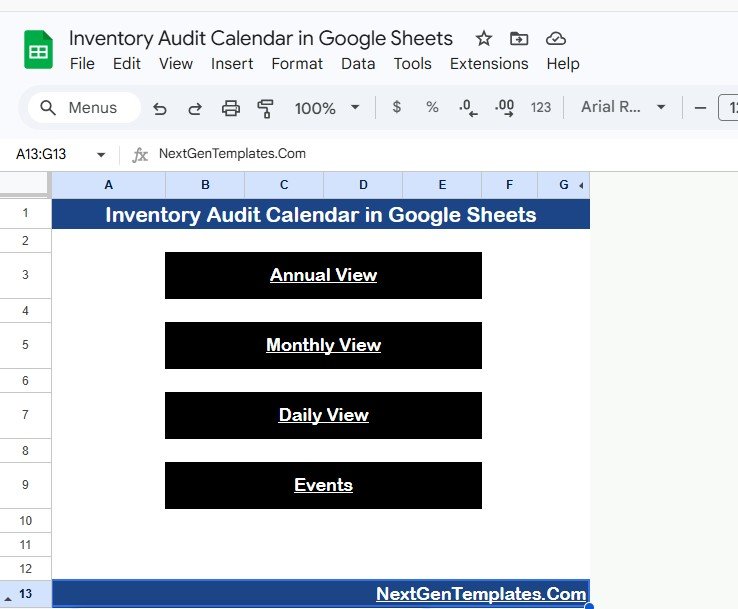
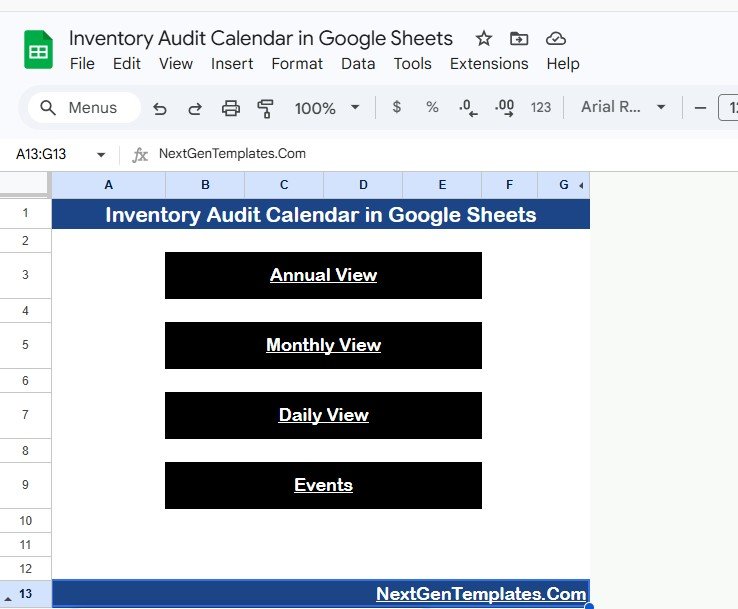
📌 Home Sheet — An index page with 4 navigation buttons: Annual View, Monthly View, Daily View, and Events. Click any button to jump directly to that sheet.
 Inventory Audit Calendar in Google Sheets
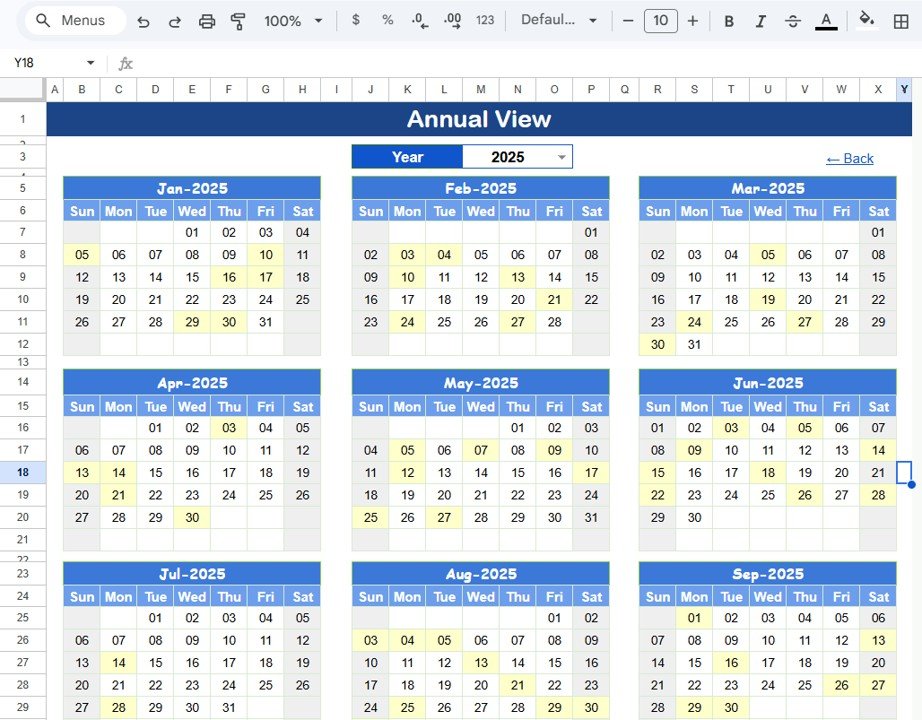
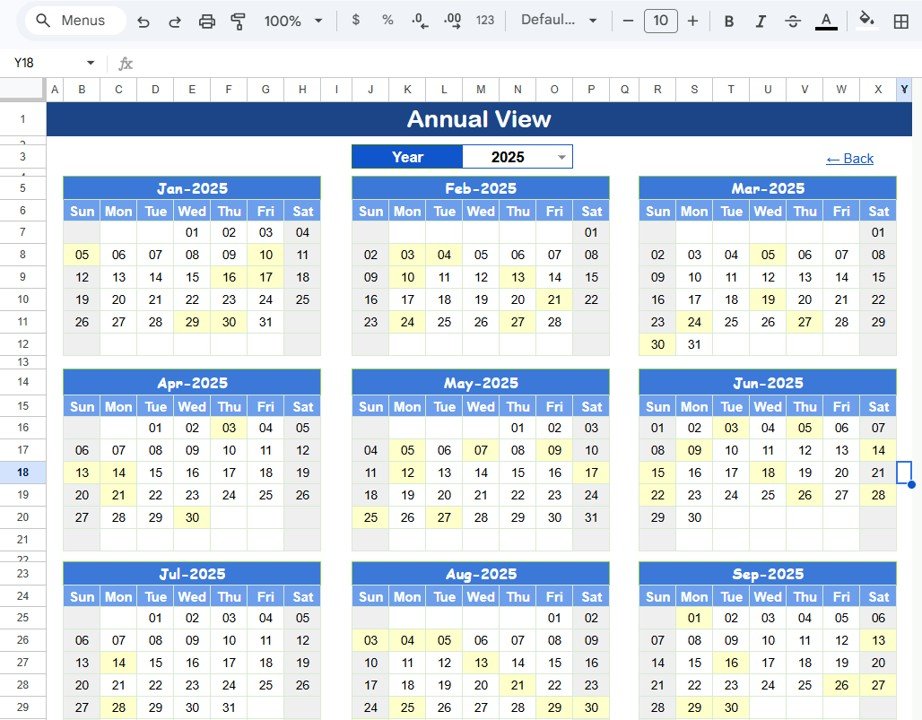
📌 Annual View Sheet — Displays all 12 months in a single view. Ideal for spotting gaps in your audit schedule or planning quarterly audit cycles across warehouses and storage locations.
 Annual View Sheet
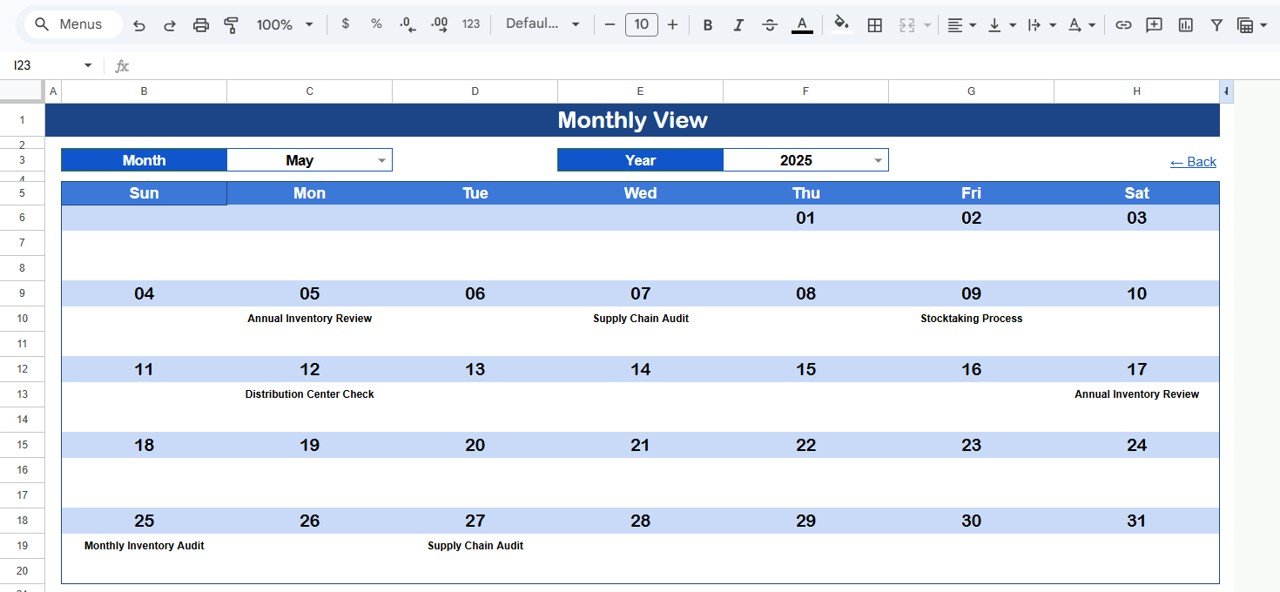
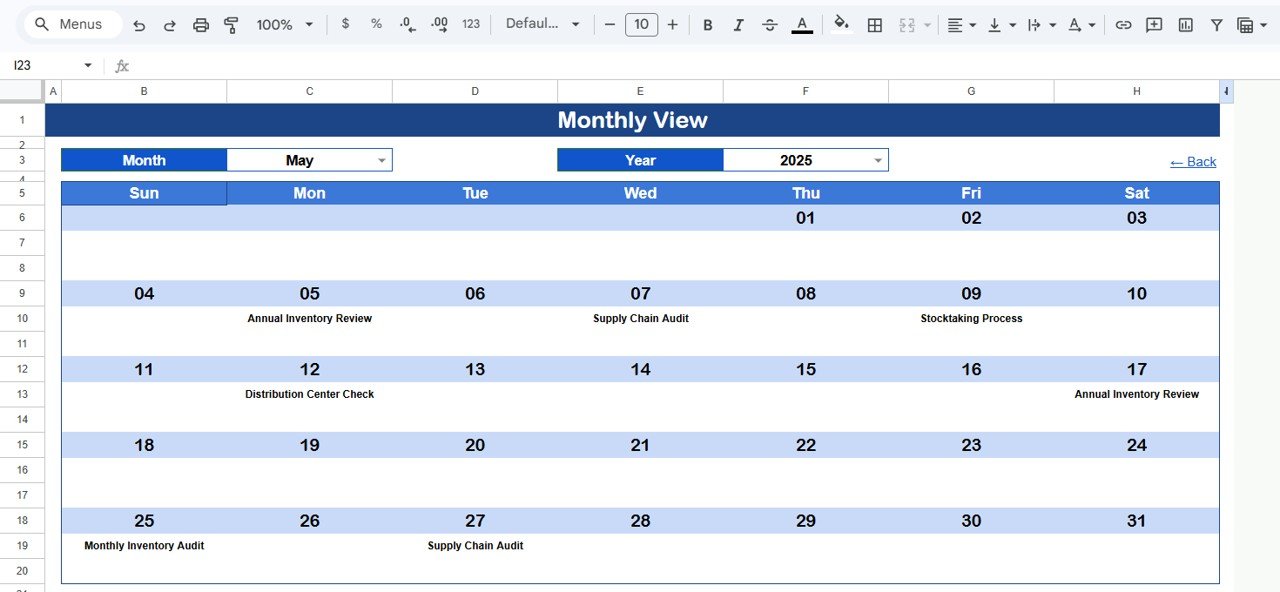
📌 Monthly View Sheet — A single calendar for the selected month. Select the Month and Year from the top dropdowns, and the calendar updates automatically. Each date cell shows one event name — if multiple audits are scheduled on the same date, it displays “more than 1…” to indicate additional entries.
 Monthly View Sheet
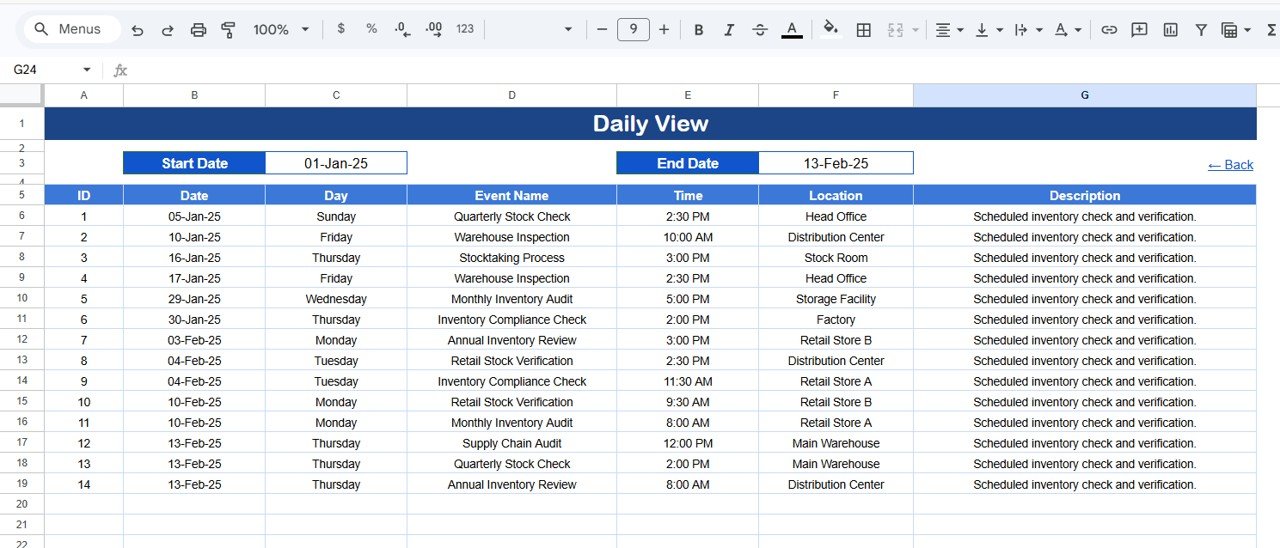
📌 Daily View Sheet — Lists all audit events within a selected date range. Enter a Start Date and End Date at the top (double-click the cell to open the date picker), and the sheet filters all matching events with full details including time, location, and description.
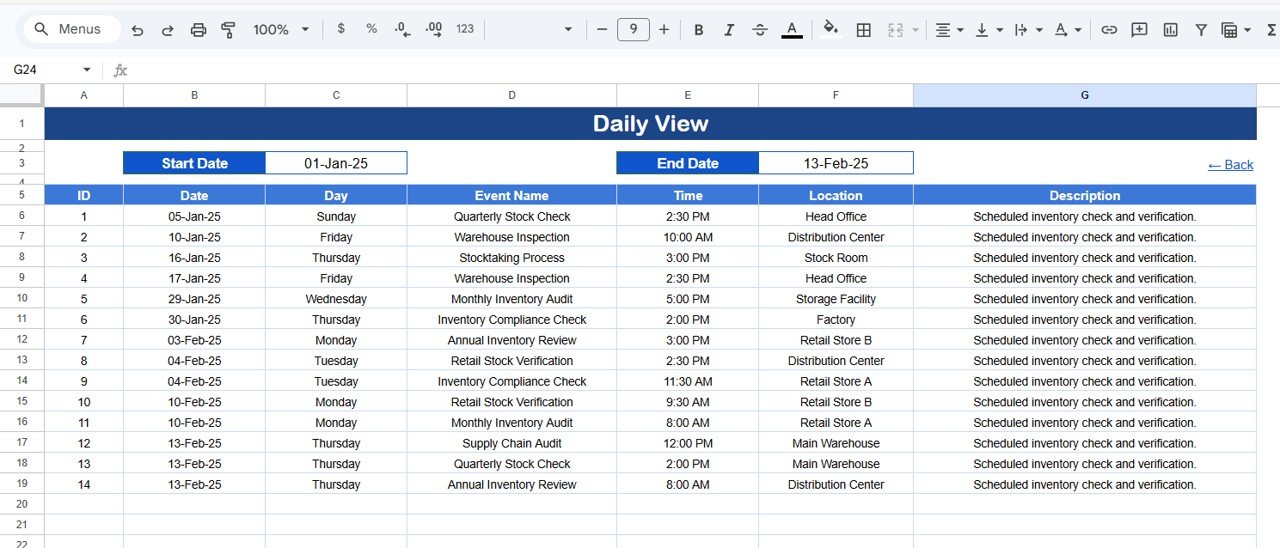 Daily View Sheet
📌 Events Sheet — The master database for all audit entries. Each row captures: ID (auto-generated), Date, Day (Sunday, Monday, etc.), Event Name, Time, Location, and Description. Enter data manually to add new audit events.
Events Sheet📊 Inventory Audit Calendar vs. Microsoft Excel Calendar vs. Zoho Inventory — Where This Fits
| Feature | Inventory Audit Calendar (Google Sheets) | Microsoft Excel Calendar | Zoho Inventory |
|---|---|---|---|
| Cost | $4.99 one-time | $6.99/month (Microsoft 365) | $29/month (Standard plan) |
| Platform | Google Sheets (browser-based) | Desktop application | Cloud SaaS |
| Setup time | Under 10 minutes | 30-60 minutes | 2-4 hours |
| Real-time team collaboration | ✅ Built-in | ❌ Requires OneDrive setup | ✅ Yes |
| Mobile access | ✅ Google Sheets app | Limited (Excel mobile) | ✅ Mobile app |
| Customizable fields | ✅ Fully editable | ✅ Fully editable | ❌ Fixed fields |
| Annual + Monthly + Daily views | ✅ All 4 views included | ❌ Build manually | ❌ Not calendar-focused |
| Share with link | ✅ One-click sharing | ❌ File sharing only | ✅ Team access |
| Year-1 cost at 5 users | $4.99 total | $419.40 | $1,740 |
For teams that want a structured inventory audit schedule without paying monthly SaaS fees, the Inventory Audit Calendar in Google Sheets sits in the sweet spot.
👥 Who This Template Is For — and Who It’s Not For
✅ This template is built for:
- Warehouse managers scheduling weekly, monthly, or quarterly stock audits
- Small business owners tracking cycle counts across 1-5 storage locations
- Operations teams coordinating audit assignments with dates, times, and locations
- Retail store managers planning seasonal inventory checks
❌ This template is NOT for:
- Enterprise warehouses needing barcode scanning and RFID integration
- Organizations requiring real-time inventory quantity tracking (use a dedicated Inventory Management Dashboard instead)
- Teams needing automated compliance audit trails with digital signatures
⚙️ How to Use the Inventory Audit Calendar
1. Open the Google Sheets link from the PDF guide included in your download and make a copy to your Google Drive.
2. Go to the Events sheet and enter your audit details: Date, Event Name, Time, Location, and Description. The ID and Day columns auto-populate.
3. Switch to Annual View to see all 12 months of scheduled audits in one glance.
4. Use Monthly View — select Month and Year from the dropdowns to see audits for that specific period.
5. Filter by date range in Daily View — double-click the Start Date and End Date cells to pick your range, and the list auto-filters.
6. Navigate using Home sheet buttons — click any of the 4 buttons to jump between views instantly.
💼 Real-World Use Cases
Raj manages a 3-warehouse operation in Mumbai. He uses the Inventory Audit Calendar to schedule monthly cycle counts across all locations, assigning specific audit dates to each warehouse. The Annual View helps him ensure no warehouse goes more than 30 days without an audit — and the Daily View lets him print a filtered list for his floor supervisors each morning.
Linda runs inventory for a mid-size retail chain in Texas. She schedules quarterly full-stock audits and weekly spot-checks using the Events sheet. The Monthly View gives her store managers a visual calendar they can reference without logging into any SaaS platform — she just shares the Google Sheets link.
Carlos is a supply chain coordinator at a food distribution company. He tracks cold storage audits, expiration date checks, and compliance inspections in one calendar. The date-range filter in Daily View lets him pull audit reports for specific inspection windows — something his previous spreadsheet couldn’t do without manual sorting.
❓ Frequently Asked Questions
What data fields does the Inventory Audit Calendar track?
The Inventory Audit Calendar in Google Sheets tracks 7 fields per audit event: ID (auto-generated), Date, Day, Event Name, Time, Location, and Description. All fields are fully editable and customizable to fit your audit workflow.
Can I use this calendar for multiple warehouse locations?
Yes. Enter a different location for each audit event in the Events sheet. The Daily View and Monthly View display all locations together, making it easy to coordinate audits across multiple warehouses or storage sites.
How does this compare to Zoho Inventory for audit scheduling?
Zoho Inventory costs $29/month and focuses on stock management, not audit scheduling. The Inventory Audit Calendar costs $4.99 one-time and is purpose-built for scheduling, viewing, and filtering audit events across annual, monthly, and daily timelines.
Does the calendar auto-update when I change the month or year?
Yes. The Monthly View updates automatically when you select a different month or year from the dropdown menus at the top. No formulas to edit — just pick the period and the calendar refreshes.
How long does setup take?
Setup takes under 10 minutes. Open the Google Sheets link, make a copy to your Google Drive, and start entering audit events in the Events sheet. All views (Annual, Monthly, Daily) populate automatically from your entries.
Can I share this calendar with my team?
Yes. Google Sheets supports real-time collaboration. Click the Share button, enter your team members’ email addresses, and everyone can view or edit the calendar simultaneously — no additional licenses or per-user fees.
Is this template compatible with mobile devices?
Yes. The Inventory Audit Calendar works on any device with the Google Sheets app or a mobile browser. You can view schedules, add events, and filter by date range directly from your phone or tablet.
👤 About the Author
Built by PK — Microsoft Certified Professional with 15+ years of Excel, Google Sheets, and Power BI experience. Founder of NextGenTemplates, reaching 300K+ subscribers across YouTube channels (@PK-AnExcelExpert, @NextGenTemplates, @NeoTechNavigators). Every template is hand-built and tested before release.
🔗 Explore Related Templates
📌 Inventory Restocking Calendar in Google Sheets — Schedule and track restocking dates across suppliers and SKUs.
📌 Corporate Meetings Calendar in Google Sheets — Manage meeting schedules with the same 4-view calendar layout.
📌 Product Development Calendar in Google Sheets — Track product milestones and review dates.
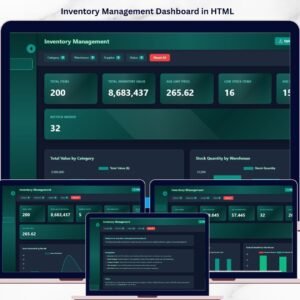
📌 Inventory Management Dashboard in HTML — For teams needing full stock-level tracking with KPIs and charts.
📌 Also available: Inventory Management System V3.0 (Excel VBA) — Full inventory management with barcode support, purchase orders, and sales tracking.
📖 Click here to read the Detailed Blog Post
🎥 Visit our YouTube channel for step-by-step video tutorials
👉 YouTube.com/@NextGenTemplates