

Key Features of Office Parking Utilization Holiday Calendar In Excel
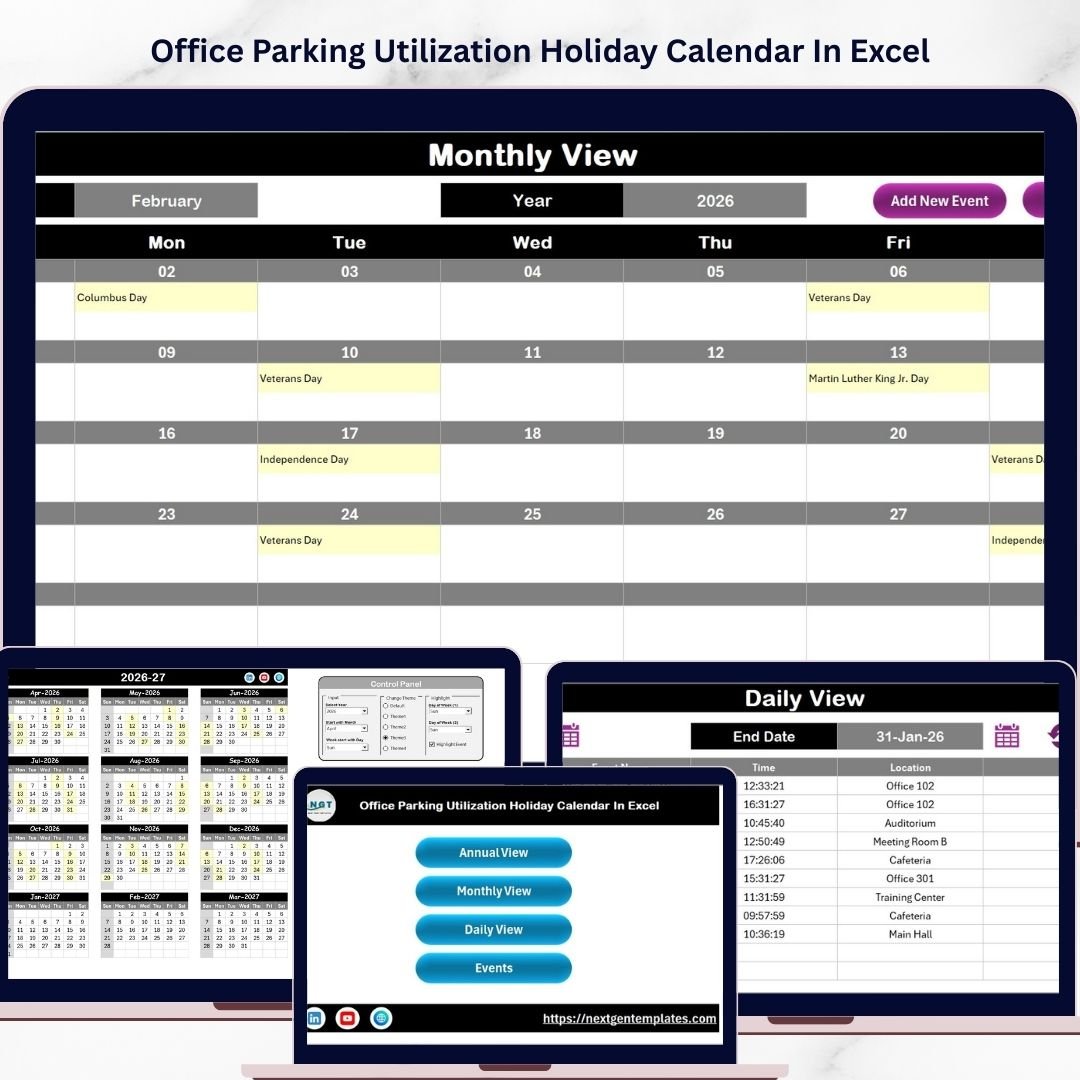
Optimize your office parking management and holiday scheduling with the Office Parking Utilization Holiday Calendar In Excel, a comprehensive and user-friendly digital calendar template. Designed to streamline the tracking of parking usage and holiday events, this Excel template offers multiple views and interactive controls to help you stay organized throughout the year.
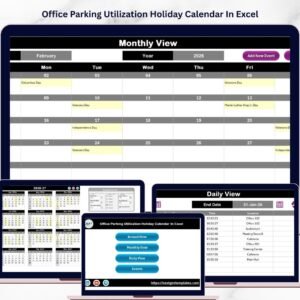
This template includes 5 dynamic worksheets that cater to different perspectives of your parking and holiday planning needs:
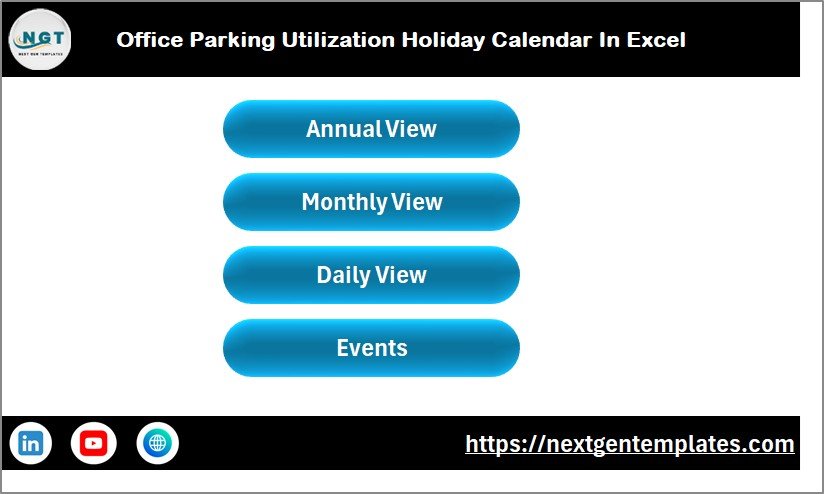
- 🏠 Home Sheet: Acts as an intuitive index with easy-to-navigate buttons for Annual View, Monthly View, Daily View, and Events, allowing quick access to all calendar components.
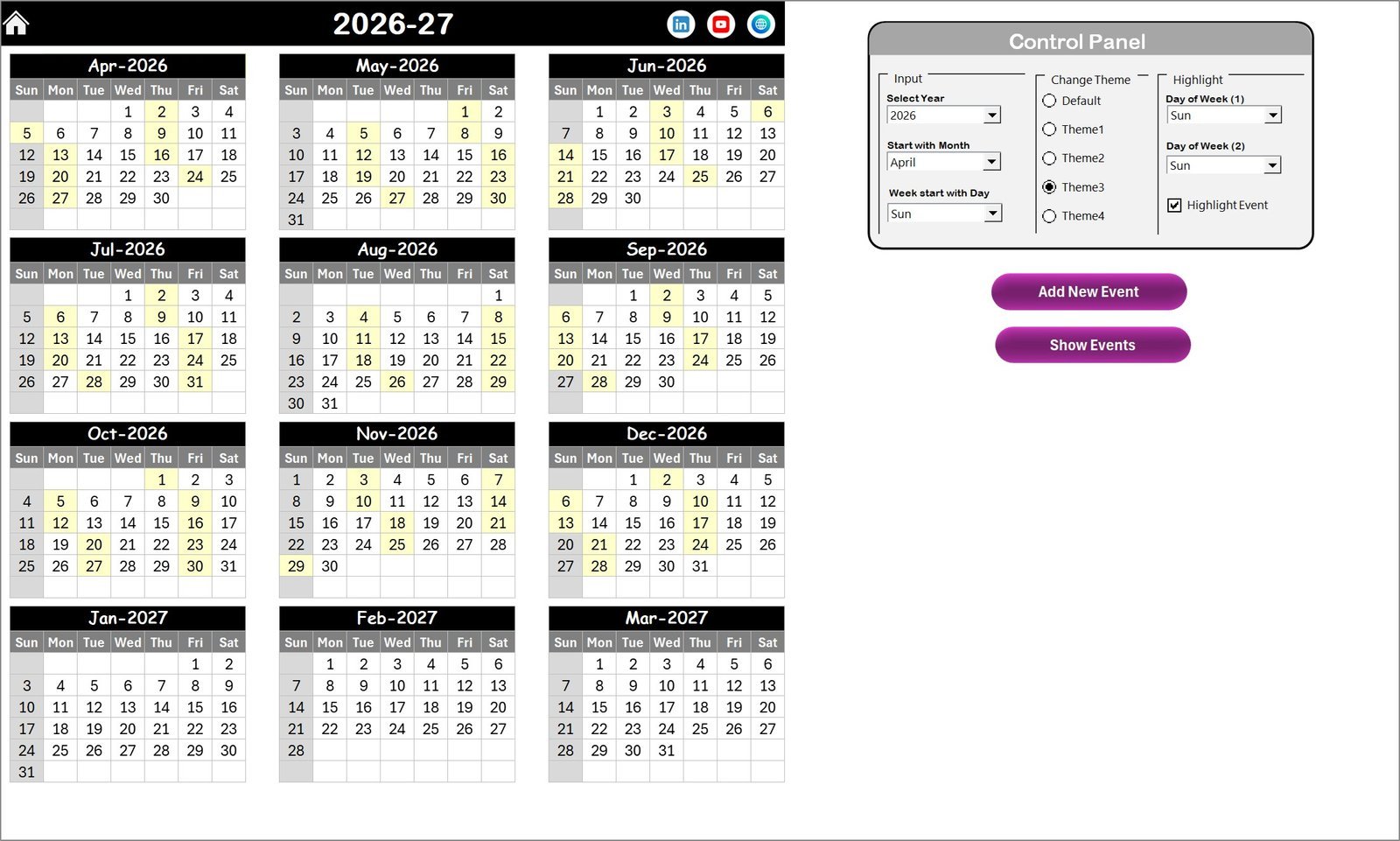
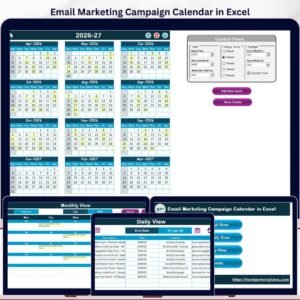
- 📅 Annual View Sheet: Displays all 12 months in a single view with customizable settings. Change the year, starting month, and first day of the week with ease. Choose from 5 beautiful color themes to personalize your calendar’s look. Highlight weekends or specific days and enable event highlighting in yellow for quick visibility.
- ➕ Add New Event Button: Conveniently add new events by selecting a date and filling out the simple form; your event is instantly saved and highlighted.
- 👁️ Show Event Button: View all events scheduled for any selected date right from the calendar.
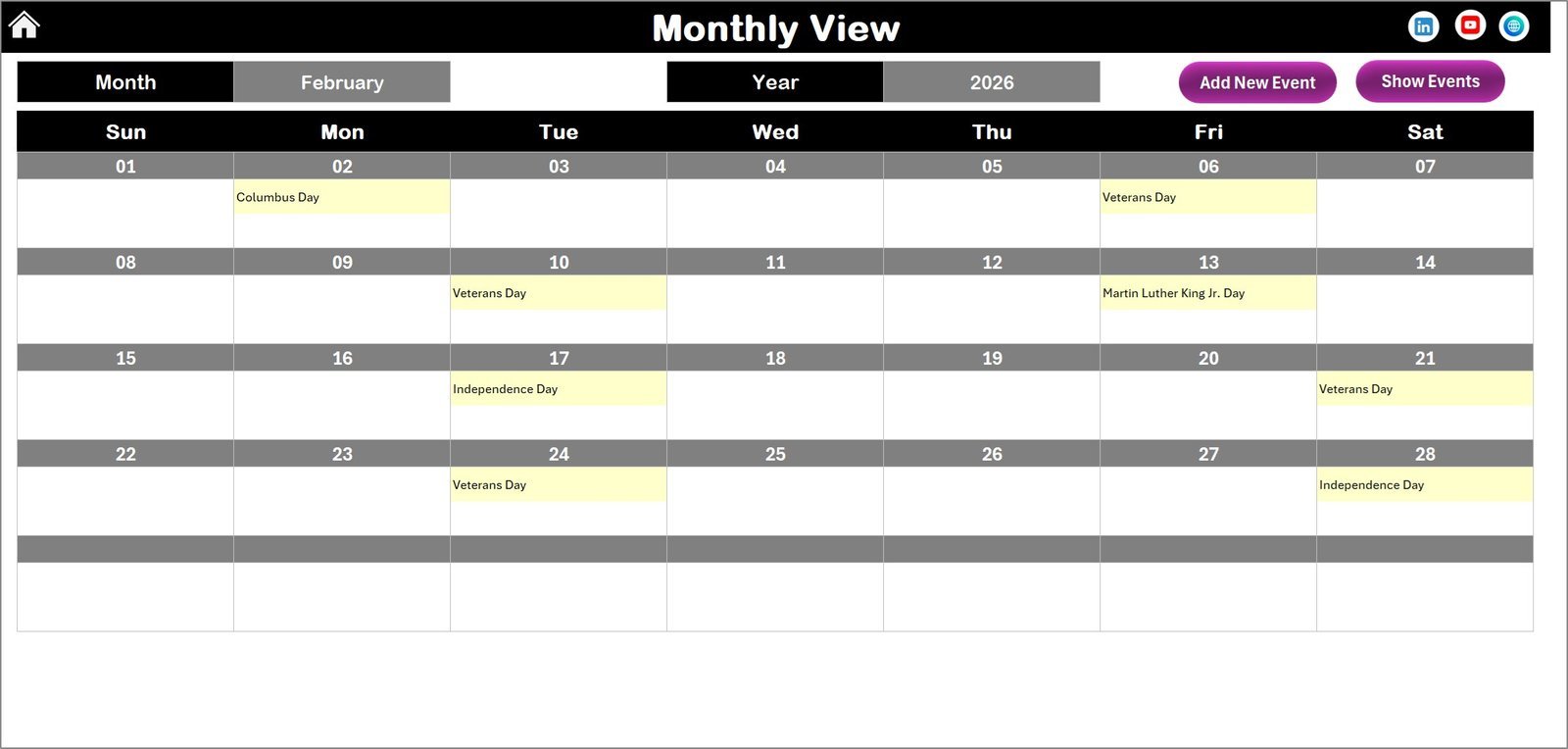
- 📆 Monthly View Sheet: Focus on one month at a time. Select the month and year to see detailed events for that period. Easily add or view multiple events with simple buttons at the top.
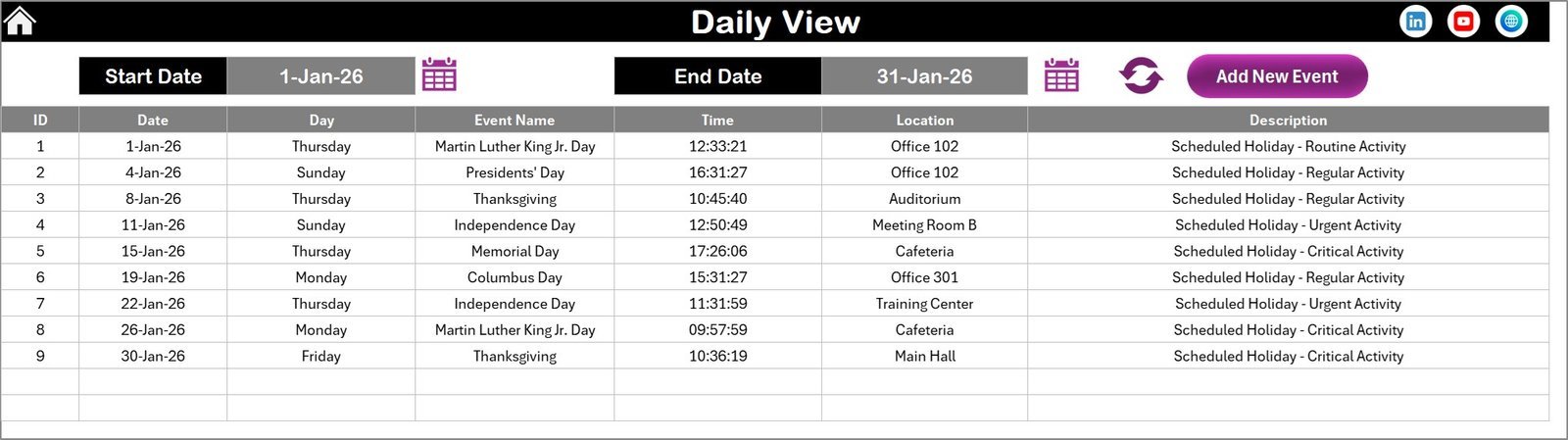
- 🗓️ Daily View Sheet: View detailed lists of events for any chosen date range. Select start and end dates, refresh the display, and get a comprehensive event overview. Add new events quickly using the dedicated button.
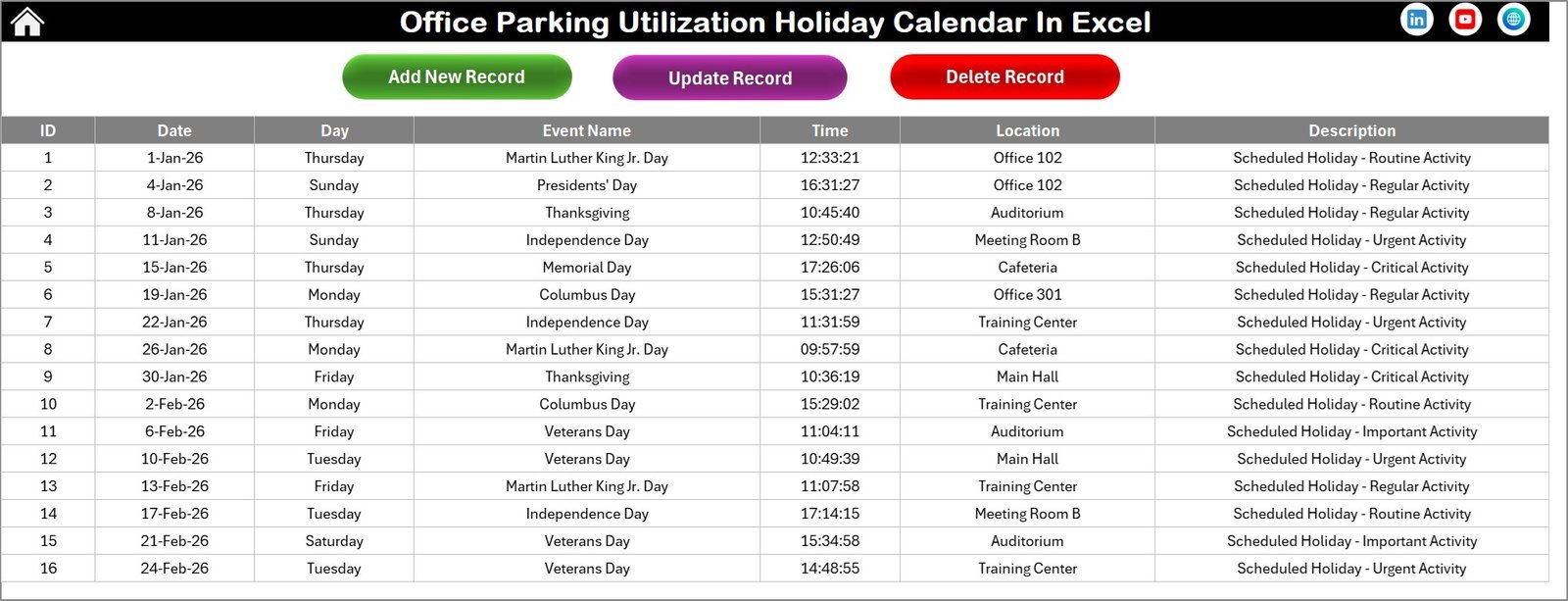
- 📋 Events Sheet: This acts as the database capturing all event details such as ID, date, day, event name, time, location, and description. Manage your data with buttons to add new records, update existing ones, or delete events efficiently.
What’s Inside the Office Parking Utilization Holiday Calendar In Excel
This ready-to-use Excel template is packed with powerful functionalities designed for easy navigation and event management:
- 📄 Five well-structured worksheets including Home, Annual, Monthly, Daily, and Events.
- ⚙️ User-friendly control panel with options to select year, start month, and theme.
- 🎨 Five customizable color themes to match your branding or preferences.
- 🔆 Highlight specific weekdays or weekends for better visibility.
- 📅 Interactive event management buttons to add, view, update, and delete events seamlessly.
- 🔍 Detailed event database with comprehensive information fields.
- 🖥️ Fully compatible with Microsoft Excel for Windows and Mac.
How to Use the Office Parking Utilization Holiday Calendar In Excel
Using this template is straightforward and requires no advanced Excel skills:
- ➡️ Start at the Home Sheet to navigate between views.
- ➡️ In the Annual View, set the year, starting month, and preferred theme using the control panel.
- ➡️ Highlight weekends or specific days to visually track parking utilization and holidays.
- ➡️ Add new events by selecting a date and clicking the ‘Add New Event’ button; fill out the form and submit.
- ➡️ View existing events by selecting a date and clicking ‘Show Event’.
- ➡️ Use Monthly View to focus on detailed monthly planning and Daily View to check events in a date range.
- ➡️ Manage your events in the Events Sheet, with options to add, update, or delete records as needed.
This calendar is designed to be flexible and customizable to meet your office parking and holiday tracking needs effectively.
Who Can Benefit from This Office Parking Utilization Holiday Calendar In Excel
This Excel calendar template is ideal for a variety of users and organizations looking to optimize parking and holiday management:
- 🏢 Office Managers seeking to efficiently allocate parking spaces and manage holidays.
- 🏢 Facility Coordinators who need a clear overview of parking utilization and event scheduling.
- 👥 Human Resource Teams tracking company holidays and employee events.
- 🏢 Building Administrators managing shared parking resources across multiple departments.
- 📅 Event Planners responsible for scheduling and tracking office events and holidays.
- 📈 Business Owners aiming to improve operational efficiency using a digital solution.
- 💻 Anyone comfortable with Excel who wants an easy-to-use, customizable calendar to track office parking and holidays.
Take control of your office parking management and holiday planning today with this powerful and easy-to-use Excel calendar template!
Click here to read the Detailed blog post.
Visit our YouTube channel to learn step-by-step video tutorials
Office Parking Utilization Holiday Calendar In Excel
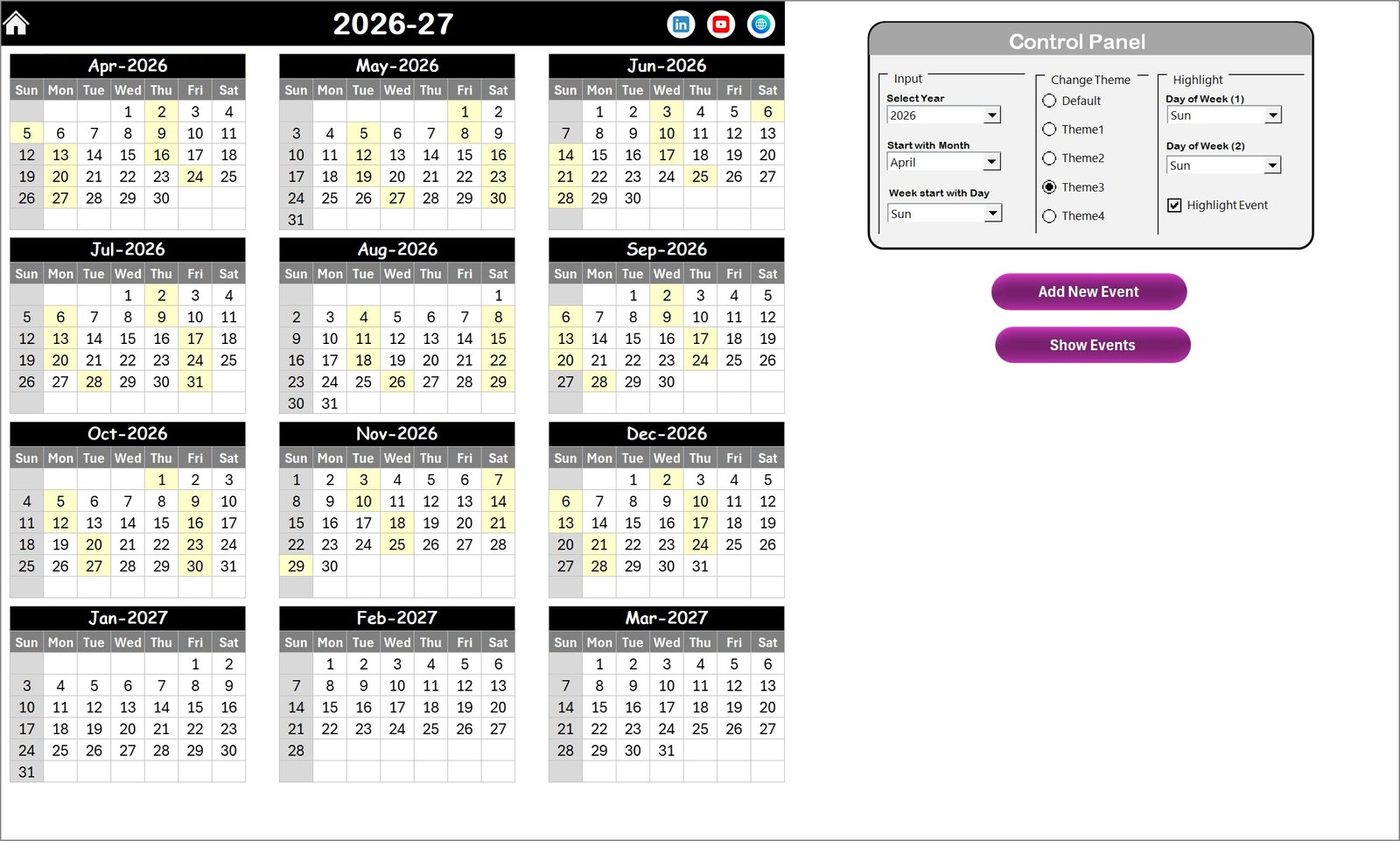
Annual View Sheet tab
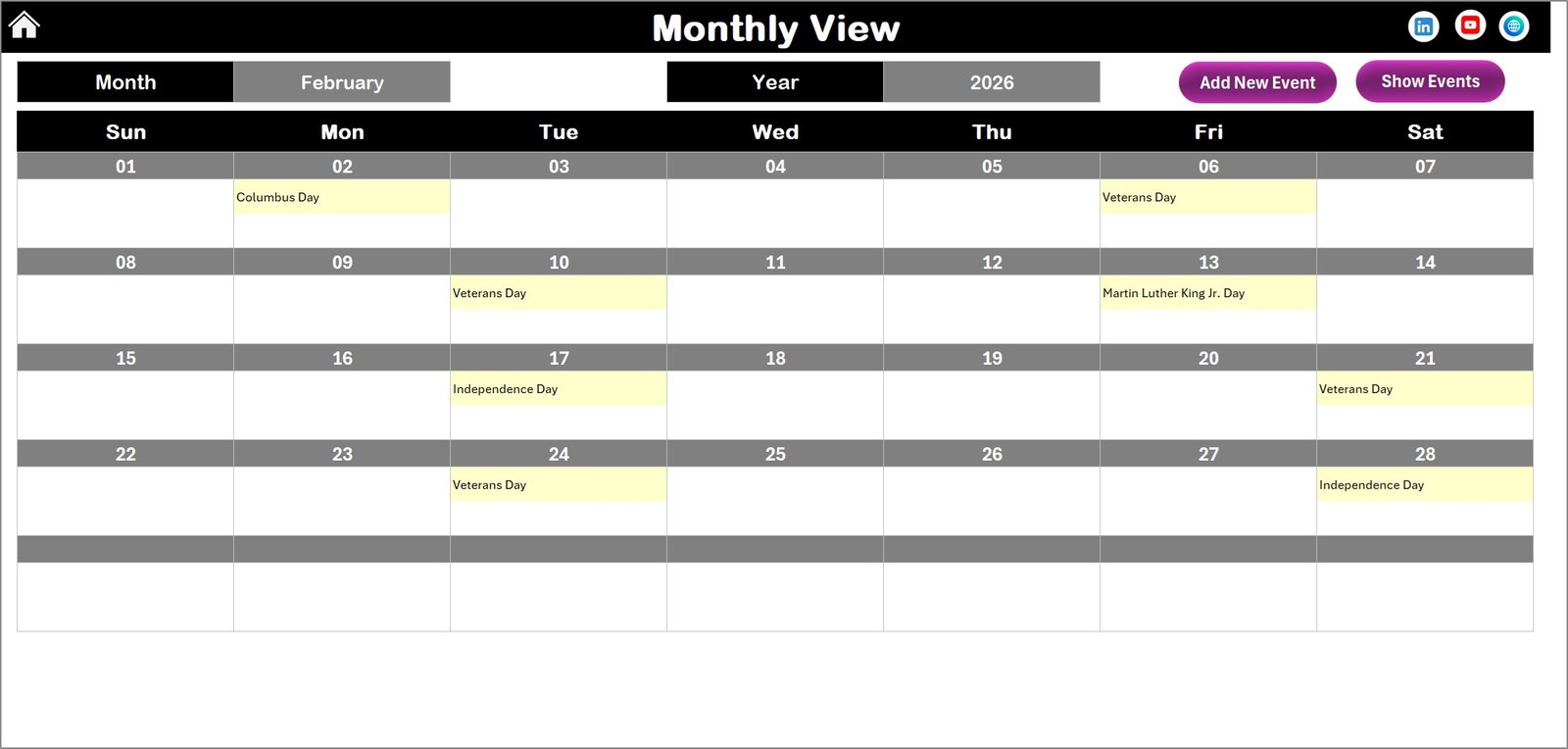
Monthly View Sheet tab
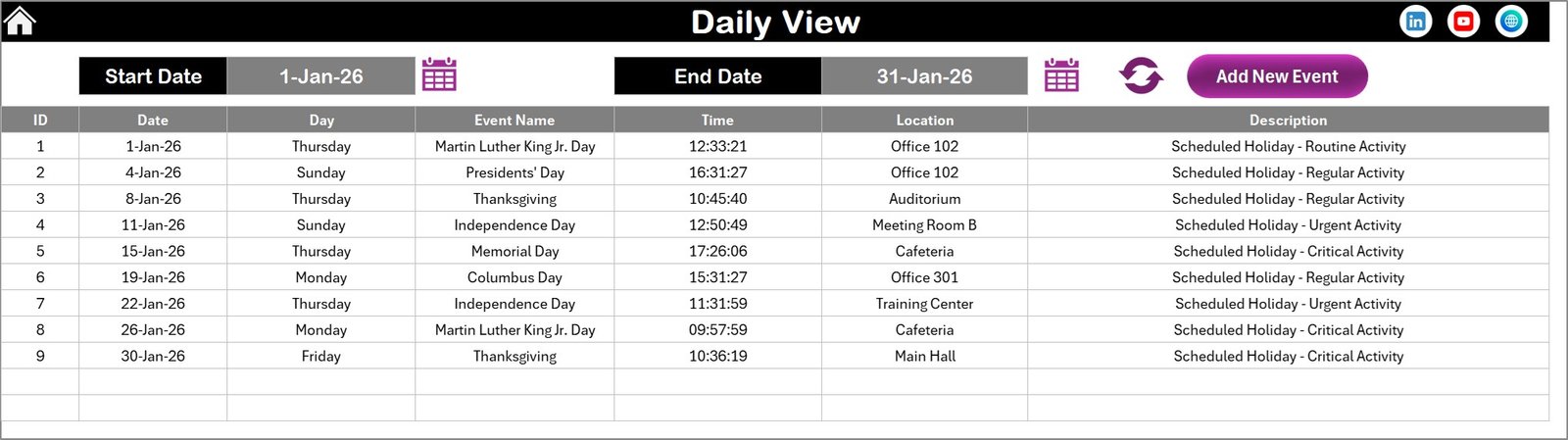
Daily View Sheet tab
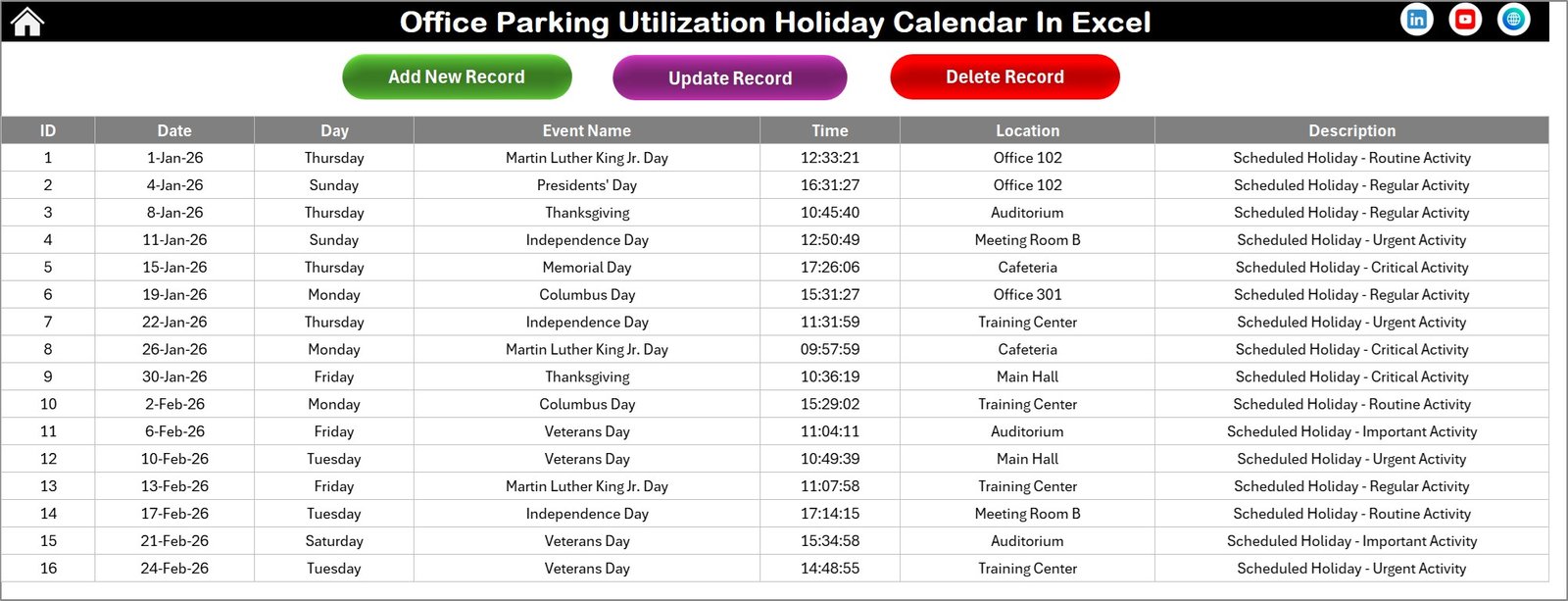
Events Sheet tab




















Reviews
There are no reviews yet.