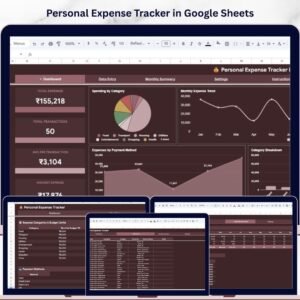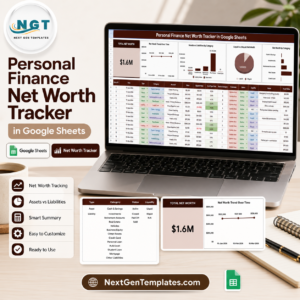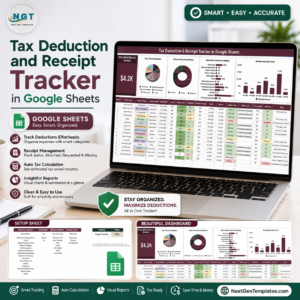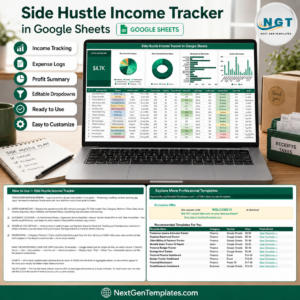
Managing personal finances effectively requires clear visibility into your assets, liabilities, and overall financial position. Many individuals earn income from multiple sources, invest in savings accounts, stocks, real estate, retirement plans, and other financial instruments. However, without a structured financial tracking system, it becomes difficult to understand your real financial status.
Many people try to track their finances through scattered spreadsheets, handwritten notes, or basic budgeting apps. Unfortunately, this often leads to incomplete records and limited financial insights. As a result, individuals struggle to calculate their net worth, track financial growth, and make informed investment decisions.
This is where the Annual Personal Financial Statement Template in Google Sheets becomes extremely useful.
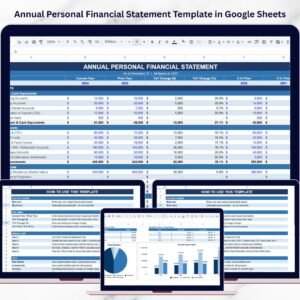
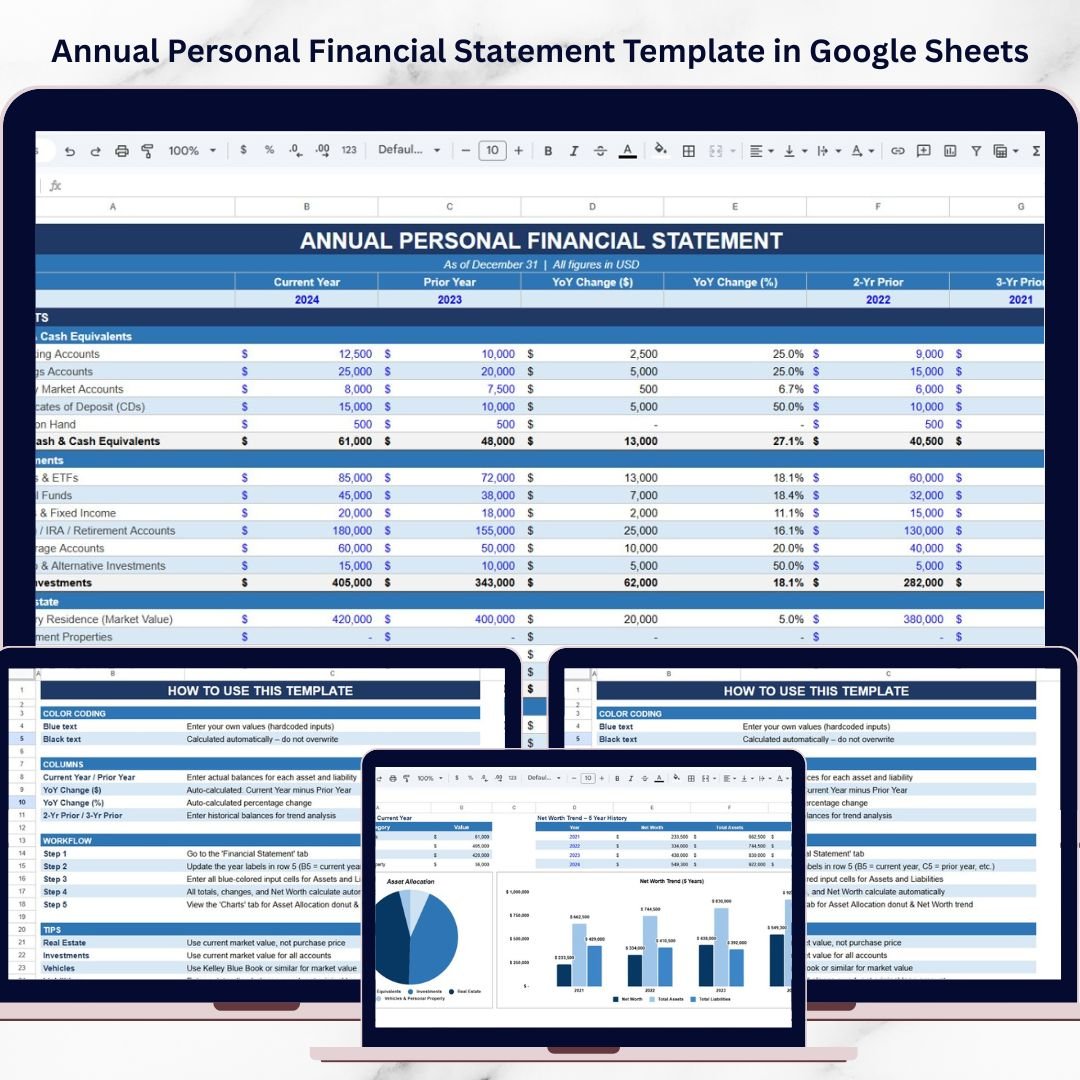
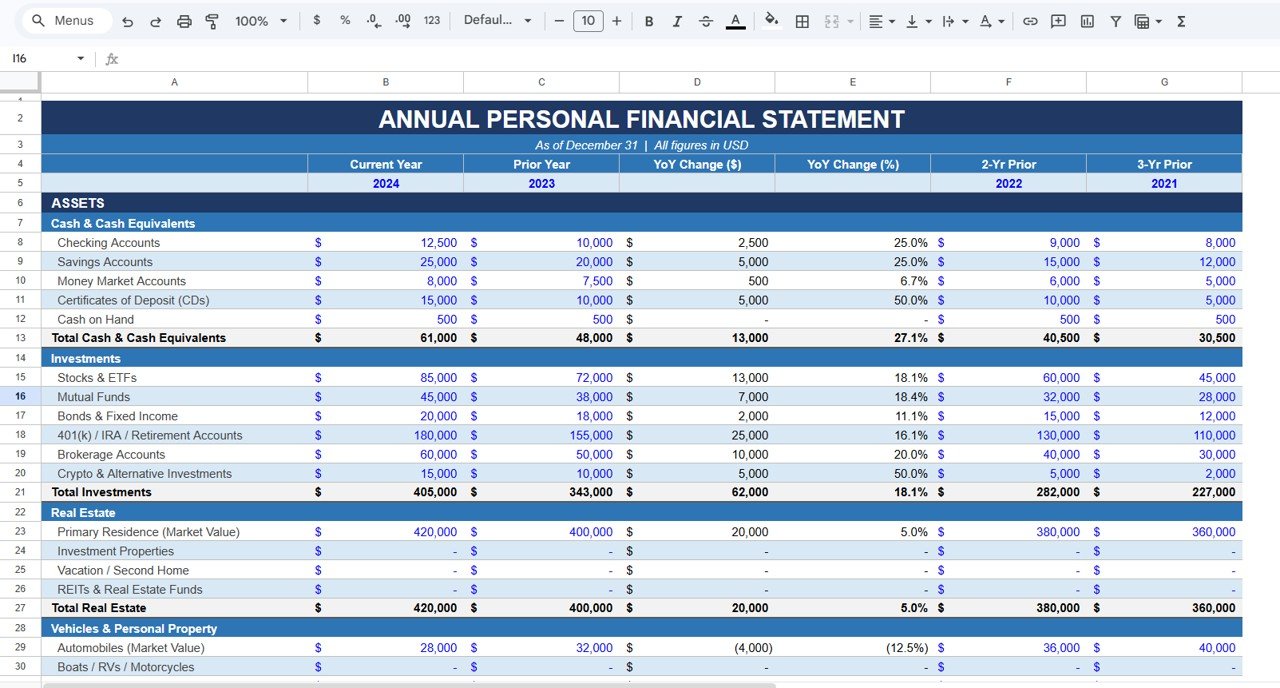
The Annual Personal Financial Statement Template in Google Sheets is a ready-to-use financial tracking solution designed to help individuals monitor their assets, liabilities, and net worth in a structured and easy-to-understand format. Instead of manually calculating financial totals, the template automatically performs calculations and provides clear financial insights.
Because Google Sheets works in the cloud, users can access and update their financial information anytime and from any device. Whether you want to monitor investments, evaluate asset allocation, or track your financial progress over time, this template provides a complete overview of your personal financial health.
By updating the financial statement annually, individuals can monitor long-term wealth growth, identify financial risks, and improve financial planning strategies.
💰 Key Feature of Annual Personal Financial Statement Template in Google Sheets
The Annual Personal Financial Statement Template includes powerful features that simplify personal financial monitoring and analysis.
📊 Complete Financial Overview
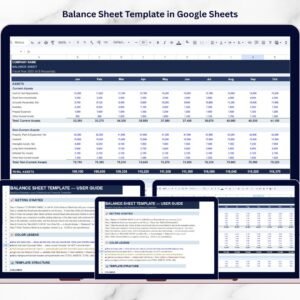
The template organizes financial information into assets, liabilities, and net worth, giving users a clear view of their financial health.
📈 Automatic Net Worth Calculation
The template automatically calculates Net Worth = Total Assets − Total Liabilities, eliminating manual calculations.
📅 Year-Over-Year Financial Comparison
Users can compare financial data across multiple years to track financial growth and identify trends.
📊 Automatic Financial Calculations
Totals, percentage growth, and financial changes are calculated automatically using built-in formulas.
📉 Net Worth Trend Analysis
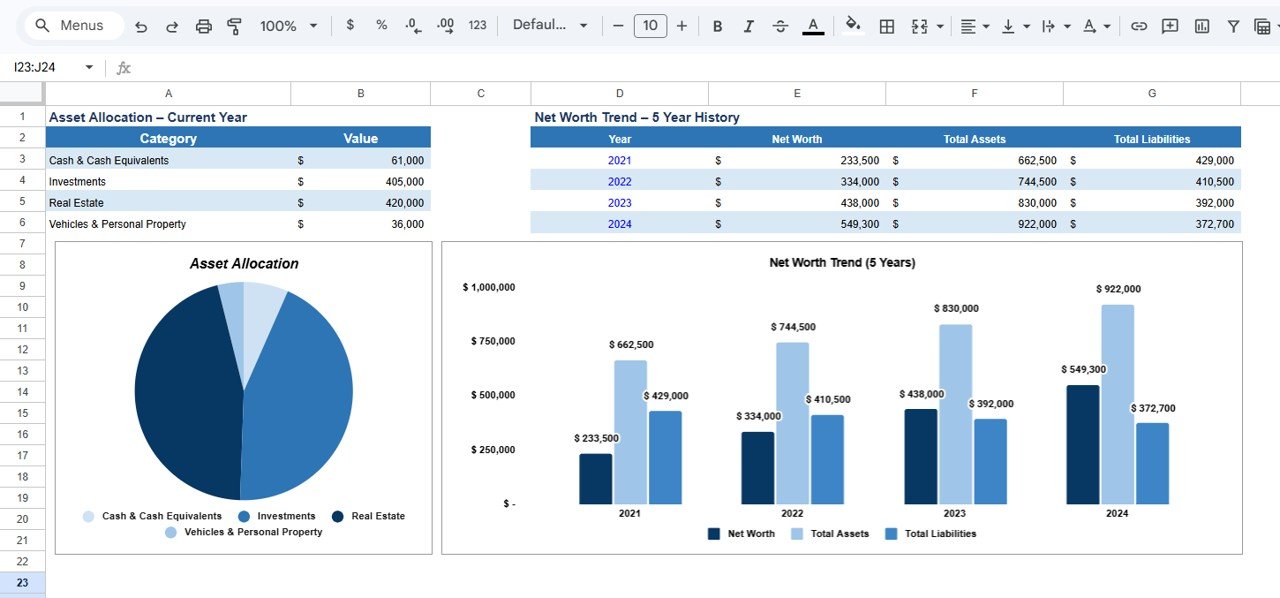
A dedicated chart displays changes in Net Worth, Total Assets, and Total Liabilities across different years.
📊 Asset Allocation Visualization
The template includes an Asset Allocation Chart that shows how assets are distributed across different categories.
📂 Structured Asset Categories
Assets are organized into categories such as Cash & Cash Equivalents, Investments, Real Estate, and Personal Property.
☁️ Cloud-Based Accessibility
Because the template is built in Google Sheets, users can update financial data anytime and from any device.
⚡ Simple Data Entry System
Users only need to enter asset and liability values while the template handles calculations automatically.
📦 What’s Inside the Annual Personal Financial Statement Template in Google Sheets
This ready-to-use template contains several structured sections that help individuals track their finances effectively.
💵 Cash & Cash Equivalents Section
Track liquid assets such as checking accounts, savings accounts, money market accounts, certificates of deposit (CDs), and cash balances.
📊 Investments Section
Record financial investments including stocks, ETFs, mutual funds, bonds, retirement accounts, brokerage portfolios, and alternative investments.
🏡 Real Estate Section
Track the current market value of real estate assets such as primary residence, rental properties, and vacation homes.
🚗 Vehicles & Personal Property Section
Monitor personal assets including cars, motorcycles, boats, jewelry, collectibles, and other valuable personal items.
📈 Year-Over-Year Financial Comparison
Compare financial data across multiple years with automatic calculations for YoY Change ($) and YoY Change (%).
📊 Asset Allocation Chart
Visualize how wealth is distributed across different asset classes.
📉 Net Worth Trend Chart
Track financial progress using charts showing Net Worth, Total Assets, and Total Liabilities over time.
Together, these sections provide a complete overview of personal financial health.
⚙️ How to Use the Annual Personal Financial Statement Template in Google Sheets
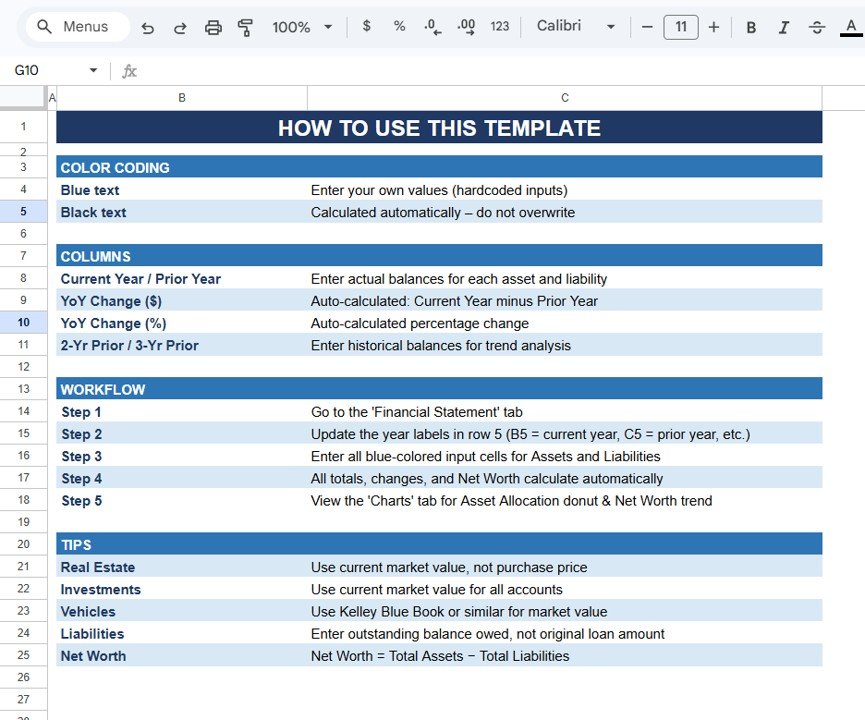
Using the template is simple and requires no advanced financial or technical knowledge.
Step 1 – Enter Asset Values
Record the current market value of assets such as savings accounts, investments, real estate, and personal property.
Step 2 – Enter Liability Values
Add outstanding balances for liabilities such as mortgages, loans, and credit cards.
Step 3 – Review Net Worth Calculation
The template automatically calculates total assets, total liabilities, and net worth.
Step 4 – Analyze Financial Trends
Review charts and YoY comparisons to understand financial growth over time.
Step 5 – Evaluate Asset Allocation
Use the asset allocation chart to evaluate diversification and financial balance.
By following these steps, individuals can build a structured personal financial monitoring system.
👥 Who Can Benefit from This Annual Personal Financial Statement Template in Google Sheets
This template is useful for many individuals who want to improve financial management.
👨💼 Professionals & Employees – Monitor personal wealth and track financial growth.
💰 Investors – Evaluate investment portfolios and asset allocation.
🏡 Property Owners – Track real estate values and liabilities.
📊 Financial Planners – Use structured financial statements for planning.
🎓 Students & Personal Finance Learners – Understand assets, liabilities, and net worth calculations.
📈 Entrepreneurs & Business Owners – Track personal financial health alongside business finances.
Anyone who wants to build financial discipline and long-term wealth can benefit from this template.
### Click hare to read the Detailed blog post
Watch the step-by-step video tutorial:
### Visit our YouTube channel to learn step-by-step video tutorials
https://youtube.com/@PKAnExcelExpert