


Employee health, comfort, and productivity depend heavily on workplace ergonomics. Poor posture, incorrect desk height, improper chair support, and non-ergonomic workstation setups often lead to fatigue, musculoskeletal disorders, and long-term health risks. However, many organizations still manage ergonomics assessments through emails, paper forms, or scattered spreadsheets. As a result, risks remain unresolved, follow-ups get missed, and compliance becomes difficult.
That is exactly why an Office Ergonomics Assessment Tracker in Google Sheets becomes an essential HR, facilities, and workplace safety tool.
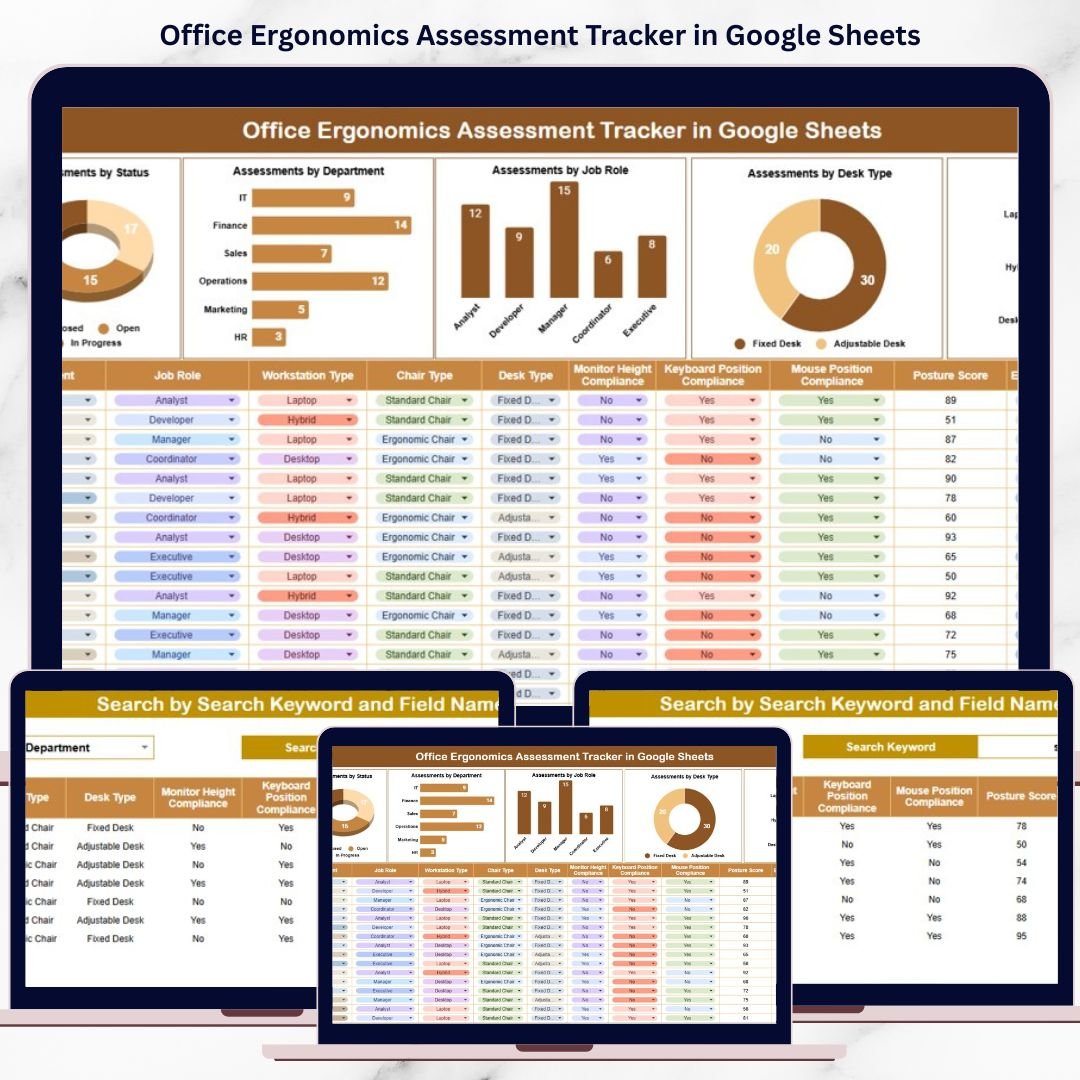
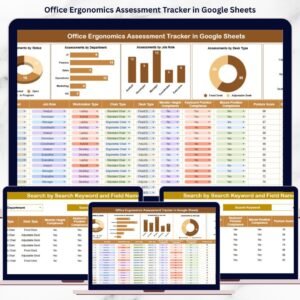
This ready-to-use tracker provides a structured and centralized system to record, monitor, and analyze ergonomic assessments across the organization. Instead of relying on unorganized records, teams gain complete visibility into ergonomic risk levels, assessment status, departments, job roles, desk types, and workstation setups—all supported by visual charts and a powerful search feature.
Because the tracker is built in Google Sheets, it stays easy to use, collaborative, and accessible from anywhere without additional software costs.
🚀 Key Features of the Office Ergonomics Assessment Tracker
🧘 Centralized Ergonomics Assessment Management
Store and manage all ergonomic assessments in one clean, structured tracker.
⚠️ Ergonomic Risk Visibility
Identify low, medium, and high-risk ergonomic cases instantly.
🏢 Department & Role Analysis
Understand which departments and job roles face higher ergonomic risks.
🪑 Desk & Workstation Insights
Analyze ergonomic issues by desk type and workstation setup.
📊 Visual Charts for Faster Decisions
Spot trends, bottlenecks, and high-risk areas without manual analysis.
🔍 Smart Search Functionality
Find any assessment record in seconds using keyword-based search.
📦 What’s Inside the Office Ergonomics Assessment Tracker
🗂️ Tracker Sheet Tab – Central Assessment Repository
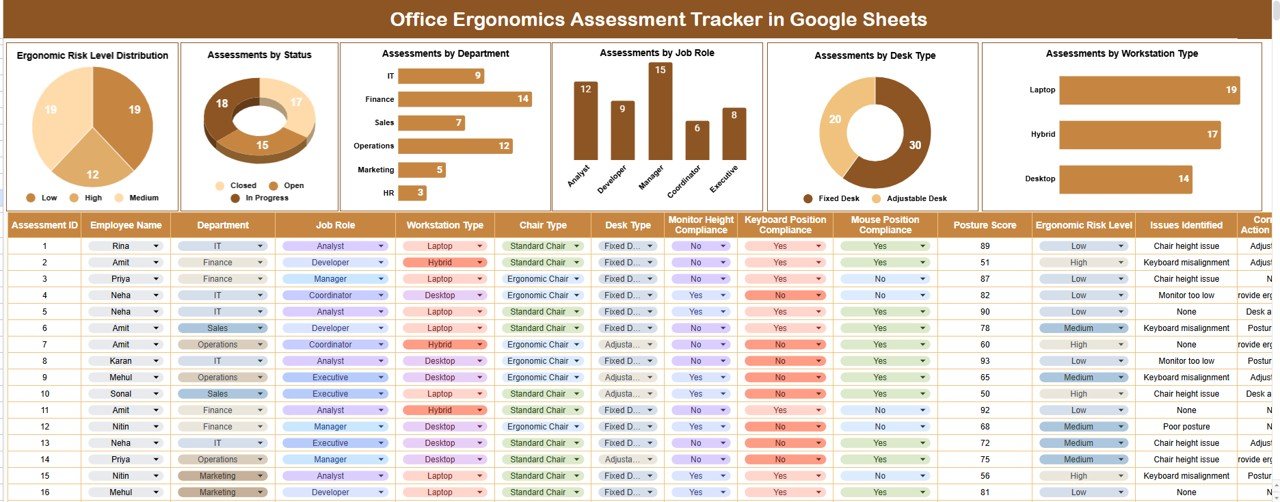
The Tracker Sheet Tab is the backbone of this tool. All ergonomics assessment data is recorded here in a standardized format.
Typical fields include:
Employee Name
Department
Job Role
Desk Type
Workstation Type
Ergonomic Risk Level (Low / Medium / High)
Assessment Status (Pending / In Progress / Completed)
Assessment Date
Recommended Actions
Remarks / Follow-up Notes
Whenever data is added or updated, all charts refresh automatically, ensuring real-time insights.
📊 Ergonomics Assessment Dashboard Charts
⚠️ Ergonomic Risk Level Distribution
Shows how assessments are split across:
Low Risk
Medium Risk
High Risk
This helps safety and HR teams prioritize corrective actions effectively.
⏳ Assessments by Status
Tracks progress across:
Pending
In Progress
Completed
This ensures no assessment remains forgotten or delayed.
🏢 Assessments by Department
Highlights departments with higher ergonomic assessment volume, helping target improvement initiatives.
👔 Assessments by Job Role
Analyzes ergonomic risks by job role, supporting role-specific interventions and workstation adjustments.
🪑 Assessments by Desk Type
Compares ergonomic risks across:
Fixed desks
Adjustable desks
Standing desks
This supports data-driven office furniture investment decisions.
🖥️ Assessments by Workstation Type
Tracks assessments across:
Office workstations
Home office setups
Shared workstations
This makes the tracker ideal for hybrid and remote work environments.
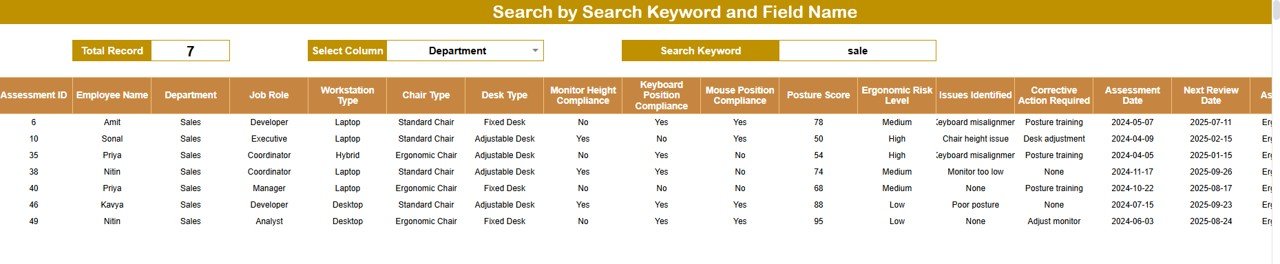
🔍 Search Functionality – Find Any Assessment Instantly
The tracker includes a powerful Search feature that allows filtering by:
Employee Name
Department
Job Role
Risk Level
Status
Desk Type
Workstation Type
This feature saves time, supports audits, and improves daily follow-ups.
🎯 Who Can Benefit from This Office Ergonomics Assessment Tracker
🧑💼 HR Teams
🦺 Health & Safety Officers
🏢 Facilities & Admin Teams
👨💼 Managers & Team Leads
🚀 Organizations with Office, Remote, or Hybrid Workforces
🛠️ How to Use the Office Ergonomics Assessment Tracker
Record all ergonomics assessments in the Tracker Sheet
Assign risk levels and assessment status
Review charts monthly for trends
Use search for quick follow-ups
Track corrective actions and improvements
Consistent usage helps reduce risks and improve employee well-being.
🔗 ### Click here to read the Detailed blog post
Watch the step-by-step video tutorial:
▶️ Visit our YouTube channel to learn step-by-step video tutorials
👉 Youtube.com/@NeotechNavigators
Compatibility and Requirements
- Works in Google Sheets with a free Google account and a web browser.
- Make a copy to your own Google Drive, then share it with your team if you want to work on it together.
- New to Sheets? Google’s guide How to use Google Sheets covers the basics.
- Google’s guide Add & edit a chart or graph explains how to change the charts.
Frequently Asked Questions
What does the tracker record for each assessment?
Employee name, department, job role, desk type, workstation type, ergonomic risk level, assessment status, assessment date, recommended actions and follow-up notes.
Which risk levels and statuses are used?
Risk levels are Low, Medium and High. Statuses are Pending, In Progress and Completed.
Which charts are included?
Risk level distribution, assessments by status, department, job role, desk type and workstation type.
Can I find one record quickly?
Yes. The search feature filters by employee name, department, job role, risk level, status, desk type or workstation type.
Does it work for remote staff?
Yes. Workstation types include office workstations, home office setups and shared workstations.
Related Workplace Safety Templates
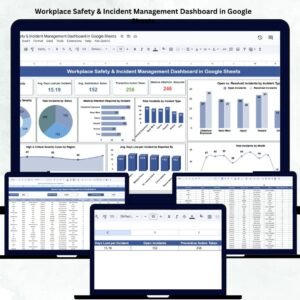
- Workplace Safety & Incident Management Dashboard in Google Sheets: track incidents alongside assessments
- Workplace Safety KPI Dashboard in Google Sheets: monthly safety KPIs
- Workplace Safety Checklist in Google Sheets: a simple safety checklist
- Employee Wellness KPI Dashboard in Google Sheets: measure wellness programs
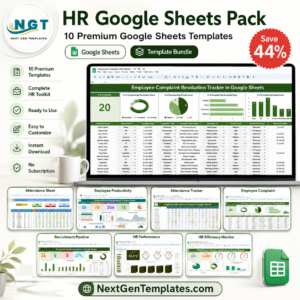
- HR Google Sheets Pack: 10 Google Sheets HR templates in one bundle
Browse all Google Sheets tracker templates.






Reviews
There are no reviews yet.