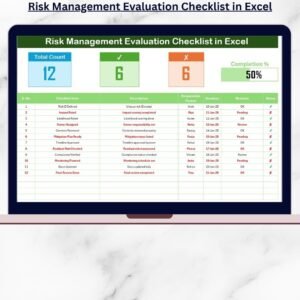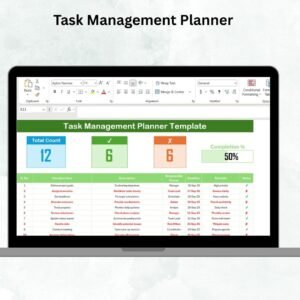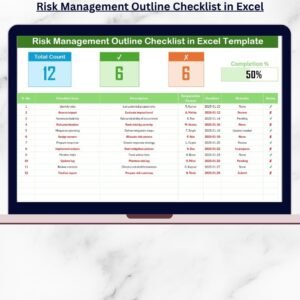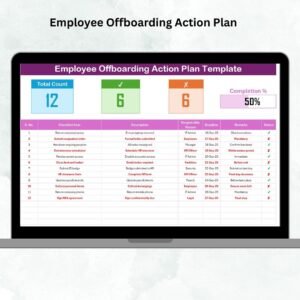
Managing monthly reviews doesn’t have to be stressful! 💼 The Monthly Review Documentation Checklist in Excel is your ultimate tool for tracking progress, evaluating performance, and staying on top of business goals — all in one smart, organized workbook.Monthly Review Documentation Checklist in Excel
Built for professionals who value structure and simplicity, this ready-to-use Excel template helps you capture every review-related activity, assign responsibilities, monitor progress, and visualize completion instantly through automated summary cards and progress bars.
Let’s explore why this checklist is a must-have for your team 👇Monthly Review Documentation Checklist in Excel
✨ Key Features of the Monthly Review Documentation Checklist in Excel
✅ Fully Editable & Ready-to-Use Template – Just download, open, and start tracking! The design is clean, functional, and perfect for quick customization.
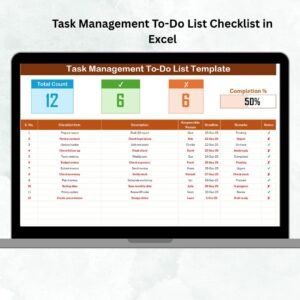
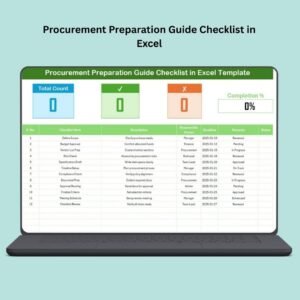
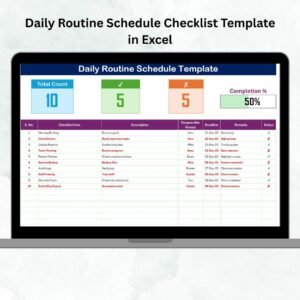
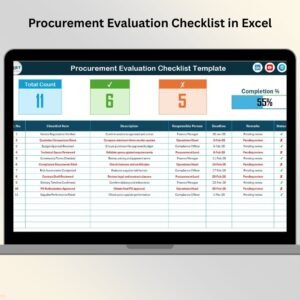
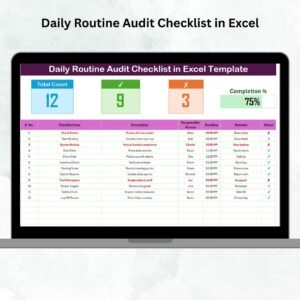
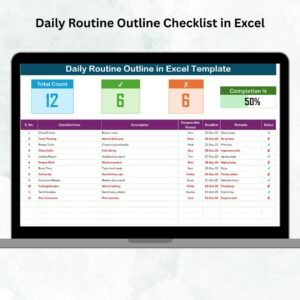
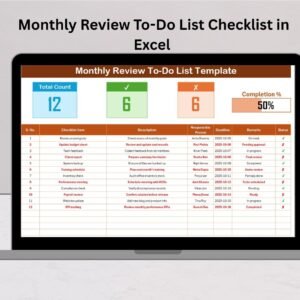
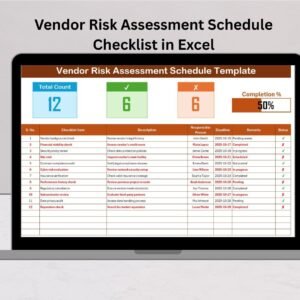
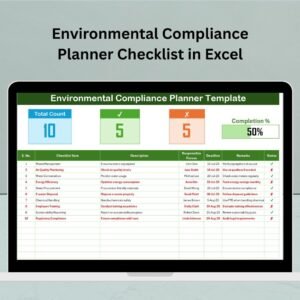
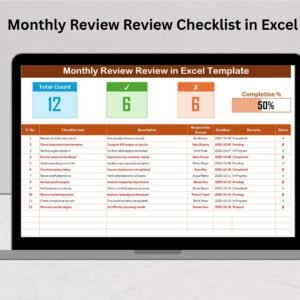
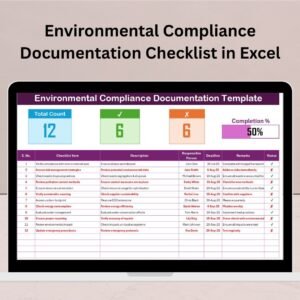
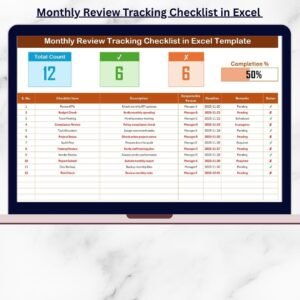
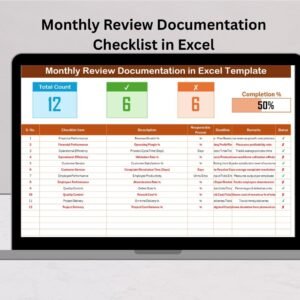
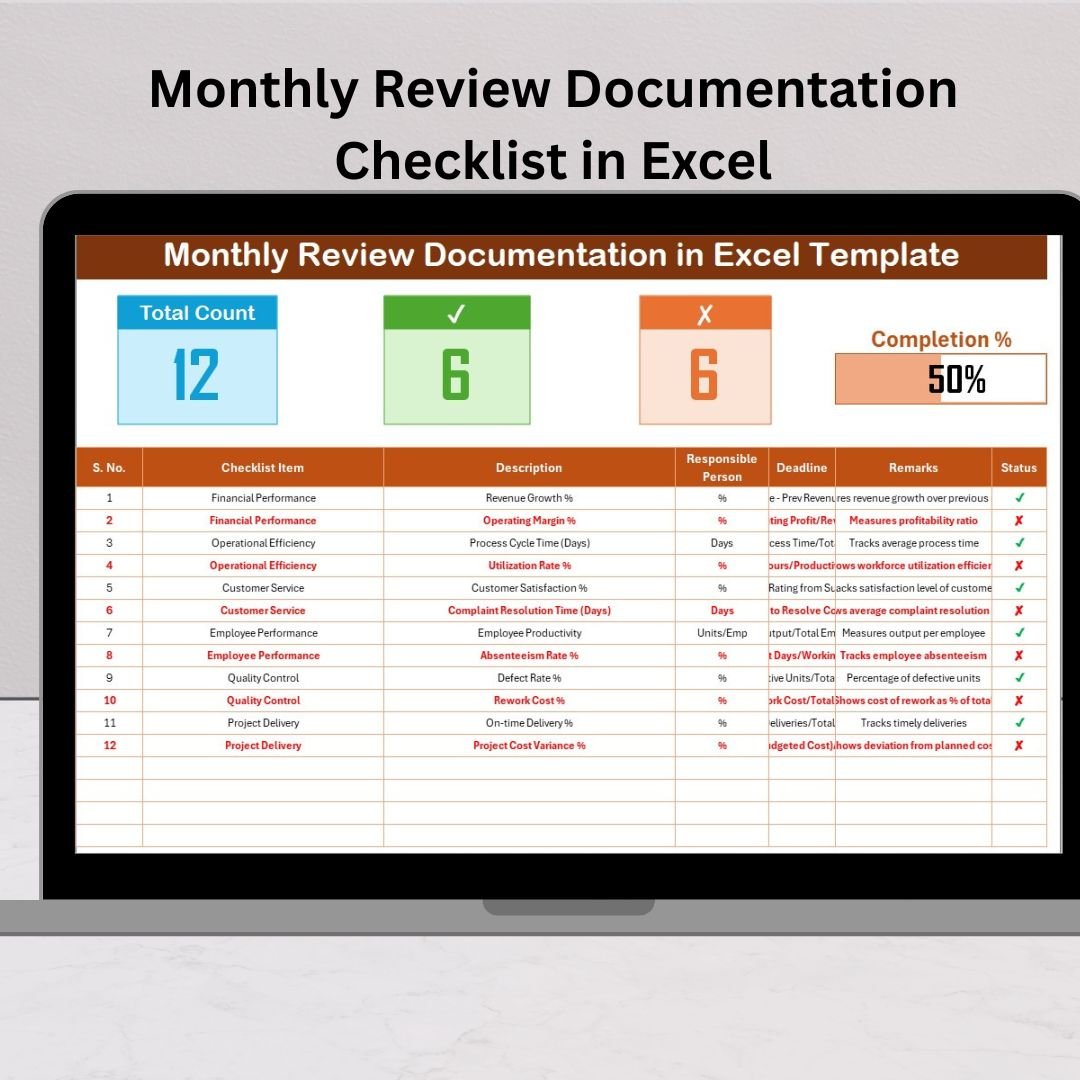
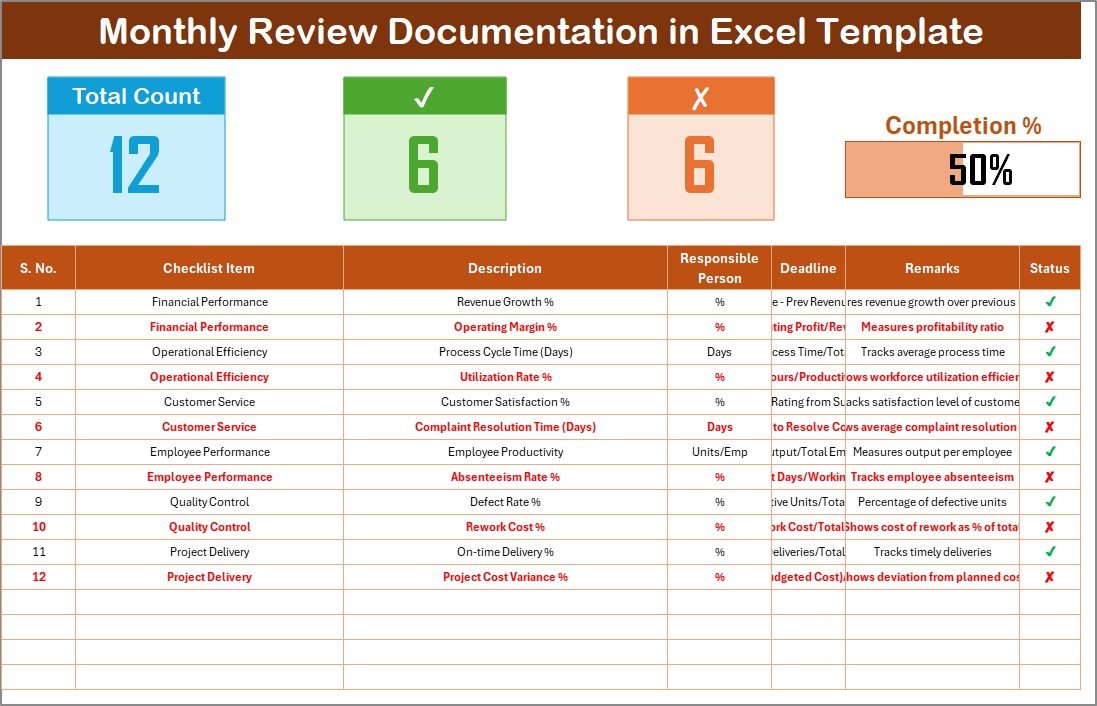
📊 Dynamic Summary Cards – Instantly view total checklist items, completed count, pending count, and a visually engaging progress bar that updates automatically.
📋 Interactive Checklist Table – Add, edit, and manage tasks in real time with dropdown menus for responsible persons, ensuring accuracy and consistency.
🧠 Two-Sheet Smart Design – Includes a Main Checklist Sheet for review data and a List Sheet for managing responsible persons — simple yet powerful!
⚙️ Automated Calculations – No need for manual math! The template automatically calculates your progress percentage and updates instantly.
🎨 Visual Status Indicators – Use ✔ for completed and ✘ for pending tasks, with color-coded formatting to make tracking effortless.
📅 Deadline Tracking – Never miss an important review date. Stay organized with clear timelines for every task.
📂 What’s Inside the Monthly Review Documentation Checklist in Excel
Inside this Excel workbook, you’ll find two beautifully structured sheets designed to keep your documentation process smooth and efficient:
🗂 1. Main Checklist Sheet Tab
This is where the magic happens. Enter your checklist items, assign responsible persons, and monitor completion progress. The top section features automatic summary cards and a live progress bar that updates as you check off tasks.
👥 2. List Sheet Tab
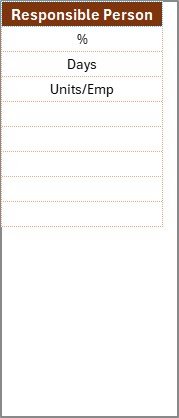
A supporting sheet where you can maintain a unique list of responsible persons. This enables dropdowns in the main checklist sheet, minimizing errors and ensuring accountability.
Together, these sheets create a complete ecosystem for documentation — making monthly reviews transparent, efficient, and actionable.
🧩 How to Use the Monthly Review Documentation Checklist in Excel
Getting started is simple and fast:
1️⃣ Open the Template: Download and open the Excel file.
2️⃣ Add Responsible Persons: Go to the “List” tab and enter team member names.
3️⃣ Enter Checklist Details: Fill in serial numbers, checklist items, descriptions, deadlines, and remarks.
4️⃣ Assign Responsibility: Choose the responsible person from the dropdown.
5️⃣ Update Status: Mark ✔ when completed or ✘ when pending.
6️⃣ Track Progress Automatically: The summary cards and progress bar will update in real time!
Within minutes, you’ll have a fully functional review documentation tracker ready for use in team meetings or audits.
👨💼 Who Can Benefit from This Monthly Review Documentation Checklist in Excel
This versatile tool can be used by professionals and departments across all industries, including:
🏢 Corporate Managers – Track monthly KPIs, tasks, and team deliverables.
🧑💻 Project Teams – Monitor milestones and identify pending actions.
💰 Finance Departments – Document monthly reconciliations and approvals.
🎯 HR Professionals – Review recruitment, payroll, and performance tasks.
⚙️ Operations Teams – Ensure maintenance schedules and audits stay on track.
🎓 Educational Institutions – Manage academic progress, student reports, and activities.
No matter your industry, this Excel template brings structure, transparency, and accountability to your monthly review process.
✅ Why Choose This Template?
Simplifies documentation through automation
Enhances productivity with real-time progress tracking
Reduces manual errors and repetitive work
Customizable to fit any organization size
Ideal for both business and personal use
Start your next monthly review with clarity, control, and confidence — all powered by Excel!