

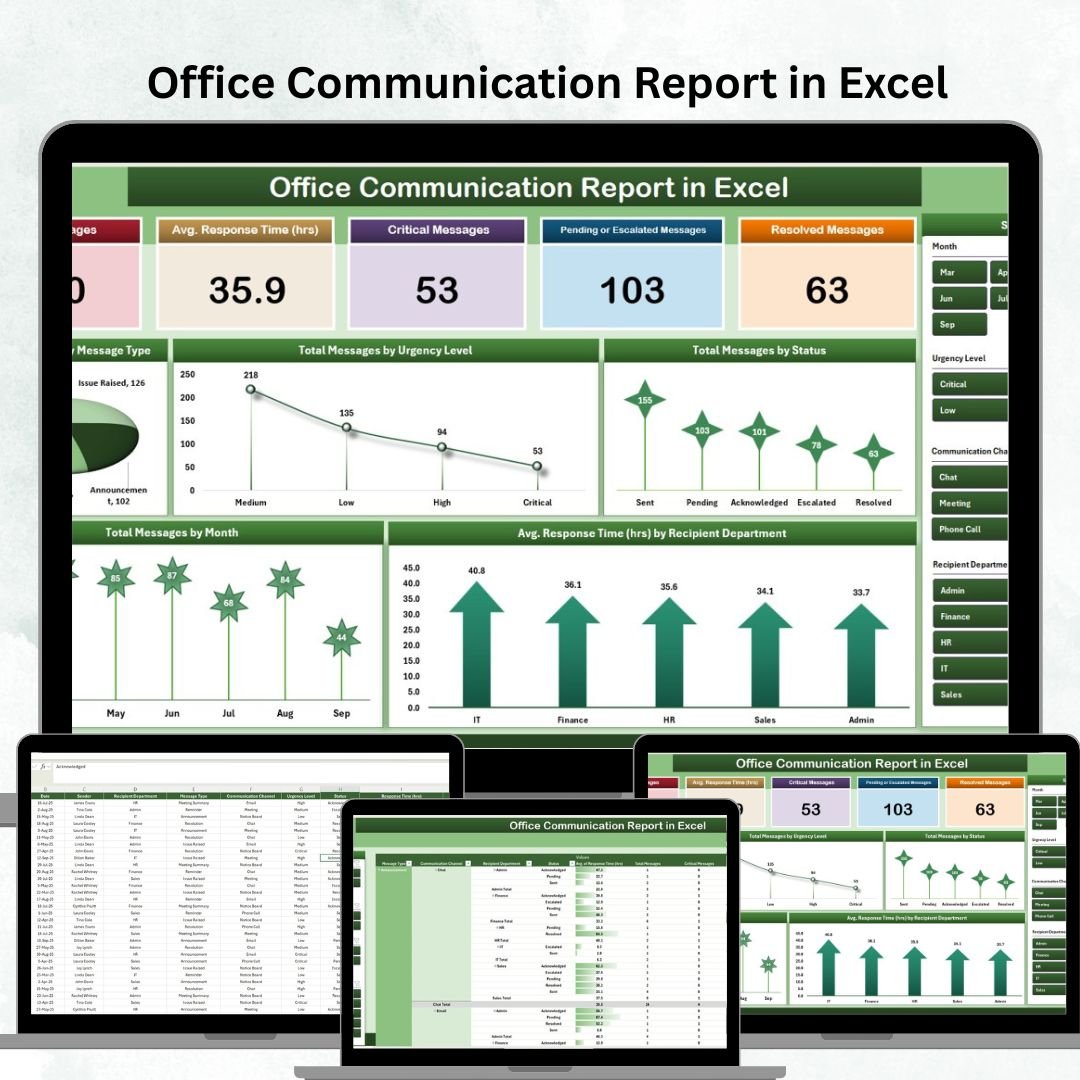
Smooth and efficient communication is the backbone of every successful organization. Delayed responses, overlooked messages, or untracked communications can cause bottlenecks that impact productivity. To solve this challenge, we designed the Office Communication Report in Excel — a ready-to-use tool that enables managers and HR teams to track, monitor, and analyze internal communications effectively. 📊💬
With its interactive dashboards, structured data entry, and automated reporting, this Excel report provides clear insights into communication patterns, response times, and message statuses. Whether your team communicates via email, chat, or internal announcements, this tool ensures no critical messages are missed and accountability is maintained across departments. ✅
🔑 Key Features of the Office Communication Report
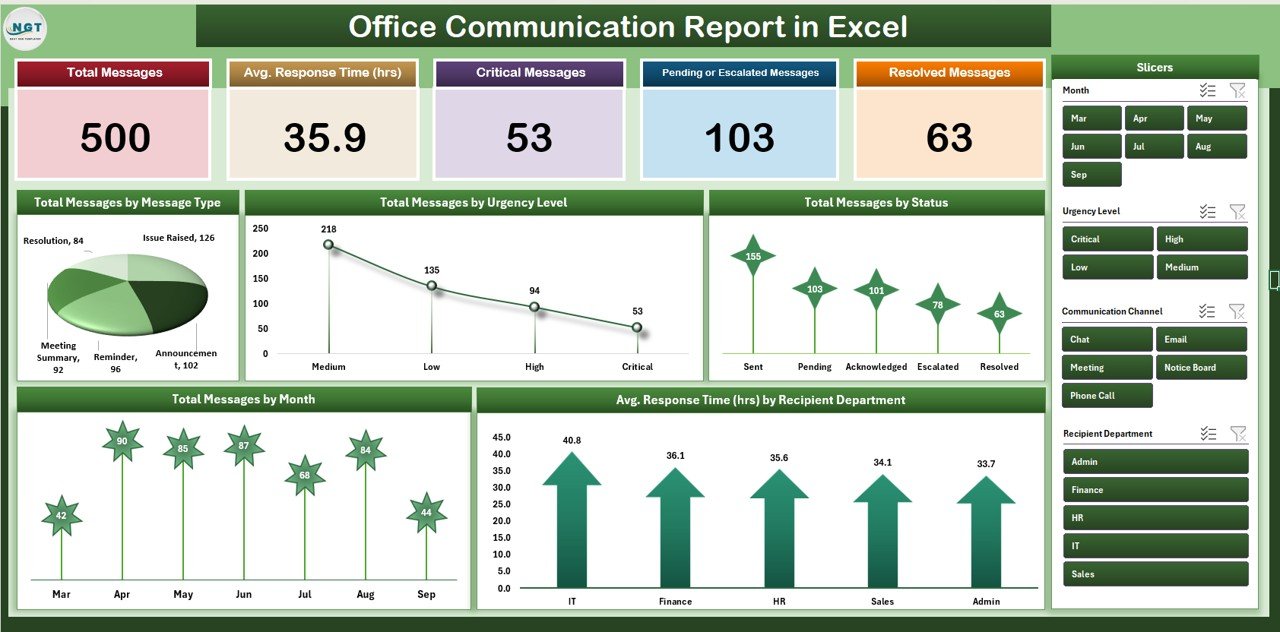
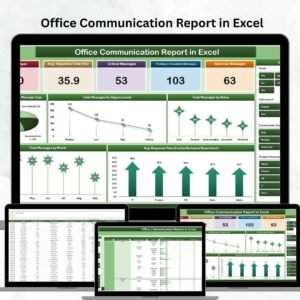
📋 Summary Sheet Tab
Cards for instant performance tracking:
Total Messages
Average Response Time (hrs)
Critical Messages
Pending or Escalated Messages
Resolved Messages
Visual charts for:
Messages by Type (email, chat, announcements)
Messages by Urgency Level (high, medium, low)
Messages by Status (pending, in progress, resolved)
Average Response Time by Department
Monthly Trends of Total Messages
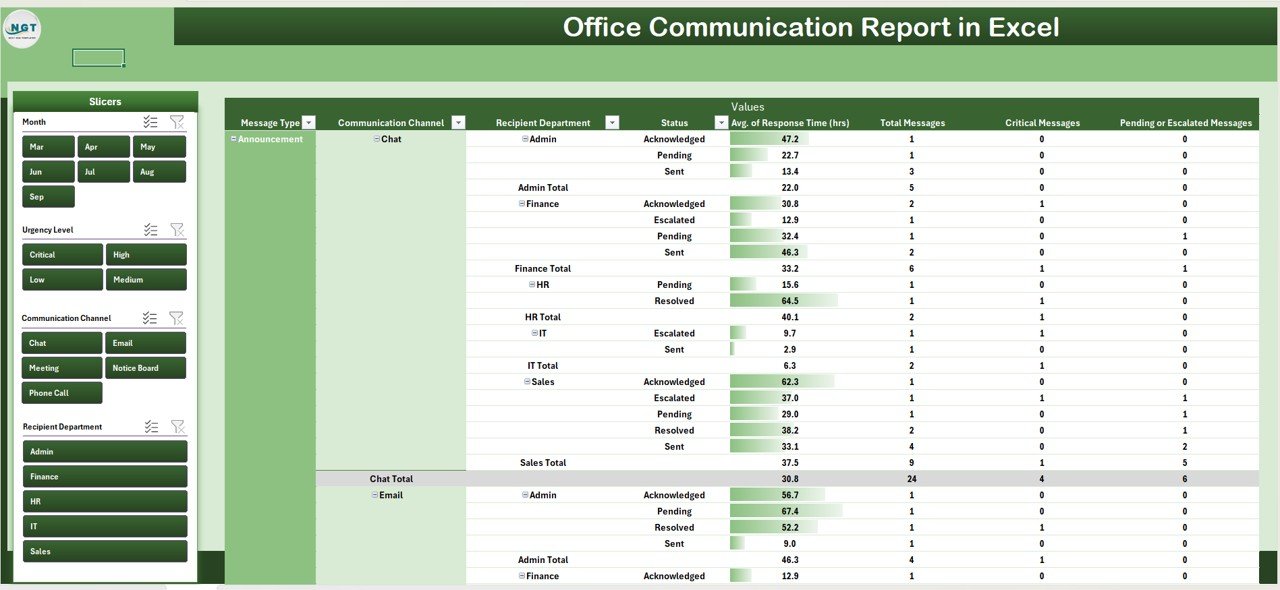
📊 Report Sheet Tab
Drill-down analysis by message type, department, urgency, or month
Power Pivot-enabled summarized reporting
Interactive filters for deeper decision-making
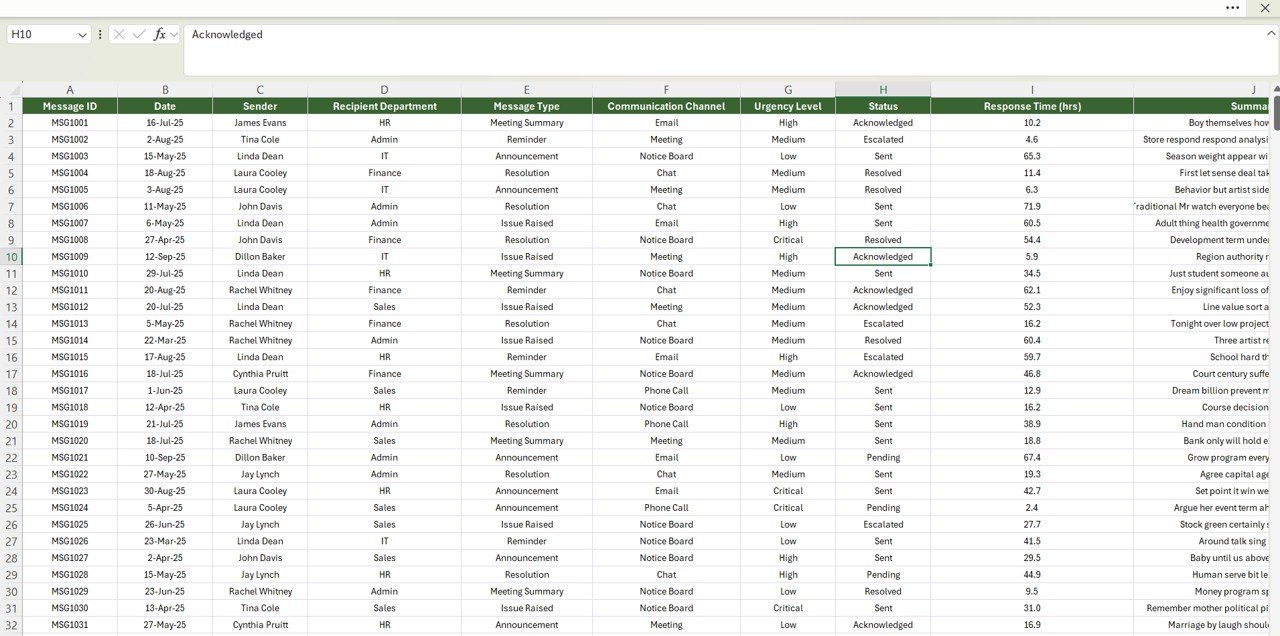
🧾 Data Sheet Tab
Structured entry for each message with fields like:
Date, Time, Sender, Recipient Department
Message Type, Urgency, Status
Response Time (hrs)
Auto-updates the Summary and Report tabs for real-time accuracy
📦 What’s Inside the Office Communication Report?
When you download this tool, you’ll receive:
✅ Summary Dashboard – Cards & charts for a quick snapshot
✅ Report Tab – Drill-down views for HR & management
✅ Data Sheet – Structured input for consistency
✅ Pre-filled Sample Data – For instant understanding
✅ Automated Updates – Data flows across all sheets
✅ Excel Formulas & Pivot Views Built-in – No setup required
Everything is designed to be plug-and-play — just input your communication data and start analyzing immediately. 🚀
🧑💼 Who Can Benefit from This Report?
🎯 HR Teams – Monitor employee response efficiency and accountability
🎯 Managers – Track departmental communication trends
🎯 Executives – Gain high-level visibility into bottlenecks
🎯 IT & Operations – Ensure critical messages are not missed
🎯 Enterprises & SMEs – Scalable for organizations of all sizes
🧪 How to Use the Office Communication Report
Enter Communication Data – Log message details in the Data Sheet
Review the Dashboard – Use the Summary Tab for instant insights
Drill Down Reports – Explore by urgency, status, or department in the Report Tab
Monitor Trends – Track monthly communication patterns to identify recurring issues
Take Action – Improve response times, accountability, and overall communication flow
No coding. No complex setup. Just clear communication analysis in Excel. ✅
🌟 Why Choose This Report?
Centralized communication tracking
Visual insights into response times and bottlenecks
Power Pivot reporting for management
Fully customizable to fit your organization’s needs
Real-time updates for accurate insights
Boosts accountability and workflow efficiency
With the Office Communication Report in Excel, you’ll transform raw communication data into actionable insights that help your teams respond faster, prioritize better, and work smarter. 🌟
🔗 Click here to read the Detailed blog post
Watch the step-by-step video Demo:



Reviews
There are no reviews yet.