

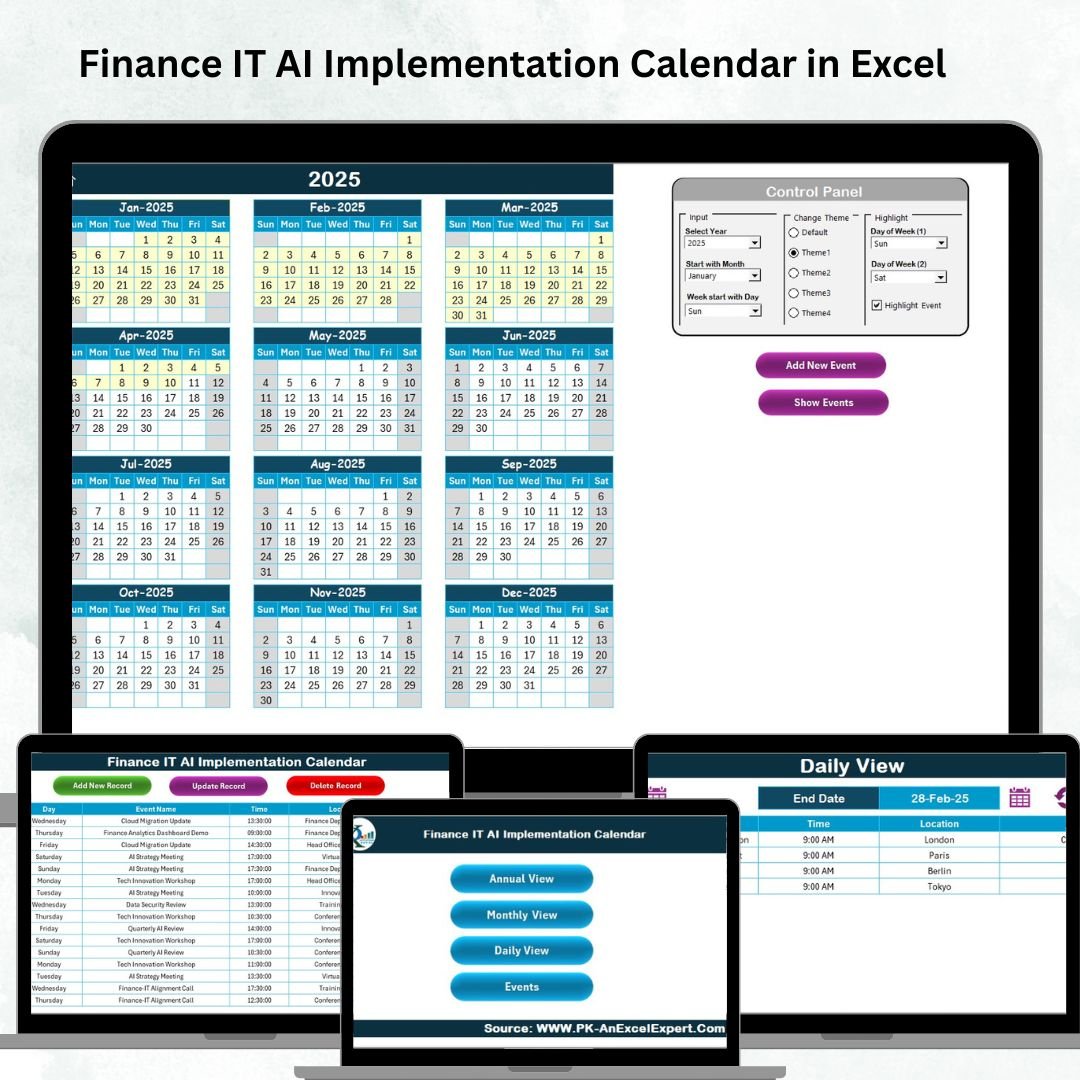

Artificial Intelligence (AI) is reshaping Finance and IT functions at lightning speed. From automating financial reporting to predictive IT monitoring, organizations are investing heavily in AI to improve accuracy, efficiency, and decision-making. But the real challenge lies in planning, tracking, and executing AI initiatives effectively. That’s where the Finance IT AI Implementation Calendar in Excel 📊🤖 becomes essential.
This ready-to-use calendar template is more than a simple scheduling tool—it is a strategic project management system tailored for AI adoption. With structured views, automation, and interactive controls, it helps teams align AI projects with organizational goals, ensuring deadlines are met and resources are used efficiently.
⚡ Key Features of Finance IT AI Implementation Calendar in Excel
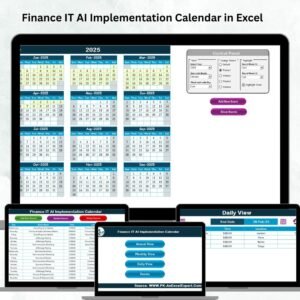
✅ Five Dedicated Tabs – Home, Annual View, Monthly View, Daily View, and Events.
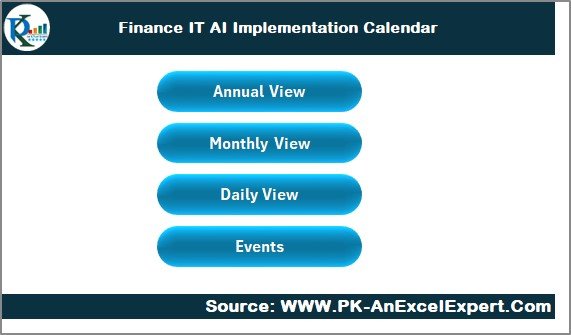
✅ Home Dashboard – Quick navigation buttons for smooth movement across sheets.
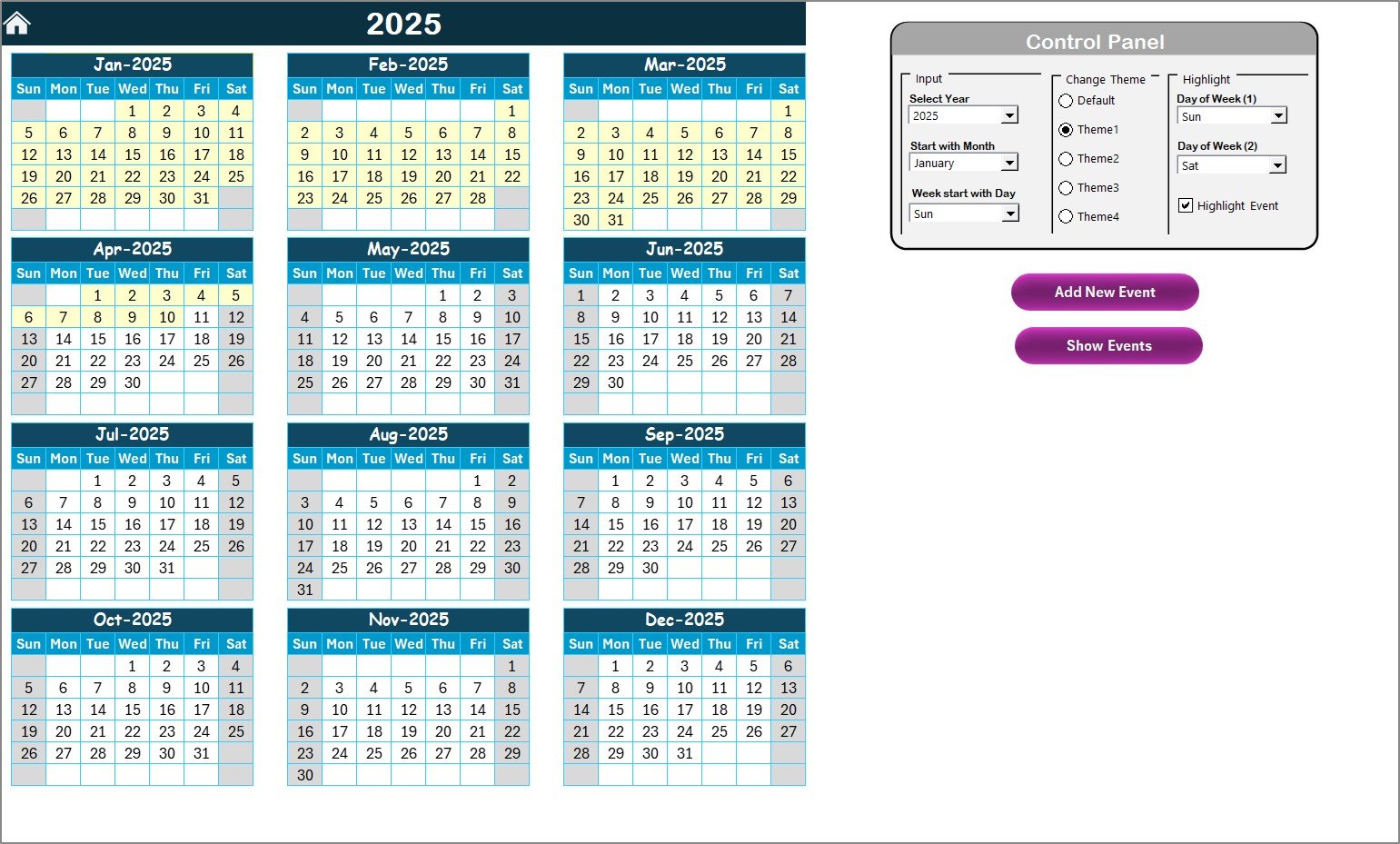
✅ Annual View – Plan year-round milestones with options to set year, start month, and highlight weekends or critical events.
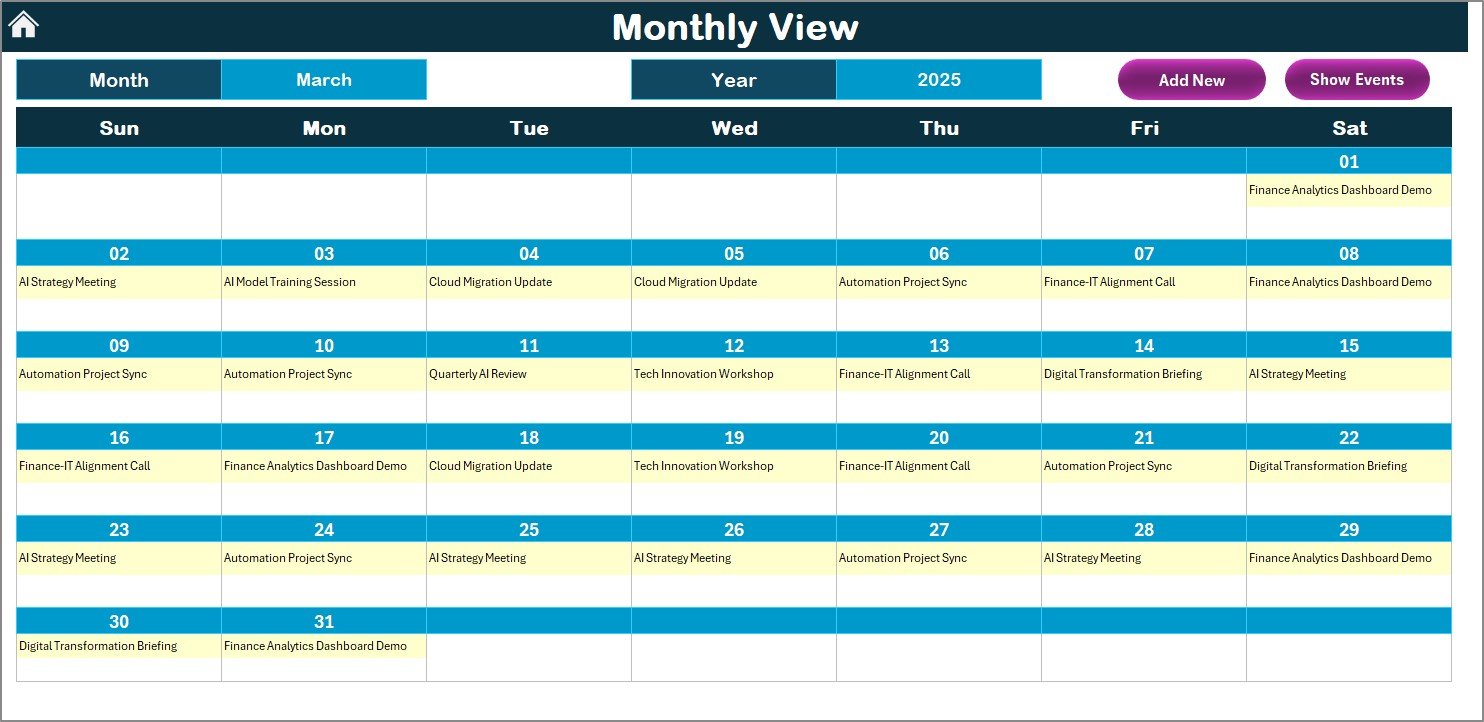
✅ Monthly View – Focus on short-term schedules, recurring AI tasks, and overlapping deadlines.
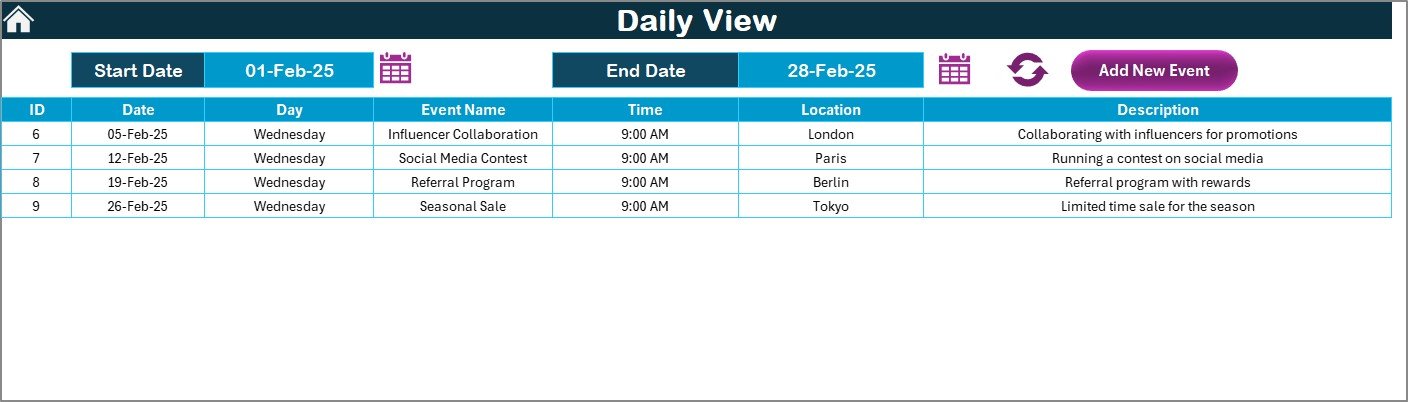
✅ Daily View – Micro-level task planning with start & end date filters for daily execution.
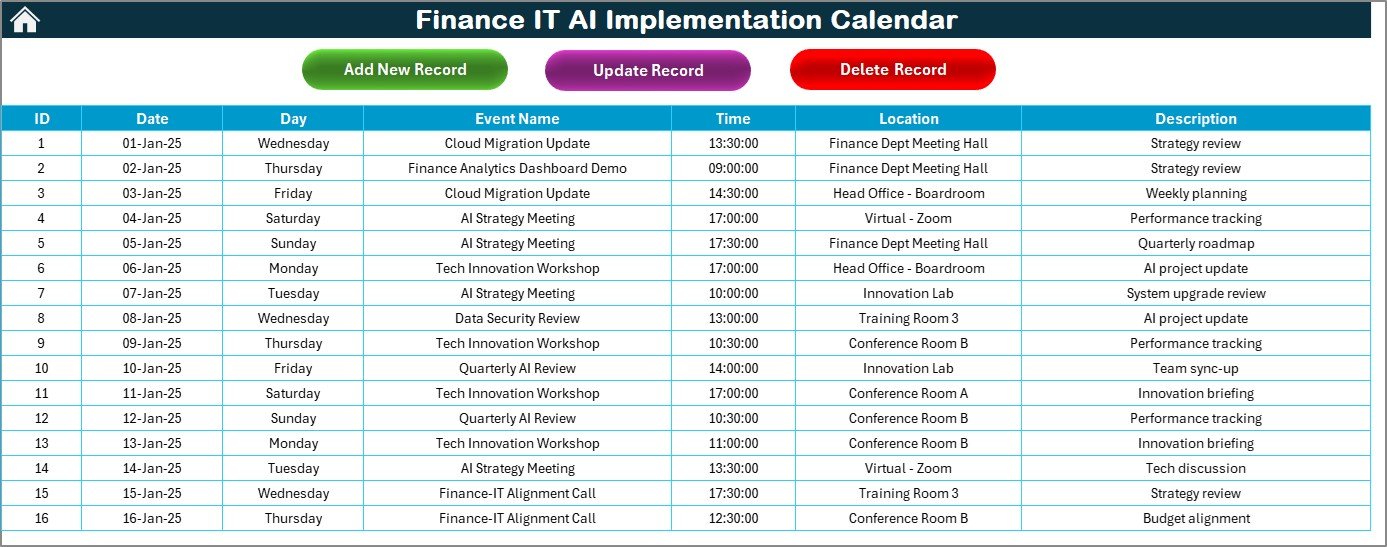
✅ Events Database – Store all activities with fields like ID, date, event name, time, location, and description.
✅ Smart Action Buttons – Add, update, or delete records with interactive forms.
✅ Custom Themes – Apply one of five pre-built color themes for a professional look.
✅ Progress Tracking – Monitor AI adoption tasks with real-time updates.
📂 What’s Inside the Finance IT AI Implementation Calendar
The template provides a structured system for planning and execution:
Home Sheet Tab – Your control center with four navigation buttons (Annual, Monthly, Daily, Events).
Annual View Sheet Tab – 12-month planning with options to highlight weekends, apply color themes, and add/view events.
Monthly View Sheet Tab – Department-level AI project management with indicators for multiple events on the same date.
Daily View Sheet Tab – Detailed scheduling of day-to-day AI implementation tasks.
Events Sheet Tab – A complete event database for all Finance & IT AI-related activities, fully editable and searchable.
🛠️ How to Use the Finance IT AI Implementation Calendar
Start at the Home Tab – Navigate instantly with interactive buttons.
Set Annual Milestones – Choose the year, theme, and highlight critical deadlines.
Log Events – Add AI-related tasks such as audits, system upgrades, or employee training.
Track Monthly Goals – Review short-term schedules to avoid overlaps.
Manage Daily Tasks – Use date filters to monitor micro-level project execution.
Maintain Records – Keep historical and current events in the Events Sheet.
👥 Who Can Benefit from This Calendar?
Finance Teams 💰 – Manage AI-driven audits, financial reporting, and compliance checks.
IT Departments 💻 – Schedule infrastructure upgrades, AI deployments, and system testing.
Cross-Functional Teams 🤝 – Align AI adoption across finance and IT projects like ERP integration.
Consultants & Analysts 📑 – Provide clients with structured AI implementation roadmaps.
Enterprises & SMEs 🌍 – Scale AI adoption effectively, regardless of company size.
🔗 Click here to read the Detailed blog post
Visit our YouTube channel to learn step-by-step video tutorials
Watch the step-by-step video tutorial:
Compatibility and Requirements
- Works in Microsoft Excel desktop (Excel 2016 or later, or Microsoft 365).
- The Home sheet has navigation buttons, and the Events sheet uses add, update and delete buttons with forms, so use Excel desktop on Windows with macros enabled. Microsoft explains how in Enable or disable macros in Microsoft 365 files.
Frequently Asked Questions
Which sheets are included?
Five sheets: Home, Annual View, Monthly View, Daily View and Events.
Where do I enter my AI project events?
Use the Events sheet. Each record has an ID, date, event name, time, location and description. You can add, update or delete records with the action buttons.
Can I change the colors?
Yes. The Annual View lets you choose one of five color themes. You can also set the year and the start month, and highlight weekends.
How do I see tasks for a date range?
Open the Daily View and set a start date and an end date. The sheet lists the events that fall in that range.
Is there a version for another department?
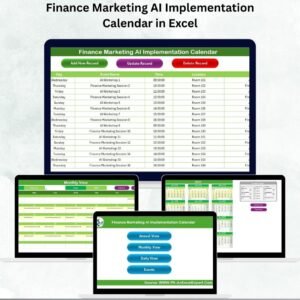
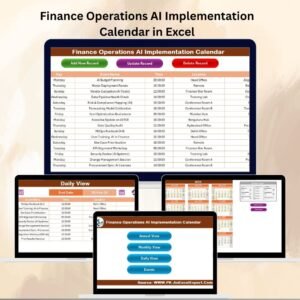
Yes. For example, see the Finance Operations AI Implementation Calendar in Excel and the IT AI Implementation Calendar in Excel.
Related AI Implementation Calendars
- IT AI Implementation Calendar in Excel: the same calendar for IT teams
- Finance Operations AI Implementation Calendar in Excel: finance and operations projects
- Finance Compliance AI Implementation Calendar in Excel: finance and compliance projects
- Finance Procurement AI Implementation Calendar in Excel: finance and procurement projects
- Dynamic Calendar with Single formula connected with Task List: a free calendar linked to a task list
Browse all Excel calendar templates.
























Reviews
There are no reviews yet.