

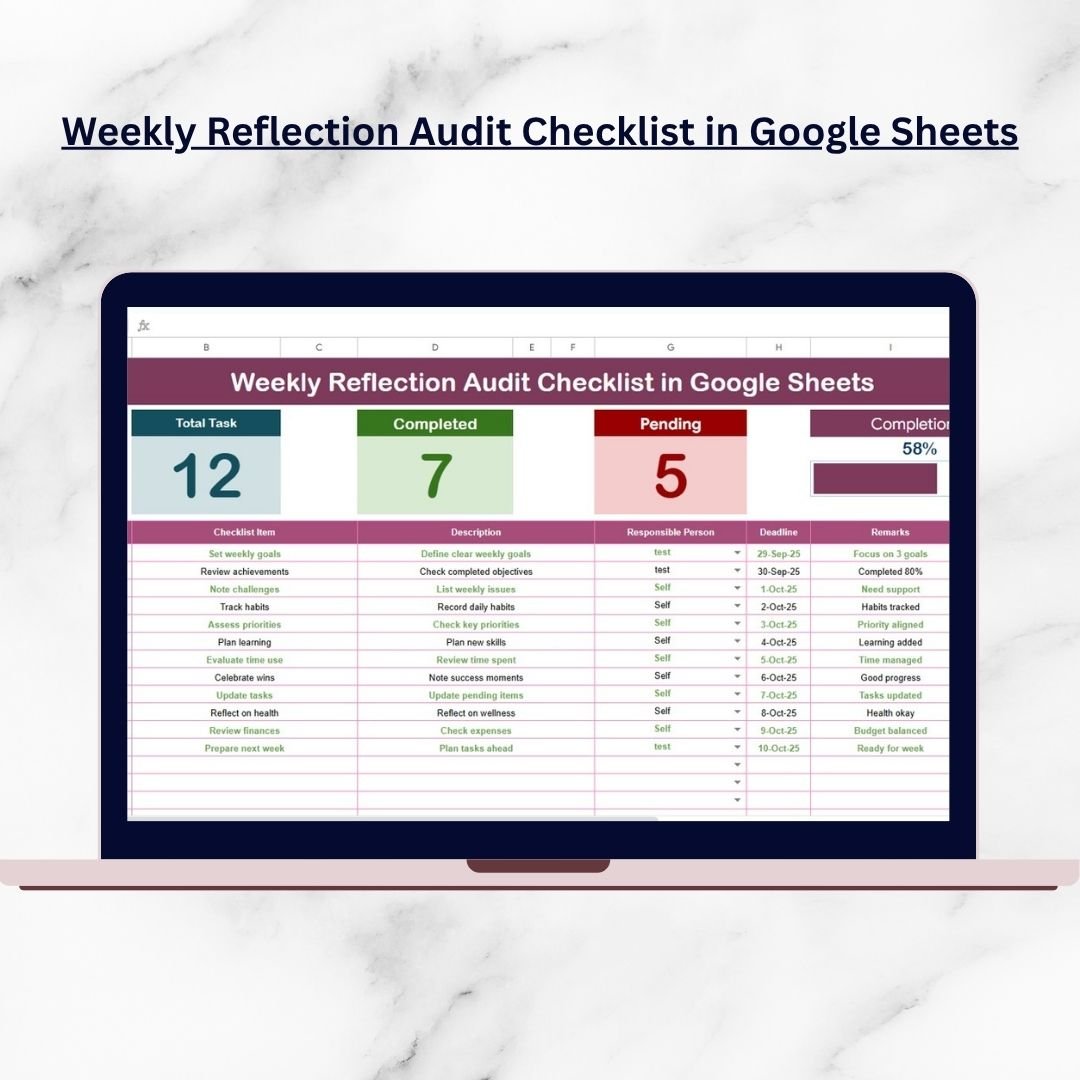

In today’s busy world, it’s easy to get lost in endless to-do lists and tasks without ever pausing to reflect on what really matters. Reflection is the secret ingredient to productivity, growth, and long-term success. That’s why we created the Weekly Reflection Audit Checklist in Google Sheets — a ready-to-use, smart, and flexible tool that helps you pause, review, and plan your week effectively.Weekly Reflection Audit Checklist in Google Sheets
This checklist goes beyond a simple task tracker. It acts as your personal or professional reflection system, helping you identify wins, track progress, analyze pending work, and set actionable goals for the upcoming week. With built-in automation, visual progress tracking, and shareable access across devices, it ensures your reflection habit never gets lost in the shuffle.Weekly Reflection Audit Checklist in Google Sheets
✨ Key Features of Weekly Reflection Audit Checklist
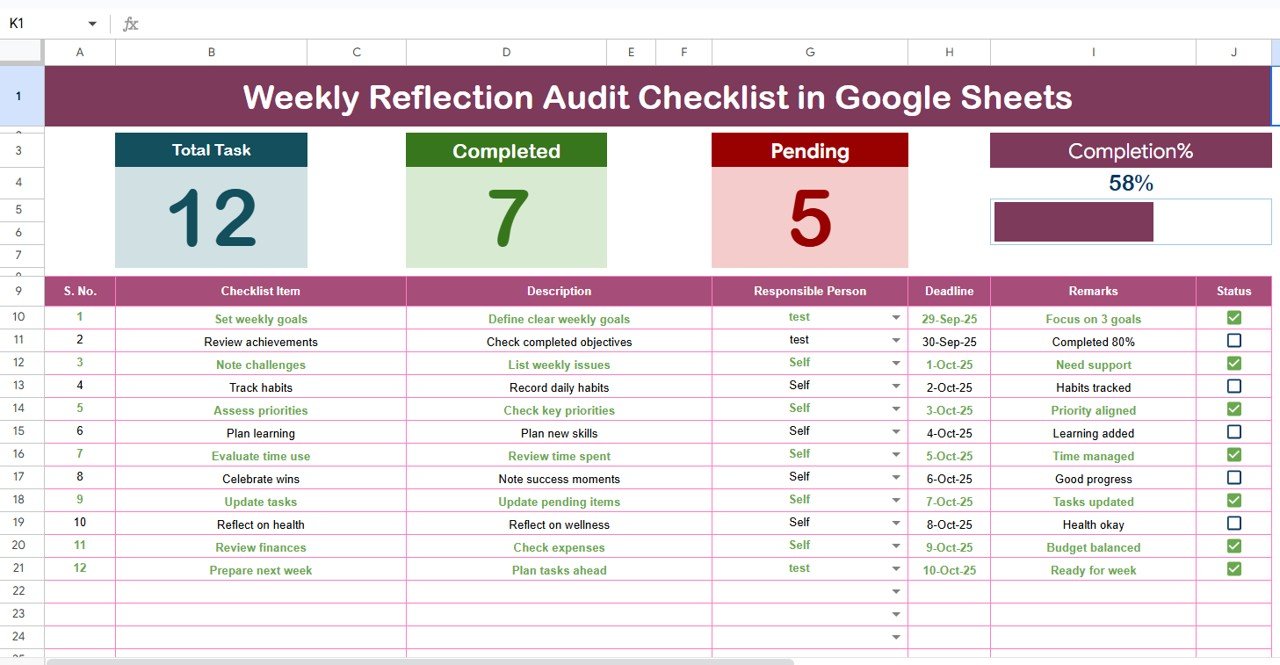
✅ Automated Progress Tracking – A built-in progress bar instantly shows how much you’ve completed.
✅ Smart Dropdowns – Assign responsibilities using dropdown menus for consistency.
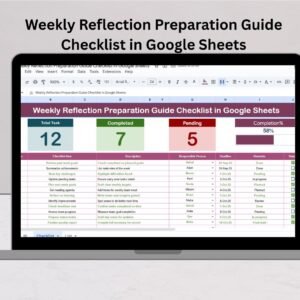
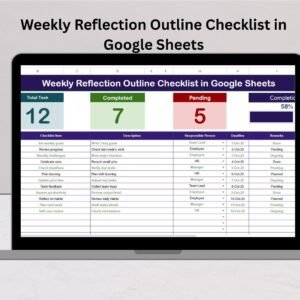
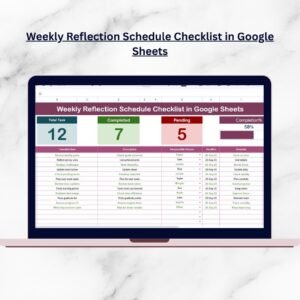
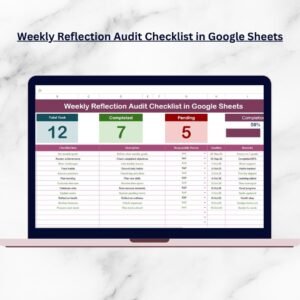
✅ Visual Dashboard Cards – Track total items, completed tasks, pending tasks, and overall progress.
✅ Structured Format – Every reflection item has clear fields like description, responsible person, remarks, and deadlines.
✅ 100% Customizable – Add your own categories, extra columns, or formulas to fit your style.
✅ Accessible Anywhere – Works on desktop, tablet, and mobile through Google Sheets.
📂 What’s Inside the Weekly Reflection Audit Checklist
This template is designed to give you both structure and flexibility. Inside, you’ll find:
Main Checklist Sheet – The core area where you record tasks, update statuses (✔ or ✘), assign responsibility, and track progress.
Top Section Dashboard – Instant view of total tasks, completed count, pending count, and a colorful progress bar.
Checklist Table – Columns for Serial No., Checklist Item, Description, Responsible Person, Deadline, Remarks, and Status.
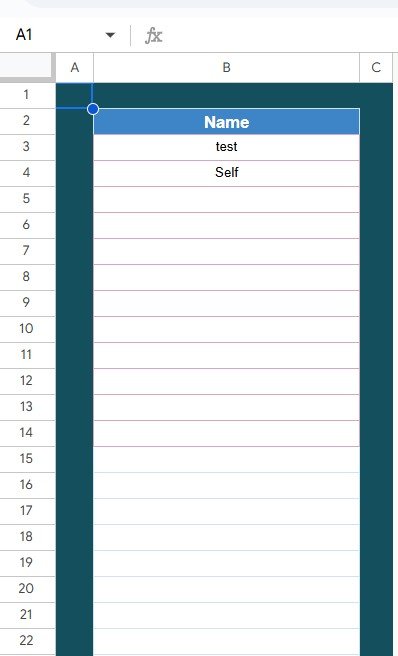
List Sheet Tab – A simple yet powerful reference list of responsible persons, ensuring dropdown accuracy and time savings.
Every element is built with simplicity in mind so you can start using it right away without technical know-how.
🛠️ How to Use the Weekly Reflection Audit Checklist
Using the template is quick and straightforward:
Setup – Add checklist items, assign responsible persons, and set deadlines.
Update Weekly – Mark tasks as completed or pending, add remarks, and adjust deadlines.
Review – At the end of the week, check the dashboard cards and progress bar to reflect on your performance.
Repeat & Grow – Carry forward unfinished items, celebrate wins, and set new goals for the next week.
This simple 3-step cycle ensures reflection becomes a habit and not an afterthought.
👥 Who Can Benefit from This Weekly Reflection Audit Checklist
This tool is versatile and can be adapted by anyone looking to grow consistently:
🎓 Students – Track study goals, assignments, and learning progress.
💼 Professionals – Evaluate weekly work performance and upcoming deadlines.
👨💼 Managers – Assign tasks, review team performance, and conduct reflection meetings.
🧑💻 Freelancers – Monitor client deliverables and avoid missed deadlines.
🏡 Personal Users – Reflect on habits, health, and personal growth goals.
No matter your role, this checklist ensures you don’t just do more, but also improve more.
Click here to read the Detailed blog post
Watch the step-by-step video tutorial:
Visit our YouTube channel to learn step-by-step video tutorials.
Compatibility and Requirements
- Works in Google Sheets. You need a free Google account and a web browser.
- You assign each item to a person from a dropdown that reads from the List sheet. Google explains dropdowns in Create an in-cell dropdown list.
Frequently Asked Questions
What is in the checklist table?
Each row has a serial number, checklist item, description, responsible person, deadline, remarks and status.
How does the template show my progress?
The top of the sheet has dashboard cards for total items, completed tasks and pending tasks, plus a progress bar that updates as you mark items done.
How do I assign a task to someone?
Pick the name from the Responsible Person dropdown. Add the names to the List sheet first and they appear in the dropdown.
Can I add my own categories or columns?
Yes. The template is fully customizable, so you can add categories, extra columns or formulas.
Is there an Excel version?
Yes. See the Weekly Reflection Audit Checklist in Excel.
Related Weekly Reflection Templates
- Weekly Reflection Audit Checklist in Excel: the same checklist for Excel
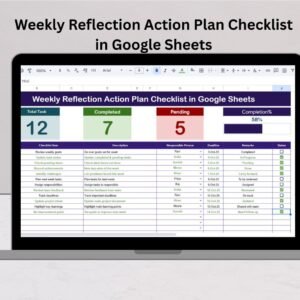
- Weekly Reflection Action Plan Checklist in Google Sheets: turn your review into next-week actions
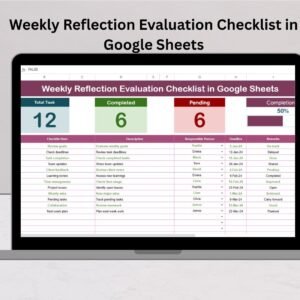
- Weekly Reflection Evaluation Checklist in Google Sheets: a checklist for evaluating your week
- Weekly Reflection Checklist in Google Sheets: a simpler weekly reflection list
- Checklist & SOP Pack: 12 checklist templates for Excel and Google Sheets
Browse all Google Sheets checklists.




Reviews
There are no reviews yet.