

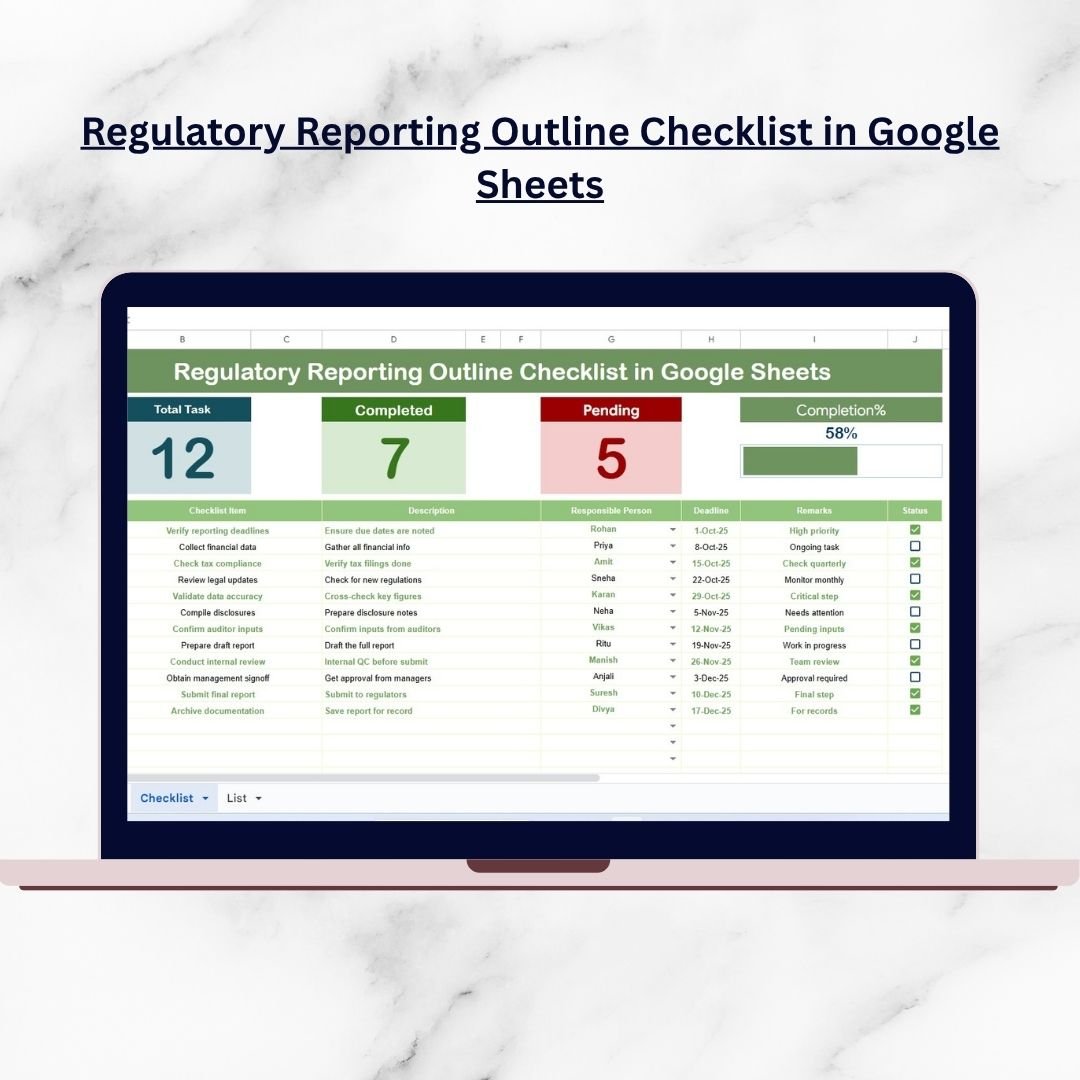

Regulatory reporting is one of the most critical obligations for any business. Whether you operate in finance, healthcare, education, or manufacturing, compliance standards are strict, deadlines are non-negotiable, and errors can lead to costly penalties or reputational damage. Regulatory Reporting Outline Checklist in Google Sheets Without a proper system, businesses risk missed submissions, duplicated efforts, or incomplete reporting.
That’s where the Regulatory Reporting Outline Checklist in Google Sheets comes in. This ready-to-use, cloud-based template provides a structured, flexible, and cost-effective way to plan, manage, and monitor all your reporting tasks in one place. With progress tracking, responsibility assignment, and automated status monitoring, this tool helps organizations stay audit-ready and compliant.
✨ Key Features of the Regulatory Reporting Outline Checklist
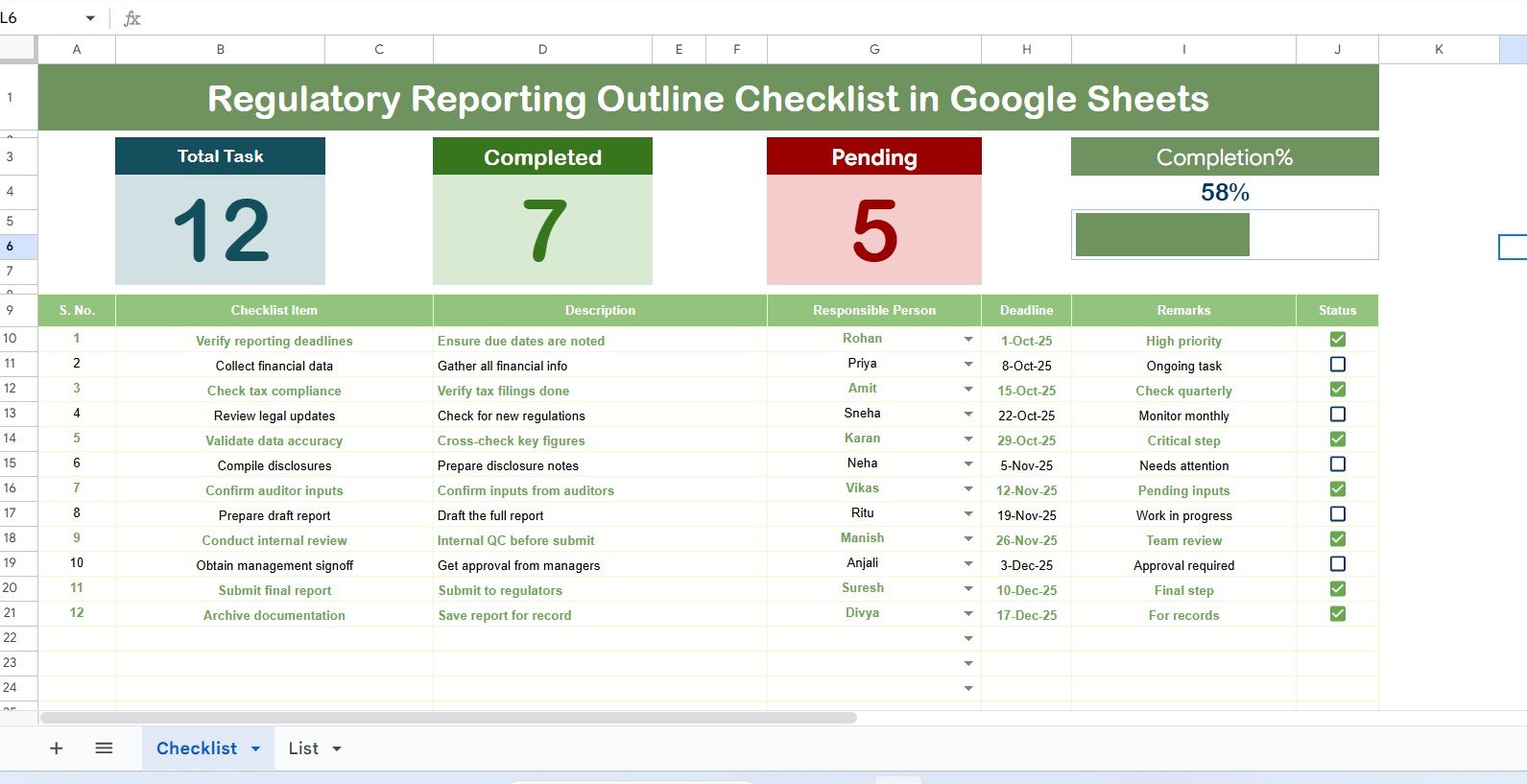
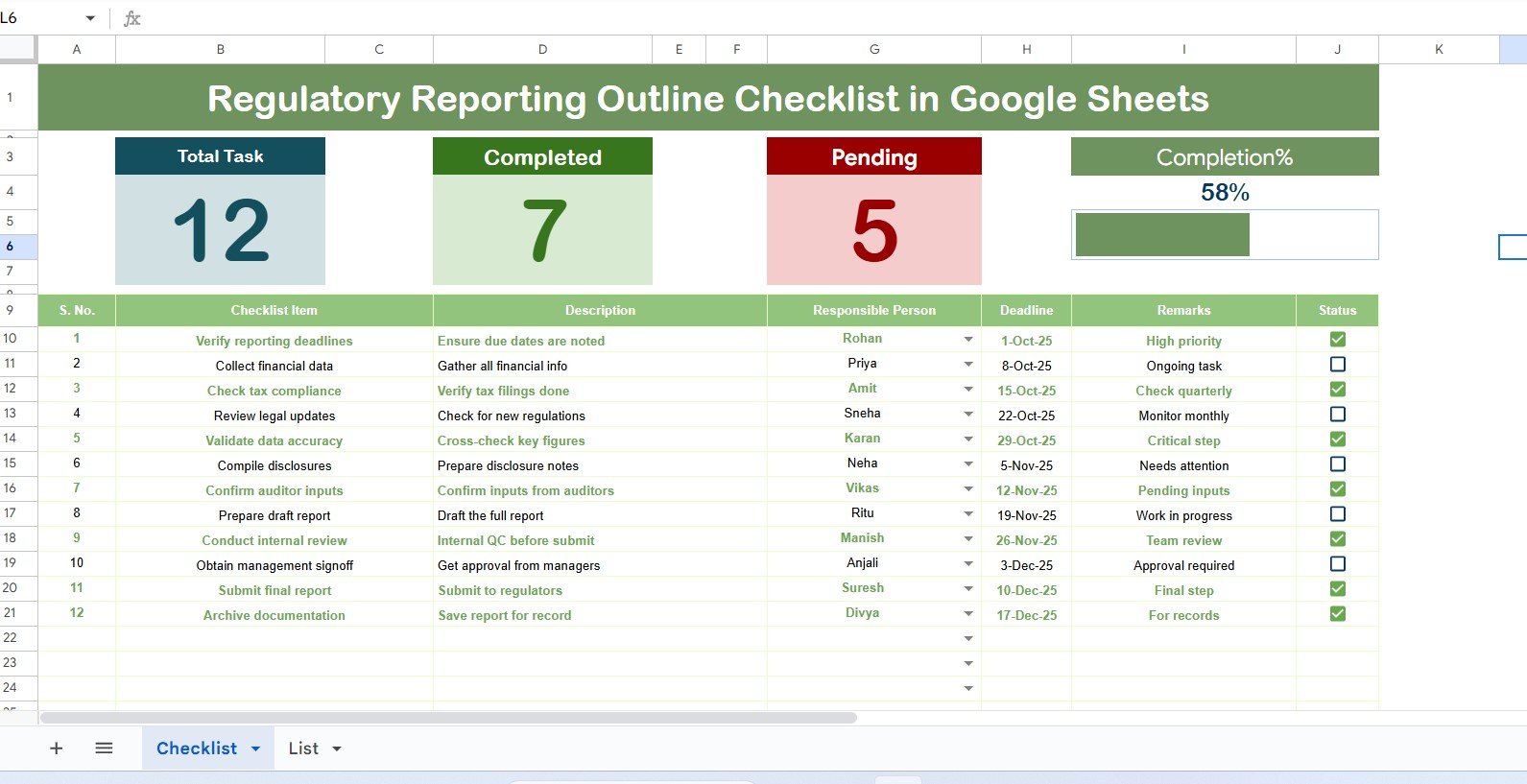
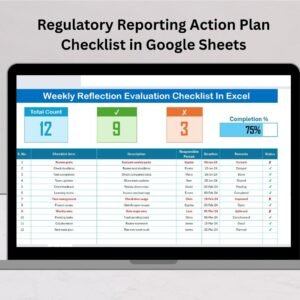
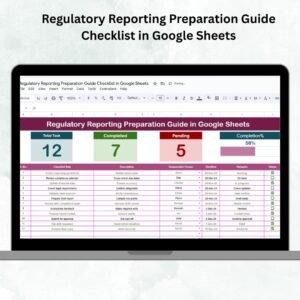
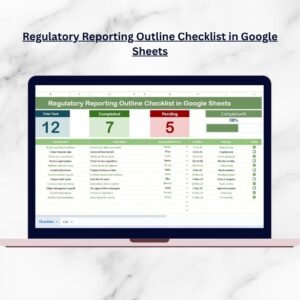
📋 Main Checklist Sheet – Organize all reporting activities with structured columns: Serial No., Checklist Item, Description, Responsible Person, Deadline, Remarks, and Status.
✅ Status Tracking – Mark ✔ for completed tasks or ✘ for pending ones to instantly see progress.
📊 Dashboard Cards – Quick summaries for total, completed, and pending tasks with a dynamic progress bar.
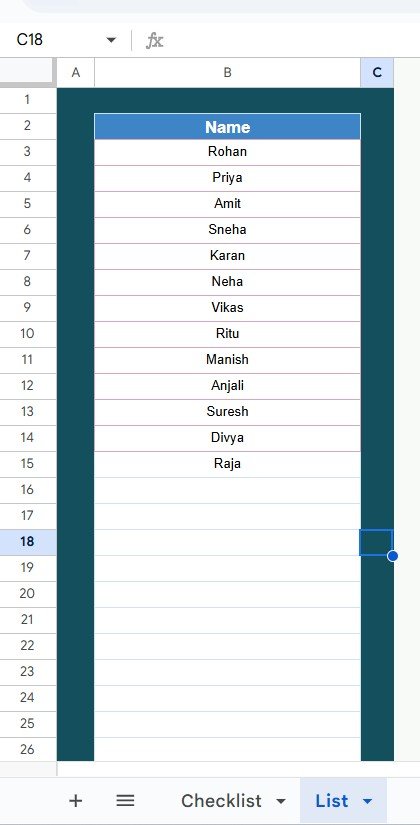
👥 List Sheet Tab – Maintain a unique list of responsible persons for consistent dropdown selections.
🎯 Deadline Monitoring – Track due dates clearly and avoid missed submissions.
🎨 Conditional Formatting – Highlight pending or overdue tasks for easy identification.
🔄 Real-Time Collaboration – Multiple users can update the checklist at the same time.
🌍 Cloud Storage – Accessible from anywhere on desktop, tablet, or mobile.
📂 What’s Inside the Checklist
When you download the Regulatory Reporting Outline Checklist in Google Sheets, you’ll get:
Main Checklist Sheet – Your compliance hub with progress indicators, completion counts, and structured task tracking.
List Sheet Tab – A master list of responsible persons connected to dropdowns for consistent task allocation.
Together, these sheets create a simple yet powerful compliance management system.
🛠️ How to Use the Checklist
Open the Template – Copy it into your Google Drive.
Enter Reporting Tasks – Add all compliance obligations under the Checklist Item column.
Assign Responsibilities – Use dropdowns to allocate tasks to specific team members.
Set Deadlines – Add realistic reporting due dates.
Track Status – Update ✔ or ✘ to reflect progress.
Review Progress – Use dashboard cards and progress bar for a quick overview.
Update Regularly – Refresh tasks and deadlines as regulatory requirements evolve.
👥 Who Can Benefit from This Checklist
Finance Teams – Manage tax filings, financial disclosures, and audit reports.
Healthcare Providers – Track patient safety, HIPAA, and compliance obligations.
Manufacturers – Monitor safety certifications and environmental regulations.
Educational Institutions – Oversee accreditation and compliance submissions.
IT & Security Teams – Stay on top of GDPR, CCPA, and cybersecurity frameworks.
Compliance Managers & Auditors – Ensure accountability and maintain transparency across reporting tasks.
This template is versatile enough to support small businesses, large corporations, and organizations in every industry.
🔗 Click here to read the Detailed Blog Post
📺 Visit our YouTube channel to learn step-by-step video tutorials: Youtube.com/@NeotechNavigators
Watch the step-by-step video tutorial:
Compatibility and Requirements
- Works in Google Sheets with a free Google account and a web browser.
- Make a copy to your own Google Drive, then share it with your team if you want to work on it together.
- New to Sheets? Google’s guide How to use Google Sheets covers the basics.
- The Responsible Person column uses a dropdown. Google explains dropdowns in Create an in-cell dropdown list.
Frequently Asked Questions
Which columns does the checklist have?
Serial No., Checklist Item, Description, Responsible Person, Deadline, Remarks and Status.
How do I mark a reporting task as done?
Set the Status to a check mark for completed or a cross for pending. The dashboard cards and progress bar update from it.
What is the List tab for?
It holds the names of responsible persons, which feed the dropdown in the main checklist so names stay consistent.
Can several people update it?
Yes. It is a Google Sheets file, so team members can update the checklist at the same time.
Are overdue tasks highlighted?
Yes. Conditional formatting highlights pending or overdue tasks.
Related Regulatory and Compliance Templates
- Regulatory Reporting Checklist in Google Sheets: a broader reporting checklist
- Regulatory Reporting Checklist in Excel: the reporting checklist in Excel
- Compliance Audit Tracker in Google Sheets: track compliance audits
- Legal Compliance Checklist in Google Sheets: check legal obligations
- Checklist & SOP Pack: 12 Excel and Google Sheets checklists in one bundle
Browse all Google Sheets checklist templates.






















Reviews
There are no reviews yet.