

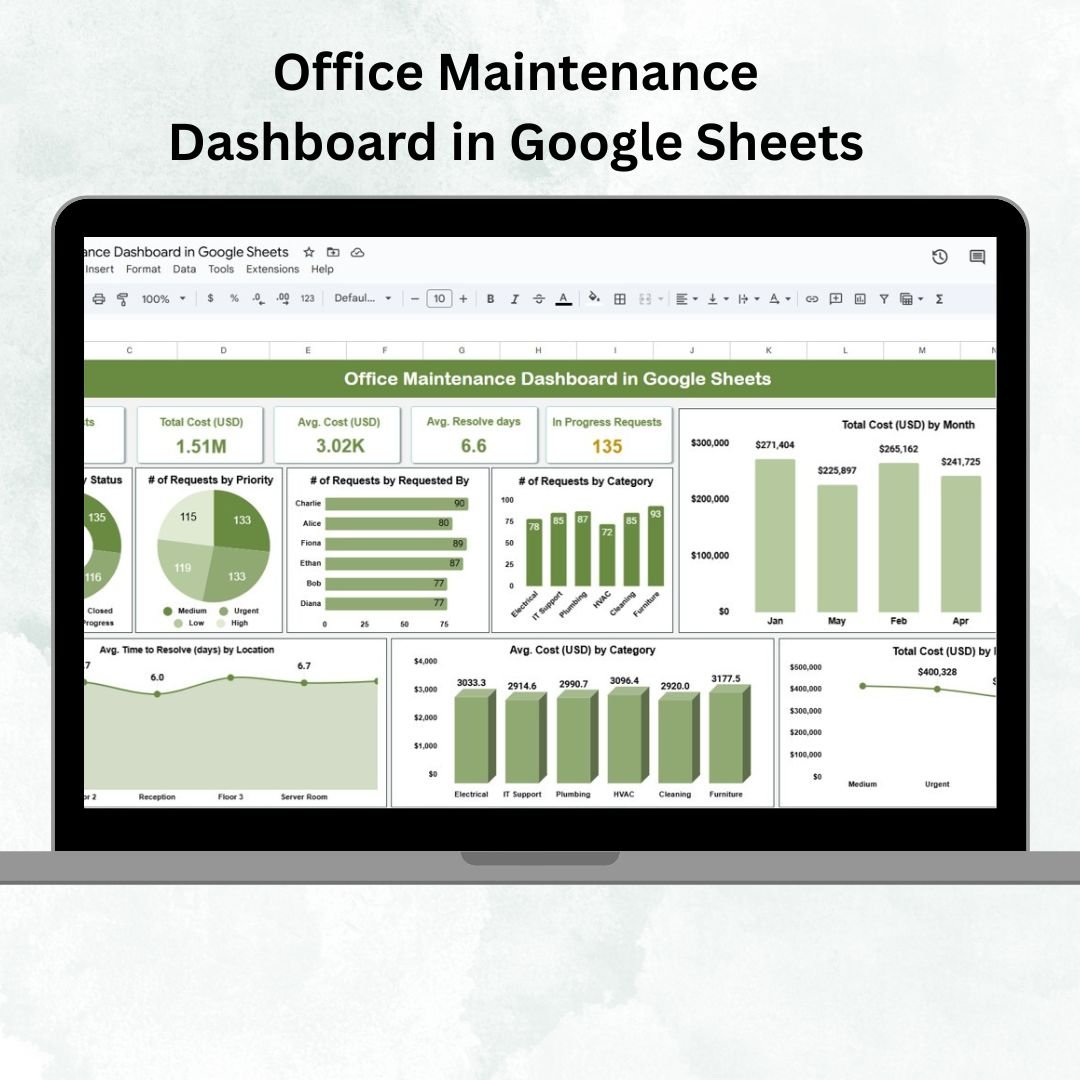
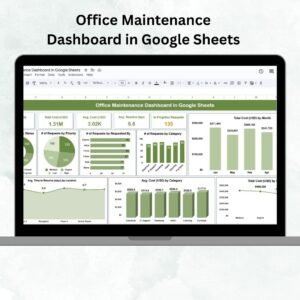
Managing office maintenance is often a juggling act — from handling urgent requests and tracking resolution times to controlling costs and improving efficiency. Without a structured system, it can quickly become overwhelming. The Office Maintenance Dashboard in Google Sheets solves this by giving you a centralized, interactive platform to log, analyze, and monitor all maintenance activities in real-time. 🛠️📊
This ready-to-use template is designed for facilities managers, office administrators, and operations teams who want to streamline maintenance processes, reduce downtime, and ensure accountability across the organization.
🔑 Key Features of Office Maintenance Dashboard in Google Sheets
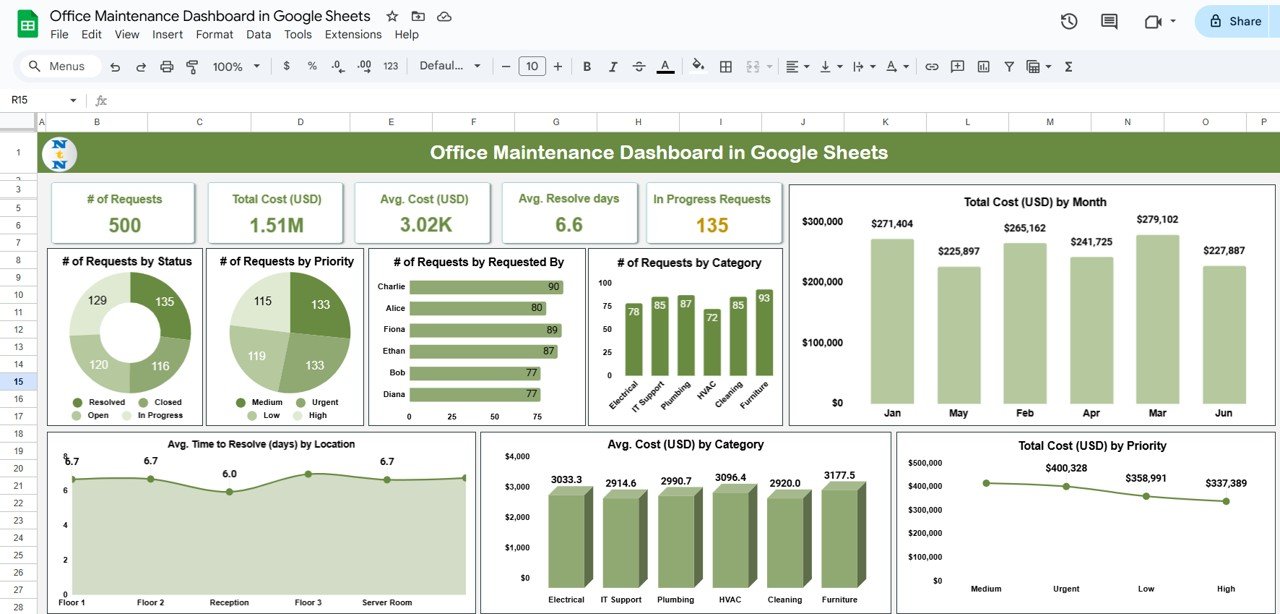
📊 Dashboard Tab (Analytics Hub)
Cards Section: Instantly view # of Requests, Total Cost, Average Cost, Avg. Resolve Days, and In-Progress Requests.
Charts Section:
Requests by Status (open, closed, pending)
Requests by Priority (urgent, high, medium, low)
Requests by Category (HVAC, IT Support, Electrical, etc.)
Total Cost by Month
Avg. Resolution Days by Location
Avg. Cost by Category
Cost Distribution by Priority
This sheet gives you a complete picture of office maintenance performance at a glance.
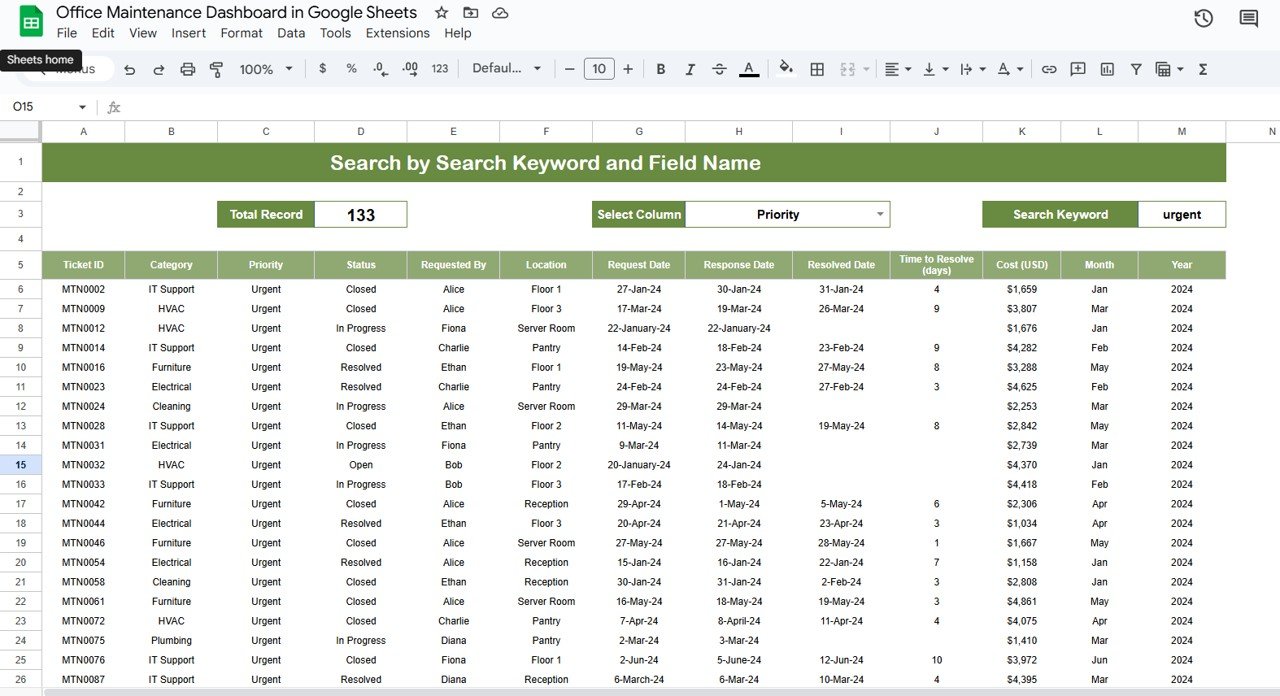
🔍 Search Tab (Quick Record Finder)
Search by keyword or filter by fields such as Priority, Category, Requested By, or Location.
Automatically calculates total matching records.
Ideal for tracking specific tickets and generating quick reports.
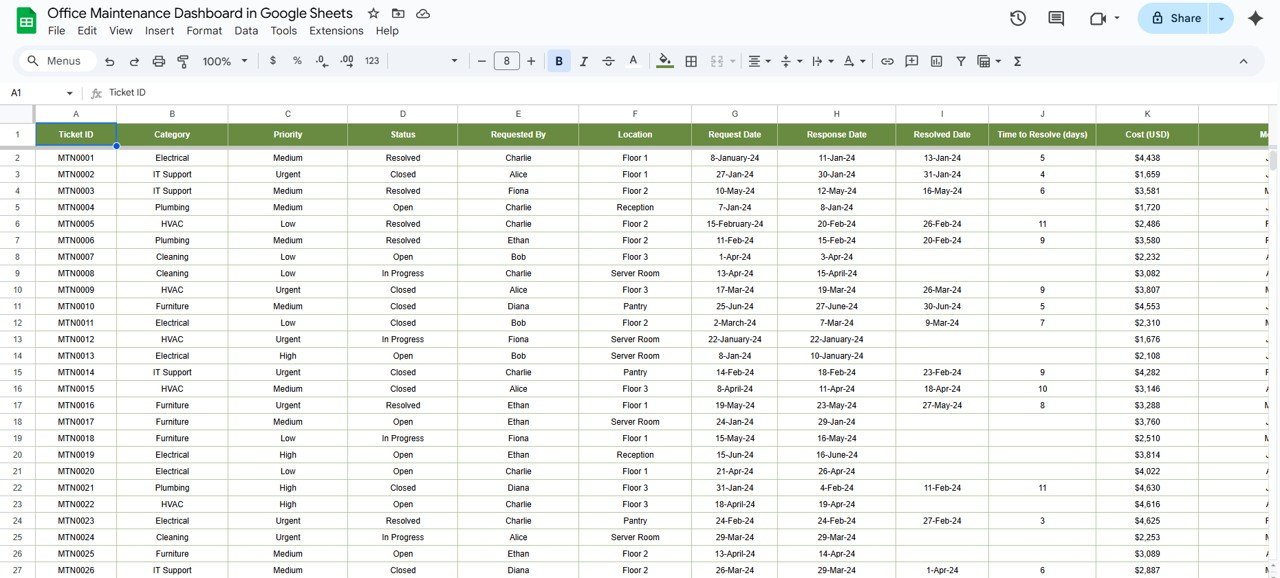
📂 Data Tab (Central Database)
Store detailed request records with fields like Ticket ID, Category, Priority, Status, Requester, Location, Dates, Resolution Time, Cost, Month, and Year.
Updates here automatically reflect in the Dashboard and Search tabs.
Keeps all maintenance information structured and accessible.
📦 What’s Inside the Dashboard?
When you download this template, you’ll get:
✅ Dashboard Tab with real-time charts & summary cards
✅ Search Tab for quick filtering & reporting
✅ Data Tab as a centralized ticket log
✅ Pre-built formulas & visuals – no setup required
✅ Sample records included for easy understanding
✅ Customizable structure to add your own categories, fields, or visuals
👥 Who Can Benefit from This Dashboard?
🏢 Facilities Managers – Prioritize urgent repairs and monitor resolution times.
👨💼 Office Administrators – Control costs and ensure transparency.
🛠️ Maintenance Teams – Track workload and performance effectively.
📊 Operations Leaders – Get real-time insights for budgeting and process improvement.
🌍 Multi-Location Companies – Compare maintenance performance across offices.
🧾 How to Use the Office Maintenance Dashboard
📥 Download & Copy the template to your Google Drive.
📝 Log requests into the Data Tab with full details.
📊 View analytics in the Dashboard Tab instantly.
🔍 Search & filter records using the Search Tab.
🧩 Customize fields for your office’s unique maintenance needs.
🤝 Collaborate by sharing access with your team.
No advanced setup or coding required — it’s plug-and-play. 🚀
🔗 Click here to read the Detailed blog post
🔗 Visit our YouTube channel to learn step-by-step video tutorials






















Reviews
There are no reviews yet.