

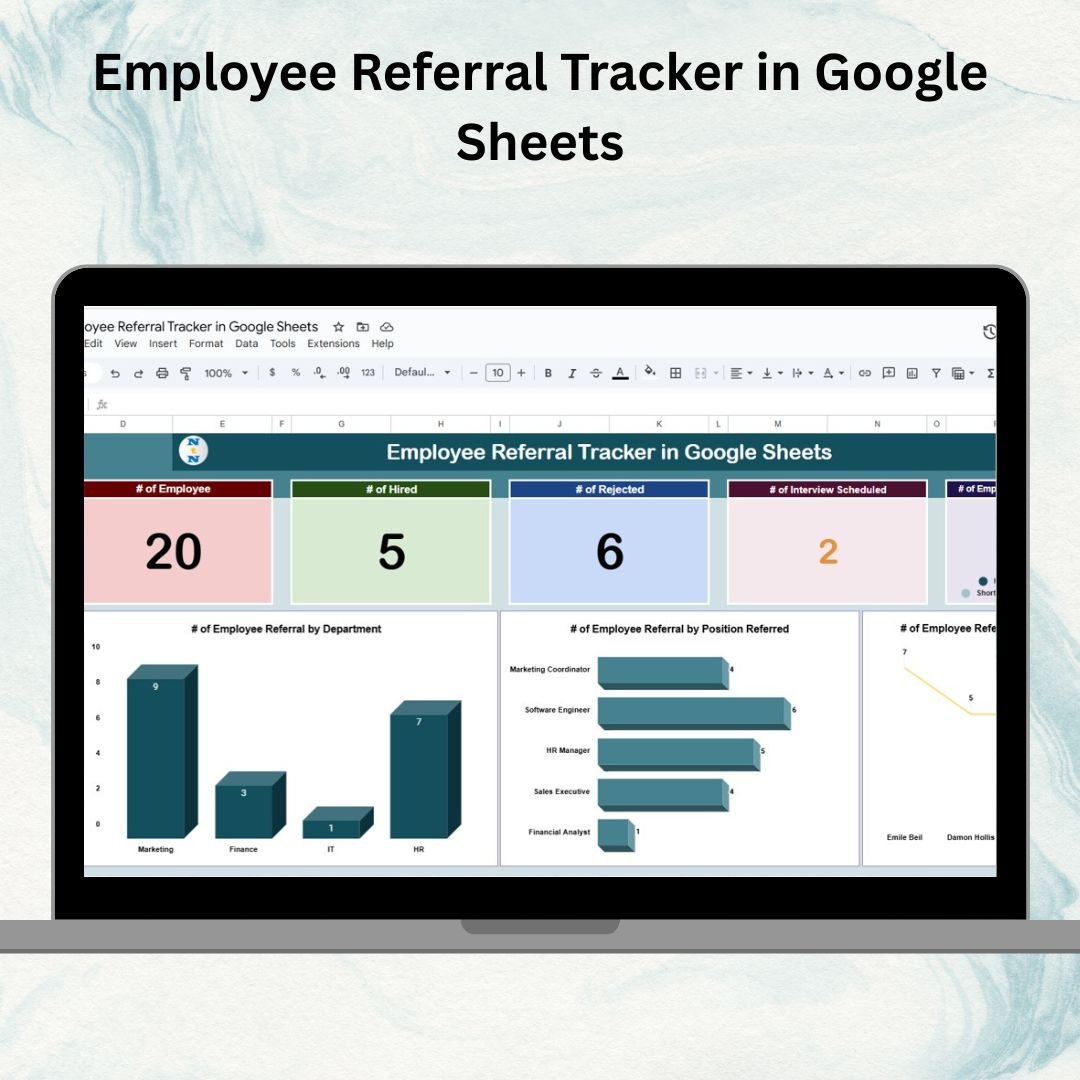

Employee referrals are one of the most effective ways to attract high-quality candidates. They help reduce hiring costs, shorten recruitment cycles, and improve employee retention. But managing referrals manually can become messy and error-prone. That’s why we’ve built the Employee Referral Tracker in Google Sheets — a structured, ready-to-use tool designed to simplify and organize your referral program. 🚀
This tracker helps HR teams and managers monitor referral activities, visualize key metrics with interactive charts, and track candidate status in real time. Whether you’re a startup or a large enterprise, this template ensures complete visibility into referral programs, making hiring decisions easier and smarter.
🔑 Key Features of Employee Referral Tracker
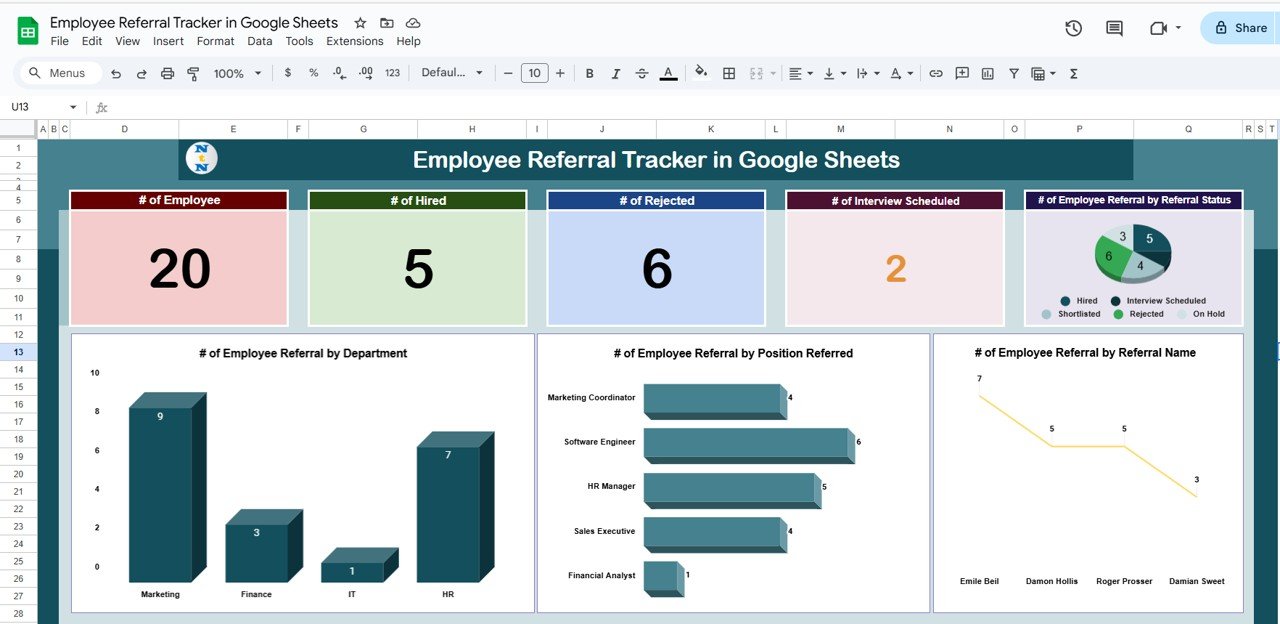
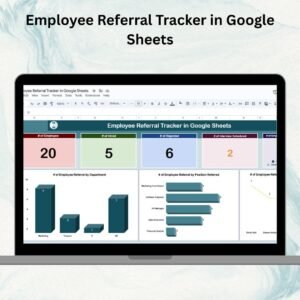
📊 Tracker Sheet Tab – Dashboard View
Dynamic Cards for quick insights:
of Employees (who made referrals)
of Hired candidates
of Rejected candidates
of Interview Scheduled
Interactive Charts to visualize:
Referrals by Status (Pending, Interview Scheduled, Hired, Rejected)
Referrals by Department
Referrals by Position
Referrals by Referral Name (employee performance in referrals)
This sheet gives HR managers a bird’s-eye view of the referral process and highlights patterns that matter.
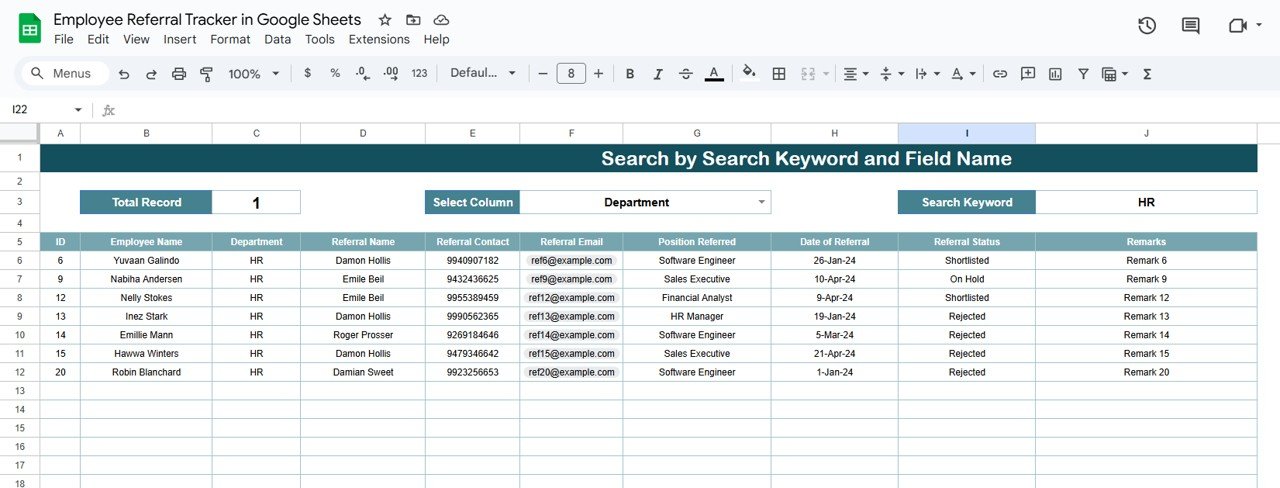
🔍 Search Sheet Tab – Quick Access
Search by Employee Name, Referral Name, or Position Referred
Filter instantly to locate specific records without scrolling endlessly
Saves time and simplifies follow-ups
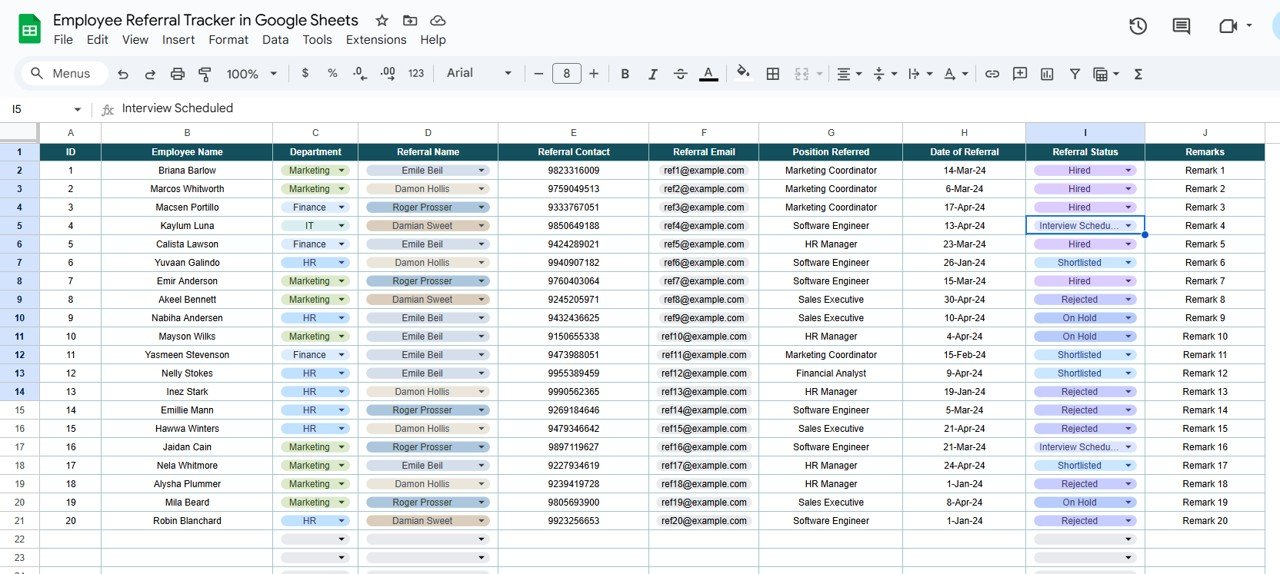
📋 Data Sheet Tab – Centralized Input
Capture all referral details including:
Referral ID
Employee Name & Department
Candidate (Referral) Name + Contact Info
Position Referred
Date of Referral
Referral Status (Pending / Interview Scheduled / Hired / Rejected)
Remarks
This structured database ensures accuracy and drives the dashboard.
📦 What’s Inside the Employee Referral Tracker?
When you download this Google Sheets tracker, you’ll get:
✅ Tracker Sheet Tab – Summary cards + interactive charts
✅ Search Sheet Tab – Instant search functionality
✅ Data Sheet Tab – Input all candidate details
✅ Pre-Filled Sample Data – For easy understanding
✅ Customizable Layout – Adapt to your company’s referral process
✅ Automated Insights – Real-time charts and cards update as you enter data
🧠 How to Use the Employee Referral Tracker
Add Referrals – Enter new referral details in the Data Sheet Tab
Track Status – Update statuses (Pending, Interview Scheduled, Hired, Rejected)
Search Quickly – Use the Search Tab to find specific employees or candidates
Monitor Insights – Review the Tracker Tab for visual analytics
Promote Engagement – Encourage employees by showcasing top contributors
Archive Past Referrals – Keep historical records for reporting and analysis
👥 Who Can Benefit from This Tracker?
HR Teams – Streamline and centralize referral programs
Recruitment Managers – Track performance of departments and employees
Executives – Gain visibility into referral-driven hiring success
Startups & SMEs – Improve hiring efficiency without costly tools
Large Enterprises – Manage hundreds of referrals across teams seamlessly
⭐ Advantages of Using the Employee Referral Tracker
📑 Centralized Records – All referrals in one place
⏱ Real-Time Updates – Track candidate progress instantly
📊 Visual Insights – Charts show status, positions, departments, and more
🧑🤝🧑 Accountability – Identify top contributors to referral programs
🛠 Customizable – Adapt to suit your organization’s needs
🤝 Collaboration-Friendly – Multiple HR members can update simultaneously
💡 Data-Driven Decisions – Improve hiring strategies with referral trends
🔗 Click here to read the Detailed blog post
Watch the step-by-step video Demo:
🔗 Visit our YouTube channel to learn step-by-step video tutorials
Compatibility and Requirements
- Works in Google Sheets with a free Google account and a web browser. Nothing to install.
- Several HR team members can update the file at the same time. Charts are standard Google Sheets charts; Google explains them in Add & edit a chart or graph.
Frequently Asked Questions
Which tabs are in the Employee Referral Tracker?
Three: Tracker (summary cards and charts), Search and Data. The download also includes sample data so you can see how it works.
What does the Tracker tab show?
Cards for the number of employees who made referrals, hired candidates, rejected candidates and interviews scheduled, plus charts of referrals by status, department, position and referral name.
What referral statuses can I use?
Pending, Interview Scheduled, Hired and Rejected. Update the status on the Data tab and the cards and charts change with it.
How do I find one referral quickly?
Use the Search tab to look up records by employee name, referral name or position referred.
Is there an Excel version?
Yes. The Employee Referral Tracker in Excel covers the same referral log for Excel users.
Related Recruitment Templates
- Employee Referral Tracker in Excel: the Excel edition.
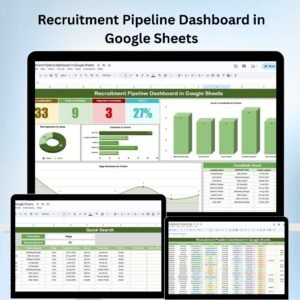
- Recruitment Pipeline Dashboard in Google Sheets: follow every candidate in your hiring pipeline.
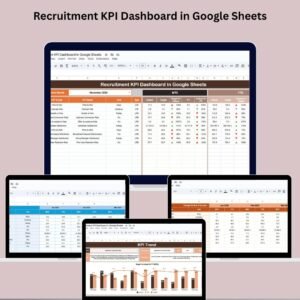
- Recruitment KPI Dashboard in Google Sheets: hiring KPIs against targets.
- Recruitment Calendar in Google Sheets: schedule interviews and hiring events.
- HR Google Sheets Pack: 10 HR templates in Google Sheets.
Browse all Google Sheets tracker templates or the Google Sheets HR and Payroll templates.






Reviews
There are no reviews yet.