

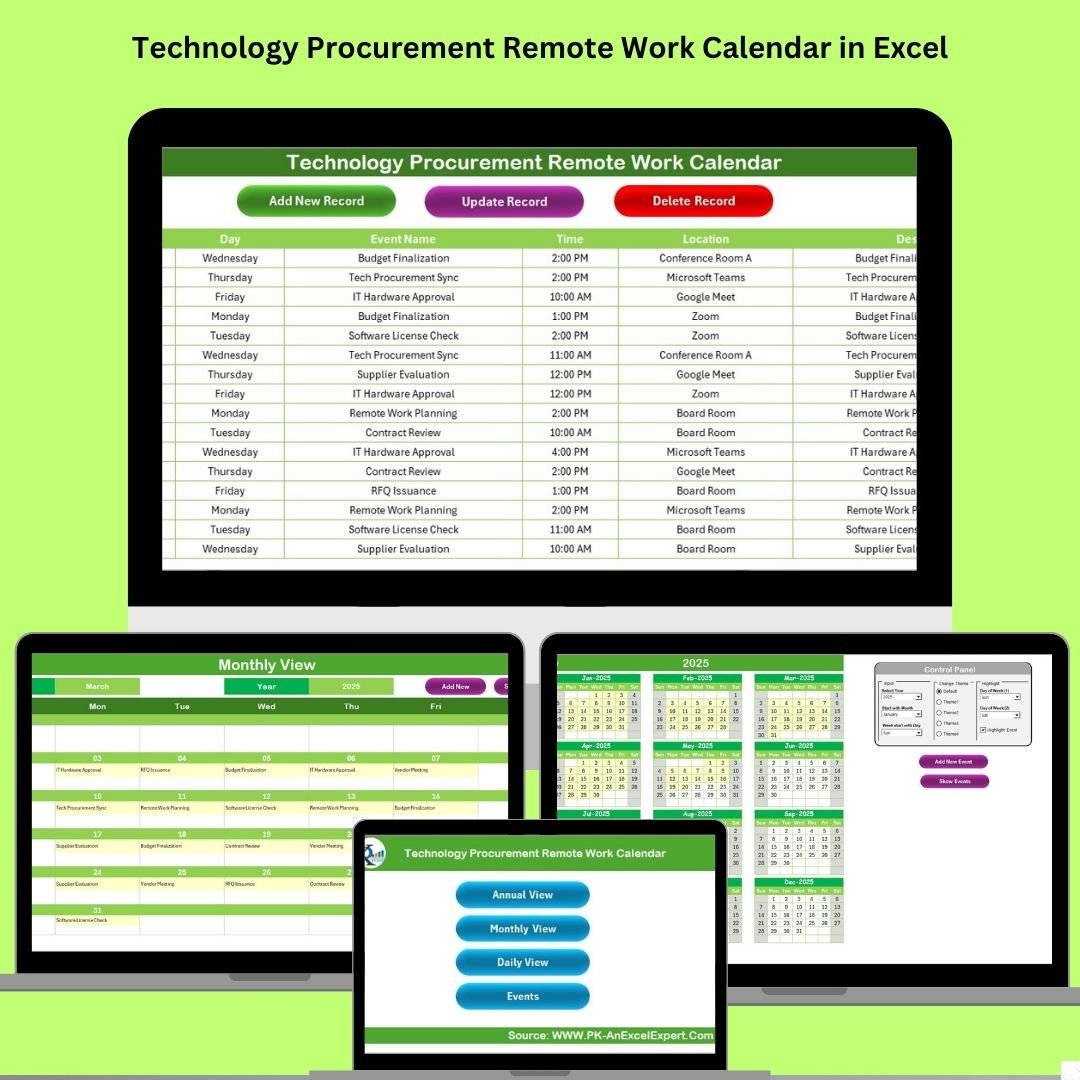

Managing vendor schedules, procurement milestones, and remote team coordination can feel like juggling too many balls at once. The Technology Procurement Remote Work Calendar in Excel brings structure, clarity, and automation to your remote work scheduling. Built entirely in Excel with no coding required, this dynamic calendar template is designed to streamline how technology procurement teams operate in hybrid or fully remote environments.
With built-in event tracking forms, annual, monthly, and daily calendar views, and dropdown-based filtering, this calendar empowers procurement managers and IT professionals to stay organized, on schedule, and in sync with their teams and vendors.
📌 Key Features
🏠 1. Home Sheet
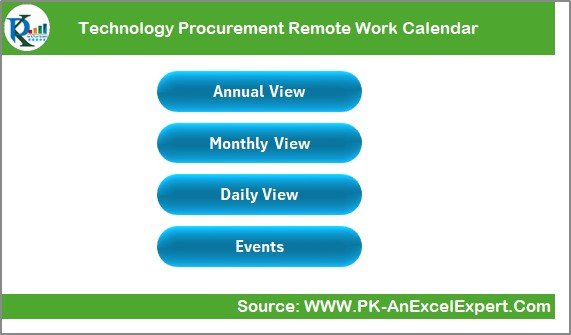
A user-friendly navigation hub with quick buttons that jump to:
Annual View
Monthly View
Daily View
Events Log
Everything is one click away—no need to search manually.
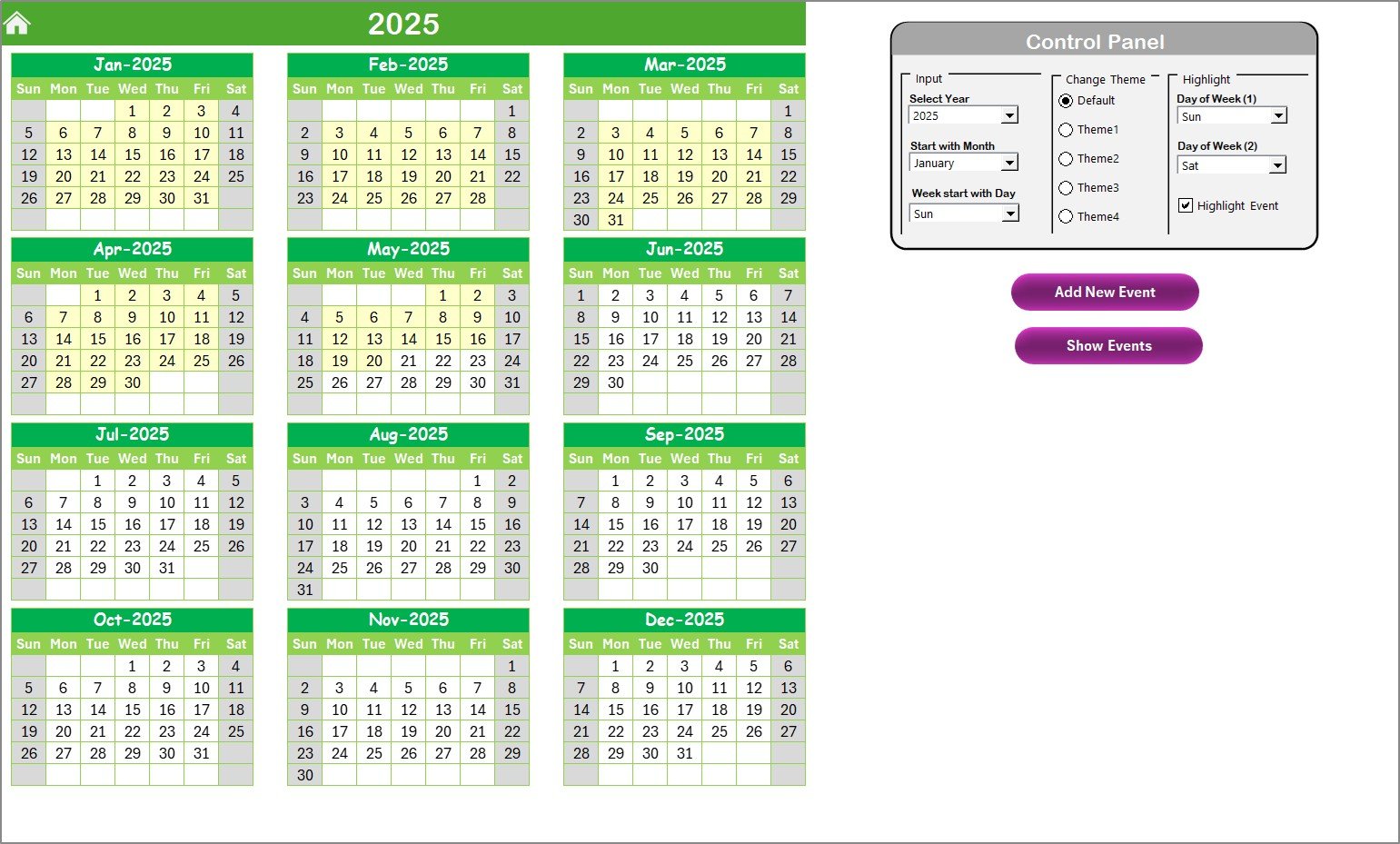
📅 2. Annual View Sheet
Displays a 12-month calendar for the selected year. Customize with:
Starting month and weekday
Theme selection from 5 pre-designed color palettes
Highlight weekends or custom days
Highlight all events with a checkbox
Includes buttons to Add Event or View Events with a single click.
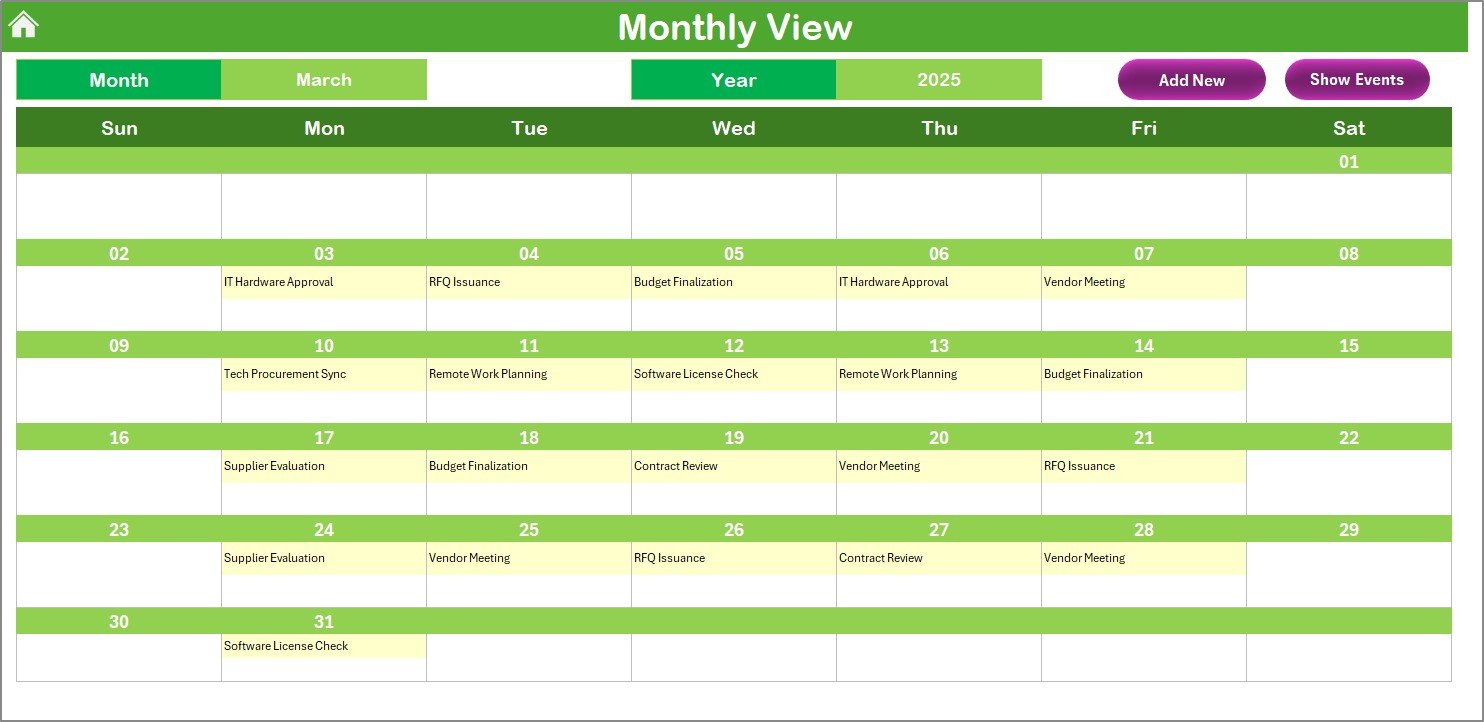
📆 3. Monthly View Sheet
Zoom in on a selected month and year.
Shows the first event per date by default
Displays “more than 1…” if multiple events exist
Add or view events directly from the monthly calendar
📋 4. Daily View Sheet
Filter events between any Start Date and End Date.
All upcoming tasks listed in a clear table
Easily spot weekly goals and urgent deadlines
Includes Add Event button for real-time updates
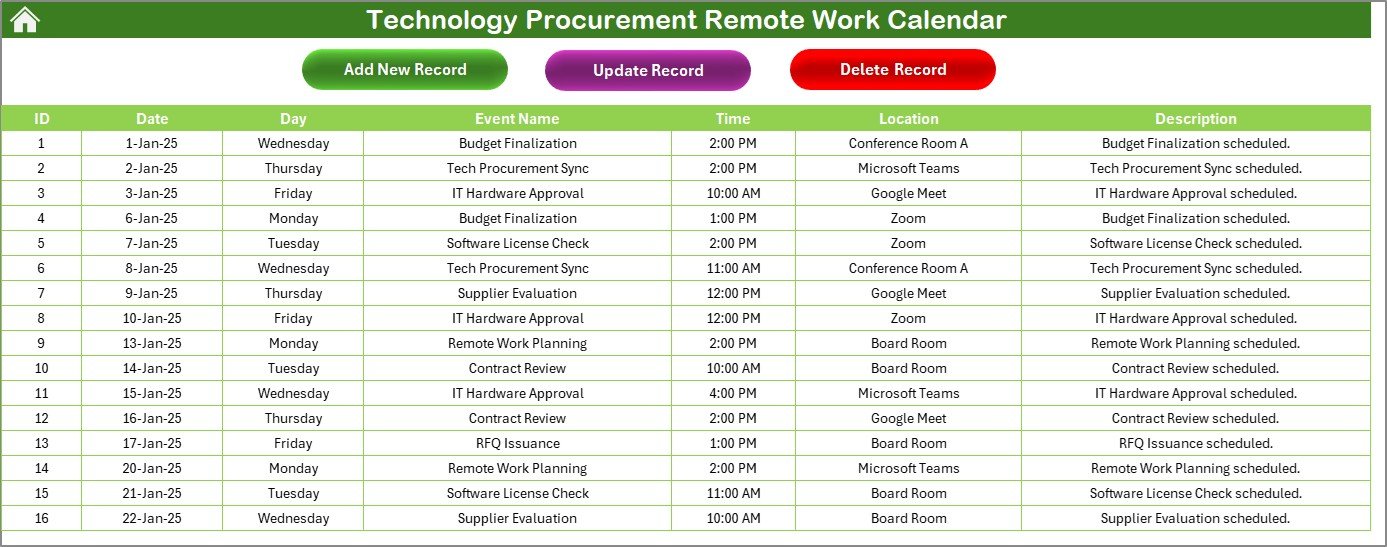
📂 5. Events Database Sheet
A structured backend log to store all task data, including:
Auto-generated Event ID
Date, Day, Time
Event Name, Location, Description
Form-based automation for:
Adding events
Updating event records
Deleting entries safely
🌟 Advantages
📅 Centralized Scheduling – Manage vendor tasks, procurement milestones, and remote team availability all in one place
⚡ Time-Saving Interface – Interactive forms let you add or edit events in seconds
🎨 Customizable Themes – Choose colors, start days, and highlights to match your workflow
📊 Multi-View Flexibility – Switch between annual, monthly, and daily layouts instantly
🔐 Built for Remote Teams – Helps coordinate hybrid teams with full visibility on schedules and vendor actions
👥 Perfect For:
IT Procurement Managers
Remote & Hybrid Teams
Technology Coordinators
Small IT Firms & Enterprise Buyers
Vendor Management Professionals
✅ Best Practices
Start with the Control Panel in the Annual View
Use the Add Event button for every new task
Check the Daily View regularly for weekly planning
Avoid manual edits to the database—use built-in forms
Back up your file frequently to prevent data loss
🛠 How to Customize It
Add fields like Vendor Name, Invoice Number, or Assigned To
Use conditional formatting to highlight priority events
Apply filters to sort by task category or vendor
Built in Excel, this template is fully customizable without any additional tools.
📂 What’s Included?
Excel Template (.xlsm) with built-in macros and automation
5 functional sheets (Home, Annual, Monthly, Daily, Event Log)
Easy-to-use buttons and dropdowns
Auto-refreshing views
Color-coded highlights and event filters
🙋 Frequently Asked Questions (FAQs)
Q1: Do I need Excel expertise to use this calendar?
Not at all! Everything is button-driven—no coding needed.
Q2: Can I highlight specific holidays or custom dates?
Yes, you can use the control panel to highlight any two weekdays or all event dates.
Q3: Is the calendar shareable?
Absolutely. Share via email, Teams, or cloud storage. Macros must be enabled.
Q4: Can this be used for other teams like HR or Marketing?
Yes, it’s fully flexible and can be repurposed for any task or event planning.
Q5: What Excel version is required?
Microsoft Excel 2016 or later with macros enabled.
🎥 Watch the full walkthrough here:
youtube.com/@PKAnExcelExpert
Watch the step-by-step video tutorial:
Compatibility and Requirements
- Works in Microsoft Excel desktop on Windows (Excel 2016 or later, or Microsoft 365) with macros enabled. It does not run in Excel for the web, Google Sheets or mobile apps.
- The Add Event, Update and Delete forms run on macros. Microsoft explains how to turn them on in Enable or disable macros in Microsoft 365 files.
Related Remote Work Calendars
- Procurement Remote Work Calendar in Excel: the same calendar for general procurement teams
- Technology Operations Remote Work Calendar in Excel: for technology operations teams
- Technology IT Remote Work Calendar in Excel: for IT staff working remotely
- Technology Logistics Remote Work Calendar in Excel: for technology logistics scheduling
- Calendar & Planner Pack: 12 Excel and Google Sheets calendar and planner templates in one download
Browse all Excel calendar templates.

































Reviews
There are no reviews yet.