

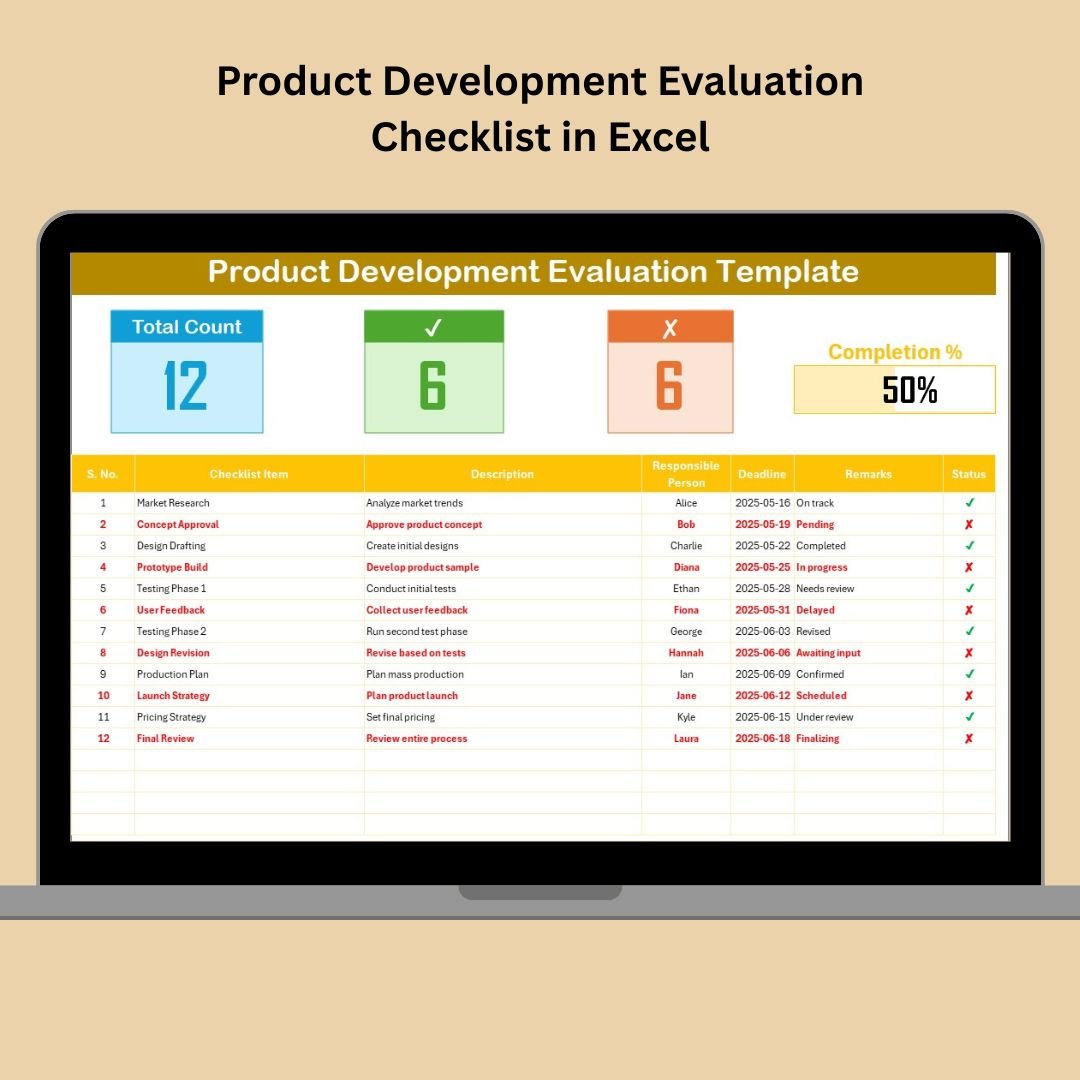
Bringing a new product to life takes more than creativity—it requires planning, tracking, and execution across multiple stages. Whether you’re building a physical product or a digital app, the Product Development Evaluation Checklist in Excel helps your team stay organized, accountable, and on time.
This ready-to-use Excel template transforms your chaotic to-do lists into a structured, collaborative roadmap. From idea validation to product launch, track progress with status symbols, real-time updates, and visual dashboards—all without the need for expensive software.
✨ Key Features of Product Development Evaluation Checklist in Excel
🧾 Dashboard Cards for Quick Glance
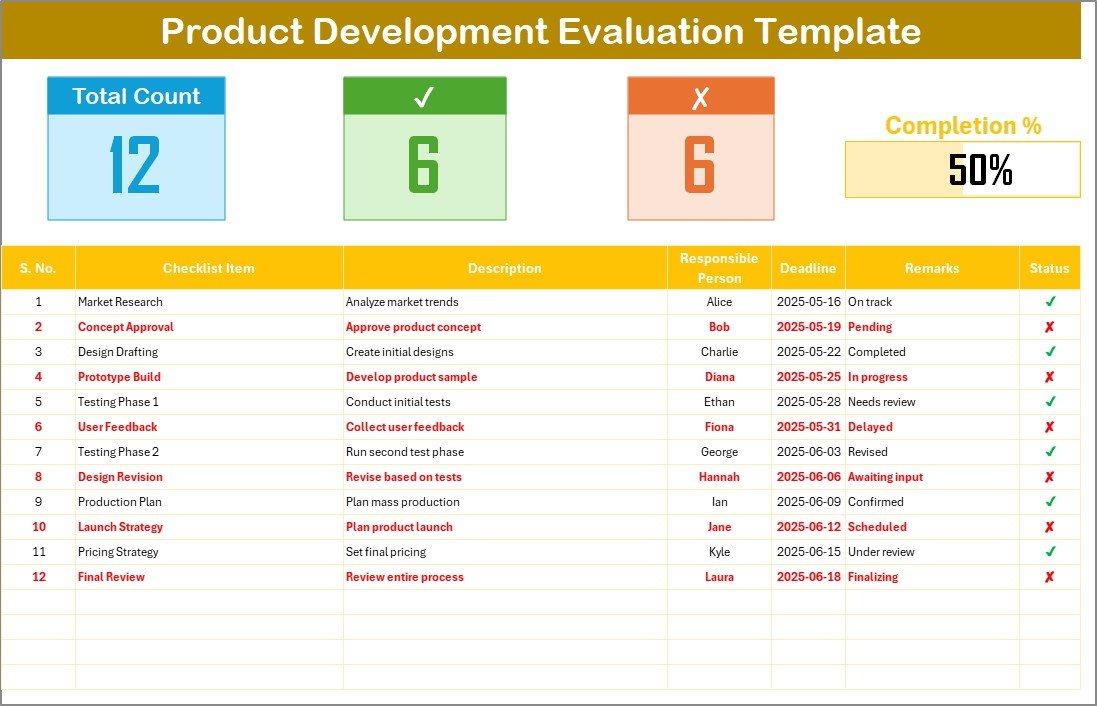
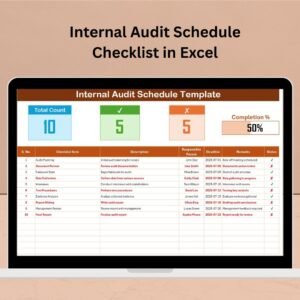
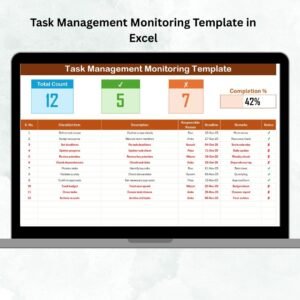
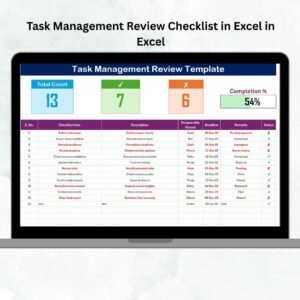
The top of the sheet includes visual indicators to monitor overall progress:
✅ Total Tasks
✔ Completed Tasks Count
✘ Incomplete Tasks Count
📊 Progress Bar — Auto-calculates % completion as tasks are marked
Stay aligned without manually counting checkboxes!
📋 Structured Checklist Table
This is your primary workspace, containing:
Serial Number (auto-generated)
Checklist Item & Description
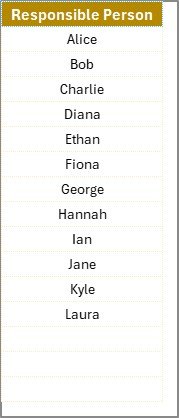
Responsible Person (from dropdown)
Deadline & Remarks
Status Column (✔ for done, ✘ for pending)
Perfect for planning stages like Design, Prototyping, Testing, and Launch.
📄 List Sheet for Responsible Team Members
Manage a clean dropdown of names in the List Sheet. This prevents spelling mistakes and keeps assignments consistent.
Update the list once, and it’s available throughout the checklist instantly!
📦 What’s Inside the Template?
📊 Checklist Tab – Task list with status, responsibility, deadlines & progress tracker
🧑🤝🧑 List Tab – Reference list of responsible persons used in dropdowns
✅ ✔ / ✘ Status-Driven Tracker – Visual and automated, no formulas required
🎯 Progress Bar – Live percentage display of task completion
🧩 Fully Customizable – Add columns like Budget, Priority, or Notes as needed
🛠 How to Use the Checklist Effectively
Define Key Milestones
List main stages like Research, Design, Testing, and Launch.Break Them Into Tasks
Add granular checklist items for each phase—like “Design Prototype” or “Conduct User Survey”.Assign Team Members
Use dropdowns to assign responsibility. Every task should have an owner.Set Practical Deadlines
Enter due dates for each item to track timelines with discipline.Update Status
Use ✔ for completed, ✘ for pending. This updates your dashboard cards automatically.Review Weekly
Use review meetings to update statuses and remove blockers.
👥 Who Can Use This Template?
✅ Startups & Entrepreneurs – Manage lean product cycles efficiently
✅ Product Managers – Monitor tasks, deadlines, and ownership in one place
✅ Engineering Teams – Break down technical deliverables with clear tracking
✅ Marketing Departments – Use it for campaign or launch planning
✅ Freelancers & Consultants – Keep product clients informed and aligned
No matter your industry, this Excel checklist can be customized for your process.
📘 Click here to read the Detailed blog post
🎥 Visit our YouTube channel to learn step-by-step video tutorials



























Reviews
There are no reviews yet.