



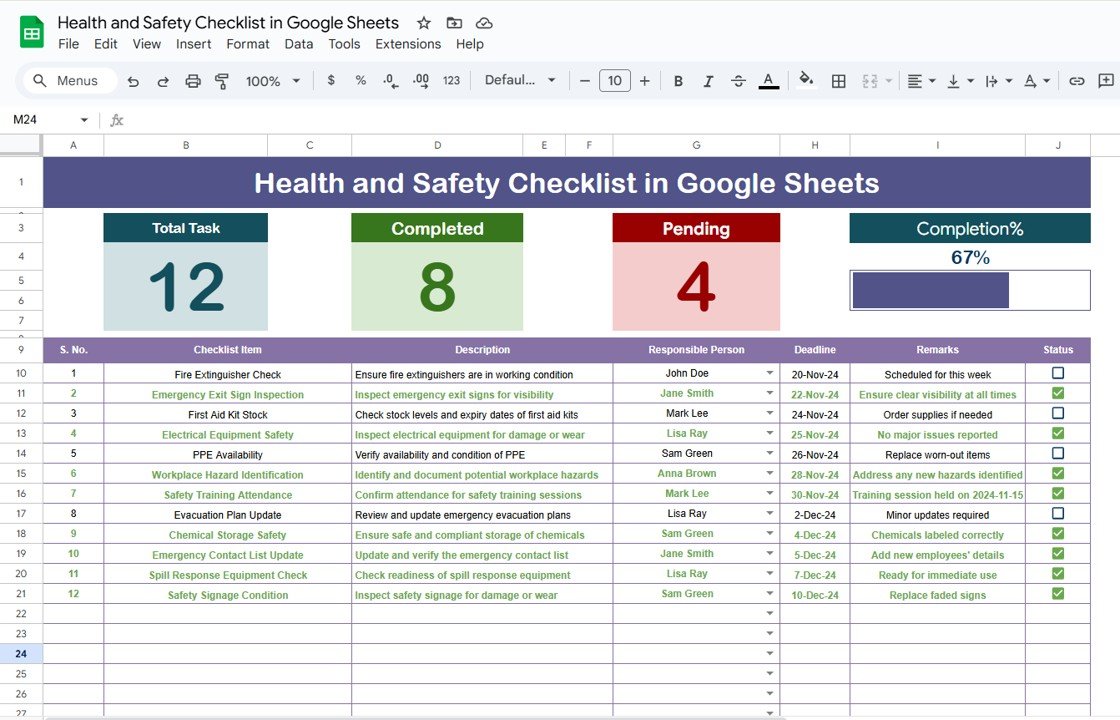
The Health and Safety Checklist in Google Sheets is an essential tool for organizations looking to monitor and maintain their workplace safety standards. This checklist helps ensure that safety protocols are followed, hazards are identified, and compliance is achieved, all within an easy-to-use platform. Google Sheets provides the flexibility to customize, track, and update safety tasks in real-time, ensuring that your workplace remains safe and compliant with all necessary regulations.
By using Google Sheets, you can easily share and collaborate with team members, making it simple to track the completion of safety tasks and monitor ongoing compliance.
Key Features of the Health and Safety Checklist in Google Sheets
📋 Customizable Checklist Items
Tailored Safety Categories: Customize the checklist to include various safety categories specific to your workplace, such as emergency procedures, equipment maintenance, and risk assessments.
Dynamic Data Entry: Quickly input and update checklist items to reflect the most current safety protocols, ensuring real-time tracking and compliance.
📊 Interactive Data Visualization
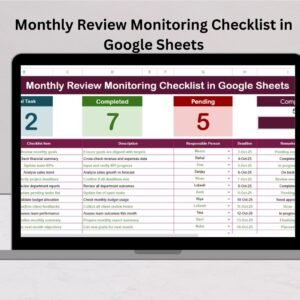
Progress Tracking: Use conditional formatting to visually track the completion status of each checklist item, allowing for immediate identification of pending or completed tasks.
Comprehensive Charts and Graphs: Represent safety data through bar charts, pie charts, and line graphs to identify trends in safety compliance and monitor overall performance.
💻 Real-Time Collaboration and Accessibility
Multi-User Collaboration: Share the checklist with team members, enabling multiple users to update and track safety tasks simultaneously, fostering collaboration and ensuring data accuracy.
Cloud-Based Access: Access and update the checklist from any device with internet connectivity, ensuring that your team can stay on top of safety tasks from anywhere.
🛠 Automated Calculations and Reporting
Built-In Formulas: Automate safety tracking tasks with Google Sheets’ functions to calculate completion percentages, identify areas that need improvement, and save time by reducing manual errors.
Scheduled Reporting: Set up automated email notifications and reports to keep stakeholders informed about the status of health and safety compliance.
Benefits of Using Google Sheets for Health and Safety Tracking
✅ Cost-Effective Solution
Google Sheets is a free, powerful tool that allows your organization to manage and track health and safety tasks without additional software costs.
✅ User-Friendly Interface
The simple and intuitive design makes it easy for users of all skill levels to effectively manage and monitor safety compliance, ensuring ease of use across your team.
✅ Scalable and Flexible
As your organization grows or safety requirements change, the checklist can be easily adjusted to accommodate new tasks, regulations, and compliance standards.
Getting Started with Your Health and Safety Checklist in Google Sheets
Define Safety Protocols: Identify the safety protocols and regulations that apply to your workplace, such as OSHA standards or specific industry guidelines.
Develop Checklist Items: Create specific tasks under each safety category, ensuring that all areas of workplace safety are covered, from fire safety to personal protective equipment (PPE).
Assign Responsibilities: Designate team members to each safety task to ensure accountability and clear ownership of health and safety duties.
Set Deadlines: Establish deadlines for completing each safety task to ensure that your workplace remains compliant and safe.
Monitor and Update: Regularly review and update the checklist to stay aligned with evolving safety standards, regulatory changes, or internal policies.
By implementing a Health and Safety Checklist in Google Sheets, your organization can streamline safety compliance, enhance collaboration, and maintain a safe working environment for all employees.
Click here to read the Detailed blog post
Health and Safety Checklist in Google Sheets
Visit our YouTube channel to learn step-by-step video tutorials
YouTube.com/@PKAnExcelExpert
Watch the step-by-step video Demo:
Compatibility and Requirements
- Works in Google Sheets. You need a free Google account and a web browser.
- Progress tracking uses conditional formatting, and the page describes bar, pie and line charts. Google explains how to build charts in Add and edit a chart or graph.
Frequently Asked Questions
What can I track with this checklist?
You can track safety tasks in categories such as emergency procedures, equipment maintenance and risk assessments. You can also add your own categories and tasks.
Can several people update it at once?
Yes. Share the Google Sheet with your team and several users can update safety tasks at the same time.
How do I see which tasks are done?
Conditional formatting shows the completion status of each item, so pending and completed tasks are easy to spot. Built-in formulas calculate completion percentages.
Can I adjust it to my workplace rules?
Yes. You can edit categories, tasks, responsibilities and deadlines to match standards such as OSHA or your own industry guidelines.
Is there an Excel version?
Yes. See the Health and Safety Checklist Template in Excel.
Related Health and Safety Templates
- Health and Safety Checklist Template in Excel: the same checklist in Excel
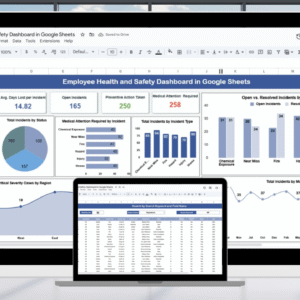
- Employee Health and Safety Dashboard in Google Sheets: a dashboard view of safety data
- Health & Safety Compliance Calendar in Google Sheets: schedule compliance tasks
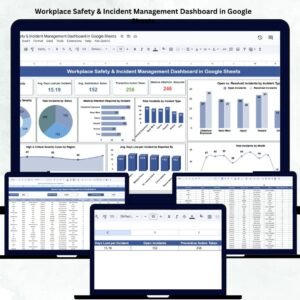
- Workplace Safety & Incident Management Dashboard in Google Sheets: track incidents
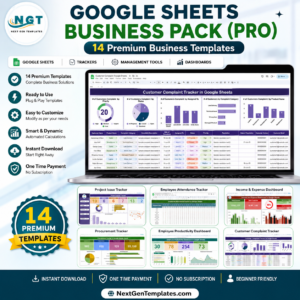
- Google Sheets Business Pack (Pro): 14 business templates in one download
Browse all Google Sheets checklists.











Reviews
There are no reviews yet.