

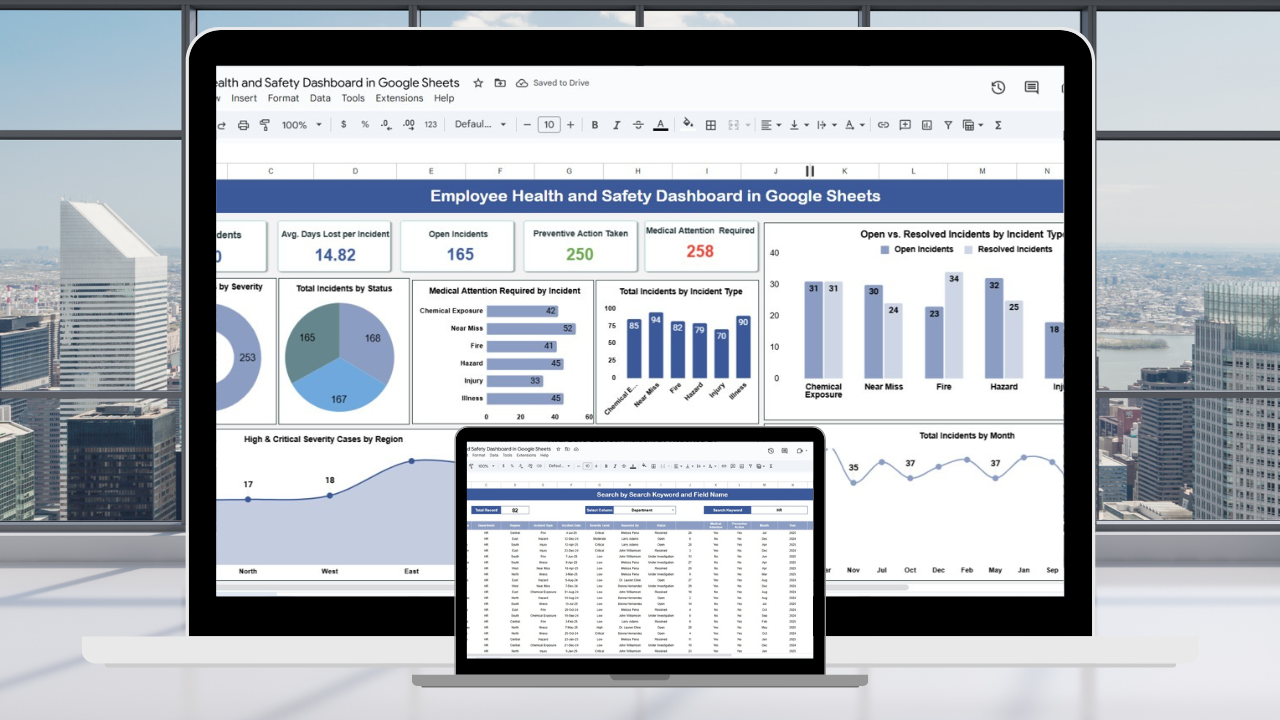

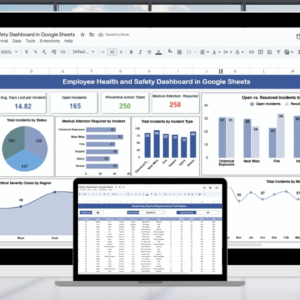
Creating and maintaining a safe workplace is one of the most important responsibilities for every organization. From monitoring workplace incidents to analyzing safety trends, proactive tracking helps protect employees while ensuring compliance with regulations. The Employee Health and Safety Dashboard in Google Sheets provides a ready-to-use, collaborative, and data-driven solution that enables HR teams and safety managers to stay on top of health and safety performance. 📊🛡️
This interactive dashboard brings all your safety data into visual cards, charts, and reports, helping you track incidents, identify risks, and measure preventive actions. Whether you want to monitor severity levels, resolve open cases faster, or assess regional safety trends, this tool makes the process simple and efficient. ✅
🔑 Key Features of the Employee Health and Safety Dashboard
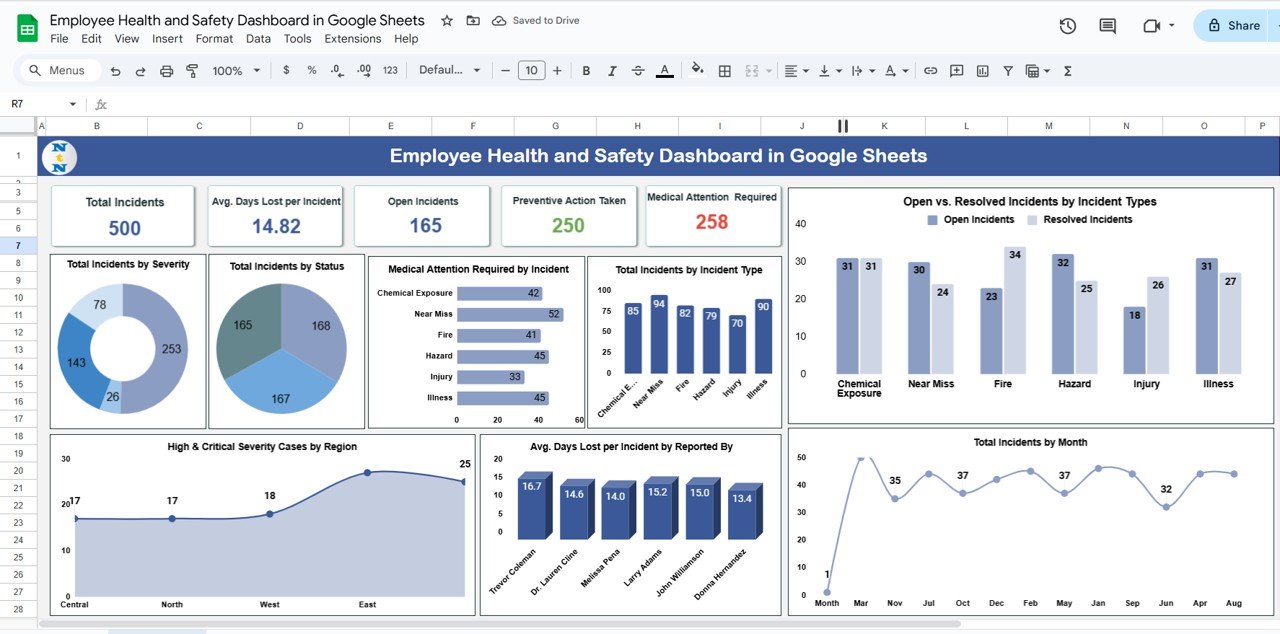
📋 Dashboard Sheet Tab
Cards that highlight essential metrics:
Total Incidents
Avg. Days Lost per Incident
Open Incidents
Preventive Actions Taken
Medical Attention Required
Interactive charts for deeper insights:
Incidents by Severity Level (low, medium, high, critical)
Incidents by Status (open, resolved, in-progress)
Medical Attention Required by Incident
Incidents by Type (slip, fall, machinery, etc.)
Open vs. Resolved Incidents by Type
Monthly Trends of Incidents
Avg. Days Lost per Incident by Reported By
High & Critical Cases by Region
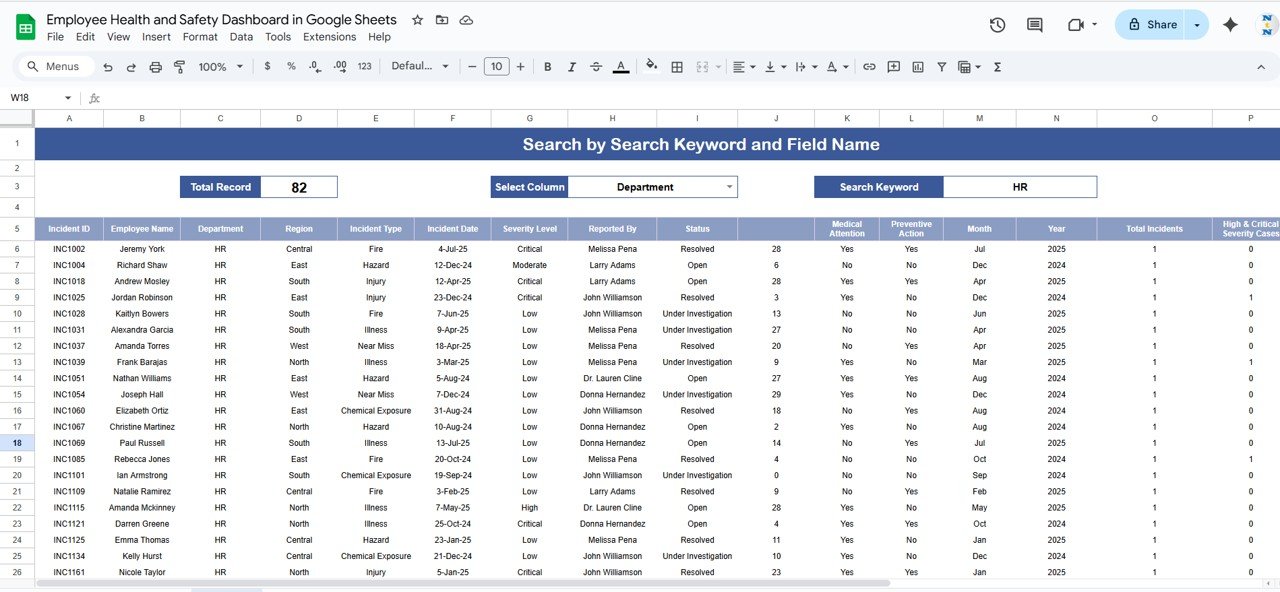
🔍 Search Functionality
Quickly locate incidents using keywords or field names
Saves time in analyzing cases by department, region, or incident type
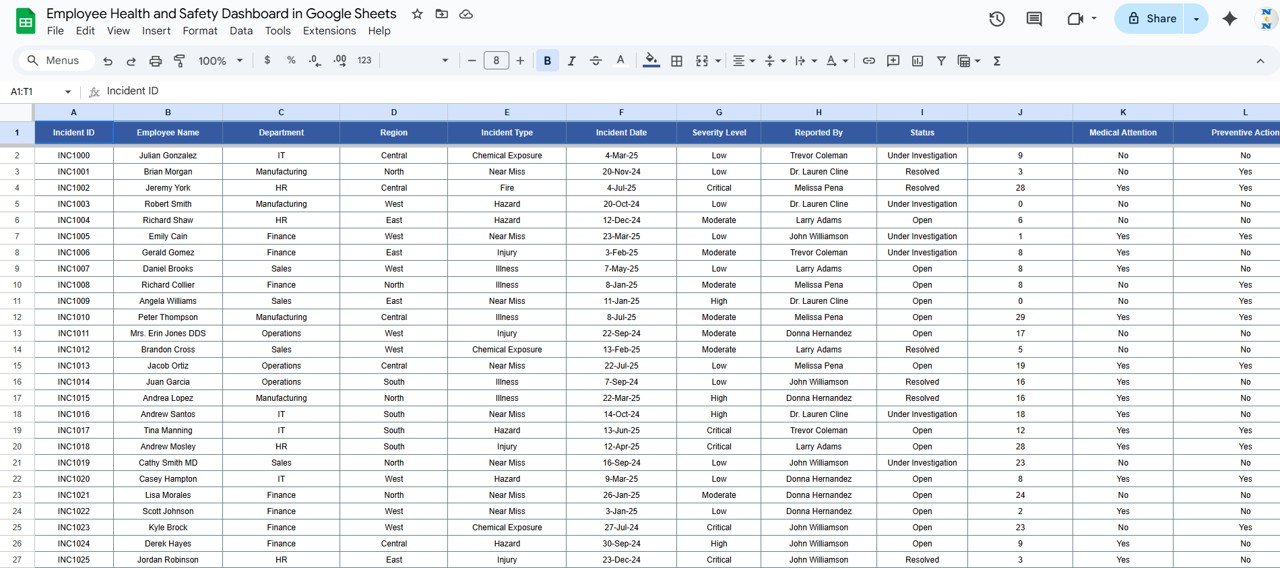
📑 Data Sheet Tab
Structured data entry for recording every incident
Captures details such as date, severity, type, location, status, preventive actions, and medical attention
Auto-updates the dashboard for real-time tracking and reporting
📦 What’s Inside the Dashboard?
When you download this template, you’ll get:
✅ Dashboard Sheet – High-level safety overview with cards & charts
✅ Data Sheet Tab – Structured data entry for incident details
✅ Search Feature – Easy retrieval of incident records
✅ Pre-filled Sample Data – To help you get started instantly
✅ Auto-Linked Visuals – Charts update automatically with new entries
✅ Customizable Setup – Adjust severity levels, categories, or regions to fit your policies
🧑💼 Who Can Benefit from This Dashboard?
🎯 HR Teams – Monitor incident data and safety program effectiveness
🎯 Safety Managers – Track severity trends and preventive measures
🎯 Executives – Gain visibility into compliance and workplace safety risks
🎯 Large Enterprises – Manage safety records across multiple locations
🎯 SMEs & Startups – Affordable, simple, and scalable solution for safety tracking
🧪 How to Use the Employee Health and Safety Dashboard
Enter Incident Data – Record details in the Data Sheet
View Dashboard – Instantly access key safety metrics
Search & Filter – Quickly locate incidents with the built-in search function
Analyze Trends – Monitor monthly, departmental, or regional patterns
Take Action – Use insights to improve safety programs and reduce risks
This tool requires no coding or technical setup — just input your data and start monitoring workplace safety.
🌟 Why Choose This Dashboard?
Centralized incident and safety tracking
Real-time updates with automated charts
Visual analysis for quick decision-making
Proactive safety management with preventive tracking
Fully customizable to organizational needs
Collaborative access in Google Sheets
With the Employee Health and Safety Dashboard in Google Sheets, you’ll strengthen compliance, protect your workforce, and create a safer environment for everyone. 🌟
🔗 Click here to read the Detailed blog post
Watch the step-by-step video Demo:
🔗 Visit our YouTube channel to learn step-by-step video tutorials
Compatibility and Requirements
- Works in Google Sheets. You need a free Google account and a web browser.
- The dashboard uses Google Sheets charts. Google explains how they work in Add & edit a chart or graph.
Frequently Asked Questions
What does the Employee Health and Safety Dashboard show?
Cards show total incidents, average days lost per incident, open incidents, preventive actions taken and cases that needed medical attention. Charts break incidents down by severity, status, type, month and region.
Where do I enter incident records?
You record each incident on the Data sheet with its date, severity, type, location, status, preventive actions and medical attention. The dashboard updates from that sheet.
Can I find a single incident quickly?
Yes. The built-in search finds incidents by keyword or field name, for example by department, region or incident type.
Does it come with sample data?
Yes. The template includes pre-filled sample data so you can see how it works before you add your own records.
Related Health and Safety Templates
- Employee Health and Safety Dashboard in Excel: the same dashboard in Excel
- Employee Health and Safety Dashboard in Power BI: incident analysis in Power BI
- Health and Safety Checklist in Google Sheets: a safety checklist in Google Sheets
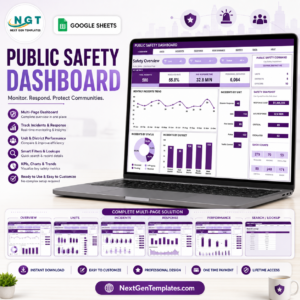
- Public Safety Dashboard in Google Sheets: safety tracking for public services
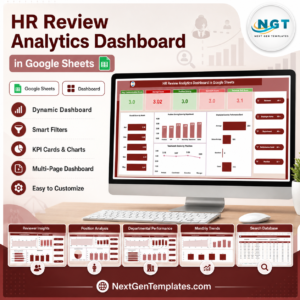
- HR Google Sheets Pack: a bundle of 10 Google Sheets HR templates
Browse all Google Sheets dashboards or the Google Sheets HR and payroll templates.

























Reviews
There are no reviews yet.