

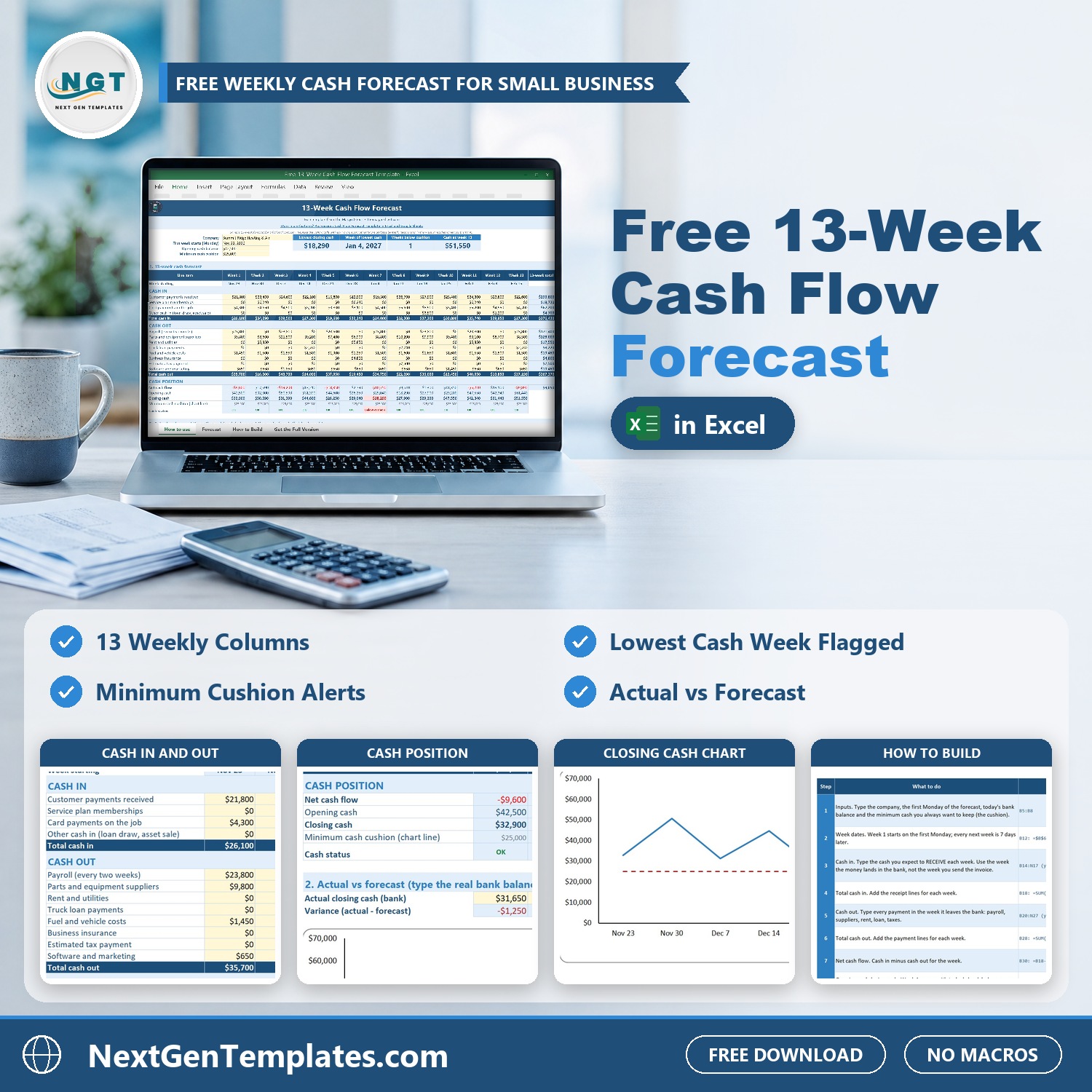
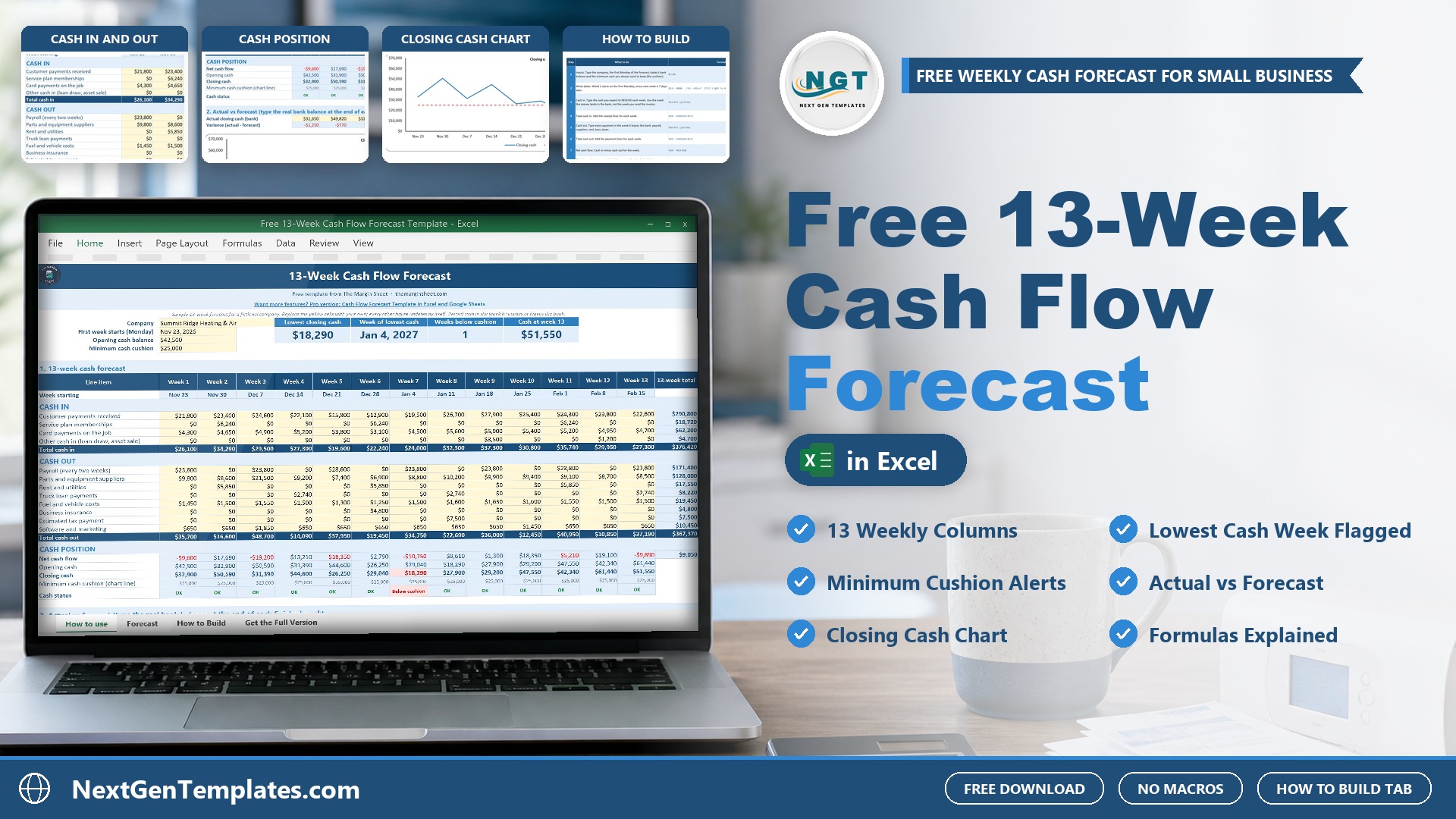
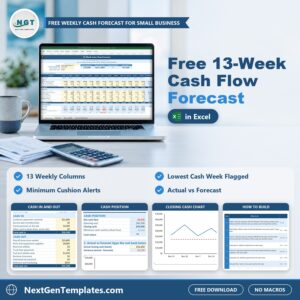
The Free 13-Week Cash Flow Forecast Template in Excel shows your cash week by week for the next 13 weeks on one sheet. Type the cash you expect to receive and the payments you expect to make in the week the money actually moves, and the template works out total cash in, total cash out, net cash flow, opening and closing cash for every week. It flags any week where closing cash drops below the minimum cushion you set, and a line chart shows closing cash against that cushion.
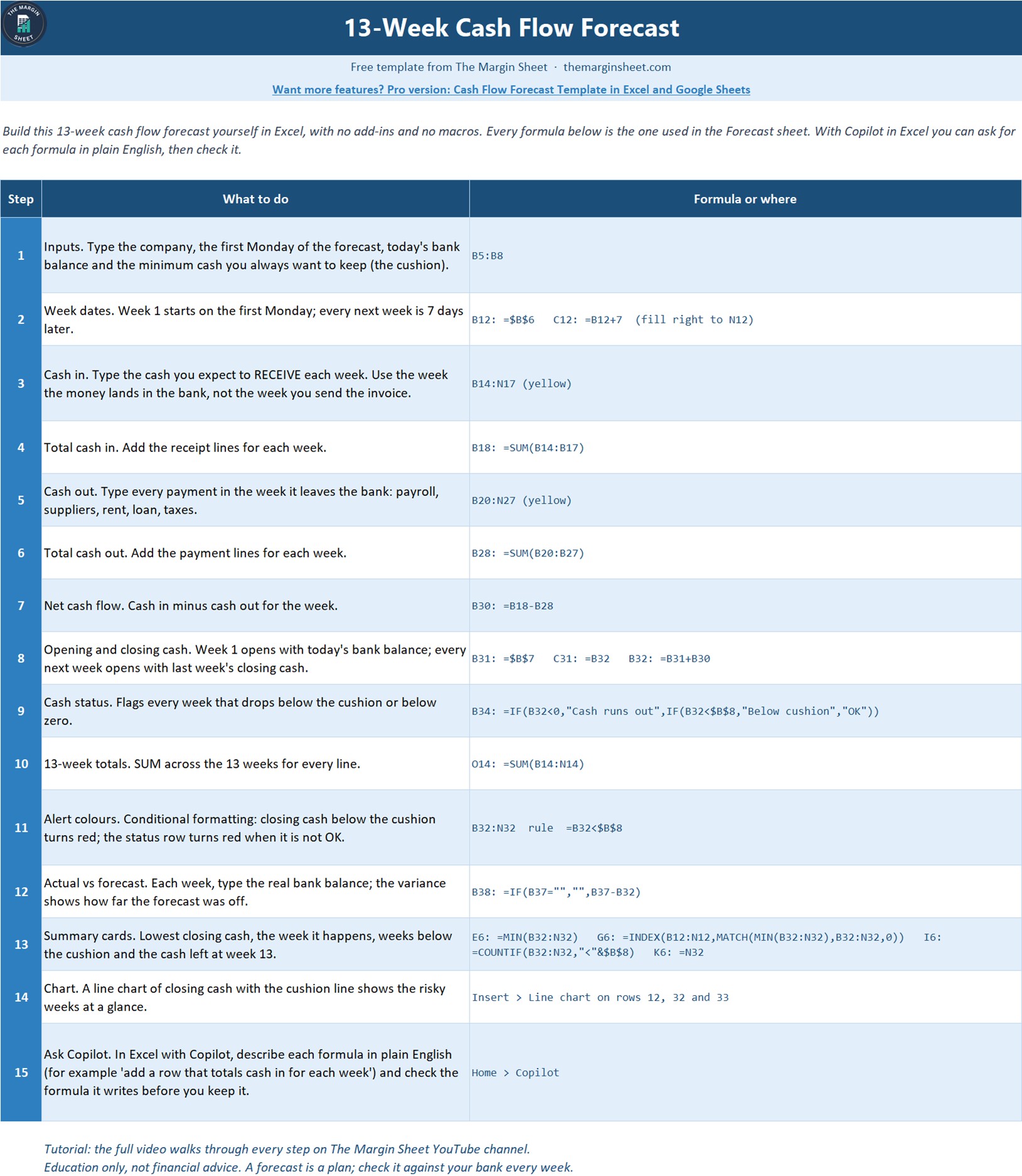
It is 100% free. This cash flow forecast template Excel file is the light version of our paid cash flow templates, and it comes with a How to Build sheet that lists every formula, so you can rebuild the 13 week cash flow forecast from a blank workbook and see how each number is made.
Free download | Works in any recent Excel | No add-ins or macros | 13 weekly columns
Key features of the 13 week cash flow template
- 13 weekly columns. Type the first Monday once and the week dates fill themselves, 7 days apart.
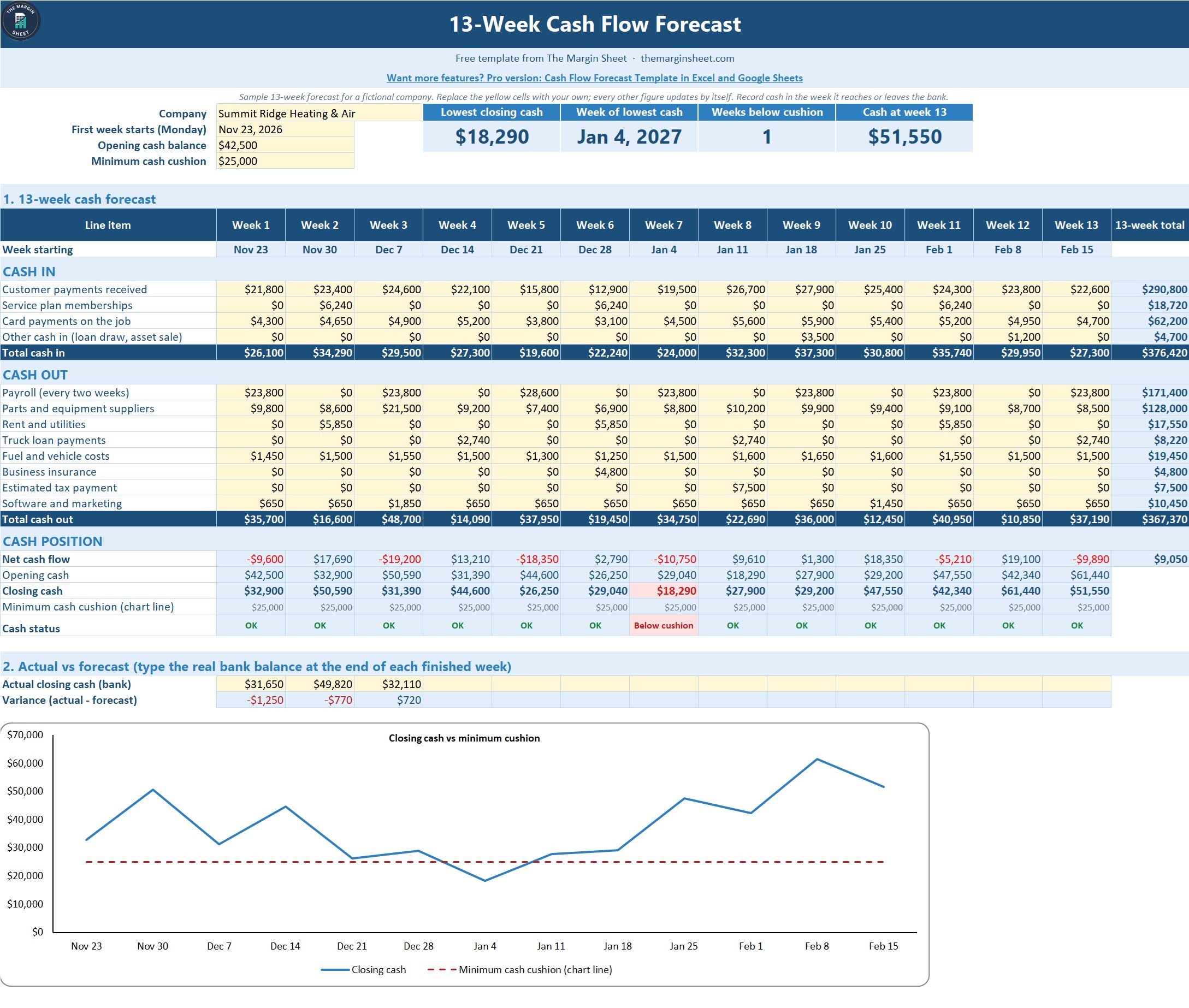
- Cash in and cash out lines. Customer payments, memberships, card payments and other cash in; payroll, suppliers, rent and utilities, loan payments, fuel, insurance, estimated tax and software on the cash out side. Rename any line to fit your business.
- Opening and closing cash. Week 1 opens with today’s bank balance and every next week opens with last week’s closing cash.
- Minimum cash cushion alerts. A status row says OK, Below cushion or Cash runs out, and closing cash below the cushion turns red.
- Summary cards. Lowest closing cash, the week it happens, the number of weeks below the cushion and the cash left at week 13.
- Actual vs forecast. Type the real bank balance at the end of each finished week and the variance shows how far the forecast was off.
- Closing cash chart. A line chart of closing cash with the cushion line shows the risky weeks at a glance.
What is inside the file
| Sheet | What it does |
|---|---|
| How to use | Short steps to fill in the forecast, plus good-to-know notes |
| Forecast | Inputs, summary cards, the 13-week cash forecast, cash position, actual vs forecast and the closing cash chart |
| How to Build | The 15 steps and every formula, so you can rebuild it from a blank sheet |
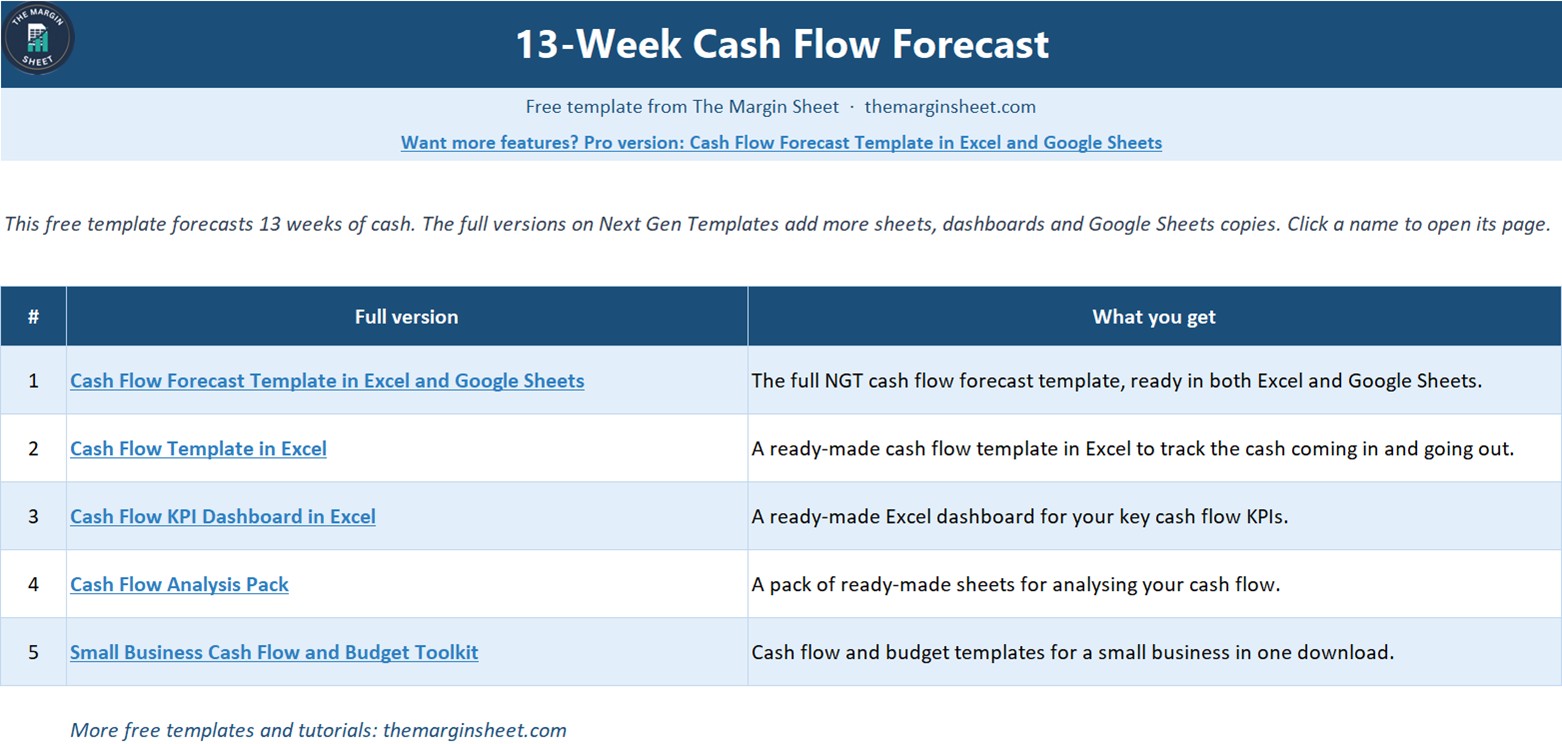
| Get the Full Version | Links to the paid cash flow templates when you need more |
The sample data is a fictional company, Summit Ridge Heating & Air, with 13 weeks starting Monday, November 23, 2026, an opening bank balance of $42,500 and a minimum cash cushion of $25,000. The forecast shows the lowest closing cash of $18,290 in the week of January 4, 2027, one week below the cushion, and $51,550 of cash at week 13. Replace the yellow cells with your own figures and everything else updates by itself.
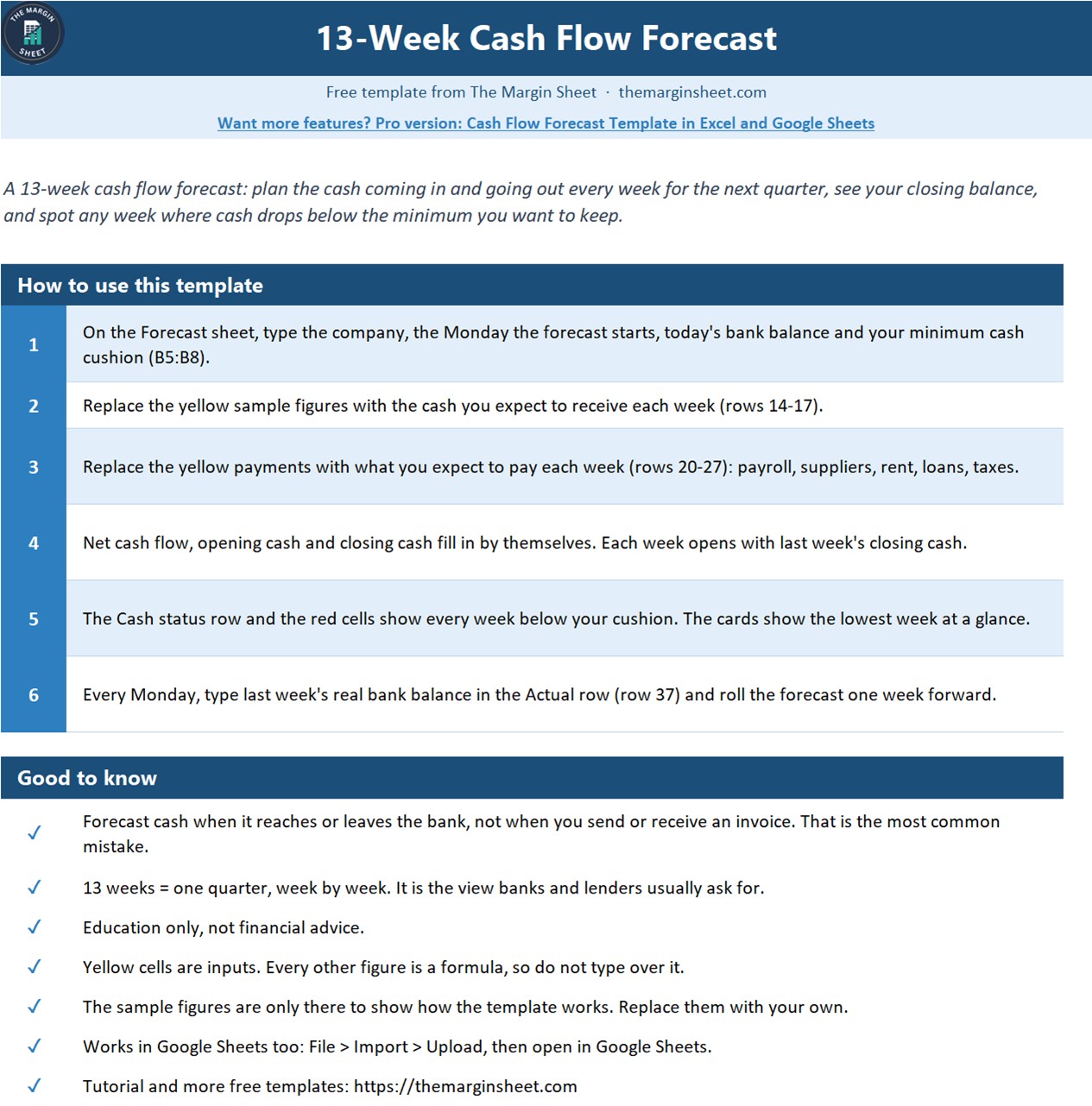
How to use this 13-week cash flow forecast in three steps
- Set the inputs. Type your company name, the first Monday of the forecast, today’s bank balance and the minimum cash you always want to keep.
- Fill in cash in and cash out. Enter each receipt and payment in the week it reaches or leaves the bank, not the week you send or receive the invoice.
- Check the risky weeks. Look at the summary cards, the status row and the chart, then plan ahead for any week below the cushion. Each week, type the real bank balance to compare actual vs forecast.
Who this cash flow forecast template is for
Small business owners, contractors, bookkeepers and finance staff who want to see the next quarter of cash before it happens: when payroll, supplier bills and loan payments land, and whether the bank balance stays above a safe level. It is also a good learning file for anyone new to rolling 13-week cash forecasting.
When it makes sense to upgrade
The free template covers one 13-week forecast. When you need more, these paid files from NextGenTemplates go further:
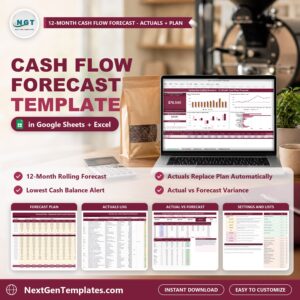
- Cash Flow Forecast Template in Excel and Google Sheets, the full version of this free template.
- Cash Flow Template in Excel for tracking monthly cash in and cash out.
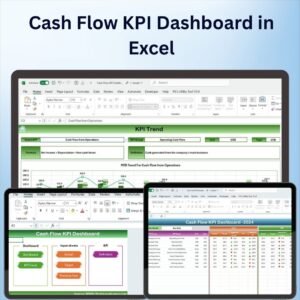
- Cash Flow KPI Dashboard in Excel for cash flow KPIs with charts.
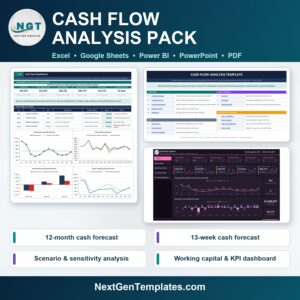
- Cash Flow Analysis Pack for deeper cash flow analysis.
- Small Business Cash Flow and Budget Toolkit for 8 cash flow and budget templates in one download.
Frequently asked questions
Is the 13-week cash flow forecast template really free?
Yes. It costs nothing to download and you can make a fresh copy for every forecast.
Do I need macros or add-ins?
No. The template uses SUM, IF, MIN, INDEX, MATCH, COUNTIF, conditional formatting and a line chart, so it works in any recent version of Excel.
Why 13 weeks?
Thirteen weeks is one quarter. It is short enough to forecast each receipt and payment with care and long enough to see a cash gap coming in time to act.
Is this financial advice?
No. It is an educational template. A forecast is a plan, so check it against your bank balance every week.
Can I build it myself?
Yes. The How to Build sheet lists all 15 steps with the exact formulas, including how to ask Copilot in Excel for each formula, and the free video on The Margin Sheet YouTube channel builds it step by step.
Join 10,000+ customers in 180+ countries who use NextGenTemplates spreadsheets to run their business.














Reviews
There are no reviews yet.