

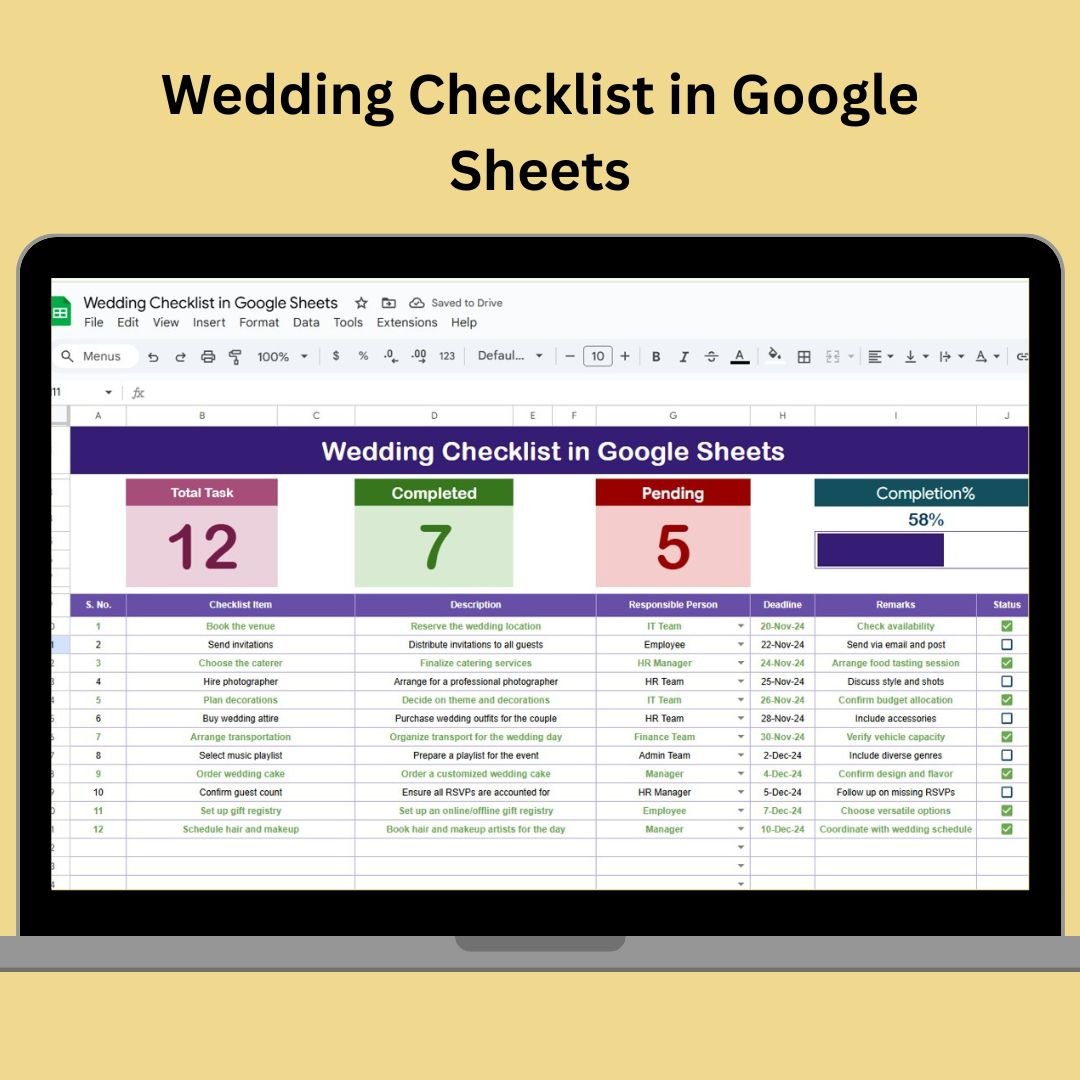

Planning a wedding can be both exciting and overwhelming. To help you stay organized and ensure that no detail is overlooked, the Wedding Checklist in Google Sheets is a comprehensive tool designed to guide you through every step of your wedding planning journey.
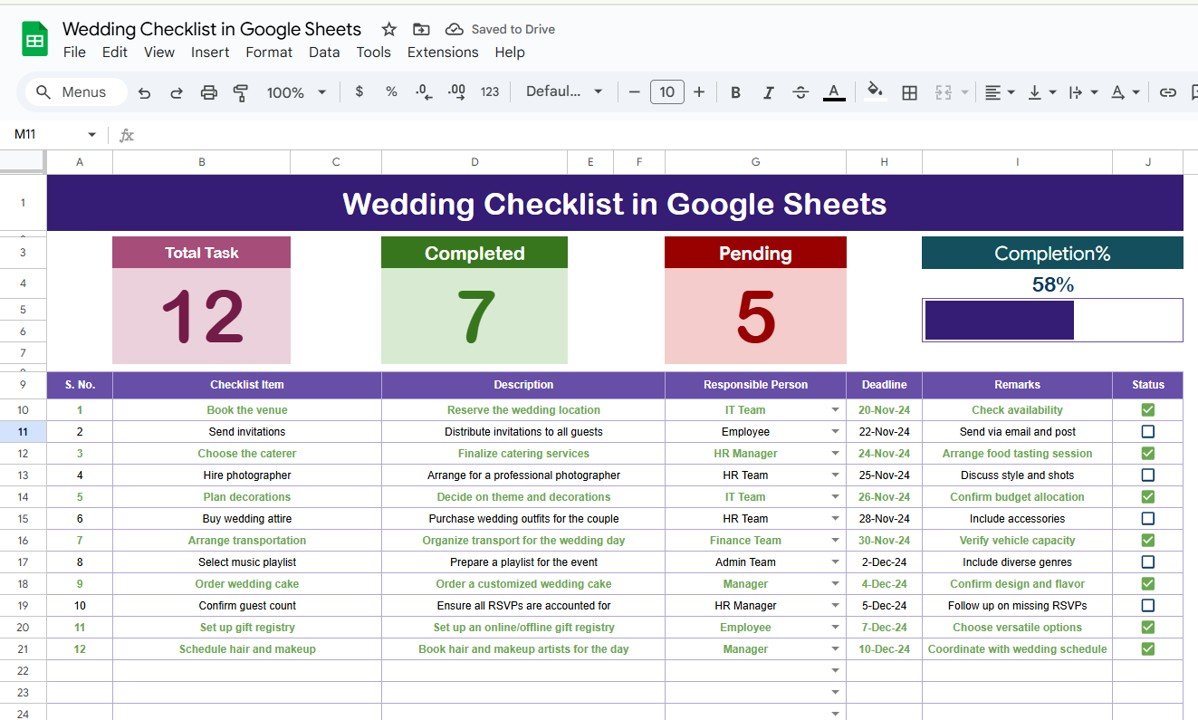
Key Features:
Customizable Timeline: The checklist is organized into categories based on the timeline leading up to your wedding day. From 12 months out to the day before the wedding, each section provides a list of tasks to complete, ensuring that you stay on track and manage your time effectively.
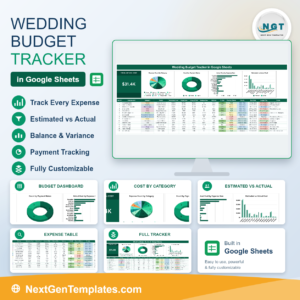
Budget Tracker: Keep your finances in check with an integrated budget tracker. This feature allows you to estimate costs, track actual expenses, and compare them against your budget, helping you avoid unexpected financial surprises.
Guest List Management: Manage your guest list efficiently by tracking RSVPs, meal preferences, and contact information. This feature ensures that you have all the necessary details for your guests in one place.
Vendor Comparison: The checklist includes a section for comparing vendors, allowing you to evaluate options based on features, prices, and reviews. This helps you make informed decisions when selecting services for your wedding.
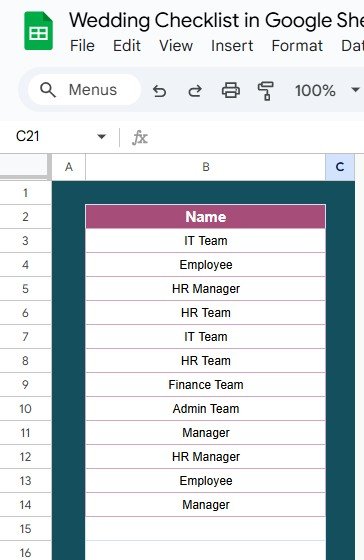
Interactive and User-Friendly: Built in Google Sheets, the checklist is fully editable and can be accessed from any device with internet connectivity. Its user-friendly interface makes it easy to navigate and update as needed.
Benefits:
Stay Organized: With all your wedding planning details in one place, you can easily track progress and ensure that nothing is forgotten.
Save Time: The structured format saves you time by providing a clear roadmap of tasks and deadlines.
Collaborate Easily: Share the checklist with your partner, family, or wedding planner to collaborate and keep everyone on the same page.
Access Anywhere: Since it’s stored in Google Sheets, you can access and update your checklist from anywhere, whether you’re at home or on the go.
How to Use:
Access the Template: Open the provided Google Sheets template link.
Make a Copy: Click on “File” and then “Make a copy” to save the checklist to your own Google Drive.
Customize: Edit the checklist to fit your specific wedding plans, adding or removing tasks as needed.
Track Progress: Regularly update the checklist to mark completed tasks and keep track of upcoming ones.
Share: Share the checklist with others involved in the planning process to keep everyone informed.
Who Can Benefit:
Couples: Stay organized and ensure that all aspects of your wedding are planned and executed smoothly.
Wedding Planners: Use the checklist as a tool to manage multiple weddings and keep track of client details.
Bridesmaids and Groomsmen: Stay informed about your responsibilities and timelines leading up to the wedding day.
Parents and Family Members: Keep track of their roles and assist in the planning process.
By utilizing the Wedding Checklist in Google Sheets, you can streamline your wedding planning process, reduce stress, and ensure that your special day goes off without a hitch.
Click here to read the Detailed blog post
Visit our YouTube channel to learn step-by-step video tutorials
Youtube.com/@PKAnExcelExpert
Watch the step-by-step video Demo:
Compatibility and Requirements
- Works in Google Sheets with a free Google account and a web browser. Nothing to install.
- Sharing and editing use standard Google Sheets features. Google explains the basics in How to use Google Sheets.
Frequently Asked Questions
How is the checklist organized?
Tasks are grouped by timeline, from 12 months before the wedding to the day before, so you always know what comes next.
Can I track my wedding budget?
Yes. The budget tracker lets you estimate costs, record actual expenses and compare them against your budget.
What can I record for guests?
The guest list section tracks RSVPs, meal preferences and contact information.
Can I compare vendors?
Yes. A vendor section lets you compare options by features, prices and reviews.
How do I get my own copy?
Open the template link, then click File and Make a copy to save it to your Google Drive. You can then share it with your partner, family or planner.
Related Wedding and Event Templates
- Wedding Checklist Template in Excel: the same checklist for Excel users
- Wedding Budget Tracker in Google Sheets: a closer look at wedding spending
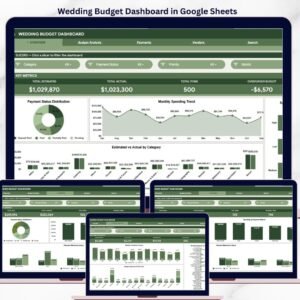
- Wedding Budget Dashboard in Google Sheets: charts for your wedding budget
- Event Planning Checklist in Google Sheets: a checklist for other events
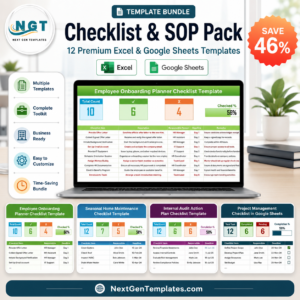
- Checklist & SOP Pack: 12 premium Excel and Google Sheets checklists in one bundle
Browse all Google Sheets checklists or the Google Sheets templates.






Reviews
There are no reviews yet.