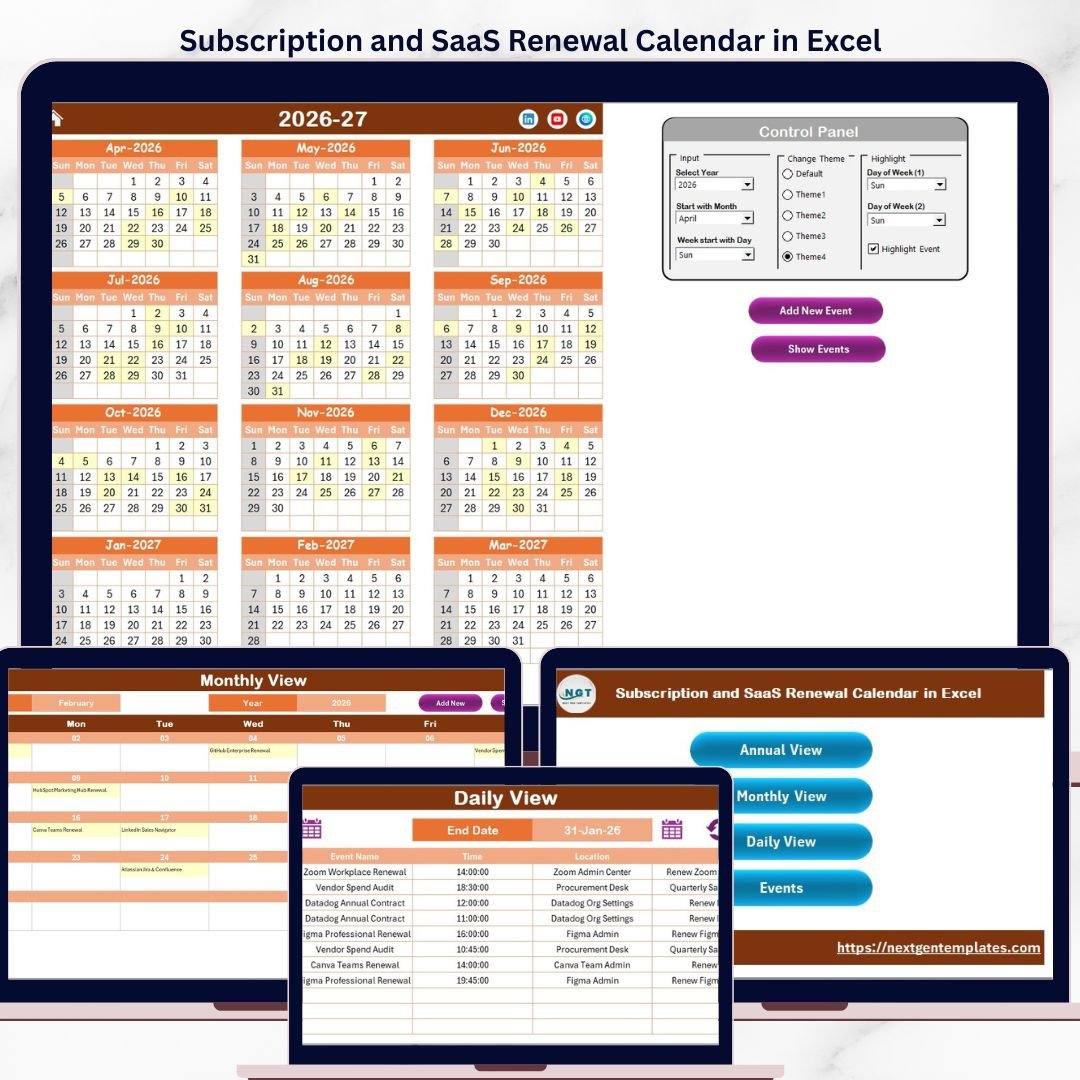
The Subscription and SaaS Renewal Calendar in Excel tracks renewal dates across 5 structured worksheets, with annual, monthly, and daily views plus a centralized events database. Gartner estimates that mid-size companies manage 80-120 SaaS subscriptions on average, and 30% of software spend is wasted on forgotten renewals or auto-charged licenses nobody uses. A structured renewal calendar cuts surprise charges by up to 40%.Subscription and SaaS Renewal Calendar in Excel
This ready-to-use Excel calendar gives IT managers, procurement teams, finance controllers, and SaaS operations leads a structured way to log, view, and track every subscription renewal — without paying monthly fees for a dedicated SaaS management platform.
🌍 Join 8,400+ teams in 40+ countries using NextGenTemplates to replace paid SaaS tools with one-time-purchase Excel, Google Sheets, Power BI, and HTML templates.Subscription and SaaS Renewal Calendar in Excel
✅ Instant download · One-time payment · No subscription · No per-user fees · Lifetime access
Subscription and SaaS Renewal Calendar in Excel
🔑 Key Features of Subscription and SaaS Renewal Calendar in Excel
The Subscription and SaaS Renewal Calendar in Excel includes 5 dedicated worksheets: Home, Annual View, Monthly View, Daily View, and Events. It tracks unlimited renewal events with fields for date, day, event name, time, location, and description — each entry receives an auto-generated unique ID for quick reference.Subscription and SaaS Renewal Calendar in Excel
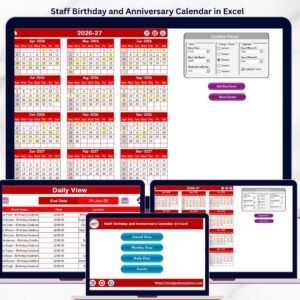
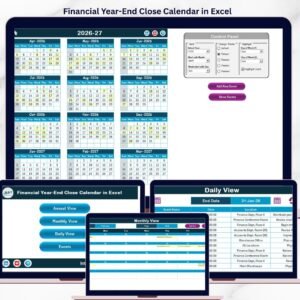
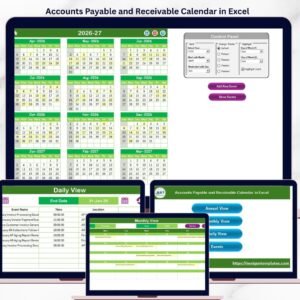
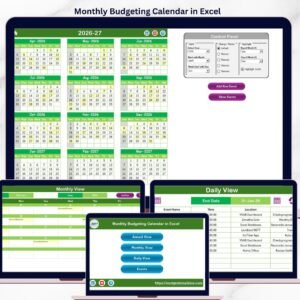
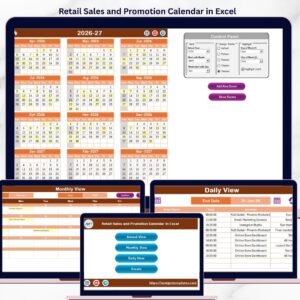
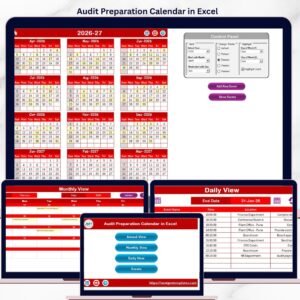
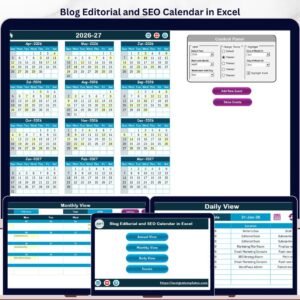
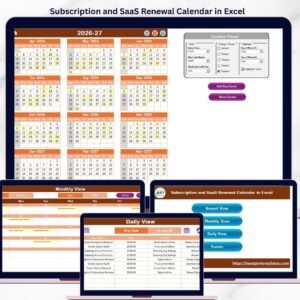
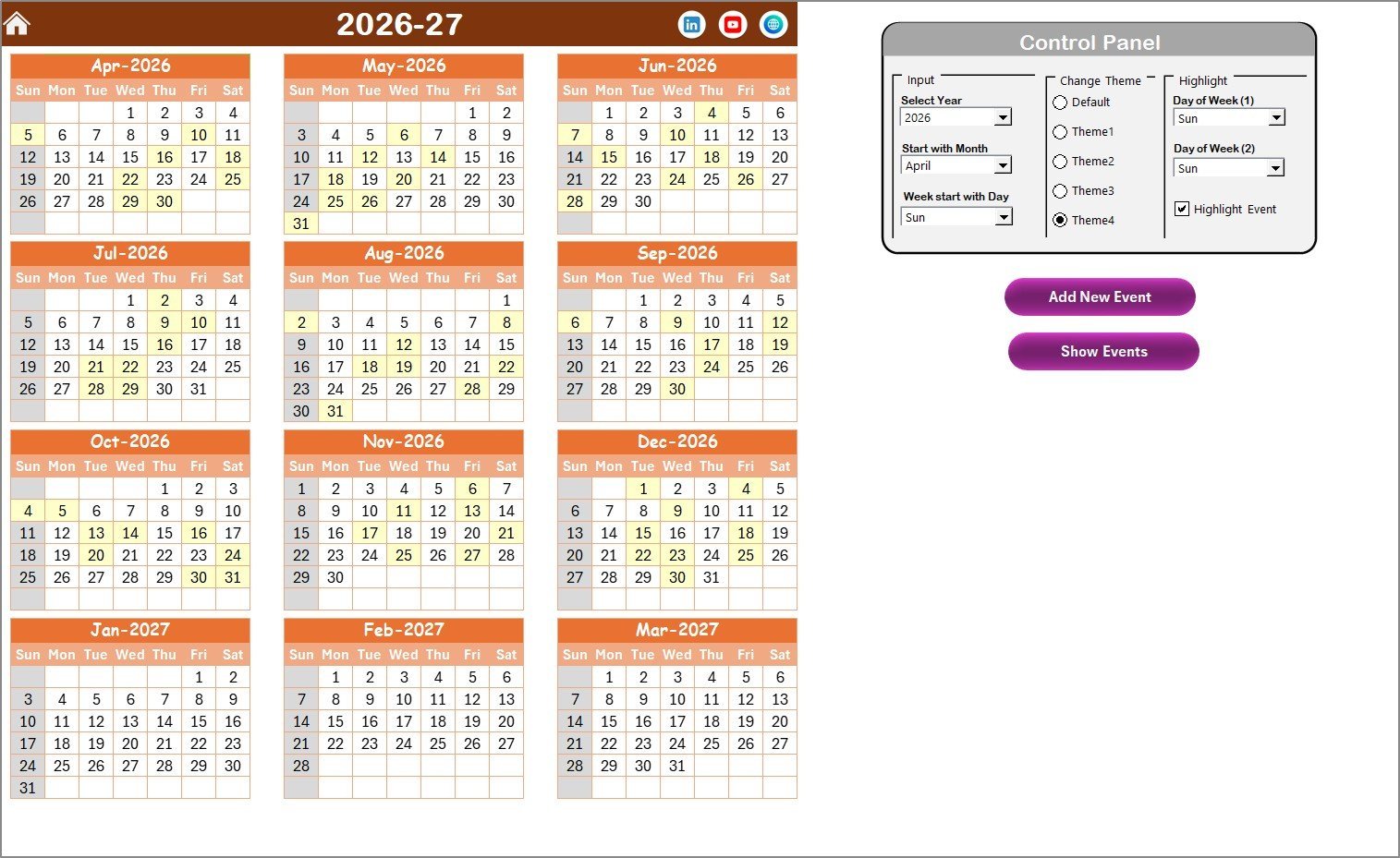
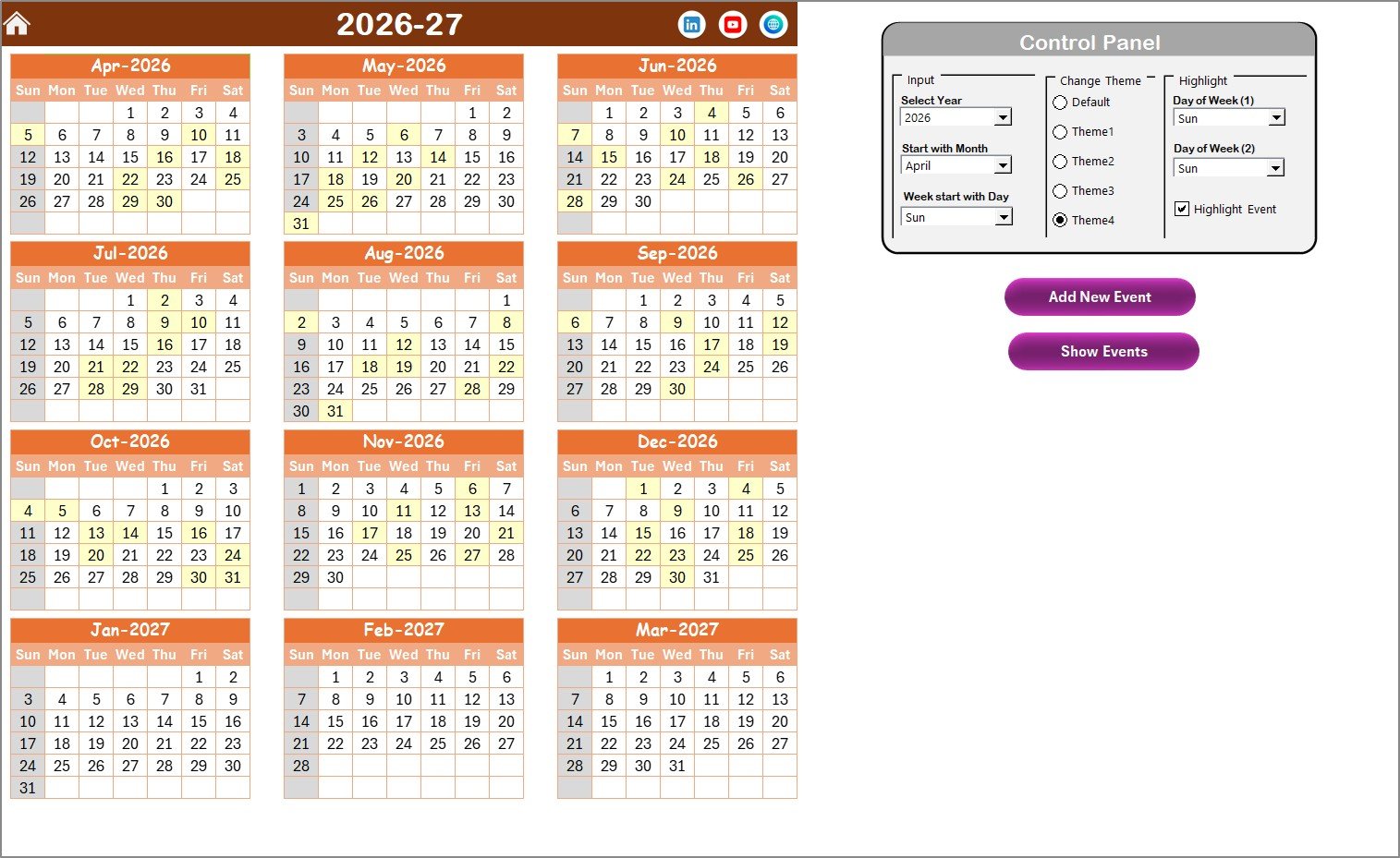
The Annual View displays all 12 months of the selected year in a single overview, letting managers spot renewal clusters at a glance. You can select the year, change the starting month, and pick the starting day of the week from the control panel. Five built-in color themes let you restyle the entire workbook in one click.Subscription and SaaS Renewal Calendar in Excel
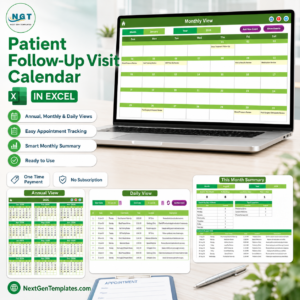
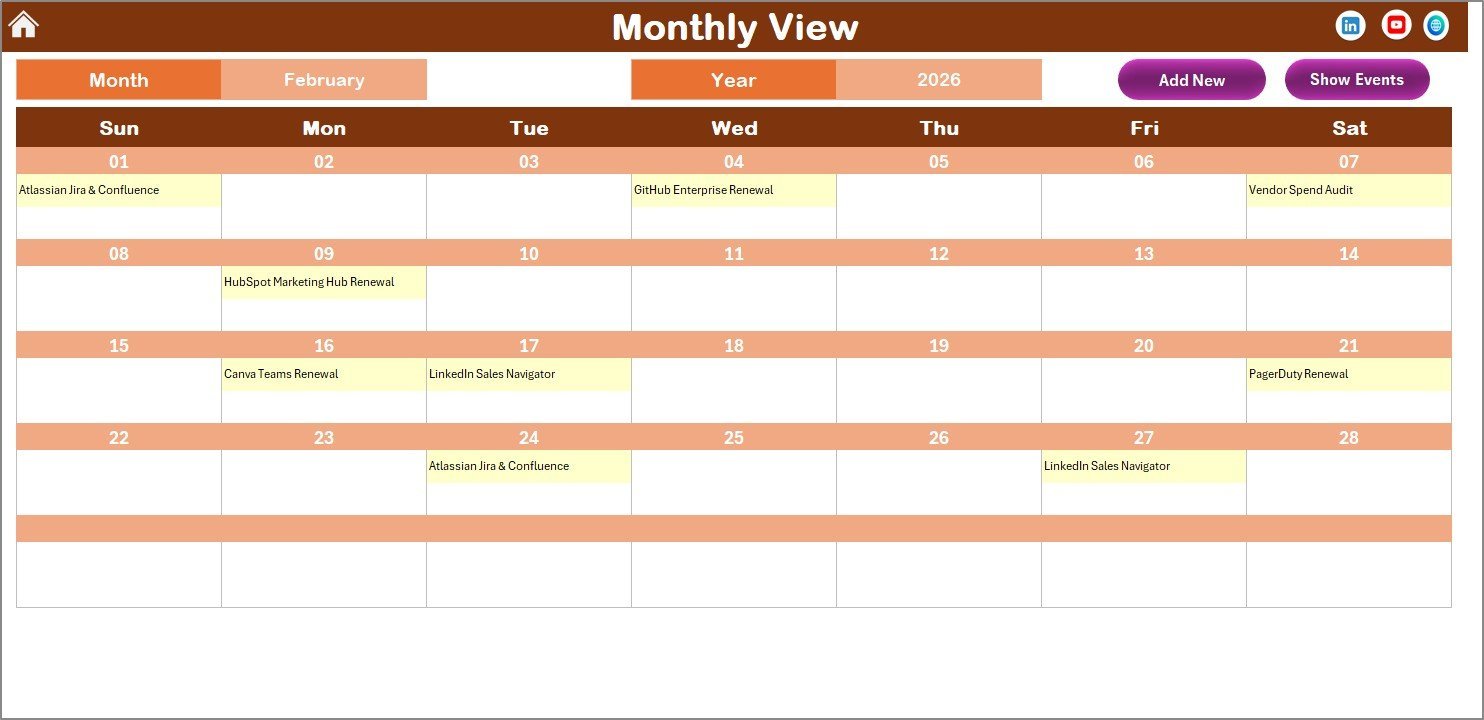
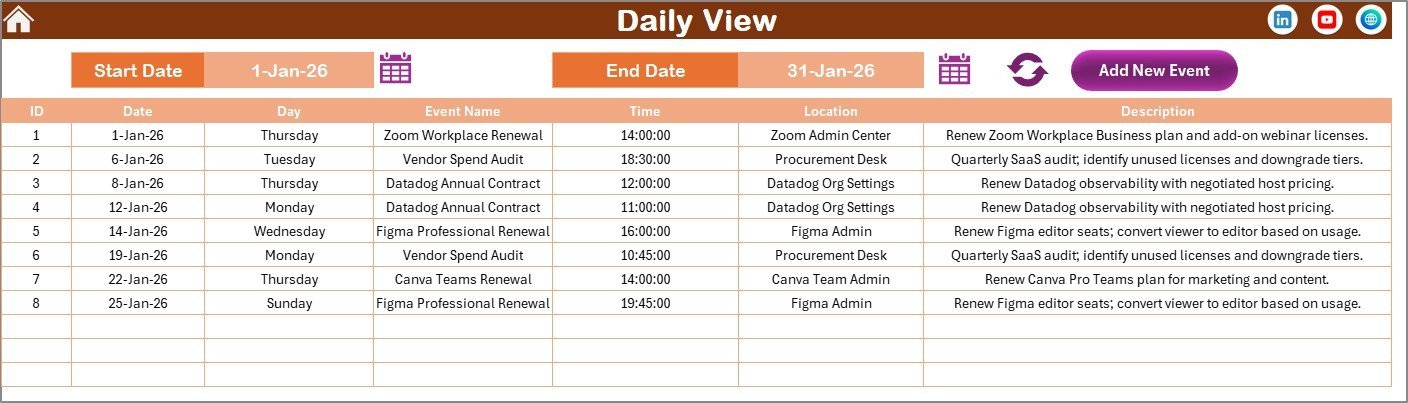
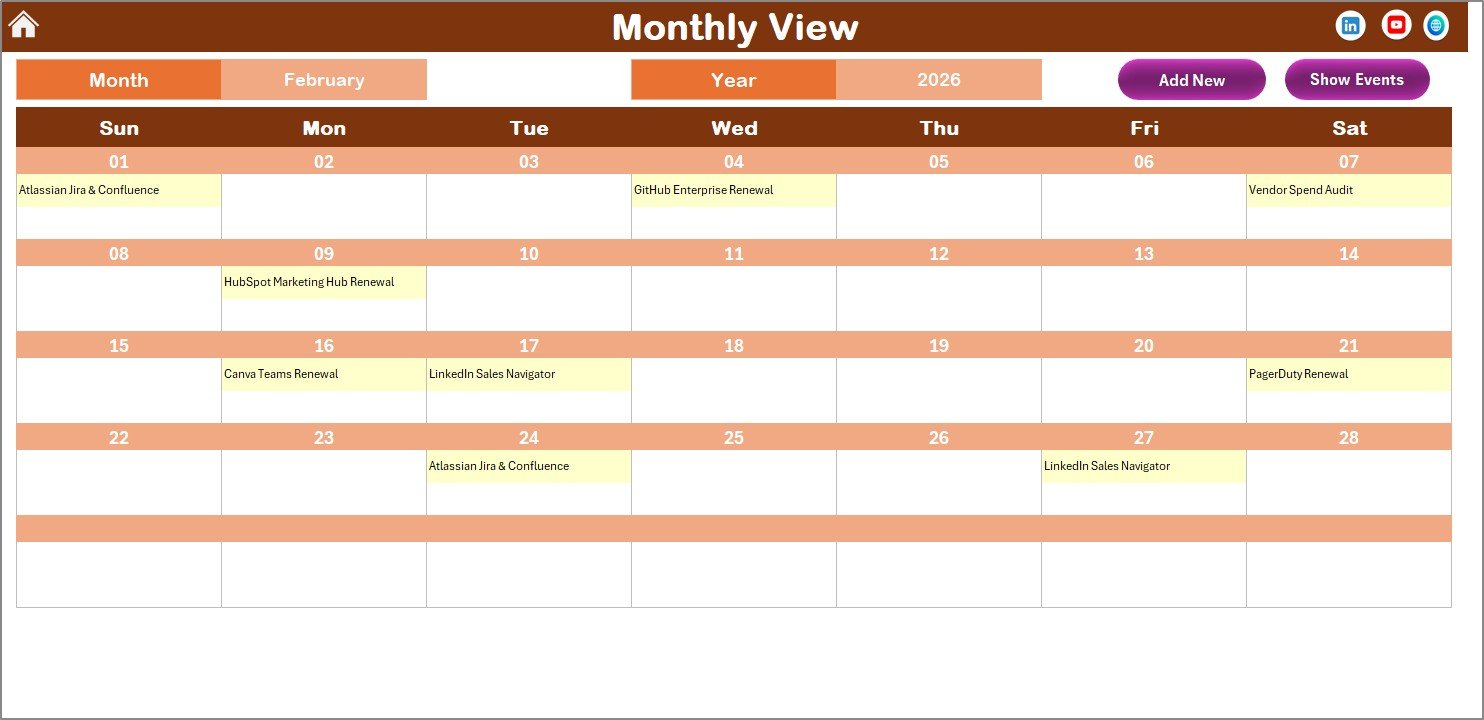
The Monthly View shows a single-month calendar where each date displays one event, with a “more than 1…” indicator when multiple renewals fall on the same day. The Daily View filters all events within a custom date range using start and end date pickers, so you can pull up next week’s renewals or next quarter’s in seconds.Subscription and SaaS Renewal Calendar in Excel
All event data lives in the Events sheet — a centralized database with Add, Update, and Delete buttons for full CRUD control. The Investment Maturity Calendar in Excel follows the same proven structure, making it easy to adopt if you already use one of our calendar templates.Subscription and SaaS Renewal Calendar in Excel
📦 What’s Inside the Subscription and SaaS Renewal Calendar in Excel
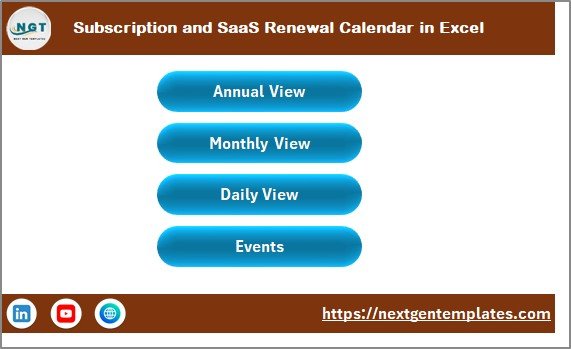
📌 Home Sheet — An index page with 4 navigation buttons (Annual View, Monthly View, Daily View, Events) for quick access to any section of the calendar.
📌 Annual View Sheet — Displays 12 months on one screen. The control panel includes: Input Group (select year, starting month, starting day of week), Change Theme Group (5 color themes applied workbook-wide), and Highlight Group (highlight any 2 weekdays in grey + toggle event highlighting in yellow). Add New Event and Show Event buttons are built in.
Annual View Sheet tab
📌 Monthly View Sheet — Single-month calendar with month and year selectors. Shows one event per date with overflow indicators. Includes Add New Event and Show Event buttons.
Monthly View Sheet tab
📌 Daily View Sheet — Lists all events with details for a selected date range. Use the calendar icon to pick start and end dates, then click Refresh. The Add New Event button opens the event form directly.
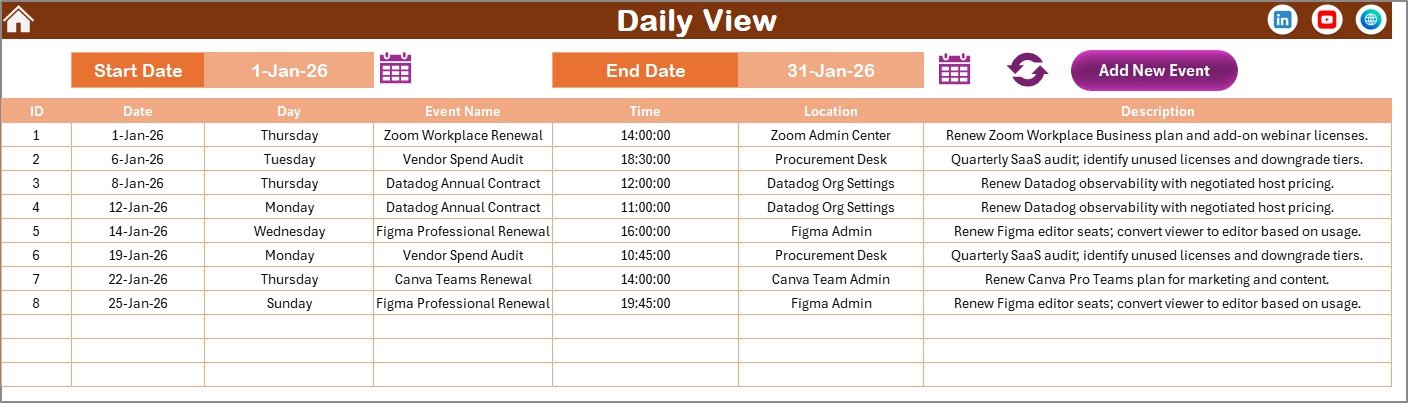
Daily View Sheet tab
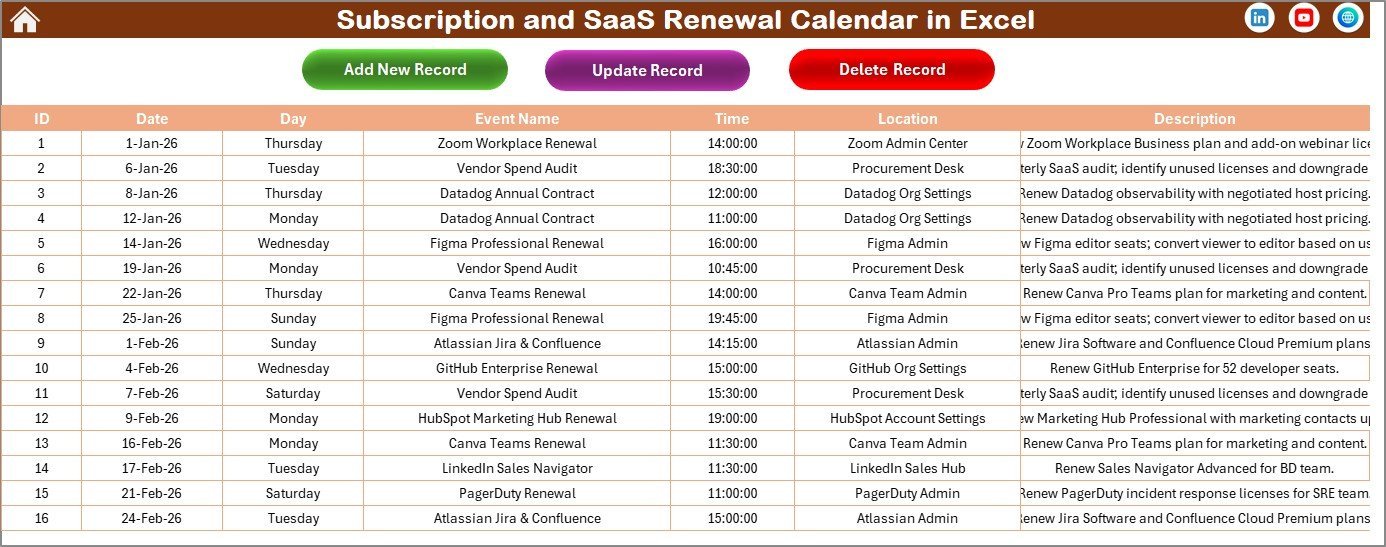
📌 Events Sheet — The database storing all event records: ID (auto-generated), Date, Day, Event Name, Time, Location, and Description. Three action buttons on top: Add New Record, Update Existing Record, and Delete Record.
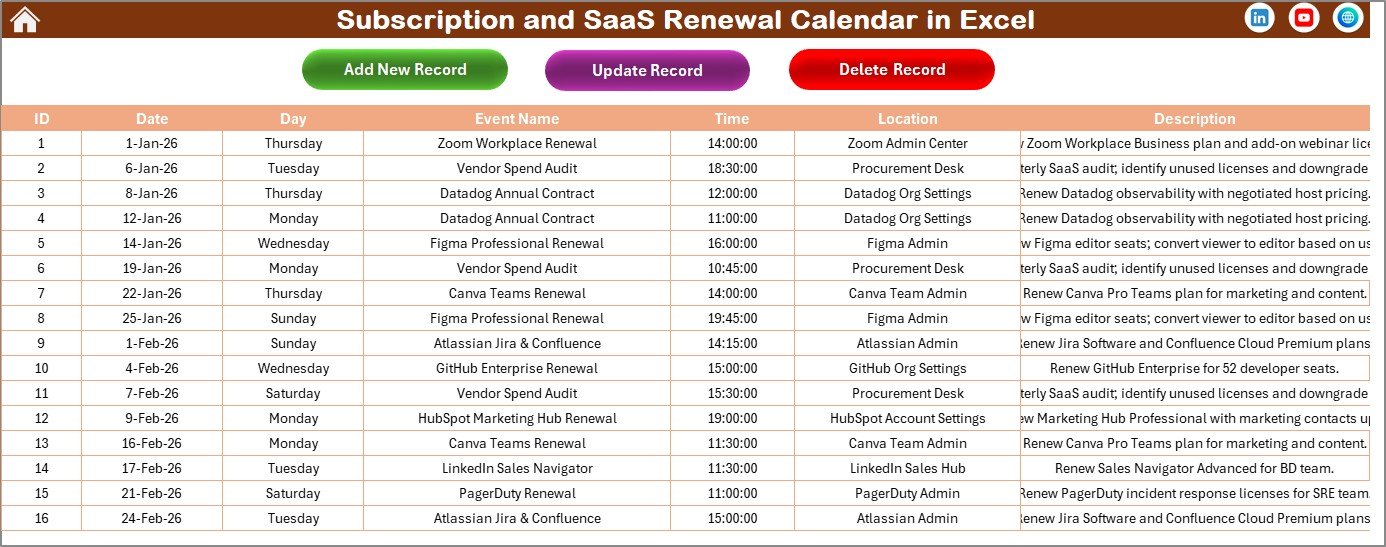
Events Sheet tab
📊 Subscription and SaaS Renewal Calendar in Excel vs. Google Sheets Calendar vs. Zylo / Torii SaaS Management — Where This Fits
| Feature | Subscription and SaaS Renewal Calendar in Excel | Google Sheets Calendar | Zylo / Torii (SaaS Management) |
|---|---|---|---|
| Cost | $4.99 one-time | Free (manual build) | $3,000-15,000 / year |
| Platform | Microsoft Excel (desktop) | Google Sheets (browser) | Cloud SaaS platform |
| Setup time | Under 10 minutes | 2-4 hours (build from scratch) | 2-4 weeks onboarding |
| Annual + Monthly + Daily views | ✅ All 3 included | ❌ Build each manually | ✅ Yes |
| Color themes | ✅ 5 built-in themes | ❌ Manual formatting | ✅ Limited branding |
| VBA event forms (Add/Update/Delete) | ✅ Built-in | ❌ Not available | ✅ Web UI |
| Customizable fields | ✅ Full control | ✅ Full control | ⚠️ Limited by plan |
| Year-1 cost at 5 users | $4.99 total | $0 | $3,000-15,000 |
For IT teams that want a structured SaaS renewal tracker without paying thousands for a dedicated SaaS management platform, the Subscription and SaaS Renewal Calendar in Excel sits in the sweet spot.
👥 Who This Template Is For — and Who It’s Not For
✅ This template is built for:
- IT managers at 10-500 person companies tracking 20-200 SaaS subscriptions
- Finance and procurement teams who need a renewal overview without enterprise SaaS management software
- Startup operations leads managing monthly and annual software renewals across departmentsSubscription and SaaS Renewal Calendar in Excel
- Freelancers and consultants juggling multiple tool subscriptions and domain renewals
❌ This template is NOT for:
- Enterprise IT teams needing automated vendor API integrations and SSO audit trails
- Organizations requiring real-time SaaS usage analytics with license harvesting
⚙️ How to Use the Subscription and SaaS Renewal Calendar in Excel
1️⃣ Download the ZIP file and open the Excel file. Enable macros when prompted — required for the VBA event forms.Subscription and SaaS Renewal Calendar in Excel
2️⃣ Go to the Annual View and select the year, starting month, and starting day of the week from the control panel.
3️⃣ Pick a color theme from the 5 options in the Change Theme group to style the entire workbook.
4️⃣ Select a date on the calendar and click Add New Event. Fill in event name, time, location, and description, then click Submit.
5️⃣ Use the Monthly View to see single-month details, or switch to Daily View for date-range filtering.
6️⃣ Manage all records from the Events sheet — add, update, or delete entries using the built-in buttons.
💼 Real-World Use Cases
Rahul manages IT at a 60-person marketing agency. He uses the Subscription and SaaS Renewal Calendar in Excel to track 45 SaaS renewals — from Adobe Creative Cloud and Slack to niche SEO tools. Before this calendar, 3-4 subscriptions auto-renewed every quarter without review, costing the company over $2,000 per year in unused licenses.
Jessica runs procurement for a mid-size logistics company. She logs every software renewal date with cost and vendor details in the Events sheet. Each month she pulls the Daily View for the next 30 days and sends a renewal review list to department heads — catching duplicate tools and negotiating better rates before auto-renewal kicks in.
Tom is a freelance developer juggling 15 subscriptions including GitHub, AWS, Figma, and domain registrars. He uses the Annual View to see the full year at a glance and highlights Saturdays and Sundays in grey so renewal dates stand out on working days. The $4.99 one-time cost saved him from a $12/month subscription tracker.
❓ Frequently Asked Questions
What does the Subscription and SaaS Renewal Calendar in Excel track?
The Subscription and SaaS Renewal Calendar in Excel tracks renewal dates, event names, times, locations, and descriptions across annual, monthly, and daily views. Each event receives an auto-generated ID for easy lookup and management.
How many SaaS subscriptions can I track in this calendar?
There is no limit. The Events sheet stores unlimited records. Each entry is logged with date, day, event name, time, location, and description — add as many renewal events as your organization needs.
Do I need to enable macros for this template?
Yes. The Subscription and SaaS Renewal Calendar in Excel uses VBA macros for the Add, Update, and Delete event forms. Enable macros when you open the file to use all interactive features.
Can I change the color theme of the calendar?
Yes. Five built-in color themes are available in the Annual View control panel. Selecting a theme applies it across all 5 worksheets instantly — no manual formatting needed.
How does this compare to paid SaaS management tools like Zylo?
Zylo and similar platforms start at $3,000-15,000 per year and target enterprise teams needing API integrations. The Subscription and SaaS Renewal Calendar in Excel costs $4.99 one-time and covers 90% of the tracking needs for teams under 500 people.
Can I customize the starting month and day of the week?
Yes. The control panel on the Annual View lets you pick any starting month (January through December) and any starting day of the week (Sunday through Saturday), so the calendar fits your fiscal year or regional week format.
Is there a Google Sheets version of this calendar?
Yes — NextGenTemplates offers calendar templates in Google Sheets, Power BI, and HTML formats. Browse the Google Sheets Calendar collection for similar renewal trackers.
👤 About the Author
Built by PK — Microsoft Certified Professional with 15+ years of Excel, Google Sheets, and Power BI experience. Founder of NextGenTemplates, reaching 300K+ subscribers across YouTube channels (@PK-AnExcelExpert, @NextGenTemplates, @NeoTechNavigators). Every template is hand-built and tested before release.
🔗 Explore Related Templates
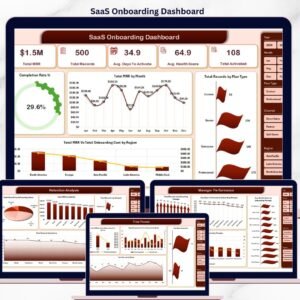
📌 SaaS Onboarding Dashboard in Excel — Track onboarding metrics, activation rates, and time-to-value for your SaaS products.
📌 Investment Maturity Calendar in Excel — The same calendar structure applied to investment maturity dates, bonds, and fixed deposits.
📌 Loan and EMI Repayment Calendar in Excel — Track EMI due dates and loan repayment schedules with annual, monthly, and daily views.
📌 Small Business Cash Flow Calendar in Excel — Monitor cash inflows and outflows on a calendar-based layout.
Browse the full Excel Calendar Templates collection for 400+ ready-to-use calendars.
📖 Click here to read the Detailed Blog Post
🎥 Visit our YouTube channel for step-by-step video tutorials
👉 YouTube.com/@NextGenTemplates