

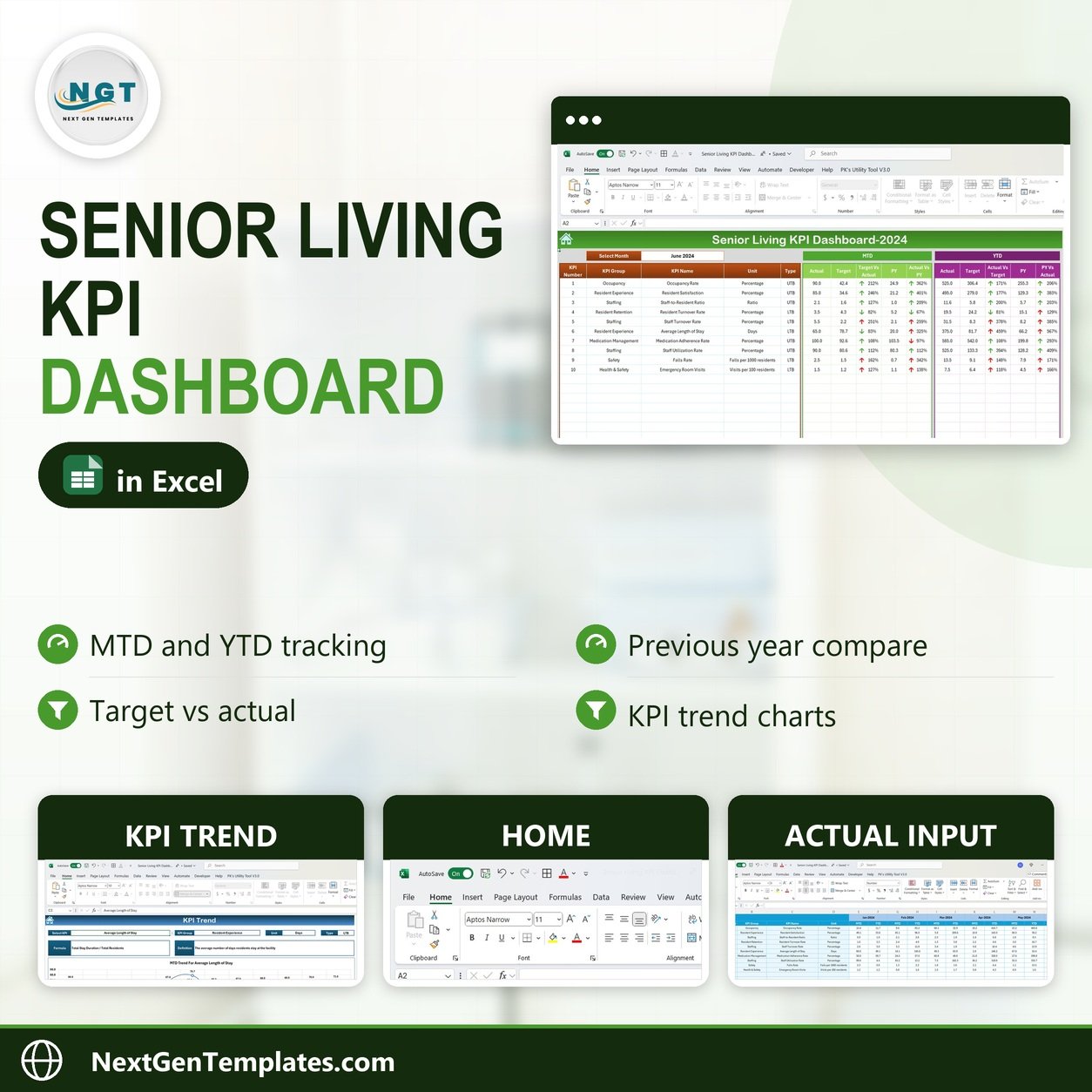
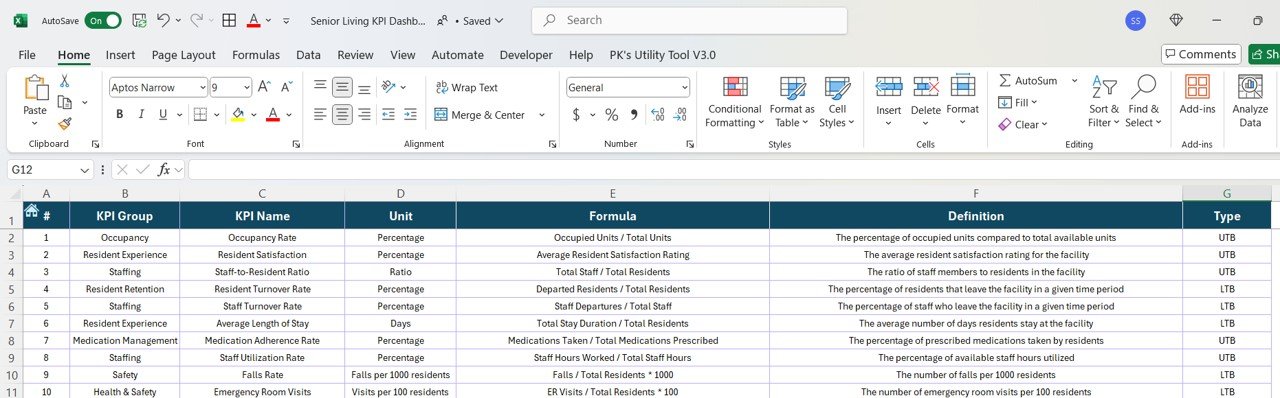
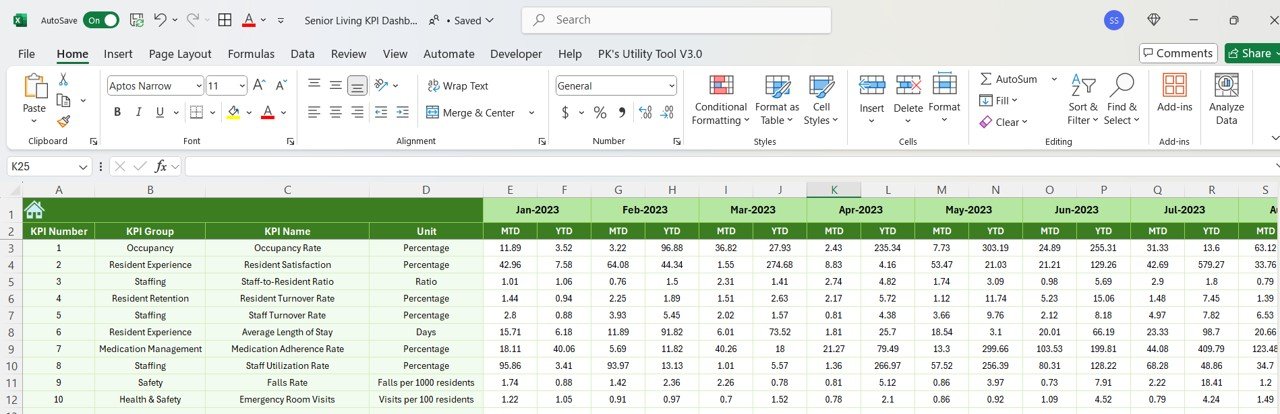
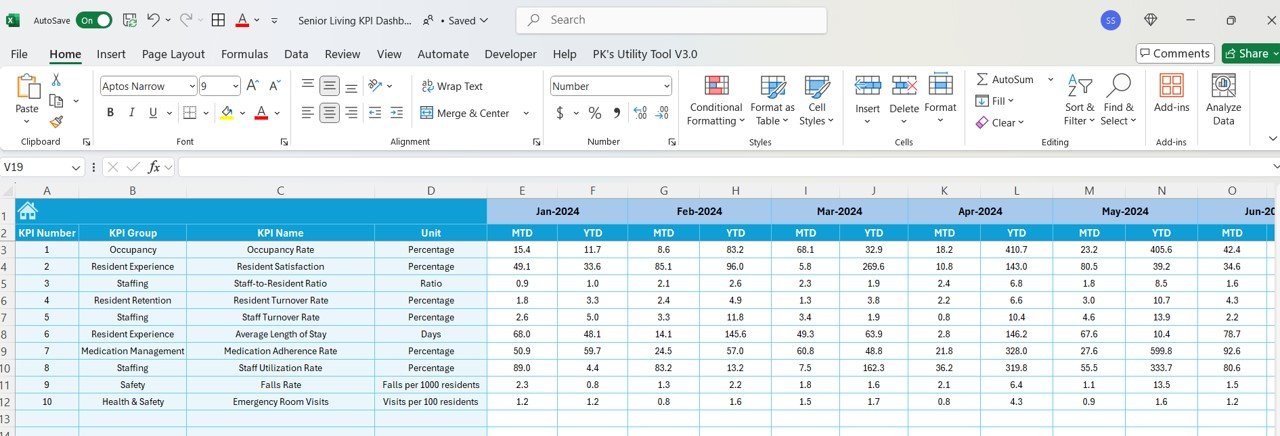
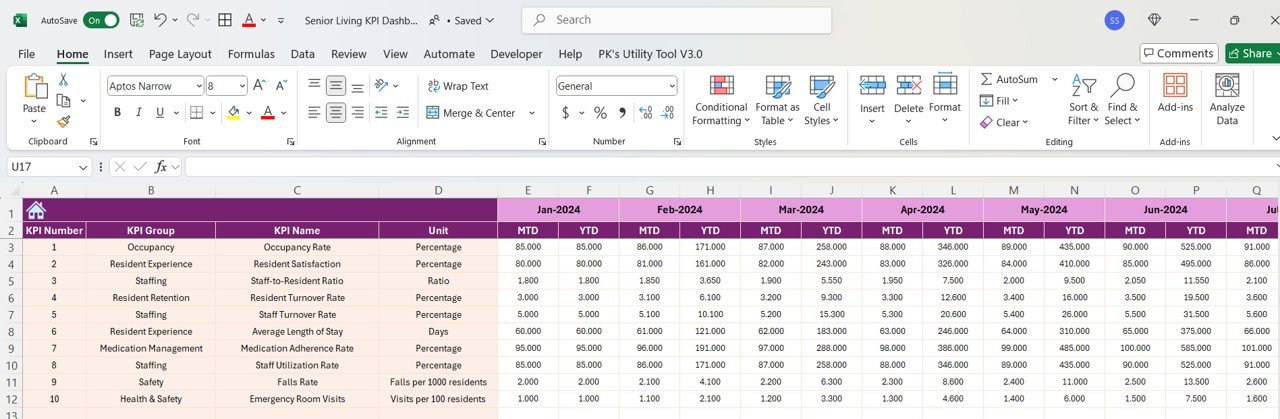
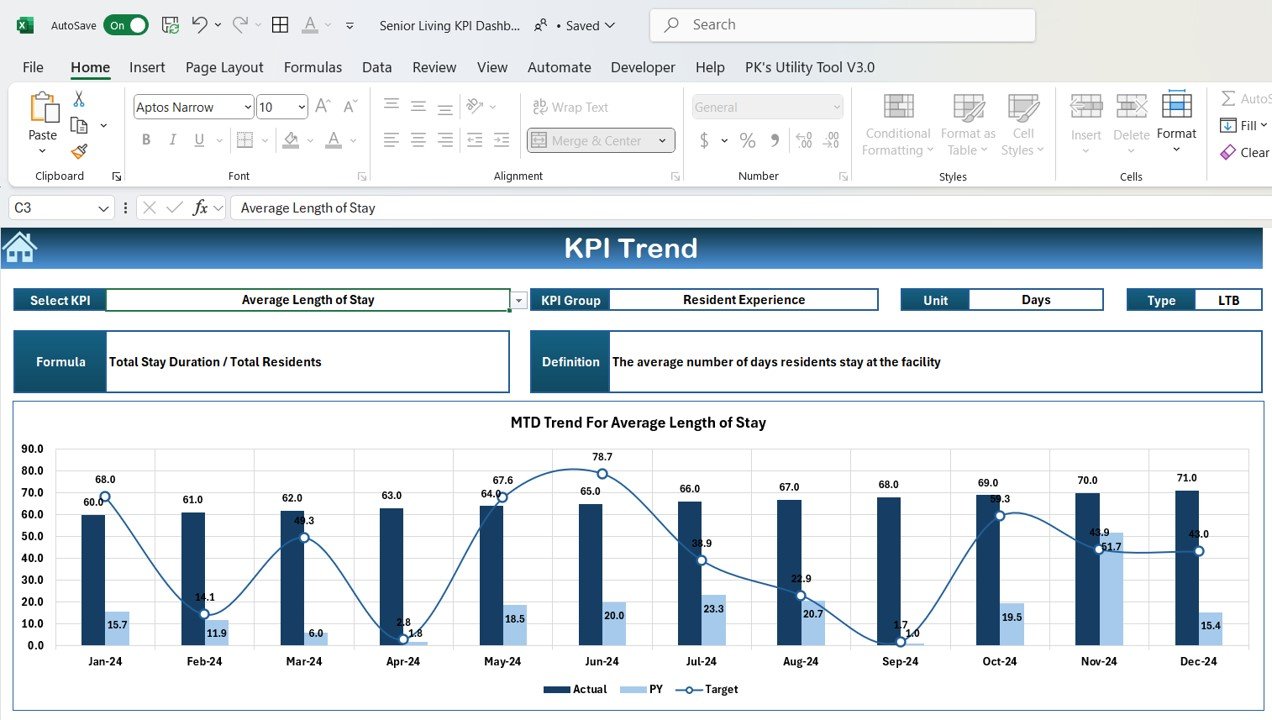
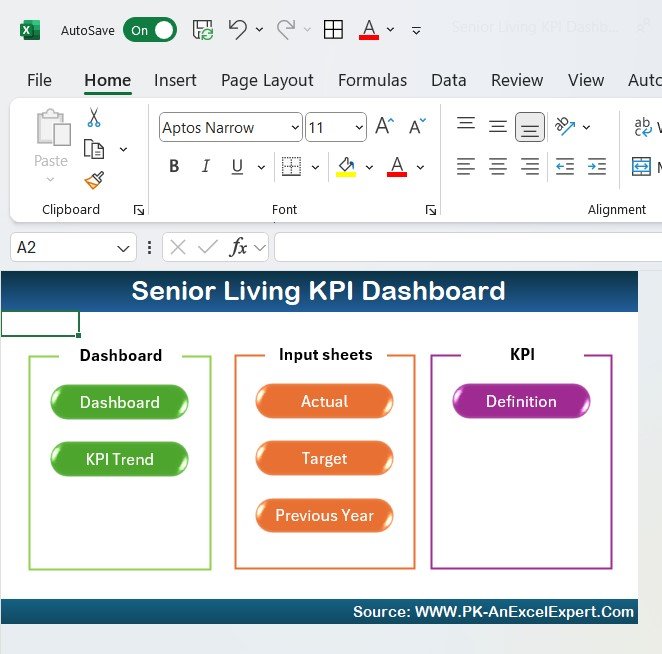

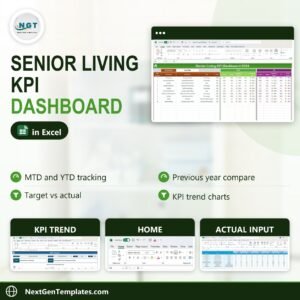
The Senior Living KPI Dashboard in Excel is a powerful tool designed to help senior living facilities, nursing homes, and care homes monitor and optimize key performance indicators (KPIs) related to resident care, occupancy, financial performance, and operational efficiency. This Excel-based dashboard provides real-time insights into various aspects of senior living management, allowing you to improve care quality, optimize resources, and ensure financial sustainability.
With a user-friendly interface, customizable visuals, and a comprehensive overview, this dashboard helps you manage operational performance, track resident satisfaction, and ensure that your facility is meeting regulatory and care standards.

Key Features of the Senior Living KPI Dashboard in Excel:
🏠 Resident Care Monitoring
Track resident health and well-being by monitoring care plans, health assessments, and medication adherence, ensuring that residents receive the highest level of care.
📅 Occupancy and Bed Utilization
Monitor occupancy rates and track bed utilization, helping you optimize capacity and ensure your facility is operating at maximum efficiency.
💸 Financial Performance Tracking
Track revenue from room charges, services, and government reimbursements, while also monitoring expenses to ensure that the facility remains financially stable.
📊 Staffing and Resource Management
Monitor staffing levels, employee performance, and resource utilization to ensure your team is providing adequate care without overextending resources.
📈 Regulatory Compliance and Quality Standards
Track compliance with health regulations, industry standards, and quality assurance metrics to ensure your facility meets the highest levels of care and legal requirements.
🚀 Why You’ll Love the Senior Living KPI Dashboard in Excel:
✅ Enhance Resident Care – Monitor health metrics, care plans, and medication adherence to ensure the well-being of your residents.
✅ Optimize Facility Efficiency – Track occupancy rates and bed utilization to ensure that your facility operates at peak capacity.
✅ Ensure Financial Stability – Monitor revenue, expenses, and reimbursements to keep your senior living facility financially healthy.
✅ Improve Staffing and Resource Allocation – Track staff levels and resource utilization to ensure that adequate care is being provided while avoiding overstaffing.
✅ Stay Compliant and Meet Quality Standards – Track compliance with healthcare regulations and quality assurance standards to ensure that your facility is meeting legal and ethical requirements.
✅ Customizable and User-Friendly – Fully customizable to meet your senior living facility’s specific needs, with easy-to-use features and an intuitive design.
What’s Inside the Senior Living KPI Dashboard in Excel:
Resident Care Monitoring: Track health assessments, care plans, and medication adherence for each resident, ensuring their well-being is continuously prioritized.
Occupancy and Bed Utilization: Monitor occupancy rates and bed utilization to optimize capacity and ensure that the facility is running efficiently.
Financial Performance Tracking: Track income from room charges, additional services, and reimbursements, along with expenses for a complete financial overview.
Staffing and Resource Management: Monitor staffing levels, employee performance, and resource allocation to ensure the right amount of care is being provided.
Regulatory and Quality Assurance Compliance: Track compliance with healthcare regulations, standards, and quality assurance metrics to meet industry requirements.
Custom Reports: Generate customized reports that summarize key KPIs, financial data, and performance metrics to facilitate decision-making.
How to Use the Senior Living KPI Dashboard in Excel:
1️⃣ Download the Template – Instantly access your Excel file upon purchase.
2️⃣ Input Facility Data – Enter your facility’s data, including resident information, occupancy, financial details, staffing levels, and regulatory compliance.
3️⃣ Monitor KPIs – Use the dashboard to monitor key performance indicators such as care quality, occupancy, financial health, and staffing efficiency.
4️⃣ Track Compliance and Standards – Track compliance with healthcare regulations and industry standards, ensuring your facility maintains legal and ethical care practices.
5️⃣ Generate Reports – Create detailed reports summarizing your facility’s performance, making it easier to present data to senior management and regulatory bodies.
Who Can Benefit from the Senior Living KPI Dashboard in Excel:
Senior Living Facility Managers
Nursing Home Operators
Assisted Living Facility Managers
Healthcare Administrators
Operations and Financial Managers
Care Quality and Compliance Teams
Small to Large Senior Living Communities
Healthcare Providers and Executives
The Senior Living KPI Dashboard in Excel is an invaluable tool for managing and optimizing every aspect of your senior living facility. From tracking resident care to financial performance and regulatory compliance, this dashboard helps you run a more efficient, compliant, and financially stable operation.
Click here to read the Detailed blog post
https://www.pk-anexcelexpert.com/senior-living-kpi-dashboard-in-excel/
Visit our YouTube channel to learn step-by-step video tutorials
Youtube.com/@PKAnExcelExpert
Compatibility and Requirements
- Works in Microsoft Excel desktop (Excel 2016 or later, or Microsoft 365).
- Microsoft’s guide Create a chart from start to finish explains the Excel feature this file is built on.
Frequently Asked Questions
What does the Senior Living KPI Dashboard track?
Resident care (care plans, health assessments and medication adherence), occupancy and bed use, revenue and expenses, staffing and resources, and compliance with regulations and quality standards.
Can I track the facility’s finances?
Yes. It covers income from room charges, extra services and reimbursements, along with expenses, for a full financial view.
Can I make reports from it?
Yes. You can build custom reports that summarize KPIs, financial data and performance for senior management or regulators.
Does it suit nursing homes and assisted living?
Yes. It is built for senior living facilities, nursing homes, care homes and assisted living, and you can customize it for your own facility.
Related Senior Care Templates
- Senior Living KPI Dashboard in Google Sheets: the same KPI dashboard in Google Sheets
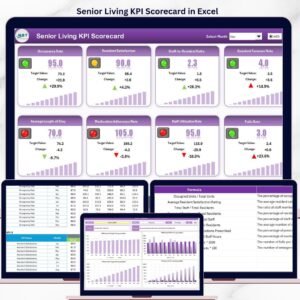
- Senior Living KPI Scorecard in Excel: a KPI scorecard for senior living
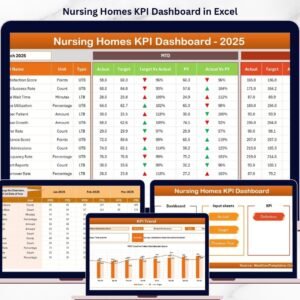
- Nursing Homes KPI Dashboard in Excel: KPIs for nursing homes in Excel
- Nursing Homes Dashboard in Power BI: nursing home reporting in Power BI
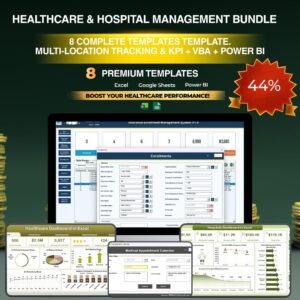
- Healthcare & Hospital Management Bundle: healthcare templates in one bundle
Browse all Excel KPI dashboards.































Reviews
There are no reviews yet.