

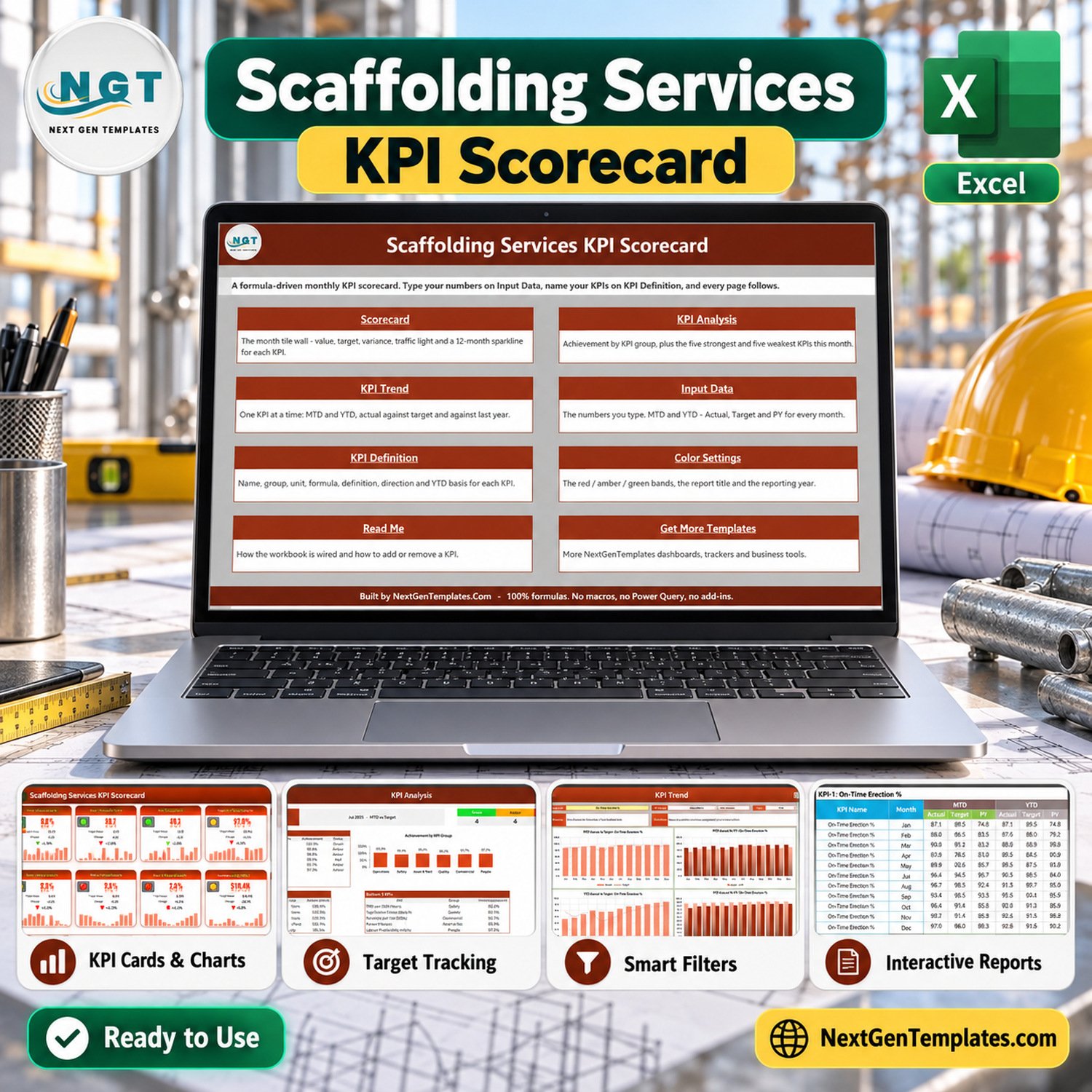

Scaffolding Services KPI Scorecard in Excel is the Scaffolding Services KPI Scorecard in Excel for contractors that need monthly reporting. It gives scaffolding contractors, site supervisors, and operations teams a ready Excel scorecard for tracking 10 service KPIs by month. It includes a Home page, traffic-light Scorecard, KPI Analysis page, KPI Trend charts, actual input, KPI definition, Read Me, and related-template page. The workbook is built for Microsoft Excel and ships with the editable XLSX file plus a PDF user manual inside the ZIP download.
Use this this Excel KPI scorecard as a focused Excel KPI scorecard template for scaffolding services KPI tracking, monthly contractor KPI review, and editable KPI definitions.
Key Features of Scaffolding Services KPI Scorecard in Excel
- Track 10 scaffolding service KPIs with Actual, Target, Variance, and RAG status.
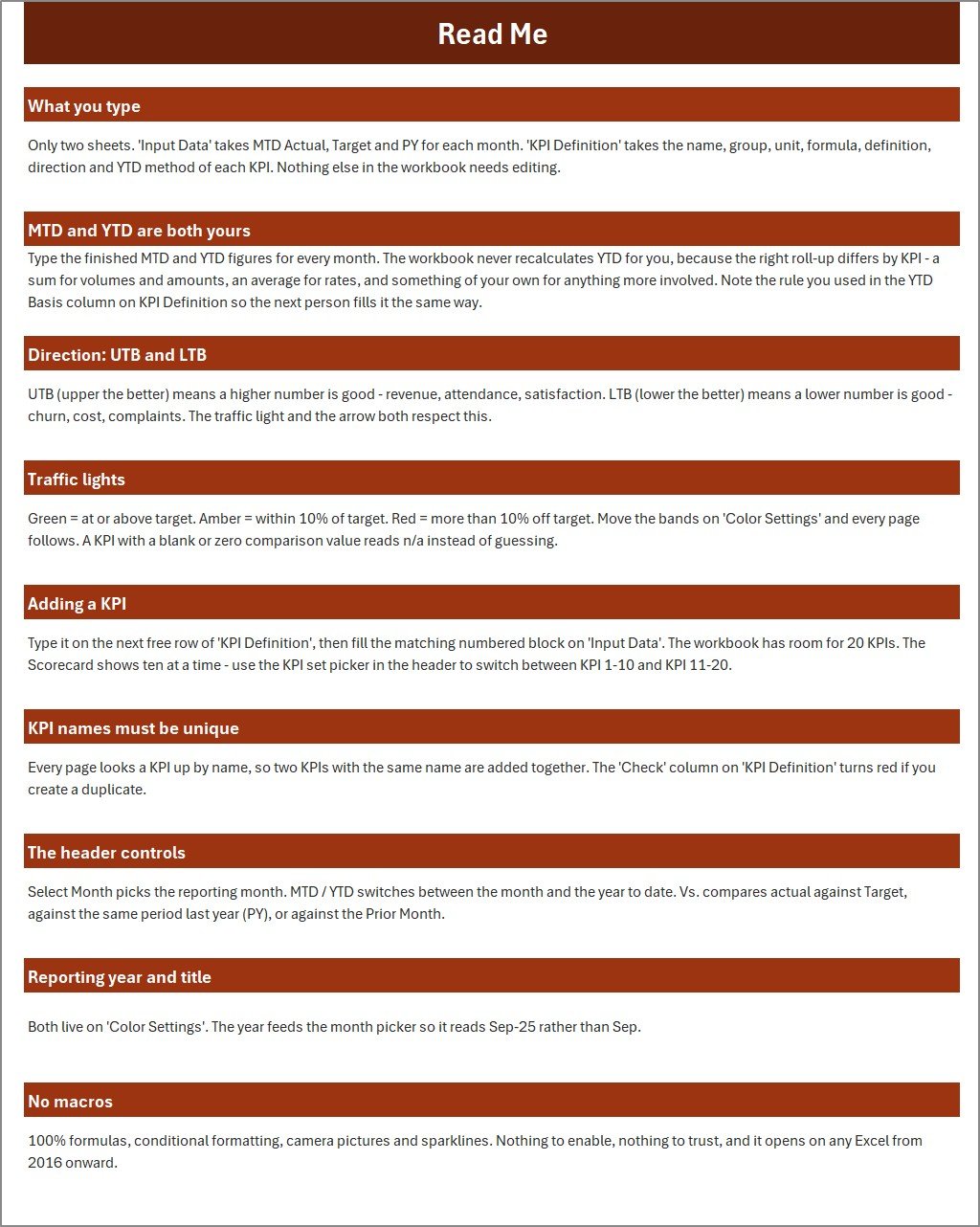
- Use the Month selector to switch the scorecard view without rebuilding formulas.
- Review KPI Analysis and KPI Trend pages for month-wise performance patterns.
- Maintain actual numbers and KPI definitions in structured input sheets.
- Use UTB and LTB KPI logic for higher-is-better and lower-is-better measures.
- Work fully in Excel with sample data ready to replace.
What’s Inside the this Excel KPI scorecard
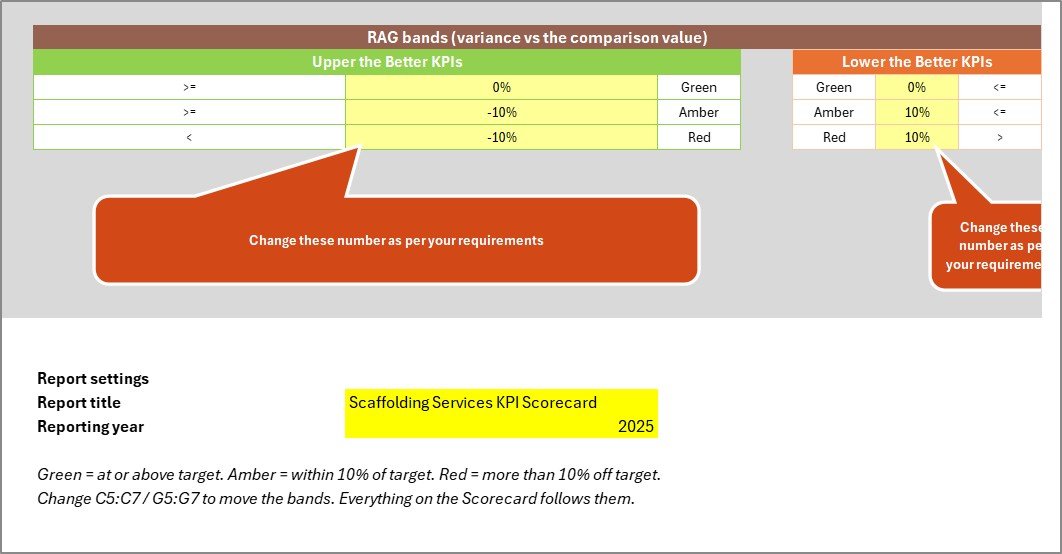
The workbook contains nine visible pages: Home, Scorecard, KPI Analysis, KPI Trend, Actual Numbers Input, KPI Definition, Report Settings, Read Me, and Get More Templates. The core scorecard page shows operational scaffolding indicators such as installation cycle, compliance, inspection, utilization, rework, backlog, handover, and safety-related tracking values as editable sample KPIs.
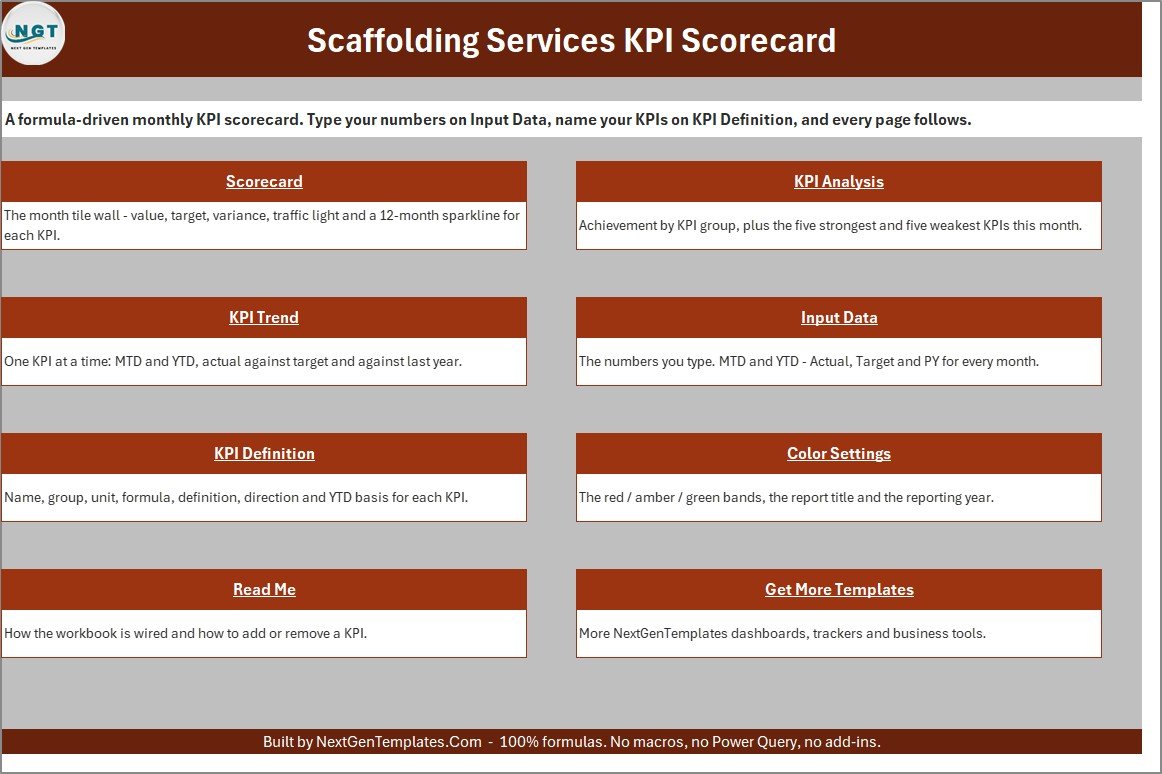
Home Sheet
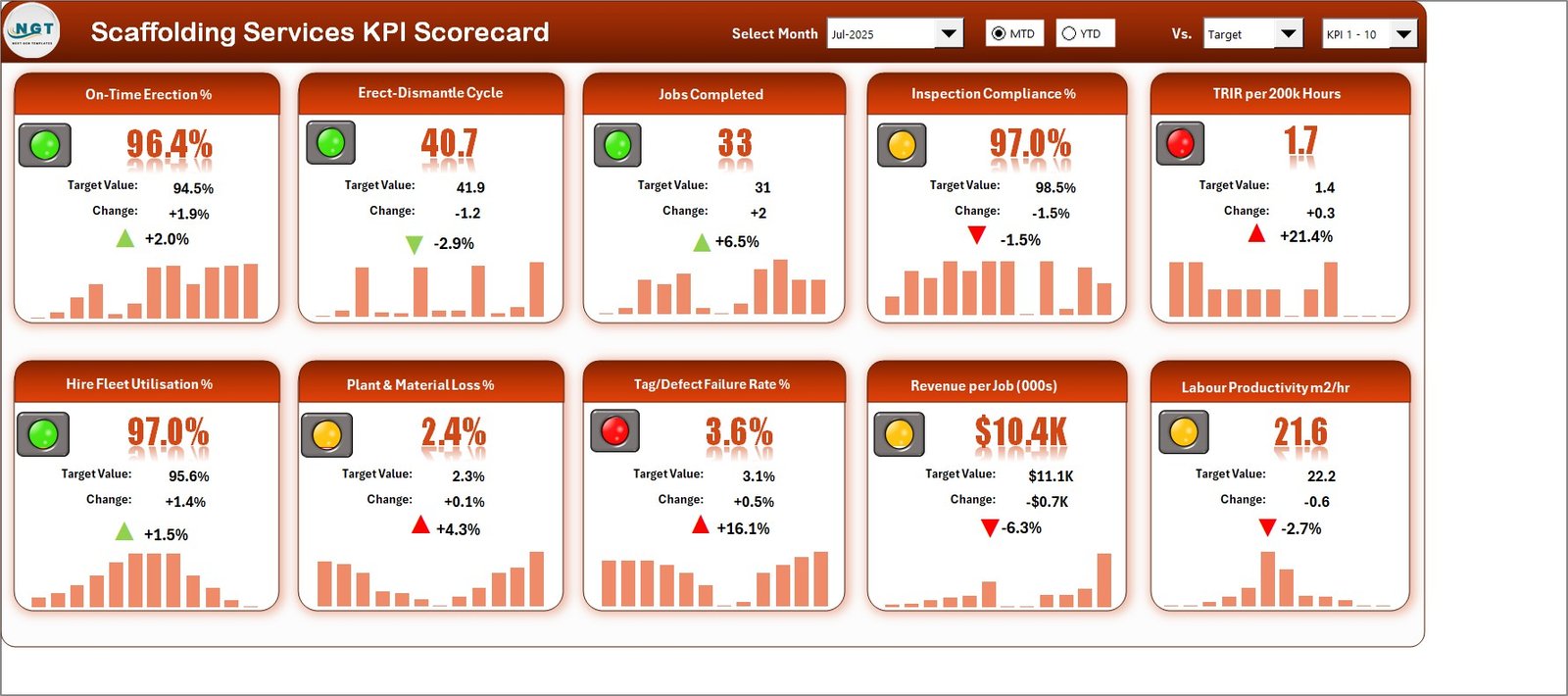
Scorecard Sheet
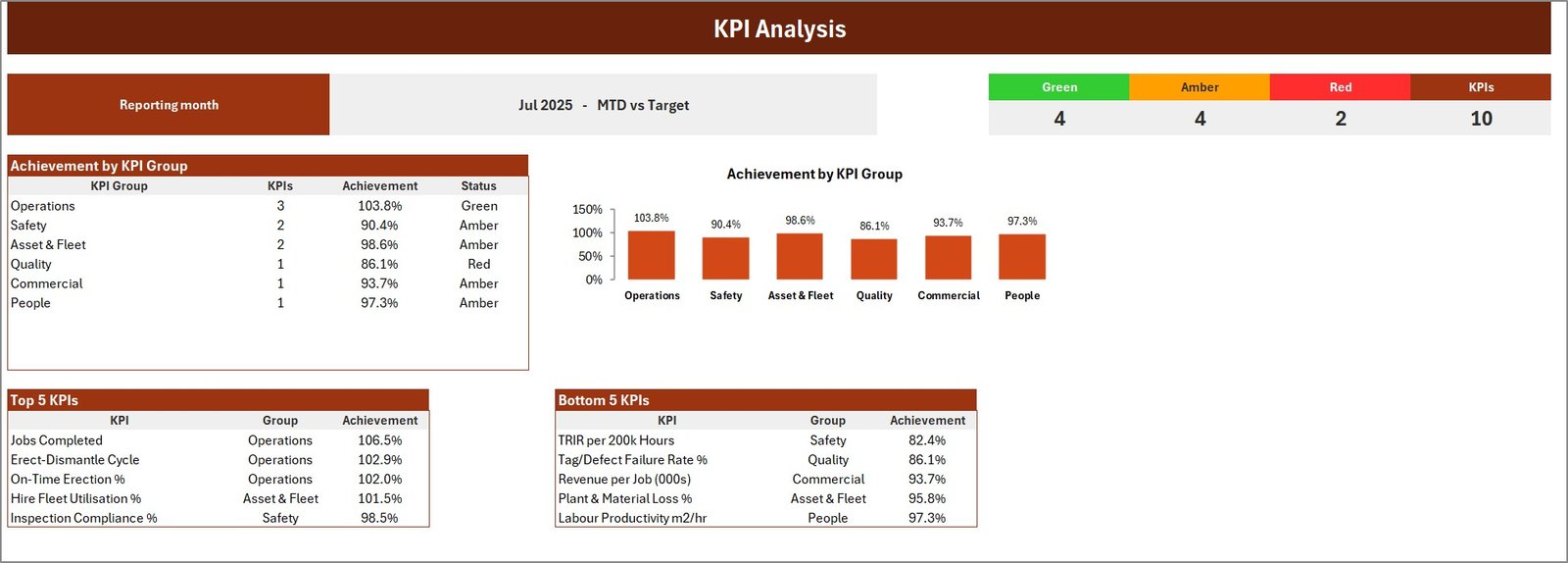
KPI Analysis Sheet

KPI Trend Sheet

Actual Numbers Input Sheet

KPI Definition Sheet
this Excel KPI scorecard vs. Google Sheets vs. Paid CRM/SaaS – Where This Fits
| Area | This Excel Scorecard | Google Sheets Scorecard | Paid SaaS or CRM |
|---|---|---|---|
| Cost | One-time template purchase | One-time sheet template | Monthly subscription |
| Platform | Microsoft Excel desktop | Google Sheets browser | Vendor cloud system |
| Setup time | Replace sample data and definitions | Copy file and replace sample data | Requires onboarding and configuration |
| Collaboration | Best for file-based Excel workflow | Better for live shared editing | Team workflow depends on plan |
| Customization | Open formulas and editable KPI list | Editable sheet structure | Usually controlled by vendor settings |
| Scaffolding KPI fit | Focused monthly KPI scorecard | Similar shared-sheet tracking | Broader field-service suite |
Who This Template Is For – and Who It’s Not For
This template is for scaffolding service companies, contractor coordinators, operations managers, and reporting teams that need a clear monthly KPI scorecard in Excel. It is not for engineering design, scaffold load calculation, legal compliance sign-off, live job dispatch, payroll, or field inspection certification.
How to Use the this Excel KPI scorecard
- Download and unzip the file.
- Open the XLSX workbook in Microsoft Excel.
- Review the KPI Definition sheet and adapt the sample KPI list.
- Enter monthly actual numbers in the input sheet.
- Use the Scorecard, KPI Analysis, and KPI Trend sheets for reporting.
The sample data is intentionally editable, so a team can replace it with its own site, crew, handover, inspection, utilization, delay, and quality metrics. Keep the workbook as a monthly management view, document any definition changes, and review unusual variances with the people closest to the work before using the report in meetings.
Review the output alongside job notes, supervisor comments, and planned corrective actions.
Real-World Use Cases
Operations manager: reviews installation cycle time, rework, inspection, and utilization KPIs before weekly planning. Site supervisor: tracks handover and backlog indicators for active projects. Business owner: uses the monthly scorecard to discuss service quality and delivery performance with the team.
Frequently Asked Questions
Does this include the editable Excel workbook?
Yes. The download ZIP includes the editable XLSX workbook and the Excel KPI Scorecard user manual PDF.
Is this a macro workbook?
No. This scorecard is an XLSX workbook and does not require VBA macros.
Can I change the KPI names?
Yes. The KPI Definition sheet is designed for editing KPI names, groups, units, formulas, definitions, and KPI type.
Can I use it for scaffold rental or site operations?
Yes, if your reporting is monthly and you are comfortable replacing the sample KPIs with your own operational measures.
Is this compliance software?
No. It is a reporting template, not a regulatory, inspection, engineering, safety certification, or compliance system.
Which Excel version should I use?
Use a modern Microsoft Excel desktop version for the best formatting and formula behavior.
About the Author
Built by PK – Microsoft Certified Professional with 15+ years of Excel, Google Sheets, and Power BI experience. Founder of NextGenTemplates, reaching 300K+ subscribers across YouTube channels. Every template is hand-built and tested before release.
Explore Related Templates
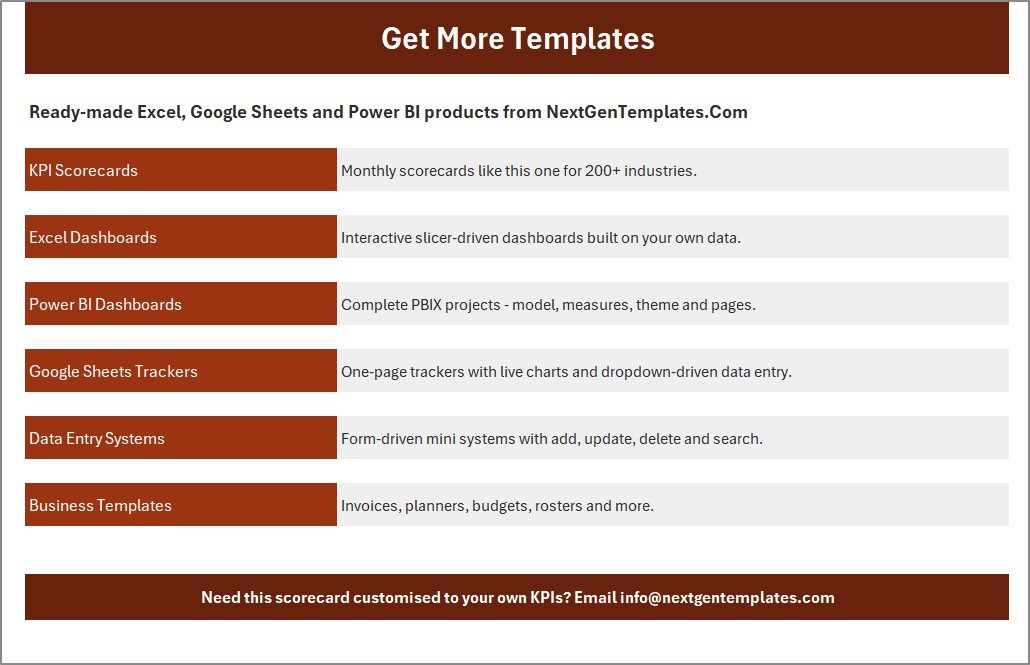
For Excel help, see Microsoft Excel Support. Browse more Excel KPI templates and MS Excel templates from NextGenTemplates.
Get the this Excel KPI scorecard today and turn monthly service data into a clean KPI review workbook. Last updated: September 12, 2026.
Watch the demo video:
Compatibility and Requirements
- Works in Microsoft Excel desktop (Excel 2016 or later, or Microsoft 365).
- The workbook is an XLSX file and does not use VBA macros.
- The Scorecard and KPI Trend pages use charts. Microsoft explains them in Create a chart from start to finish.
Related KPI Scorecard Templates
- Shared Services KPI Scorecard in Excel: the same scorecard layout for shared service teams
- Municipal Services KPI Scorecard in Excel: a monthly scorecard for public service KPIs
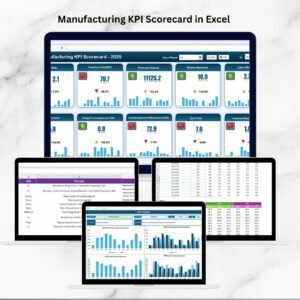
- Manufacturing KPI Scorecard in Excel: an operations scorecard for production teams
- Cleaning Services KPI Dashboard in Excel: a dashboard view for a field service business
- KPI Scorecard Mega Pack: 12 Excel and Google Sheets scorecards in one download
Browse all Excel operations templates.


























Reviews
There are no reviews yet.