

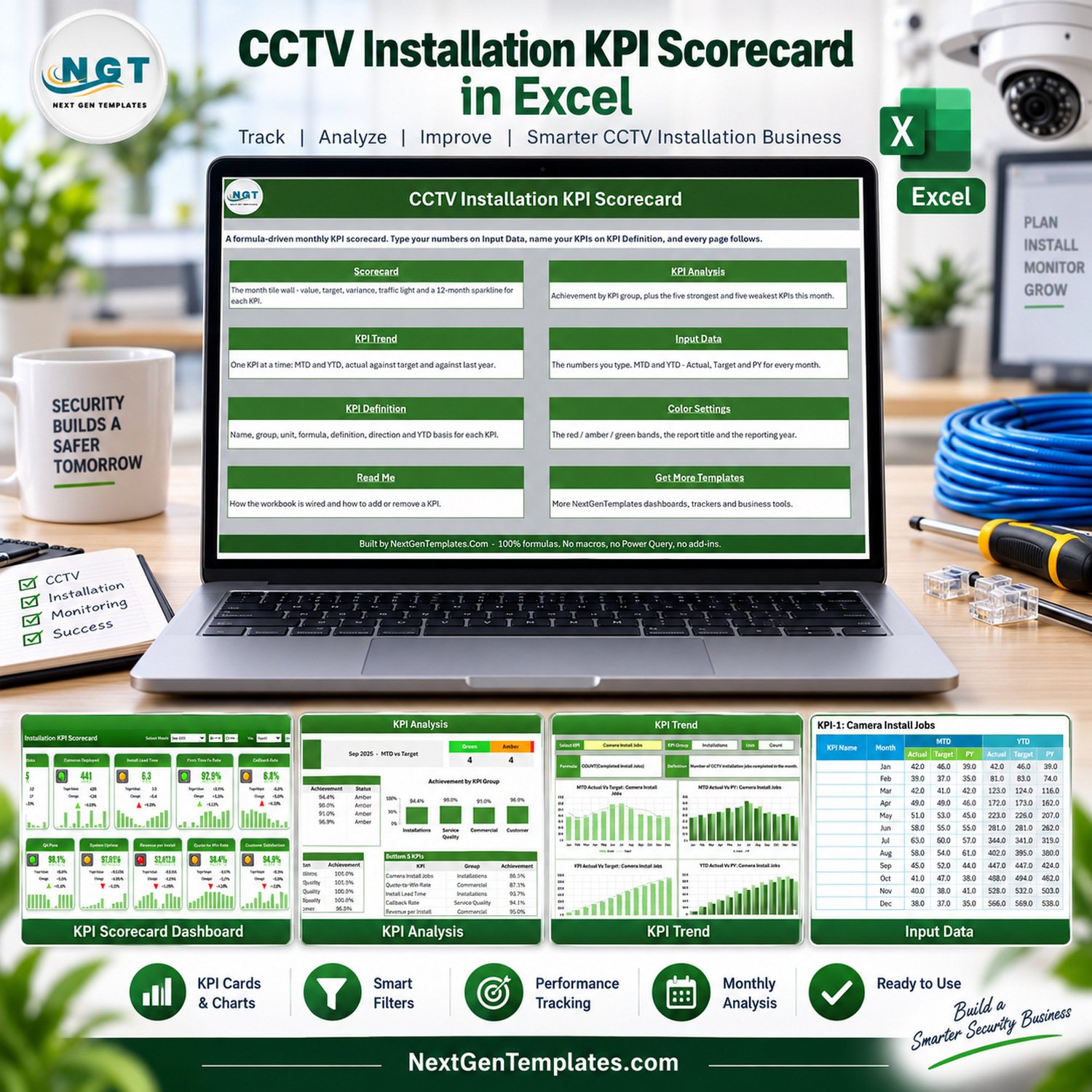

CCTV Installation KPI Scorecard in Excel gives security installation teams a ready monthly control sheet for 10 operational, service quality, commercial, and customer KPIs. The workbook is formula-driven, uses sample data that can be replaced, and includes help within 72 hours if anything does not work, so managers can roll it into their reporting routine with confidence.
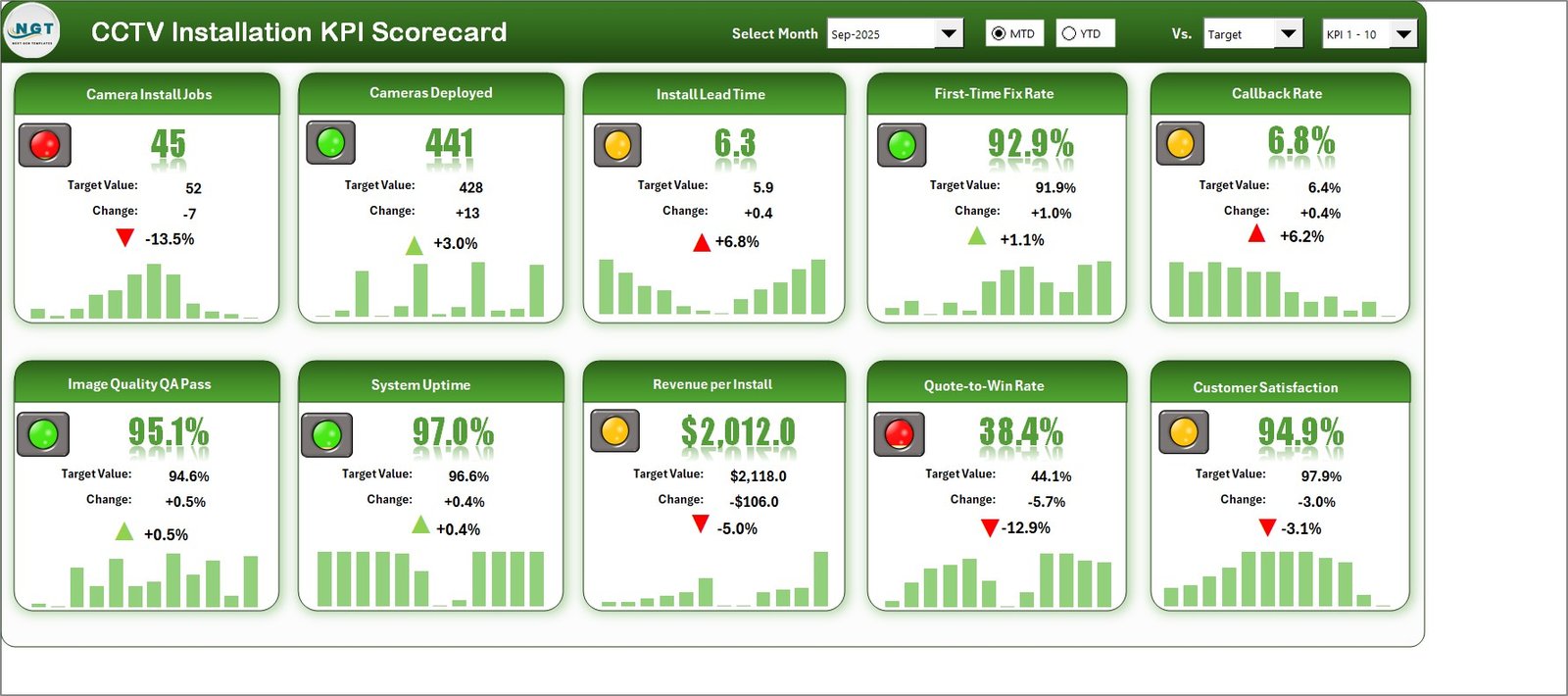
Key Features of CCTV Installation KPI Scorecard in Excel
- Tracks 10 CCTV installation KPIs across installations, service quality, commercial performance, and customer experience.
- Monthly selector changes scorecard, KPI analysis, and trend views from one reporting month.
- MTD and YTD toggles help compare short-term job performance with year-to-date movement.
- Target and previous-year comparison options support faster variance review.
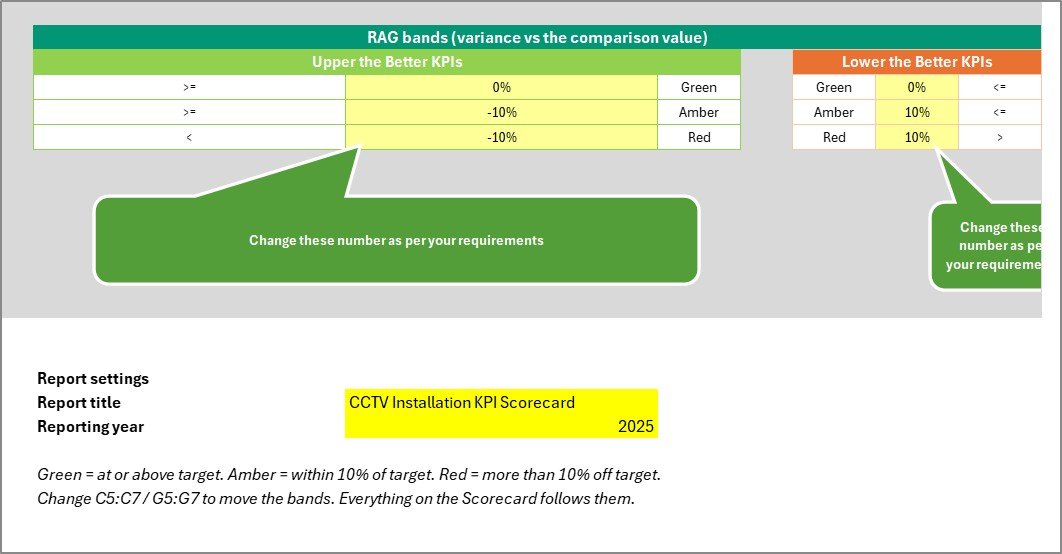
- Red, amber, and green traffic lights highlight KPIs needing action.
- No macros, Power Query, or add-ins are required.
What’s Inside the CCTV Installation Scorecard
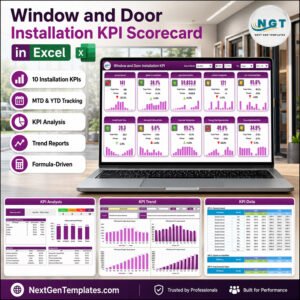
The workbook includes a Home sheet, Scorecard, KPI Analysis, KPI Trend, Input Data, KPI Definition, Settings, Read Me, and Get More Templates pages. The sample KPIs include Camera Install Jobs, Cameras Deployed, Install Lead Time, First-Time Fix Rate, Callback Rate, Image Quality QA Pass, System Uptime, Revenue per Install, Quote-to-Win Rate, and Customer Satisfaction.



CCTV Installation Scorecard vs. Google Sheets vs. Paid CRM/SaaS – Where This Fits
| Area | This Excel scorecard | Google Sheets alternative | Paid service software |
|---|---|---|---|
| Cost | One-time template purchase | Low cost but needs rebuild | Recurring subscription |
| Platform | Microsoft Excel desktop | Browser-based spreadsheet | Cloud app |
| Setup time | Replace sample data and review KPIs | Build formulas and charts manually | Configure users, fields, workflows |
| CCTV KPI focus | Prebuilt for installation jobs, callbacks, uptime, QA, revenue, and satisfaction | Blank unless customized | Often broader than KPI scorecarding |
| Year-1 cost at 5 users | 9.99 sale price | Time cost plus app subscription if used | Usually much higher |
Who This Template Is For – and Who It’s Not For
This template is for CCTV installers, security system contractors, service coordinators, project managers, and owners who want a monthly KPI scorecard without building one from zero. It is not a dispatch platform, technician GPS tool, accounting system, or live monitoring system. It works best when someone already has monthly numbers and wants a clean place to review targets, variance, and trends.
For best results, treat the file as a management review workbook rather than a raw transaction database. Keep source records in your job, sales, service, or accounting tools, then summarize the monthly values here. That keeps the workbook light, fast to review, and easy for non-technical managers to understand during recurring meetings.
How to Use This CCTV Installation Excel Scorecard
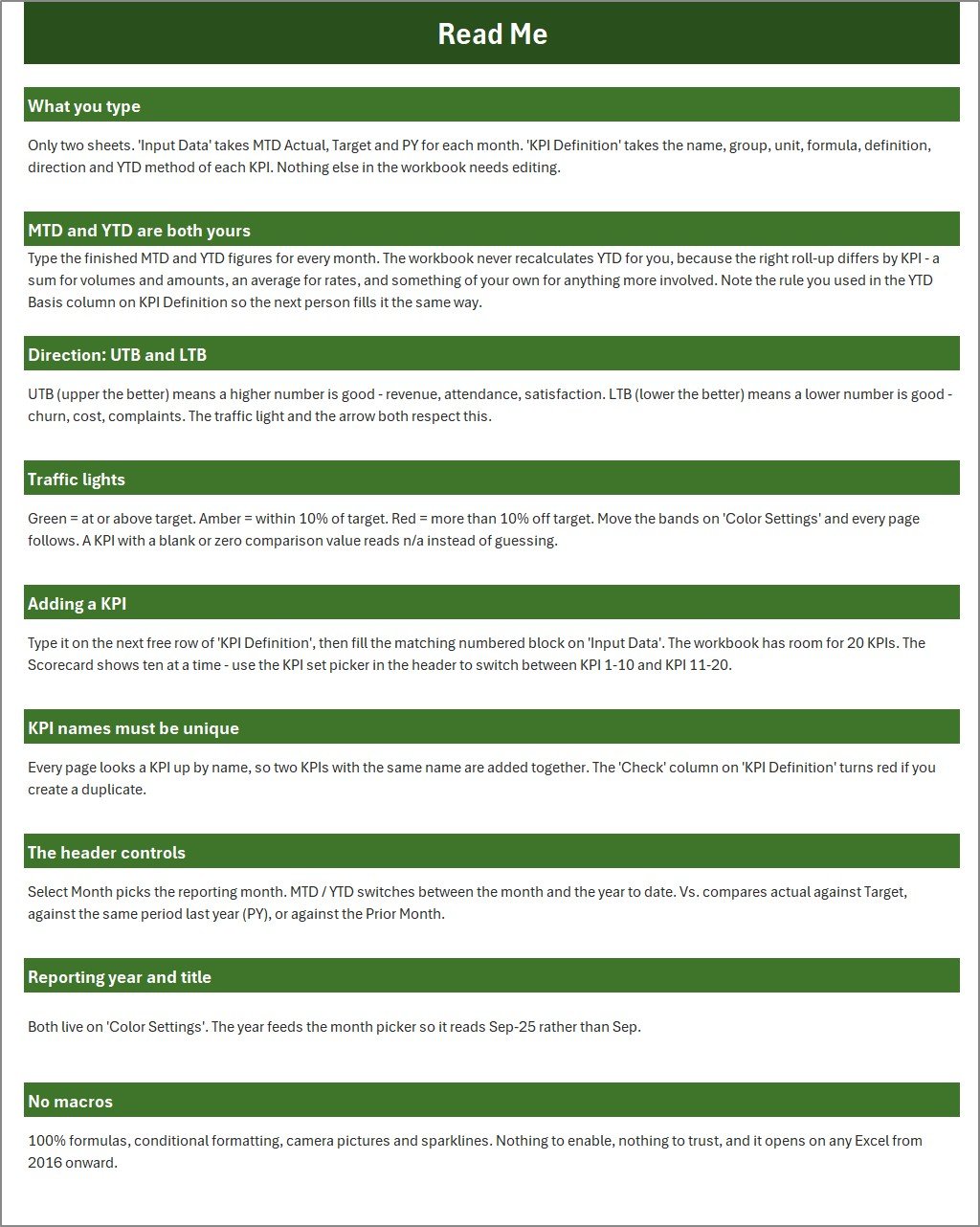
- Download and unzip the file after purchase.
- Open the Excel workbook in Microsoft Excel.
- Review the KPI Definition sheet and adjust KPI names, groups, formulas, units, and LTB/UTB direction if needed.
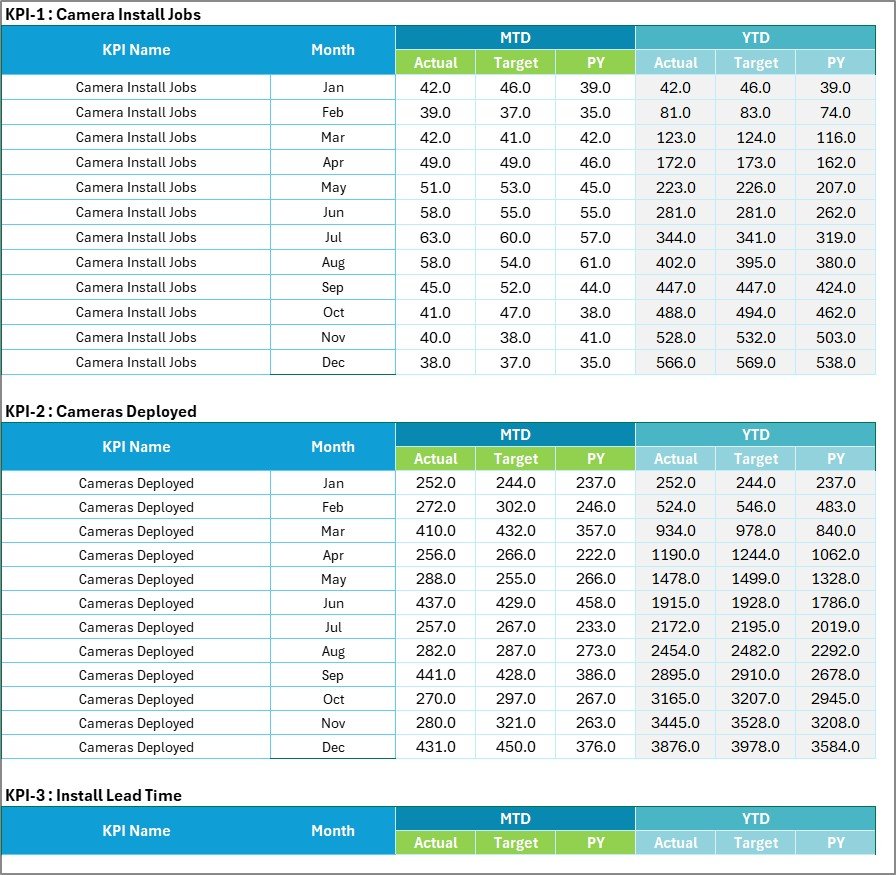
- Enter monthly actual, target, and previous-year values in Input Data.
- Select the reporting month on the Scorecard page and review MTD or YTD results.
- Use KPI Analysis and KPI Trend to discuss root causes and improvement actions.
Real-World Use Cases
Security contractor owner: review install volume, quote conversion, callback rate, and customer satisfaction before the monthly team meeting.
Operations manager: identify whether lead time, first-time fix rate, or QA pass rate is creating pressure on the field team.
Service coordinator: prepare a simple status summary for management without exporting reports from several tools.
Frequently Asked Questions
Does this scorecard require macros?
No. The workbook is formula-driven and does not require macros, Power Query, or add-ins.
Can I change the KPIs?
Yes. You can edit KPI names, groups, units, formulas, definitions, and whether each KPI is lower-the-better or upper-the-better.
Is this a security monitoring tool?
No. It is a KPI reporting workbook for business performance. It does not monitor camera feeds or replace your CCTV software.
Can it compare actuals with targets?
Yes. The scorecard compares actual results with targets and can also compare against previous-year values.
Does it include sample data?
Yes. The workbook includes sample CCTV installation data so you can understand the layout before replacing it with your own figures.
Which related templates should I consider?
For broader dashboard reporting, see the CCTV Installation KPI Dashboard in Excel and Security System Installation KPI Scorecard in Excel.
About the Author
Built by PK – Microsoft Certified Professional with 15+ years of Excel, Google Sheets, and Power BI experience. Founder of NextGenTemplates, reaching 300K+ subscribers across YouTube channels. Every template is hand-built and tested before release.
Explore Related Templates
Browse more Excel templates and Excel KPI dashboards. Relevant alternatives include CCTV Installation KPI Dashboard in Excel, Security System Installation KPI Scorecard in Excel, and Home Renovation Contractor KPI Scorecard in Excel.
For buyers who want a spreadsheet-based review process, this Excel scorecard keeps KPI reporting inside a familiar workbook. Microsoft also maintains general Excel guidance at Microsoft Excel help and learning.
The template is useful when the monthly review needs to stay focused on installation volume, service quality, revenue, and customer satisfaction rather than full service-dispatch operations.
Use it as the recurring monthly scorecard for owner reviews, supervisor meetings, and installation performance follow-up. It keeps the discussion centered on measurable work: completed jobs, deployed cameras, lead time, callbacks, uptime, quote conversion, and satisfaction.
Ready to review CCTV installation performance faster? Download the scorecard, replace the sample data, and use it in your next operations review.
Last updated: September 12, 2026.
Watch the demo video:
Compatibility and Requirements
- Works in Microsoft Excel desktop (Excel 2016 or later, or Microsoft 365).
- The workbook has no macros, Power Query or add-ins, so there is nothing to enable.
- You pick the reporting month on the Scorecard sheet. Microsoft explains how to build and read charts in Create a chart from start to finish.
More Questions About This Template
Does this template work in Google Sheets?
This file is built for Microsoft Excel desktop. A separate edition is available: CCTV Installation KPI Scorecard in Google Sheets.
Which KPIs are in the sample data?
The sample data covers Camera Install Jobs, Cameras Deployed, Install Lead Time, First-Time Fix Rate, Callback Rate, Image Quality QA Pass, System Uptime, Revenue per Install, Quote-to-Win Rate and Customer Satisfaction.
What is the difference between the scorecard and the dashboard?
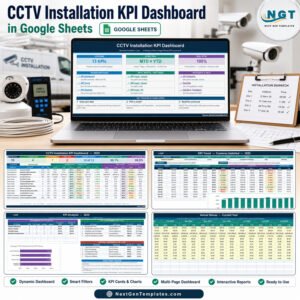
This product is the scorecard, which shows the 10 KPIs with targets, traffic lights, analysis and trends. A dashboard edition is also available as the CCTV Installation KPI Dashboard in Excel, and a Power BI version exists as the CCTV Installation KPI Dashboard in Power BI.





























Reviews
There are no reviews yet.