

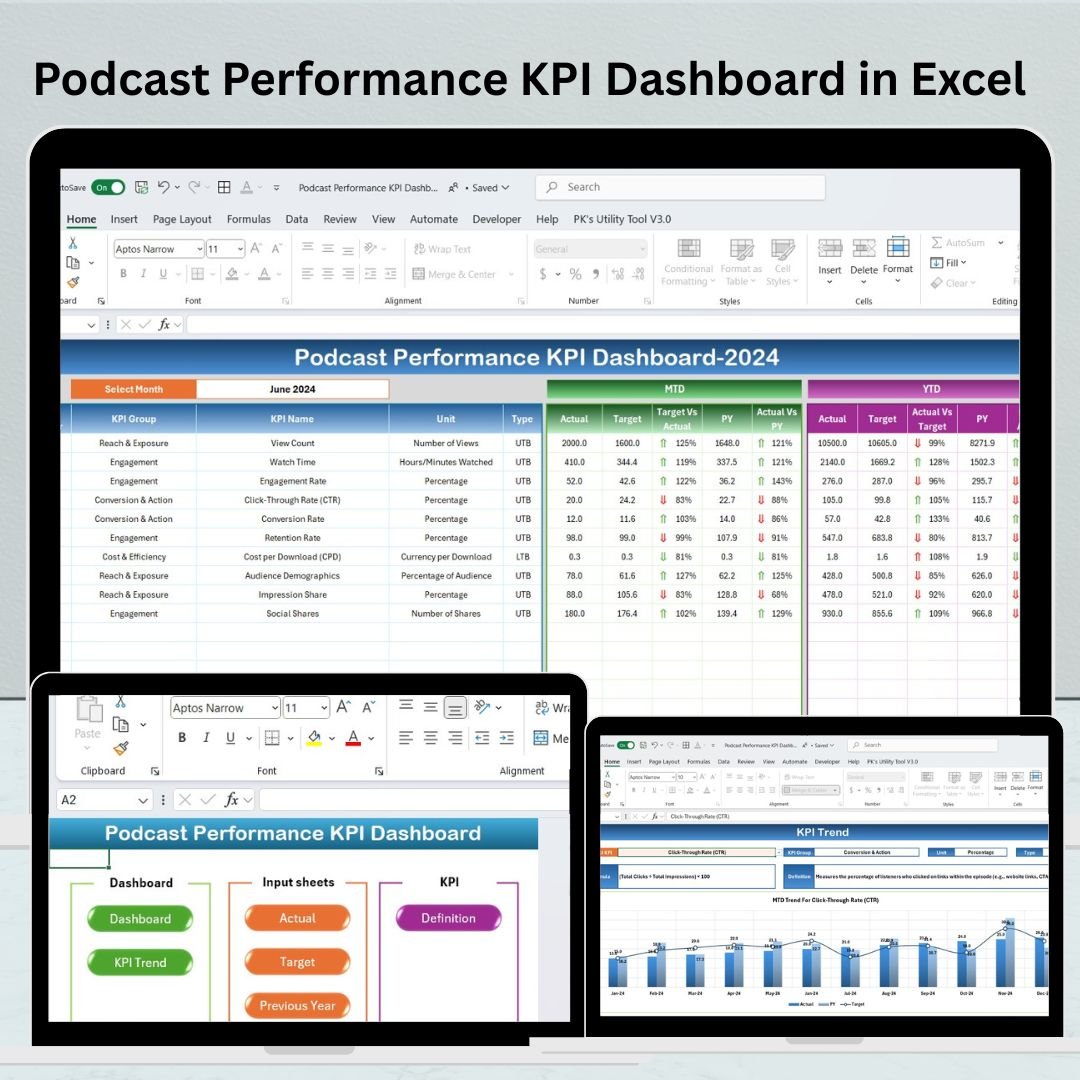
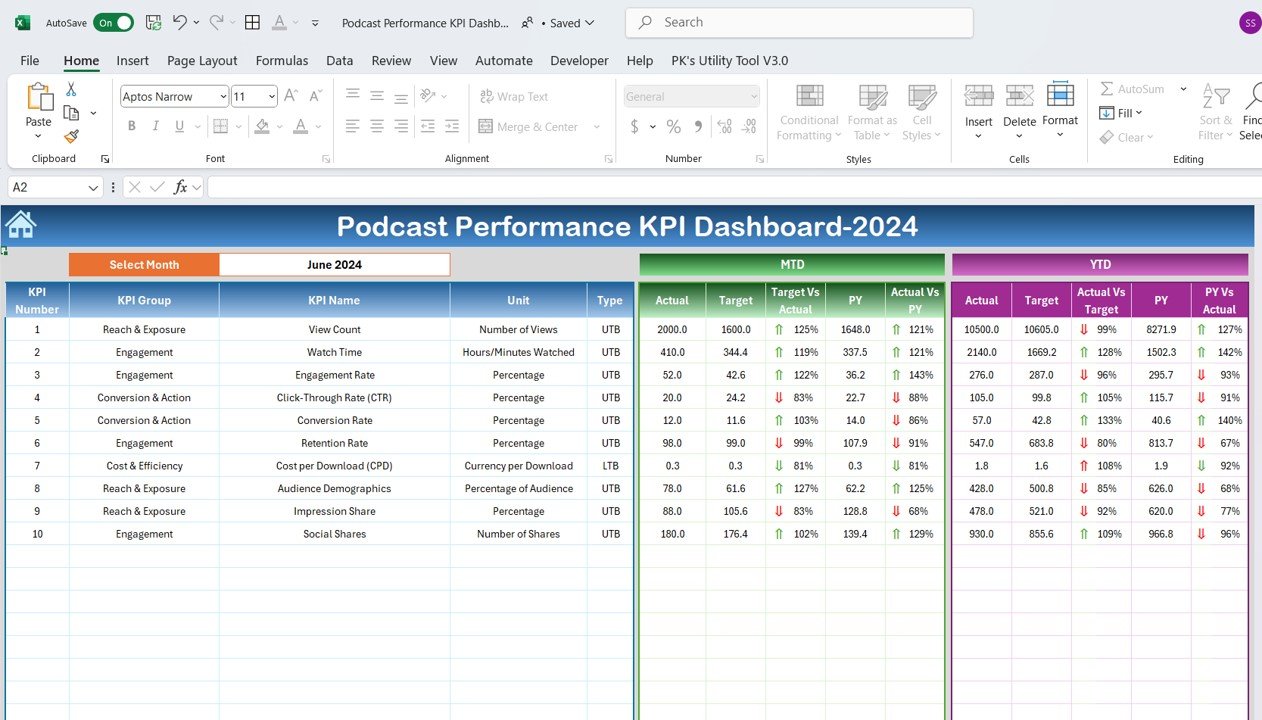
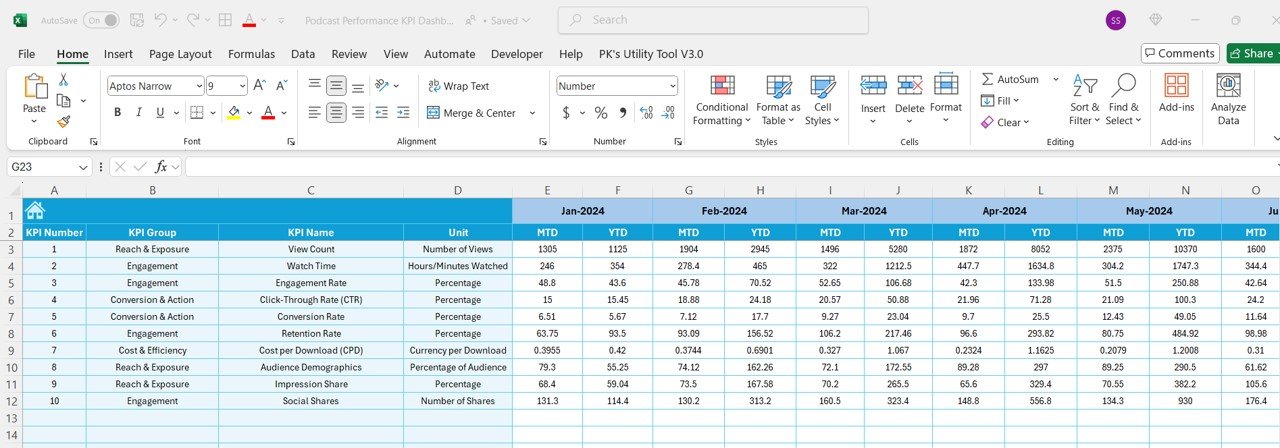
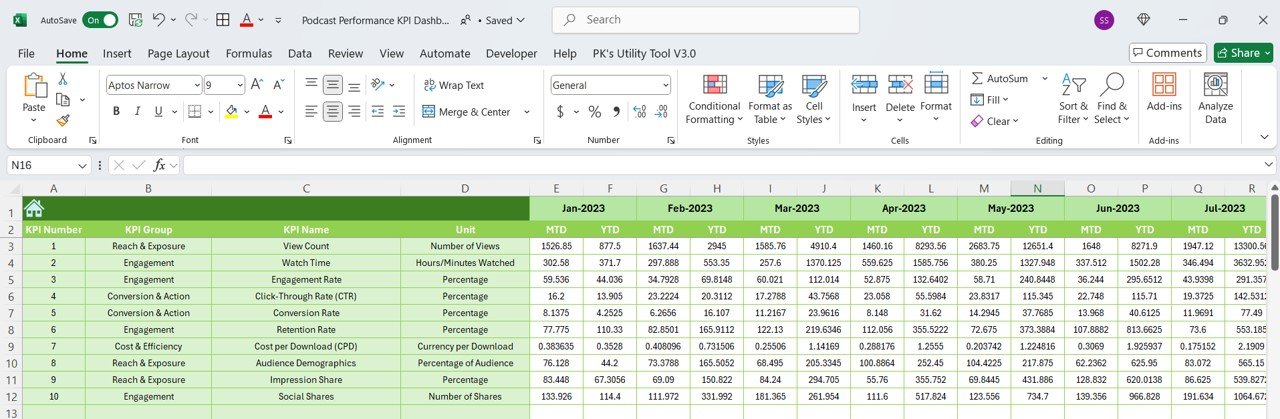
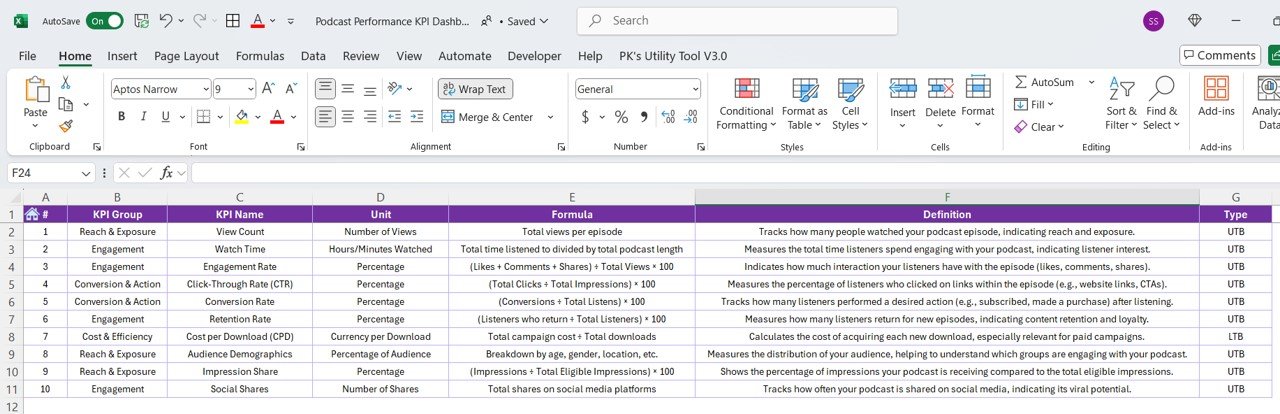

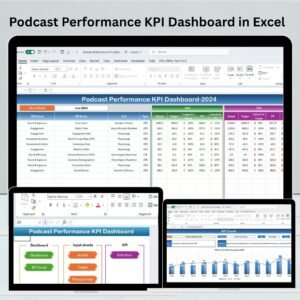
The Podcast Performance KPI Dashboard in Excel is a comprehensive tool designed to help podcasters, marketing teams, and content creators track and analyze their podcast’s performance. With a focus on key performance indicators (KPIs) like listener growth, episode downloads, listener engagement, and revenue generation, this dashboard gives you all the insights you need to optimize your podcast strategy and improve audience reach.
By organizing essential podcast metrics in one place, this Excel dashboard allows you to track performance across episodes, monitor audience trends, and adjust your content or marketing strategies for maximum impact. With the ability to analyze data from various sources, you can make data-driven decisions that boost your podcast’s growth and success.
Key Features of the Podcast Performance KPI Dashboard in Excel
🎧 Listener Growth Tracking
Monitor your listener base over time. Track new subscribers, listeners per episode, and overall listener trends to understand your podcast’s growth.
📥 Episode Download Monitoring
Track the number of downloads per episode to assess the popularity and engagement of each podcast episode. This feature helps you pinpoint which episodes resonate most with your audience.
📊 Engagement Metrics
Measure listener engagement through metrics such as average listening time, listen-through rates, and audience retention. Understand how much of your episodes listeners are consuming to gauge content effectiveness.
💵 Revenue Tracking
Monitor podcast-related revenue, including ad income, sponsorships, and product sales. Keep track of earnings to ensure your podcast is monetized effectively.
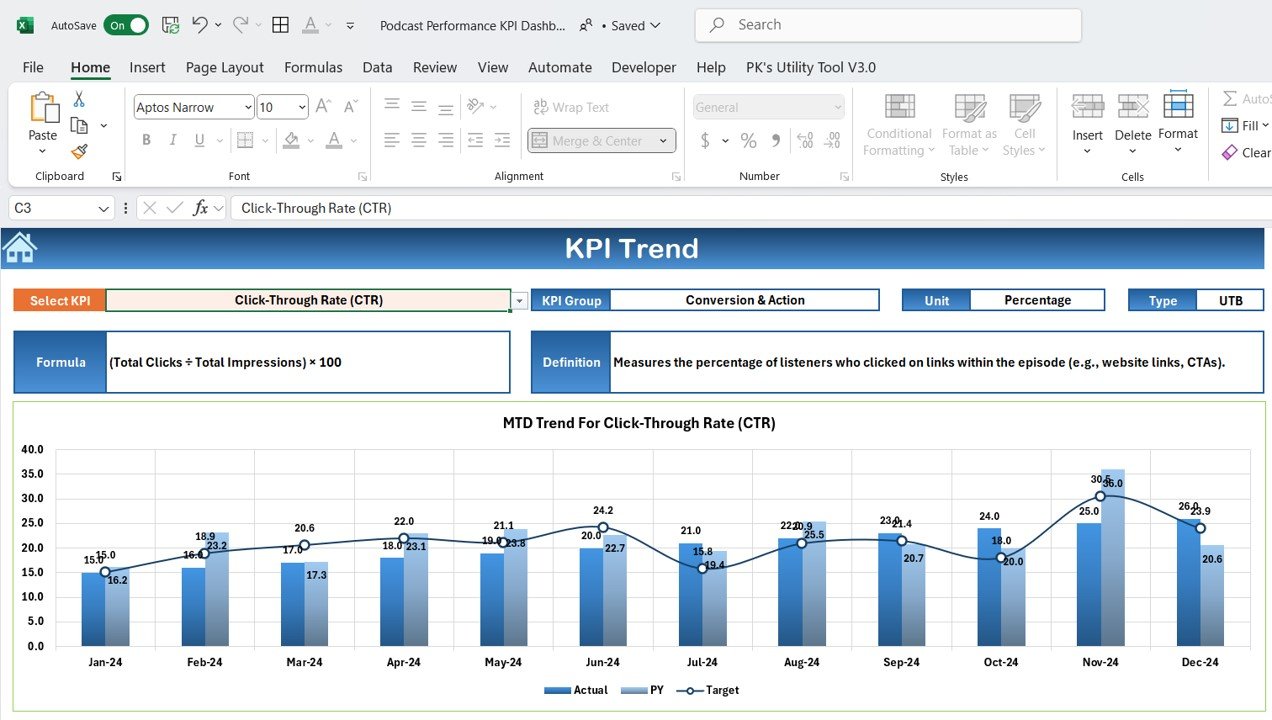
📈 Time-Based Analysis
Analyze trends over different periods, such as weekly, monthly, or quarterly. This feature helps you track long-term growth and make informed decisions based on time-based performance.
⚙️ Customizable KPIs
Customize the dashboard to reflect the specific KPIs most relevant to your podcast’s goals. Whether it’s listener engagement, revenue generation, or episode popularity, tailor the dashboard to fit your needs.
Why You’ll Love the Podcast Performance KPI Dashboard in Excel
✅ Comprehensive Data Tracking
Track all your key podcast metrics in one place, from listener growth to episode performance and revenue generation.
✅ Optimize Content Strategy
Analyze listener retention and episode popularity to adjust your content strategy. Create more of the content your audience loves based on real-time data.
✅ Boost Audience Engagement
Measure audience engagement and identify areas for improvement, ensuring your listeners stay hooked and keep coming back for more.
✅ Monetization Insights
Track your podcast’s revenue, including ad income and sponsorships, to assess the effectiveness of your monetization strategies.
✅ Customizable for Any Podcast
Whether you’re a solo podcaster or running a network of podcasts, this dashboard is fully customizable to fit your specific performance metrics and goals.
What’s Inside the Podcast Performance KPI Dashboard in Excel?
Listener Growth Tracking: Monitor new subscribers and overall listener growth.
Episode Download Tracking: Track downloads per episode to gauge popularity.
Engagement Metrics: Measure retention rates, average listening times, and engagement levels.
Revenue Tracking: Monitor income from ads, sponsorships, and merchandise.
Time-Based Performance Analysis: Analyze data over different time frames (weekly, monthly, quarterly).
Customizable Features: Tailor the dashboard to track the metrics most relevant to your podcast.
How to Use the Podcast Performance KPI Dashboard in Excel
1️⃣ Download the Template: Access the Podcast Performance KPI Dashboard in Excel instantly.
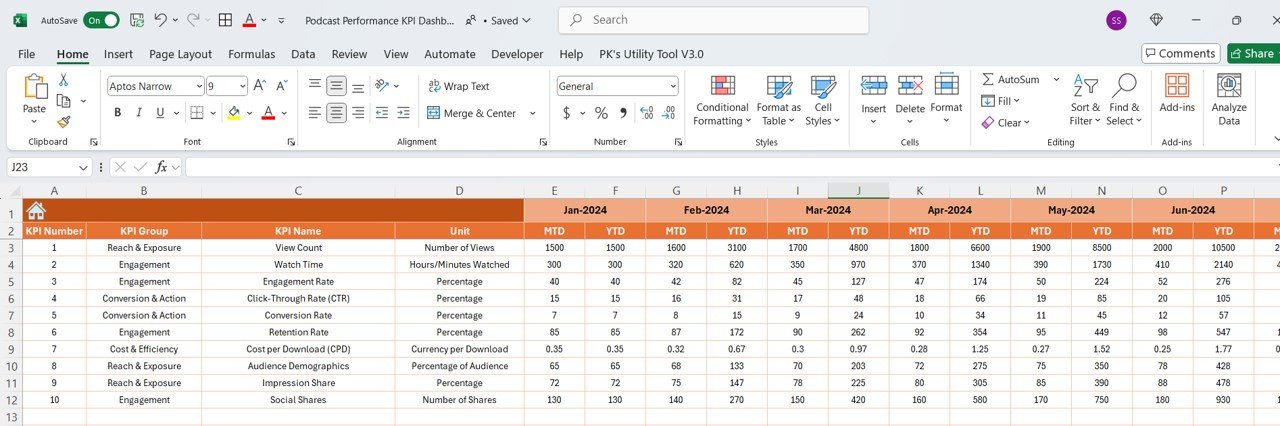
2️⃣ Input Your Podcast Data: Add episode downloads, listener stats, revenue, and engagement metrics to the dashboard.
3️⃣ Track Your KPIs: Monitor listener growth, episode performance, and revenue generation.
4️⃣ Analyze Trends & Data: Use time-based performance analysis to spot trends and track growth.
5️⃣ Optimize Your Podcast Strategy: Adjust your content and marketing strategy based on performance data to grow your podcast further.
Who Can Benefit from the Podcast Performance KPI Dashboard in Excel?
🔹 Podcasters & Content Creators
🔹 Podcast Networks & Media Companies
🔹 Marketing Teams & Digital Strategists
🔹 Podcast Advertisers & Sponsors
🔹 Audio Content Creators
🔹 Entrepreneurs Looking to Monetize Podcasts
🔹 Data Analysts & Performance Review Teams
Ensure your podcast is on the path to success with the Podcast Performance KPI Dashboard in Excel. Monitor audience growth, engagement, revenue, and episode performance to make smarter decisions and boost your podcast’s reach and impact.
Click here to read the Detailed blog post
Visit our YouTube channel to learn step-by-step video tutorials
Youtube.com/@PKAnExcelExpert
Compatibility and Requirements
- Works in Microsoft Excel desktop (Excel 2016 or later, or Microsoft 365).
- New to Excel? Start with Microsoft’s Excel for Windows training.
Frequently Asked Questions
Which podcast KPIs does it track?
Listener growth, new subscribers, downloads per episode, engagement (average listening time, listen-through rate, retention) and revenue.
Can I track podcast revenue?
Yes. Record ad income, sponsorships and product sales.
Can I see which episodes do best?
Yes. Downloads are tracked per episode, so you can see which episodes resonate most.
Is there a Google Sheets version?
Yes. See the Podcast Performance KPI Dashboard in Google Sheets.
Related Podcast Templates
- Podcast Performance KPI Dashboard in Google Sheets: the Google Sheets edition
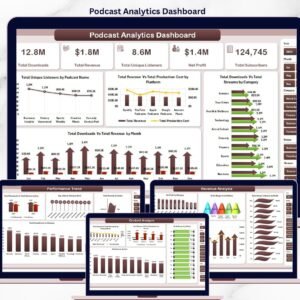
- Podcast Analytics Dashboard in Excel: deeper podcast analytics
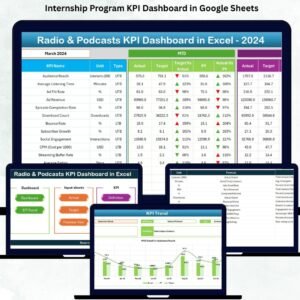
- Radio & Podcasts KPI Dashboard in Excel: KPIs for radio and podcast networks
- Podcast Analytics Dashboard in Power BI: podcast analytics in Power BI
- Marketing and Social Media Analytics Kit: 7 marketing templates in one download
Browse all Excel KPI dashboards.































Reviews
There are no reviews yet.