

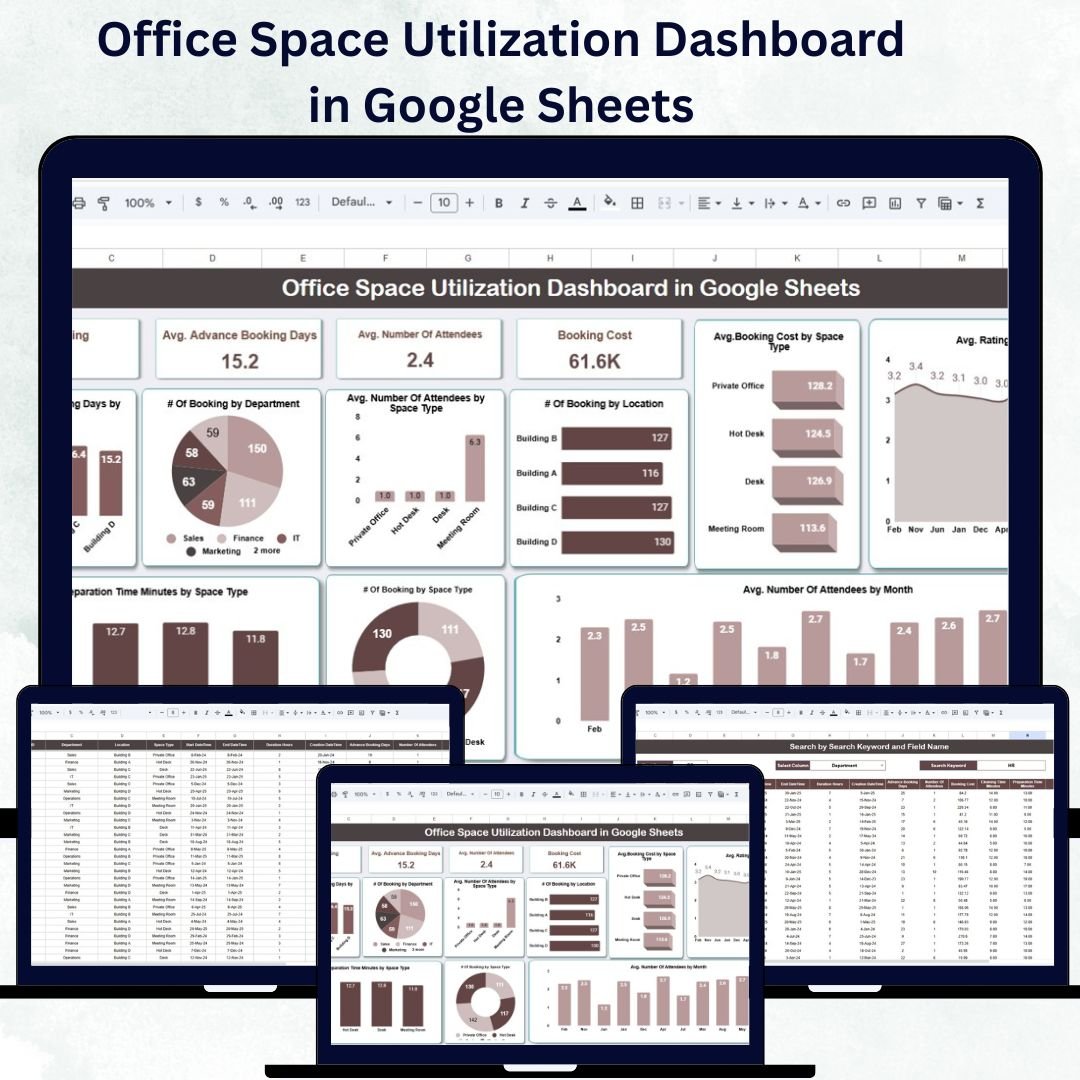

Efficient office space management has become more important than ever — especially in today’s hybrid work environment. The Office Space Utilization Dashboard in Google Sheets provides a ready-to-use, interactive solution to help organizations track workspace bookings, monitor utilization rates, manage costs, and enhance employee experience — all from a single, dynamic dashboard.
Built in Google Sheets, this tool gives facility managers, HR teams, and operations staff the ability to visualize real-time data, identify underused spaces, and optimize resource allocation across departments and locations. With powerful charts, summaries, and an easy search function, this dashboard simplifies space management while driving data-backed decision-making.
🔑 Key Features of the Office Space Utilization Dashboard in Google Sheets
📊 Dashboard Sheet Tab
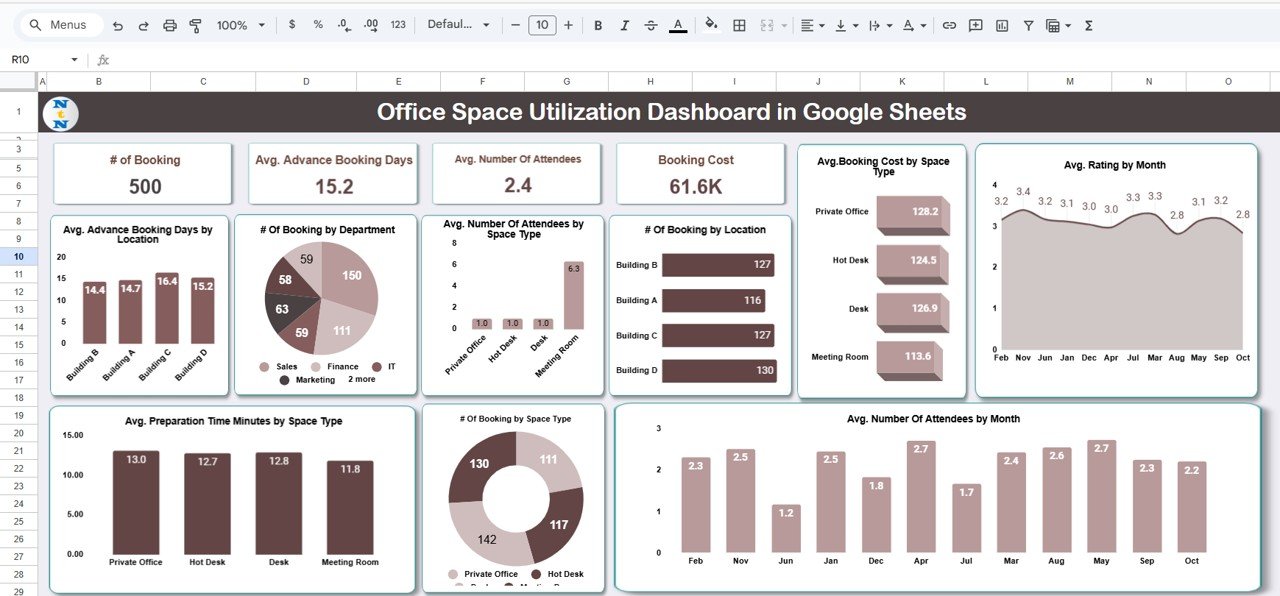
Get a high-level, visual overview of all your office space utilization metrics:
Cards Section:
🗓 # of Bookings: Total workspace bookings made
⏰ Avg. Advance Booking Days: Average number of days booked in advance
👥 Avg. Number of Attendees: Average participants per booking
💵 Booking Cost: Total or average cost per booking
Charts Section:
Avg. Advance Booking Days by Location: Compare lead times across different office sites
# of Bookings by Department: Analyze which departments utilize space most frequently
Avg. Attendees by Space Type: Identify attendance trends across meeting rooms or open spaces
# of Bookings by Location: See which locations are most popular
Avg. Booking Cost by Space Type: Track cost variations across workspace types
Avg. Rating by Month: Monitor user satisfaction over time
# of Bookings by Space Type: View booking patterns by type of space
Avg. Preparation Time by Space Type: Plan cleaning or setup resources efficiently
This sheet provides real-time insights into space usage, employee behavior, and booking trends — helping you create a smarter, more efficient workplace.
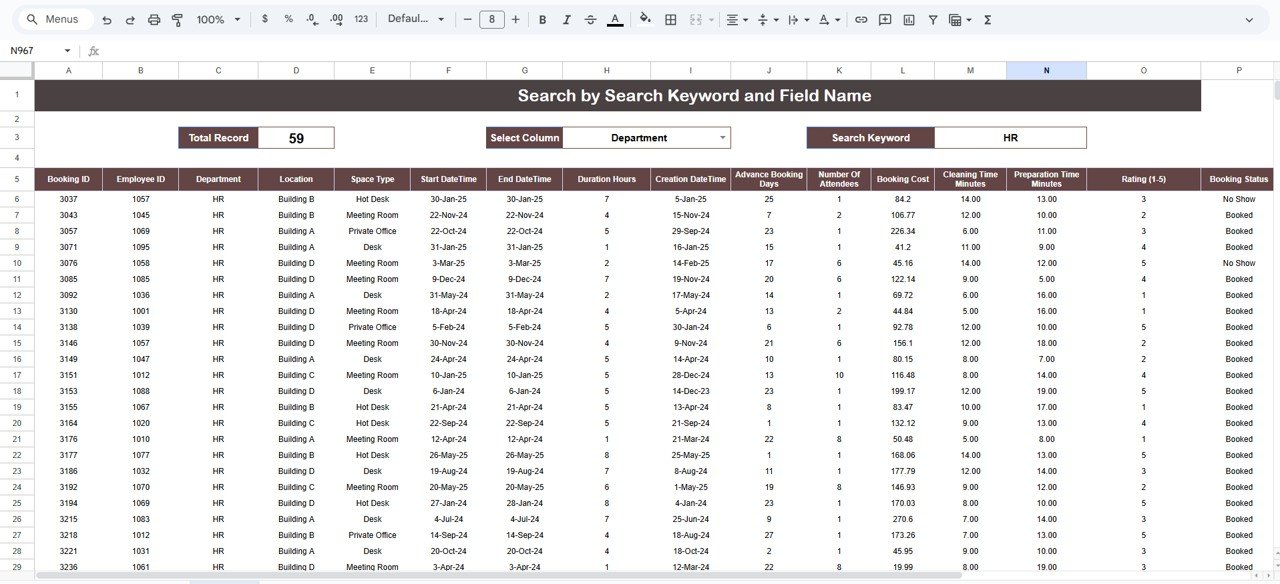
🔍 Search Sheet Tab
The Search Sheet helps you quickly locate and filter bookings:
Enter keywords or field names (e.g., “Conference Room”, “Finance Dept.”, “Mumbai Office”)
Instantly retrieve filtered results without scrolling
Ideal for audits, reporting, or reviewing specific departments and locations
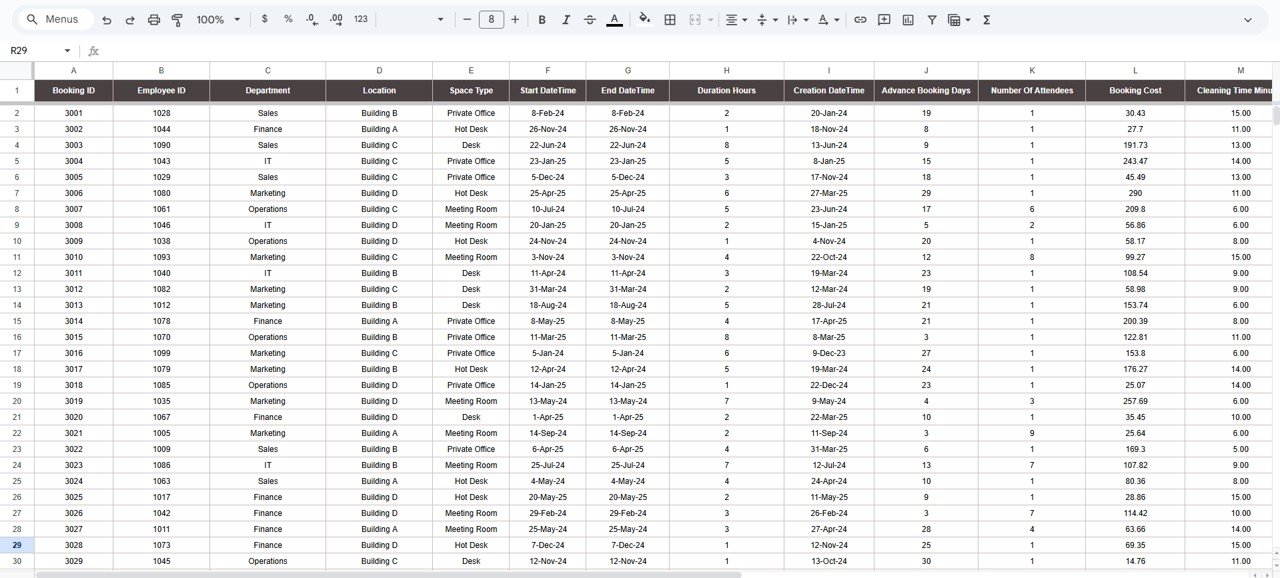
📋 Data Sheet Tab
This is the backbone of the dashboard — where you input all booking-related details:
Record data such as Date, Time, Location, Department, Space Type, Attendees, Preparation Time, Booking Cost, and Ratings
The dashboard automatically updates its visuals and summaries based on the latest data
Easy to maintain and perfect for daily or weekly updates
💡 Advantages of Using the Office Space Utilization Dashboard
✅ Centralized Workspace Data: Track all bookings and space metrics in one interactive sheet
📈 Real-Time Insights: Instantly view updated trends as new data is entered
🏢 Optimize Space Allocation: Identify underused areas and balance bookings across departments
💰 Cost Management: Track and control booking expenses efficiently
👥 Improve Employee Experience: Use satisfaction ratings to enhance comfort and convenience
🧠 Data-Driven Decisions: Plan future expansions or reconfigurations based on utilization trends
🤝 Collaborative Access: Multiple users can update and review the dashboard simultaneously
Whether you manage a single office or multiple locations, this tool gives you complete visibility and control over space efficiency.
🧠 Best Practices for Using the Dashboard
Update Data Regularly: Add new bookings as they occur to maintain accurate metrics
Segment Data by Department: Understand how each department utilizes workspace resources
Analyze Trends Monthly: Identify recurring booking patterns and high-demand areas
Monitor Preparation Time: Ensure adequate cleaning and setup schedules
Use Feedback & Ratings: Measure satisfaction and implement improvements
Collaborate Across Teams: Share dashboard access with HR and facilities for joint planning
🏢 How This Dashboard Helps Organizations
Improve Space Efficiency: Identify and repurpose underutilized areas
Reduce Costs: Eliminate unnecessary overhead from unused or overbooked spaces
Enhance Planning: Forecast future space needs based on real data
Streamline Operations: Automate manual reporting and tracking
Boost Employee Experience: Create more comfortable, accessible, and optimized work environments
From startups to large enterprises, this dashboard empowers teams to manage workspace resources efficiently and transparently — using nothing more than Google Sheets.
🔗 Click here to read the Detailed blog post
Watch the step-by-step video Demo:
🔗 Visit our YouTube channel to learn step-by-step video tutorials
Compatibility and Requirements
- Works in Google Sheets. You need a free Google account and a web browser.
- The Dashboard sheet shows the charts and cards, the Search sheet filters bookings, and the Data sheet holds your booking records. Google explains how charts work in Add and edit a chart or graph.
Frequently Asked Questions
Which sheets are included?
Three sheets: Dashboard, Search and Data.
What data do I enter?
You record the date, time, location, department, space type, attendees, preparation time, booking cost and rating for each booking in the Data sheet. The dashboard updates from that data.
Which metrics does the dashboard show?
The cards show number of bookings, average advance booking days, average number of attendees and booking cost. The charts break bookings, attendees, cost, rating and preparation time down by location, department, space type or month.
Can I find bookings for one department or location?
Yes. On the Search sheet, enter a keyword such as a department, location or space type and the matching bookings are returned.
Is there an Excel or Power BI version?
Yes. See the Office Space Utilization Dashboard in Excel and the Office Space Utilization Dashboard in Power BI.
Related Office Space Templates
- Office Space Utilization Dashboard in Excel: the same dashboard in Excel
- Office Space Utilization Dashboard in Power BI: the Power BI edition
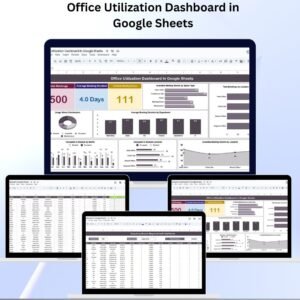
- Office Utilization Dashboard in Google Sheets: a wider view of office use
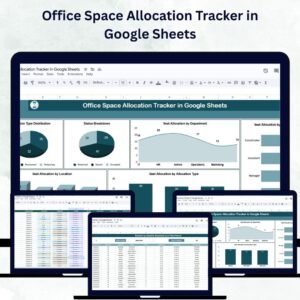
- Office Space Allocation Tracker in Google Sheets: track who is assigned to which space
- Space Utilization Dashboard in Google Sheets: space usage for other facilities
Browse all Google Sheets dashboards.























Reviews
There are no reviews yet.