

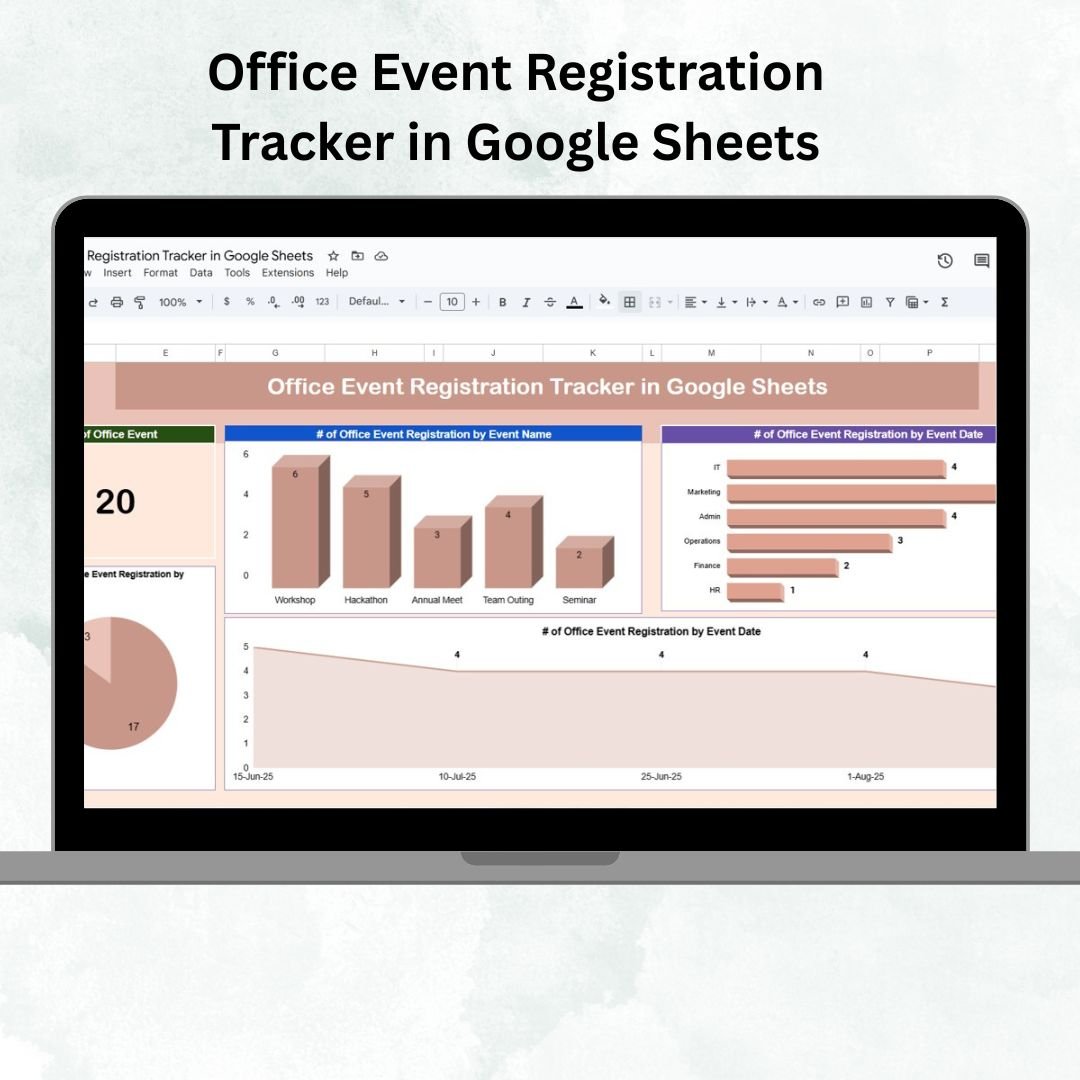
Office events are an excellent way to build culture, encourage collaboration, and keep employees engaged. 🎉 However, managing registrations for these events can quickly get messy without a structured system. Spreadsheets, emails, and paper forms often result in lost data, missed confirmations, or confusion about attendance.
The Office Event Registration Tracker in Google Sheets is a ready-to-use, cloud-based template that simplifies event management for HR teams, administrators, and coordinators. With built-in dashboards, search functions, and real-time updates, this tracker ensures you can plan, monitor, and analyze registrations effortlessly.
🔑 Key Features of Office Event Registration Tracker in Google Sheets
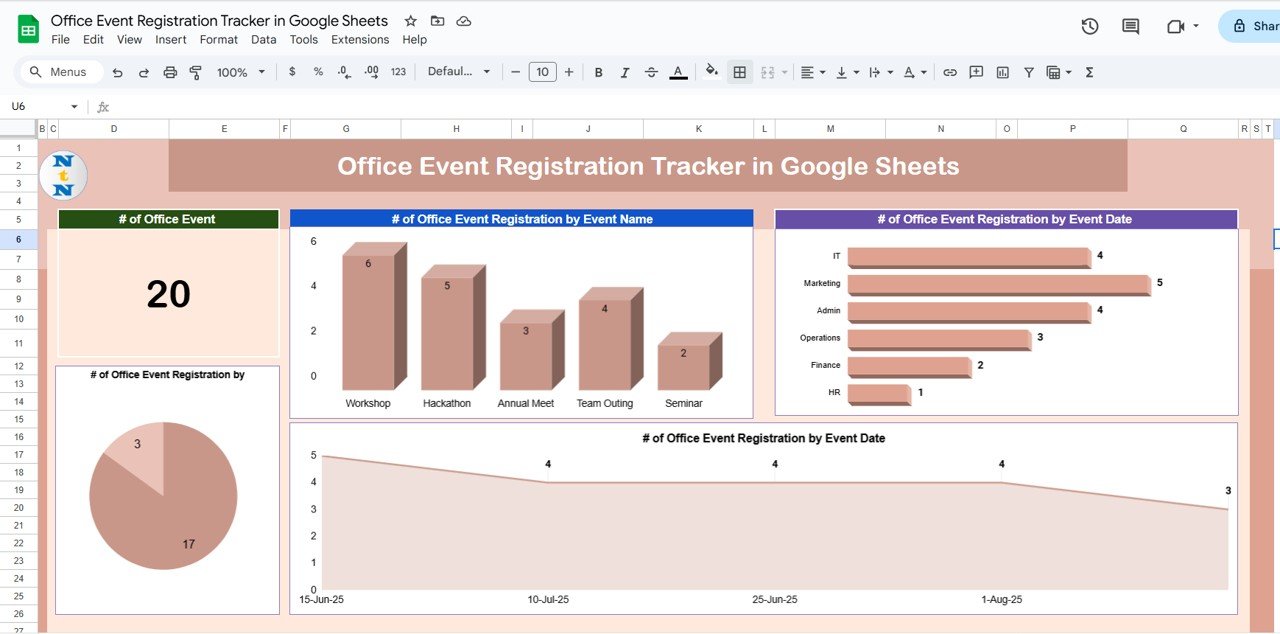
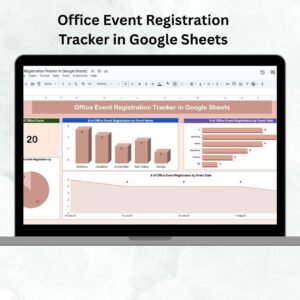
📊 Tracker Sheet (Dashboard & Analytics)
Cards Section: Displays the total number of office events registered.
Charts Section:
Registrations by Event Name 📅 – See which events are most popular.
Registrations by Department 🏢 – Identify which teams are most engaged.
Registrations by Status ✅ – Confirmed vs pending attendees at a glance.
Registrations by Event Date ⏰ – Track upcoming or past events easily.
This sheet serves as the central hub, giving you instant visibility into participation trends and event-level engagement.
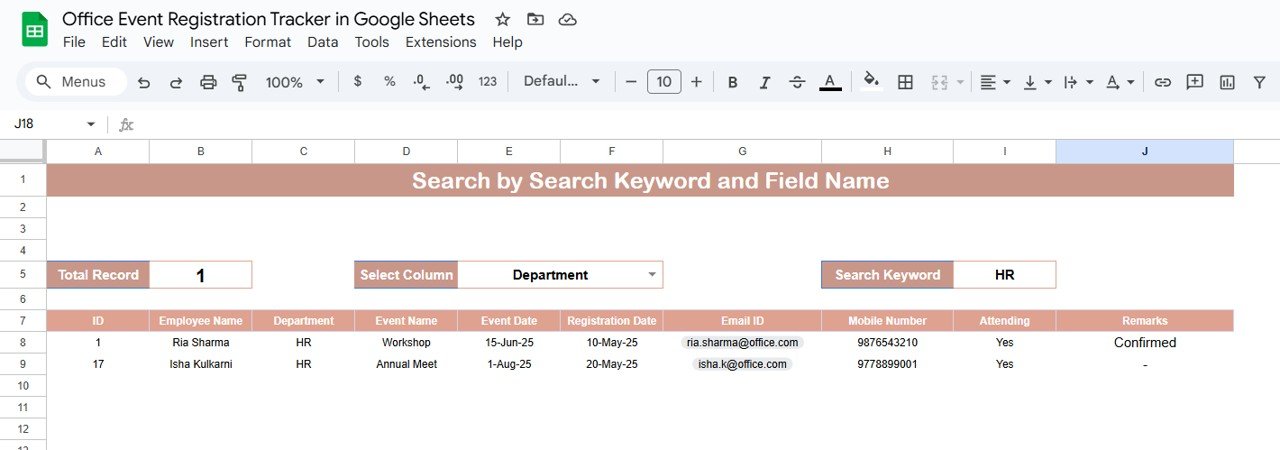
🔎 Search Sheet (Smart Filtering)
Search and filter registrations by column (e.g., Department, Employee, Event Name).
Quickly locate and verify registrations without scrolling through large data sets.
Example: Filter by “HR” to view all HR department participants.
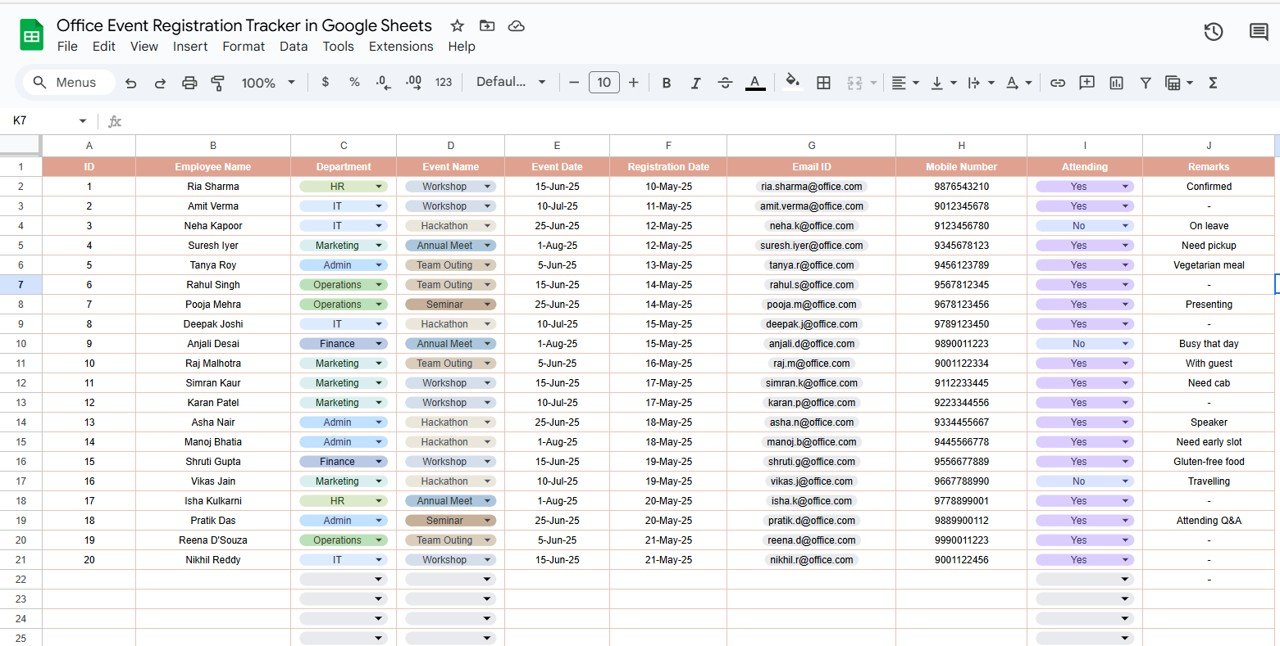
📑 Data Sheet (Centralized Records)
Stores raw registration data, including:
Employee details
Event name
Department
Registration date
Attendance status (Confirmed / Pending)
Updates automatically reflect in the dashboard and search tab.
Provides consistency and ensures real-time reporting.
📦 What’s Inside the Template?
✅ Tracker Sheet – Visual dashboard with cards and charts
✅ Search Sheet – Quick keyword-based filtering tool
✅ Data Sheet – Input and maintain all registrations
✅ Pre-configured formulas & charts – Automated updates, no coding required
✅ Sample data included – Get started instantly
✅ Fully customizable – Adapt to any event type or organization size
👥 Who Can Benefit from This Tracker?
🎯 HR Teams – Manage employee participation in internal engagement events.
🏢 Office Administrators – Track registrations for workshops, meetings, and social events.
👩💼 Event Coordinators – Monitor attendance confirmations and pending responses.
💼 Corporate Teams – Organize inter-departmental events efficiently.
🌍 Remote/Hybrid Offices – Provide transparency for distributed teams.
🧾 How to Use the Office Event Registration Tracker
📥 Download & Copy the template into your Google Drive.
📝 Enter registrations in the Data Sheet (employee, event, department, etc.).
📊 Check the Tracker Sheet for real-time analytics on participation.
🔎 Use the Search Sheet to find or verify specific employee registrations.
✅ Mark attendance status to track confirmed vs pending participants.
🎨 Customize fields for your event type (training, celebration, workshop, etc.).
🤝 Share with HR/Admin teams for collaborative updates.
No technical setup is required — the tracker is plug-and-play and ready to use. 🚀
🔗 Click here to read the Detailed blog post
Watch the step-by-step video Demo:


























Reviews
There are no reviews yet.