

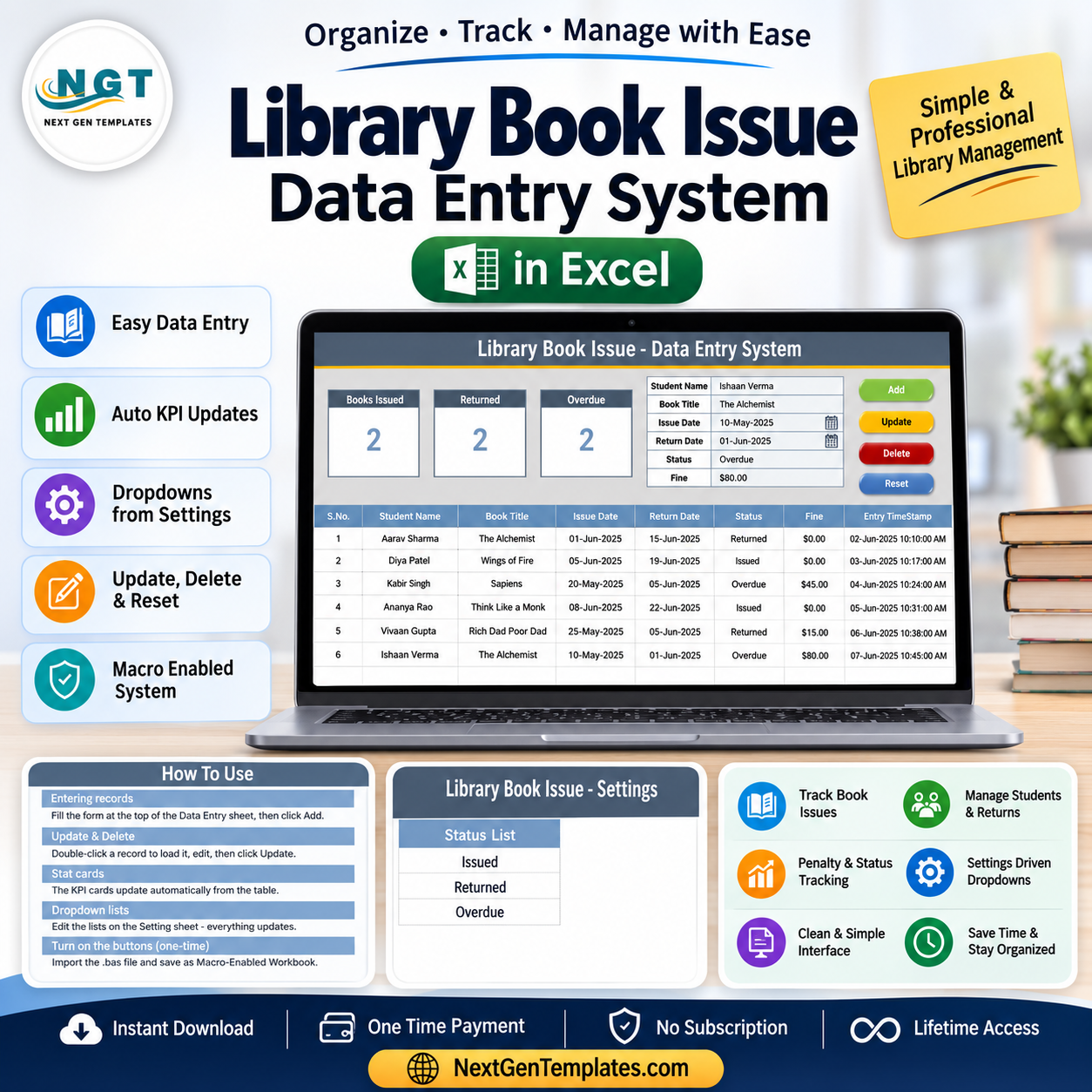

The Library Book Issue Data Entry System in Excel captures 6 fields per record, drives 3 live KPI cards (Books Issued, Returned, Overdue), and runs 4 one-click VBA actions — Add, Update, Delete and Reset. Setup takes under 5 minutes: enable macros, start typing, and every card recalculates on save.
🌍 Join 8,400+ teams in 40+ countries using NextGenTemplates to replace paid SaaS tools with one-time-purchase Excel, Google Sheets, Power BI and HTML templates.
✅ Instant download · One-time payment · No subscription · No per-user fees · Lifetime access
🔑 Key Features of the Library Book Issue Data Entry System in Excel
This is a VBA-powered lending register built for real library desks, not a static spreadsheet. Every part of it is wired together so a librarian can issue, return and chase overdue books from a single screen.
- 📘 6-field capture form – records Student Name, Book Title, Issue Date, Return Date, Status and Fine, so each loan is logged in one row with no missing information.
- 📈 3 automatic KPI cards – Books Issued, Returned and Overdue are calculated with COUNTIF on the Status column and refresh the instant you add, edit or delete a record.
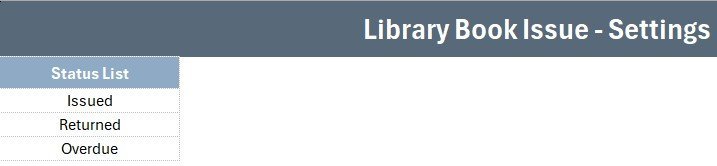
- 🗃️ Status dropdown – Issued, Returned and Overdue values are stored on a separate Setting sheet and pushed into the form through data validation, so nobody can mistype a status.
- ⚙️ Four VBA buttons – Add, Update, Delete and Reset let staff manage records without ever touching a formula or scrolling the table.
- 🔢 Auto S.No and Entry TimeStamp – each saved row is numbered automatically and stamped with the date and time it was entered, giving you a simple audit trail.
- 💰 Fine tracking in currency format – the Fine column is money-formatted so overdue penalties total cleanly for end-of-term reporting.
📦 What’s Inside the Library Book Issue Data Entry System
The workbook ships with four sheets in the NextGenTemplates house style — a dark heading bar, a gold divider, KPI cards and a hairline records grid. Here is what each screen does.
Data Entry Dashboard
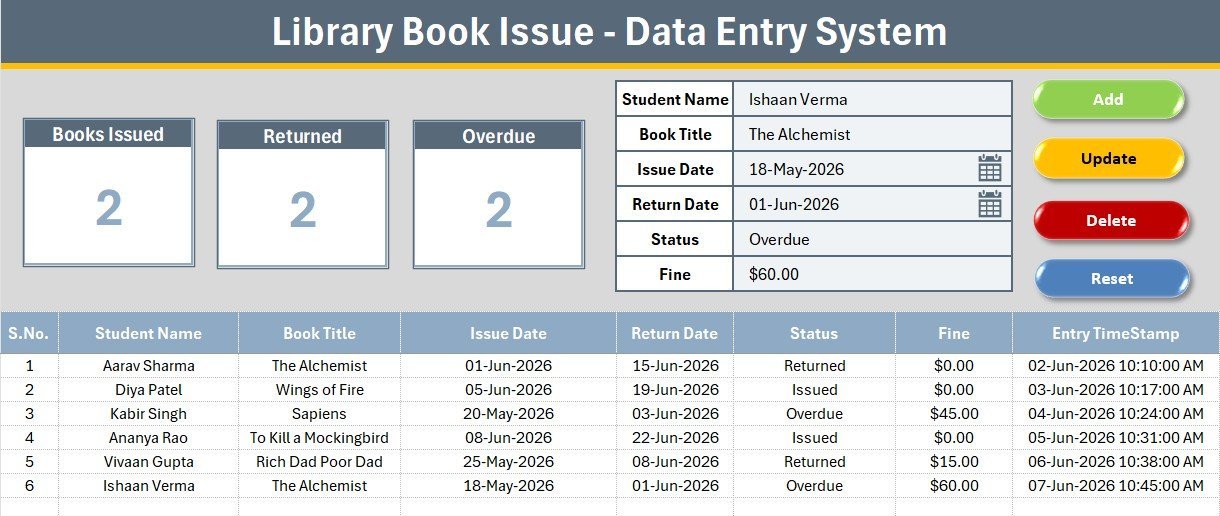
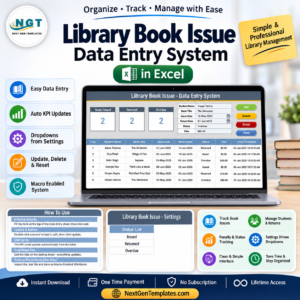
The main screen holds the three KPI cards (Books Issued, Returned, Overdue), the capture form with tinted input lines, the 2×2 Add / Delete / Update / Reset button block, and the numbered records table below. This is where 95% of daily work happens.
Entry Form & Action Buttons
Bold labels sit above light input cells, with the Status field wired to the dropdown. The coloured Add (green), Delete (red), Update (gold) and Reset (dark blue) cells carry the VBA macros that write each record to the table.
Records Table & Setting Sheet
The records table auto-numbers every loan and time-stamps it, while the Setting sheet stores the editable Status list and a duplicate set of KPI cards you can paste as a linked picture. Change the dropdown values here and the form updates everywhere.
📊 Library Book Issue System vs. Google Sheets vs. Library SaaS — Where This Fits
| Feature | Library Book Issue System (Excel) | Google Sheets version | Library SaaS (Koha / Libib) |
|---|---|---|---|
| Cost | $5.99 one-time | $5-10 one-time | $0-190 / month |
| Platform | Microsoft Excel (offline) | Browser + Google account | Cloud only |
| Setup time | Under 5 minutes ✅ | Under 5 minutes ✅ | Hours to days |
| Works fully offline | Yes ✅ | No | No |
| One-click Add/Update/Delete | Yes (VBA) ✅ | Manual rows | Yes |
| Live Issued / Returned / Overdue KPIs | Yes ✅ | Yes | Yes |
| Per-user fees | None ✅ | None ✅ | Per seat / tier |
| Year-1 cost (small library) | $5.99 ✅ | ~$8 | $0-2,280 |
For a school, college or community library that wants a simple lending register without a monthly bill or a login, the Library Book Issue Data Entry System in Excel sits in the sweet spot.
👥 Who This Template Is For — and Who It’s Not For
✅ This template is built for:
- School and college librarians who issue and return books at a single desk
- Community, temple, church and society libraries running on a shared PC
- Small departments or labs that lend books, kits or equipment and just need a clean register
❌ This template is NOT for:
- Large libraries needing barcode scanning, ISBN lookups and member self-checkout
- Multi-branch networks that require a shared cloud database and concurrent logins
- Teams that cannot enable macros on their machines (a policy-locked environment)
⚙️ How to Use the Library Book Issue Data Entry System
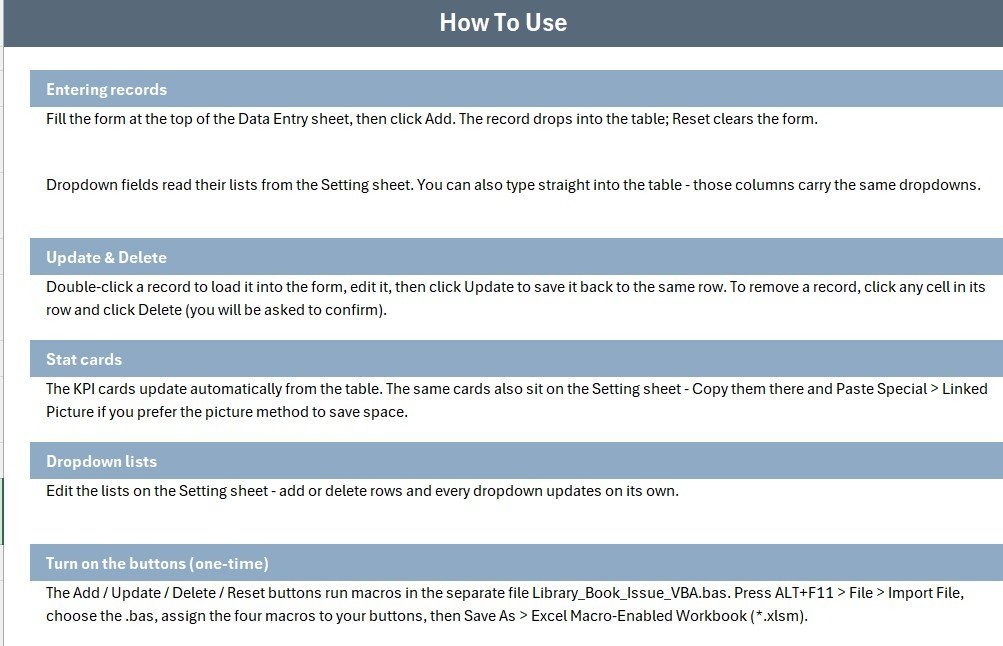
- Open the workbook and enable macros when Excel prompts you.
- Type the Student Name and Book Title, pick Issue and Return dates, and choose a Status from the dropdown.
- Enter a Fine amount if the book is overdue, then click Add to save the row.
- Double-click any record to load it, edit the fields, and click Update; use Delete to remove a row.
- Watch the Books Issued, Returned and Overdue cards recalculate automatically after every action.
💼 Real-World Use Cases
Meena runs the library at a 600-student secondary school. She logs each morning’s issues in seconds, filters the Status column for Overdue, and prints a short list of students to remind — without paying a monthly SaaS fee.
Arjun manages a community reading room. He uses the Fine column to total late penalties at month end and the Entry TimeStamp to settle any dispute about when a book was returned.
A college chemistry department adapts the same system to lend reference books and lab manuals, changing only the Status dropdown values on the Setting sheet.
❓ Frequently Asked Questions
What does the Library Book Issue Data Entry System in Excel track?
It tracks 6 fields per loan — Student Name, Book Title, Issue Date, Return Date, Status and Fine — and rolls them into 3 live KPIs: Books Issued, Returned and Overdue. Every metric updates automatically as you add records.
Do I need to know VBA or formulas to use it?
No. The Library Book Issue Data Entry System runs on four buttons — Add, Update, Delete and Reset. You only type into the form; the VBA handles writing, editing and clearing records behind the scenes.
How long does setup take?
Under 5 minutes. Open the file, enable macros, and start entering loans. The Status dropdown and KPI cards are already wired, so there is nothing to configure before you begin.
How does this compare to library SaaS like Koha or Libib?
SaaS tools add barcode scanning and self-checkout but charge monthly and need internet. The Library Book Issue Data Entry System in Excel is a one-time $5.99 download that works fully offline — ideal for small libraries that just need a reliable register.
Can I change the Status options or add my own?
Yes. The Status list lives on the Setting sheet. Edit those values and the dropdown in the form updates instantly, so you can adapt the system to any lending workflow.
Is this the same as your Library dashboards?
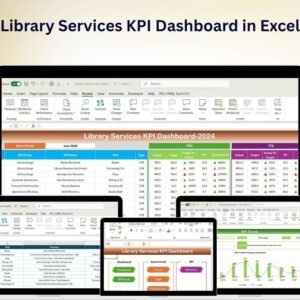
No — this is a data-entry register for logging loans. If you want charts and KPIs on top of your data, pair it with the Library Services KPI Dashboard in Excel.
👤 About the Author
Built by PK — Microsoft Certified Professional with 15+ years of Excel, Google Sheets and Power BI experience. Founder of NextGenTemplates, reaching 300K+ subscribers across YouTube channels (@PK-AnExcelExpert, @NextGenTemplates, @NeoTechNavigators). Every template is hand-built and tested before release.
🔗 Explore Related Templates
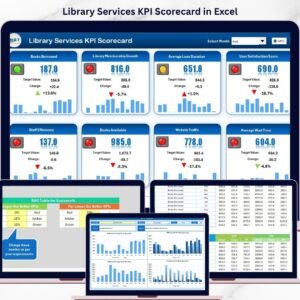
Turn your logged data into insights with the Library Services KPI Dashboard in Excel or the Library Services KPI Scorecard in Excel. Prefer the cloud? Try the Library Services KPI Dashboard in Google Sheets, or keep your shelves in order with the Library Organization Checklist in Excel. Browse more Education Templates and Excel VBA Tools.
💎 Save more: get the whole set in the KPI Dashboard Library (Excel) – 15 Premium Templates.
📖 Click here to read the Detailed Blog Post
🎥 Visit our YouTube channel for step-by-step video tutorials
👉 YouTube.com/@NextGenTemplates
Watch the step-by-step video tutorial:
Compatibility and Requirements
- Works in Microsoft Excel desktop on Windows with macros enabled. The Add, Update, Delete and Reset buttons are VBA macros, so the template does not run in Excel for the web, Google Sheets or on mobile.
- Excel explains how to turn macros on in Enable or disable macros in Microsoft 365 files.





















Reviews
There are no reviews yet.