


Managing employee leave balance adjustments manually can be time-consuming, error-prone, and difficult to audit. Emails, scattered Excel files, and unstructured trackers often lead to confusion, incorrect balances, and compliance risks.
The Leave Balance Adjustment Management System V1.0 is a professional, Excel & VBA-based digital tool designed to help organizations securely manage, track, and adjust employee leave balances from one centralized system.
This ready-to-use solution transforms Excel into a mini HR management application, complete with login authentication, structured forms, automation, and reporting.
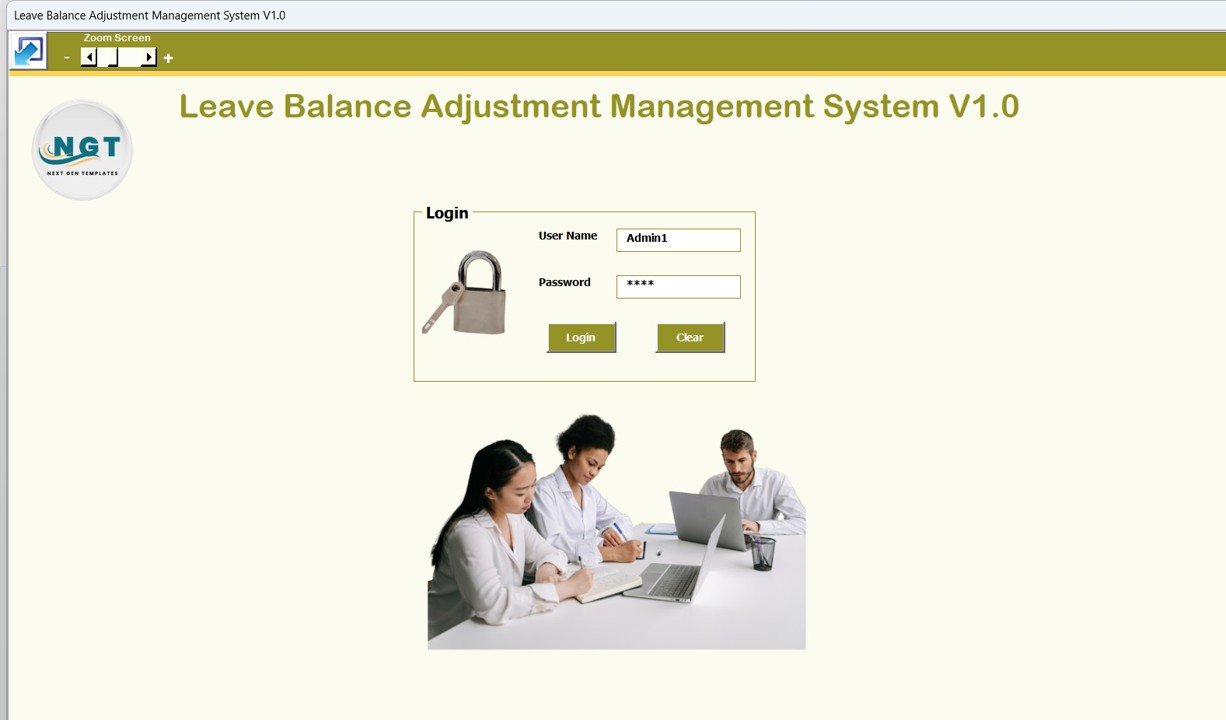
🔐 Secure Login System
The tool starts with a Login Form, ensuring controlled access to sensitive HR data.
User ID & Password–based authentication
Admin and user-level access
Direct navigation to the main control screen
This helps protect employee data and ensures accountability.
🧭 Main Dashboard – Central Control Panel

After login, users access the Main Form, which acts as the command center for the entire system.
Key Capabilities:
Central list box displaying all leave adjustment records
Easy review, tracking, and audit of changes
Professional application-style interface inside Excel
🔎 Filters & Sorting
Filter leave records by date or selected columns
Sort records easily for quick review
Find specific adjustments in seconds
This eliminates manual searching and scrolling.
✏️ Leave Adjustment Management
Manage all leave adjustment records using dedicated action buttons:
Add New Record – Enter new leave balance adjustments
Update Existing Record – Modify incorrect or revised entries
Delete Record – Remove unwanted or invalid requests
Export to Excel – Export data to a new Excel file instantly
All actions are automated using VBA to reduce errors and save time.
🏷 Leave Type Management
Maintain standardized leave types
Ensure consistency across records
Suitable for sick leave, casual leave, earned leave, and more
👥 Employee Master
Store and manage employee information in one place:
Centralized employee data
Accurate linking of leave adjustments
Reduced duplication and data errors
👤 User Management & Access Control
Administrators can manage system users easily:
Add, update, delete users
Reset passwords
Change credentials
Control access permissions
This makes the system suitable for multi-user HR environments.
📋 Manage Lists
Customize dropdown lists used in the system
Add or delete master list values
Maintain clean and standardized data
📊 Reports & Data Export
Generate structured reports directly from the system
Export leave adjustment data for audits or management reviews
No manual report building required
🔓 Logout & Support
Secure logout option
“Email Us” button for support and queries
🎯 Who Is This Tool For?
This digital product is ideal for:
HR teams
Clinics & healthcare centers
Service-based organizations
Small and medium businesses
Organizations managing leave using Excel
If you want a simple, secure, and cost-effective leave adjustment solution without investing in complex HR software, this tool is for you.
✅ Key Benefits
Excel-based & cost-effective
VBA automation for accuracy
Secure login & access control
Centralized leave management
Easy export & reporting
Ready-to-use digital product
📦 What You Get
Excel & VBA-based Leave Balance Adjustment Management System
Ready-to-use file (no setup required)
Professional HR automation solution
🚀 Final Note
The Leave Balance Adjustment Management System V1.0 helps organizations move from unstructured leave tracking to a secure, automated, and professional HR process — all within Excel.
🔗 Click here to read the Detailed blog post
Visit our YouTube channel to learn step-by-step video tutorials
Watch the step-by-step video tutorial:
Compatibility and Requirements
- Works in Microsoft Excel on Windows (desktop) with macros enabled. It does not run in Excel for the web, Google Sheets or on mobile.
- The system uses VBA forms, a login and user access control, so macros must be allowed when you open the file. Microsoft explains the steps in Enable or disable macros in Microsoft 365 files.
Frequently Asked Questions
Does it need a login?
Yes. The tool opens with a Login Form that asks for a User ID and Password. Admin and user-level access are supported.
Can I edit or delete a leave adjustment after saving it?
Yes. The Main Form has buttons to add, update and delete records, and the list box shows every adjustment so you can pick the one to change.
How do I find a specific adjustment?
Use the filters and sorting on the Main Form. You can filter by date or by selected columns and sort the records for quick review.
Can I export the data?
Yes. The Export to Excel button sends the leave adjustment data to a new Excel file. The system also includes built-in reports.
Can I change the leave types and dropdown lists?
Yes. Leave Type Management and Manage Lists let you add or delete values, so sick leave, casual leave, earned leave and other types stay consistent.
Is there a version that handles leave applications?
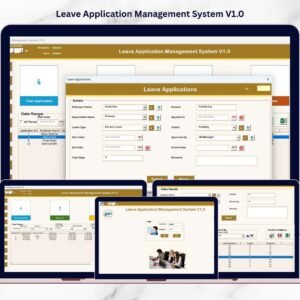
Yes. See the Leave Application Management System V1.0.
Related Leave and HR Templates
- Leave Application Management System V1.0: the Excel VBA tool for leave requests
- Leave Management System: a simpler Excel leave tracker
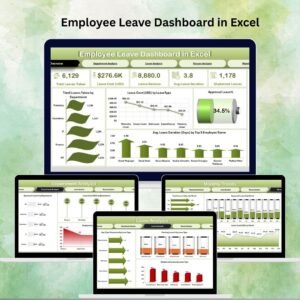
- Employee Leave Dashboard in Excel: charts and summaries of employee leave
- Employee Leave Report in Excel: a report view of leave data
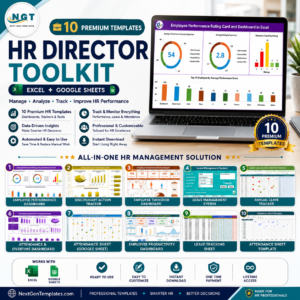
- HR Director Toolkit: 10 HR templates in one download
Browse all Excel VBA tools and HR and Payroll templates.







Reviews
There are no reviews yet.