

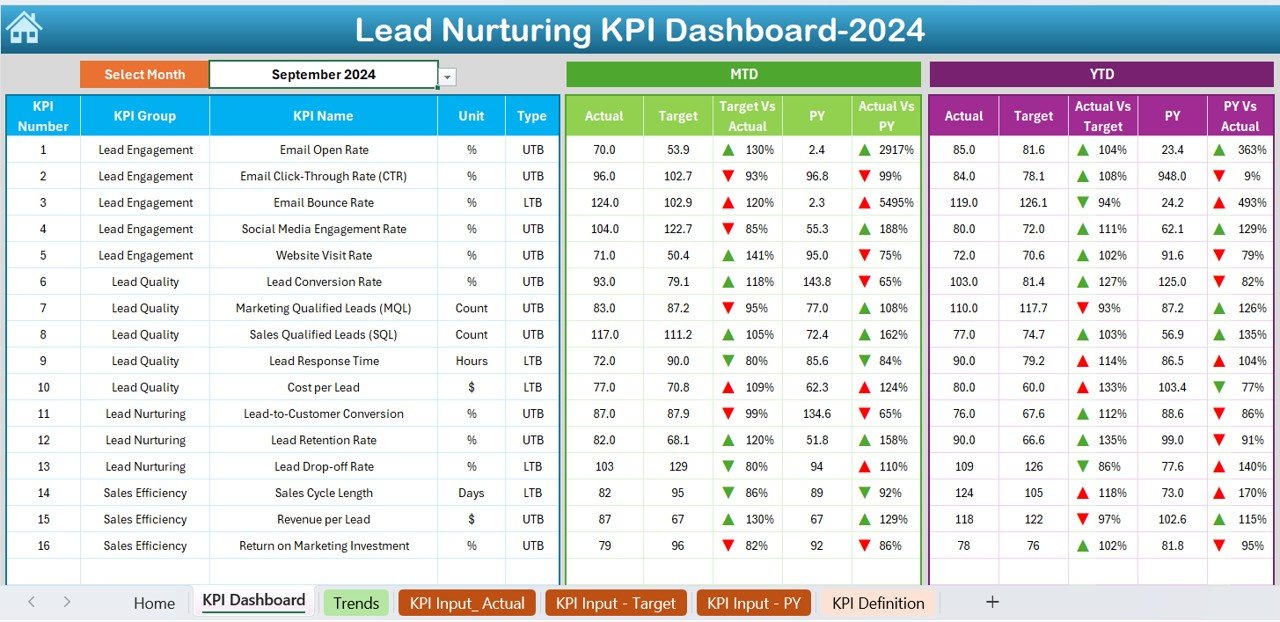
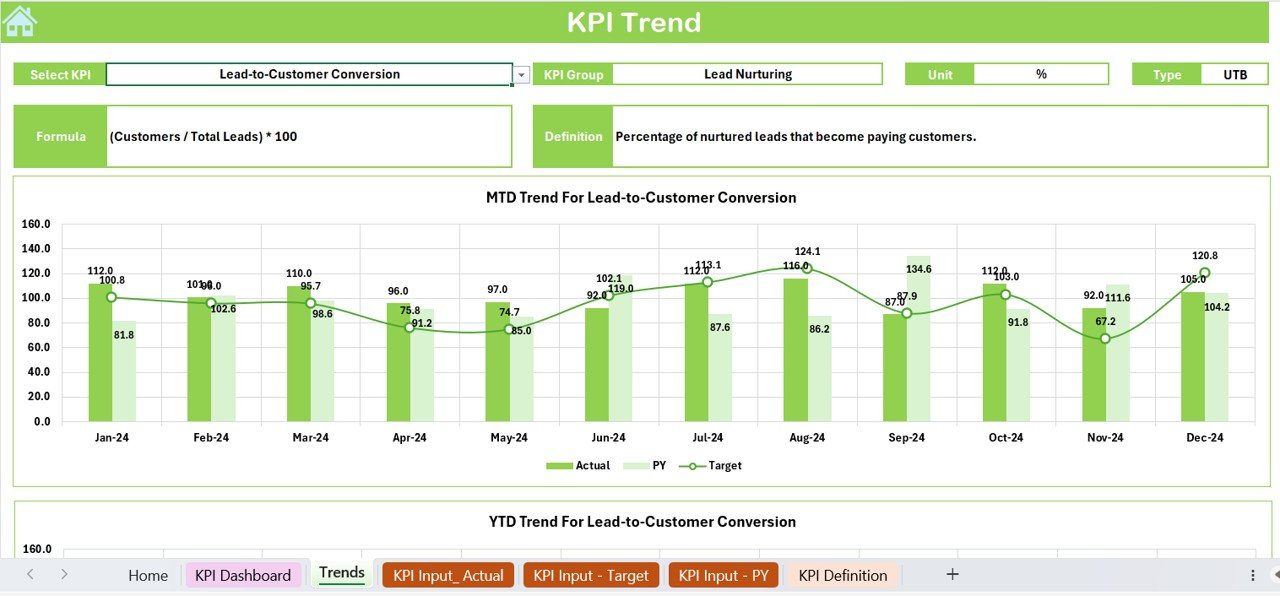
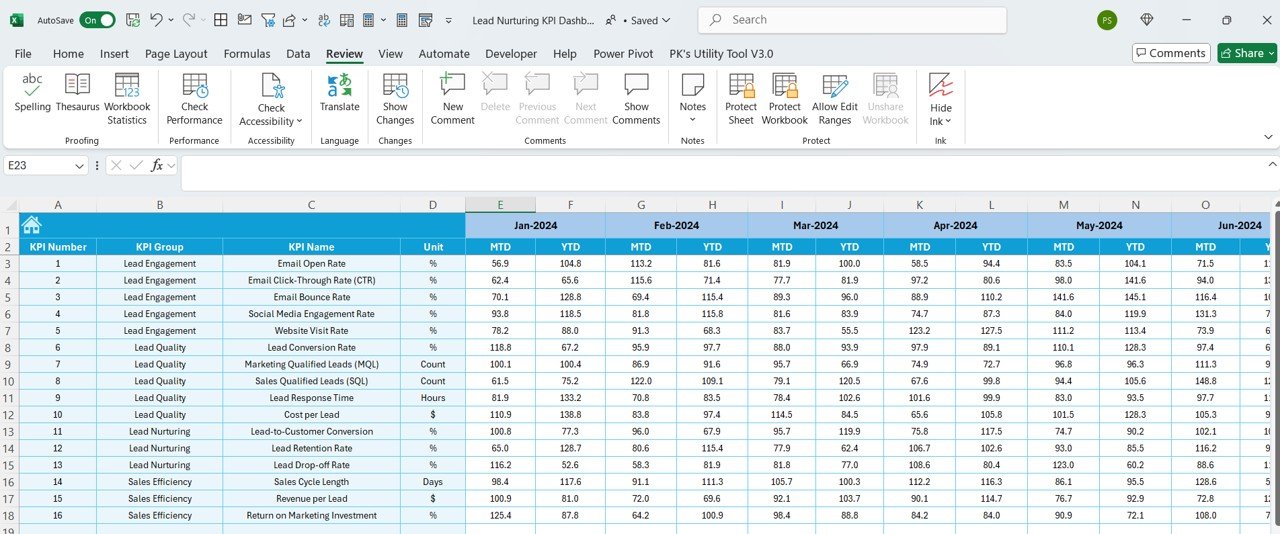
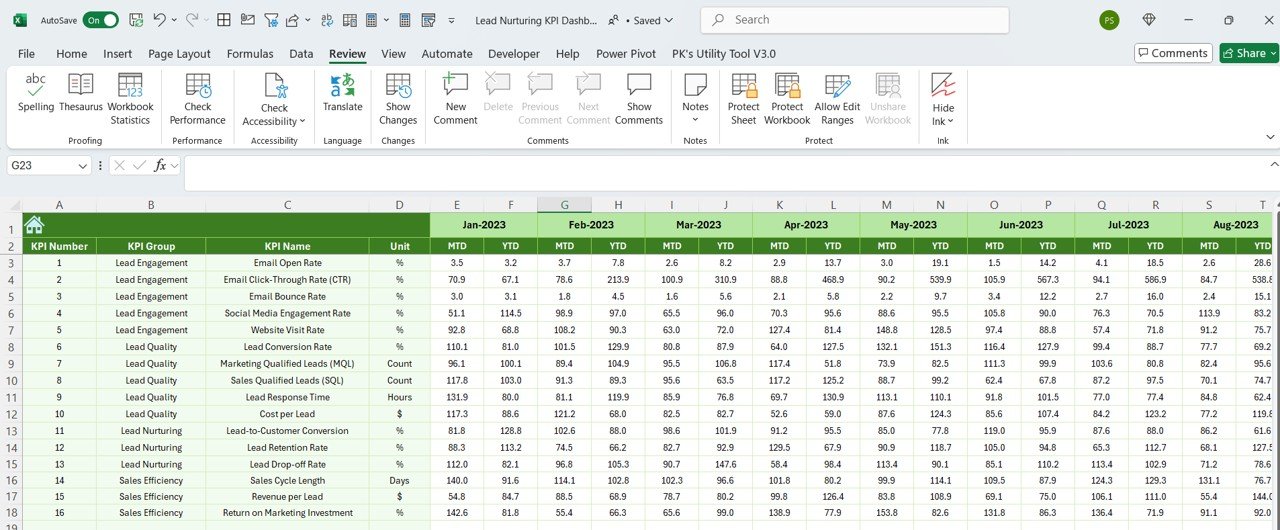
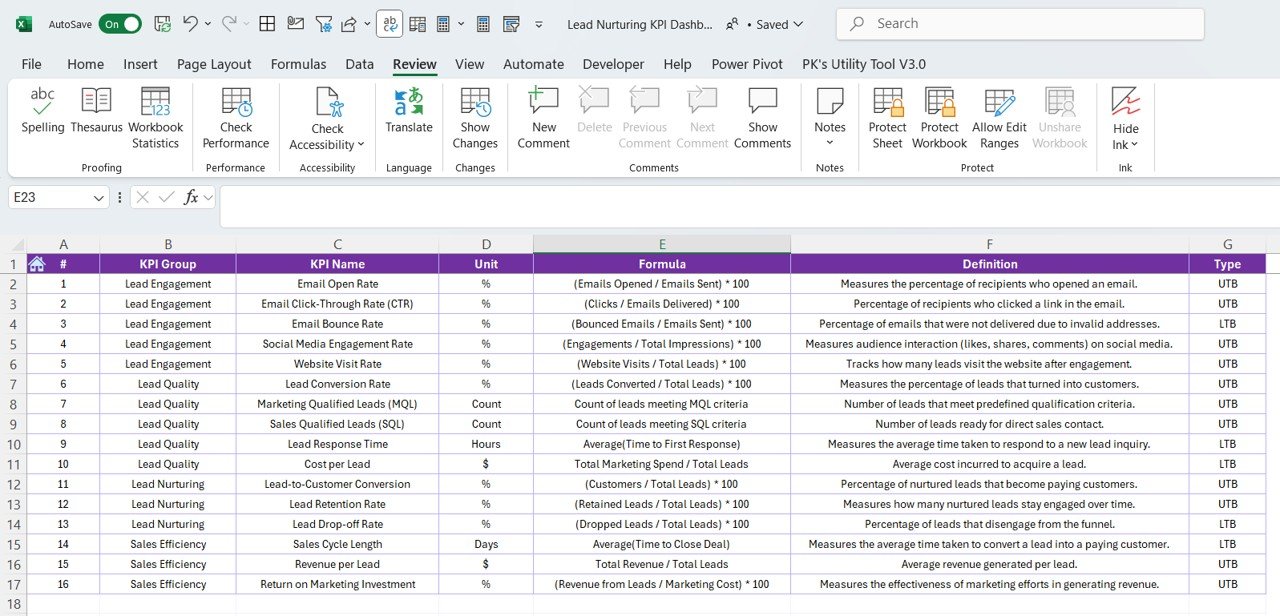

The Lead Nurturing KPI Dashboard in Excel is a powerful tool designed for marketing and sales teams to track and optimize their lead nurturing efforts. This Excel-based dashboard helps businesses monitor key performance indicators (KPIs) related to lead engagement, conversion, and overall sales funnel effectiveness. Whether you’re working with inbound or outbound leads, this dashboard provides real-time insights to track how well your lead nurturing strategies are driving conversions and sales.
Lead nurturing is crucial for maintaining relationships with potential customers and guiding them through the sales funnel. This dashboard helps you track lead status, follow-up actions, and engagement rates, providing a clear view of your lead nurturing process. It also enables businesses to identify bottlenecks in the funnel and optimize their strategies to improve conversion rates.
Key Features of the Lead Nurturing KPI Dashboard in Excel
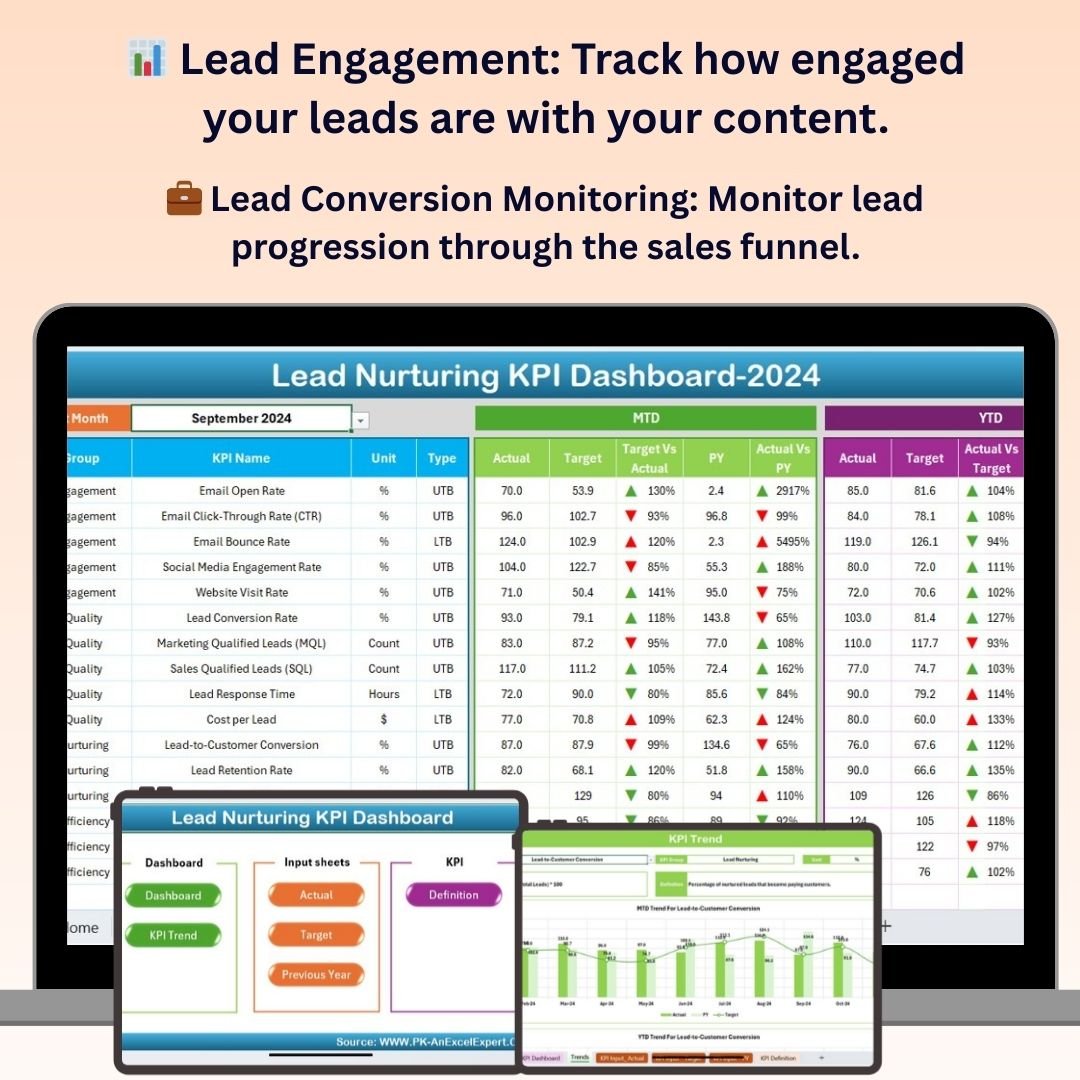
📊 Lead Engagement Tracking
Track how engaged your leads are with your content, emails, and outreach efforts. Measure key metrics such as open rates, click-through rates, and social media interactions to evaluate engagement levels.
💼 Lead Conversion Monitoring
Monitor lead progression through the sales funnel, from initial contact to conversion. Track how many leads are progressing to the next stage and ultimately becoming customers, allowing you to assess the effectiveness of your lead nurturing tactics.
📅 Follow-Up Scheduling & Task Management
Manage and track follow-up tasks for each lead. Set reminders for next actions and track progress to ensure timely engagement with each lead, ensuring no opportunity is missed.
📈 Lead Source & Channel Analysis
Analyze where your leads are coming from, whether through organic search, social media, paid ads, or referrals. This feature helps you identify the most effective channels for lead generation and focus your efforts accordingly.
📉 Conversion Rate & ROI Analysis
Track conversion rates at each stage of the sales funnel and calculate the return on investment (ROI) of your lead nurturing campaigns. Use this data to optimize your strategy and increase the effectiveness of your efforts.
⚙️ Customizable KPIs & Metrics
Customize the dashboard to track the specific KPIs most relevant to your business and industry. Add or remove metrics, adjust timeframes, and personalize the dashboard to suit your lead nurturing goals.
Why You’ll Love the Lead Nurturing KPI Dashboard in Excel
✅ Track Lead Engagement & Conversion
Monitor how engaged your leads are and track their progression through the funnel to ensure no potential sale slips through the cracks.
✅ Improve Lead Nurturing Strategies
Use insights from the dashboard to refine and improve your lead nurturing campaigns. Identify areas for improvement and optimize engagement tactics to boost conversion rates.
✅ Measure ROI of Lead Generation Efforts
Track the ROI of your lead nurturing strategies and campaigns. Understand which lead sources and channels are driving the best results, and allocate resources accordingly.
✅ Stay Organized with Task & Follow-Up Management
Efficiently manage follow-up tasks and ensure timely communication with leads. Stay on top of next steps and ensure leads are nurtured through the sales funnel.
✅ Customizable to Fit Your Business Needs
This dashboard is highly customizable, allowing you to adjust the KPIs and metrics to fit the unique needs of your business and lead nurturing goals.
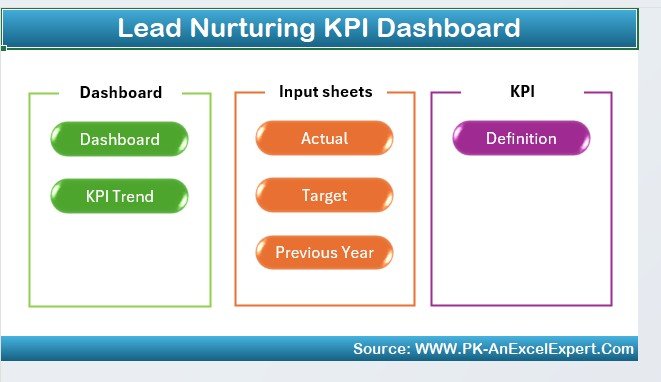
What’s Inside the Lead Nurturing KPI Dashboard in Excel?
- Lead Engagement Metrics: Track engagement levels such as email opens, clicks, and social interactions.
- Lead Conversion Monitoring: Monitor the progression of leads through the sales funnel and track conversions.
- Follow-Up Scheduling & Task Management: Manage follow-up tasks and set reminders for next actions.
- Lead Source & Channel Analysis: Analyze the effectiveness of various lead sources and channels.
- Conversion Rate & ROI Analysis: Track conversion rates and calculate ROI from your lead nurturing campaigns.
- Customizable KPIs & Metrics: Adjust KPIs and metrics to meet your specific business needs.
How to Use the Lead Nurturing KPI Dashboard in Excel
1️⃣ Download the Template: Instantly access the Lead Nurturing KPI Dashboard in Excel.
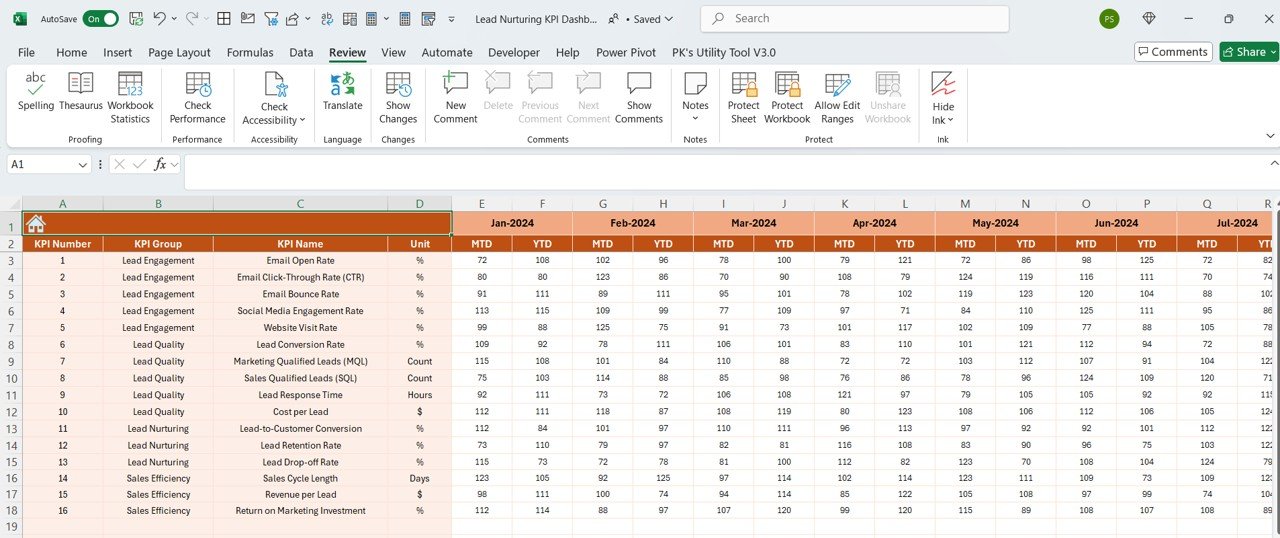
2️⃣ Input Lead Data: Enter your leads and their corresponding data such as engagement, conversion status, and source.
3️⃣ Track KPIs & Progress: Monitor key KPIs such as lead engagement, conversion rates, and ROI.
4️⃣ Schedule Follow-Ups & Tasks: Use the task management feature to set reminders for follow-ups and ensure timely engagement with each lead.
5️⃣ Optimize Lead Nurturing Strategies: Use the insights from the dashboard to refine and improve your lead nurturing tactics, boosting conversion rates.
Who Can Benefit from the Lead Nurturing KPI Dashboard in Excel?
🔹 Marketing Teams & Managers
🔹 Sales Teams & Lead Generation Professionals
🔹 Business Owners & Entrepreneurs
🔹 Digital Marketing Agencies
🔹 E-commerce & Retail Businesses
🔹 Small & Medium Businesses (SMBs)
🔹 Large Corporations with Complex Sales Funnels
🔹 Data Analysts & Marketing Consultants
Optimize your lead nurturing process with the Lead Nurturing KPI Dashboard in Excel. Track engagement, monitor conversions, and refine your strategies to boost lead-to-customer conversions and improve your bottom line.
Click here to read the Detailed blog post
Visit our YouTube channel to learn step-by-step video tutorials
Youtube.com/@PKAnExcelExpert
Compatibility and Requirements
- Works in Microsoft Excel desktop (Excel 2016 or later, or Microsoft 365).
- Results are shown in charts. Microsoft explains Excel charts in Create a chart from start to finish.
Frequently Asked Questions
Which KPIs does the Lead Nurturing KPI Dashboard track?
It tracks lead engagement (open rates, click-through rates and social media interactions), progress through the sales funnel, conversion rates at each stage, lead sources and ROI.
Can I manage follow-ups?
Yes. You can track follow-up tasks for each lead, set reminders for next actions and check progress.
Can I see which channels bring the best leads?
Yes. Leads can be analyzed by source, such as organic search, social media, paid ads or referrals.
Is there a Google Sheets or Power BI version?
Yes. The Lead Nurturing KPI Dashboard in Google Sheets and the Power BI edition cover the same topic.
Related Lead and Sales Templates
- Lead Nurturing KPI Dashboard in Google Sheets: the same topic in Google Sheets
- Lead Nurturing KPI Dashboard in Power BI: the same topic in Power BI
- Lead Tracker Data Entry System in Excel: log leads with an Excel data entry system
- Lead Generation Checklist in Excel: plan lead generation with an Excel checklist
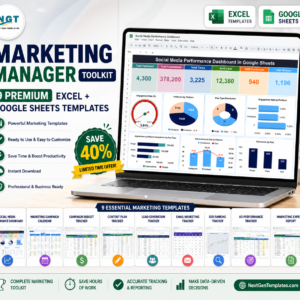
- Marketing Manager Toolkit: 9 marketing templates in one download
Browse all Excel KPI dashboards or the Excel sales and marketing templates.






























Reviews
There are no reviews yet.