

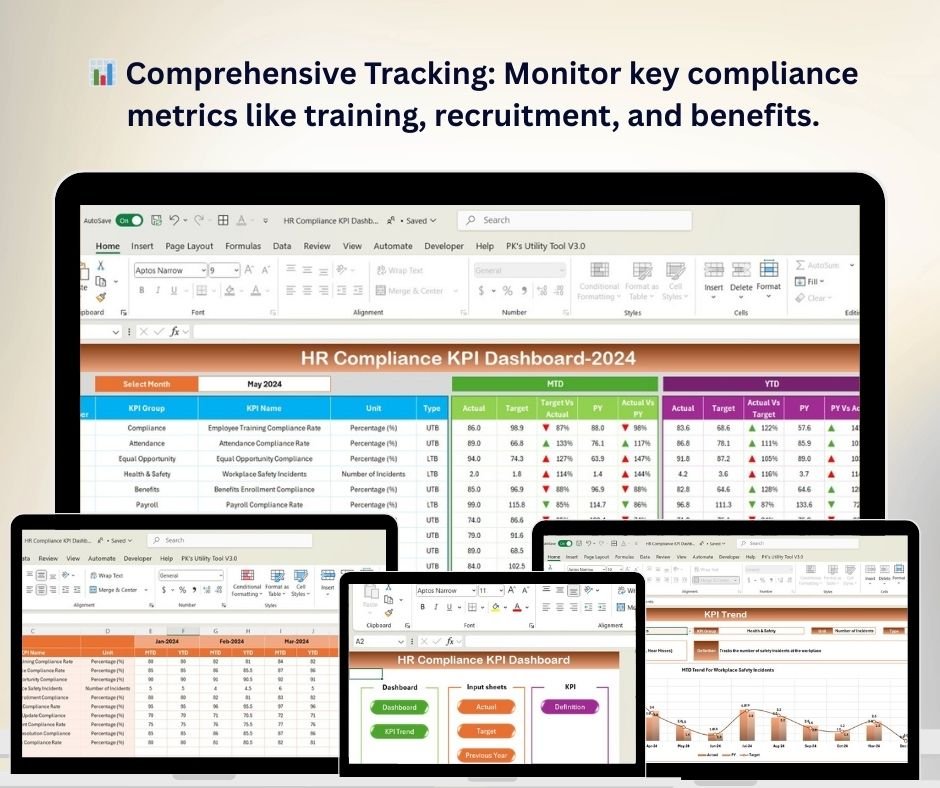
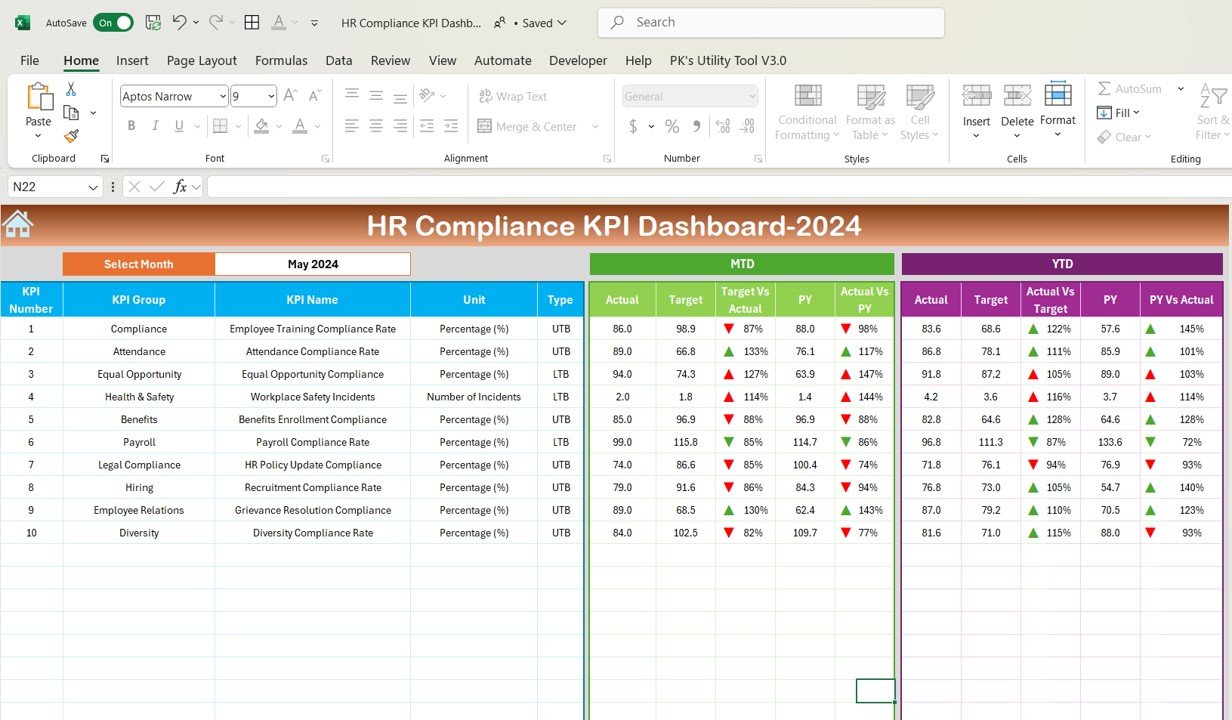
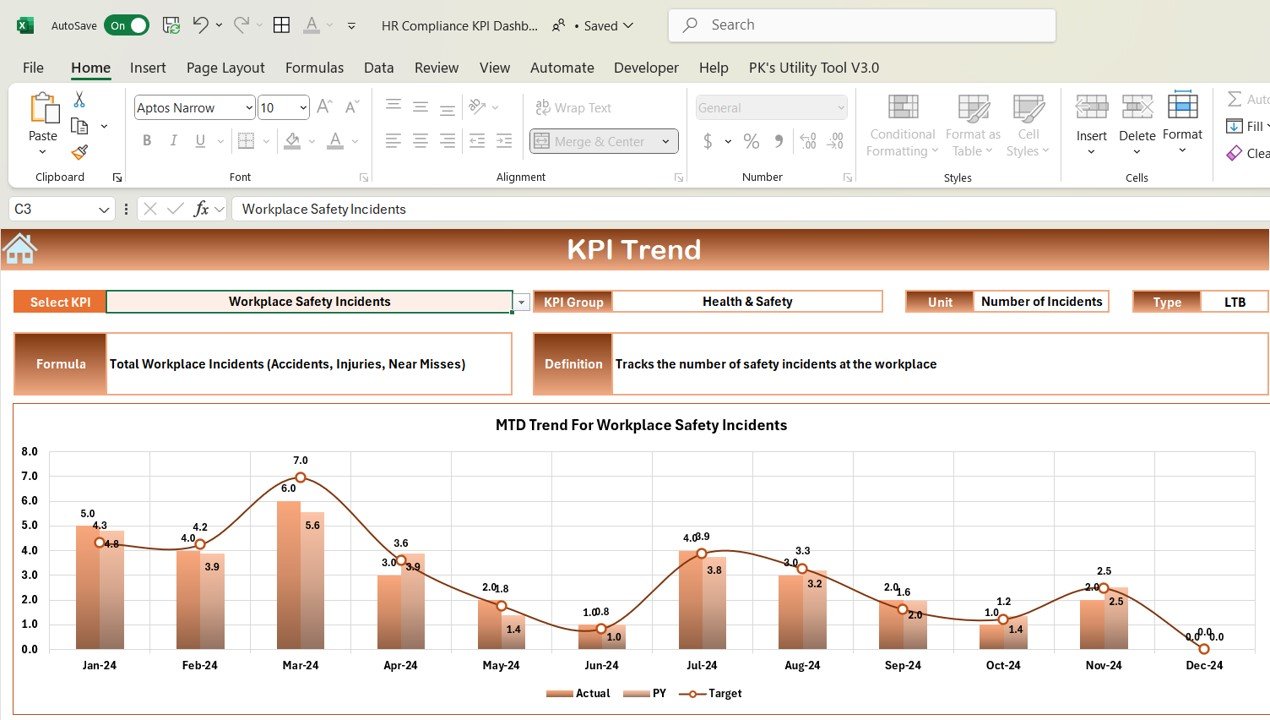
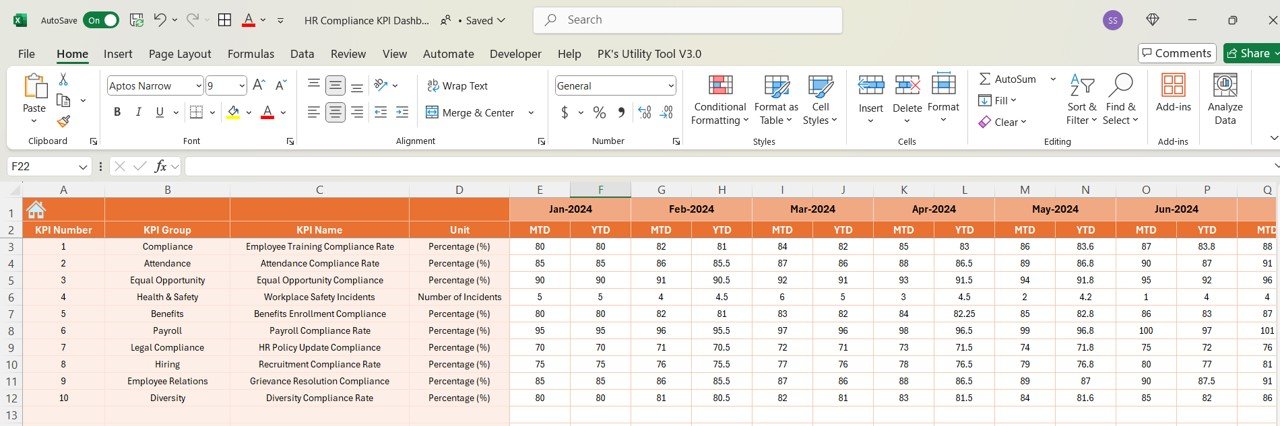
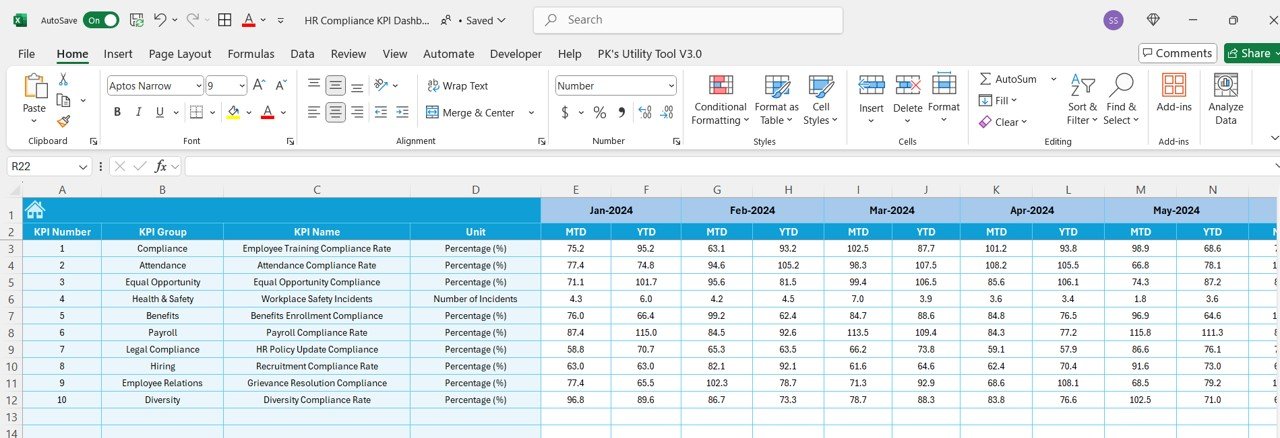

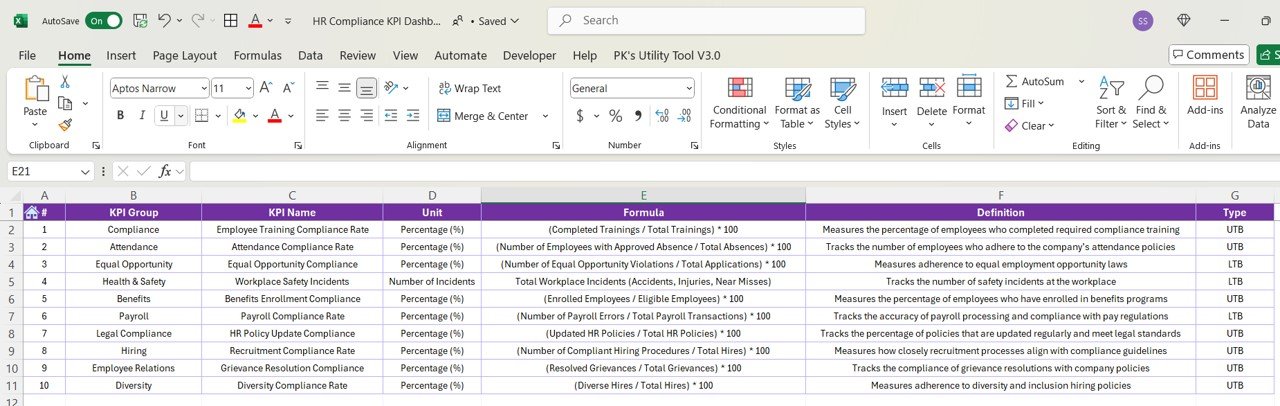

The HR Compliance KPI Dashboard in Excel is a comprehensive tool designed for HR professionals and business owners to monitor and manage the compliance of HR policies and procedures effectively. This Excel-based dashboard helps you track and analyze key compliance metrics such as employee training, recruitment practices, workplace safety, and benefits administration. It provides essential insights to ensure that your organization is adhering to local, state, and federal regulations, while also improving overall HR management efficiency.
This easy-to-use dashboard simplifies HR compliance tracking by offering a centralized view of key performance indicators (KPIs). The tool provides an intuitive layout that enables quick access to real-time data, ensuring that your HR processes stay compliant and up-to-date.
Key Features of the HR Compliance KPI Dashboard in Excel
📊 Comprehensive Compliance Tracking
Track essential compliance metrics including training, recruitment, and benefits administration. Monitor key regulatory requirements and ensure your HR processes are fully compliant with legal standards.
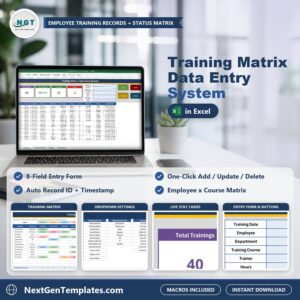
📝 Employee Training & Certification Monitoring
Monitor the status of employee training and certification programs. Ensure that all employees complete required training courses within compliance timelines.
📅 Time-Based Performance Analysis
Track HR compliance performance over different periods (monthly, quarterly, yearly). Use historical data to identify trends and improve future compliance efforts.
🔑 Risk Management & Compliance Alerts
Set alerts for upcoming compliance deadlines or training requirements. Stay informed and avoid risks by ensuring that all HR compliance tasks are completed on time.
⚙️ Customizable Compliance Metrics
Tailor the dashboard to meet the specific compliance requirements of your organization. Modify KPIs, compliance categories, and data sources to match your business’s needs.
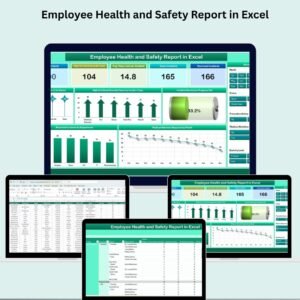
📈 Automated Data Visualization
Leverage dynamic charts and graphs to visualize compliance data. Use these visual insights to monitor trends and identify areas for improvement.
Why You’ll Love the HR Compliance KPI Dashboard in Excel
✅ Streamline HR Compliance Monitoring
Track and manage compliance metrics in one easy-to-use Excel dashboard, saving time and improving HR operations.
✅ Ensure Regulatory Adherence
Monitor compliance with laws and regulations such as employee training requirements, benefits administration, and workplace safety to avoid legal issues.
✅ Improve Risk Management
Identify compliance gaps before they become risks and implement strategies to prevent non-compliance.
✅ Data-Driven Decision Making
Make informed decisions with real-time data and insights from your HR compliance tracking dashboard, enhancing overall HR strategy.
✅ Fully Customizable for Your Needs
Customize the dashboard to meet the specific compliance requirements of your organization and tailor it for various HR processes.
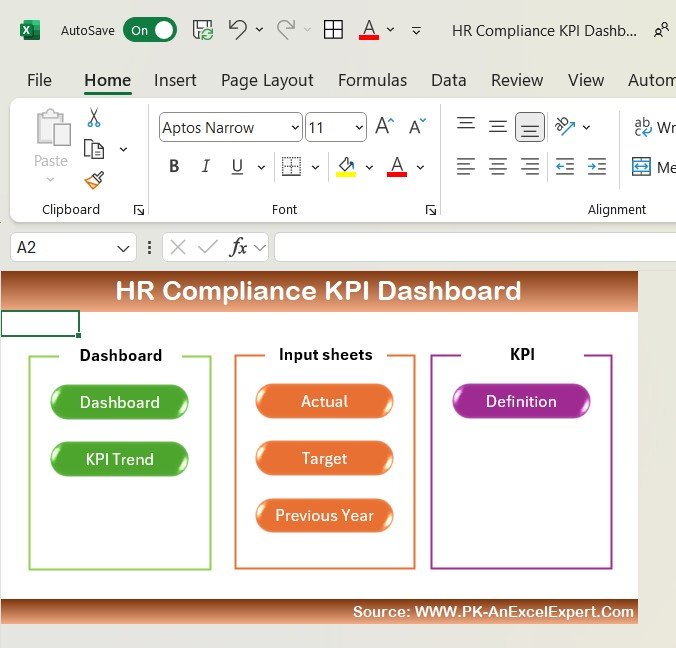
What’s Inside the HR Compliance KPI Dashboard in Excel?
Comprehensive Compliance Tracking: Monitor HR-related compliance with regulations.
Employee Training & Certification Monitoring: Keep track of mandatory training and certification.
Time-Based Performance Analysis: Analyze compliance performance over different time periods.
Compliance Alerts & Notifications: Set alerts for upcoming deadlines and compliance tasks.
Customizable KPIs: Adapt the dashboard to reflect your organization’s unique HR needs.
Data Visualization & Insights: Use charts and graphs for visual analysis of compliance data.
How to Use the HR Compliance KPI Dashboard in Excel
1️⃣ Download the Template: Get instant access to the HR Compliance KPI Dashboard in Excel.
2️⃣ Input Compliance Data: Add relevant HR compliance data for tracking training, recruitment, and benefits.
3️⃣ Set KPIs & Metrics: Customize the dashboard with your organization’s specific compliance requirements.
4️⃣ Monitor Compliance Status: Track real-time compliance status and address any potential issues.
5️⃣ Generate Reports & Insights: Use data visualization to monitor trends and improve compliance processes.
Who Can Benefit from the HR Compliance KPI Dashboard in Excel?
🔹 HR Managers & HR Departments
🔹 Compliance Officers & Legal Teams
🔹 Small & Medium Enterprises (SMBs)
🔹 Large Corporations with Complex HR Regulations
🔹 Recruitment Agencies & Staffing Services
🔹 Business Owners & Organizational Leaders
🔹 Government Agencies Monitoring HR Compliance
Ensure that your organization stays compliant and efficient with the HR Compliance KPI Dashboard in Excel. Track key HR compliance metrics, improve risk management, and enhance decision-making across your HR operations.
Click here to read the Detailed blog post
Visit our YouTube channel to learn step-by-step video tutorials
Youtube.com/@PKAnExcelExpert
Compatibility and Requirements
- Works in Microsoft Excel desktop (Excel 2016 or later, or Microsoft 365).
- The dashboard uses charts and graphs. Microsoft explains charts in Create a chart from start to finish.
Frequently Asked Questions
Which HR compliance areas does it track?
It tracks employee training and certification, recruitment practices, workplace safety and benefits administration.
Can I review compliance over time?
Yes. You can look at compliance performance by month, quarter or year and spot trends.
Can I change the KPIs?
Yes. You can modify the KPIs, compliance categories and data sources to match your organization.
Does it flag upcoming deadlines?
Yes. You can set alerts for upcoming compliance deadlines and training requirements.
Is there a Google Sheets version?
Yes. The HR Compliance KPI Dashboard in Google Sheets works in a browser.
Related HR Compliance Templates
- HR Compliance KPI Dashboard in Google Sheets: the same KPIs in Google Sheets
- Human Resources Compliance KPI Dashboard in Excel: a second HR compliance KPI layout
- HR Compliance and Audit Calendar in Excel: plan audits and compliance dates
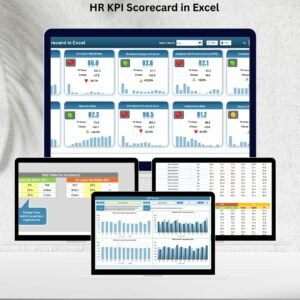
- HR KPI Scorecard in Excel: score wider HR performance
- HR & Workforce Analytics Bundle: 10 HR templates in one download
Browse all Excel HR and payroll templates or the Excel KPI dashboards.













Reviews
There are no reviews yet.