

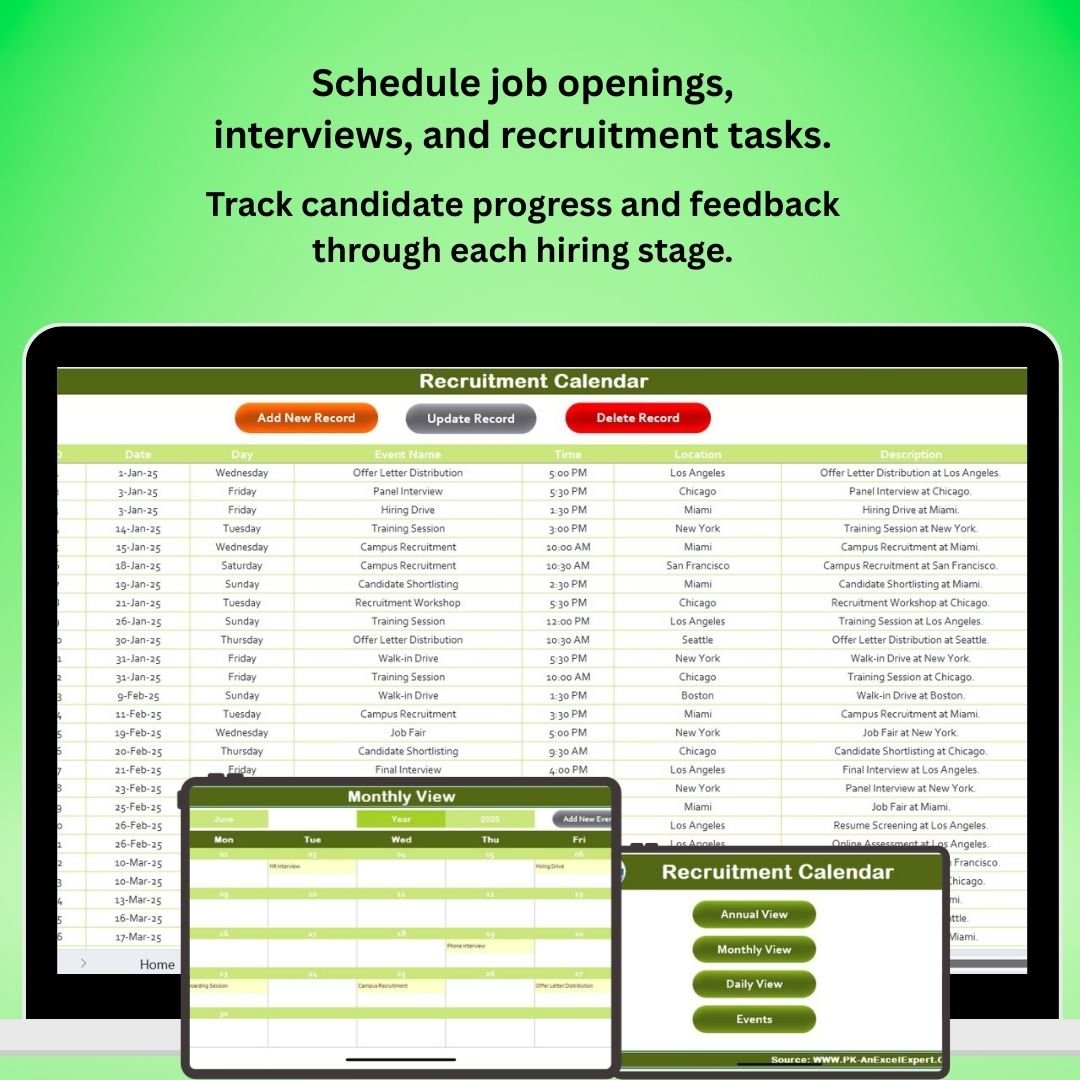
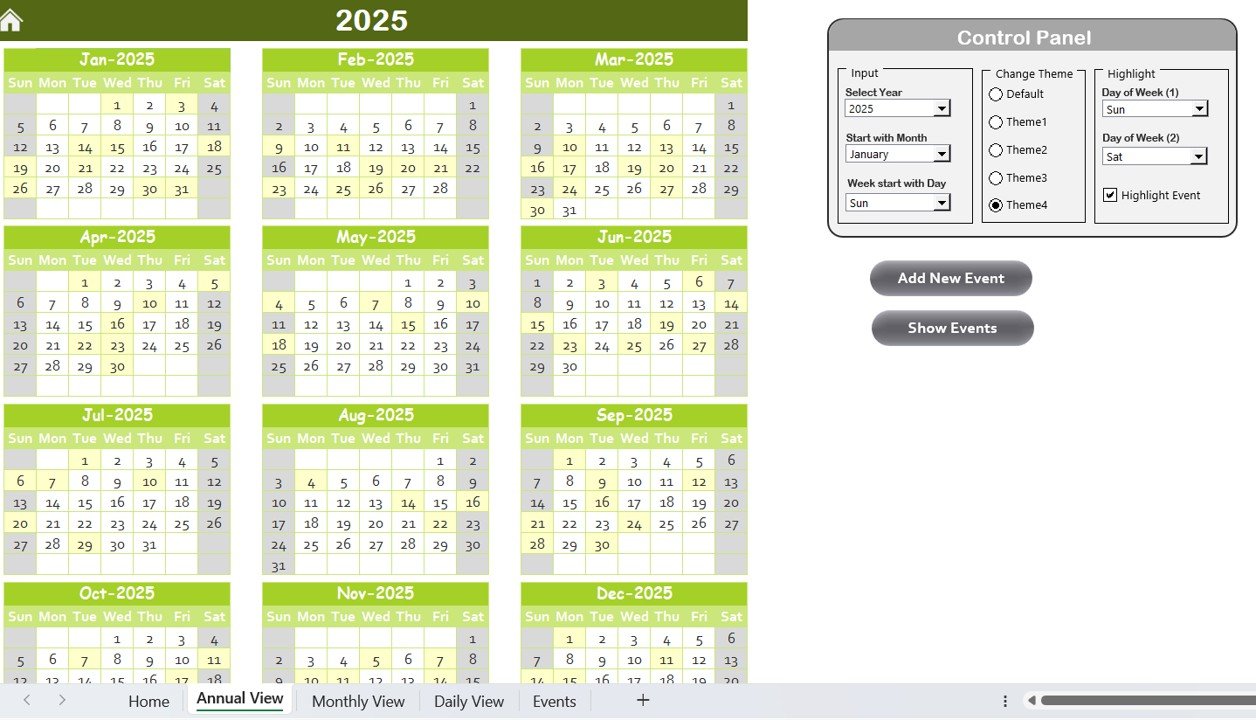
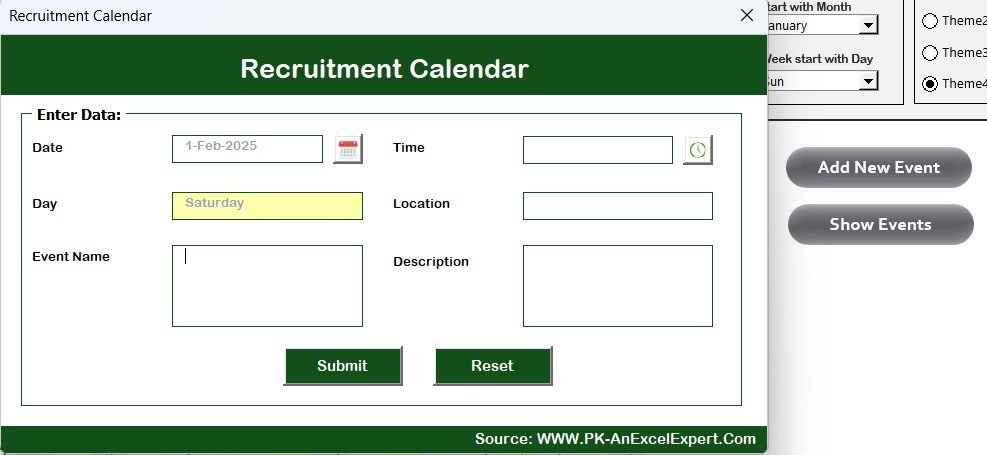
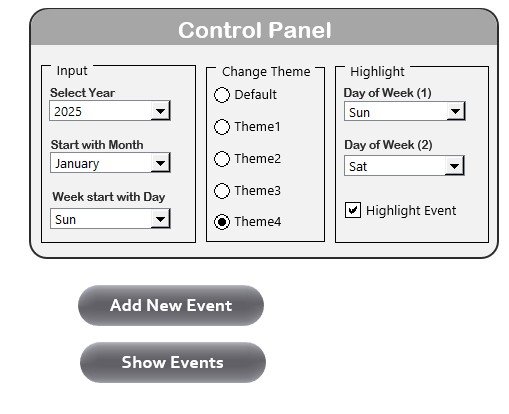
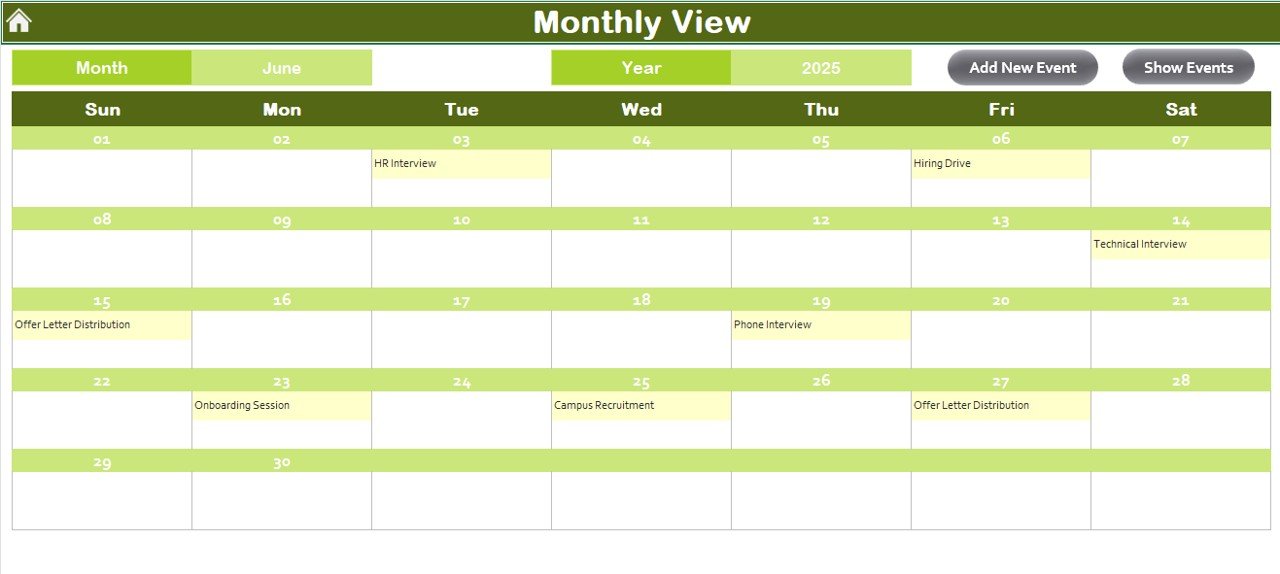
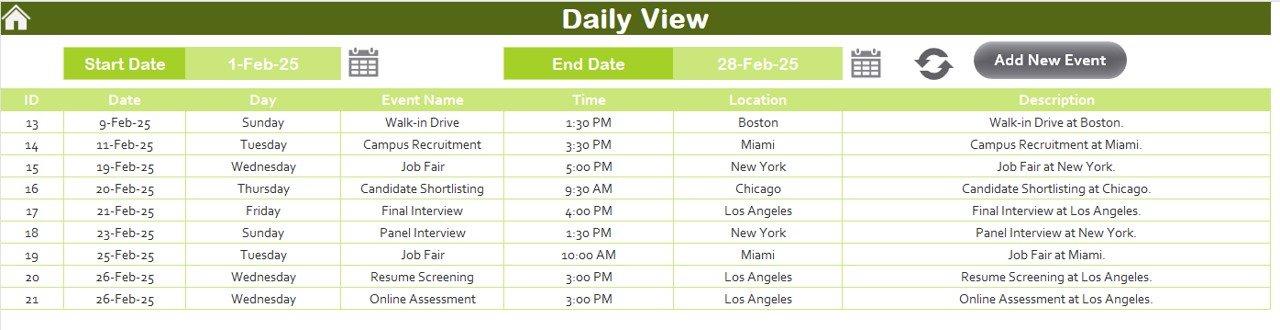
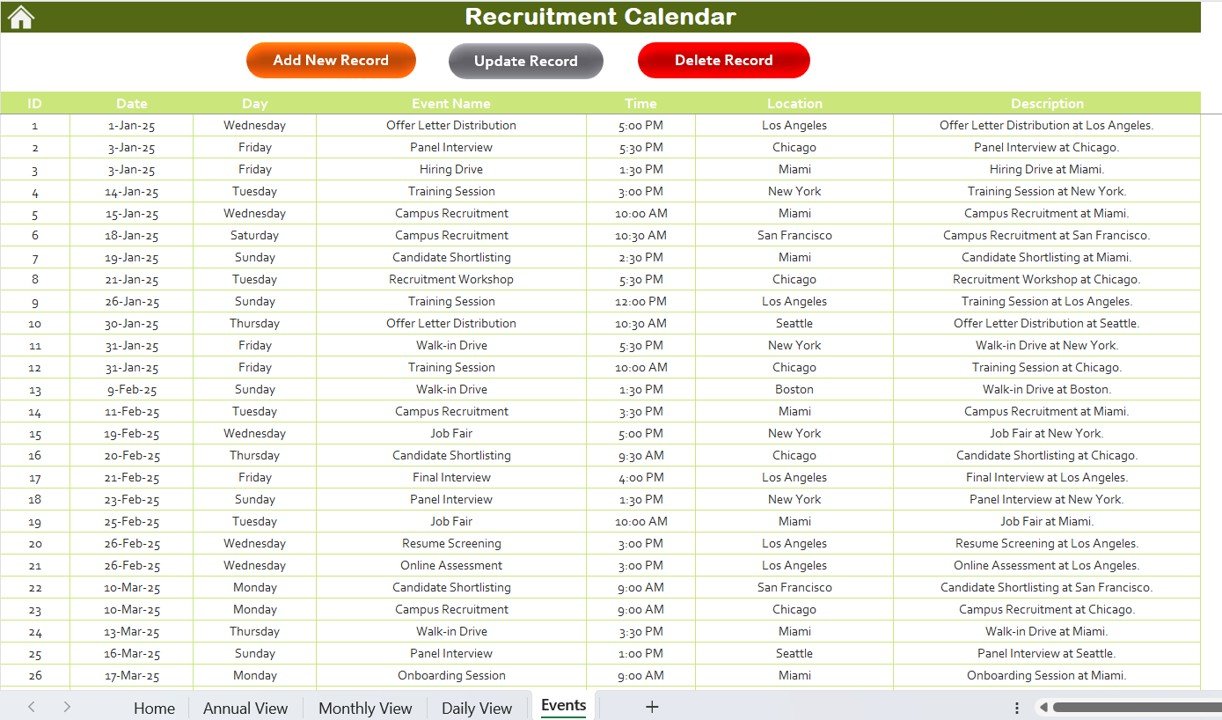
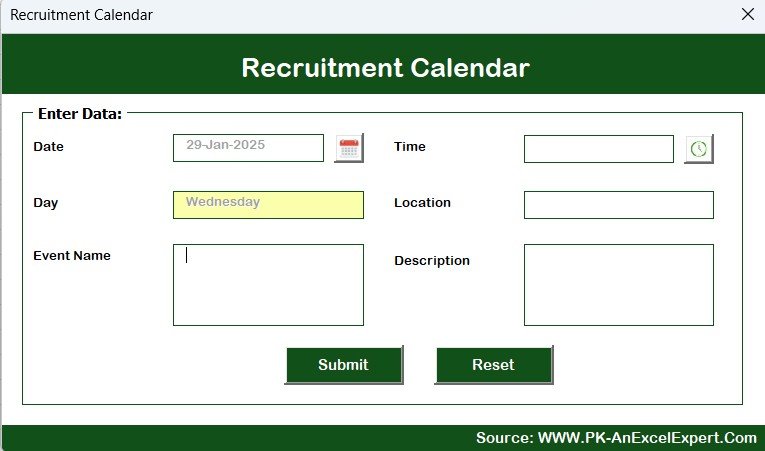
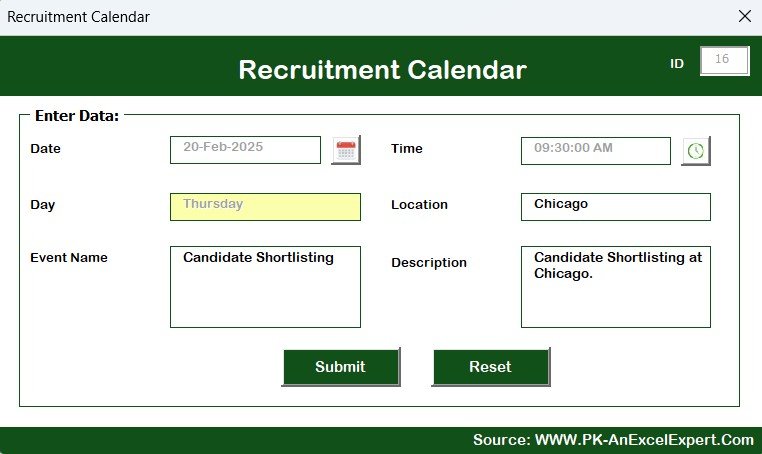

The Recruitment Calendar in Excel is a powerful and efficient tool designed to help HR teams, recruitment managers, and hiring professionals streamline and organize the entire recruitment process. This Excel-based calendar allows you to schedule, track, and manage recruitment tasks, deadlines, and key events, ensuring that the hiring process is timely, organized, and effective.
Whether you’re managing multiple job openings, interview schedules, or candidate follow-ups, this calendar helps you stay on top of all your recruitment activities. With customizable features, a simple interface, and easy-to-use functionality, the Recruitment Calendar ensures a smooth and seamless hiring experience from start to finish.
Key Features of the Recruitment Calendar in Excel:
📅 Job Opening and Interview Scheduling
Schedule job openings, interview dates, and follow-up actions to ensure no recruitment task is overlooked and that everything runs on time.
📝 Candidate Tracking
Track candidate information, including contact details, interview dates, status, and feedback to ensure effective candidate management and progress monitoring.
💼 Task and Deadline Management
Keep track of key recruitment tasks such as resume screening, interviews, reference checks, and offer letters, ensuring that all deadlines are met and no steps are missed.
📊 Recruitment Performance Metrics
Monitor key recruitment performance metrics such as time-to-hire, candidate quality, and source of hire, helping you assess the effectiveness of your recruitment strategies.
📈 Hiring Pipeline Tracking
Track candidates through every stage of the recruitment pipeline, from application to offer acceptance, ensuring smooth transitions and reducing bottlenecks.
🚀 Why You’ll Love the Recruitment Calendar in Excel:

✅ Streamline Recruitment Process – Keep all recruitment tasks, interviews, and deadlines organized in one place, ensuring a seamless and efficient hiring process.
✅ Stay On Track – Easily monitor the status of each candidate, interview schedule, and recruitment task to ensure everything is completed on time.
✅ Improve Candidate Experience – Ensure that candidates receive timely communication and follow-ups throughout the recruitment process, improving their experience with your company.
✅ Monitor Recruitment Metrics – Track recruitment performance metrics to assess your hiring efficiency and identify areas for improvement in your recruitment strategies.
✅ Customizable and Easy-to-Use – Fully customizable to fit your specific recruitment needs, with an intuitive design that makes it easy to manage your hiring process.
✅ Data-Driven Decision Making – Use data from the calendar to make informed decisions on recruitment strategies, improve time-to-hire, and enhance hiring success rates.
What’s Inside the Recruitment Calendar in Excel:
Job Opening Management: Track all open positions, the number of candidates, and the deadlines for filling positions.
Interview Scheduling: Schedule interviews, track interview dates, and set reminders for interviewers and candidates.
Candidate Status Tracking: Monitor candidates through each stage of the recruitment process, from application to interview to offer acceptance.
Task and Deadline Management: Keep track of recruitment tasks, such as reference checks and background verification, with clearly defined deadlines.
Recruitment Metrics: Track key performance indicators such as time-to-hire, source of hire, and the overall efficiency of your recruitment process.
Customizable Reports: Generate reports summarizing the recruitment process, candidate status, and key metrics, providing insights for future hiring decisions.
How to Use the Recruitment Calendar in Excel:
1️⃣ Download the Template – Instantly access your Excel file upon purchase.
2️⃣ Enter Job Opening Details – Add job position details, interview schedules, and recruitment deadlines to the calendar.
3️⃣ Track Candidate Progress – Monitor candidates’ progress throughout the recruitment process, from application submission to offer acceptance.
4️⃣ Manage Recruitment Tasks – Track key tasks like resume screening, reference checks, and interview follow-ups to ensure a timely hiring process.
5️⃣ Generate Recruitment Reports – Create reports that summarize key metrics and performance to optimize your recruitment strategy.
Who Can Benefit from the Recruitment Calendar in Excel:
HR Managers
Recruitment Teams
Hiring Managers
Talent Acquisition Specialists
Small and Medium-Sized Businesses (SMBs)
Large Enterprises with Structured Recruitment Processes
The Recruitment Calendar in Excel is the perfect solution for businesses looking to streamline their recruitment process, reduce hiring delays, and enhance the overall candidate experience. Stay organized and efficient while improving your hiring success rate with this essential HR tool.
Click here to read the Detailed blog post
https://www.pk-anexcelexpert.com/recruitment-calendar-in-excel/
Visit our YouTube channel to learn step-by-step video tutorials
Youtube.com/@PKAnExcelExpert
Compatibility and Requirements
- Works in Microsoft Excel desktop (Excel 2016 or later, or Microsoft 365).
- New to Excel? Microsoft has a free guide: Excel for Windows training.
Frequently Asked Questions
What can I plan with this calendar?
You can track open positions, interview dates, candidate status, recruitment tasks and deadlines.
Can I follow each candidate?
Yes. You can monitor candidates through each stage, from application to interview to offer acceptance.
Does it track hiring metrics?
Yes. It tracks KPIs such as time to hire and source of hire.
Is there a Google Sheets version?
Yes. The Recruitment Calendar in Google Sheets covers the same recruitment planning.
Related Recruitment Templates
- Recruitment Calendar in Google Sheets: the same calendar in Google Sheets
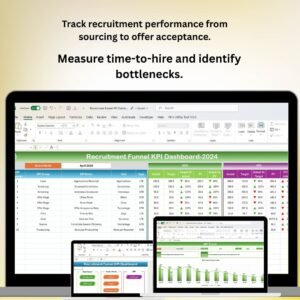
- Recruitment Funnel KPI Dashboard in Excel: recruitment funnel KPIs in Excel
- Recruitment and Hiring Dashboard in Excel: a full recruitment and hiring dashboard in Excel
- Recruitment KPI Dashboard in Excel: recruitment KPIs in Excel
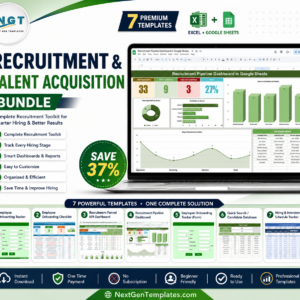
- Recruitment & Talent Acquisition Bundle: 7 recruitment and talent acquisition templates in one download
Browse all Excel calendars or the Excel HR and payroll templates.

































Reviews
There are no reviews yet.