

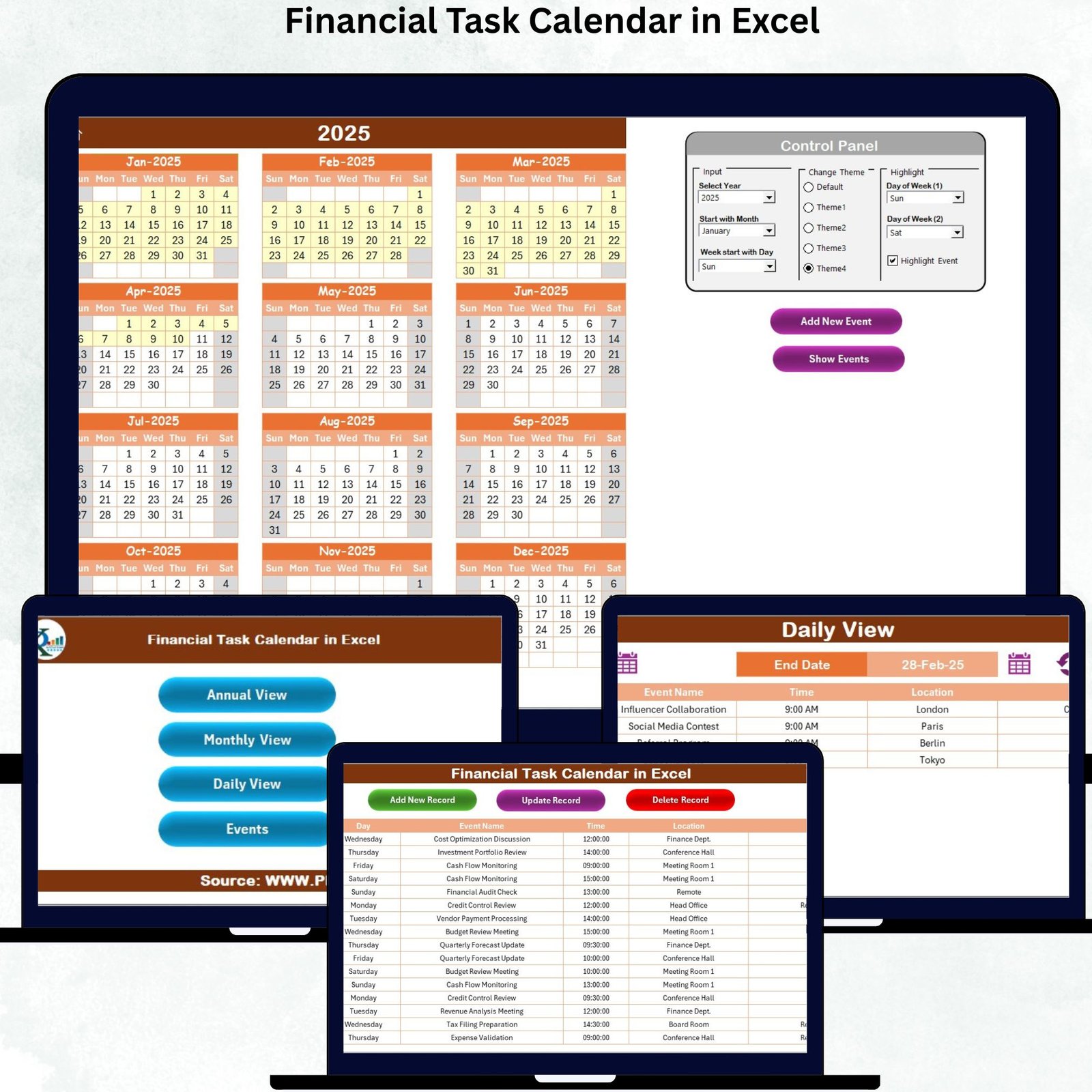

Managing financial tasks becomes effortless when you have a clear, organized, and easy-to-use system. The Financial Task Calendar in Excel is a powerful digital product designed to help you track annual, monthly, and daily financial activities without missing deadlines. Whether you’re a business owner, a finance professional, or someone who simply wants to stay ahead of financial commitments, this Excel template provides an intuitive and flexible solution to plan your entire financial year with clarity and confidence.Financial Task Calendar in Excel
This all-in-one calendar gives you complete visibility of your financial tasks—from bill payments to audits, tax schedules, vendor meetings, renewals, and budgeting activities. Instead of juggling multiple apps or managing scattered notes, this single Excel file keeps everything centralized, organized, and easy to access. With automated features, color-coded highlights, user-friendly navigation buttons, and event-entry forms, this template transforms how you manage your financial workflow.
Below is everything you need to know about this product—its features, functionality, use cases, and why it’s one of the best financial planning tools available today.
✨ Key Features of the Financial Task Calendar in Excel
📌 1. Smart Navigation with Home Sheet
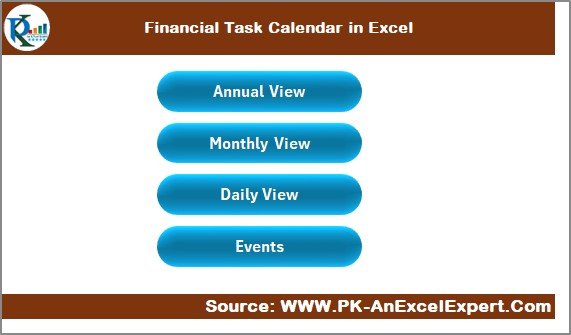
The Home Sheet works like a dashboard, allowing you to jump to any page instantly:Financial Task Calendar in Excel
Annual View
Monthly View
Daily View
Events Database
These quick-access buttons make the file exceptionally easy to use.
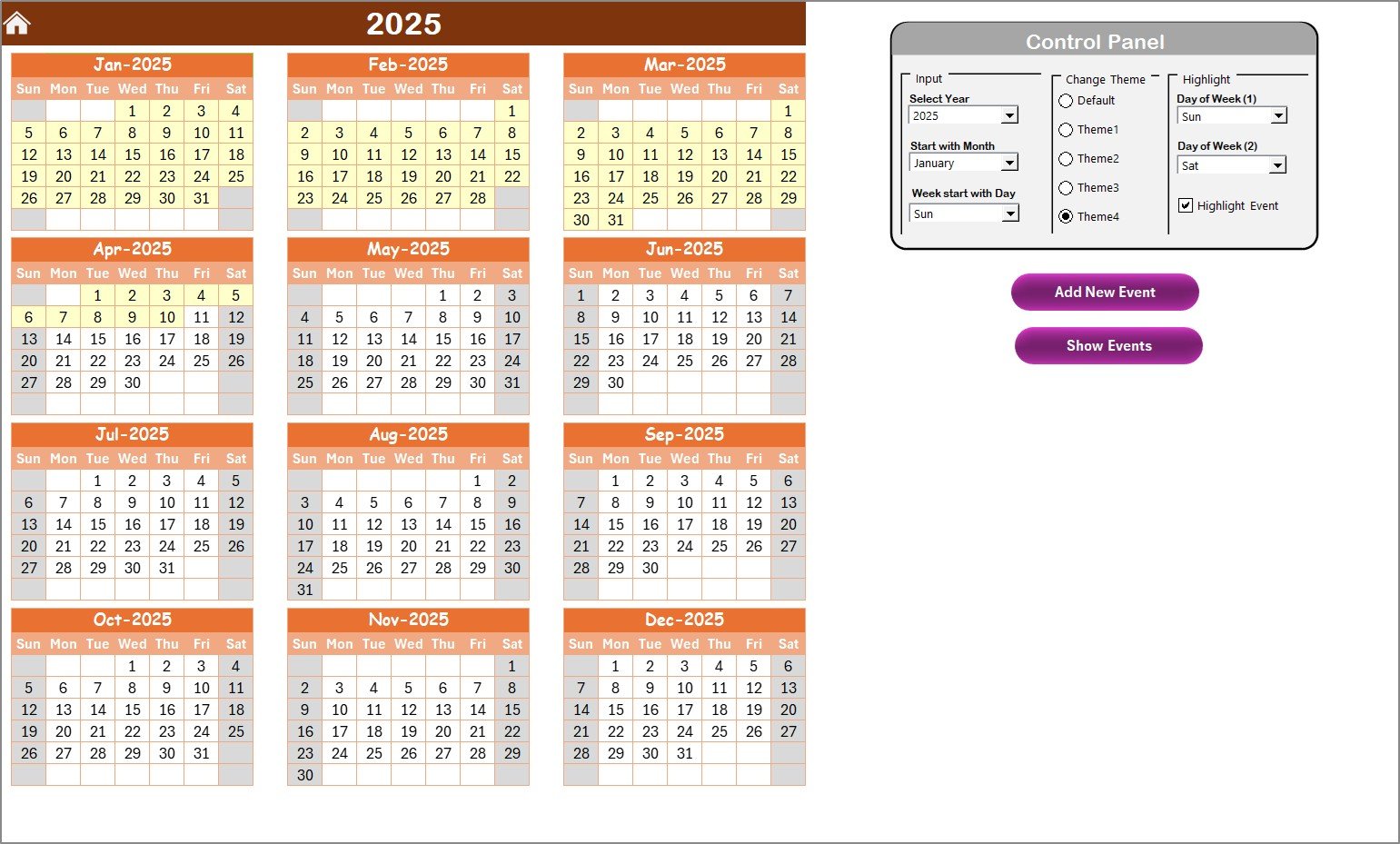
📌 2. Annual View with Full-Year Overview
View all 12 months on a single screen, perfect for long-term planning.
The built-in Control Panel lets you:
Select the year
Change the starting month
Choose the starting weekday
You can even apply five beautiful color themes to customize the look of your calendar.
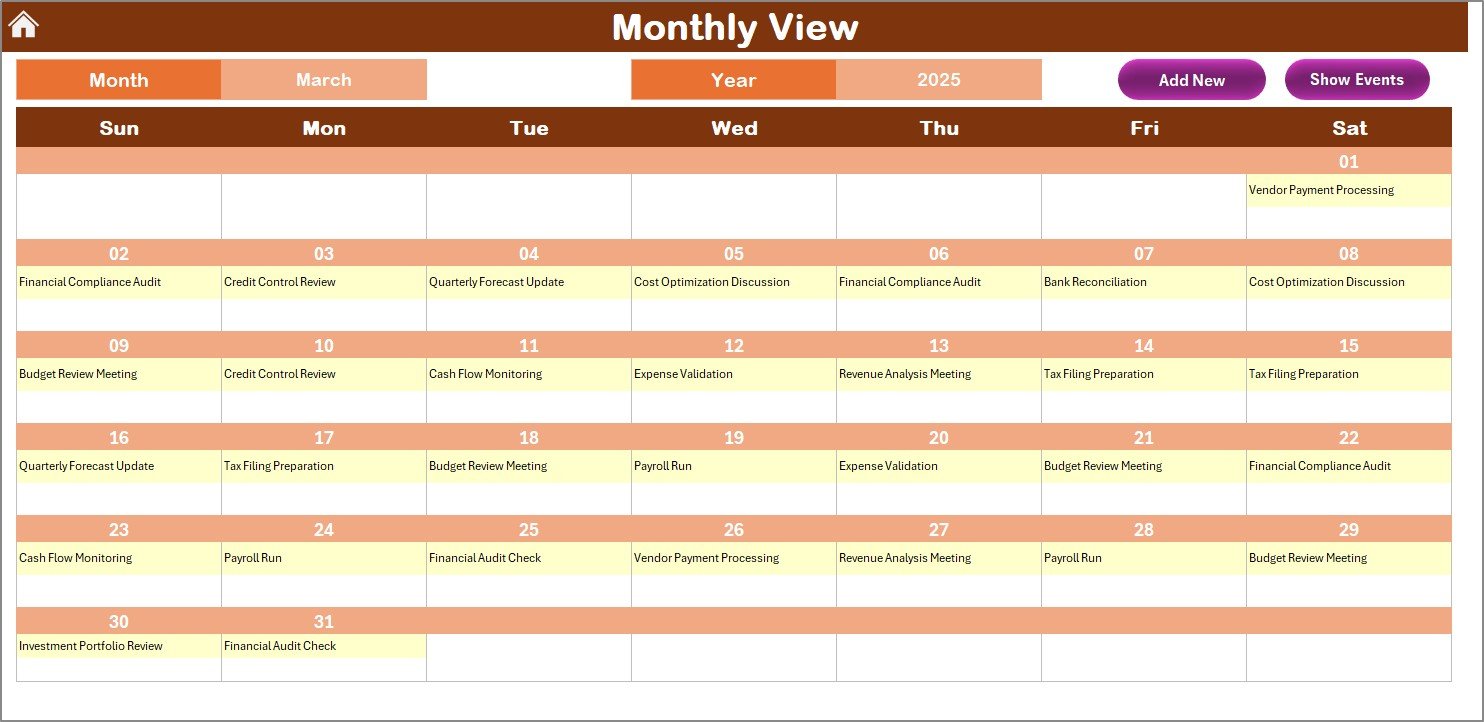
📌 3. Monthly View with Task Indicators
Stay focused on a specific month with a clean, zoomed-in calendar.
Cells show:
The first event of the day
“More than 1…” if multiple events exist
Navigation is smooth with Add Event and Show Event buttons.
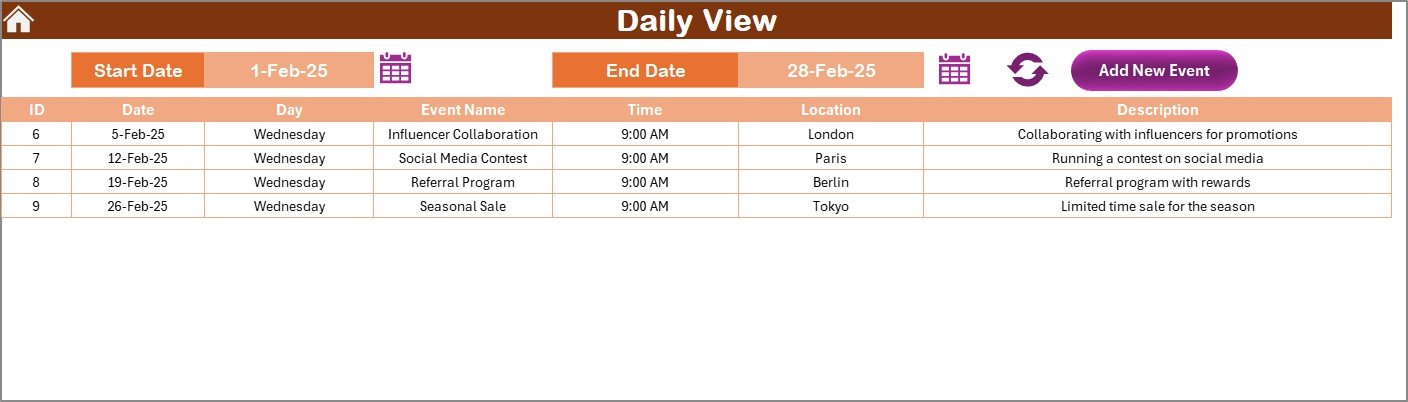
📌 4. Daily View for Detailed Task Review
Easily filter tasks:
Select Start Date
Select End Date
Click Refresh
The sheet instantly displays all events in that period—perfect for weekly or daily planning.
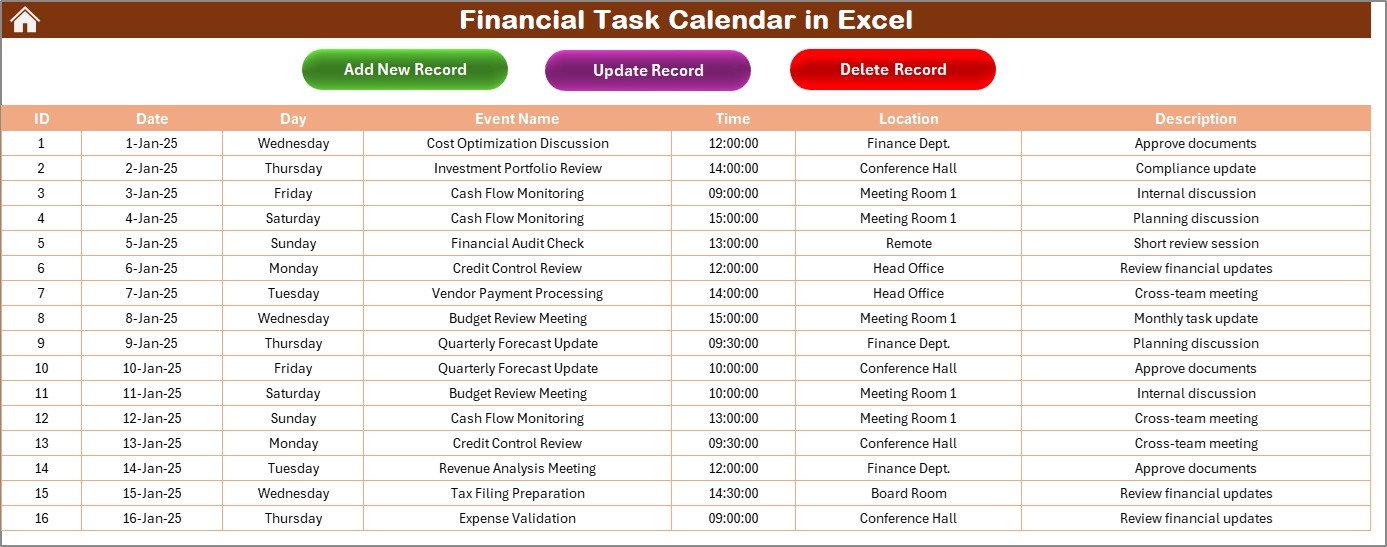
📌 5. Events Sheet – Your Master Database
Every event is stored in a structured table with fields like:
ID
Date
Time
Location
Description
You can add, update, or delete events through simple forms—no manual editing required.
📦 What’s Inside the Financial Task Calendar in Excel
When you download this product, you receive a professionally designed Excel file that includes:
✔ Fully automated Annual Calendar
✔ Interactive Monthly Calendar
✔ Daily View with date-range filtering
✔ Events Database with form-based entry
✔ Navigation buttons for smooth workflow
✔ Color theme selector (5 themes)
✔ Weekend and event highlighting tools
✔ Add, Update, and Delete forms for events
✔ Clean, minimal, modern UI
✔ Completely editable Excel source file
This template is built for real-world financial management—not just decoration.
🛠 How to Use the Financial Task Calendar in Excel
Using this product is extremely easy—even if you’re not an Excel expert.
👉 Step 1: Select Your Year and Settings
Open the Annual View Sheet and choose the:
Year
Starting month
Starting weekday
The entire calendar updates instantly.
👉 Step 2: Add New Financial Events
Go to any sheet and click Add New Event.
Fill the form with:
Date
Time
Event Name
Location
Description
Your event is automatically added to the database.
👉 Step 3: Track Events in Multiple Views
Choose your preferred view:
Annual View → Yearly planning
Monthly View → Month-wise financial tasks
Daily View → Tasks for a specific date range
👉 Step 4: Edit or Delete Events Easily
Use the Events Sheet to:
Update existing entries
Remove completed tasks
Maintain a clean event history
👥 Who Can Benefit from This Financial Task Calendar
This product is versatile and ideal for:
📊 Finance teams
🧾 Accountants
🧑💼 Small business owners
🎓 Students
📈 Freelancers
🏢 HR & Admin professionals
💼 Entrepreneurs
💡 Anyone who handles money-related tasks
Use it for:
Bill tracking
Tax filing reminders
Budget planning
Vendor payment schedules
Investment and EMI reminders
Audit planning
Project or report deadlines
Whether personal or professional—this calendar fits every financial workflow.
### ⭐ Click hear to read the Detailed blog post
Watch the step-by-step video tutorial:































Reviews
There are no reviews yet.