

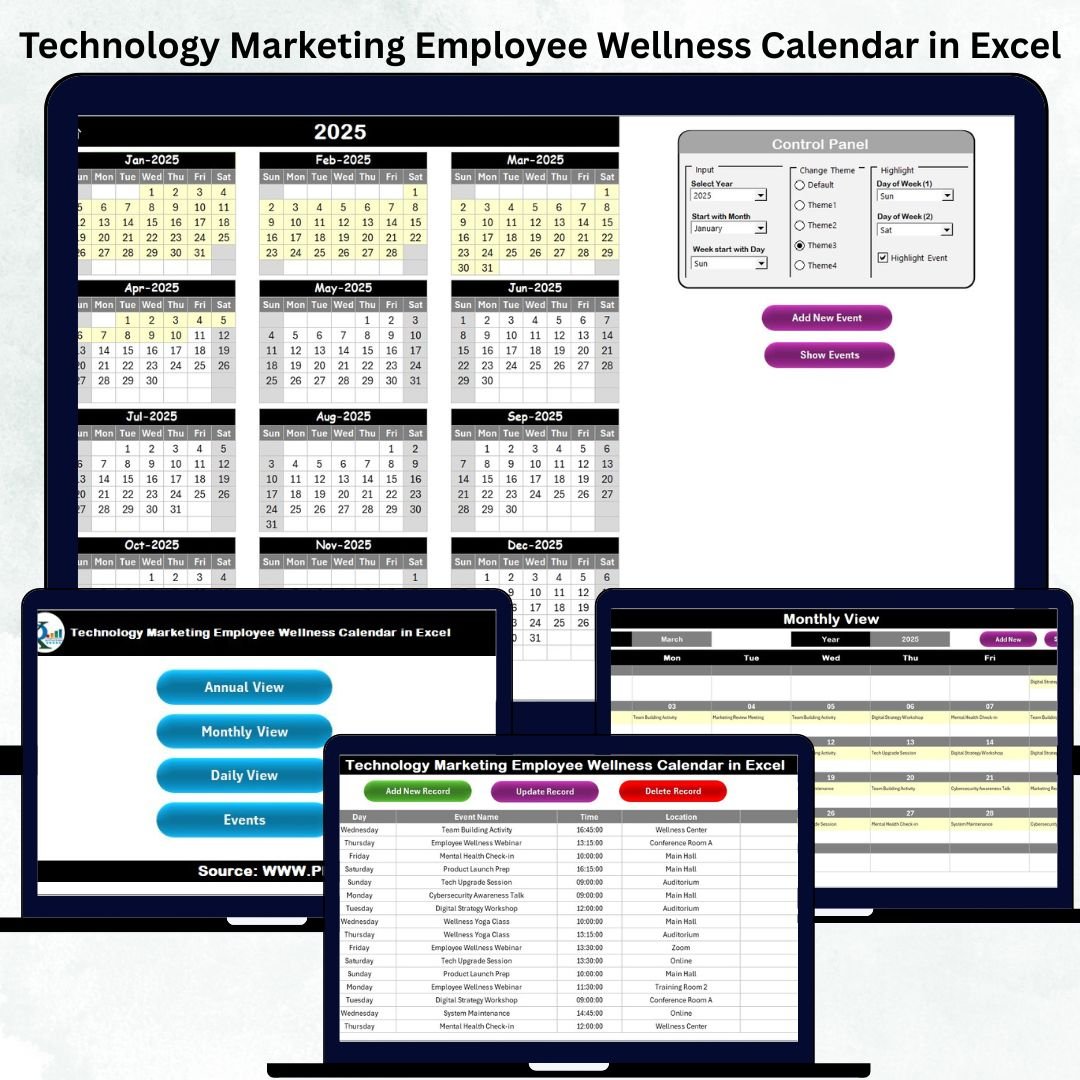

Technology, Marketing, and Wellness teams work fast—deadlines, events, campaigns, trainings, and employee programs happen every single day. Managing all of this with scattered files, separate calendars, or manual tracking often leads to confusion and missed activities. That’s why we created the Technology Marketing Employee Wellness Calendar in Excel—a powerful, ready-to-use planning system that keeps your entire organization aligned, organized, and stress-free.
This Excel-based calendar combines annual planning, monthly timelines, daily scheduling, event tracking, color highlights, and automated navigation buttons—all inside one clean and user-friendly template. Whether you’re running product launches, marketing campaigns, or corporate wellness sessions, this calendar gives you full clarity in one place.
✨ Key Features of the Technology Marketing Employee Wellness Calendar in Excel
📅 Centralized All-in-One Planning
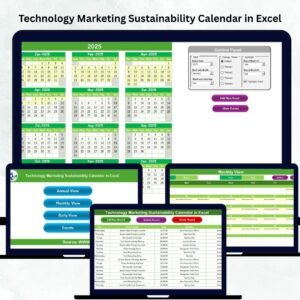
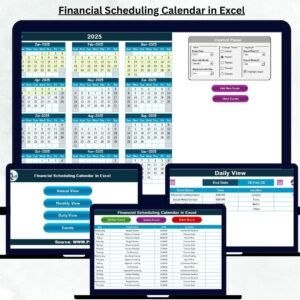
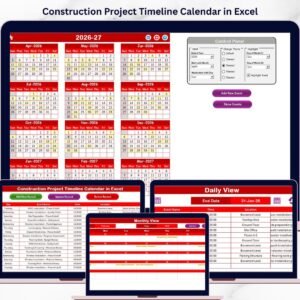
The template includes dedicated sheets for Annual View, Monthly View, Daily View, and a complete Events Database, helping teams manage long-term strategy and day-to-day tasks without juggling multiple files.
🎨 Fully Customizable Themes
Choose from five beautiful color themes. With a single click, the entire workbook updates automatically—perfect for reports, presentations, or meetings.
<h3>Watch the step-by-step video tutorial:</h3>
<iframe src=”https://www.youtube.com/embed/9nJGpOL_sAQ
” width=”800″ height=”470″ frameborder=”0″ allowfullscreen=”allowfullscreen”></iframe>
🟡 Smart Highlight Controls
Highlight weekends, busy days, special dates, or event days to improve visibility and make planning more intuitive.
📝 One-Click Event Entry & Editing
Add, update, or delete events using interactive forms. No manual typing. No errors. Everything updates instantly across views.
📊 Clean Layout for Better Focus
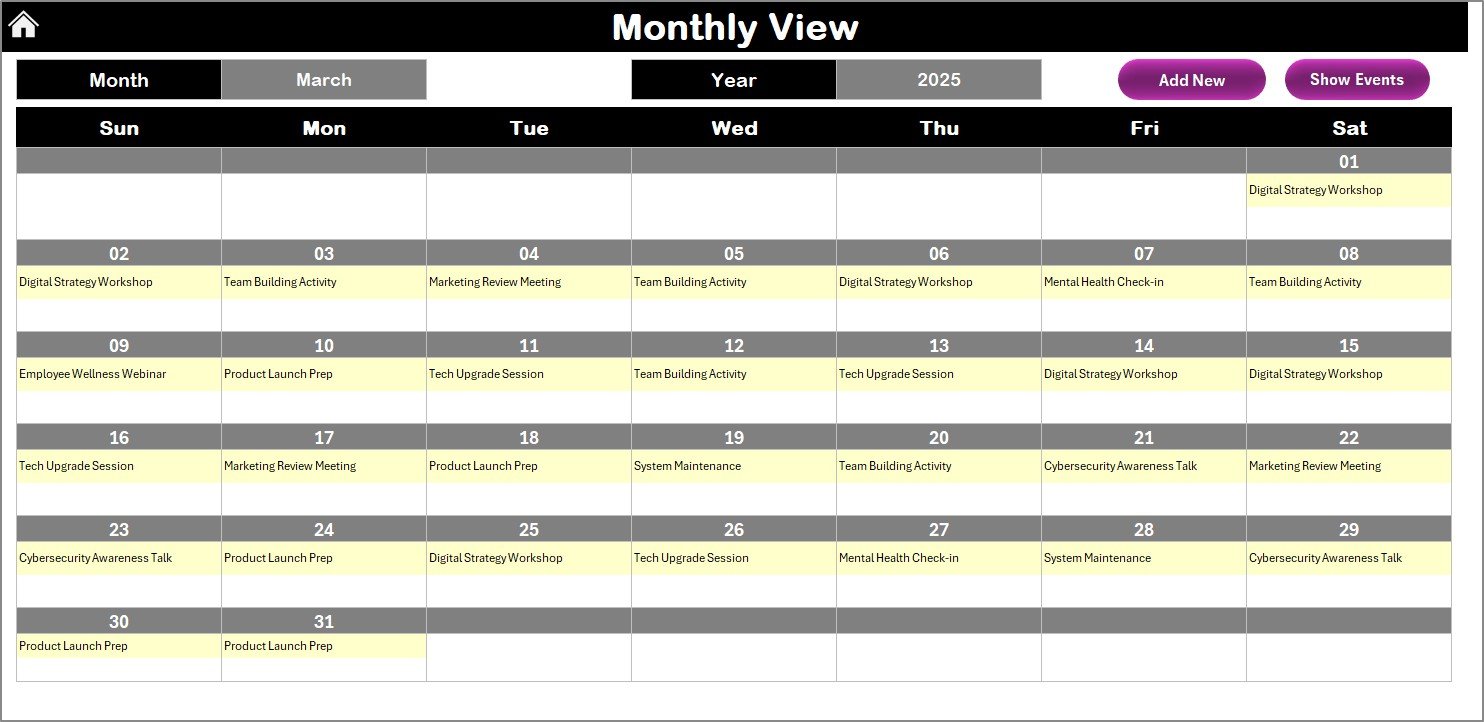
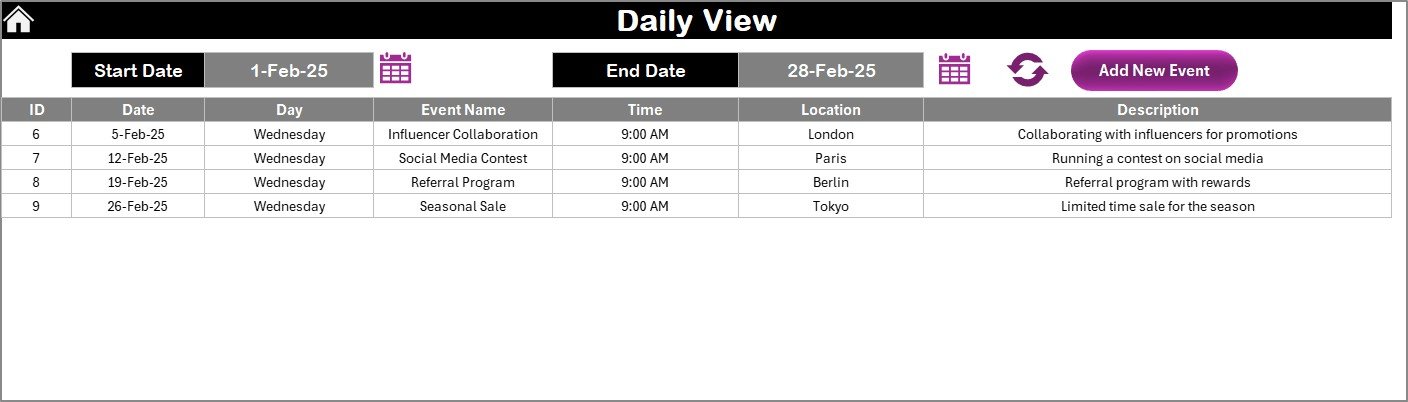
See one event per date in Monthly View or detailed lists in Daily View. The clean design ensures quick reading and zero clutter.
📦 What’s Inside the Technology Marketing Employee Wellness Calendar in Excel
⭐ Home Sheet – Your Command Center
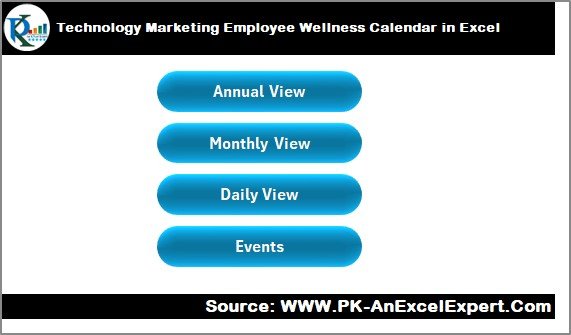
Jump to any sheet using four navigation buttons:
Annual View
Monthly View
Daily View
Events Database
⭐ Annual View Sheet
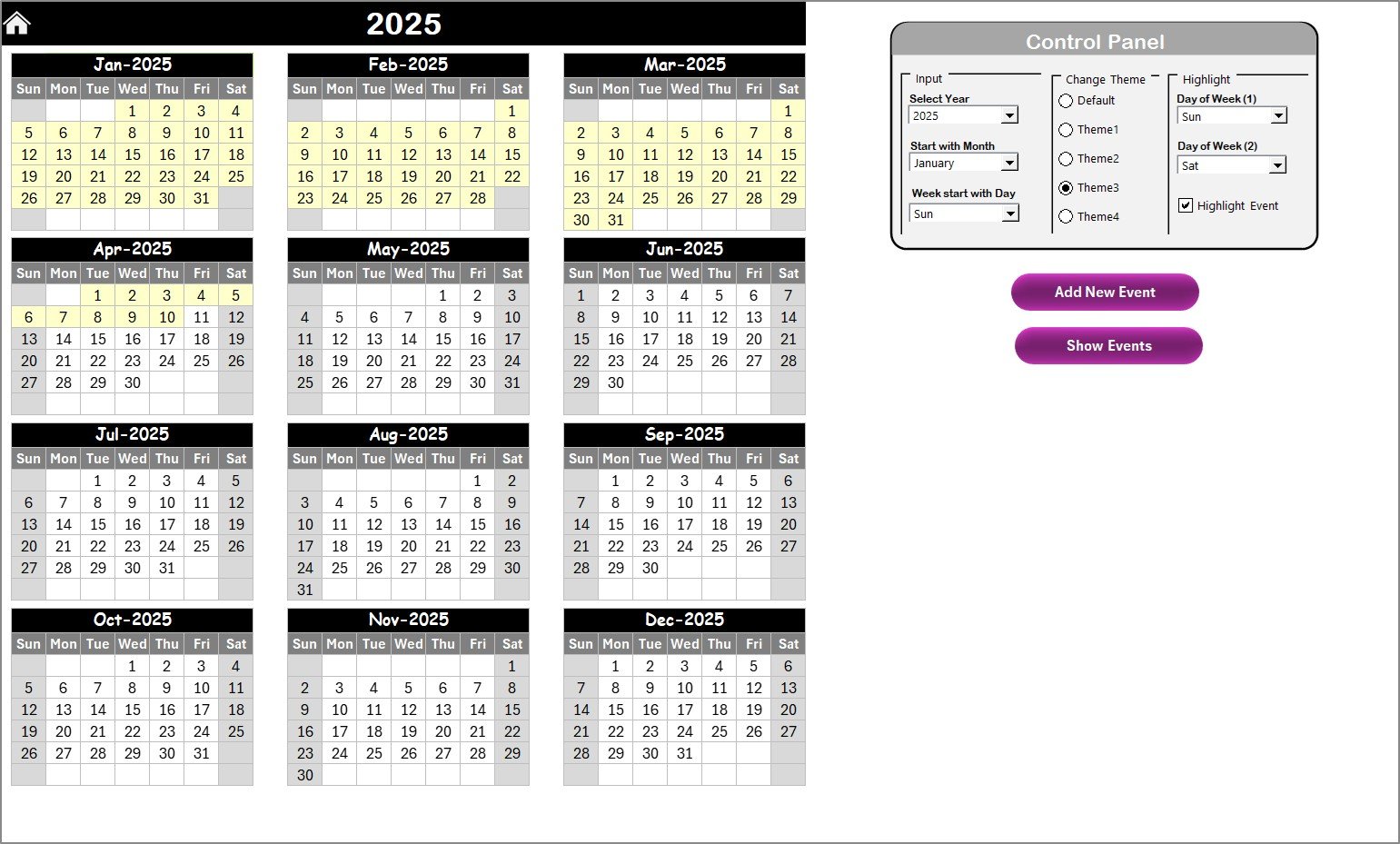
Full 12-month calendar
Change year, starting month, and starting weekday
Highlight important days
Add or view events instantly
⭐ Monthly View Sheet
Select month and year
See events at a glance
“More than 1…” indicator for multiple events
Add or view daily events through buttons
⭐ Daily View Sheet
Select start & end dates to view detailed event lists
Track meetings, launches, workshops, wellness sessions, and more
Add new events directly
⭐ Events Database Sheet
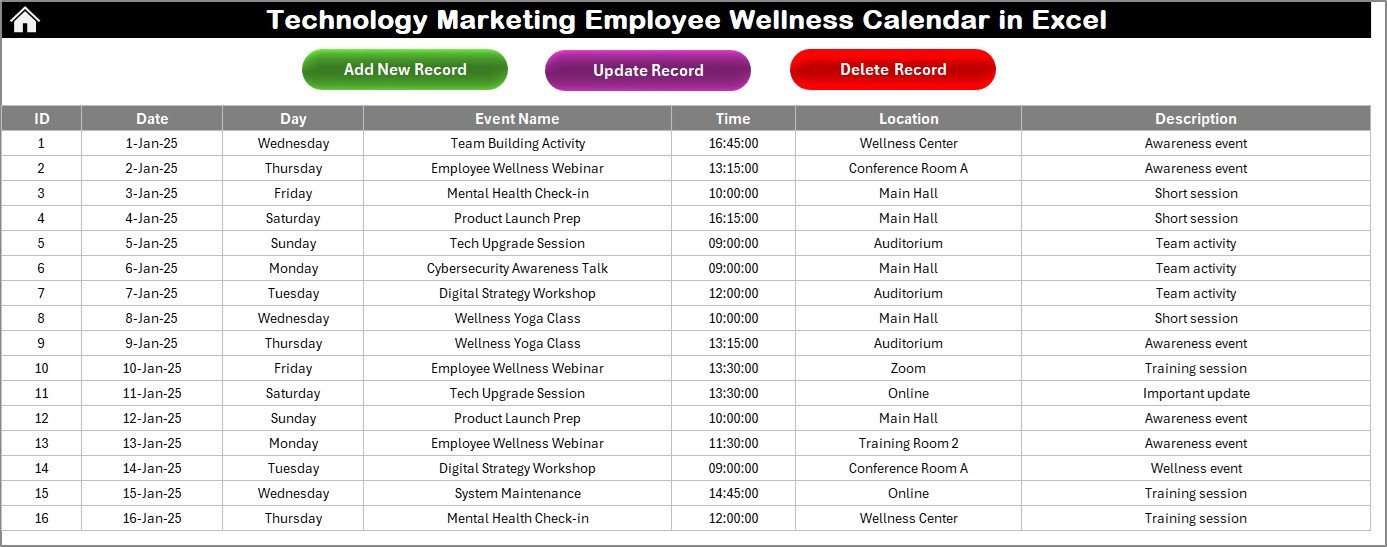
Stores every event with fields:
ID
Date
Day
Event Name
Time
Location
Description
Includes actions to Add, Update, or Delete records instantly.
🛠️ How to Use the Technology Marketing Employee Wellness Calendar in Excel
1️⃣ Select the Year & Customize Your Calendar
Choose your year, month, and start day. Apply your preferred theme.
<h3>Watch the step-by-step video tutorial:</h3>
<iframe src=”https://www.youtube.com/embed/9nJGpOL_sAQ
” width=”800″ height=”470″ frameborder=”0″ allowfullscreen=”allowfullscreen”></iframe>
2️⃣ Add Events Easily
Just choose a date → Click Add Event → Fill the form → Submit.
Your event updates everywhere—no manual entry.
3️⃣ Plan Monthly Campaigns & Weekly Activities
Marketing, tech, and wellness teams can plan ahead with clear visibility.
4️⃣ Track Daily Tasks with Full Clarity
Use the Daily View to see all activities between any two dates.
5️⃣ Maintain a Clean Event Database
Use update/delete buttons to keep your calendar accurate and up to date.
👥 Who Can Benefit from This Template
💻 Technology Teams
Software releases
Infrastructure maintenance
Training sessions
Cybersecurity drills
📣 Marketing Teams
Campaign schedules
Social media planning
Product launch timelines
Content workflows
🧘 Wellness & HR Teams
Wellness workshops
Fitness challenges
Engagement programs
Employee awareness events
🏢 Managers & Coordinators
Anyone who needs visibility across multiple teams and events will benefit from this structured all-in-one calendar.
This Technology Marketing Employee Wellness Calendar in Excel is more than a date planner—it is a complete workflow organizer that improves communication, eliminates scheduling conflicts, and strengthens productivity across your entire organization. If your teams want clarity, accuracy, and reliable planning without buying expensive tools, this Excel template is the perfect solution.
Click Here to Read the Detailed Blog Post
Watch the step-by-step video tutorial:
Visit our YouTube channel to learn step-by-step video tutorials:
👉 YouTube.com/@PKAnExcelExpert
Compatibility and Requirements
- Works in Microsoft Excel desktop (Excel 2016 or later, or Microsoft 365).
- Event entry uses interactive forms and navigation buttons. Microsoft’s Excel for Windows training covers the basics if you are new to Excel.
Frequently Asked Questions
Which sheets does the calendar have?
Five sheets: Home, Annual View, Monthly View, Daily View and Events Database.
What details can I store for each event?
Each event record holds an ID, date, day, event name, time, location and description. You can add, update or delete records from the Events Database sheet.
Can I change the year and the first day of the week?
Yes. On the Annual View sheet you set the year, the starting month and the starting weekday. You can also highlight important days.
What happens when a date has more than one event?
The Monthly View shows one event per date and marks the day with a “More than 1” indicator. The Daily View lists every event between the start and end dates you choose.
Can I change the colors?
Yes. There are five color themes, and one click updates the whole workbook.
Is there a similar calendar for another topic?
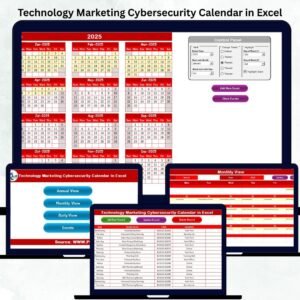
Yes. See the Technology Marketing Cybersecurity Calendar in Excel and the Operations Employee Wellness Calendar in Excel.
Related Calendar and Wellness Templates
- Operations Employee Wellness Calendar in Excel: the same wellness calendar for operations teams
- Wellness Program Schedule Calendar in Excel: a schedule for wellness sessions
- Technology Marketing Cybersecurity Calendar in Excel: a technology marketing calendar for security events
- Marketing Campaign Calendar in Excel: a calendar for campaign planning
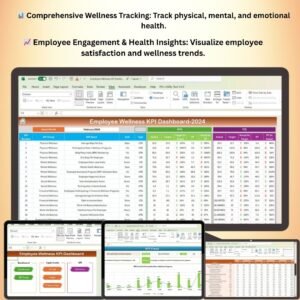
- Employee Wellness KPI Dashboard in Excel: a dashboard to track wellness metrics
Browse all Excel calendar templates.
























Reviews
There are no reviews yet.