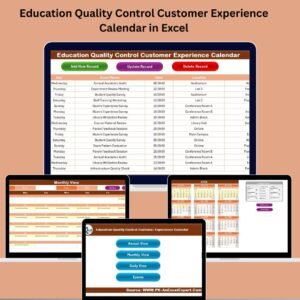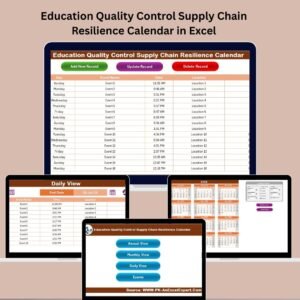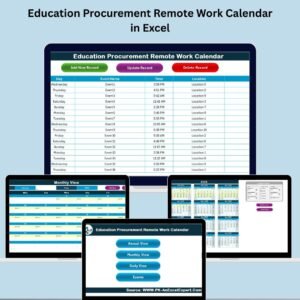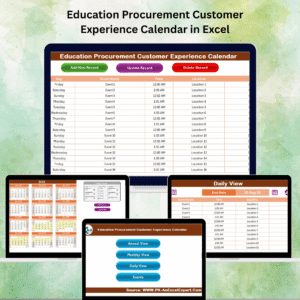

Educational institutions handle countless activities throughout the academic year. Schools, colleges, universities, coaching centers, and training organizations must manage academic sessions, examinations, workshops, holidays, meetings, and special events simultaneously. Education Planning Calendar in Excel However, many educators still rely on manual planners, scattered notes, or basic spreadsheets to organize schedules. As a result, important events get missed, schedules overlap, and coordination becomes difficult.
Education Planning Calendar in Excel to overcome these challenges, institutions increasingly adopt structured digital planning systems that centralize academic activities in one place. The Education Planning Calendar in Excel provides a powerful and ready-to-use solution that simplifies scheduling, event tracking, and academic planning using an interactive Excel-based calendar.
This smart calendar transforms complex academic planning into a streamlined and organized process. Instead of managing multiple files or tools, administrators can plan, track, and manage events through one centralized workbook. Because it operates entirely in Excel, users can implement the system instantly without learning new software or purchasing subscriptions.
Whether you manage academic calendars, training programs, institutional events, or internal meetings, this template helps maintain clarity, coordination, and efficiency throughout the year.
🚀 Key Feature of Education Planning Calendar in Excel
📅 All-in-One Academic Planning System – Manage yearly, monthly, and daily schedules in one workbook.
🎯 Dynamic Calendar Generation – Automatically updates calendars based on selected year and settings.
🟡 Event Highlighting System – Important dates appear visually for quick identification.
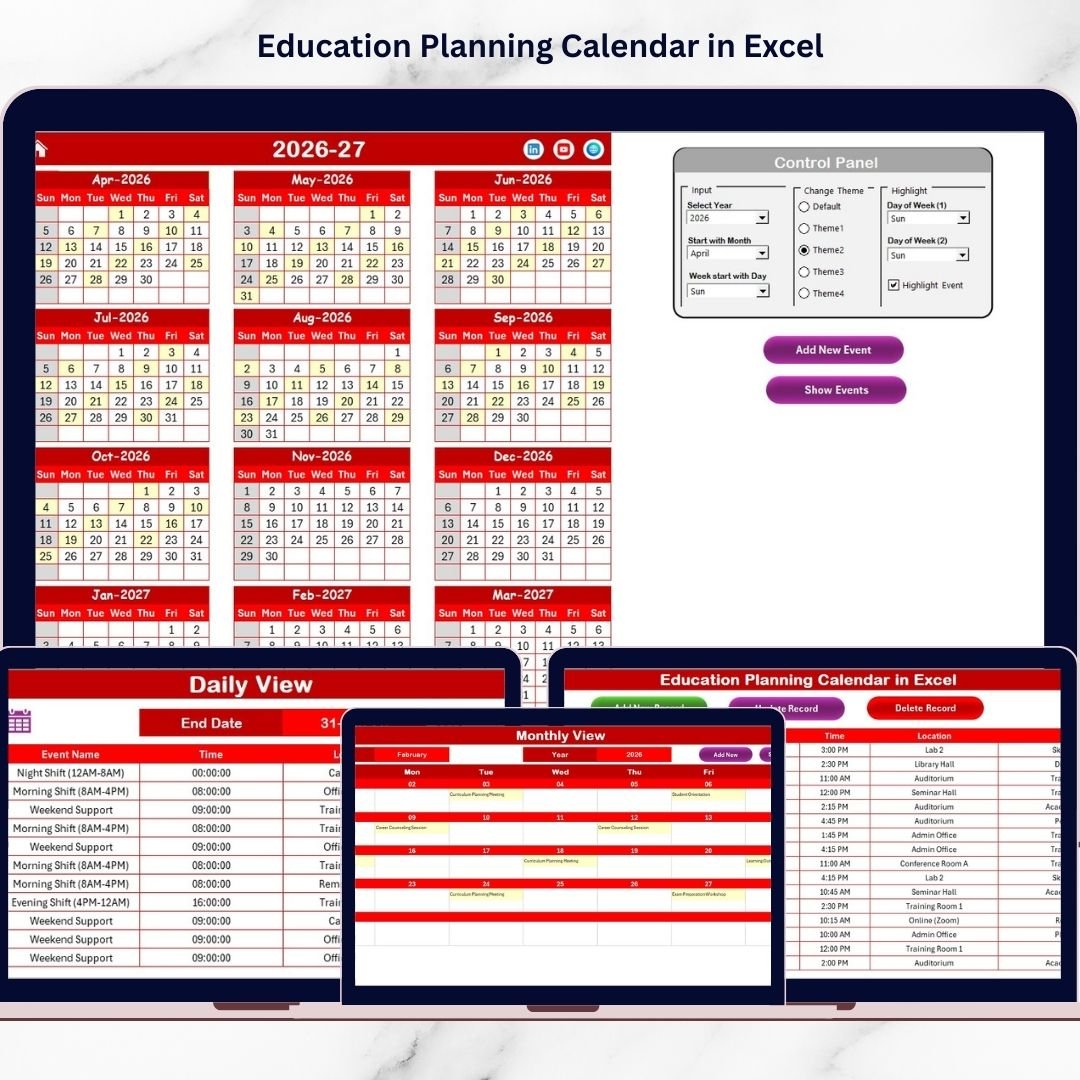
🎨 Multiple Theme Options – Apply different color themes instantly across the workbook.
📝 Interactive Event Entry Forms – Add events easily without manual formatting.
🔎 Date Range Event Tracking – Filter and analyze events between selected dates.
🔄 Automated Updates – Events automatically reflect across all calendar views.
⚙️ User-Friendly Navigation Buttons – Quickly move between calendar sections.
📦 What’s Inside the Education Planning Calendar in Excel
This professionally designed template includes 5 structured worksheets that create a complete academic scheduling system:
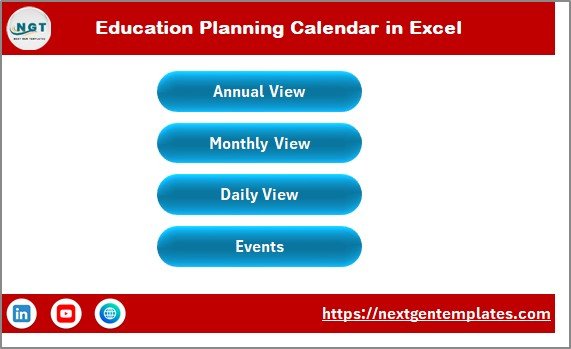
🏠 Home Sheet – Navigation Center
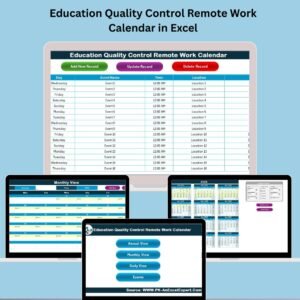
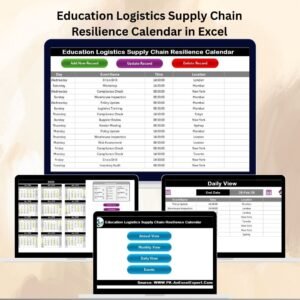
An index page with buttons allowing instant access to Annual View, Monthly View, Daily View, and Events Database.
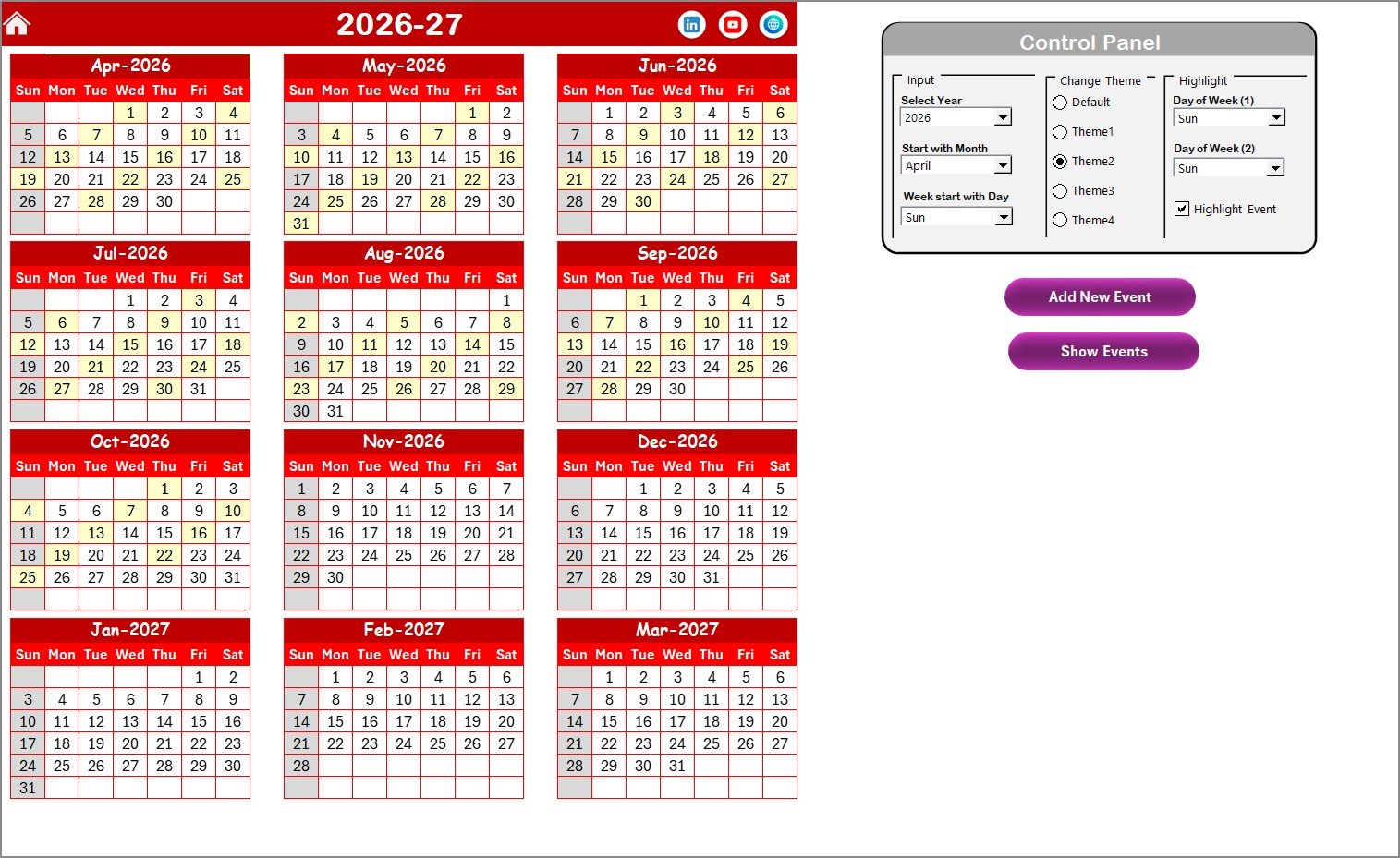
📆 Annual View Sheet – Yearly Overview
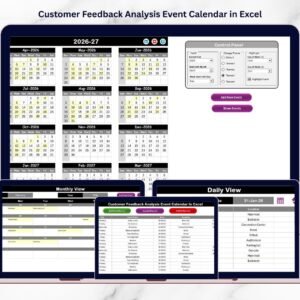
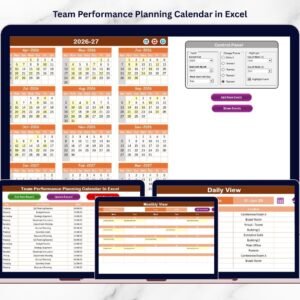
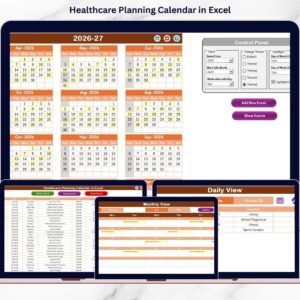
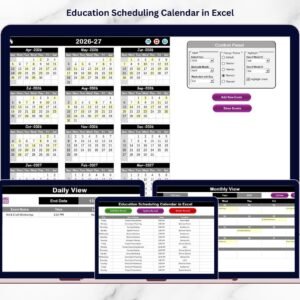
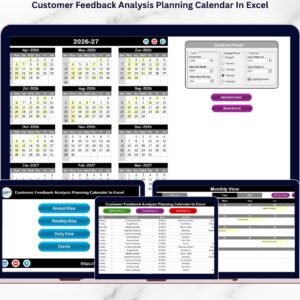
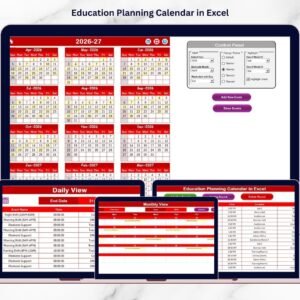
Displays all 12 months in one view with customizable year settings, starting day selection, event highlighting, and theme customization.
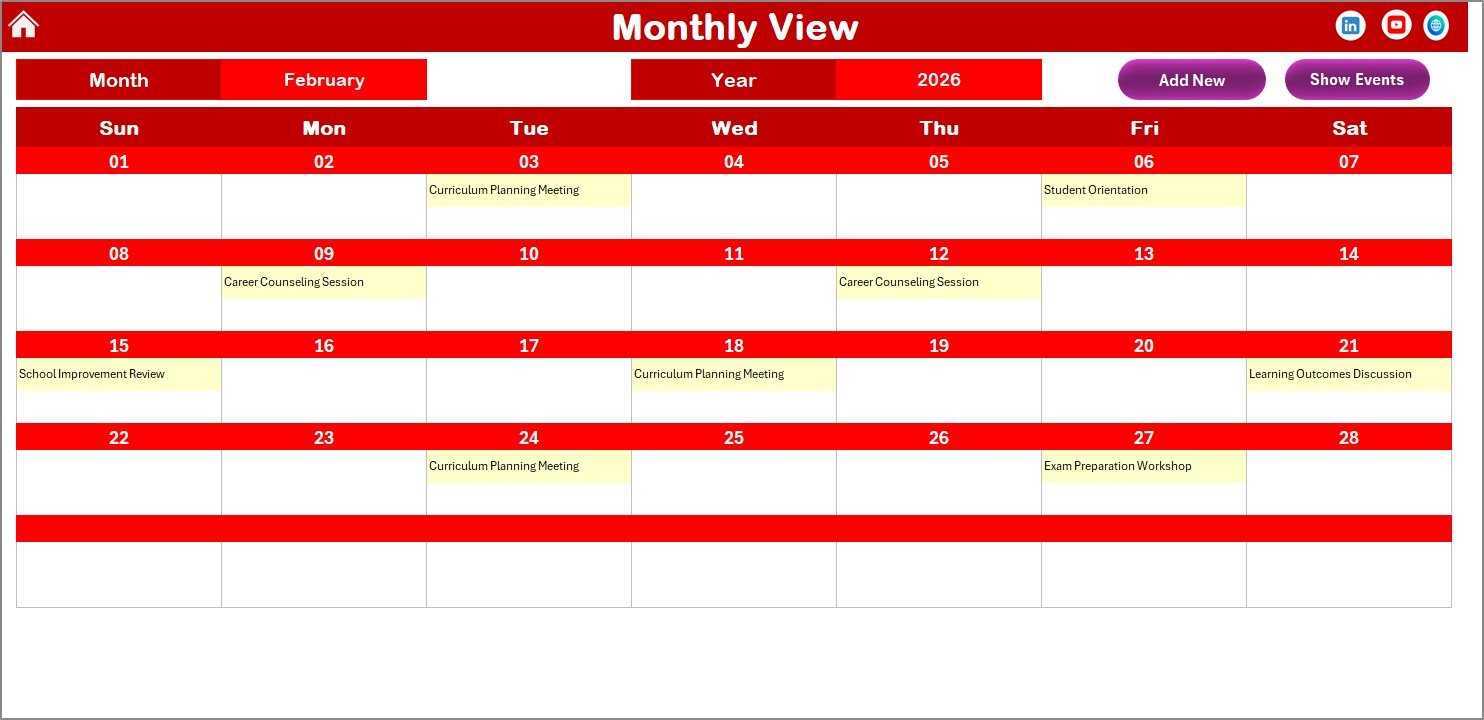
🗓️ Monthly View Sheet – Detailed Planning
Shows one month at a time with automatic updates and event indicators for clean and organized planning.
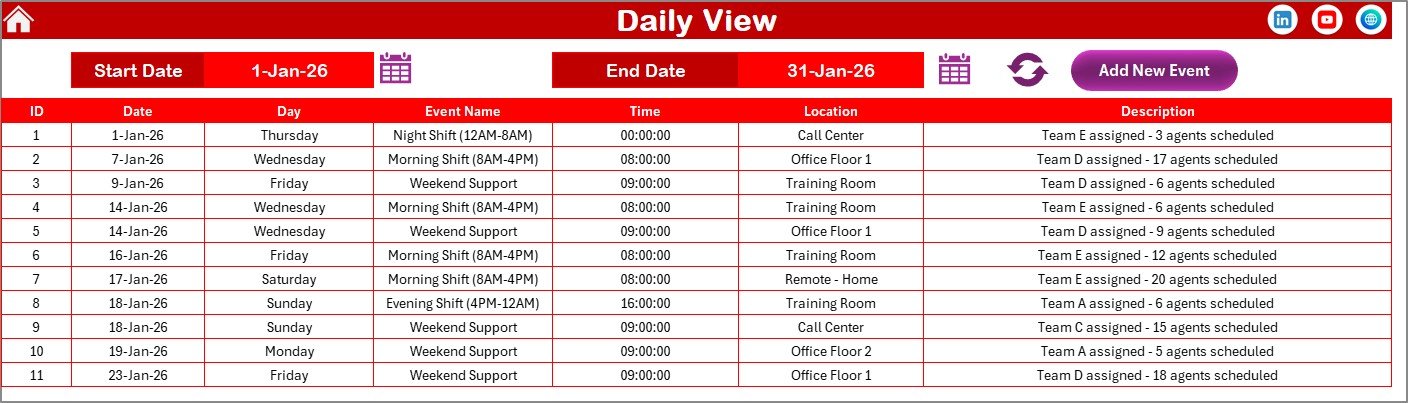
📊 Daily View Sheet – Event Tracking
Allows users to filter events using start and end dates and monitor detailed daily activities efficiently.
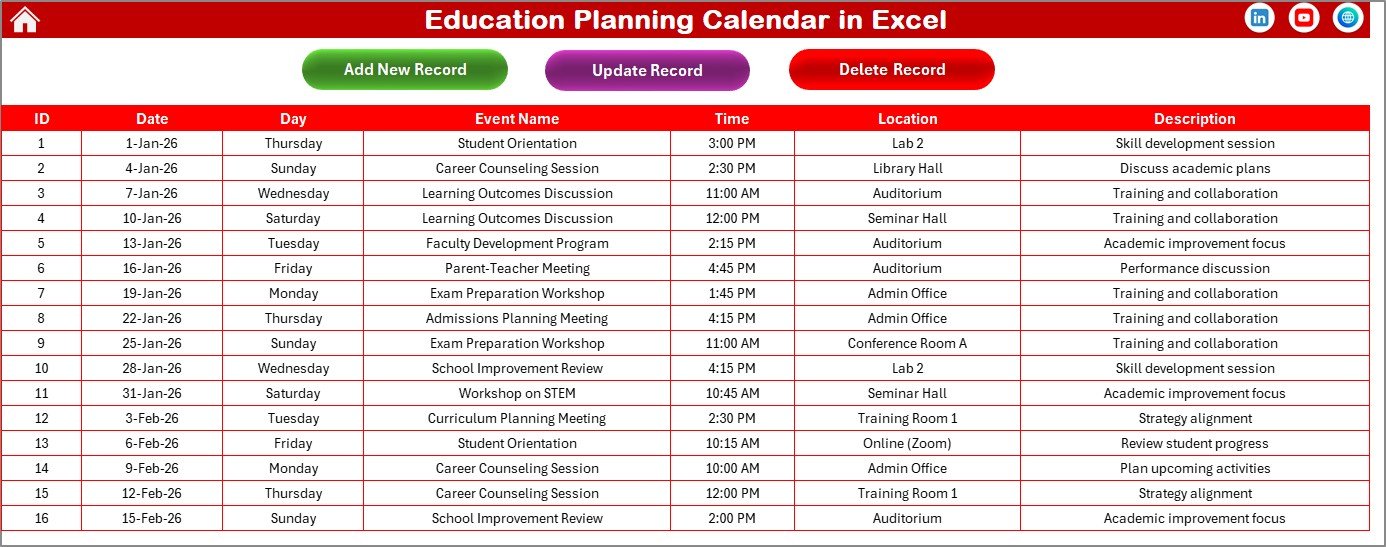
📘 Events Sheet – Central Database
Stores all event information including date, time, location, description, and unique event IDs with options to add, update, or delete records.
Together, these sheets provide a complete event lifecycle management system.
⚙️ How to Use the Education Planning Calendar in Excel
Using the template is simple and intuitive:
1️⃣ Select calendar settings such as year and start day.
2️⃣ Add academic events using the Add New Event button.
3️⃣ View yearly planning through Annual View.
4️⃣ Manage monthly schedules using Monthly View.
5️⃣ Track detailed activities via Daily View filters.
6️⃣ Update or modify events anytime from the database.
Within minutes, institutions gain full visibility over academic schedules.
👥 Who Can Benefit from This Education Planning Calendar in Excel
This calendar is ideal for various educational and training environments:
🏫 Schools & Colleges
🎓 Universities
📘 Training Institutes
👩🏫 Academic Coordinators
📅 Education Administrators
🏢 Corporate Training Teams
📊 Event Planners
Any organization managing structured schedules can use this template to improve coordination and productivity.
By centralizing academic planning, the Education Planning Calendar in Excel reduces scheduling conflicts, improves communication, and ensures smooth institutional operations throughout the year.
### Click here to read the Detailed blog post
Visit our YouTube channel to learn step-by-step video tutorials:
👉 https://youtube.com/@PKAnExcelExpert
Watch the step-by-step video tutorial:
Compatibility and Requirements
- Works in Microsoft Excel desktop (Excel 2016 or later, or Microsoft 365).
- The workbook has 5 sheets: Home, Annual View, Monthly View, Daily View and Events. Microsoft explains how to print a worksheet or workbook if you want paper copies of a view.
Frequently Asked Questions
Which sheets are included?
Five sheets: Home, Annual View, Monthly View, Daily View and Events. The Home sheet has buttons that take you to each of the other views.
Where do I enter academic events?
Use the Add New Event button. Events are stored in the Events sheet with date, time, location, description and a unique event ID, and you can update or delete them there.
Can I change the year and the first day of the week?
Yes. The Annual View lets you set the year and the starting day, and it shows all 12 months with event highlighting and a choice of color themes.
How do I see events between two dates?
Open the Daily View and filter by a start date and an end date. It lists the events that fall inside that range.
Is there an education dashboard version?
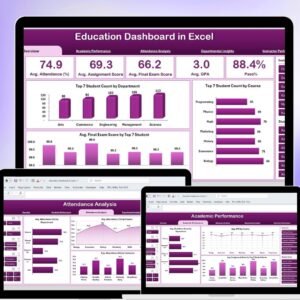
Yes. See the Education Dashboard in Excel and the Education Dashboard in Power BI.
Related Calendar Templates
- Event Planning Calendar in Excel: schedule general events in the same calendar style
- Annual Strategic Planning Calendar in Excel: a year-long planning view
- Facility Booking Calendar in Excel: book rooms and halls
- Education Dashboard in Excel: an education dashboard for Excel
- Calendar & Planner Pack: 12 calendar and planner templates in one download
Browse all Excel calendar templates.