

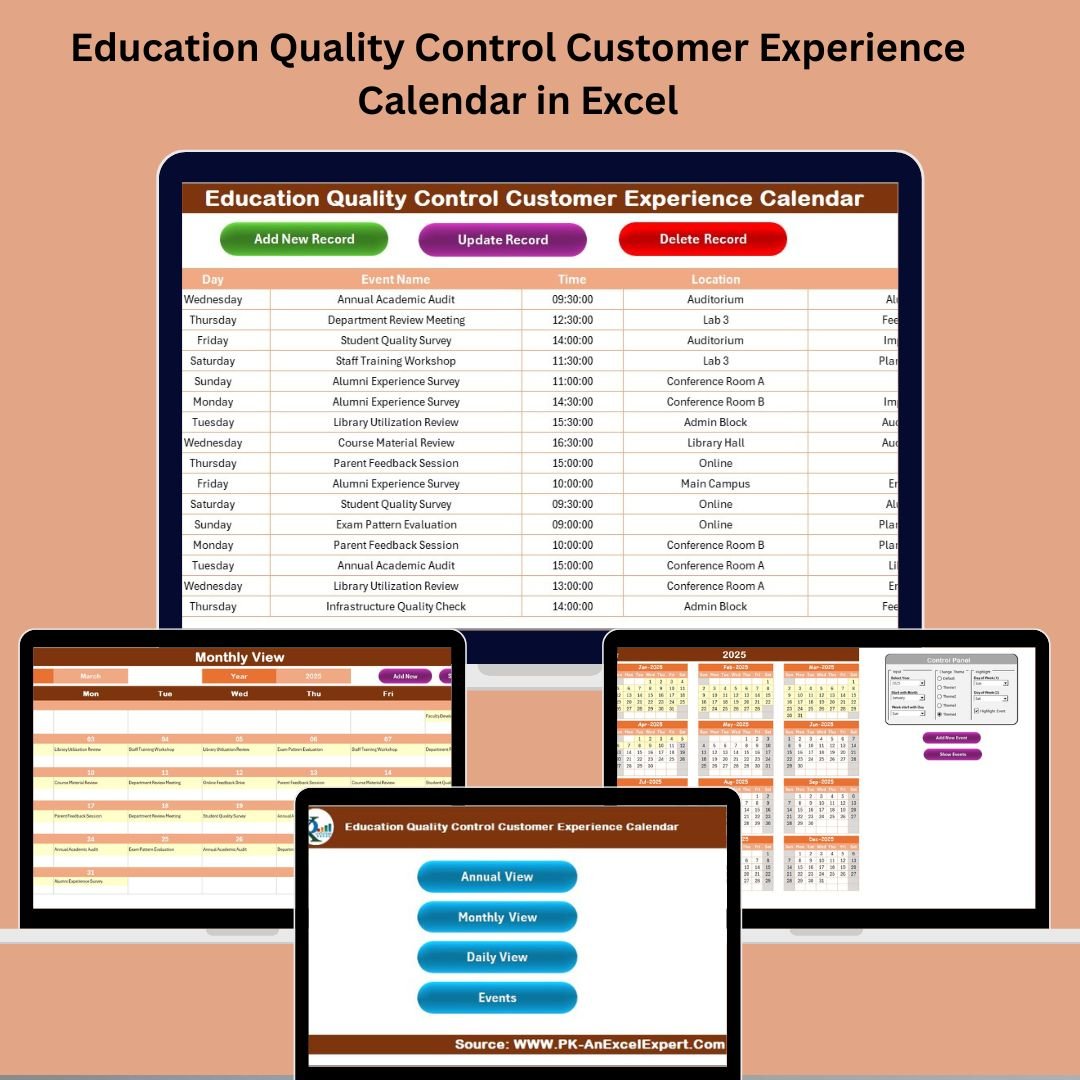



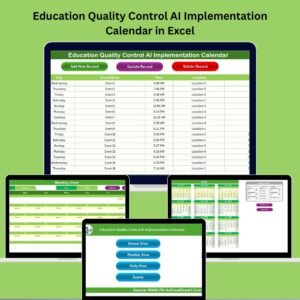
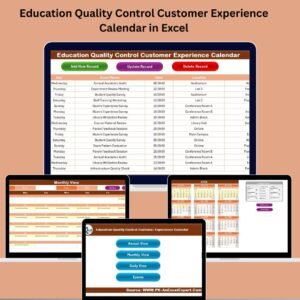
Managing a variety of events, activities, and deadlines in today’s education sector is no easy task. Without the right system, it’s easy for things to slip through the cracks—hurting organization, communication, and ultimately, the quality of customer (student/parent/staff) experience. That’s why we created the Education Quality Control Customer Experience Calendar in Excel—a ready-to-use, fully customizable tool that brings order to your educational scheduling chaos. ✅📘
This calendar makes planning and tracking events across the academic year incredibly simple. Built in Excel, it’s accessible to everyone, even non-tech-savvy users, and helps administrators, teachers, and stakeholders stay informed and aligned.
💡 Key Features of Education Quality Control Customer Experience Calendar in Excel
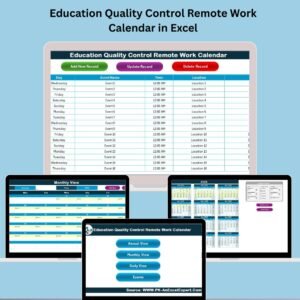
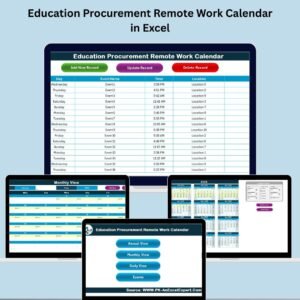
🏠 Home Sheet – Navigation Made Simple
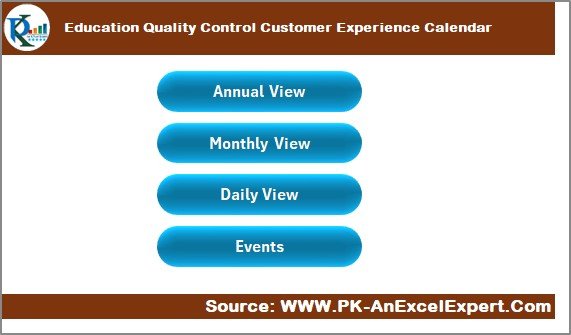
Your central hub with four clickable buttons that take you to:
Annual View
Monthly View
Daily View
Events Sheet
Effortless navigation with no scrolling or searching!
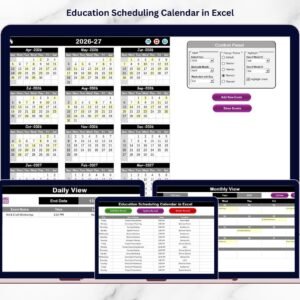
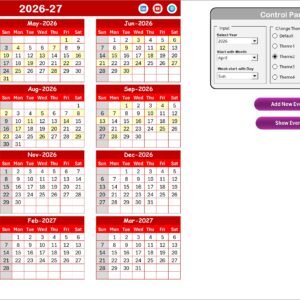
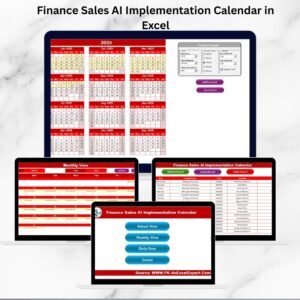
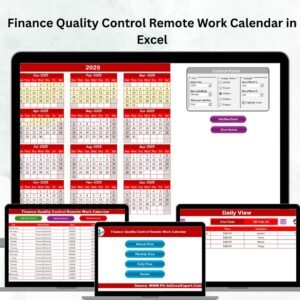
📅 Annual View – Full-Year Planning
View all 12 months in one place.
Includes:
🎛️ Control Panel to change year, starting month, and weekday
🎨 Theme changer with 5 color themes
🔶 Highlight special days or weekends
➕ “Add New Event” and “Show Event” buttons for any date
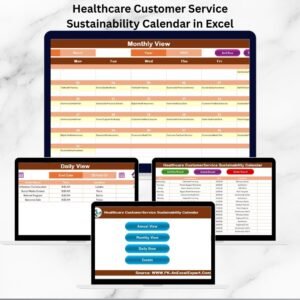
🗓️ Monthly View – Zoom In on Specific Months
Pick a month from a dropdown and see daily breakdowns.
Features include:
Quick event indicators
Buttons to add or view daily events
“More than 1…” alerts for overlapping schedules
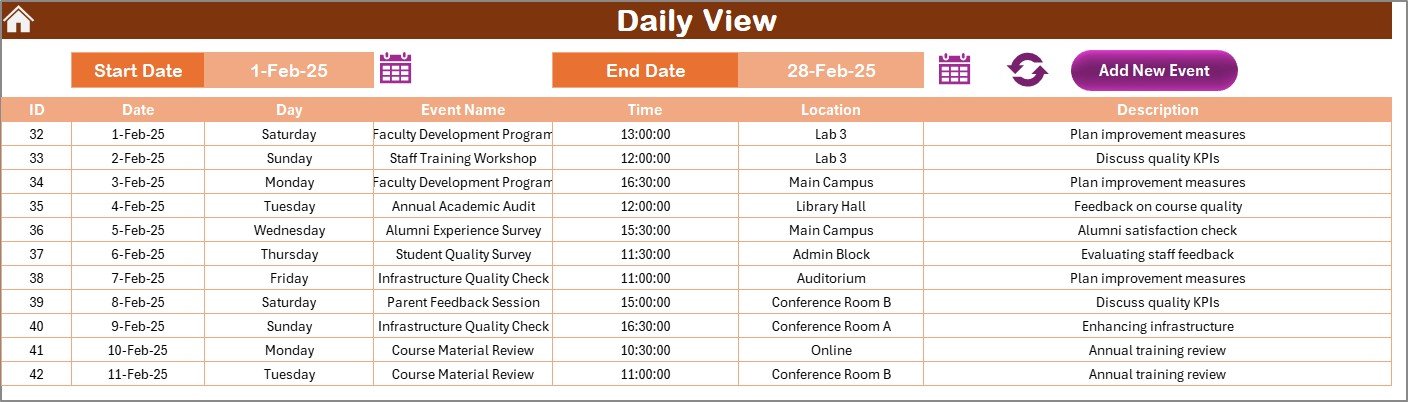
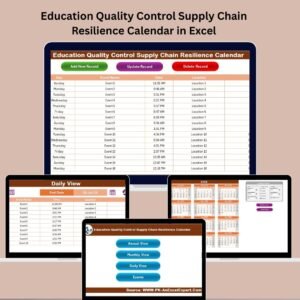
📆 Daily View – Filter by Date Range
Ideal for short-term planning or managing intensive weeks.
Choose any date range
View all events scheduled during that period
Refresh button to load updated data
Add new events on the go
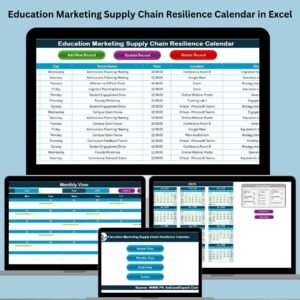
📋 Events Sheet – The Core Database
Manage all event records with:
Auto-generated Event ID
Event Name, Date, Day, Time, Location, Description
🟢 Buttons to add, update, or delete events
Easily searchable, editable, and perfect for reports!
📦 What’s Inside the Calendar?
5 Worksheets – Home, Annual View, Monthly View, Daily View, and Events
Dynamic Controls – Year, Month, Day-of-week adjustments
Color Themes & Highlight Options – Customize appearance
Dropdown-based Navigation – Filter with ease
Event Automation Buttons – Add/update/delete in seconds
All-in-One Event Log – Everything saved in one master sheet
🛠️ How to Use the Calendar
🎛️ Customize the Control Panel – Set your start month, day of week, and select your color theme
🗓️ Add Events – Use the “Add New Event” button on any view tab
🔍 Filter Events – Use Monthly/Daily View for focused planning
📝 Update or Delete – Use the Events Sheet to edit or remove records
✅ Stay Organized – Regularly update and back up your calendar
No formulas, no coding, no confusion. If you can use Excel, you can master this calendar!
👥 Who Can Benefit from This Calendar?
🎓 School Administrators – Plan academic events, PTMs, and board meetings
🧑🏫 Teachers & Coordinators – Track class schedules, exams, and workshops
📢 Customer Service Teams – Manage feedback loops and communication checkpoints
🧑🎓 Student Affairs & Campus Teams – Organize student engagement activities
📊 Education Consultants – Oversee multiple institutions or branches
Perfect for institutions of all sizes—customizable for departments, grade levels, or campuses.
🔗 Click here to read the Detailed blog post
📺 Visit our YouTube channel to learn step-by-step video tutorials














Reviews
There are no reviews yet.