
Are you still managing customer feedback campaigns through scattered emails and messy spreadsheets? That’s dangerous. Missed surveys, delayed follow-ups, and overlapping campaigns can damage customer trust and slow down growth. 🚨
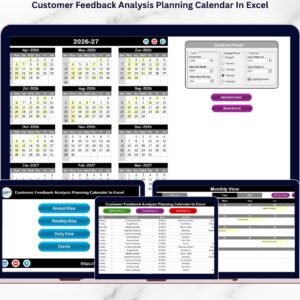
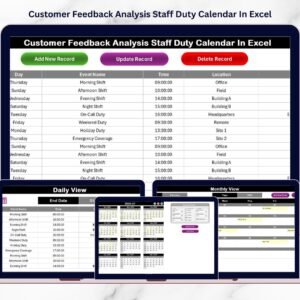
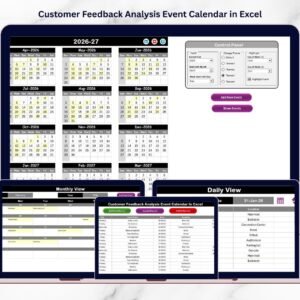
The Customer Feedback Analysis Event Calendar in Excel is your complete solution to plan, schedule, track, and manage all feedback-related activities in one powerful workbook. This ready-to-use Excel template combines Annual planning, Monthly tracking, Daily monitoring, and a centralized Events database — all fully structured and easy to use.
Instead of juggling multiple tools, you gain one organized system that keeps your customer feedback strategy visible and under control. Whether you manage surveys, review campaigns, complaint follow-ups, or feedback analysis meetings, this Excel calendar ensures nothing gets missed.
If you want better planning, stronger accountability, and smarter customer experience management — this is the tool you need. 🚀
Key Feature of Customer Feedback Analysis Event Calendar in Excel
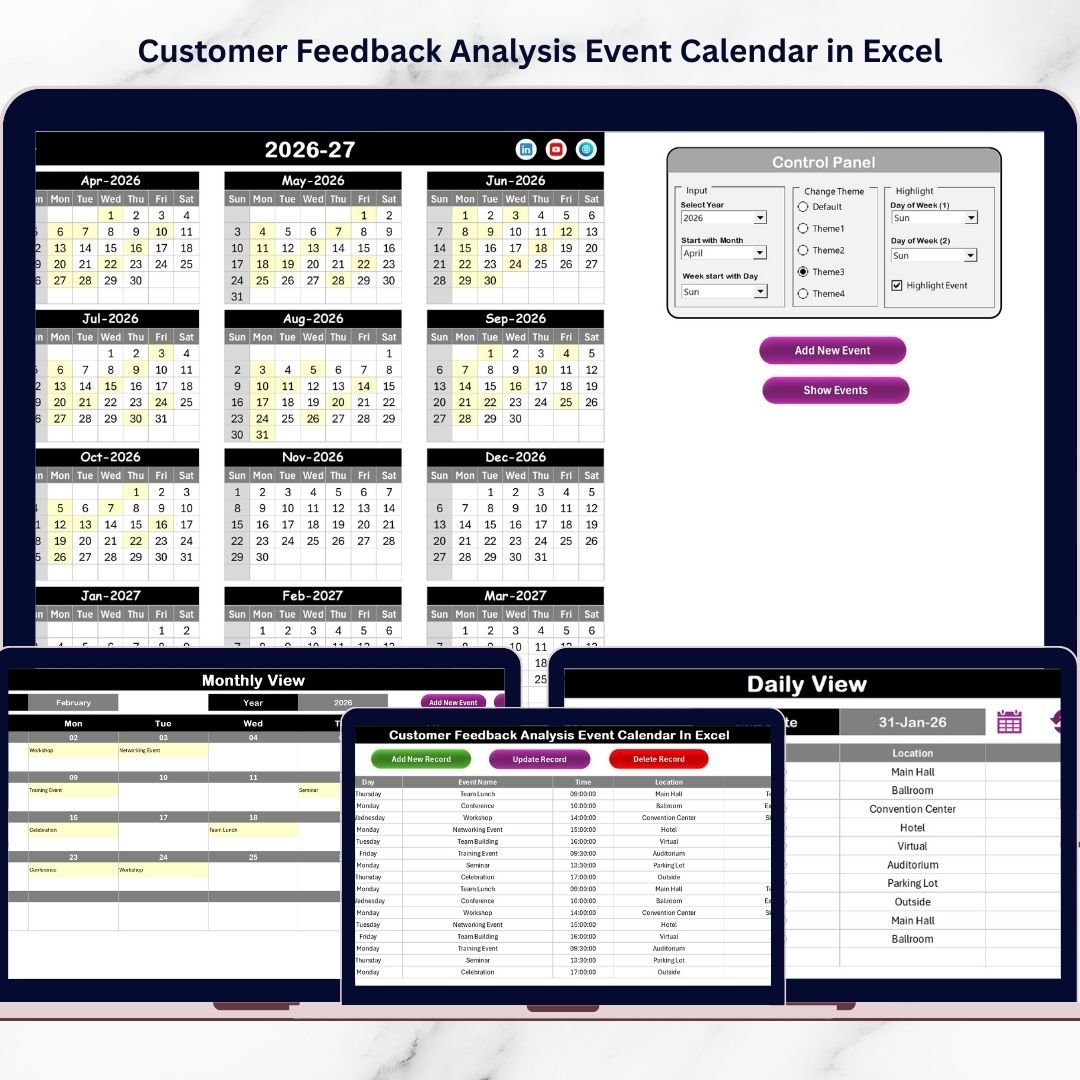
📌 5 Structured Worksheets – Home, Annual View, Monthly View, Daily View, and Events database for complete control.
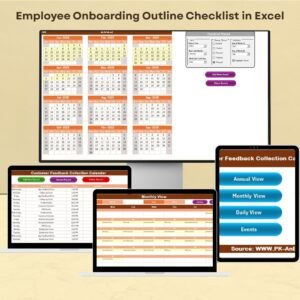
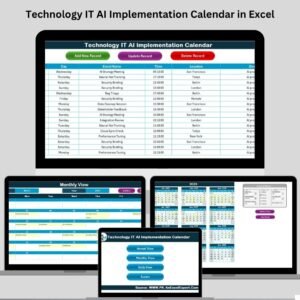
🏠 Navigation Home Sheet – Quick buttons to jump instantly to Annual, Monthly, Daily, or Events sheets.
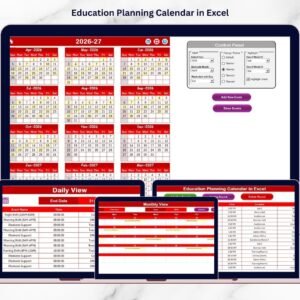
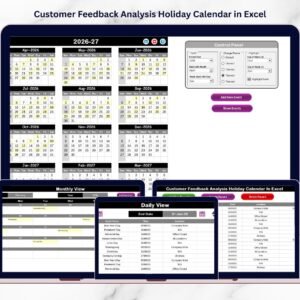
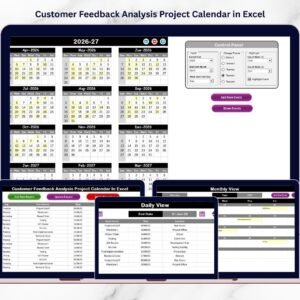
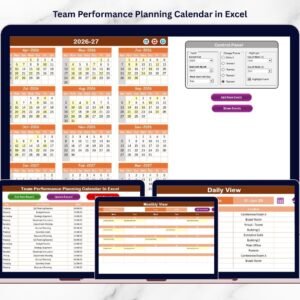
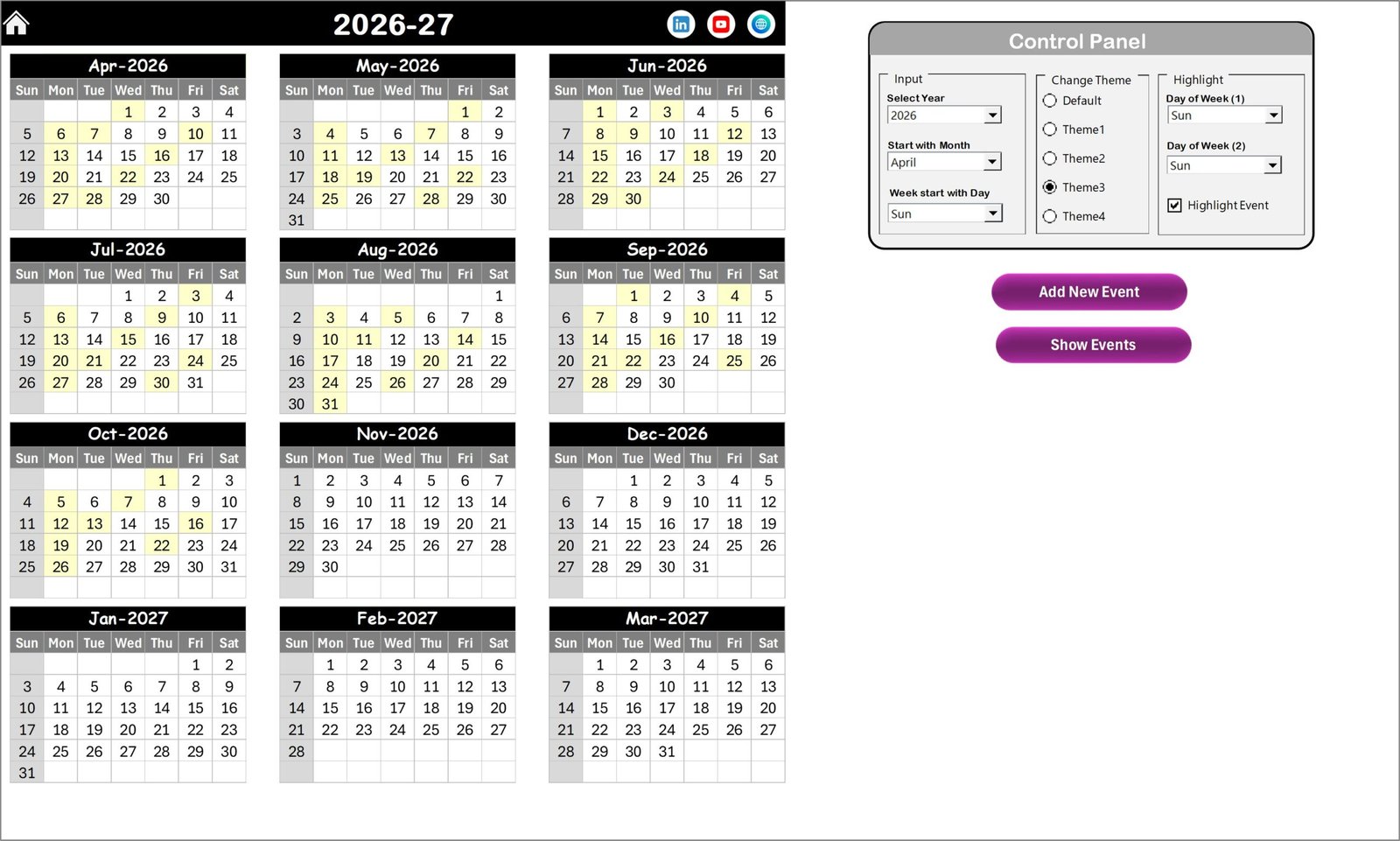
📅 Dynamic Annual View – Displays 12 months in calendar format for long-term campaign planning.
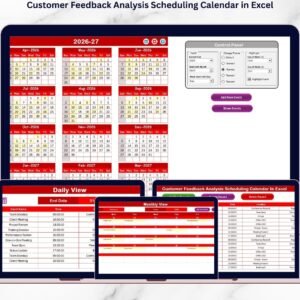
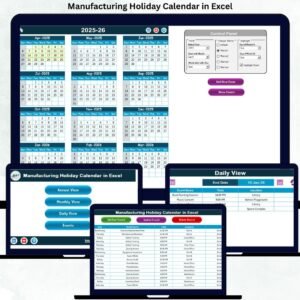
⚙️ Smart Control Panel – Select Year, Starting Month, and Starting Day. The entire calendar updates automatically.
🎨 5 Color Themes – Maintain professional and consistent presentation across the workbook.
🟨 Highlight Feature – Highlight selected weekdays or event dates instantly for better visibility.
➕ Add / Update / Delete Event Forms – Structured event form to manage records without editing raw data.
📆 Monthly View Control – Focus on one month with detailed visibility and quick action buttons.
📋 Daily View with Date Range Filter – Track events within selected start and end dates for weekly reviews.
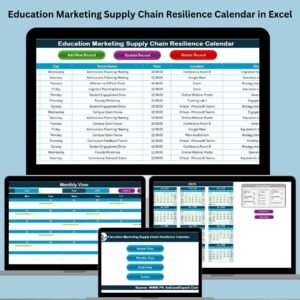
🗂 Centralized Events Database – Auto-generated ID, Date, Day, Event Name, Time, Location, and Description stored in one master sheet.
What’s Inside the Customer Feedback Analysis Event Calendar in Excel
This professionally designed template includes 5 powerful sheets:
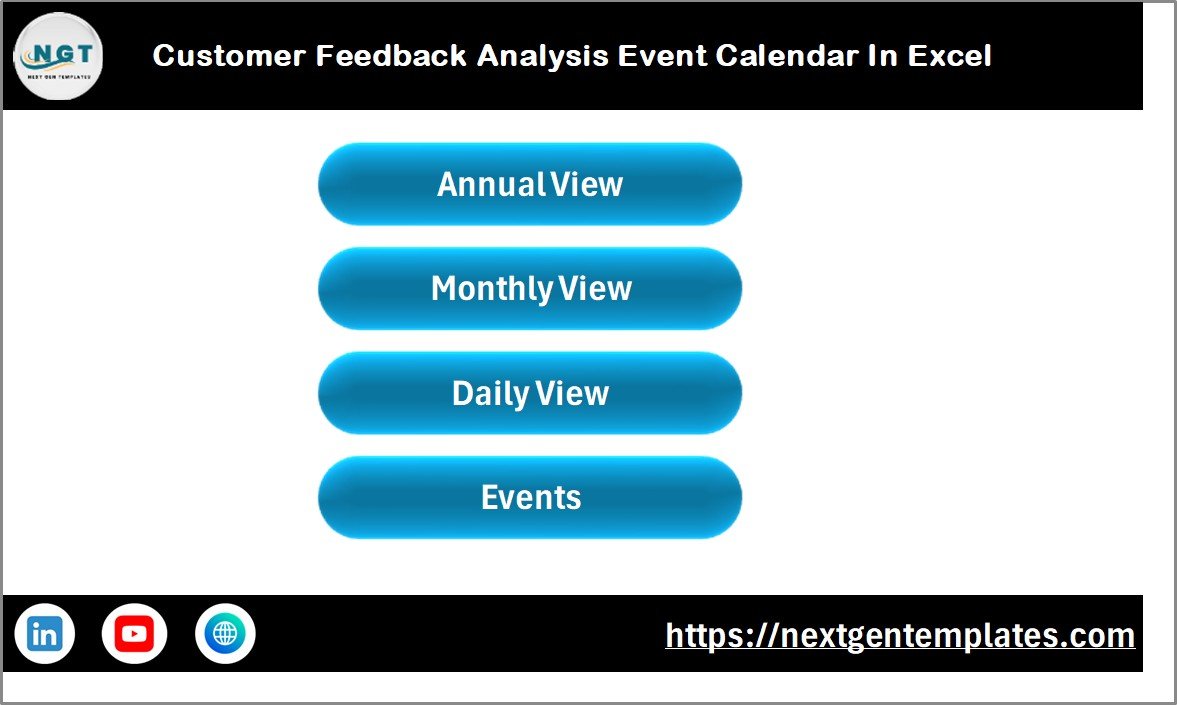
1️⃣ Home Sheet – Navigation Center
Acts as the index page with four quick navigation buttons:
Annual View
Monthly View
Daily View
Events
This makes movement between sheets fast and effortless.
2️⃣ Annual View Sheet
Displays all 12 months in one layout.
🔹 Control Panel Includes:
Year selection
Starting month control
Starting day customization
🔹 Theme & Highlight Group:
5 professional color themes
Highlight specific weekdays
Highlight event dates automatically
🔹 Action Buttons:
Add New Event
Show Event
Plan your yearly customer feedback campaigns with clarity.
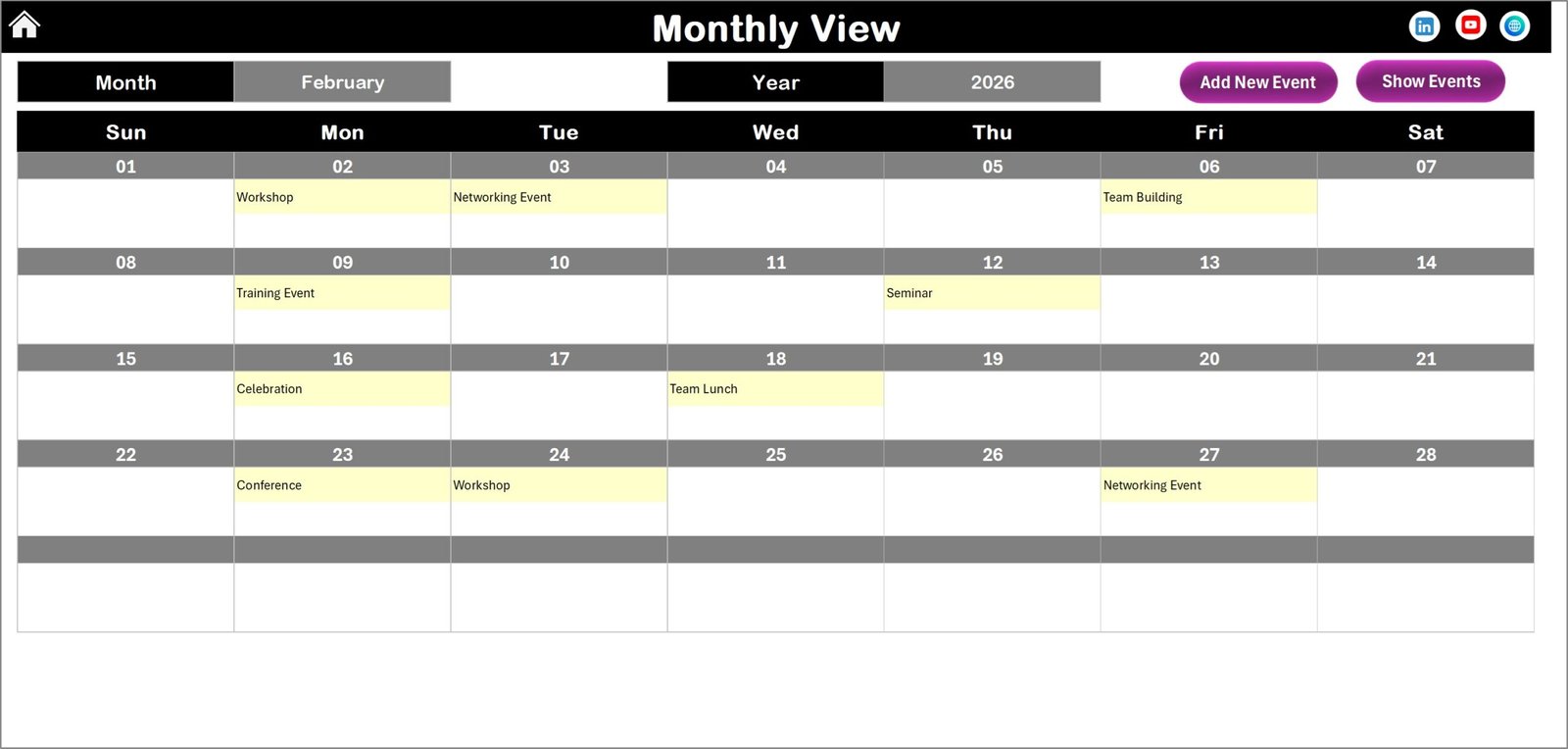
3️⃣ Monthly View Sheet
Focus on one selected month with automatic updates.
If a date has multiple events, it displays “more than 1…” for clarity.
Includes:
Add New Event
Show Event buttons
Perfect for monthly campaign execution.
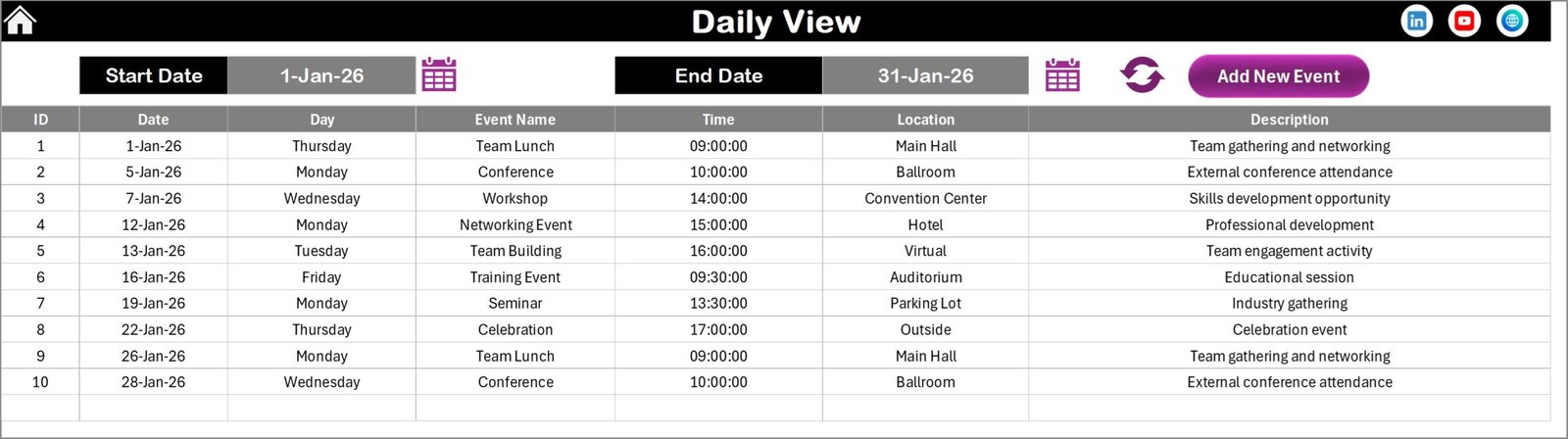
4️⃣ Daily View Sheet
Enter Start Date and End Date, then click Refresh to display detailed event records.
Ideal for weekly reviews and campaign tracking.
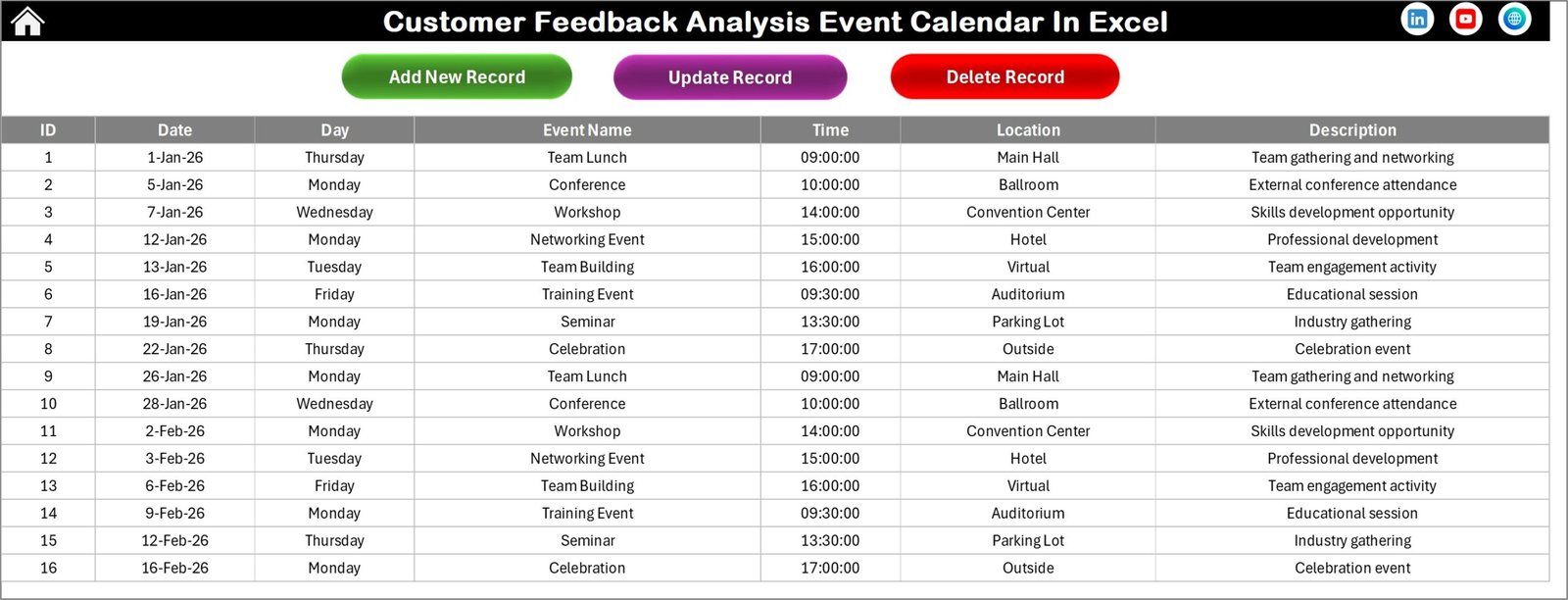
5️⃣ Events Sheet – Master Database
Stores:
Auto ID
Date & Day
Event Name
Time
Location
Description
Includes buttons:
➕ Add New Record
🔄 Update Existing Record
❌ Delete Record
Everything stays organized and centralized.
How to Use the Customer Feedback Analysis Event Calendar in Excel
Using this template is simple:
1️⃣ Set your Year and calendar preferences in the Annual View control panel.
2️⃣ Select a date and click “Add New Event.”
3️⃣ Fill in event details and submit.
4️⃣ Review events using Monthly or Daily View.
5️⃣ Use highlight options to improve visibility.
6️⃣ Update or delete records from the Events sheet when required.
You don’t need advanced Excel skills. The automation handles everything smoothly.
For best results:
Schedule campaigns annually.
Review Daily View weekly.
Maintain a clean database.
Backup your file regularly.
Who Can Benefit from This Customer Feedback Analysis Event Calendar in Excel
This calendar is ideal for:
📊 Marketing Teams planning feedback campaigns.
💬 Customer Experience Managers monitoring satisfaction activities.
📈 Digital Marketing Professionals running survey drives.
🏢 Business Owners managing review strategies.
🛠 Service Managers tracking complaint resolution events.
📂 CRM Teams coordinating follow-ups.
🚀 Startups building structured feedback systems.
Because customer feedback impacts every industry, this template works for SMEs, enterprises, and growing businesses alike.
If you want structured execution, better campaign visibility, and stronger customer engagement — this Excel calendar becomes your competitive advantage.
Click here to read the Detailed blog post
Visit our YouTube channel to learn step-by-step video tutorials
👉 Youtube.com/@PKAnExcelExpert
Watch the step-by-step video tutorial:
Compatibility and Requirements
- Works in Microsoft Excel on Windows with macros enabled. The Add, Update and Delete forms and the navigation buttons run on macros, so the template does not run in Excel for the web, Google Sheets or mobile.
- Excel explains how to turn macros on in Enable or disable macros in Microsoft 365 files.
Frequently Asked Questions
Which sheets are included?
Five sheets: Home, Annual View, Monthly View, Daily View and Events.
How do I add a feedback event?
Select a date, click Add New Event, fill in the event details in the form and submit. The record is saved on the Events sheet.
What does each event record store?
Each record has an auto-generated ID, date, day, event name, time, location and description.
How do I see events for a set period?
Go to the Daily View sheet, enter a start date and an end date, and click Refresh. The events in that range are listed.
Can I change the calendar year, starting month and colors?
Yes. The Annual View control panel lets you set the year, starting month and starting day. You can also choose from 5 color themes and highlight selected weekdays or event dates.
Is there a holiday calendar version for customer feedback?
Yes. See the Customer Feedback Analysis Holiday Calendar in Excel.
Related Customer Feedback Templates
- Customer Feedback Collection Calendar in Excel: a calendar for planning when feedback is collected
- Annual Customer Satisfaction Survey Calendar in Excel: a yearly calendar for survey dates
- Customer Feedback Tracker in Excel: a tracker for the feedback you receive
- Customer Feedback Analysis Dashboard in Excel: a dashboard to review feedback results
- Event Planning Calendar in Excel: a general event calendar
Browse all Excel calendar templates.