

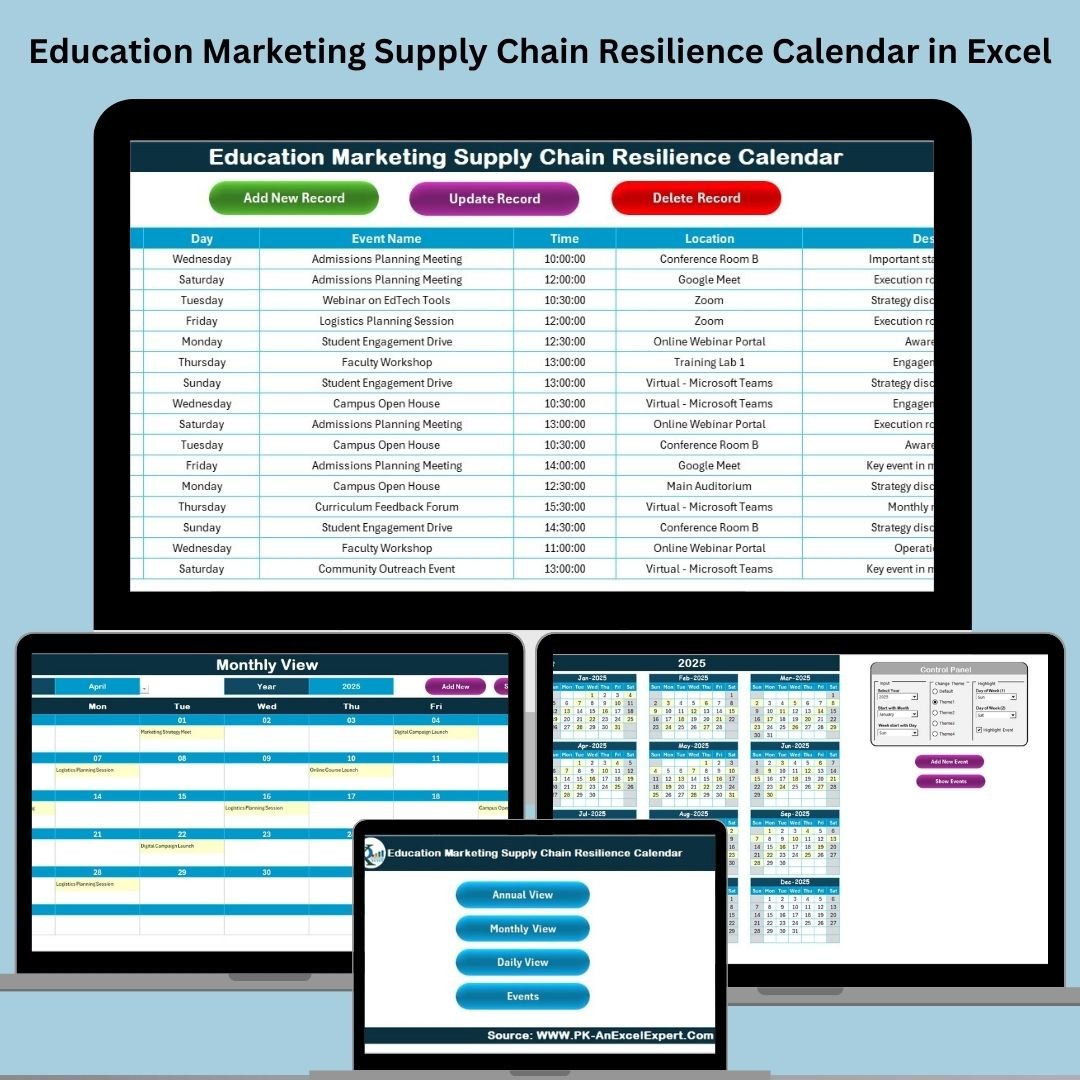

In today’s dynamic education marketing landscape, successful campaign execution relies on proactive planning, supply chain alignment, and efficient resource allocation. The Education Marketing Supply Chain Resilience Calendar in Excel is a ready-to-use tool built specifically for institutions, EdTech firms, and marketing teams to stay ahead of academic schedules, seasonal trends, and campaign logistics.
Designed to centralize every aspect of event planning, this Excel calendar goes beyond simple scheduling—it acts as your strategic marketing control tower. Whether you’re launching webinars, coordinating print material delivery, or managing school outreach campaigns, this template ensures nothing falls through the cracks.
🧭 Key Features
This calendar includes 5 powerful worksheet tabs; each built for a specific level of planning:
1. Home Sheet (Navigation Dashboard)
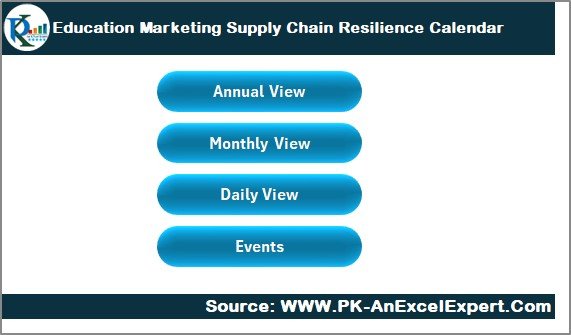
Easily navigate between:
Annual View
Monthly View
Daily View
Events Sheet
One-click buttons ensure fast transitions without endless scrolling.
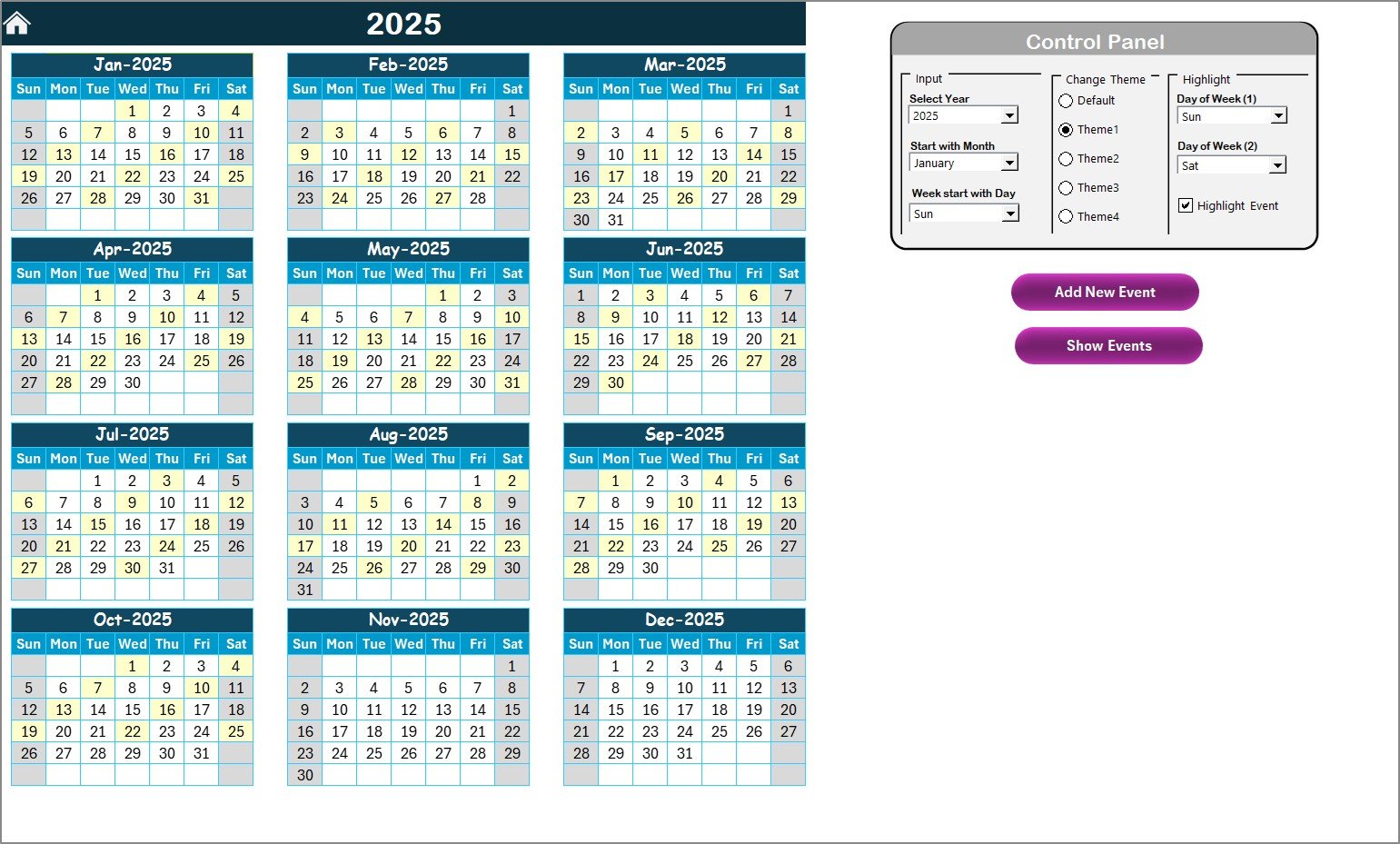
2. Annual View Sheet
Perfect for big-picture planning:
View all 12 months with events marked
Customize year, start month, and first weekday
Choose from 5 unique color themes
Highlight weekends or important weekdays
Buttons to Add or View Events
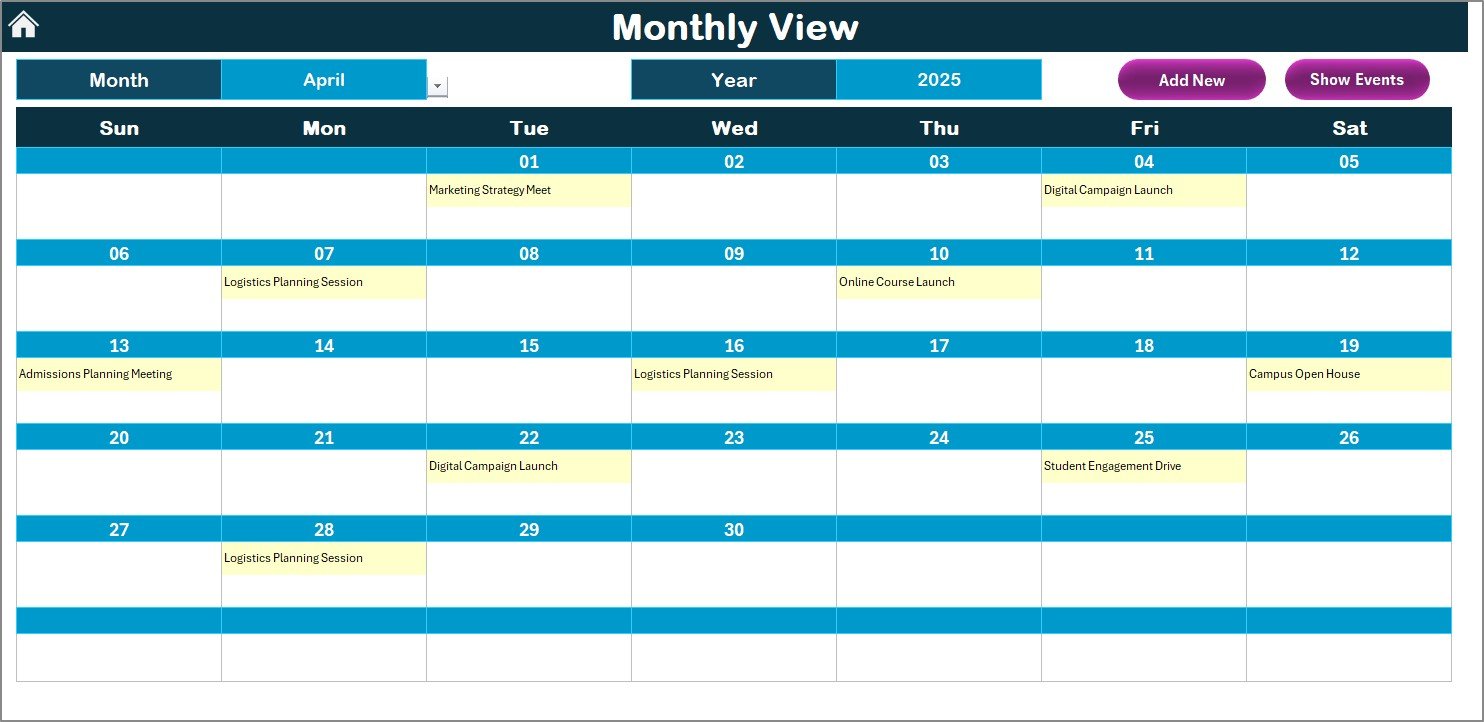
3. Monthly View Sheet
Zoom in on specific months:
Select Month & Year via dropdown
See all events at a glance
“More than 1…” label for dates with multiple events
Quick buttons to Add or View Events
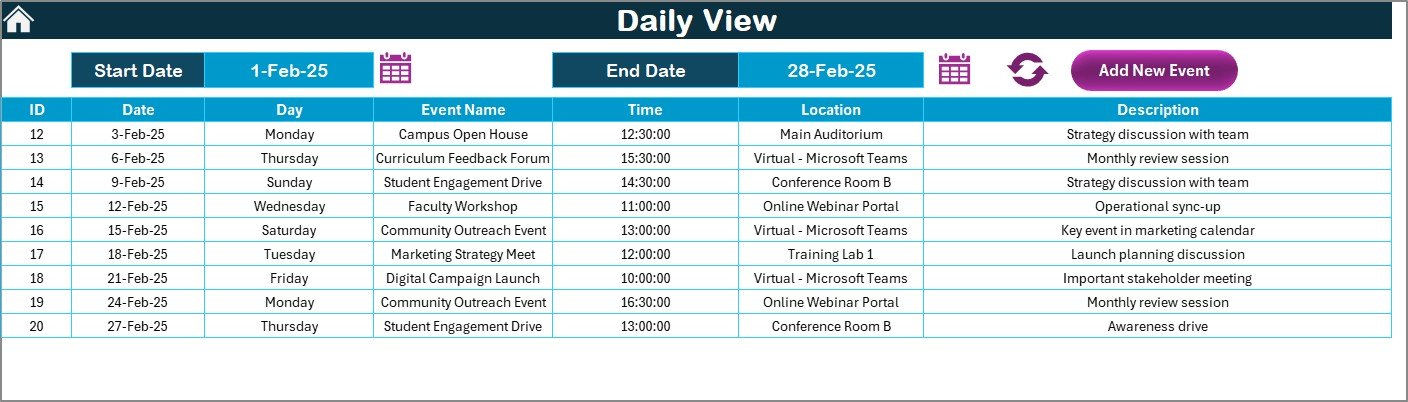
4. Daily View Sheet
Get granular with daily tracking:
Input custom start & end dates
Use Refresh to update the view
Add New Event via form
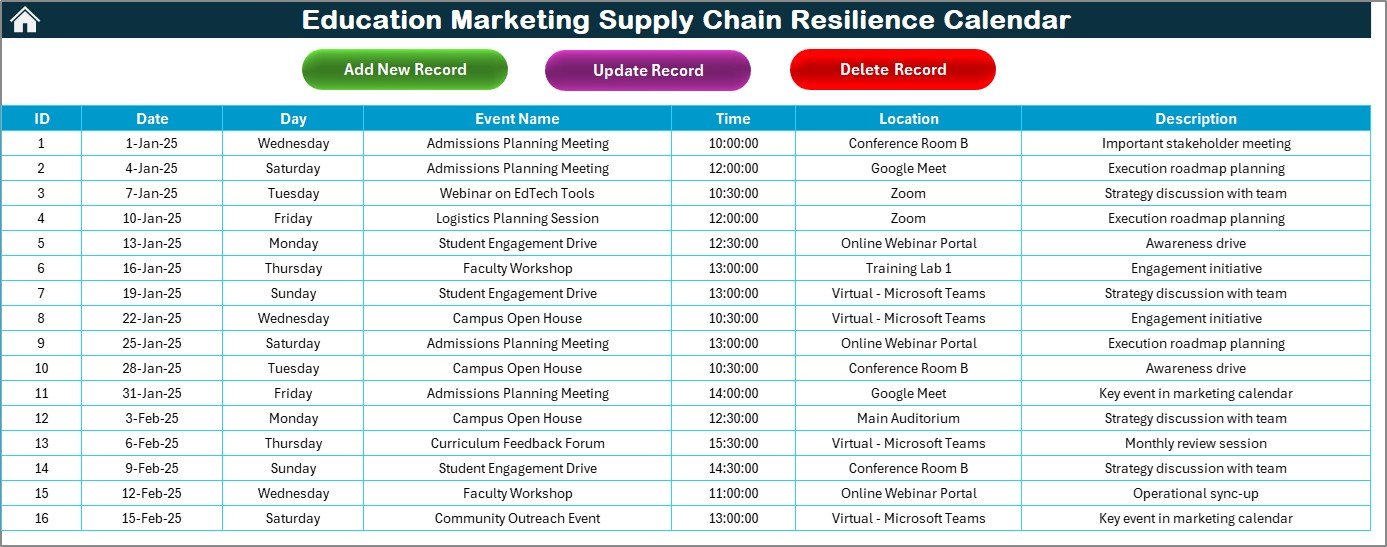
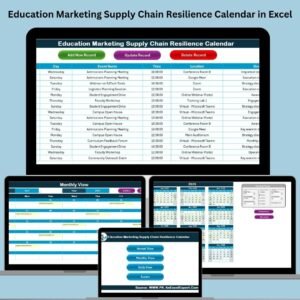
5. Events Sheet (Event Database)
Master repository of all marketing events:
Auto-generated ID
Date, Day, Event Name, Time, Location, Description
Add, Update, or Delete records via buttons
Think of it as your campaign mini-CRM—fully Excel-native.
💼 Who Can Use This Template?
🎓 Education Marketing Teams
📚 Admissions Officers
🎥 Webinar Coordinators
🧾 Print & Supply Chain Managers
📅 Academic Campaign Planners
✉️ Email and Social Media Strategists
Whether you plan five or fifty campaigns per year, this calendar helps maintain visibility, coordination, and accountability across your marketing supply chain.
🚀 Why This Template Stands Out
✅ Year-Round Marketing Readiness
Plan everything—webinars, enrollment drives, fairs, outreach—months ahead.
✅ Supply Chain Foresight
Coordinate banner, flyer, merchandise, and content delivery with zero delays.
✅ Clear Visuals
Events pop out with colored markers, weekday highlights, and clean formatting.
✅ Form-Based Data Entry
No manual entry errors—just click and enter event data via simple forms.
✅ Customizable & Offline Friendly
No expensive software required. Works on Excel desktop—fully editable and shareable.
📌 Best Practices for Success
🔹 Standardize Event Names: Use clear naming conventions like “Webinar: Careers in STEM.”
🔹 Highlight Blackout Dates: Avoid holidays, exam periods, or supply cutoffs by marking them.
🔹 Review Weekly: Every Monday, check the Daily View tab to prep your week.
🔹 Collaborate on Cloud: Share via OneDrive or SharePoint to let teams collaborate in real-time.
🔹 Keep Backups: Monthly exports ensure you never lose your data.
📽️ Tutorials Available: Watch step-by-step setup on YouTube
🔗 Click here to read the Detailed blog post
Watch the step-by-step video tutorial:
Compatibility and Requirements
- Works in Microsoft Excel desktop (Excel 2016 or later, or Microsoft 365).
- The Monthly View uses dropdowns to pick the month and year. Microsoft explains them in Create a drop-down list.
Frequently Asked Questions
Which sheets are included?
Five sheets: Home, Annual View, Monthly View, Daily View and Events.
How do I add an event?
Use the Add Event button on the Annual View, Monthly View or Daily View sheet and fill in the form. The event is saved on the Events sheet.
What details can I store for each event?
Each record has an auto-generated ID, date, day, event name, time, location and description. You can add, update or delete records with buttons.
Can I change the year, start month or colors?
Yes. On the Annual View you can set the year, start month and first weekday, choose from 5 color themes and highlight weekends or important weekdays.
What happens when a date has more than one event?
The Monthly View shows a “More than 1” label on that date. Open the Daily View to see every event in a date range.
Related Supply Chain Resilience Calendars
- Marketing Supply Chain Resilience Calendar in Excel: the general marketing version
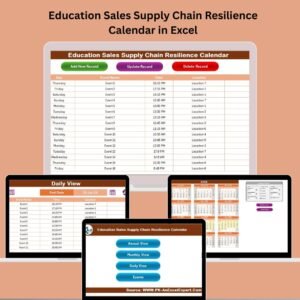
- Education Sales Supply Chain Resilience Calendar in Excel: the same calendar for education sales teams
- Education Operations Supply Chain Resilience Calendar in Excel: for education operations teams
- Education Procurement Supply Chain Resilience Calendar in Excel: for education procurement teams
- Technology Marketing Supply Chain Resilience Calendar in Excel: the marketing calendar for technology teams
Browse all Excel calendar templates.





Reviews
There are no reviews yet.