

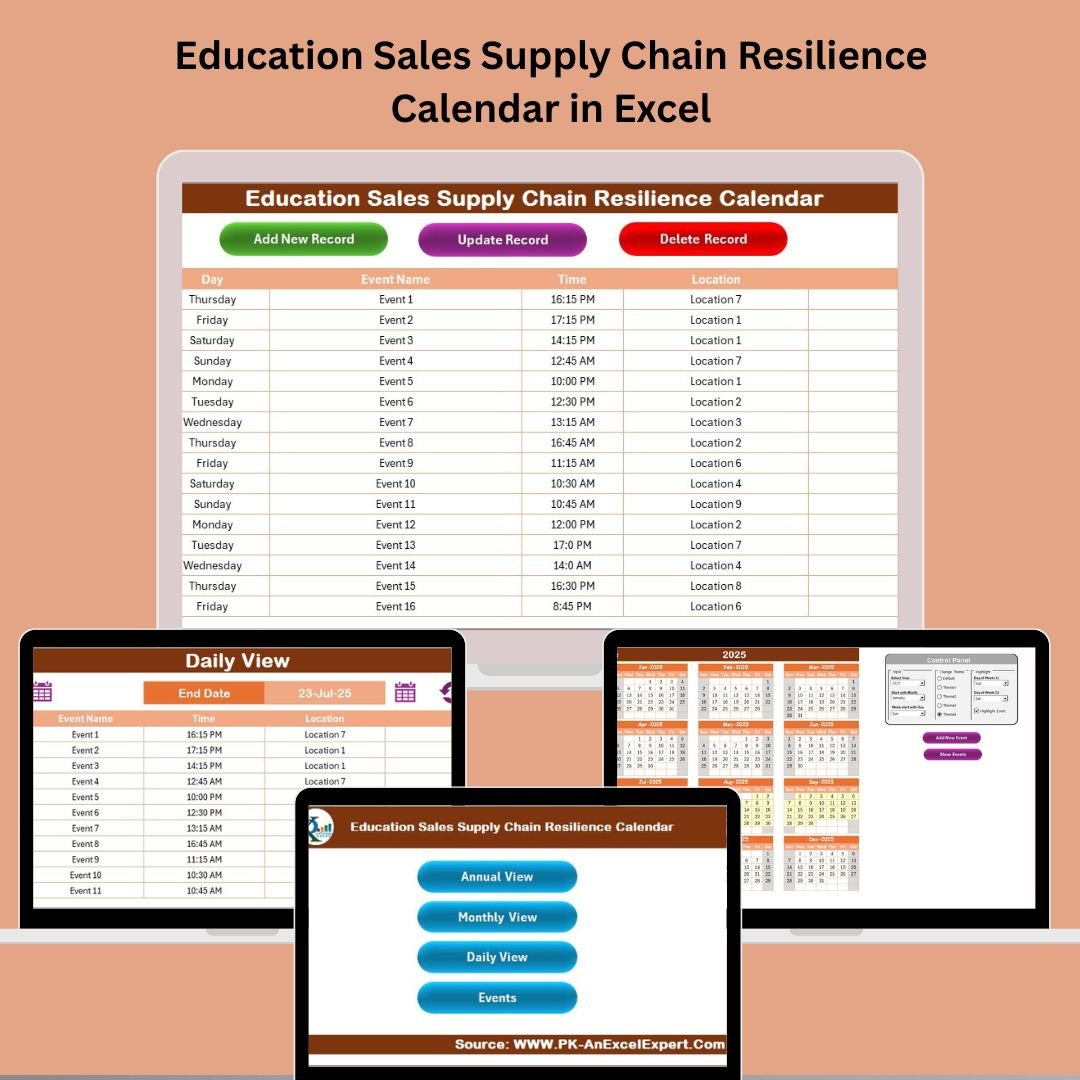

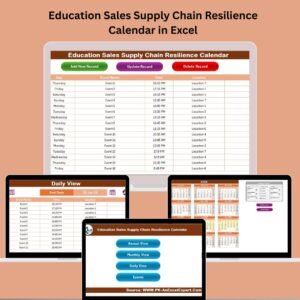
Managing events, tracking educational resource deliveries, and keeping your sales and supply chain operations in sync can be overwhelming—until now! The Education Sales Supply Chain Resilience Calendar in Excel is your all-in-one solution to plan, manage, and optimize every aspect of your academic and sales workflow—all within a beautifully structured Excel workbook.
Say goodbye to messy schedules and missed events. This easy-to-use, fully automated Excel template is designed specifically for educators, sales teams, and supply chain managers who want clarity, efficiency, and control over their event calendar.
🎯 Key Features of Education Sales Supply Chain Resilience Calendar
This Excel calendar is packed with smart, intuitive features to ensure your educational and supply chain planning is seamless:
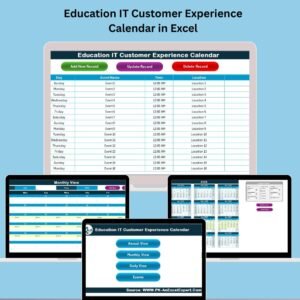
🔁 Multiple Views: Annual, Monthly, and Daily calendar views to suit your planning style.
🎨 Custom Themes: Choose from 5 professionally designed themes to match your branding.
🗂️ Highlight Options: Instantly highlight weekends, holidays, or critical events in yellow.
📋 Interactive Controls: Use smart buttons to navigate between sheets and add or view events with ease.
📌 Event Tracker: Manage each event with detailed fields like date, location, description, and time.
🔒 No coding required: Simple interface. No macros or complex setups—just click and go!
📘 What’s Inside the Calendar Template?
This powerful Excel file includes 5 prebuilt sheets to manage your events like a pro:
1. 🏠 Home Sheet Tab
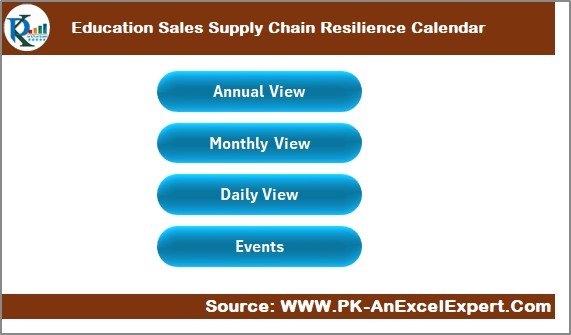
Acts as your control panel—jump to any section (Annual, Monthly, Daily, Events) with one click!
2. 📆 Annual View Tab
Plan your entire year at a glance. Customize the year, start month, and even the start day of the week.
3. 📅 Monthly View Tab
Zoom into one month. Add or view events for individual days. If more than one event exists, it shows a hint like “more than 1…”
4. 🗓️ Daily View Tab
Filter events between a date range. Ideal for weekly reviews or specific campaign tracking.
5. 📋 Events Sheet Tab
Database of all events with auto-generated Event IDs, time, location, and remarks. Easily update, delete, or add new entries.
🛠️ How to Use the Calendar
Getting started is a breeze:
✅ Open the Excel File
✅ Go to the Home Sheet and choose your desired view.
✅ Click on Add New Event to input your details.
✅ View your events in Annual, Monthly, or Daily formats.
✅ Use the filters, highlights, and themes to customize the calendar as per your needs.
This tool works great with both Windows and Mac versions of Excel.
👥 Who Can Benefit from This Calendar?
This calendar was crafted with flexibility in mind. It’s perfect for:
🎓 Educators & Admins managing school/college/university events.
💼 Sales Teams handling academic resource delivery timelines.
📦 Supply Chain Managers in the education sector.
📈 Event Planners working with educational institutions.
🧑💻 Consultants or Freelancers supporting education organizations.
Whether you’re tracking book shipments, setting training dates, or organizing annual academic fairs—this calendar makes it easy.
### 📖 Click here to read the Detailed blog post
🎥 Visit our YouTube channel to learn step-by-step video tutorials
👉 YouTube.com/@PKAnExcelExpert
Watch the step-by-step video tutorial:
Compatibility and Requirements
- Works in Microsoft Excel desktop (Excel 2016 or later, or Microsoft 365), on Windows and Mac.
- The workbook has five sheets: Home, Annual View, Monthly View, Daily View and Events.
- Microsoft explains how to get started in Excel for Windows training.
Frequently Asked Questions
Which sheets are included?
Five sheets: Home, Annual View, Monthly View, Daily View and Events.
Can I change the start month and the first day of the week?
Yes. On the Annual View sheet you set the year, the start month and the start day of the week.
What details can I store for each event?
The Events sheet holds the date, time, location, description and remarks. Each event gets an Event ID automatically.
What happens when a day has more than one event?
The Monthly View shows a hint such as “more than 1…” on that day. Open the Events sheet to see every entry.
Is there a version for another department?
Yes. See the Sales Supply Chain Resilience Calendar in Excel or the Education IT Supply Chain Resilience Calendar in Excel.
Related Supply Chain Resilience Calendars
- Sales Supply Chain Resilience Calendar in Excel: the same calendar for general sales teams
- Education Logistics Supply Chain Resilience Calendar in Excel: for school logistics planning
- Education Procurement Supply Chain Resilience Calendar in Excel: for purchasing schedules in education
- Education Marketing Supply Chain Resilience Calendar in Excel: for education marketing events
- Education Operations Supply Chain Resilience Calendar in Excel: for school operations teams
Browse all Excel calendar templates or Excel education templates.

















Reviews
There are no reviews yet.