

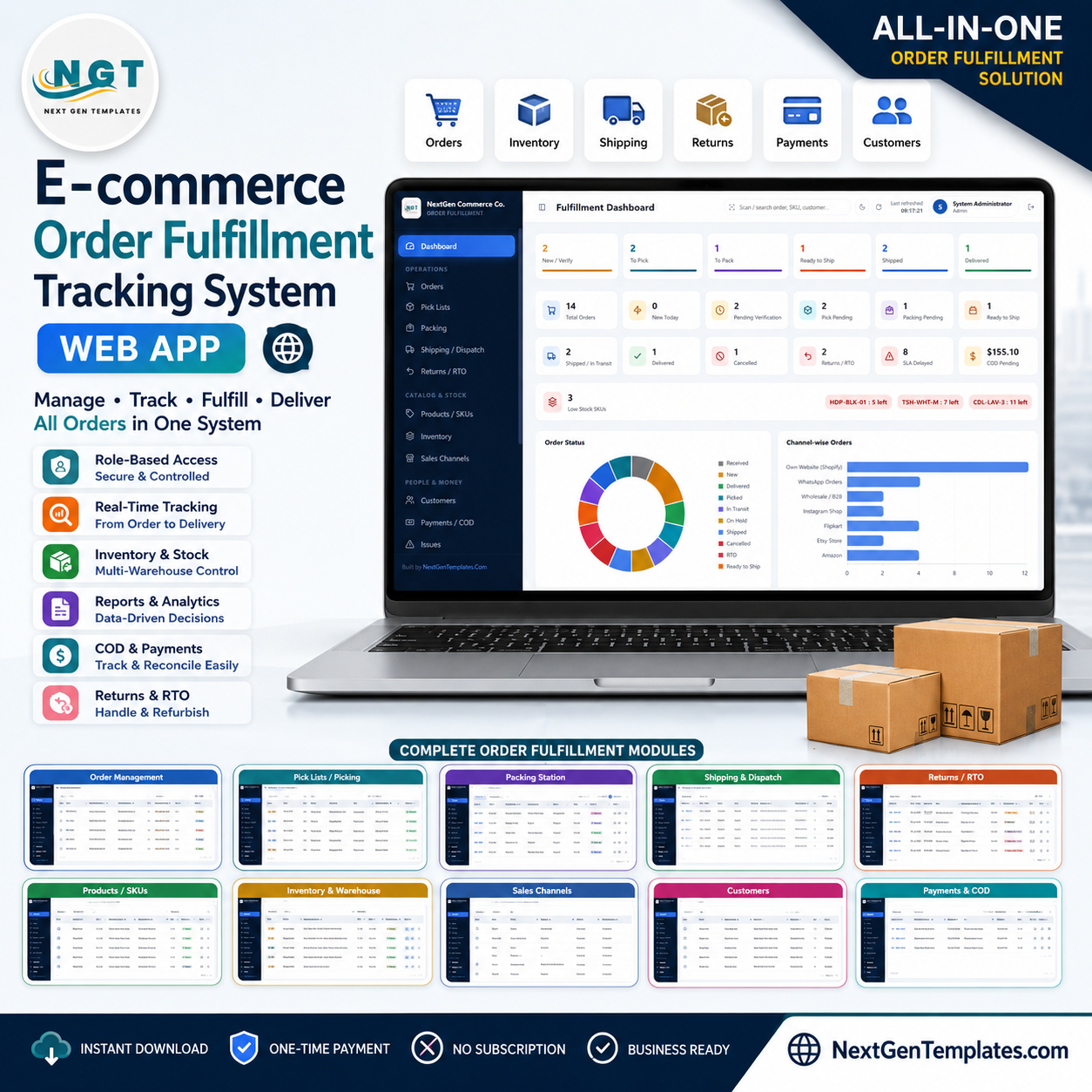

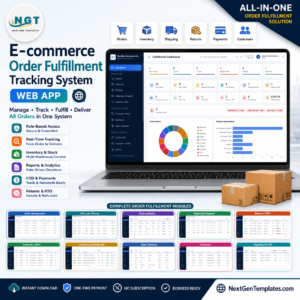
E-commerce Order Fulfillment Tracking System Web App moves orders through a controlled pick-pack-ship workflow backed by 23 structured Google Sheets, 10 server-enforced user roles, 20 built-in reports, and CSV tools for 11 data areas. It covers verification, stock reservation, bin-wise picking, packing, dispatch, returns/RTO, refunds, inventory, customer records, and COD settlement in one browser workspace. Built and tested by PK, whose training channels reach 300K+ subscribers. The one-time purchase has no per-user subscription, and our file-match review protects you if the delivered files do not match this description.E-commerce Order Fulfillment Tracking System Web App
Key Features of E-commerce Order Fulfillment Tracking System Web App
- Complete fulfillment pipeline: New, Verified, Picking, Picked, Packed, Ready to Ship, Shipped, Delivered, Hold, Cancelled, RTO, and Returned states.E-commerce Order Fulfillment Tracking System Web App
- Stock controls: Verification reserves inventory, dispatch deducts it, cancellations release it, and received returns can restock it.E-commerce Order Fulfillment Tracking System Web App
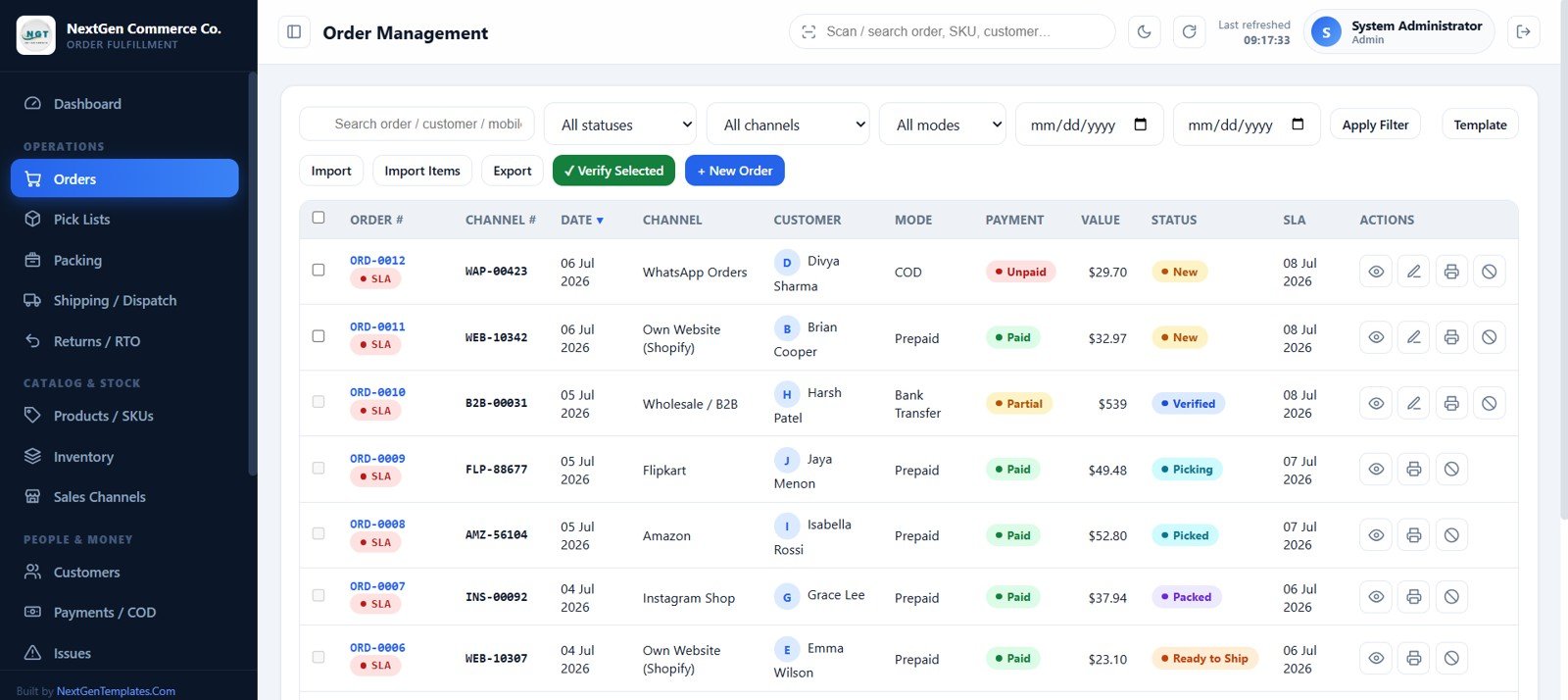
- Warehouse execution: Generate bin-sorted pick lists, record shortages, run packing checklists, print slips, labels, receipts, and courier manifests.
- Multi-channel orders: Enter orders manually or import marketplace/store CSV files; track channel order numbers, customers, items, values, SLA dates, and payments.
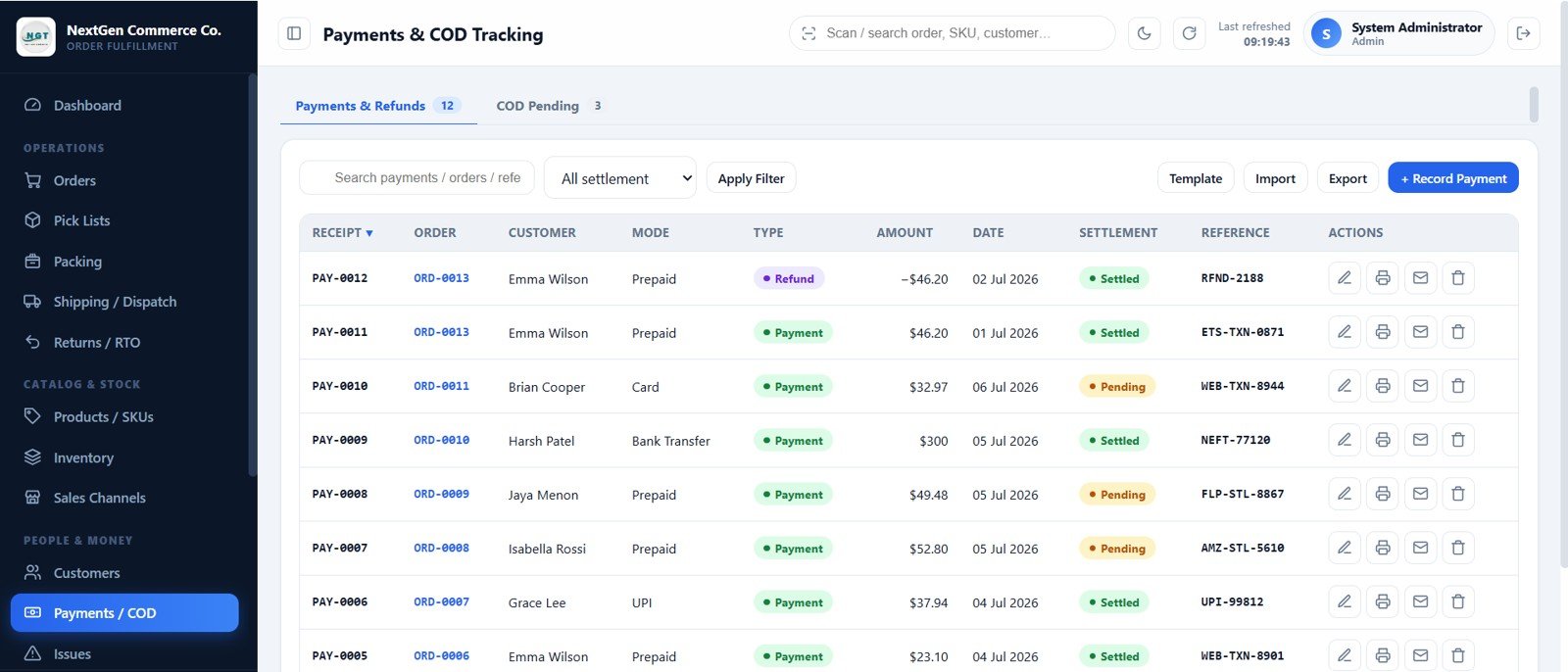
- Money tracking: Monitor prepaid, COD, partial payments, refunds, settlement status, references, receipts, and outstanding COD value.
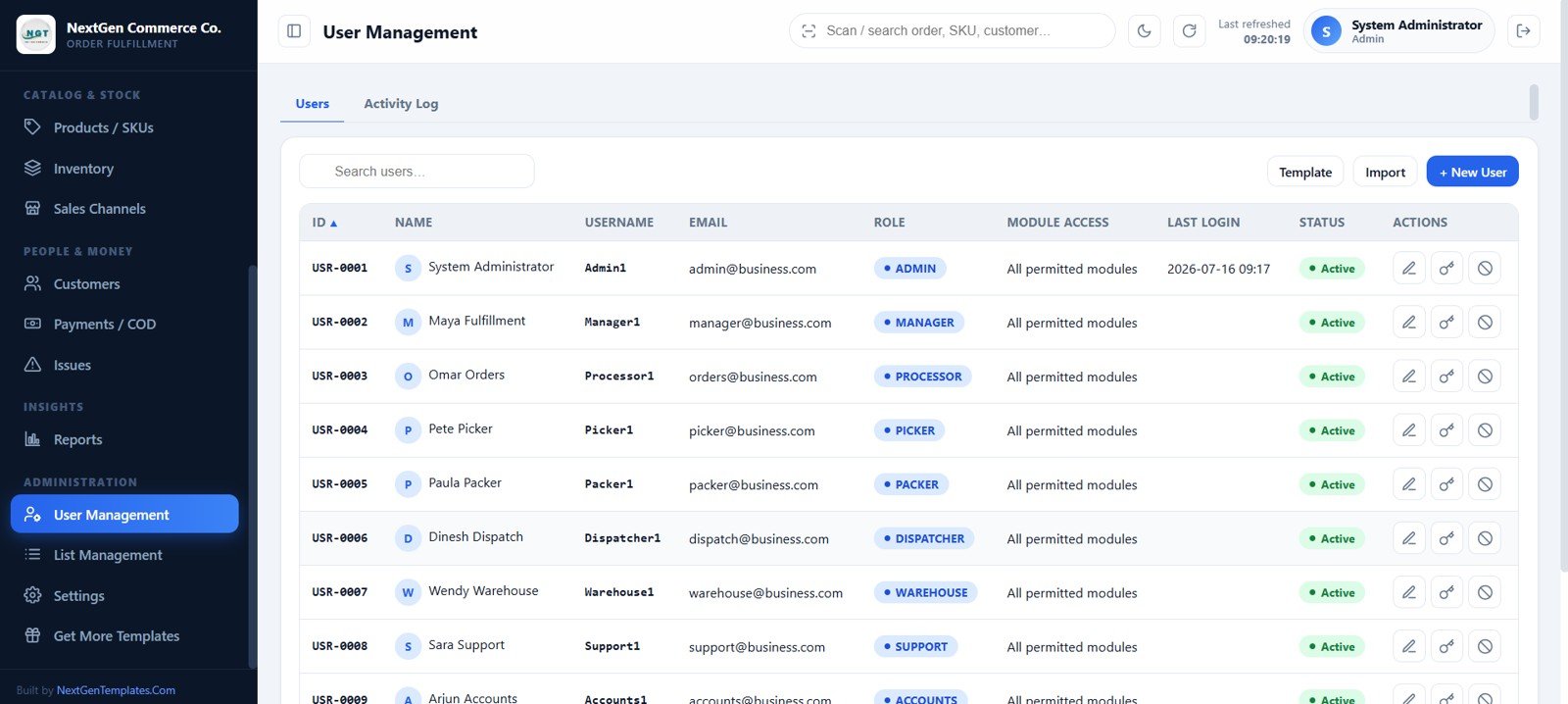
- Role-based access: Admin, Manager, Processor, Picker, Packer, Dispatcher, Warehouse, Support, Accounts, and Viewer roles.E-commerce Order Fulfillment Tracking System Web App
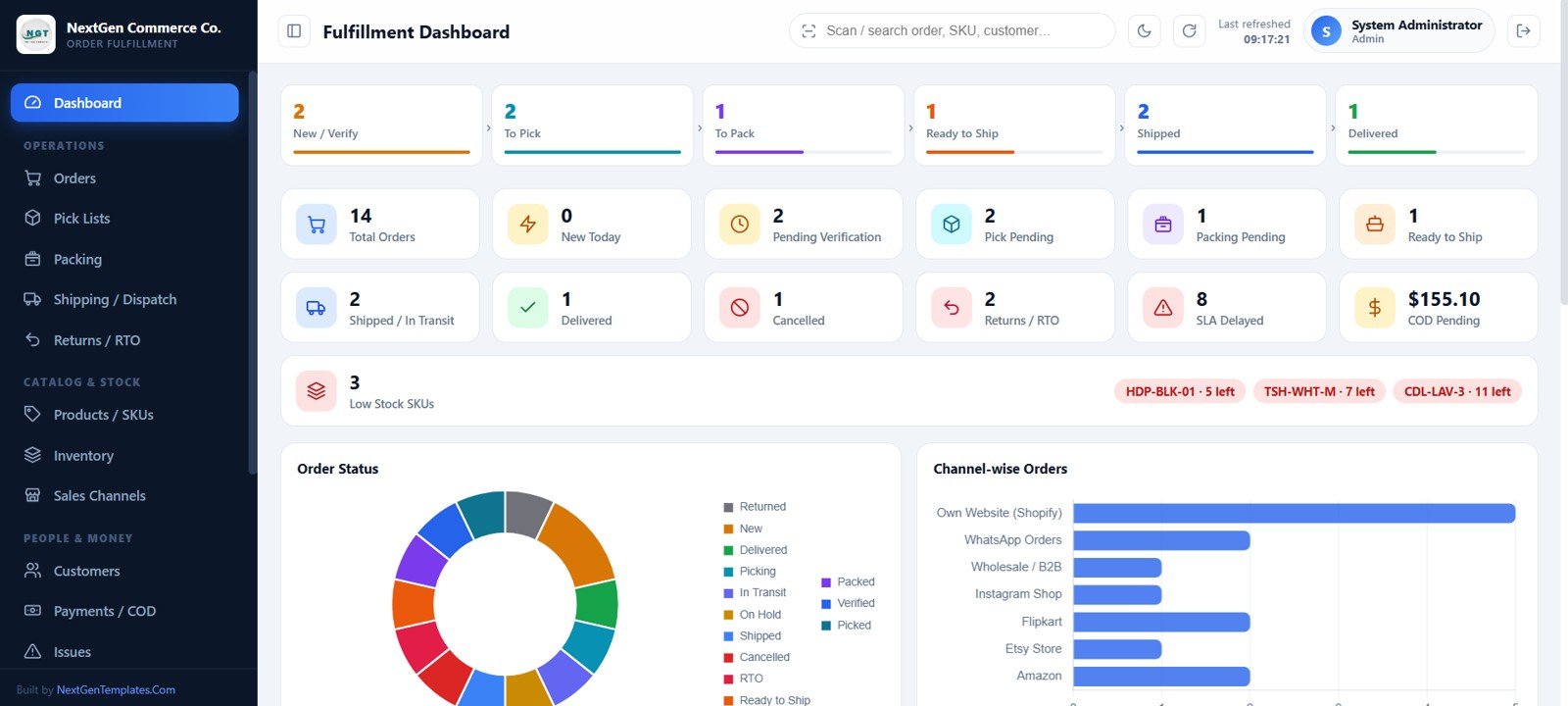
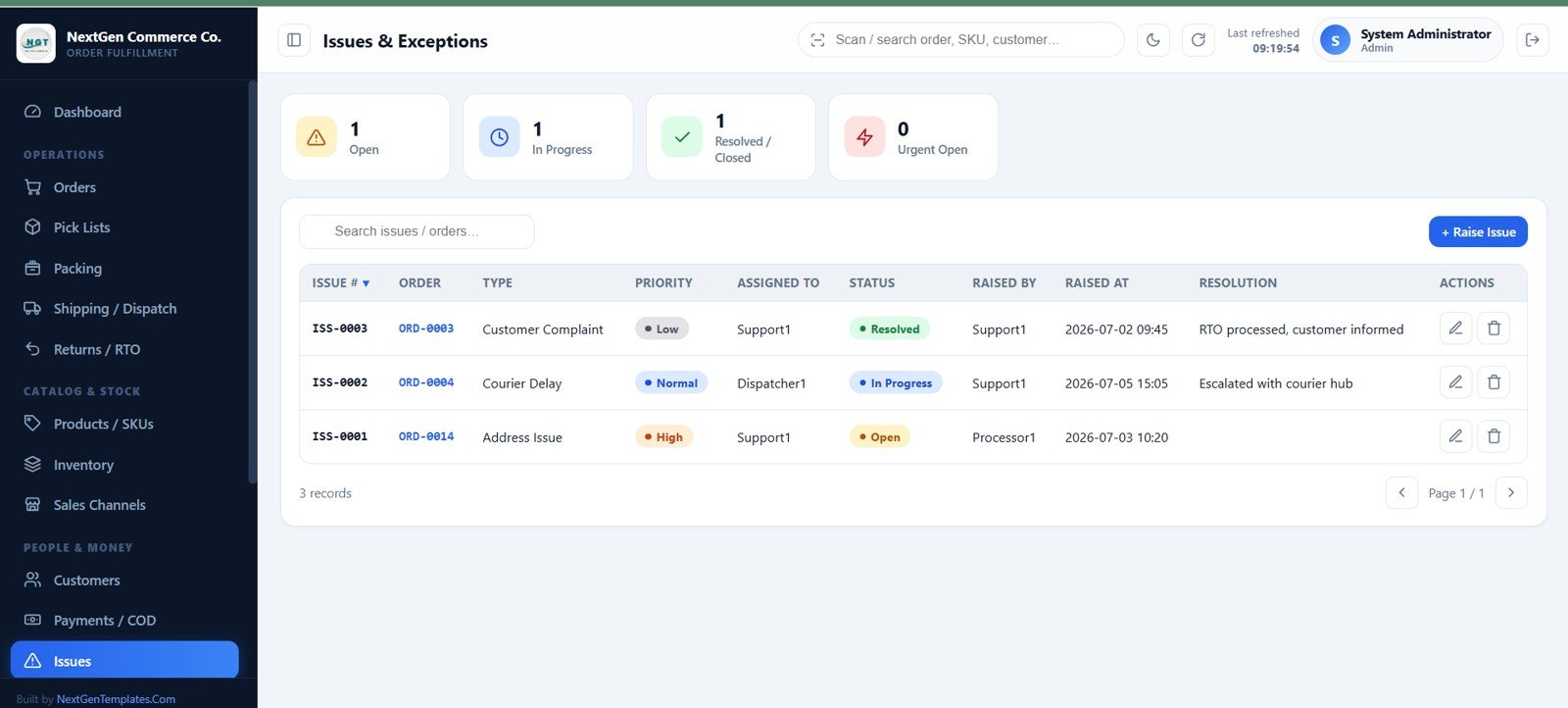
- Operations visibility: Pipeline cards, 12 KPIs, low-stock alerts, order-status and channel charts, trends, activity, and exception tracking.E-commerce Order Fulfillment Tracking System Web App
- Own-account deployment: Runs through Google Sheets, Google Apps Script, and Google Drive without an external database server.E-commerce Order Fulfillment Tracking System Web App
What’s Inside the E-commerce Order Fulfillment Tracking System Web App
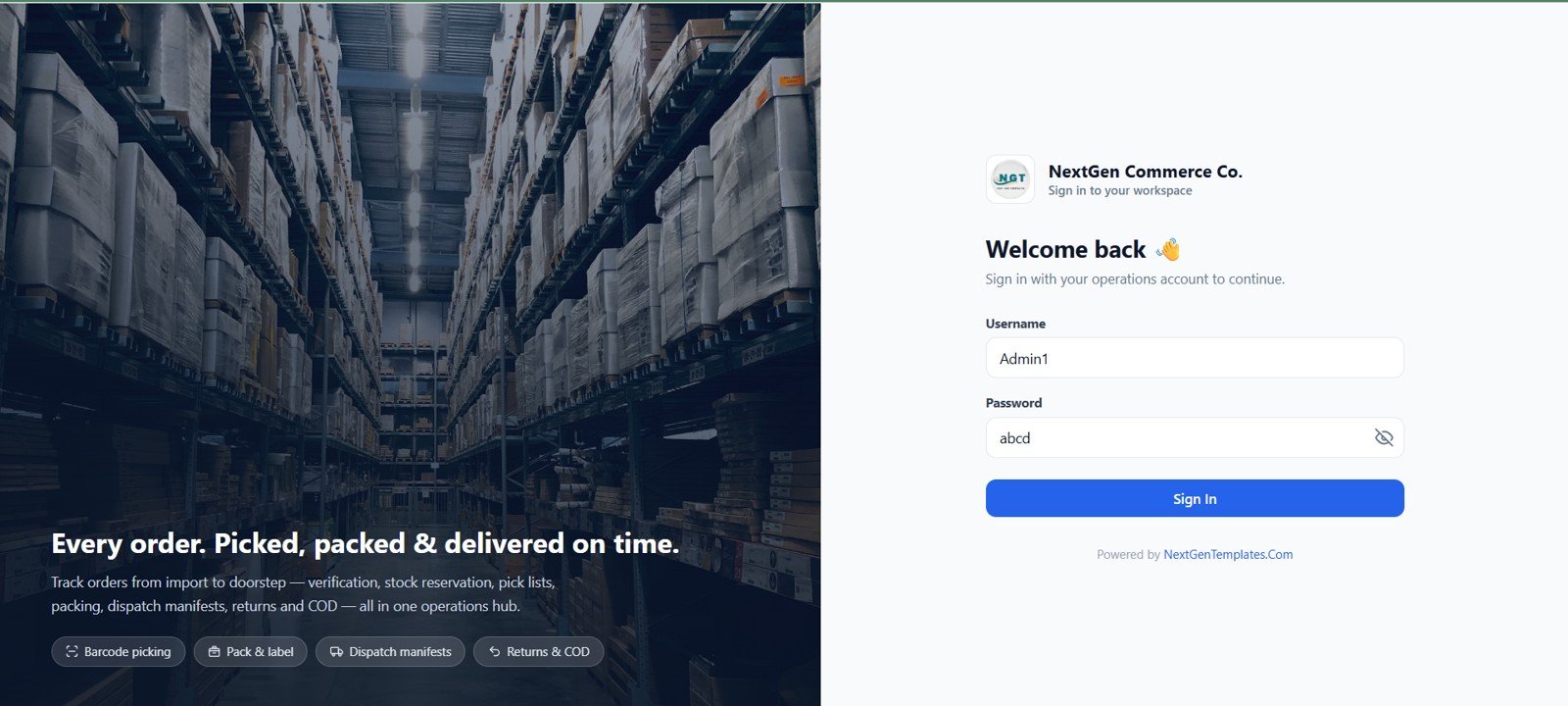
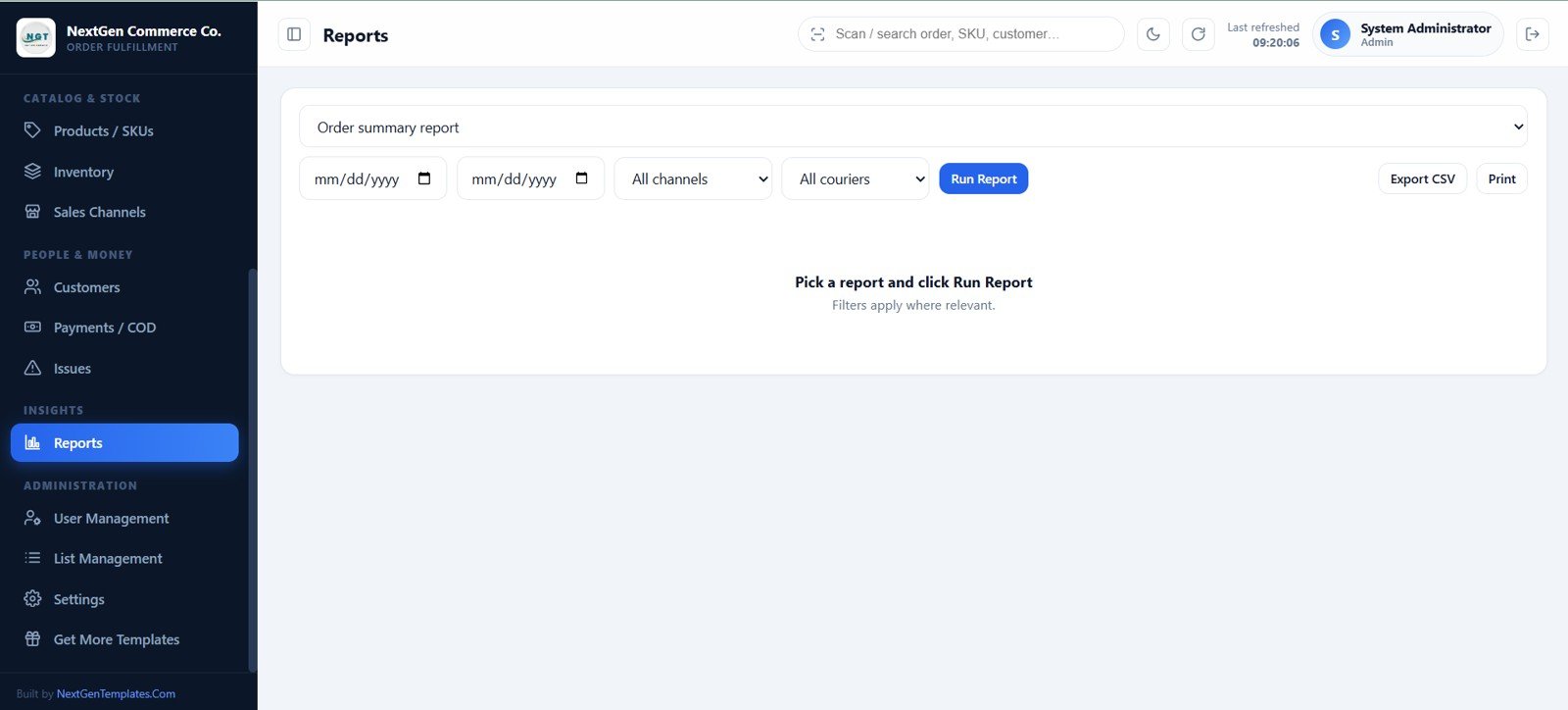
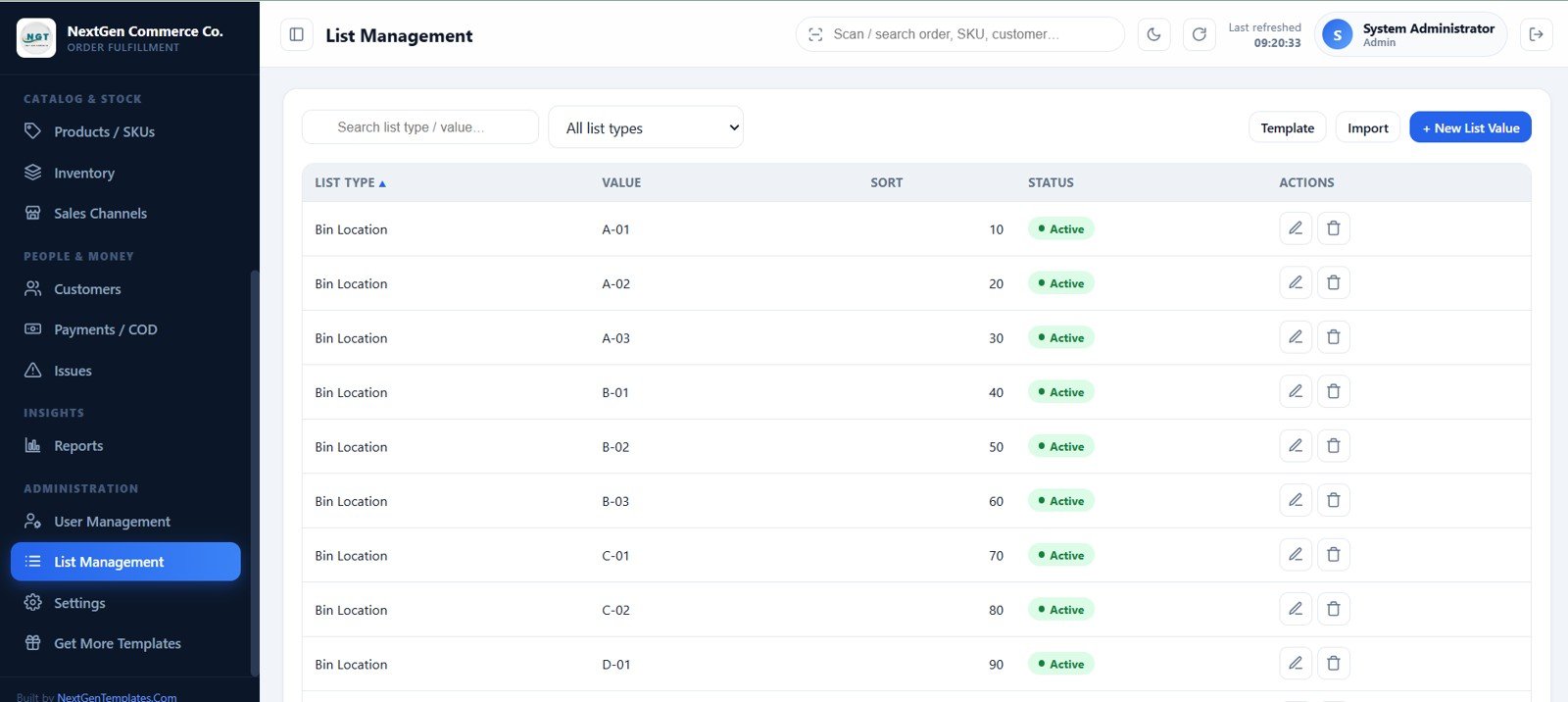
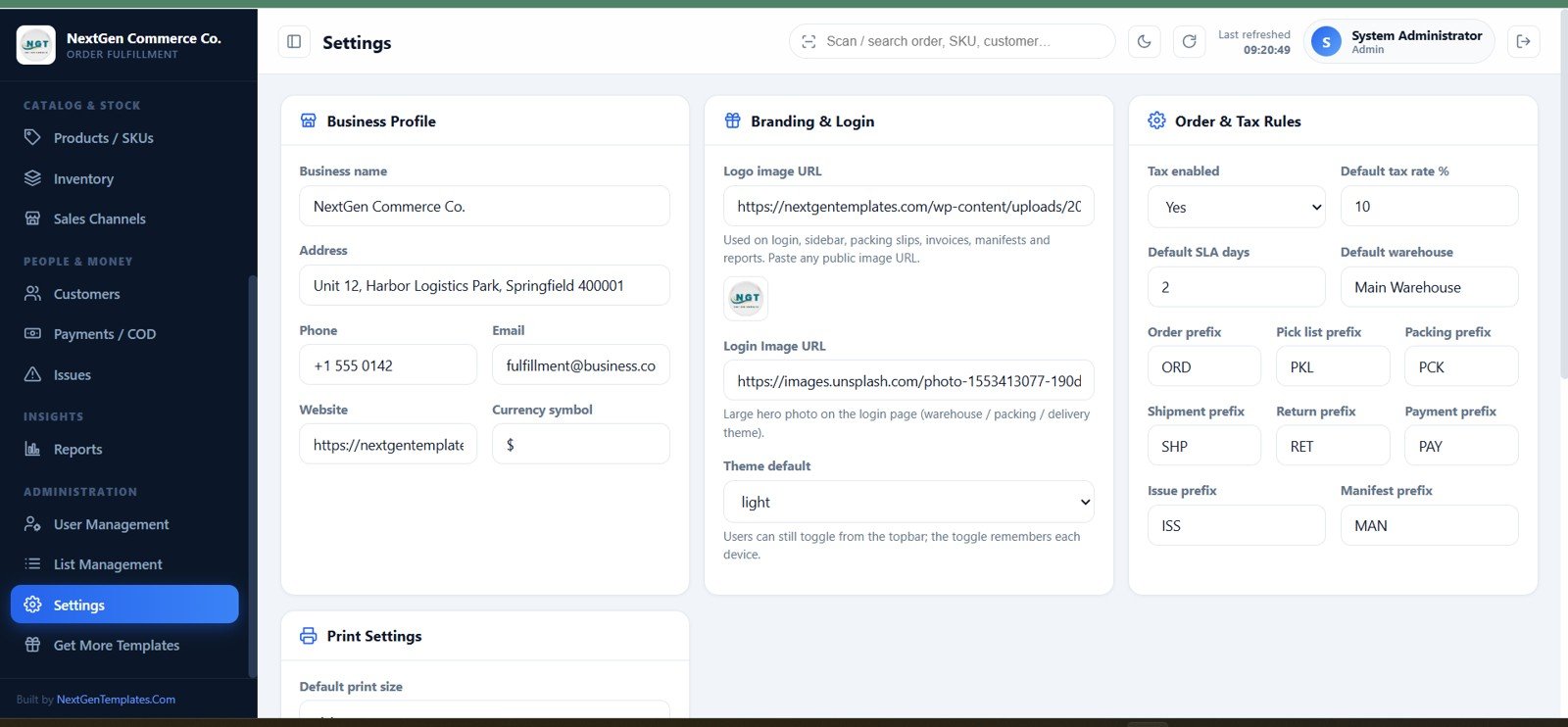
The package includes the source files and user manual needed to deploy the app in your Google account. The login and dashboard lead into order management, pick lists, packing, shipping, returns, product/SKU master, inventory, sales channels, customers, payments, issues, reports, users, editable list values, and settings. Uploaded product images, package photos, labels, return proofs, delivery proofs, invoices, and archive copies are organized in Google Drive.
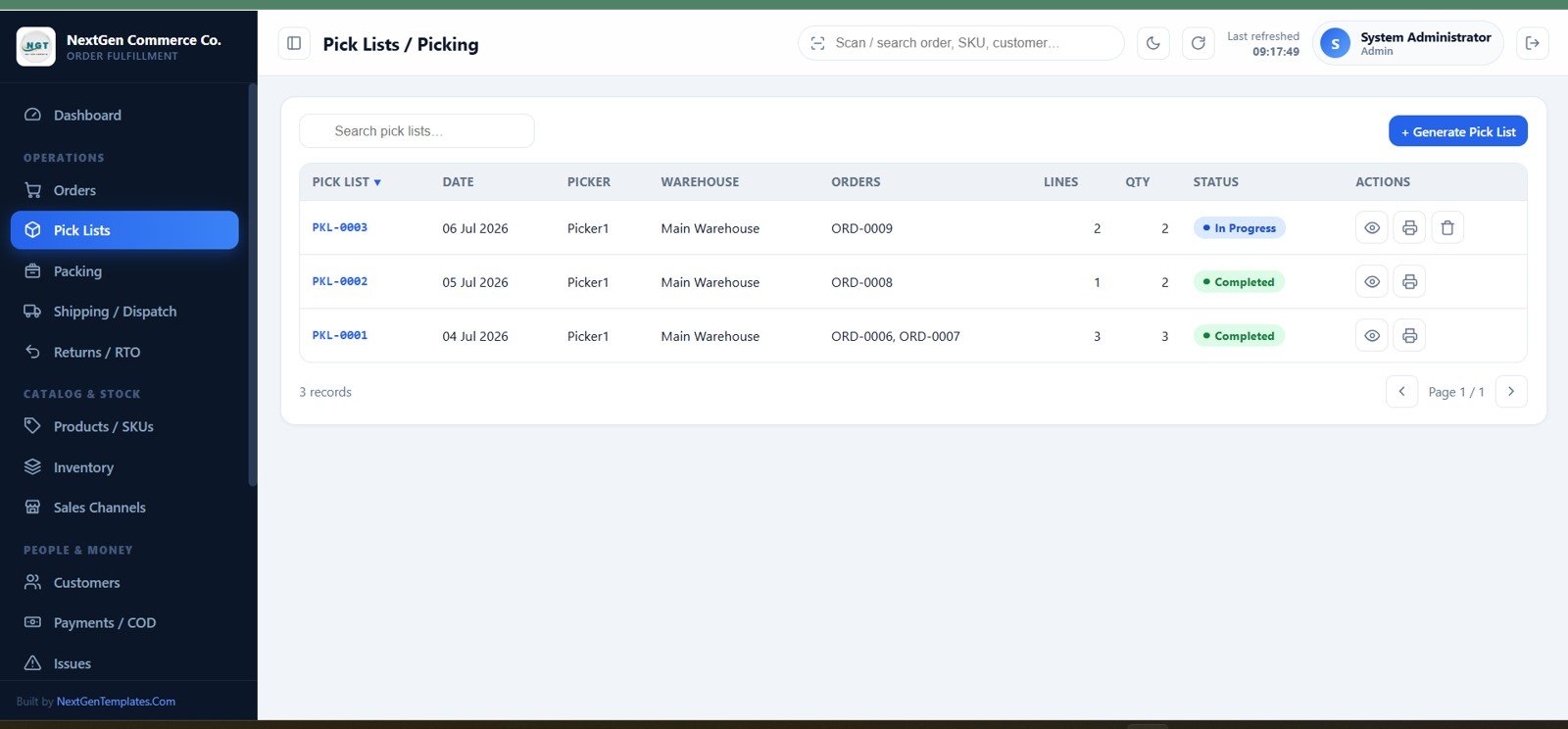
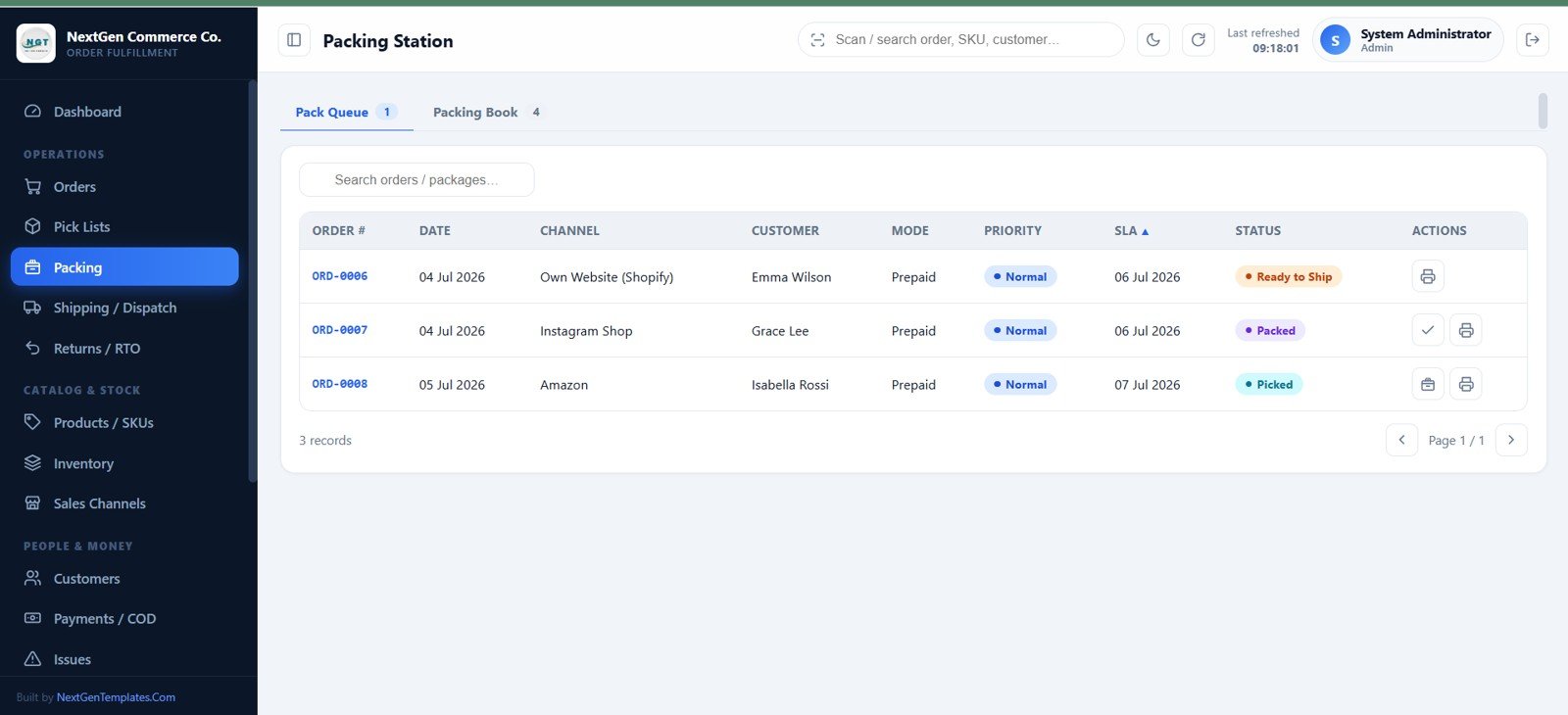
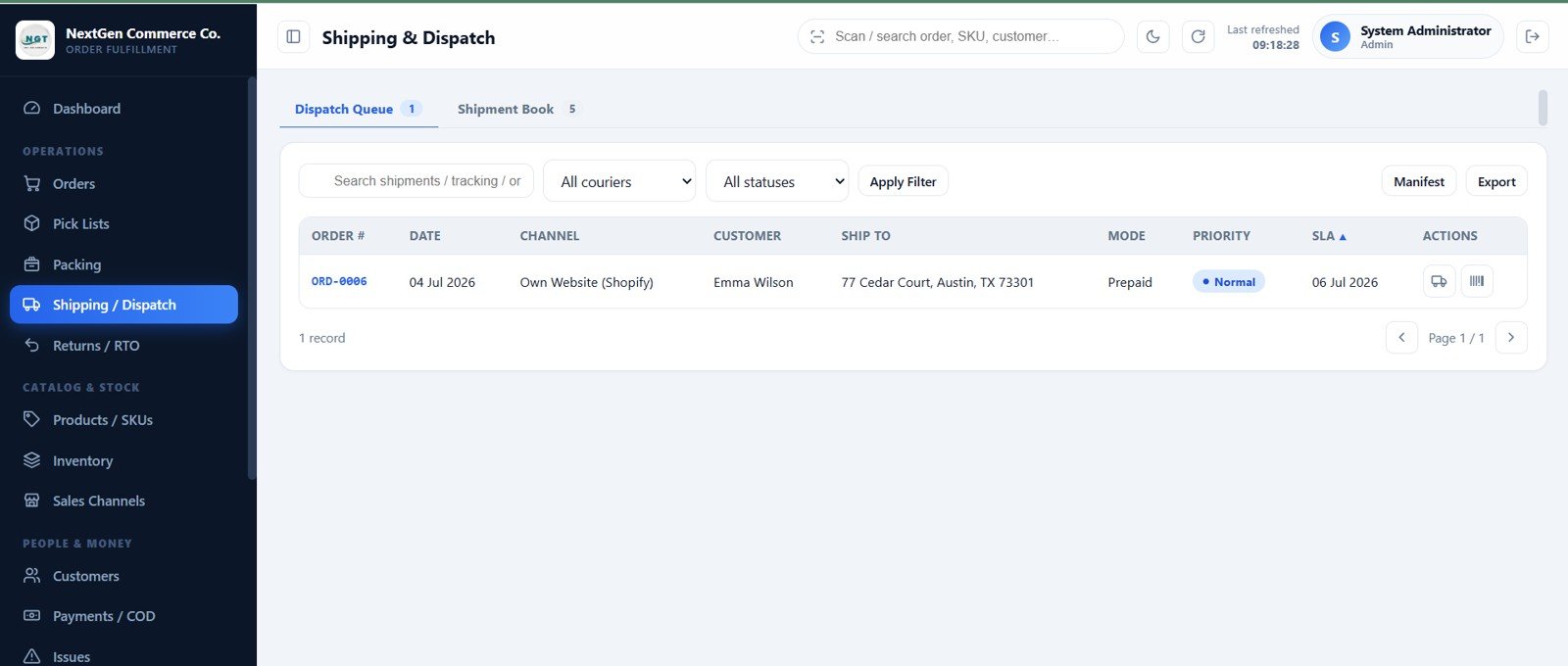
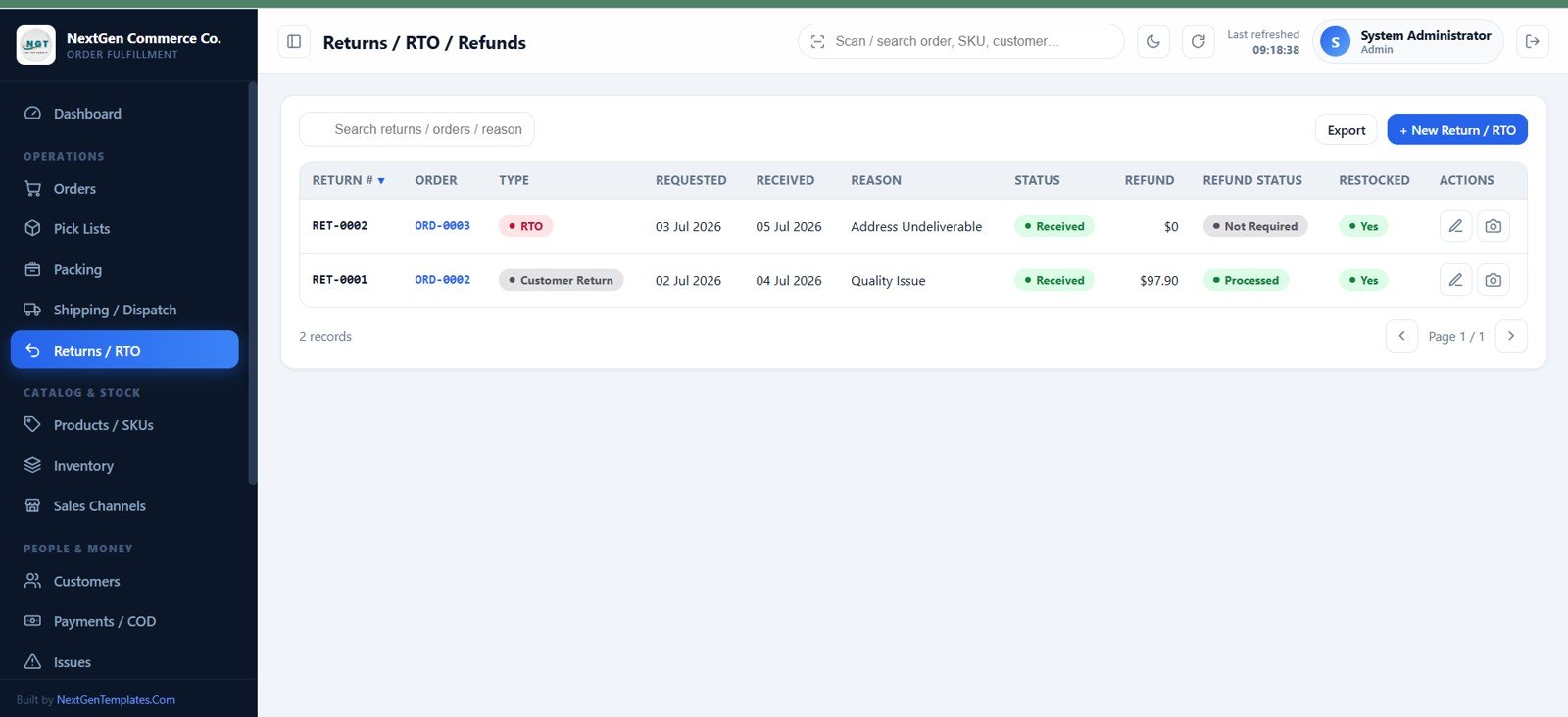
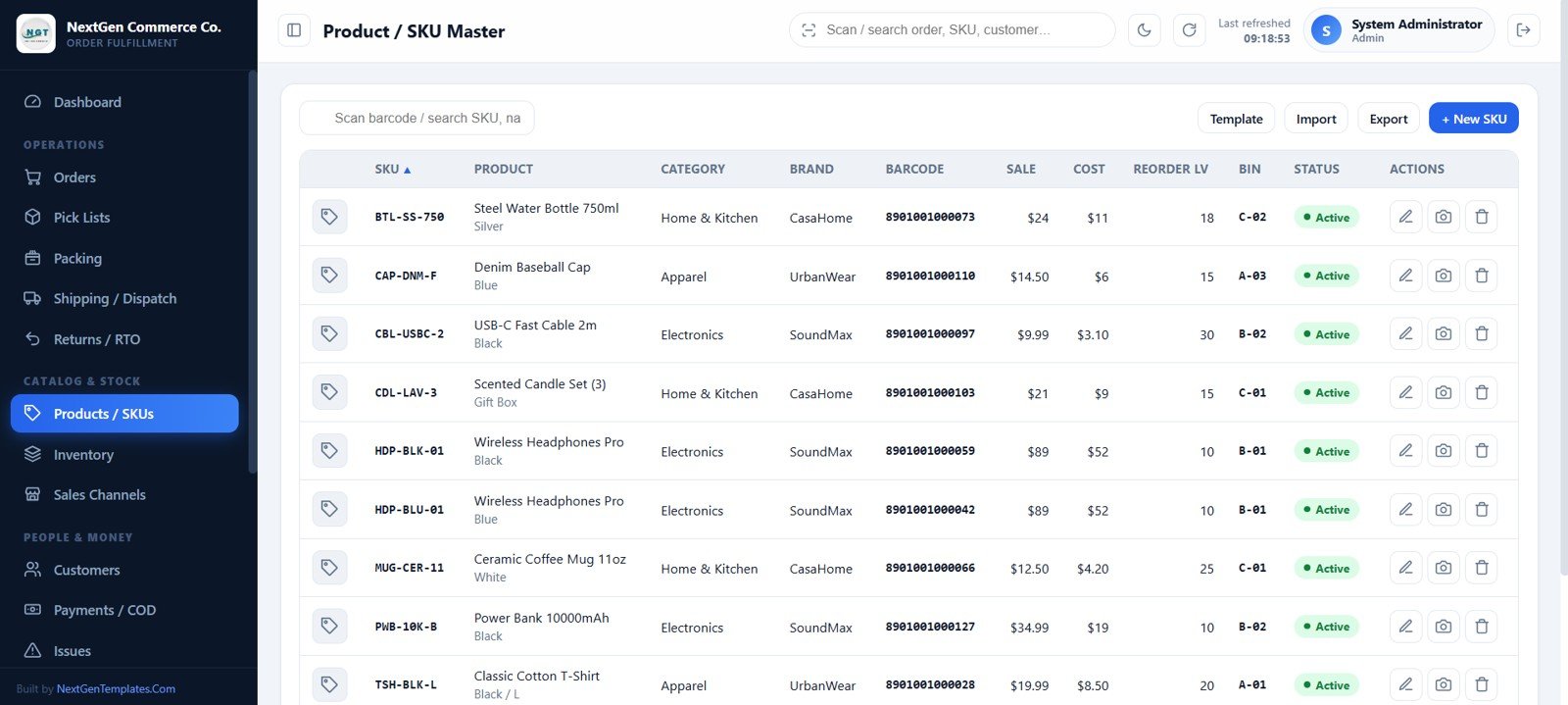
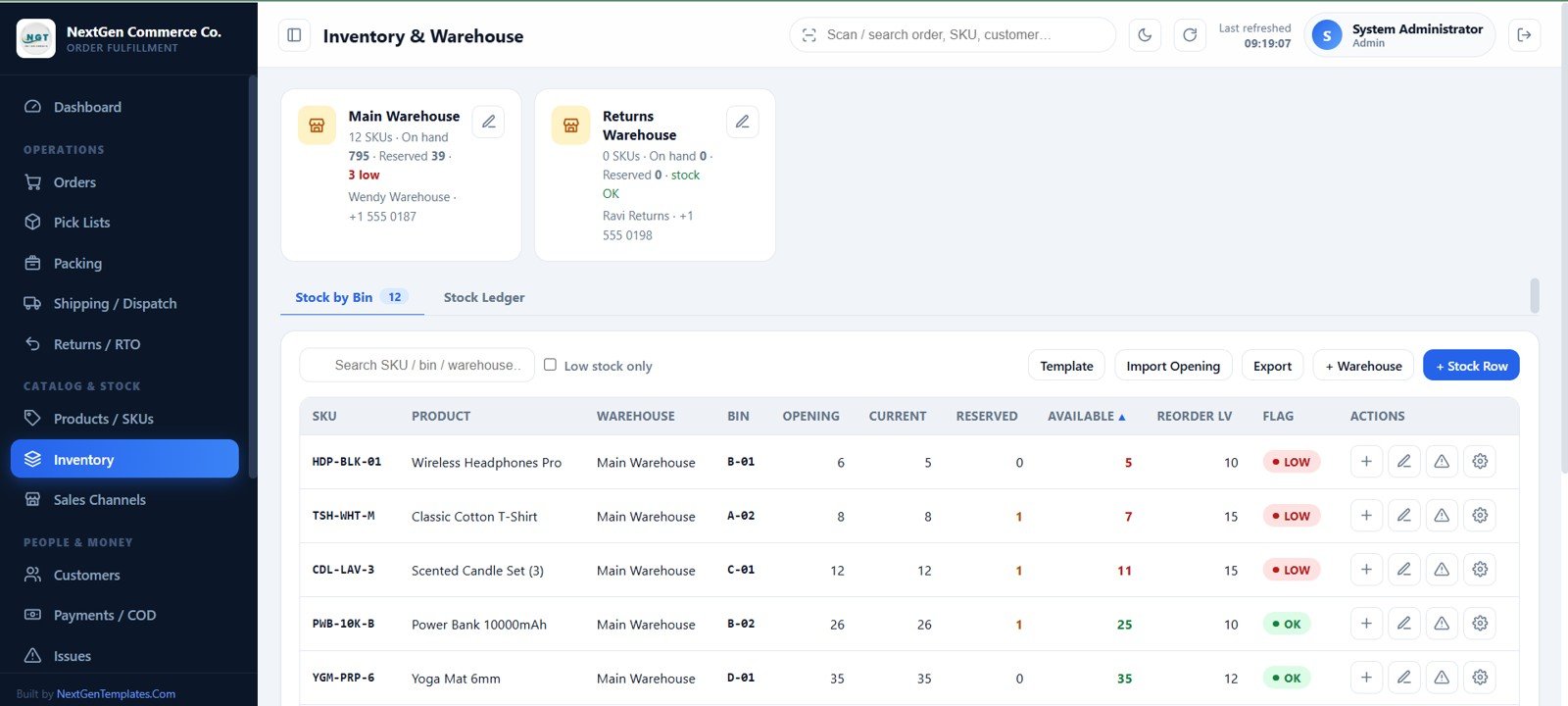
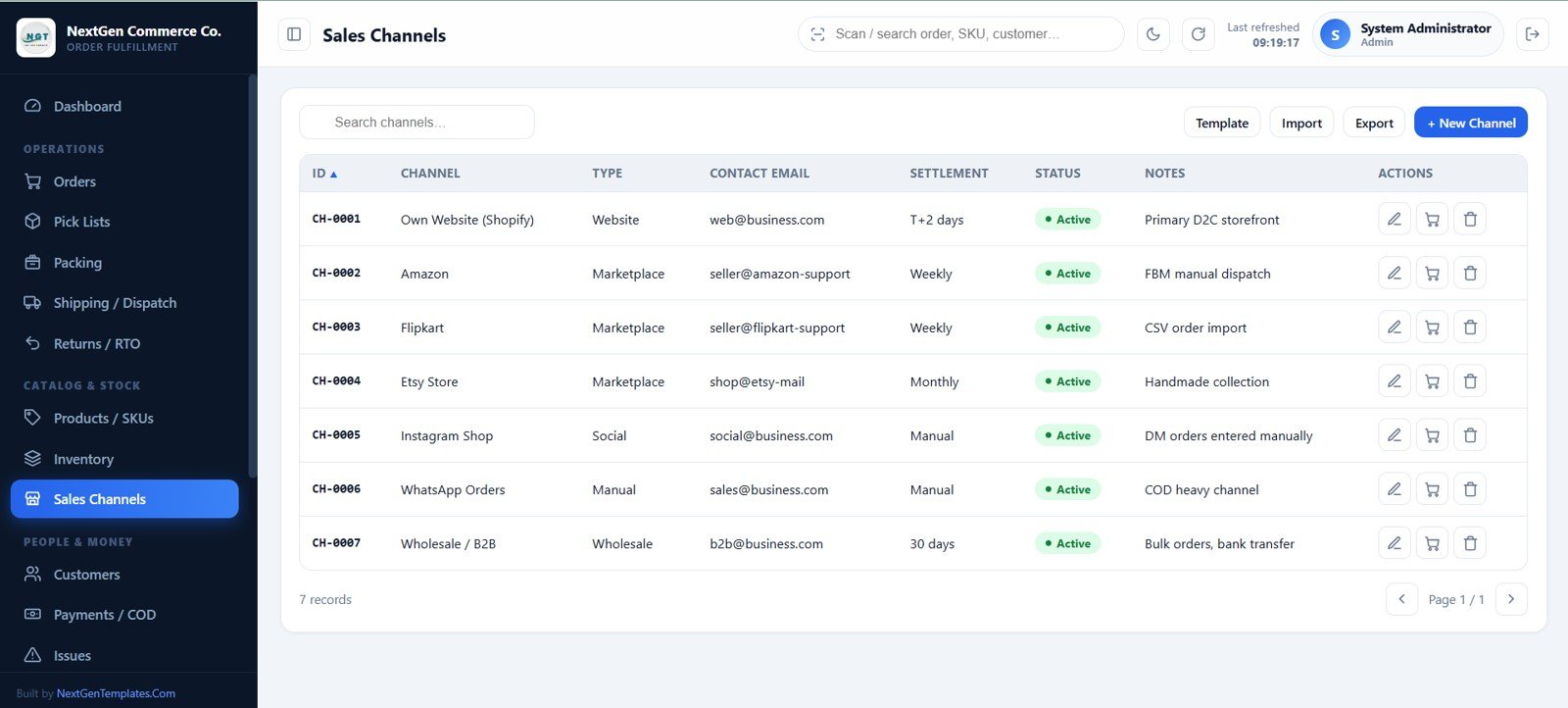
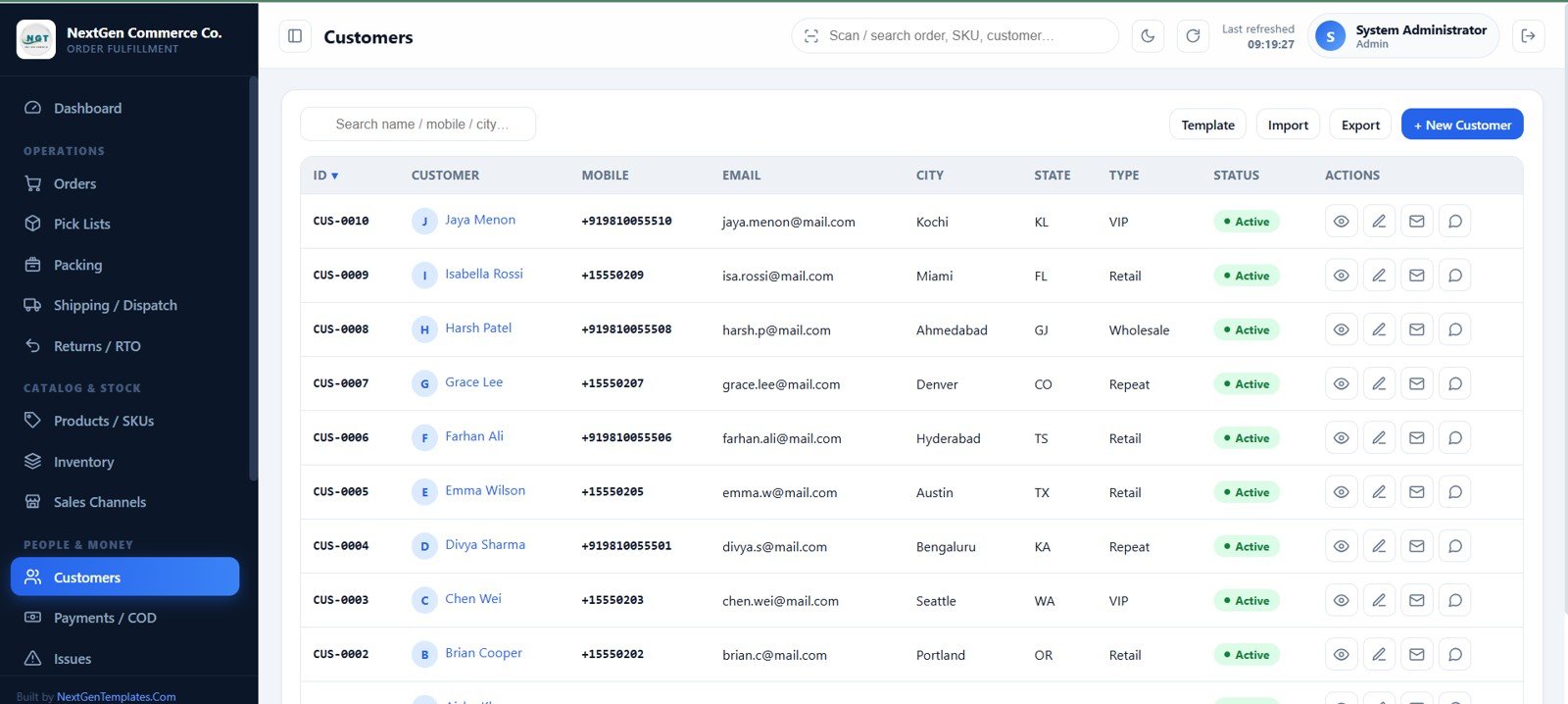
E-commerce Order Fulfillment Tracking System Web App vs. Google Sheets Tracker vs. Paid WMS/SaaS – Where This Fits
| Feature | This web app | Basic Sheets tracker | Paid WMS/SaaS |
|---|---|---|---|
| Cost | $39.99 one-time sale price | Build and maintenance time | Recurring subscription |
| Platform | Google Apps Script, Sheets, Drive | Google Sheets | Vendor cloud |
| Setup | Copy files, run setup, deploy | Design formulas and controls | Onboarding and configuration |
| Team controls | 10 roles plus module access | Sheet-level sharing | Plan-dependent permissions |
| Warehouse flow | Verify, reserve, pick, pack, ship | Manual status columns | Usually included |
| Ownership | Data stays in your Google account | Data stays in your Sheet | Data sits with vendor |
Who This Template Is For – and Who It’s Not For
Use it for D2C brands, marketplace sellers, small warehouses, wholesale teams, and fulfillment operations that import CSV orders or enter them manually. It is not a carrier API, hosted marketplace connector, enterprise WMS, or ready-made integration with Shopify, WooCommerce, Amazon, or accounting software. Those connections require customization. Google Apps Script quotas also make it a better fit for small and mid-sized teams than very high-volume enterprise operations.
🚀 Try the Live Demo Before You Buy
We have deployed this web app in our own Google account so you can test every page, every one of the 10 role-based views — with real sample data — before purchasing. No signup, no email required.
🔑 Test Login Credentials — 10 Role-Based Logins
This system ships with 10 dedicated roles, each with its own login and its own permission set. Sign in with any account below to see exactly what that role sees — from full Admin control down to a read-only Viewer.
💡 What you get after purchase: The full source code (Code.gs + Index.html) plus a step-by-step deployment guide so you can deploy your own private instance in your own Google account in under 15 minutes.
How to Use the E-commerce Order Fulfillment Tracking System Web App
- Unzip the download and read the included user manual.
- Create or open a Google Sheet, paste the supplied Apps Script and HTML files, and save.
- Run the setup function to create 23 structured sheets and sample records.
- Deploy as a web app, open the URL, sign in, and change all default passwords.
- Configure branding, warehouses, bins, couriers, taxes, SLA days, prefixes, roles, and master data.
- Import stock and orders, verify availability, then run pick, pack, dispatch, COD, return, and reporting workflows.
Real-World Use Cases
Maya, D2C operations manager: imports store orders, verifies stock in batches, and watches SLA delays from the dashboard.
Pete, warehouse picker: opens a bin-sorted pick list on a phone and records picked, short, or missing quantities.
Arjun, accounts user: reconciles COD collections, prepaid settlements, refunds, receipts, and pending balances.
Frequently Asked Questions
What do I need to run the app?
A Gmail or Google Workspace account, Google Sheets, Google Drive, Google Apps Script, and a modern browser.
Are monthly fees required?
No product subscription is required. The app runs within your Google account and applicable Google quotas.
Can several staff members use it?
Yes. It includes 10 roles, 12-hour sessions, module whitelists, and server-side permission checks.
Does it connect automatically to marketplaces?
No direct API connector is included. Use the CSV templates or manual entry; custom connectors can be developed separately.
Does stock update automatically?
Yes. Verification reserves stock, cancellation releases reservations, dispatch deducts stock, and eligible received returns restock it.
Can I customize branding and operational lists?
Yes. Update the logo, login image, colors, business details, document prefixes, couriers, bins, statuses, reasons, and other lists.
About the Author
Built by PK – Microsoft Certified Professional with 15+ years of Excel, Google Sheets, and Power BI experience. Founder of NextGenTemplates, reaching 300K+ subscribers across YouTube channels. Every template is hand-built and tested before release.
Explore Related Templates
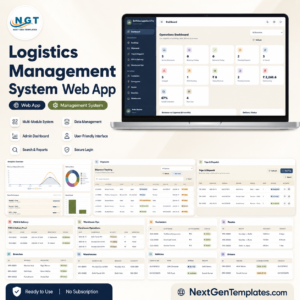
Browse more Web Apps and Google Sheets templates. Related systems include the Logistics Management System Web App, Procure360 Global ERP Management System, Advanced Inventory Management System, and CRM and Sales Pipeline Management System.
Download the E-commerce Order Fulfillment Tracking System Web App to replace disconnected order sheets with one accountable workflow from verification to delivery and return.
Watch the step-by-step video Demo:
Last updated: July 16, 2026.
Compatibility and Requirements
- Runs in your own Google account with Google Sheets, Google Drive and Google Apps Script. You need a free Google account (Gmail or Google Workspace) and a modern web browser.
- The 23 structured sheets are created by the setup function. Google explains how to open and manage files in Get started with Google Sheets.
Related Fulfillment and Order Templates
- Order Fulfillment KPI Dashboard in Google Sheets: a KPI view of fulfillment performance
- Order Fulfillment KPI Dashboard in Excel: the same topic in Excel
- Order Management System V1.0: an Excel system for managing orders
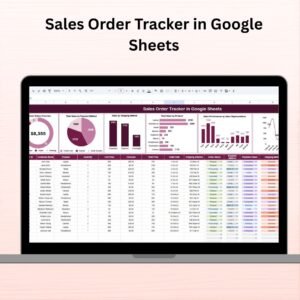
- Sales Order Tracker in Google Sheets: a simple sheet for tracking sales orders
- E-commerce Dashboard in Google Sheets: a sales-side view for online stores
Browse all Web Apps and Google Sheets templates.




















Reviews
There are no reviews yet.