


Managing customer service tasks without a proper system always leads to missed follow-ups, poor coordination, and unhappy customers. Support teams juggle callbacks, escalations, internal meetings, training sessions, and daily service activities—often across emails, chats, and scattered Excel files. As a result, visibility is lost and productivity drops.
That is exactly why the Customer Service Task Calendar in Excel is a must-have productivity tool for modern customer support teams.
This ready-to-use Excel calendar transforms the way customer service work is planned and executed. Instead of guessing what needs to be done and when, teams get clear daily, monthly, and annual visibility of every task in one structured workbook. Built entirely in Microsoft Excel, this calendar is simple to use, fully customizable, and does not require any technical skills or extra software.
Whether you manage a small support team or a busy call center, this calendar helps you stay organized, proactive, and in control—every single day.
🚀 Key Features of Customer Service Task Calendar in Excel
✅ Centralized Task Planning – Manage all customer service activities in one Excel file
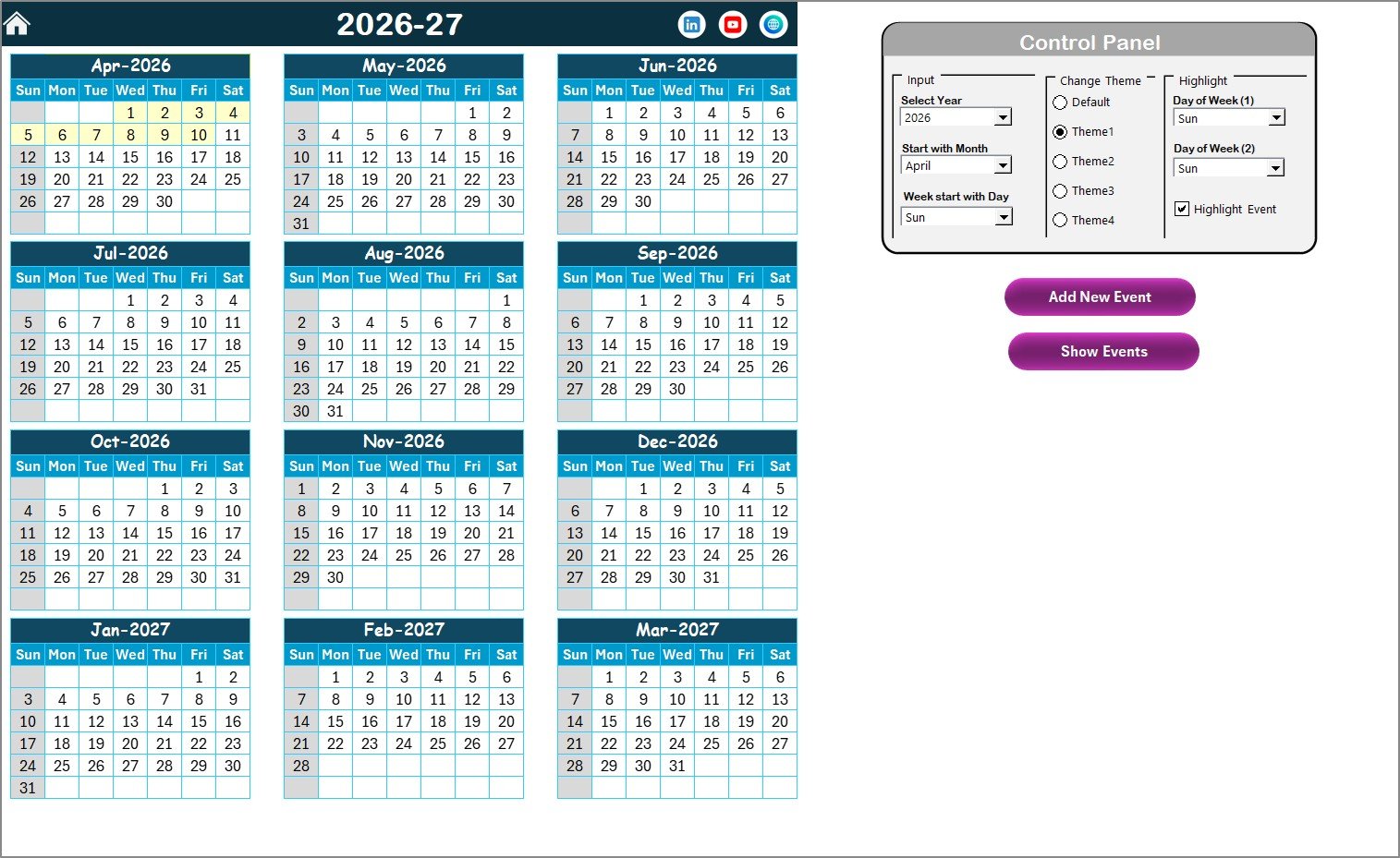
📅 Annual View Calendar – See all 12 months at a glance for long-term planning
🗓️ Monthly View Calendar – Plan short-term workloads with a clean monthly layout
📋 Daily View Task List – Review tasks in detail using date-range filtering
🎯 Smart Event Management – Add, update, view, or delete tasks using buttons
🎨 Theme & Highlight Controls – Apply color themes and highlight weekends or events
⚙️ No Formulas to Edit – Fully automated logic behind the scenes
💻 Excel-Based & Offline Ready – Works anytime without internet or extra tools
📦 What’s Inside the Customer Service Task Calendar in Excel
This digital product includes five powerful worksheets, each designed for a specific purpose:
📌 Home Sheet
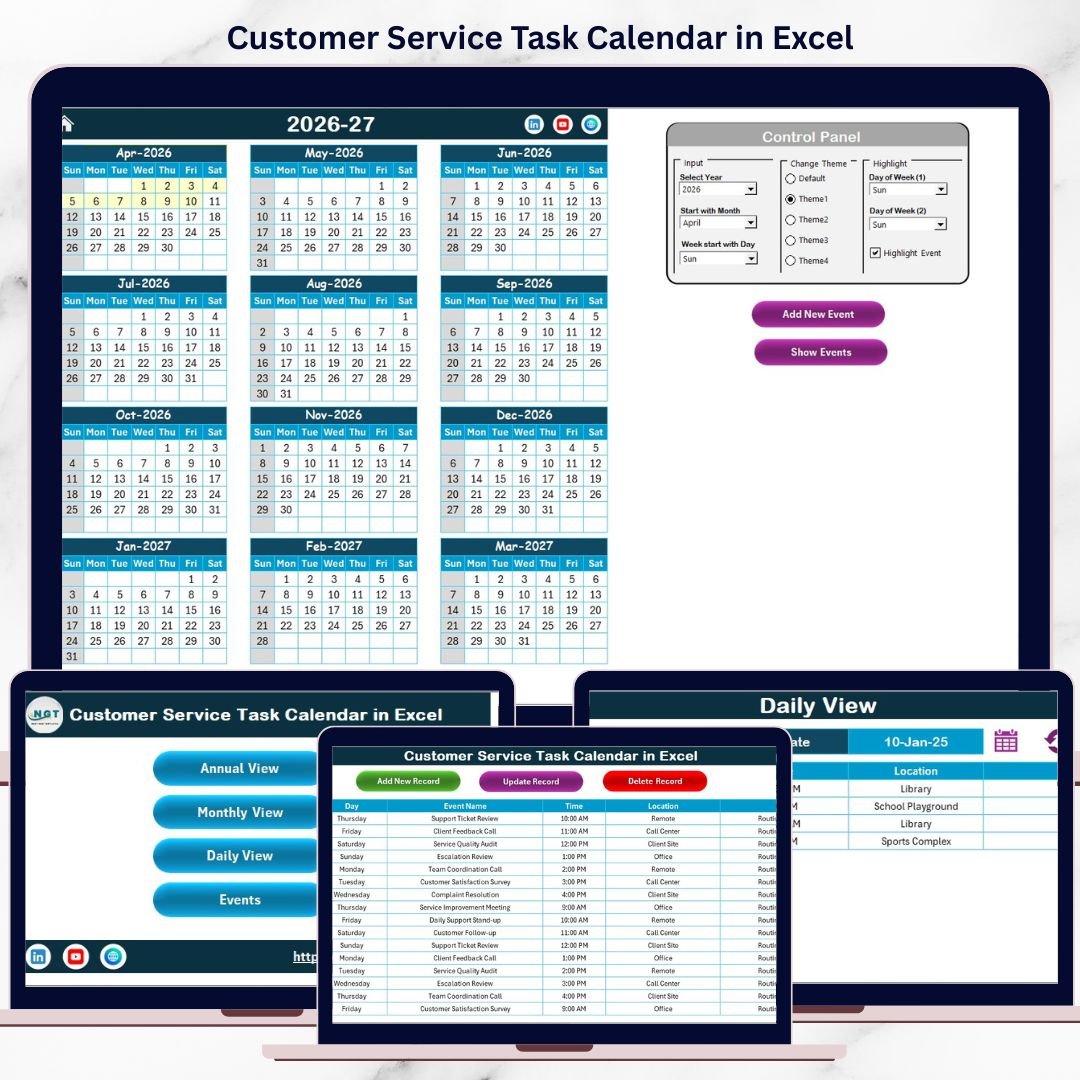
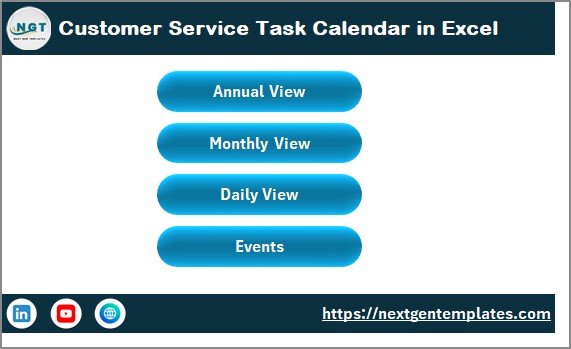
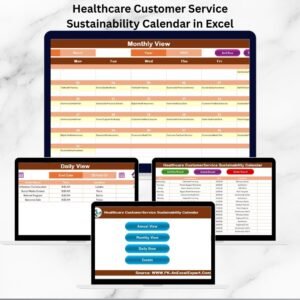
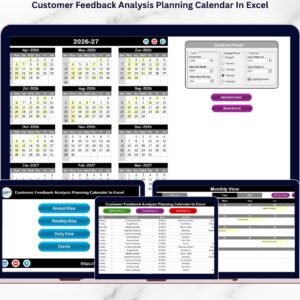
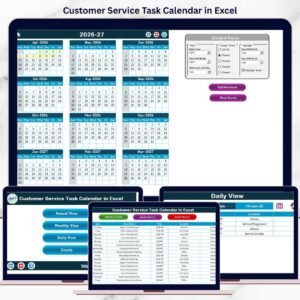
Acts as the main dashboard with navigation buttons to quickly jump to Annual, Monthly, Daily, and Events views.
📌 Annual View Sheet
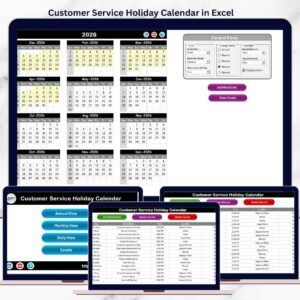
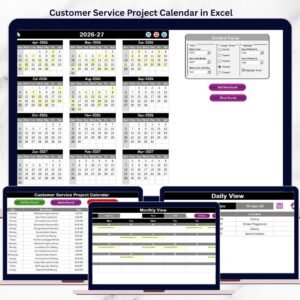
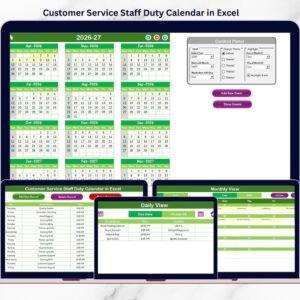
Displays all 12 months in one screen. Includes a control panel to change year, starting month, week start day, themes, and highlights.
📌 Monthly View Sheet
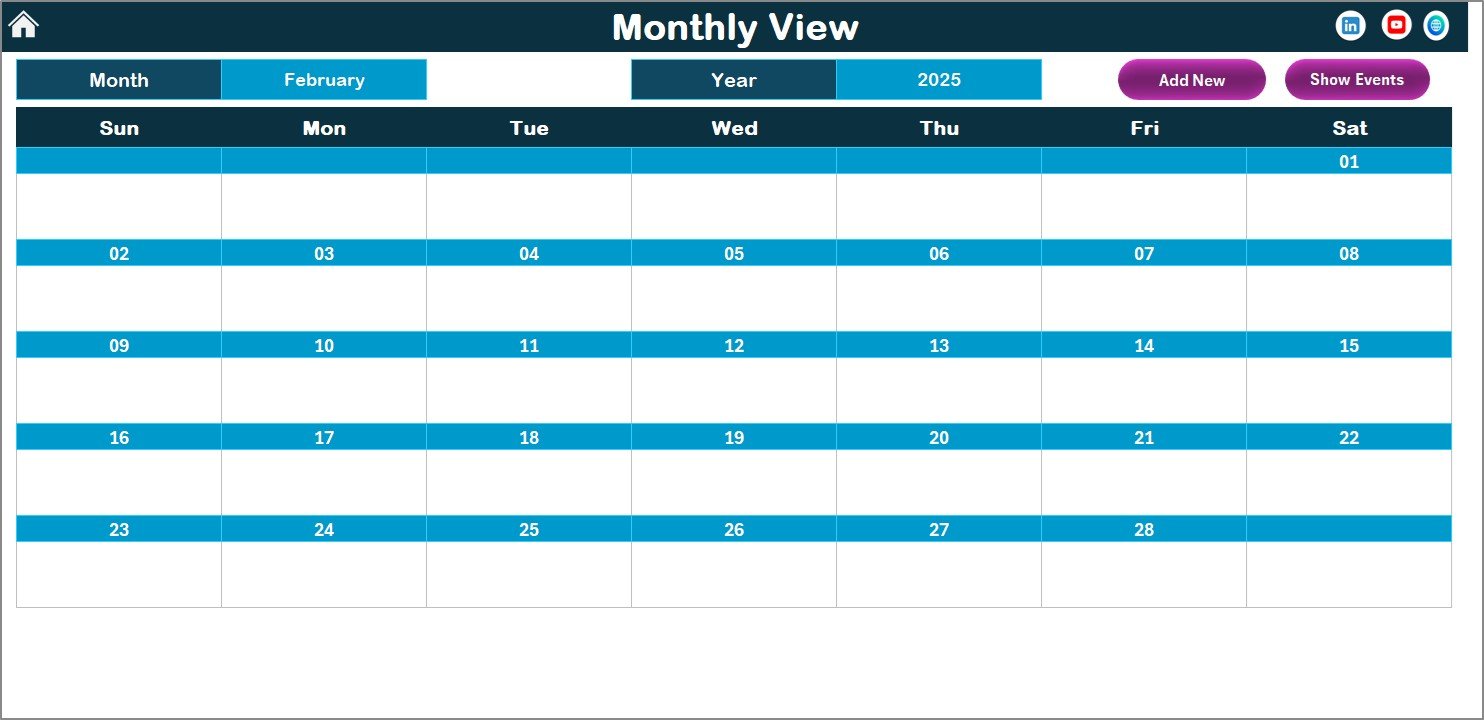
Shows a selected month with clear event indicators. Perfect for weekly and monthly task planning.
📌 Daily View Sheet
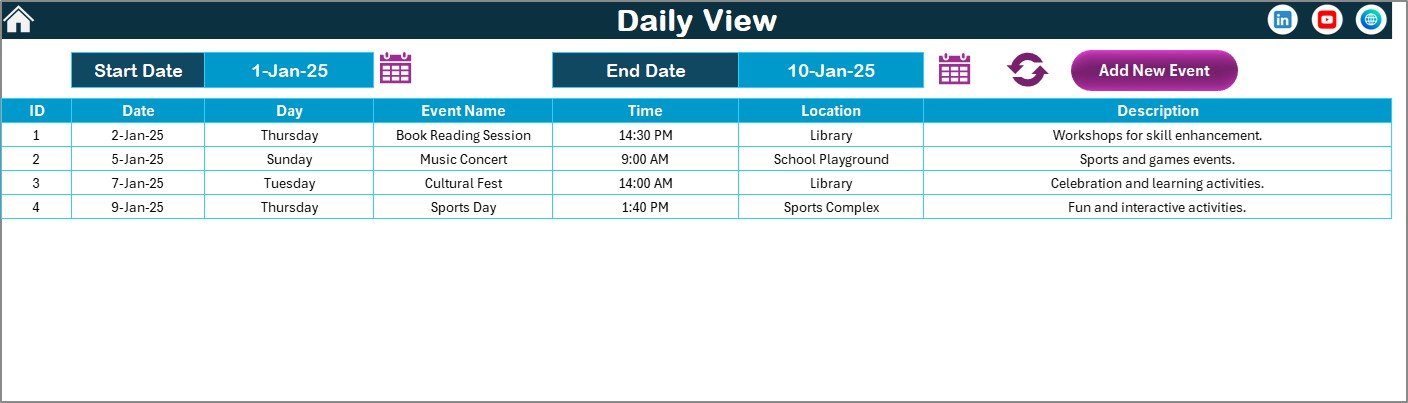
Displays detailed task records within a selected date range. Ideal for supervisors and daily action planning.
📌 Events Sheet (Database)
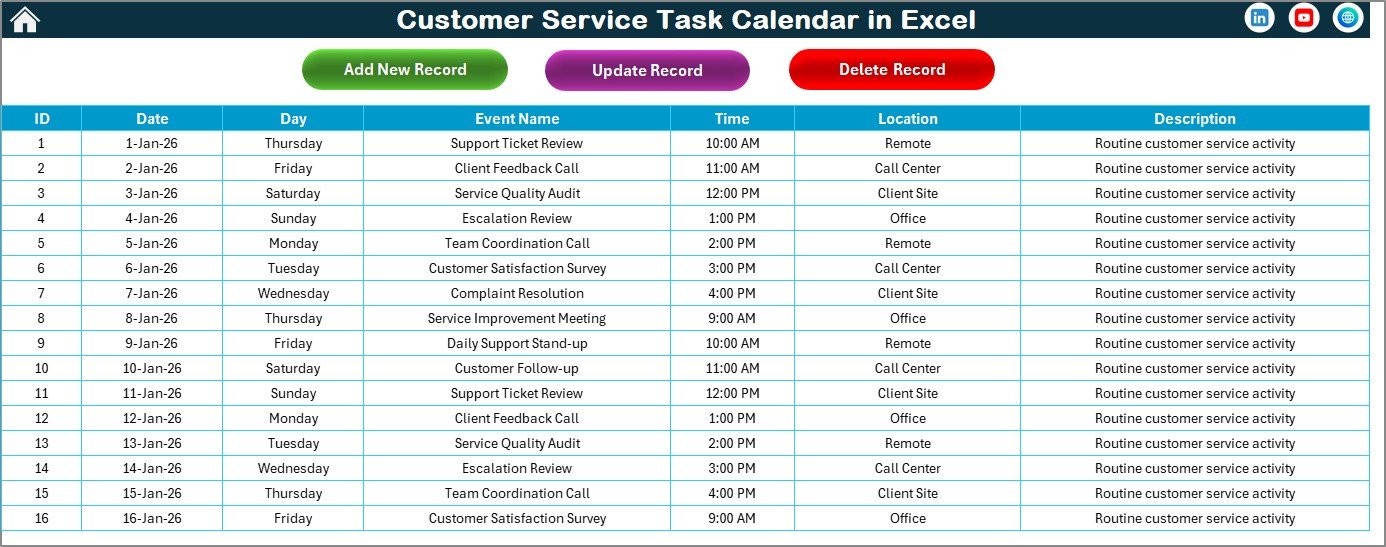
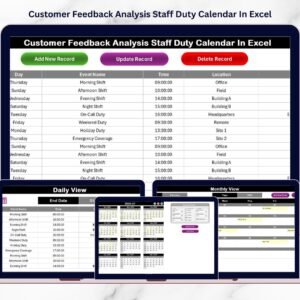
Stores all task records with Date, Day, Event Name, Time, Location, and Description. Includes buttons to add, update, and delete records safely.
🛠️ How to Use the Customer Service Task Calendar in Excel
Using this calendar is extremely simple:
1️⃣ Open the Excel file
2️⃣ Use the Home Sheet to navigate to the required view
3️⃣ Click Add New Event, fill the form, and submit
4️⃣ Instantly see tasks reflected across Annual, Monthly, and Daily views
5️⃣ Use Show Event to review tasks on any selected date
6️⃣ Customize themes, highlights, and year from the control panel
No complex setup. No training headaches. Just instant productivity.
👥 Who Can Benefit from This Customer Service Task Calendar in Excel
This calendar is perfect for:
✔️ Customer Service Teams
✔️ Call Centers & Support Desks
✔️ Helpdesk Operations
✔️ Support Managers & Team Leads
✔️ Operations & Admin Teams
✔️ Small & Medium Businesses
If your team handles daily customer interactions, follow-ups, or service commitments—this calendar will change how you work.
Click here to read the Detailed Blog Post
Watch the step-by-step video tutorial:
Visit our YouTube channel to learn step-by-step video tutorials
<a href=”https://www.youtube.com/@PKAnExcelExpert” target=”_blank”>YouTube channel</a>
Compatibility and Requirements
- Works in Microsoft Excel desktop (Excel 2016 or later, or Microsoft 365).
- Tasks are added, updated and deleted with buttons in the workbook, so the file runs in desktop Excel on Windows with macros enabled. It does not run in Excel for the web, Google Sheets or mobile. Microsoft explains how in Enable or disable macros in Microsoft 365 files.
- The calendar works offline, with no internet connection needed.
Frequently Asked Questions
Which sheets are included?
Five sheets: Home, Annual View, Monthly View, Daily View and Events. The Events sheet is the database that stores every task.
What details can I save for each task?
Each record stores the Date, Day, Event Name, Time, Location and Description.
How do I add or change a task?
Click Add New Event, fill in the form and submit it. You can update or delete records with the buttons on the Events sheet. The new task then shows in the Annual, Monthly and Daily views.
Can I change the year, week start day and colors?
Yes. The Annual View sheet has a control panel where you change the year, the starting month, the week start day, the theme and the highlights for weekends and events.
Do I need to edit any formulas?
No. The logic behind the sheets is built in, and you work through the buttons and the control panel.
Related Customer Service Templates
- Customer Service Schedule Calendar in Excel: a calendar for planning support schedules
- Customer Support Coverage Calendar in Excel: a calendar for support coverage
- Customer Service Request Tracker in Excel: a tracker for incoming requests
- Customer Service Dashboard in Excel: a dashboard for service results
- Customer Follow-up Calendar in Excel: a calendar for follow-up dates
Browse all Excel calendar templates.























Reviews
There are no reviews yet.