
Managing customer feedback effectively requires proper planning, coordination, and staff scheduling. Many organizations collect valuable feedback from customers every day, but they often struggle to organize review meetings, assign responsibilities, and manage follow-up tasks. Because of this, complaints remain unresolved, response times increase, and service quality declines.
To solve this challenge, organizations need a structured scheduling system that allows teams to manage feedback analysis activities efficiently. This is where the Customer Feedback Analysis Staff Duty Calendar in Excel becomes an extremely powerful solution.
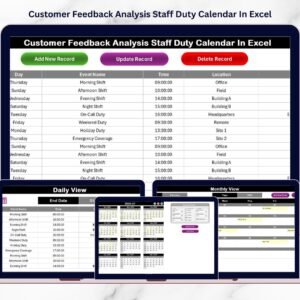
This ready-to-use Excel template helps managers organize staff duties, schedule feedback analysis meetings, track important events, and manage customer experience improvement activities in one centralized system. With multiple calendar views and automated event management features, teams can coordinate tasks easily and ensure that no feedback review session is missed.
The template is designed to be simple, flexible, and highly practical. Because it works inside Microsoft Excel, users do not need complex software or technical knowledge to operate it.
🚀 Key Features of Customer Feedback Analysis Staff Duty Calendar in Excel
📅 Multiple Calendar Views
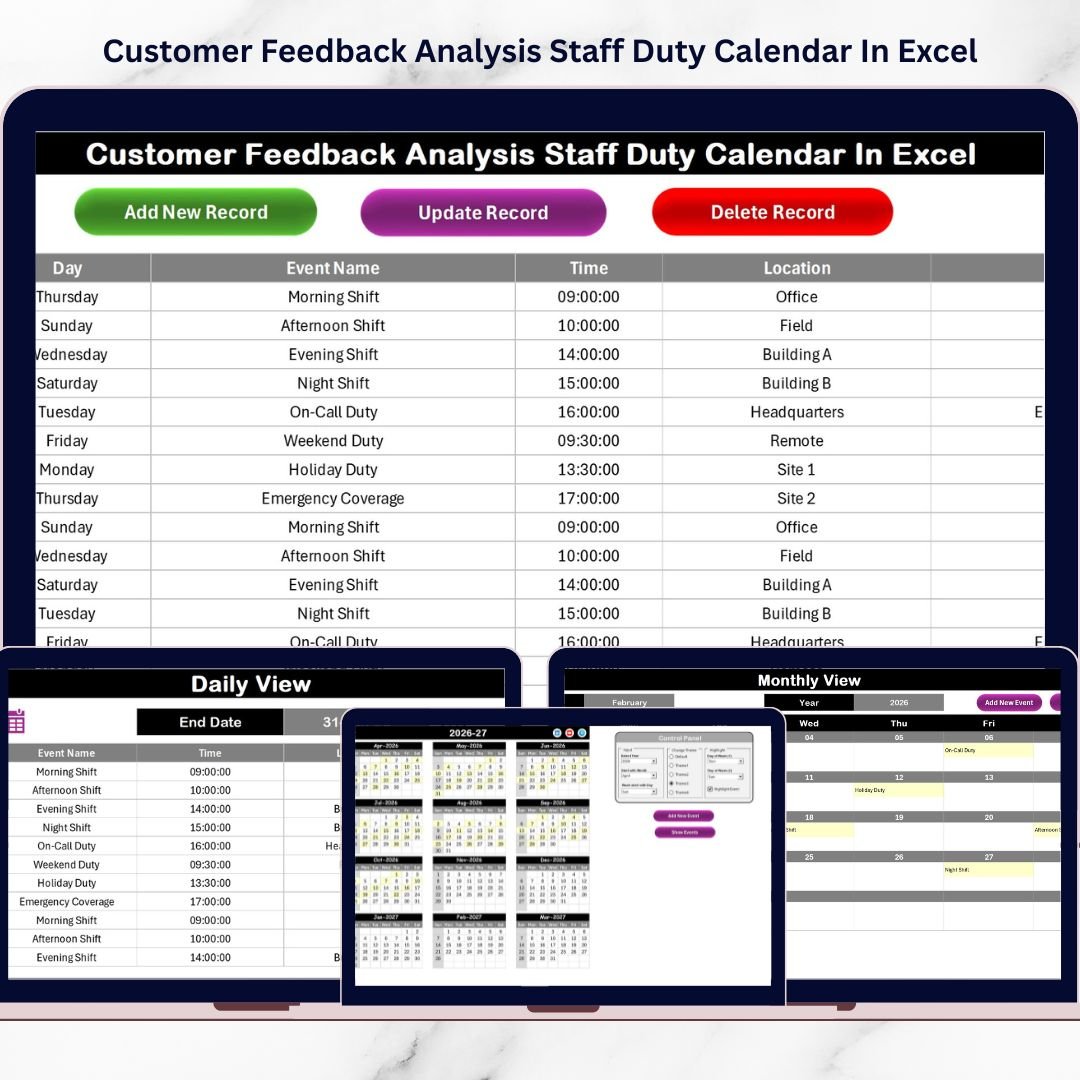
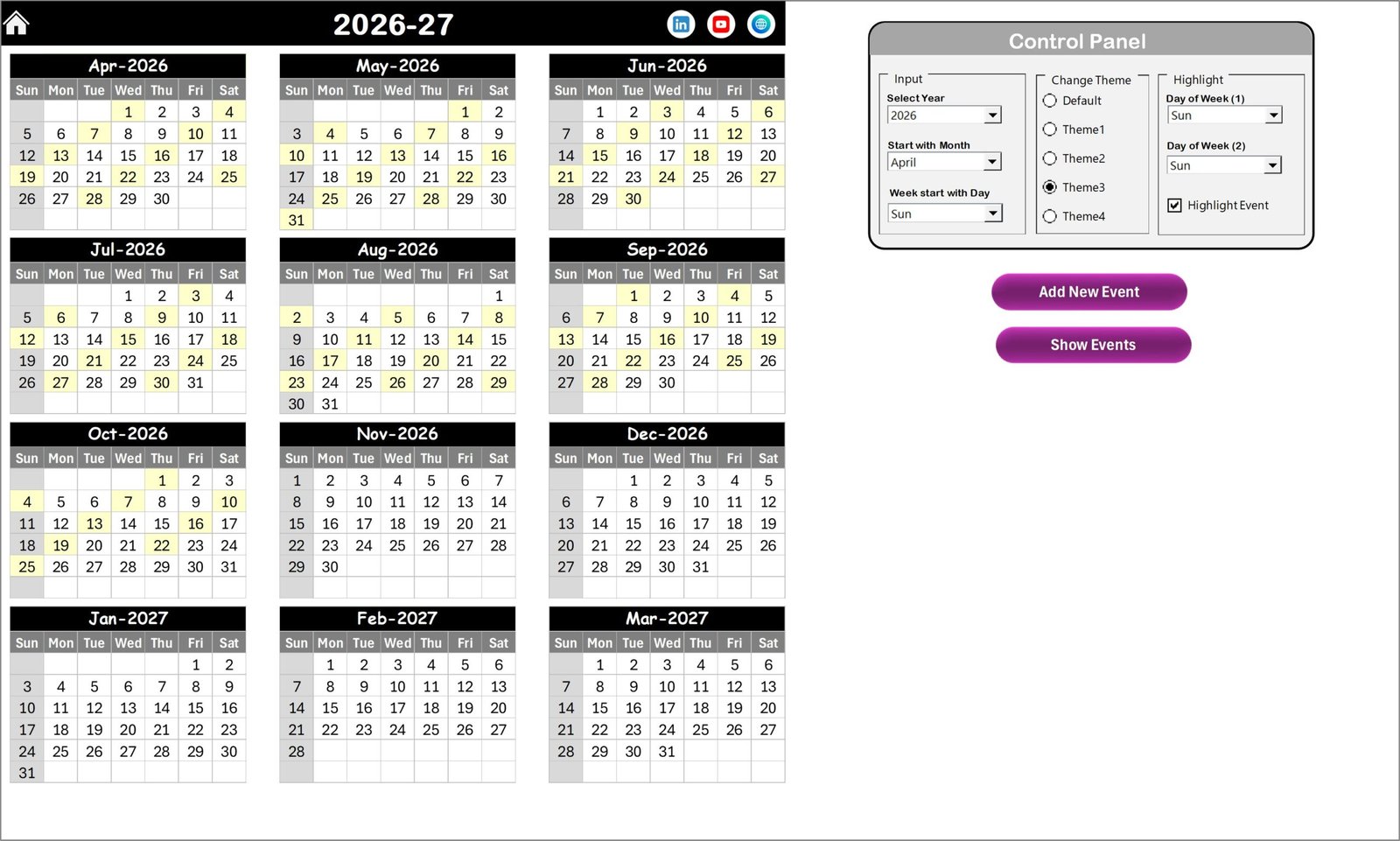
The template includes Annual, Monthly, and Daily calendar views, allowing teams to manage long-term planning as well as daily activities efficiently.
🏠 User-Friendly Home Navigation
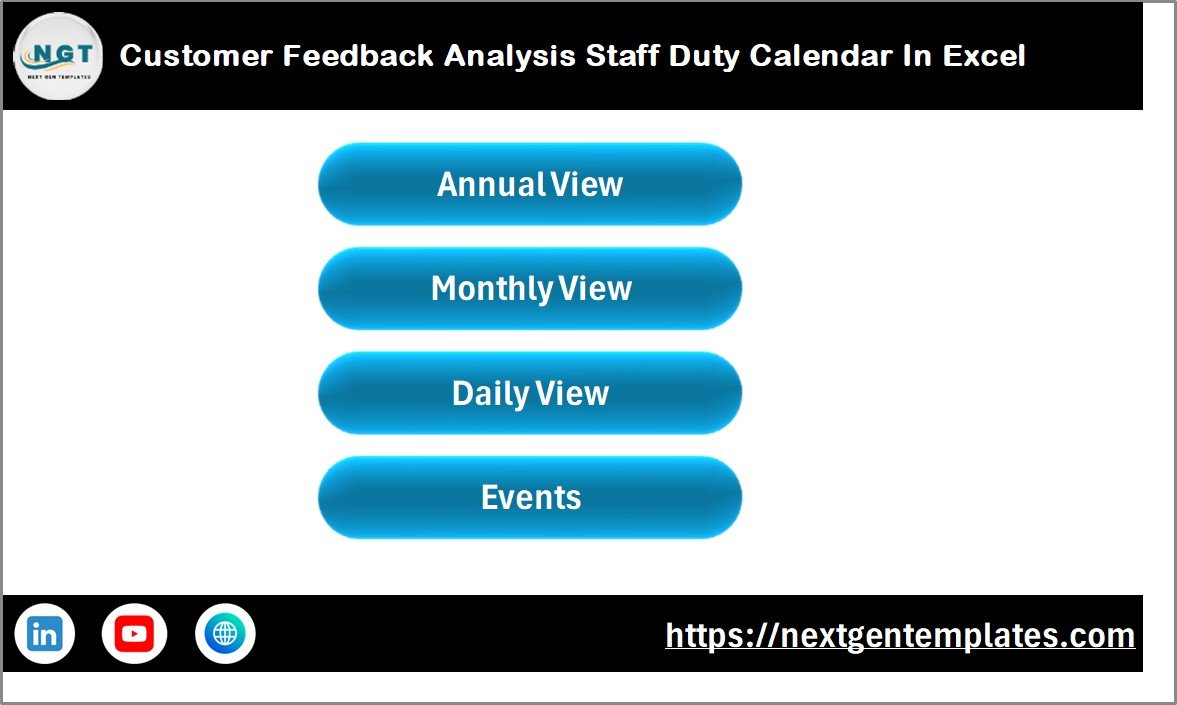
The Home sheet acts as a central dashboard where users can jump directly to different sections such as Annual View, Monthly View, Daily View, and Events.
⚙ Smart Calendar Control Panel
Users can easily customize the calendar by selecting the year, choosing the starting month, and defining the starting day of the week.
🎨 Five Color Themes
The template includes five built-in themes, allowing organizations to customize the appearance of the calendar according to their preferences.
📌 Highlight Important Days
Users can highlight weekends, specific weekdays, or event dates to ensure that important meetings and feedback reviews are easily visible.
➕ Quick Event Creation
The Add New Event feature allows managers to schedule meetings, feedback review sessions, and staff duties in seconds.
🔎 Instant Event Lookup
The Show Event button allows users to quickly check scheduled activities for any selected date.
📊 Centralized Event Database
All events are stored in a structured database sheet, making it easy to manage and update event records.
📦 What’s Inside the Customer Feedback Analysis Staff Duty Calendar in Excel
This template includes 5 powerful worksheets that help organizations manage feedback analysis scheduling.
Home Sheet
Acts as the navigation center with buttons that allow users to quickly switch between calendar views.
Annual View Sheet
Displays all twelve months of the year, helping managers plan staff duties and feedback review activities for the entire year.
Monthly View Sheet
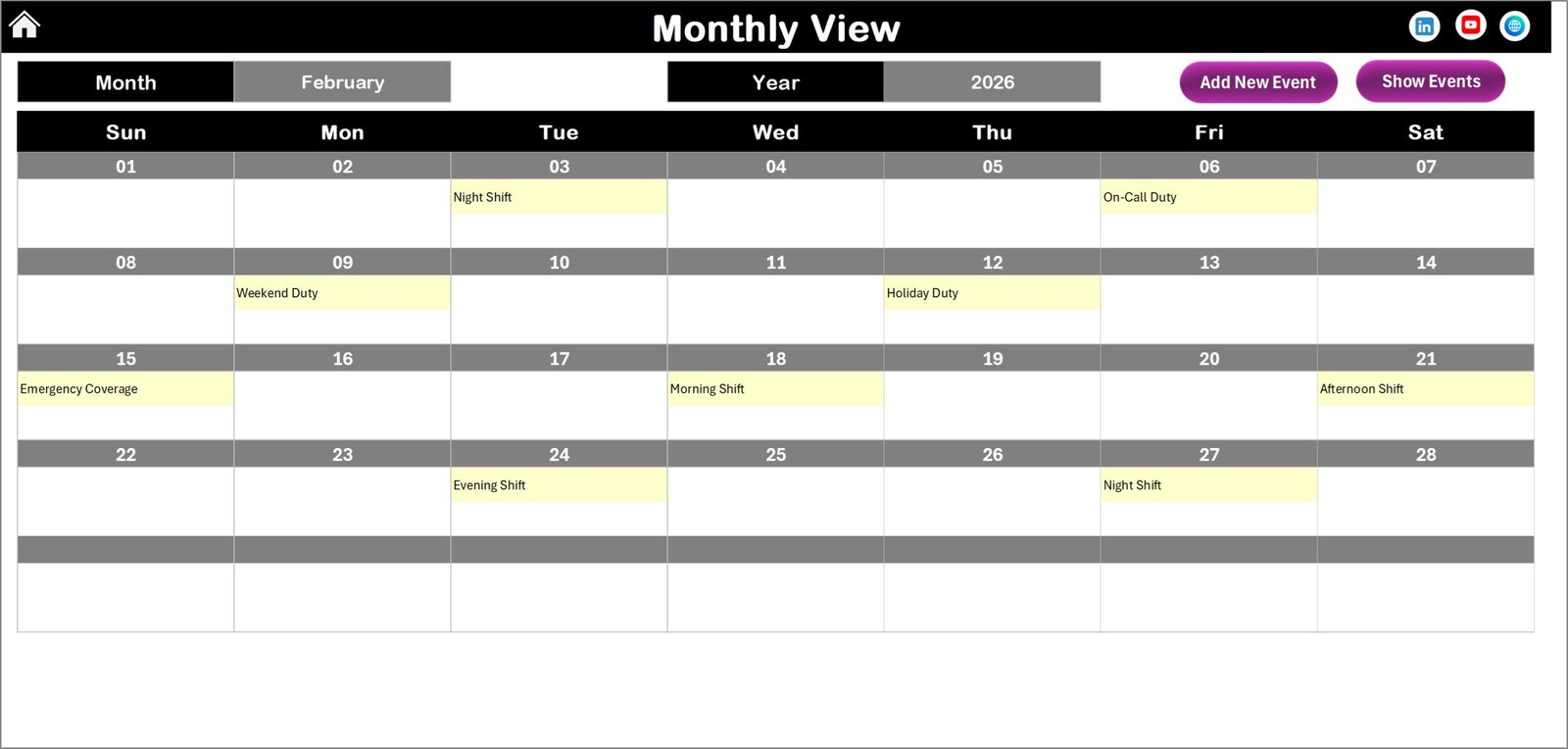
Shows a detailed calendar for the selected month. Users can easily manage feedback meetings and team duties for that specific period.
Daily View Sheet
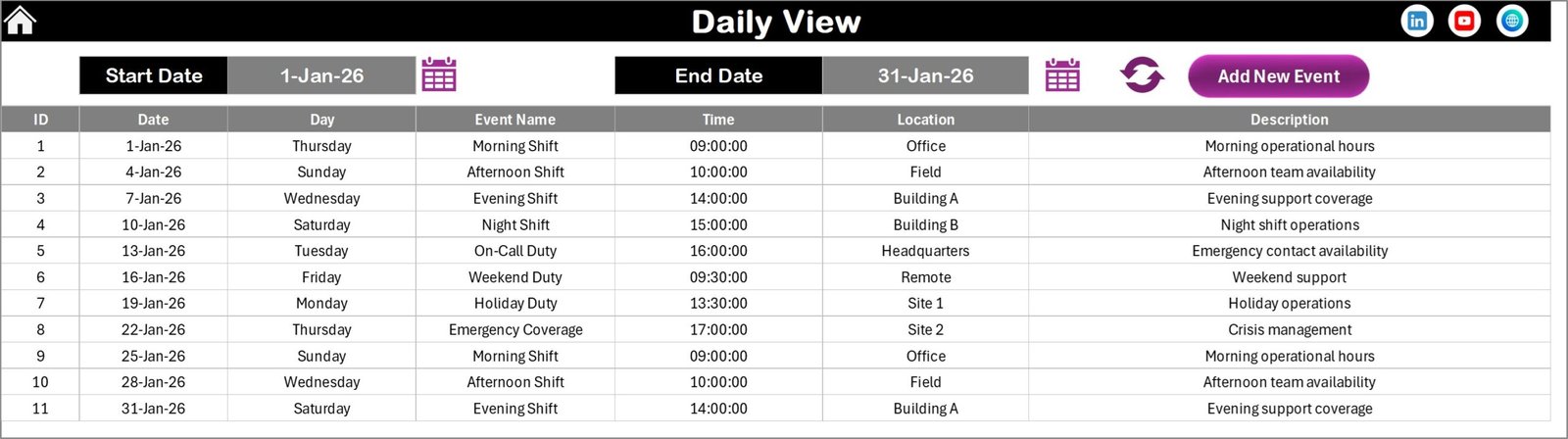
Displays a list of events within a selected date range. This helps managers track upcoming meetings, complaint investigations, and feedback analysis sessions.
Events Sheet (Database)
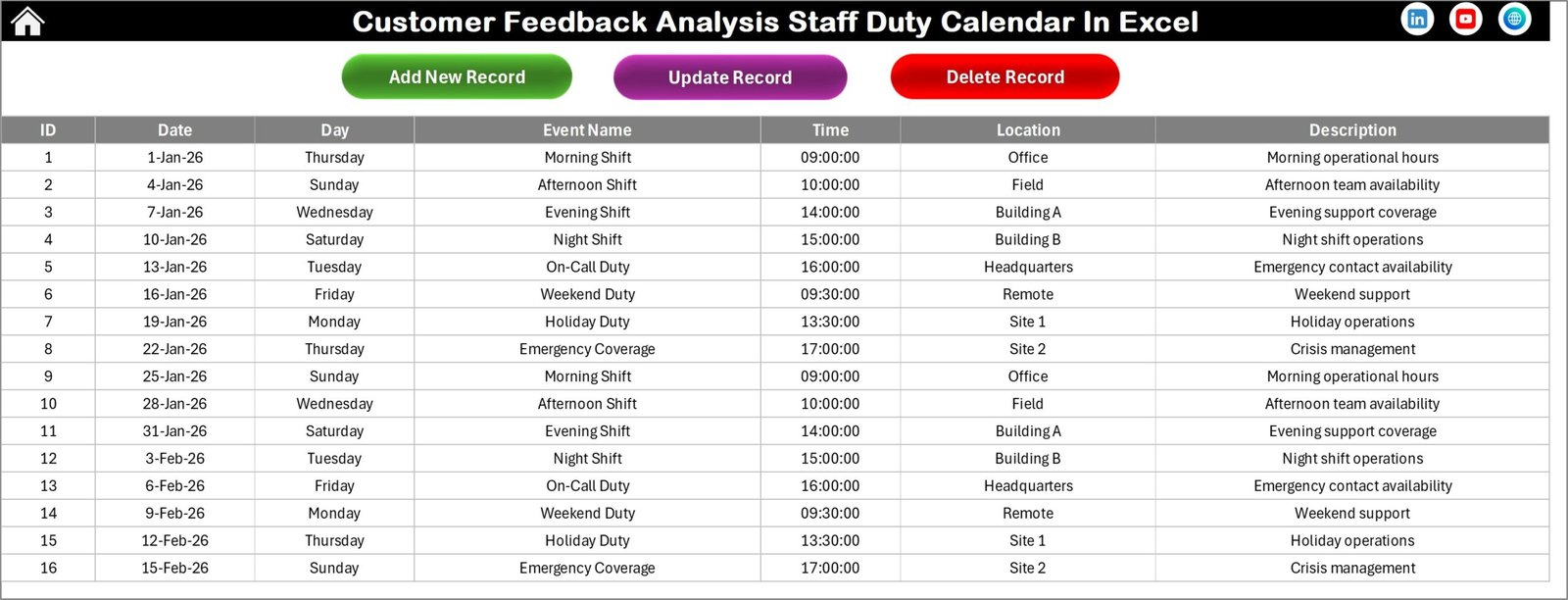
Stores all event records including ID, date, day, event name, time, location, and description. This acts as the central database for the entire calendar system.
⚡ How to Use the Customer Feedback Analysis Staff Duty Calendar in Excel
Using this template is very simple and requires only a few steps.
Step 1 – Open the Template
Start by opening the Excel workbook and navigating to the Home sheet.
Step 2 – Set Calendar Preferences
Go to the Annual View sheet and choose the required year, starting month, and starting weekday from the control panel.
Step 3 – Add Events
Select a date and click the Add New Event button to enter event details such as meeting name, time, location, and description.
Step 4 – Monitor Events
Use the Show Event feature to view scheduled activities for any selected date.
Step 5 – Manage Event Records
Update or delete events easily from the Events database sheet.
By following these steps, organizations can organize feedback analysis tasks efficiently.
👥 Who Can Benefit from This Customer Feedback Analysis Staff Duty Calendar
This Excel calendar template is highly valuable for many teams and organizations.
👨💼 Customer Service Teams
Plan complaint investigation meetings and feedback review sessions.
📊 Quality Assurance Managers
Schedule service quality evaluation activities.
🏢 Business Managers
Monitor customer experience improvement initiatives.
☎ Customer Support Teams
Track support review sessions and staff duty assignments.
📈 Operations Managers
Organize team responsibilities and maintain service performance standards.
Any organization that manages customer feedback and service improvement programs can benefit greatly from this template.
Click here to read the Detailed blog post
Watch the step-by-step video tutorial:
Visit our YouTube channel to learn step-by-step video tutorials
Compatibility and Requirements
- Works in Microsoft Excel desktop (Excel 2016 or later, or Microsoft 365).
- The calendar uses Annual, Monthly and Daily views, so Excel’s own training pages are a good place to learn the basics: Excel for Windows training.
Frequently Asked Questions
Which sheets are included?
Five sheets: Home, Annual View, Monthly View, Daily View and Events. The Events sheet is the database that stores every event record.
What details can I save for each event?
Each record has an ID, date, day, event name, time, location and description.
Can I change the year and the first day of the week?
Yes. On the Annual View sheet you choose the year, the starting month and the starting weekday from the control panel.
Can I change the look of the calendar?
Yes. The template has five color themes, and you can highlight weekends, specific weekdays or event dates.
Is there a version for collecting feedback rather than scheduling staff?
Yes. See the Customer Feedback Collection Calendar in Excel.
Related Customer Feedback Templates
- Customer Feedback Collection Calendar in Excel: schedule when feedback is collected
- Customer Feedback Tracker in Excel: log and follow up each feedback item
- Customer Feedback Analysis Dashboard in Excel: a dashboard view of your feedback results
- Customer Feedback Review Checklist in Excel: a checklist for review sessions
- Customer Support Coverage Calendar in Excel: plan support coverage by date
Browse all Excel calendar templates.