



Managing healthcare operations is a complex task. From patient appointments to compliance deadlines, even the smallest missed event can create major setbacks. To bring structure, accountability, and efficiency, we’ve designed the Healthcare Customer Service Sustainability Calendar in Excel—a ready-to-use tool that simplifies healthcare service planning and ensures sustainable operations.Healthcare Customer Service Sustainability Calendar in Excel
This template is not just a static spreadsheet—it’s an interactive calendar system with built-in automation, quick navigation, and an organized event database. Whether you’re a small clinic or a large hospital, this tool makes scheduling smooth and professional.
✨ Key Features of Healthcare Customer Service Sustainability Calendar in Excel
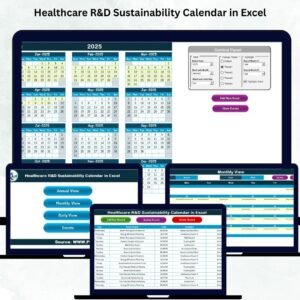
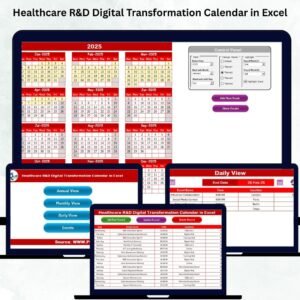
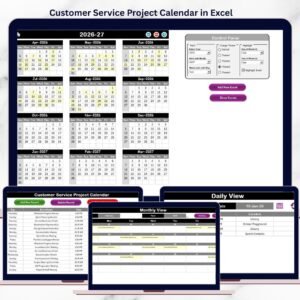
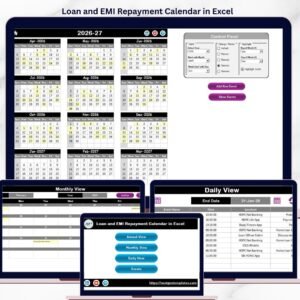
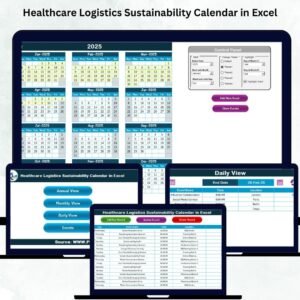
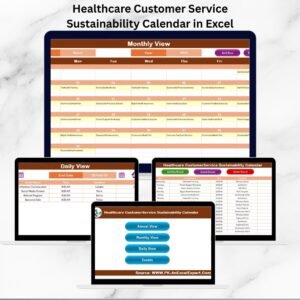
📅 Multi-View Calendar System – Switch effortlessly between Annual, Monthly, and Daily views.
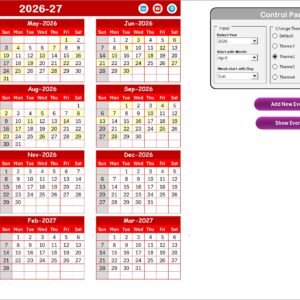
🎛 Control Panel Options – Customize start month, start day of the week, and even pick from multiple color themes.
⚡ Quick Navigation Buttons – Move between views with one click from the Home sheet.
📝 Interactive Event Forms – Add, update, and delete events with built-in buttons.
🎯 Highlight Options – Mark weekends, holidays, or key events for better visibility.
🏥 Centralized Event Database – Store all event details in a structured table, ensuring accountability and easy tracking.
🔄 Scalability – Works for both small healthcare practices and large multi-department hospitals.

📂 What’s Inside the Healthcare Calendar
This Excel template includes five professionally designed worksheets:
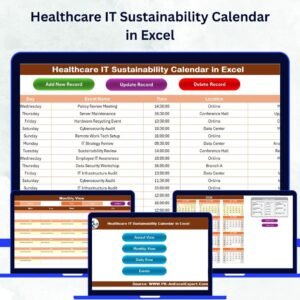
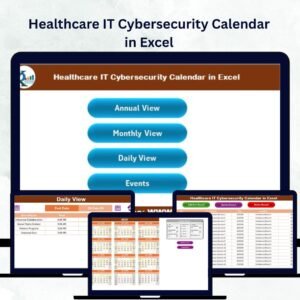
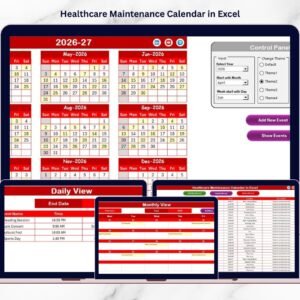
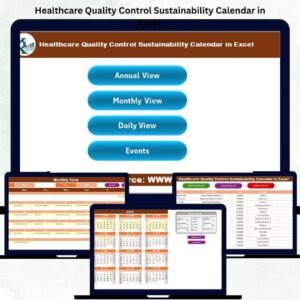
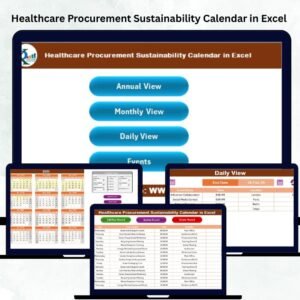
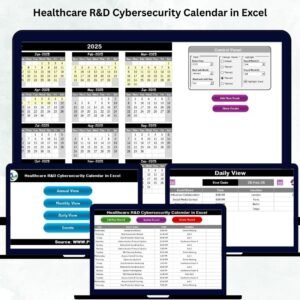
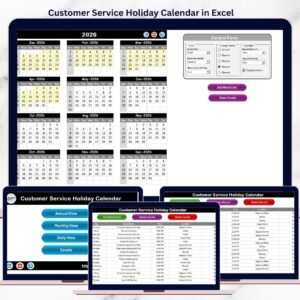
Home Sheet Tab – An index page with navigation buttons to Annual, Monthly, Daily, and Events sheets.
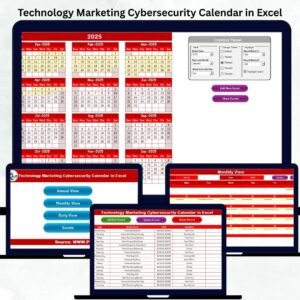
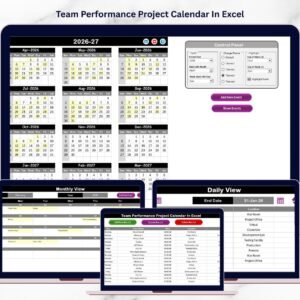
Annual View Tab – Displays all 12 months with a control panel for year, themes, and highlighting important days.
Monthly View Tab – Focuses on one month at a time, allowing quick scheduling and visibility of patient appointments or audits.
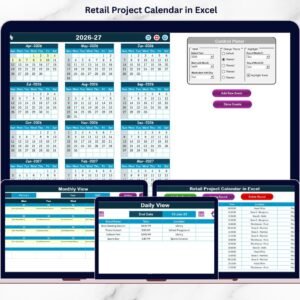
Daily View Tab – Enables staff to track events within a date range, ensuring no daily tasks are missed.
Events Sheet Tab – A robust event database where all records are stored with ID, Date, Event Name, Time, Location, and Description.
This structured design transforms ordinary scheduling into a complete healthcare service management system.
🛠 How to Use the Healthcare Calendar
Download & Open – Simply open the Excel file, no advanced skills required.
Start from the Home Sheet – Use the navigation buttons to jump to any section.
Set Preferences –Healthcare Customer Service Sustainability Calendar in Excel
Add Events Easily – Use the built-in “Add New Event” buttons to enter details.
Track Daily Operations – Switch to the Daily View for frontline staff to stay updated.
Maintain Accuracy – Use the centralized Events database to keep all records organized.
Within minutes, your healthcare team can begin working with a professional calendar system built in Excel.
👩⚕️ Who Can Benefit from This Healthcare Calendar?
🏥 Hospitals & Clinics – Manage patient appointments, staff rotations, and compliance audits.
👨⚕️ Doctors & Specialists – Keep track of consultations, therapy sessions, and follow-ups.
👩⚕️ Customer Service Teams – Ensure timely patient communication, surveys, and awareness campaigns.
🧑💼 Healthcare Administrators – Visualize workload, plan in advance, and monitor service delivery.
📊 Quality & Compliance Officers – Track audit schedules, certifications, and mandatory checks.
This calendar makesHealthcare Customer Service Sustainability Calendar in Excel healthcare service delivery timely, transparent, and sustainable.
🚀 Why Choose This Calendar?
Unlike basic spreadsheets, this tool combines automation + flexibility. With features like automated highlighting, quick forms, and theme customization, it saves hours of manual effort while improving service quality. By aligning operations with sustainability, it ensures healthcare teams deliver consistent, patient-focused care.
Click here to read the Detailed blog post
Watch the step-by-step video tutorial:
Visit our YouTube channel to learn step-by-step video tutorials
YouTube.com/@PKAnExcelExpert
Compatibility and Requirements
- Works in Microsoft Excel desktop (Excel 2016 or later, or Microsoft 365).
- The Annual, Monthly and Daily views read from the Events sheet. Microsoft explains how to build and read charts and tables in Excel in Excel for Windows training.
Frequently Asked Questions
Which sheets are included?
Five sheets: Home, Annual View, Monthly View, Daily View and Events.
What details can I store for each event?
The Events sheet holds an ID, date, event name, time, location and description for every record.
Can I change the start month and the first day of the week?
Yes. The control panel lets you set the start month and the start day of the week, and pick a color theme.
How do I add, update or delete an event?
Use the built-in event form buttons. They add, update and delete records in the Events sheet.
Is there another healthcare calendar for this team?
Yes. See the Healthcare Customer Service Cybersecurity Calendar in Excel and the Healthcare Customer Service Employee Wellness Calendar in Excel.
Related Healthcare Templates
- Healthcare Customer Service Cybersecurity Calendar in Excel: the same calendar layout for security events
- Healthcare Customer Service Employee Wellness Calendar in Excel: a calendar for staff wellness events
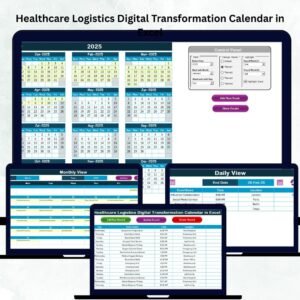
- Healthcare Customer Service Digital Transformation Calendar in Excel: a calendar for digital projects
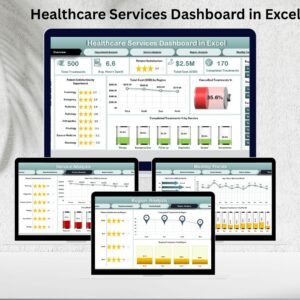
- Healthcare Services Dashboard in Excel: a dashboard view of healthcare services
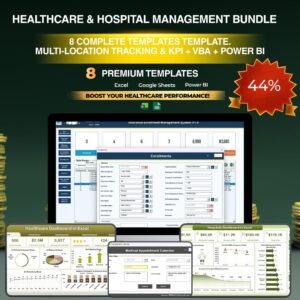
- Healthcare & Hospital Management Bundle: 8 healthcare templates in one download
Browse all Excel calendar templates.


Reviews
There are no reviews yet.