

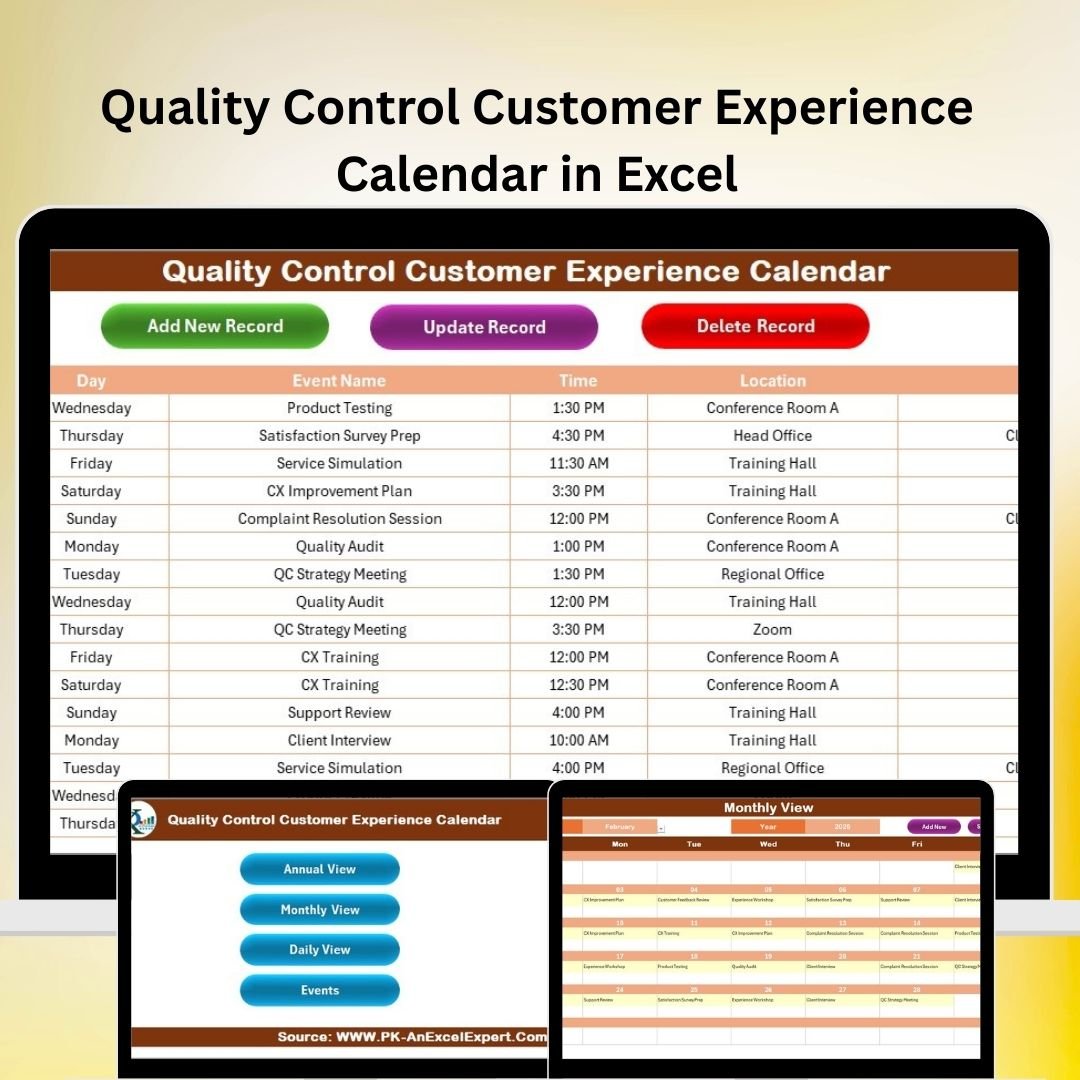
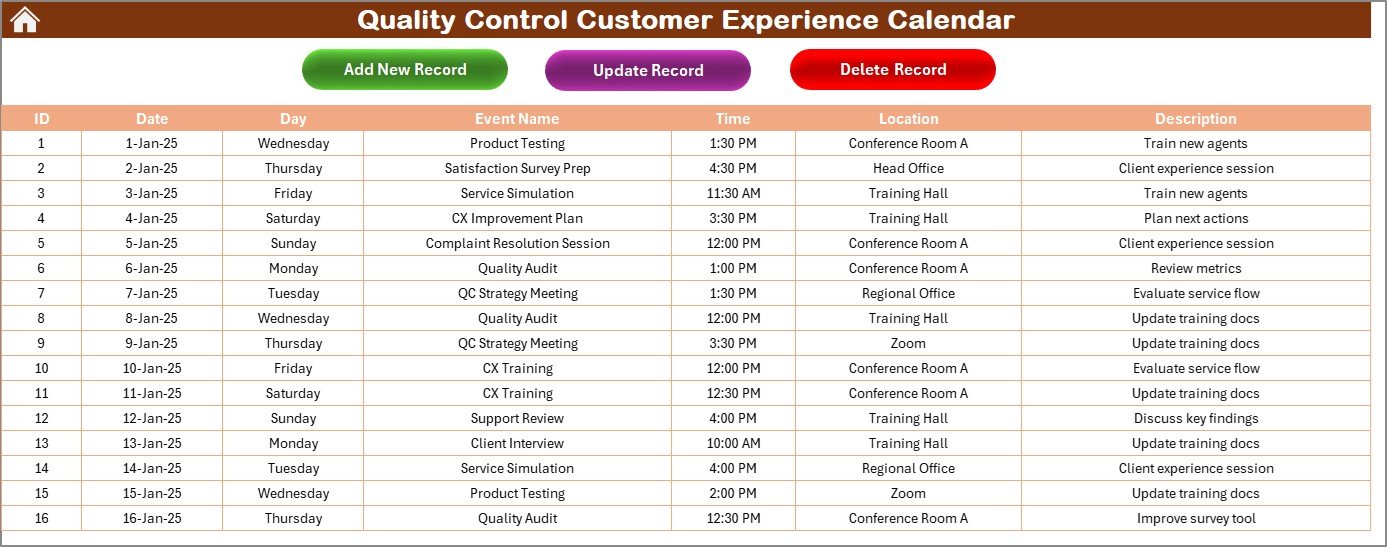

The Quality Control Customer Experience Calendar in Excel is an essential tool for businesses aiming to enhance their customer service and quality control processes. This Excel-based calendar helps businesses track and manage customer experience-related activities, ensuring that quality standards are met at every stage of the customer journey. Whether you’re in retail, hospitality, or any other customer-facing industry, this calendar provides a structured way to plan, monitor, and improve customer interactions.
From service quality checks to customer feedback collection, this calendar ensures that all aspects of customer experience are covered. It allows teams to stay on track with scheduled activities, monitor quality standards, and make adjustments to improve customer satisfaction and service delivery.
Key Features of the Quality Control Customer Experience Calendar in Excel
📅 Customer Experience Planning
Plan and schedule quality control activities related to customer interactions, such as feedback surveys, product checks, or service quality evaluations. Ensure that each step of the customer journey is aligned with your quality standards.
📈 Quality Control Tracking
Track the completion of quality control tasks, including product inspections, customer feedback analysis, and service quality assessments. Stay on top of all scheduled tasks to maintain high-quality customer service.
📊 Feedback Monitoring & Reporting
Monitor customer feedback collected at various touchpoints. Track satisfaction scores, identify recurring issues, and make informed decisions to enhance your customer experience strategy.
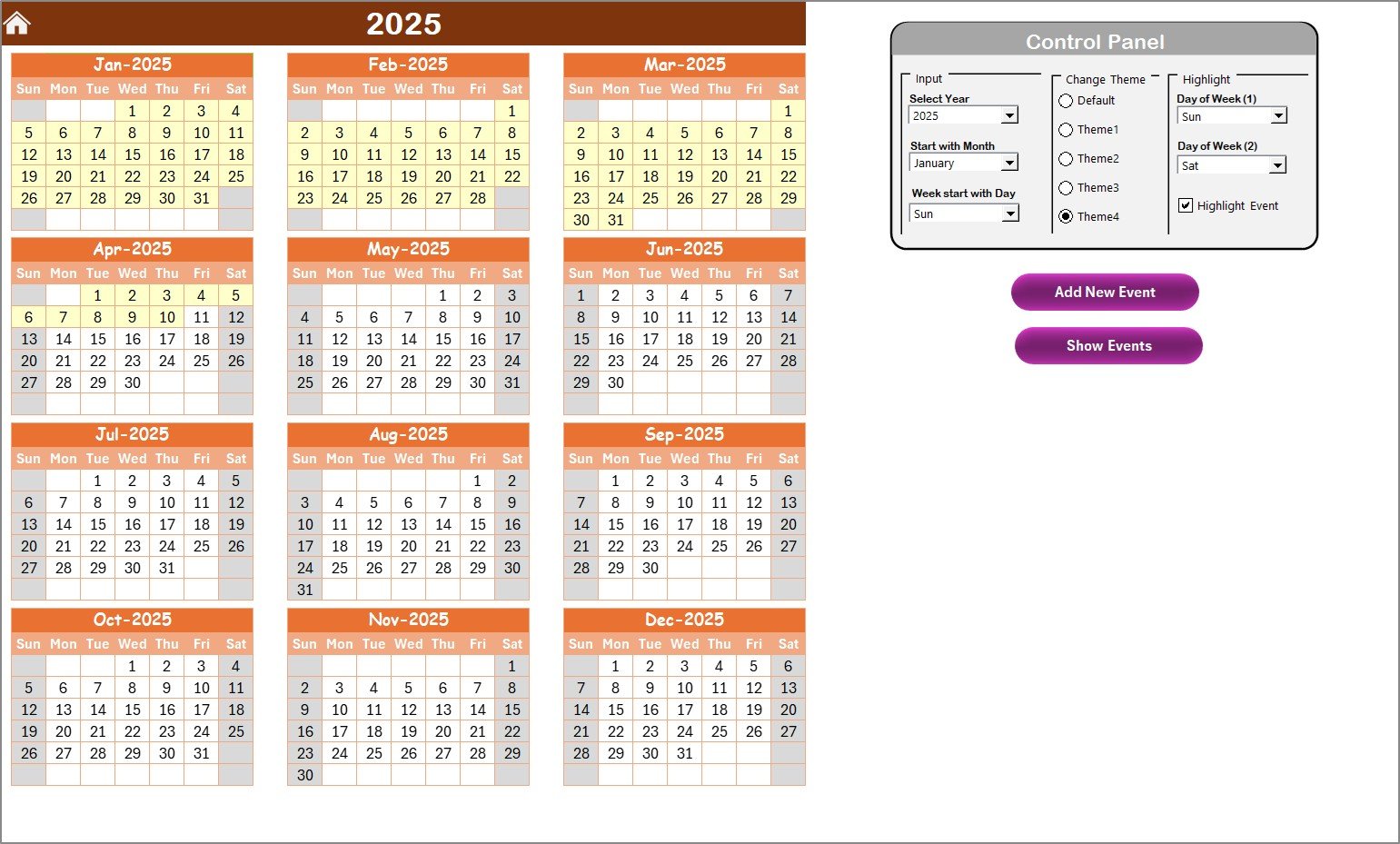
🔑 Customizable Calendar Layout
Customize the calendar to fit your business’s unique needs. Modify the schedule, add specific tasks, and adjust deadlines to ensure that every important aspect of customer experience is covered.
⚙️ Time-Based Task Management
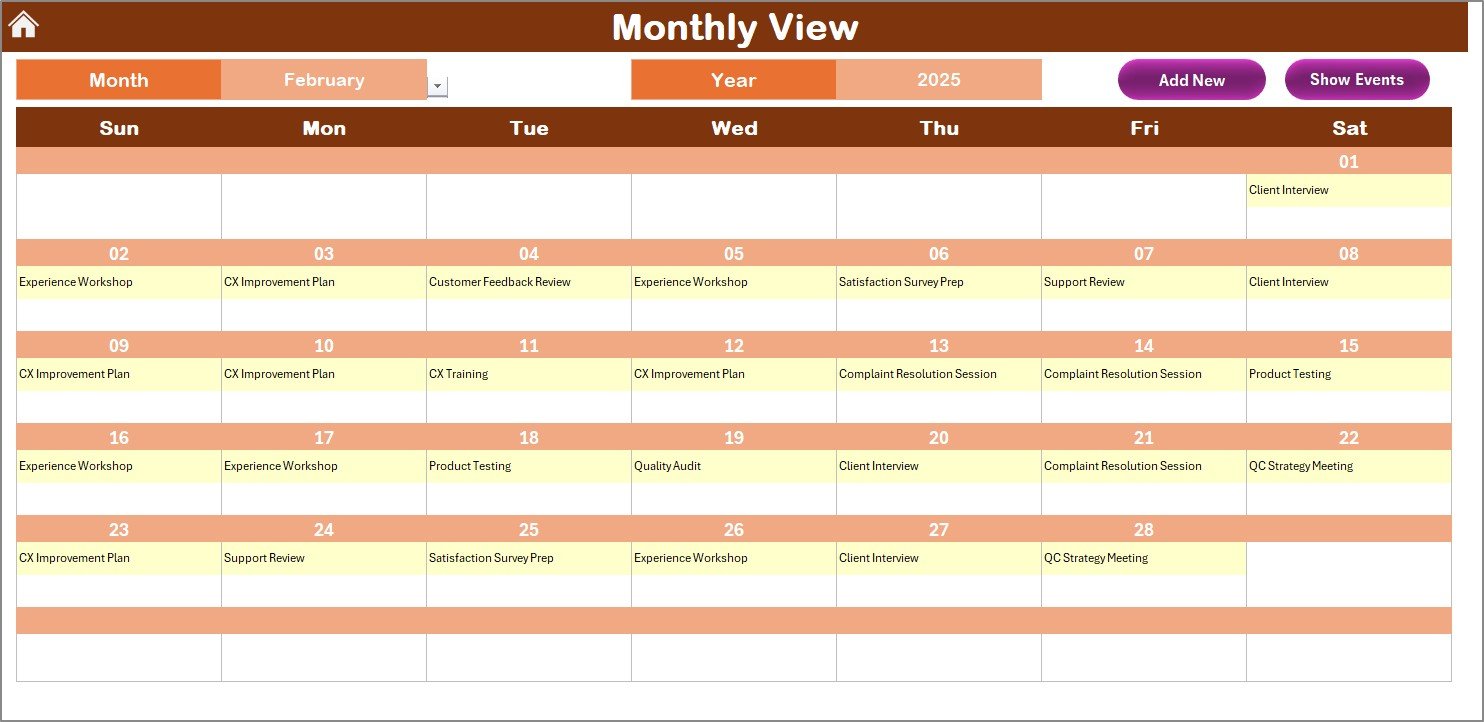
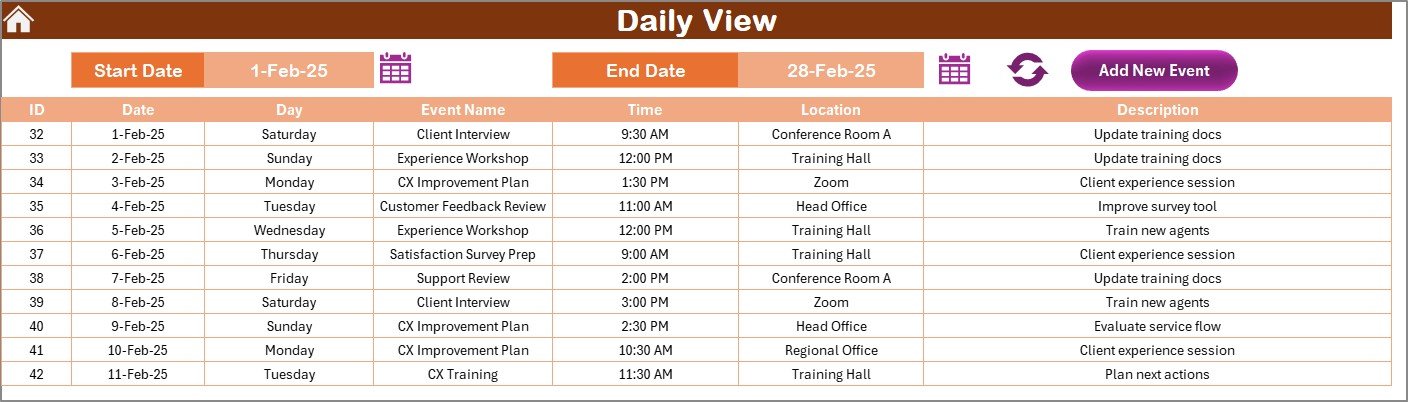
Manage customer experience tasks over different timeframes, whether daily, weekly, or monthly. Use this feature to ensure that quality control activities are consistently executed on time.
📉 Visualized Data & Reporting
Generate easy-to-read reports and visualizations that summarize key customer experience metrics. Share insights with team members or stakeholders to improve the overall quality of service.
Why You’ll Love the Quality Control Customer Experience Calendar in Excel
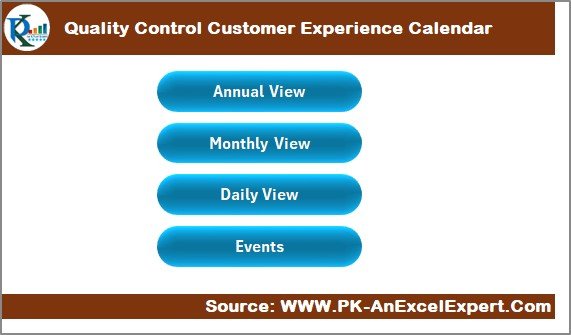
✅ Comprehensive Quality Control Tracking
Track all customer experience-related activities in one place. From feedback collection to product/service checks, ensure that quality control is integrated throughout the customer journey.
✅ Stay Organized & On Schedule
Keep your customer experience efforts organized and on track. The calendar makes it easy to manage and schedule tasks, ensuring no important activity is missed.
✅ Improve Customer Satisfaction
By tracking feedback and quality control tasks, you can identify areas for improvement, address customer concerns promptly, and ensure that your business consistently delivers exceptional service.
✅ Customize to Your Needs
The calendar is fully customizable, allowing you to adjust tasks, deadlines, and schedules based on your business’s requirements and quality standards.
✅ Data-Driven Decision Making
Use insights from tracked data to make informed decisions and improve customer experience strategies. The calendar helps you focus on areas that need attention and drive positive change.
What’s Inside the Quality Control Customer Experience Calendar in Excel?
Customer Experience Planning: Schedule quality control activities and tasks to improve customer service.
Quality Control Tracking: Track completion of quality control tasks like product checks, service evaluations, and more.
Customer Feedback Monitoring: Monitor customer feedback and track satisfaction metrics.
Customizable Calendar: Adjust the calendar to fit your specific business needs and tasks.
Time-Based Management: Manage tasks across various timeframes to ensure timely completion.
Reporting & Data Visualization: Generate reports and visualizations to track customer experience data.
How to Use the Quality Control Customer Experience Calendar in Excel
1️⃣ Download the Template: Instantly access the Quality Control Customer Experience Calendar in Excel.
2️⃣ Plan & Schedule Activities: Input customer experience tasks such as feedback collection, service checks, and product evaluations.
3️⃣ Track Progress: Monitor the completion of quality control tasks to ensure all activities are on track.
4️⃣ Collect & Analyze Feedback: Gather and analyze customer feedback, track satisfaction levels, and identify areas for improvement.
5️⃣ Generate Reports: Use the calendar to generate reports and insights to improve overall customer experience quality.
Who Can Benefit from the Quality Control Customer Experience Calendar in Excel?
🔹 Customer Service Teams
🔹 Quality Control Managers
🔹 Product & Service Managers
🔹 Retail & Hospitality Businesses
🔹 E-commerce & Online Retailers
🔹 Customer Experience Managers
🔹 Business Owners & Operations Managers
Improve your customer experience processes and enhance your quality control efforts with the Quality Control Customer Experience Calendar in Excel. Stay on top of scheduled activities, track customer feedback, and ensure your business delivers exceptional service.
Click here to read the Detailed blog post
Visit our YouTube channel to learn step-by-step video tutorials
Youtube.com/@PKAnExcelExpert

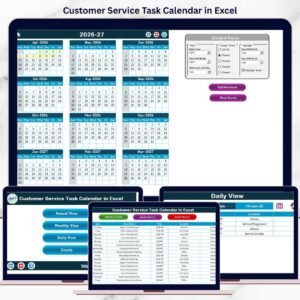








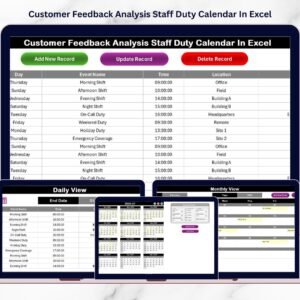


















Reviews
There are no reviews yet.