

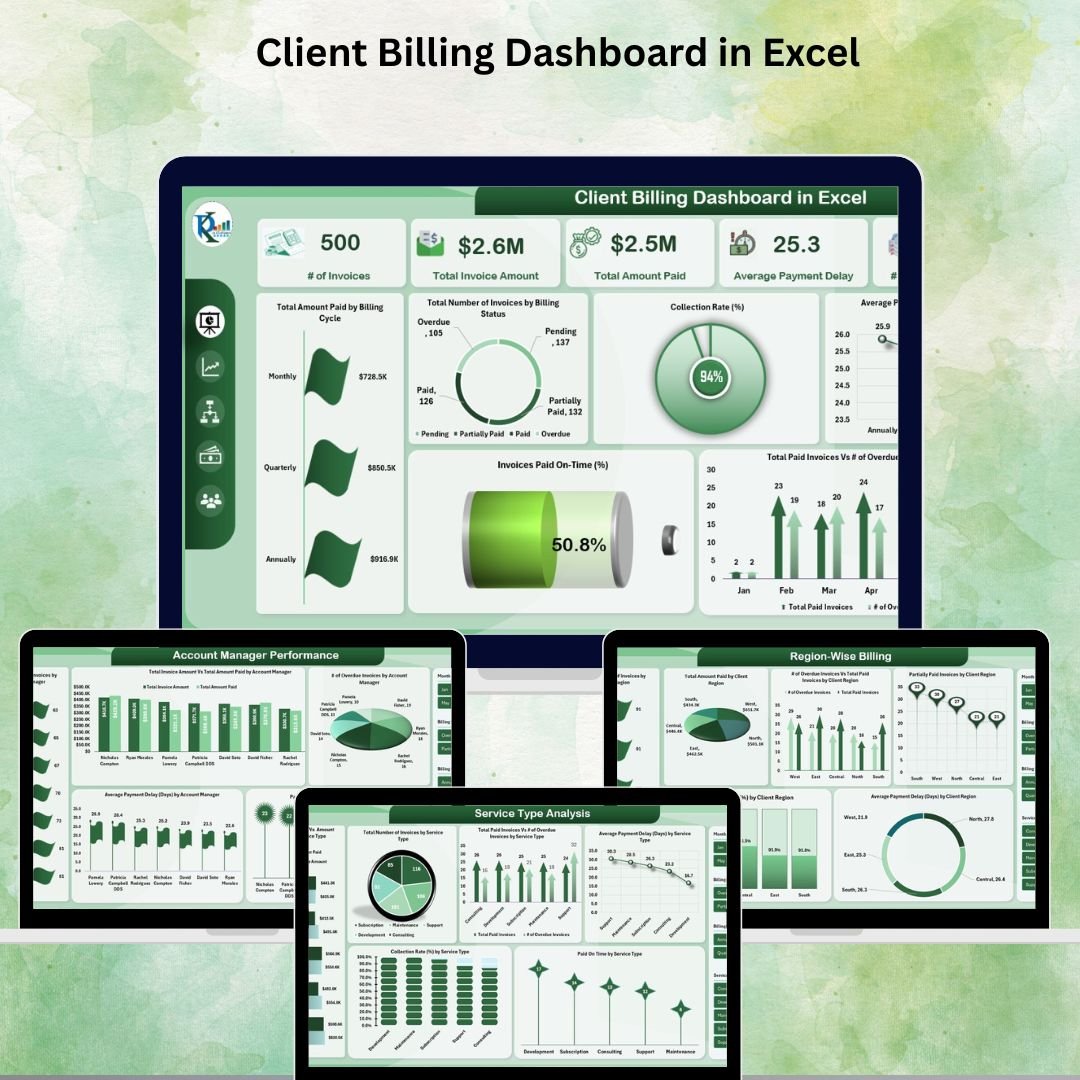



Struggling to manage client invoices and track overdue payments? 💸 Don’t let unpaid bills choke your cash flow — take control with the Client Billing Dashboard in Excel — your all-in-one billing command center! ⚙️📊
This powerful, ready-to-use Excel dashboard helps businesses manage, monitor, and analyze client billing activities in real-time. Whether you’re a small business, freelancer, or finance team, this dashboard provides the clarity and control you need to optimize collections and strengthen cash flow.
📌 Key Features of Client Billing Dashboard in Excel
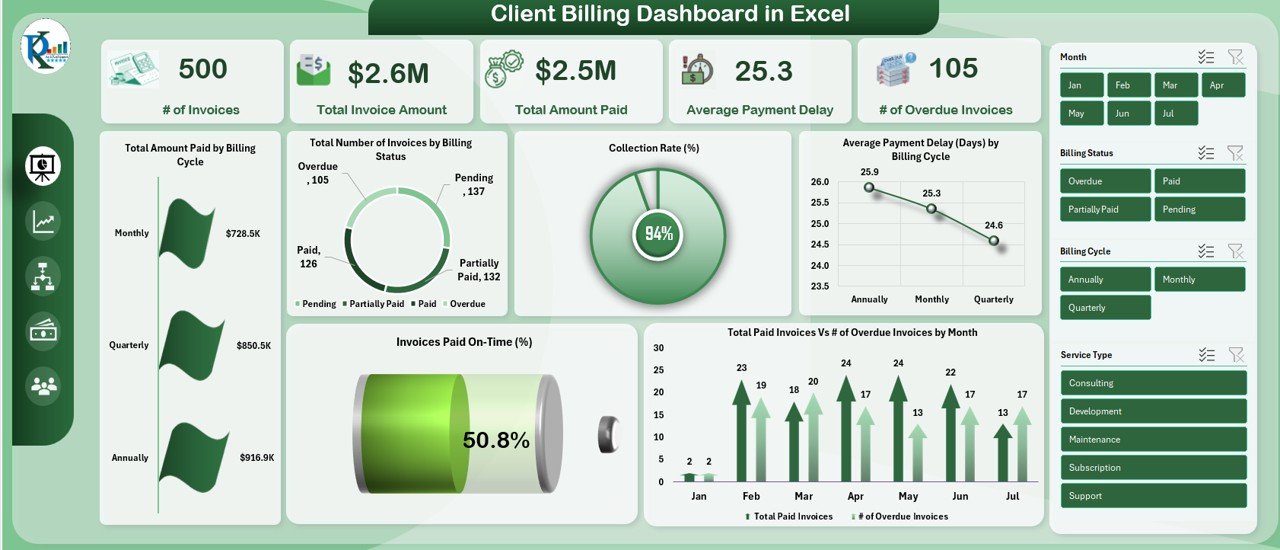
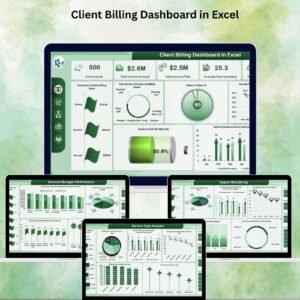
📊 Overview Sheet Tab – Executive Billing Snapshot
Get a high-level view of your billing performance with key metrics and visualizations:
# of Invoices – Total invoices generated
Total Invoice Amount – All client billing summed up
Total Amount Paid – Amounts collected
Avg. Payment Delay (Days) – How long clients take to pay
# of Overdue Invoices – Stay on top of late payments
📈 Charts Include:
Amount Paid by Billing Cycle
Invoices by Billing Status
Average Delay by Cycle
Collection Rate %
Paid On-Time %
Overdue vs Paid Trend by Month
Everything you need to monitor cash flow at a glance! 💼
📊 What’s Inside the Client Billing Dashboard?
You’ll get a structured, multi-tab Excel dashboard that includes:
✅ Overview Tab – Summary metrics, cards & charts
✅ Service Type Analysis – Performance insights per service offered
✅ Account Manager Performance – Track who’s collecting (or not!)
✅ Region-Wise Billing – Spot trends across geographies
✅ Aging & Delay Insights – Focus on top delayed clients
✅ Data Sheet Tab – Centralized place to enter your raw billing data
All formulas and visuals are pre-built and ready to use. Just plug in your data, and you’re good to go. 💯
📋 How to Use the Client Billing Dashboard
🔽 Download and open the Excel file
🧾 Fill in your invoice data in the Data Sheet Tab
📈 Navigate to the Overview Tab for a summary of performance
🔍 Explore each tab (Service Type, Region, Account Manager, etc.) to analyze trends
📤 Update regularly to keep your billing insights current
No complex formulas or coding required! The dashboard is intuitive and Excel-based.
👥 Who Can Benefit from This Dashboard?
💼 Finance Teams & Billing Departments – Centralized tracking of all invoices
💰 Small Business Owners – Better visibility on overdue payments
🧾 Freelancers & Consultants – Manage clients and follow-ups with ease
📍 Regional Sales Teams – Analyze region-wise payment trends
👨💼 Account Managers – Measure performance by payment collections
Whether you’re chasing payments or planning cash flow, this dashboard puts your billing intelligence on full display. 🔍📊
🔗 Click here to read the Detailed blog post
🔗 Visit our YouTube channel to learn step-by-step video tutorials
Watch the step-by-step video tutorial:
Compatibility and Requirements
- Works in Microsoft Excel desktop (Excel 2016 or later, or Microsoft 365).
- The dashboard is built from Excel charts. Microsoft’s guide to creating a chart from start to finish explains how to change chart types and formatting.
Frequently Asked Questions
Which KPIs are on the Overview tab?
Number of invoices, total invoice amount, total amount paid, average payment delay in days and number of overdue invoices.
Which charts does it include?
Amount Paid by Billing Cycle, Invoices by Billing Status, Average Delay by Cycle, Collection Rate %, Paid On-Time % and Overdue vs Paid Trend by Month.
Where do I enter my invoices?
Enter your raw billing data on the Data Sheet tab. The formulas and visuals are pre-built, so the other tabs update from that data.
Can I see results by region or account manager?
Yes. Separate tabs cover Service Type Analysis, Account Manager Performance, Region-Wise Billing and Aging and Delay Insights.
Is there a Power BI or Google Sheets version?
Yes. See the Client Billing Dashboard in Power BI and the Client Billing Dashboard in Google Sheets.
Related Billing Templates
- Client Billing Report in Excel: a printable billing report.
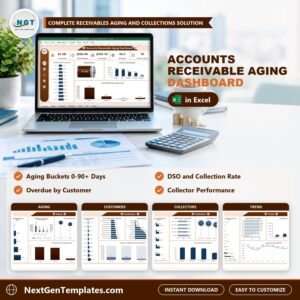
- Accounts Receivable KPI Dashboard in Excel: track receivables across all customers.
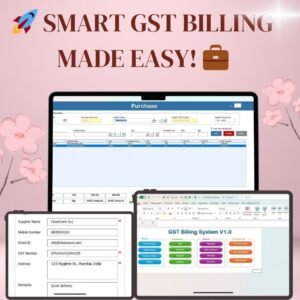
- GST Billing Software V1.0: create invoices with tax in Excel.
- Client Billing and Payment Tracker in Google Sheets
- Finance & Accounting Command Center: 8 finance templates across Excel, Power BI and Google Sheets.
Browse all Excel dashboards or the Excel financial tools.








Reviews
There are no reviews yet.