

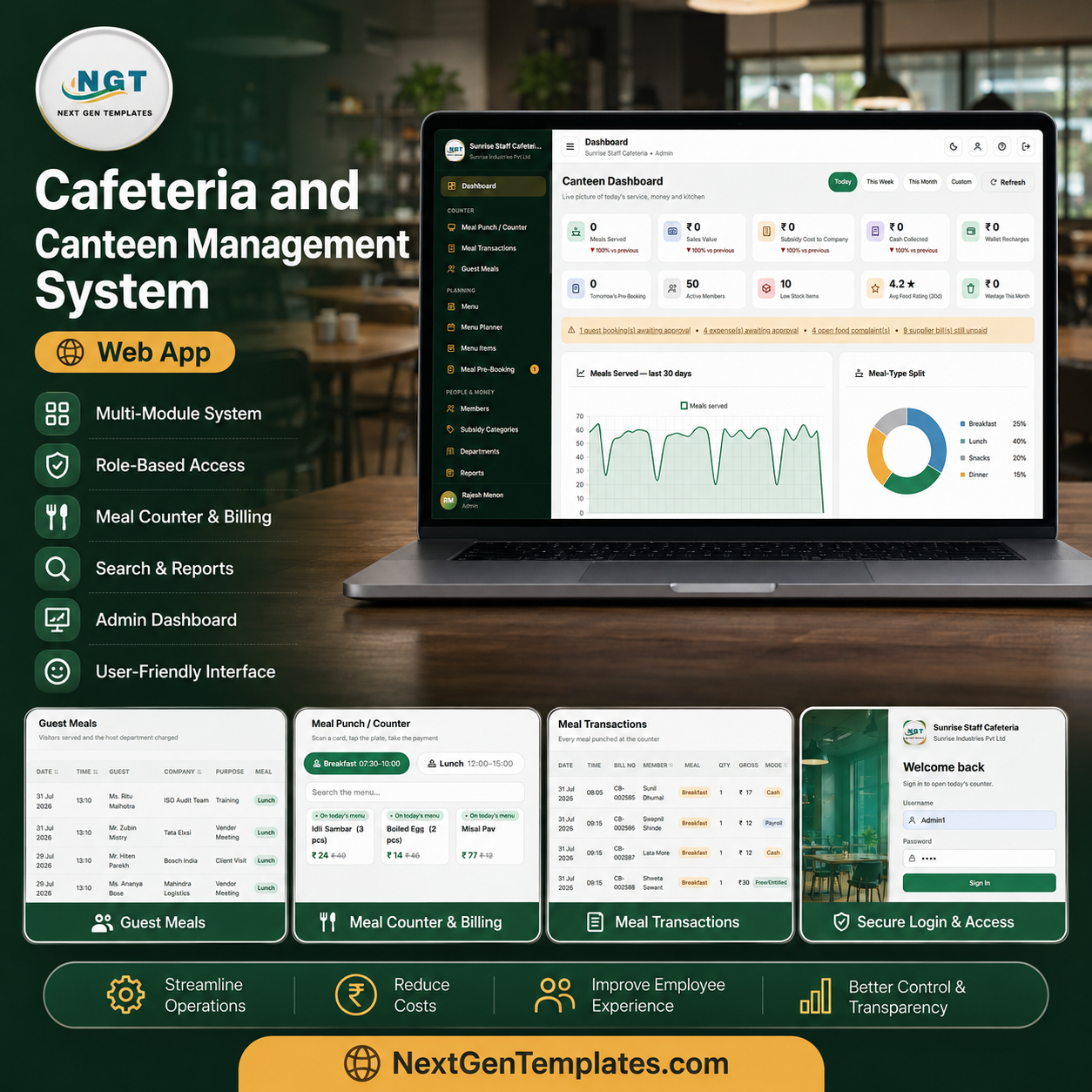
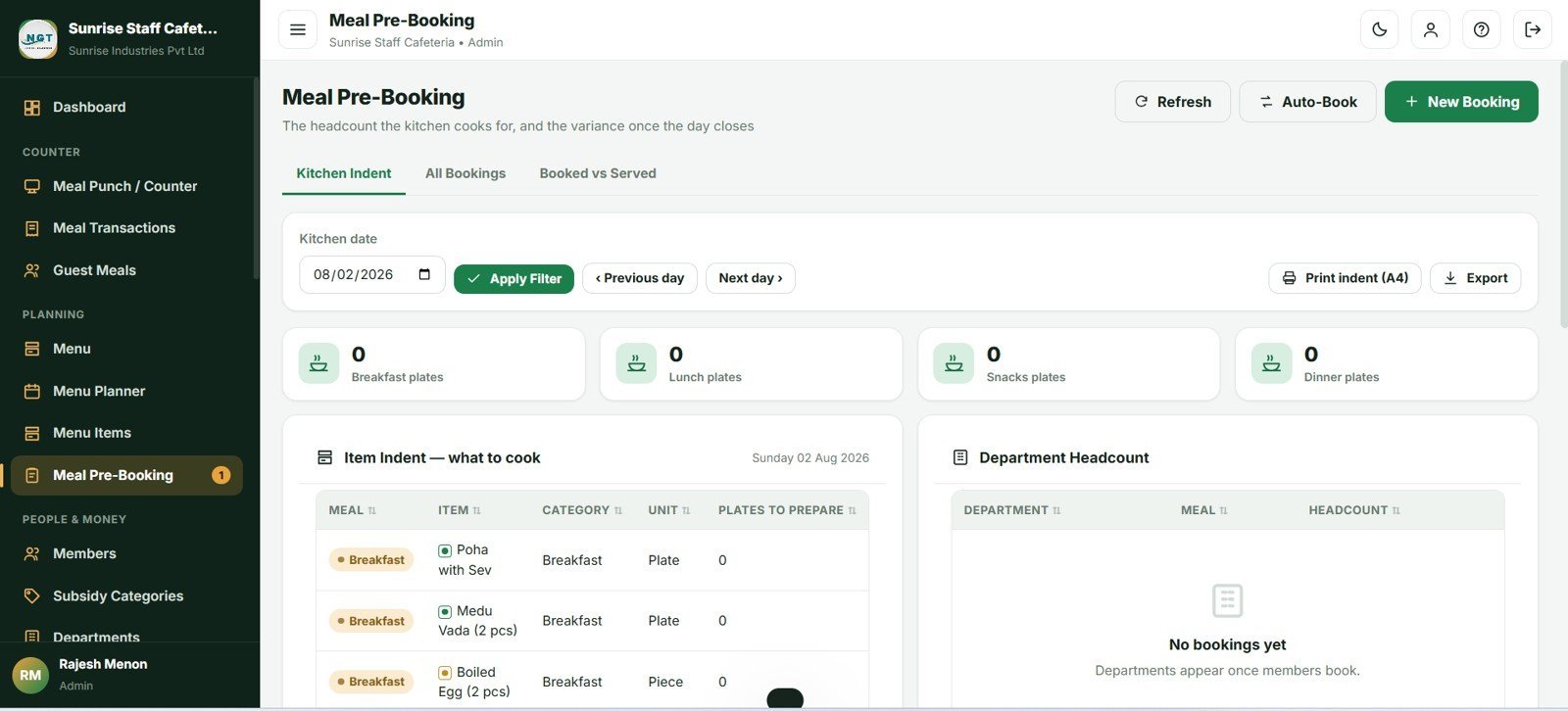
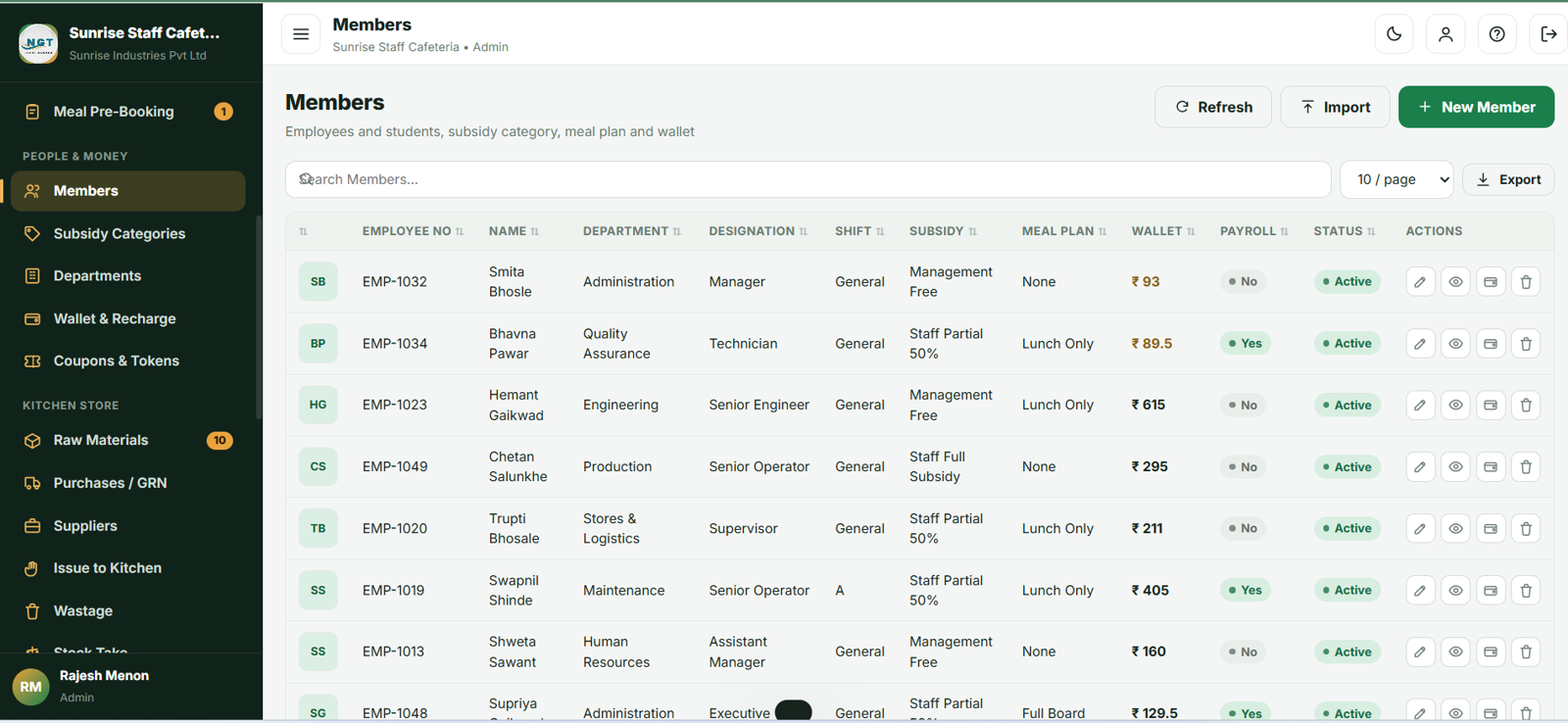
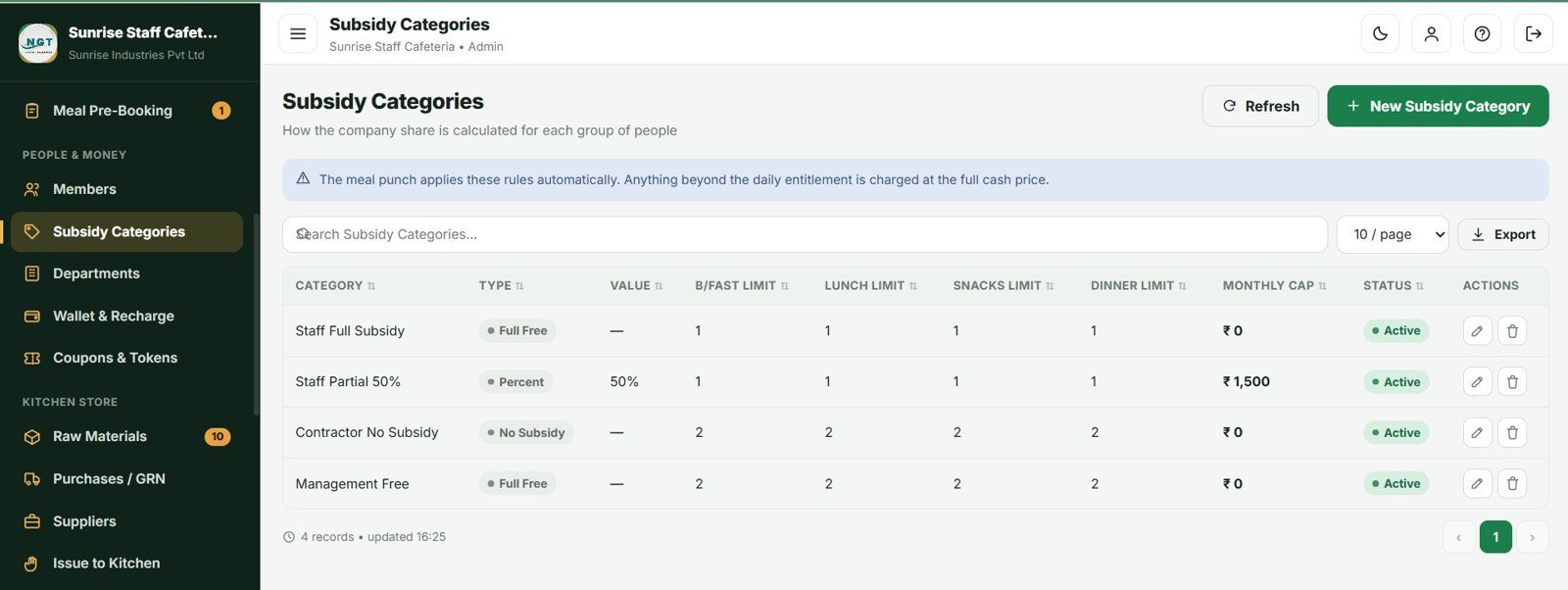
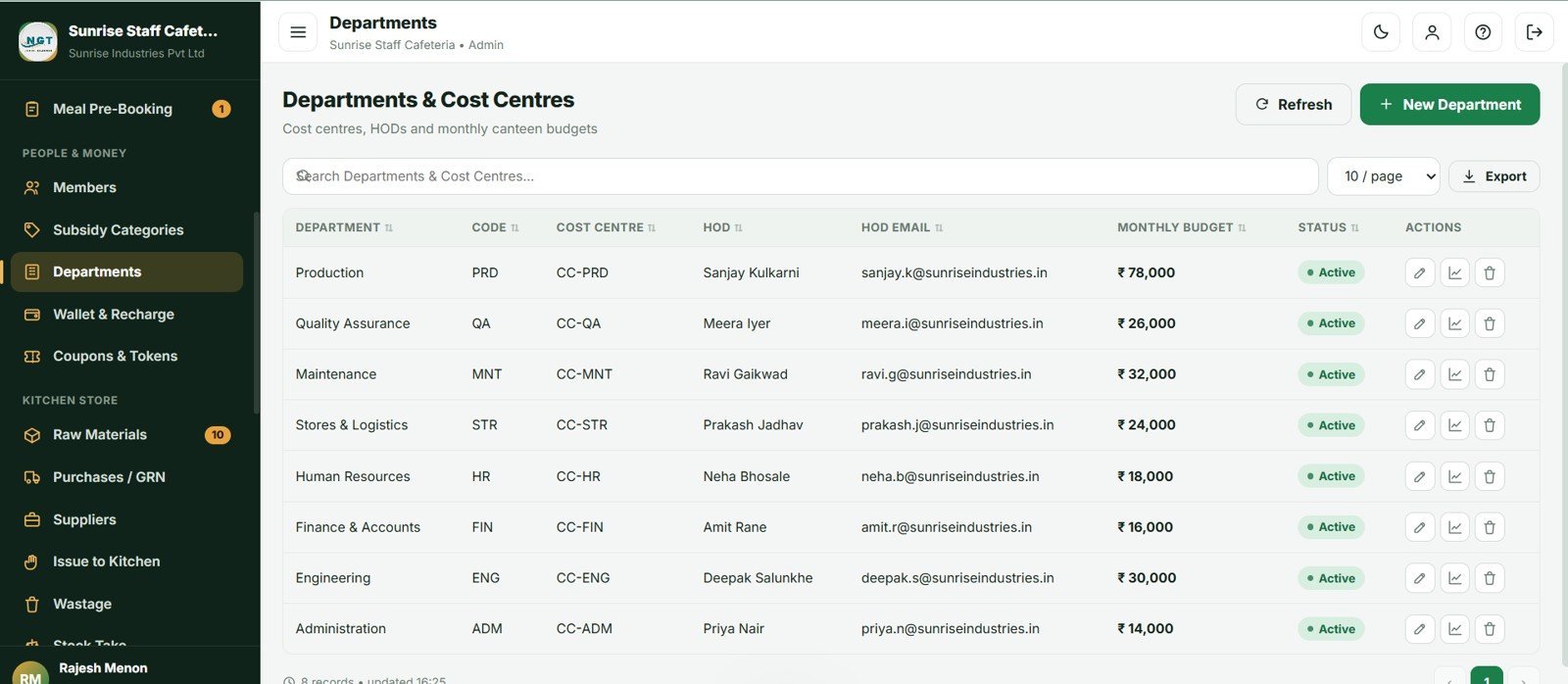
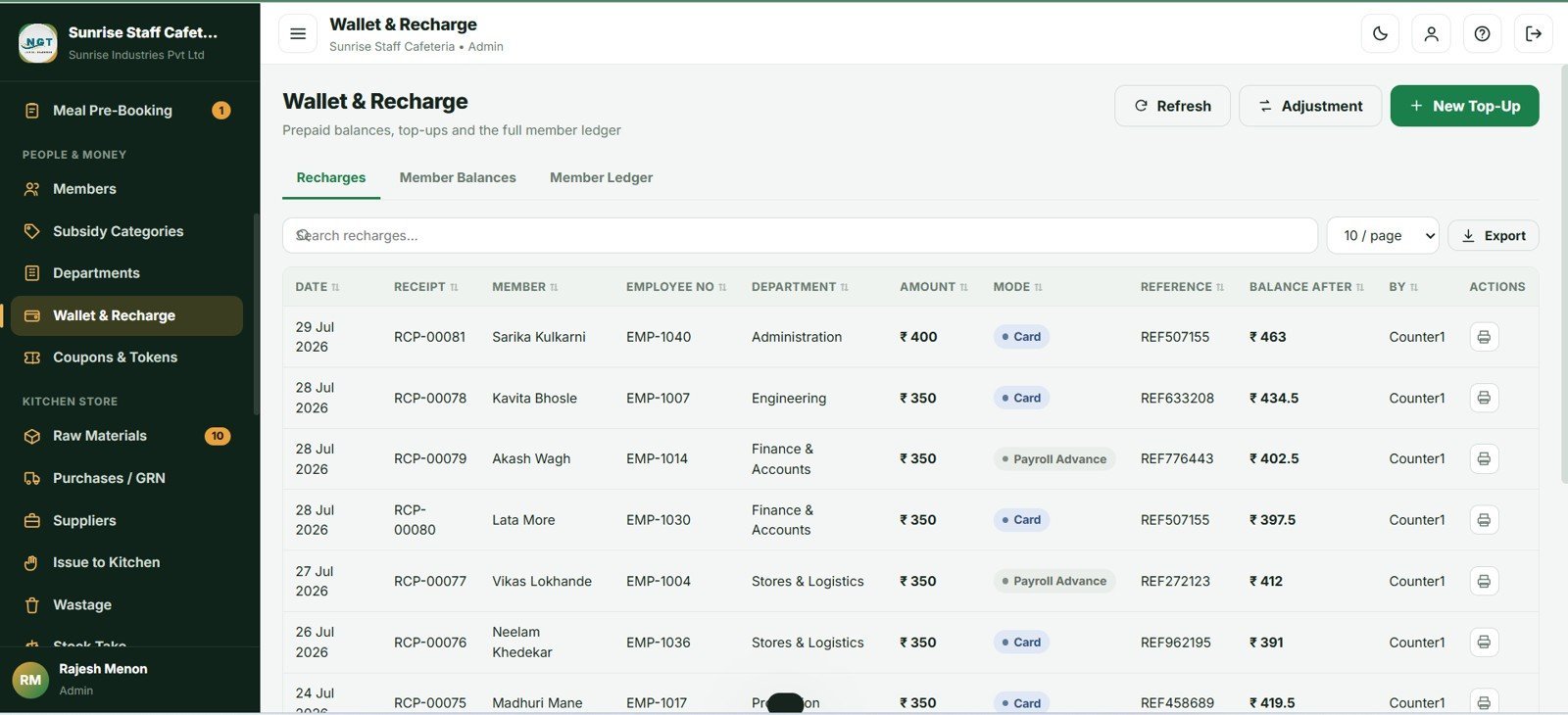
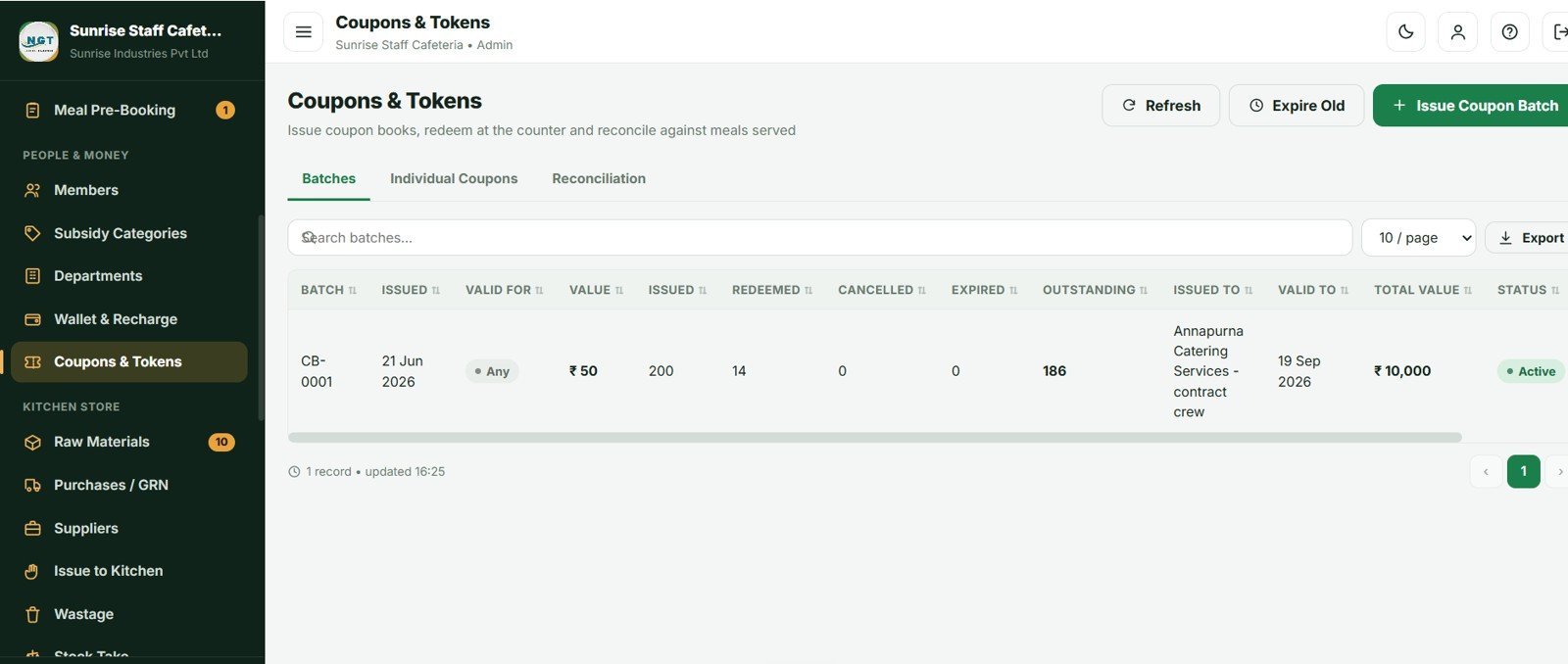
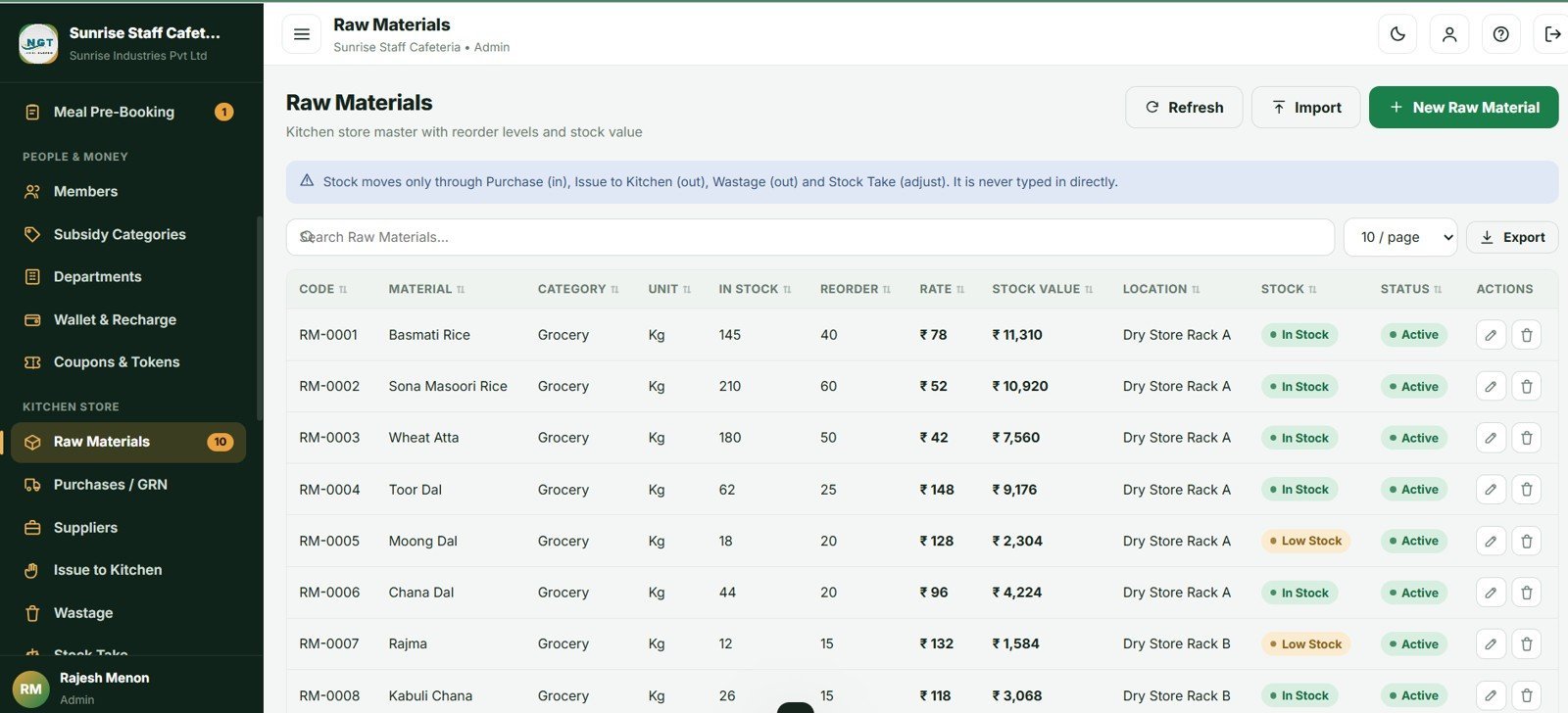
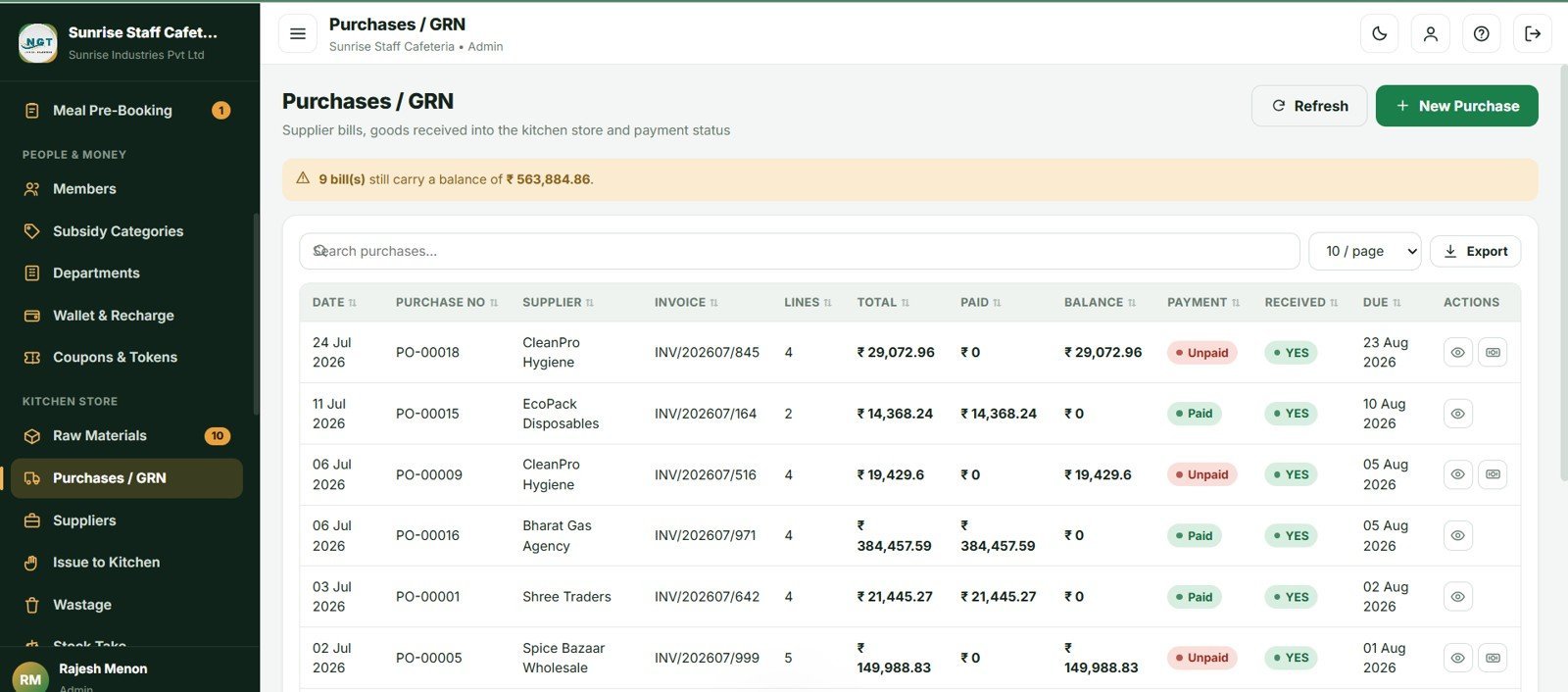
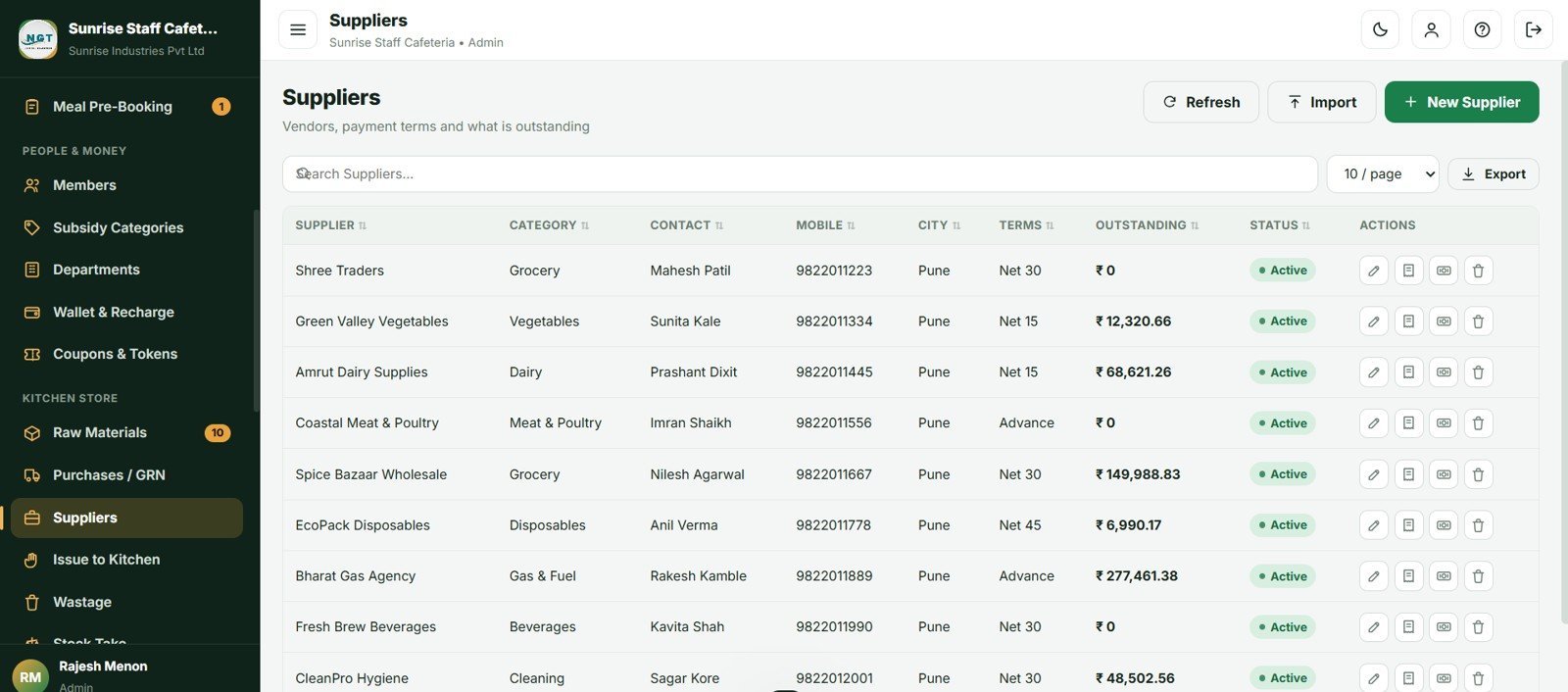
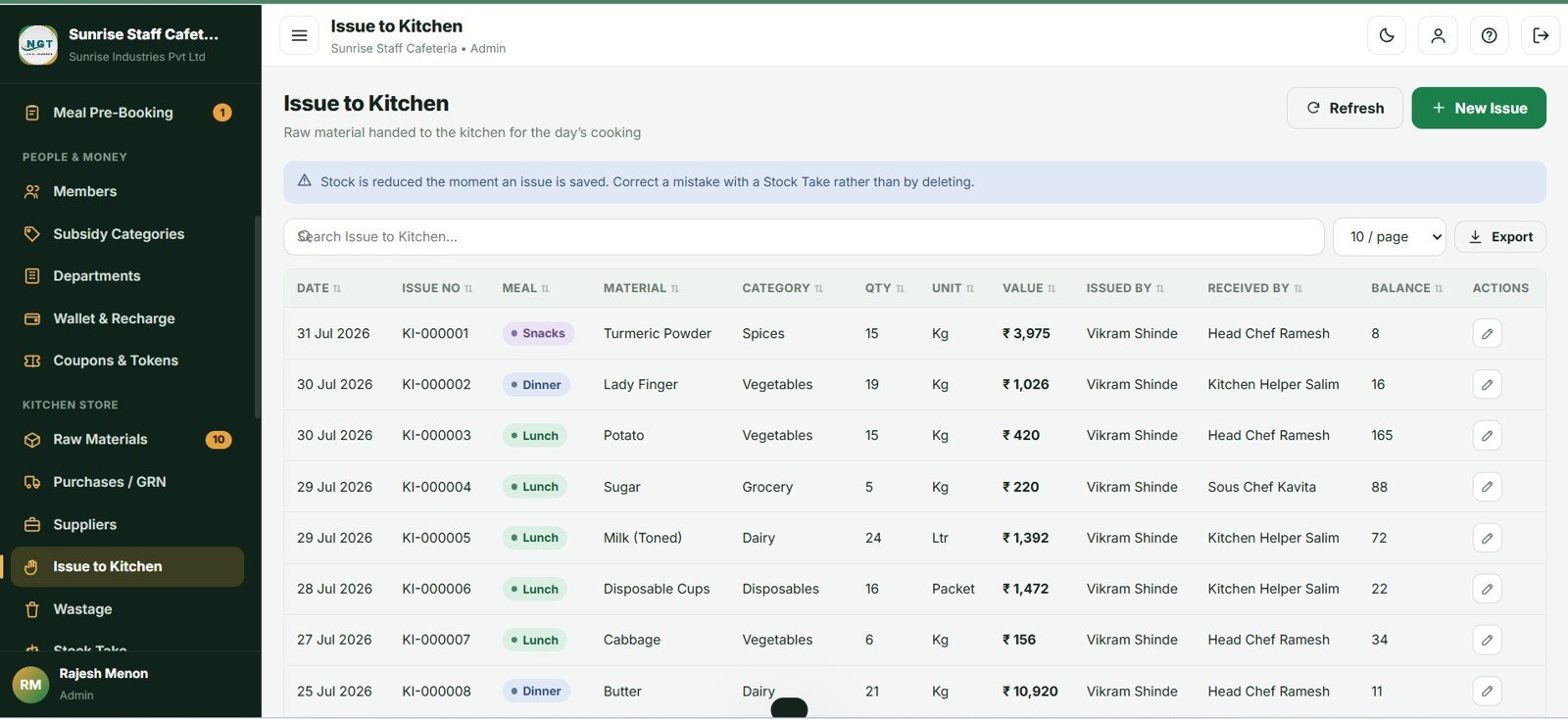
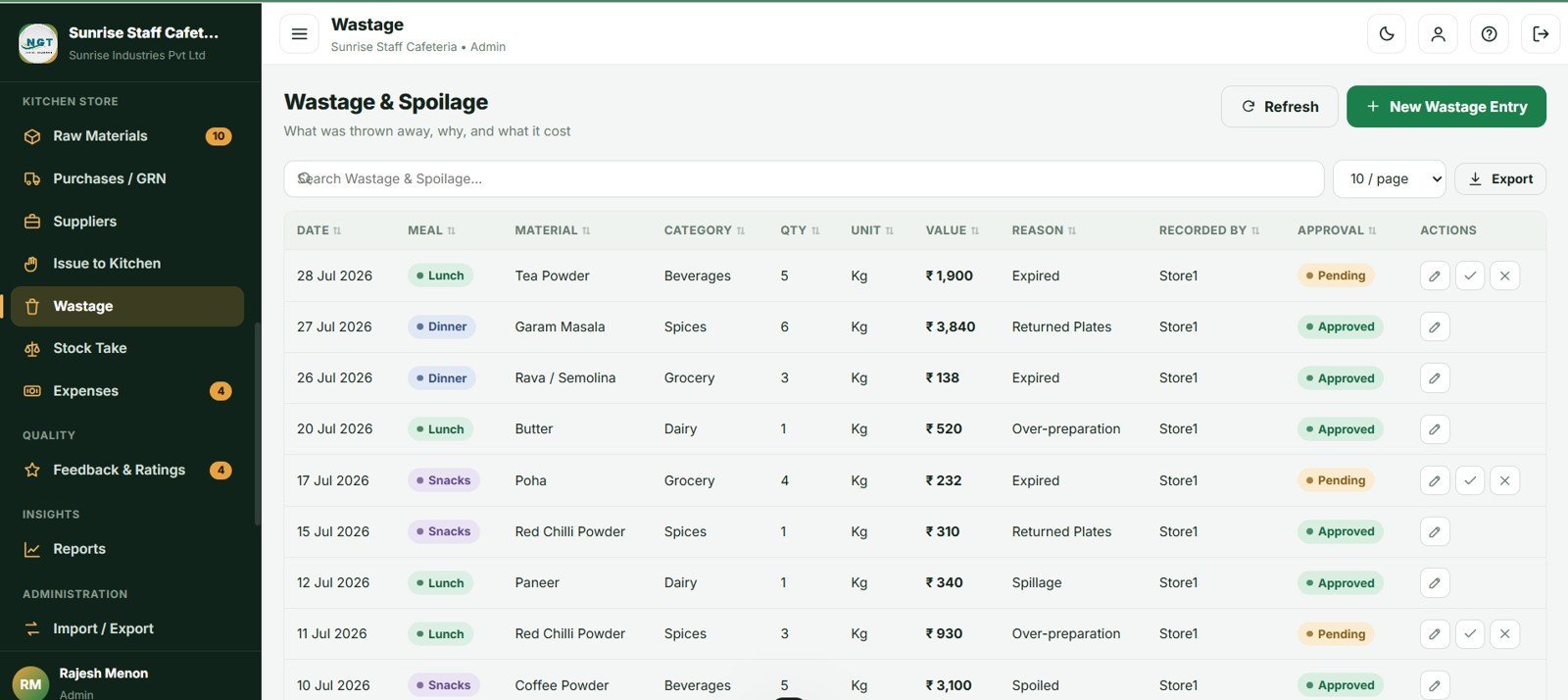
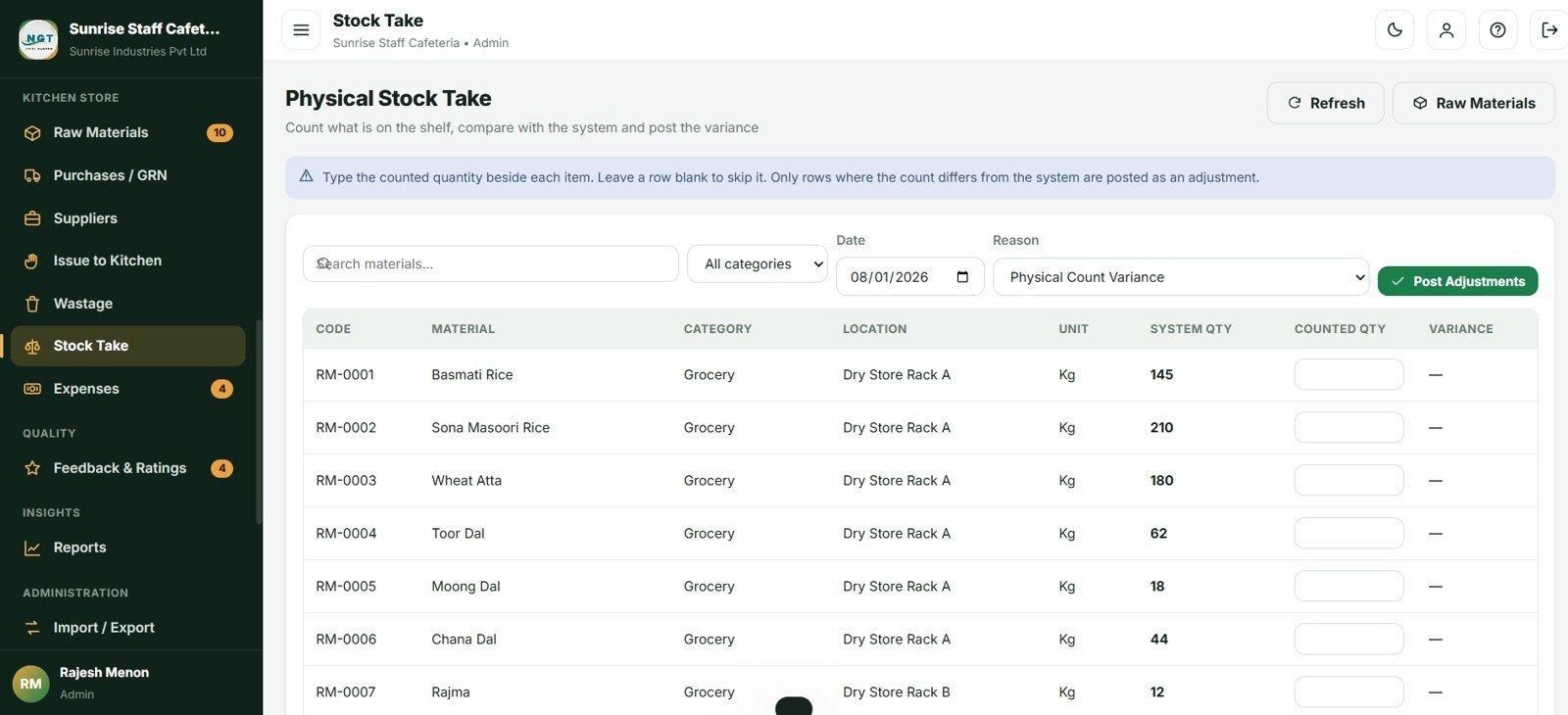
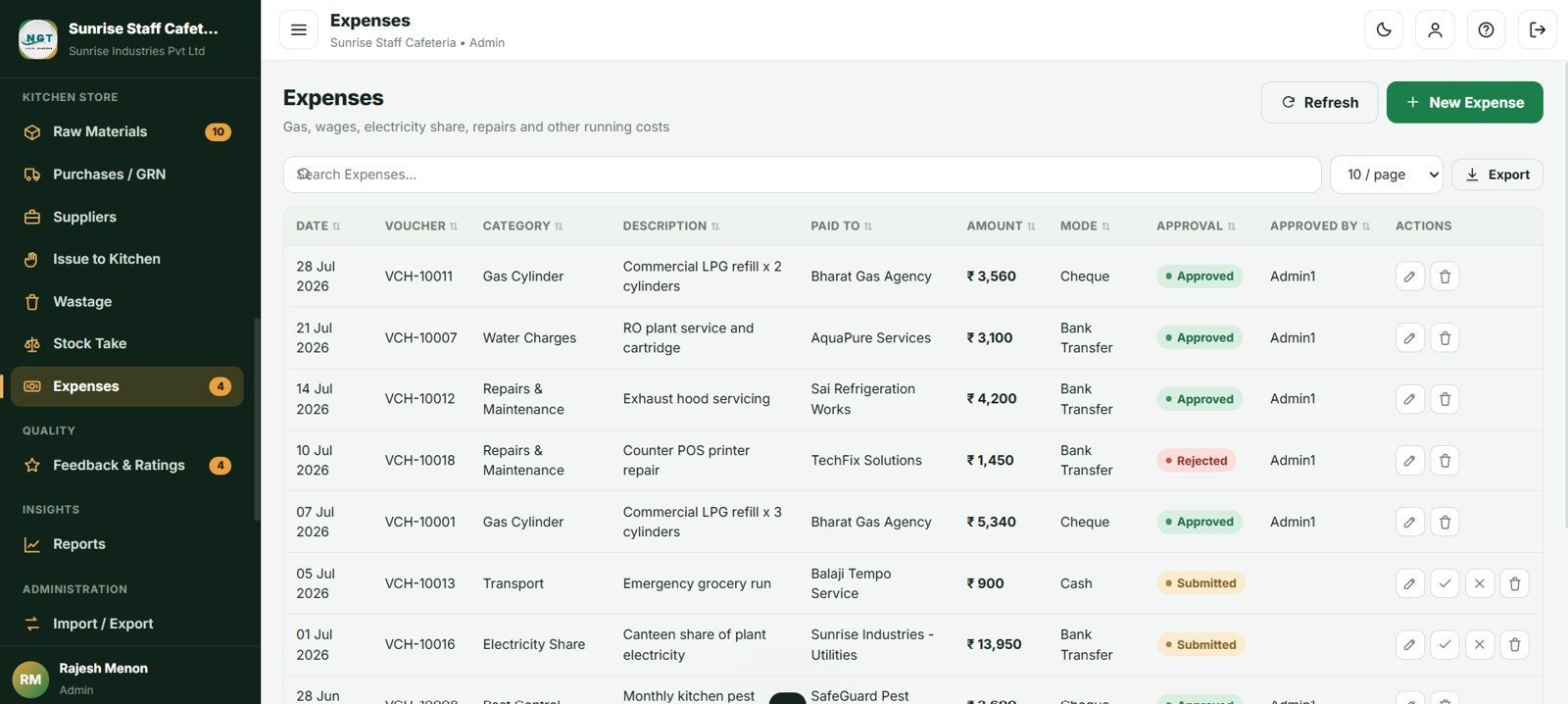
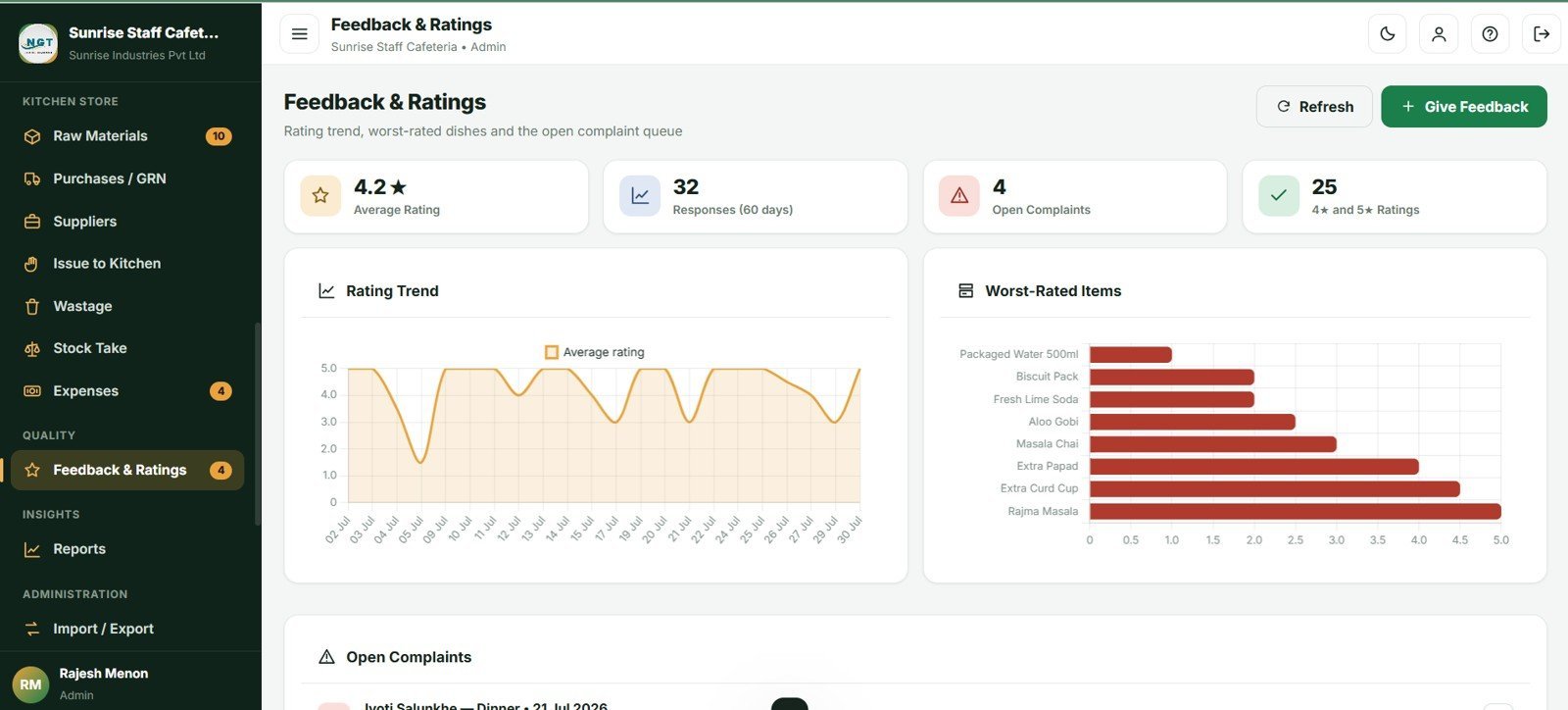
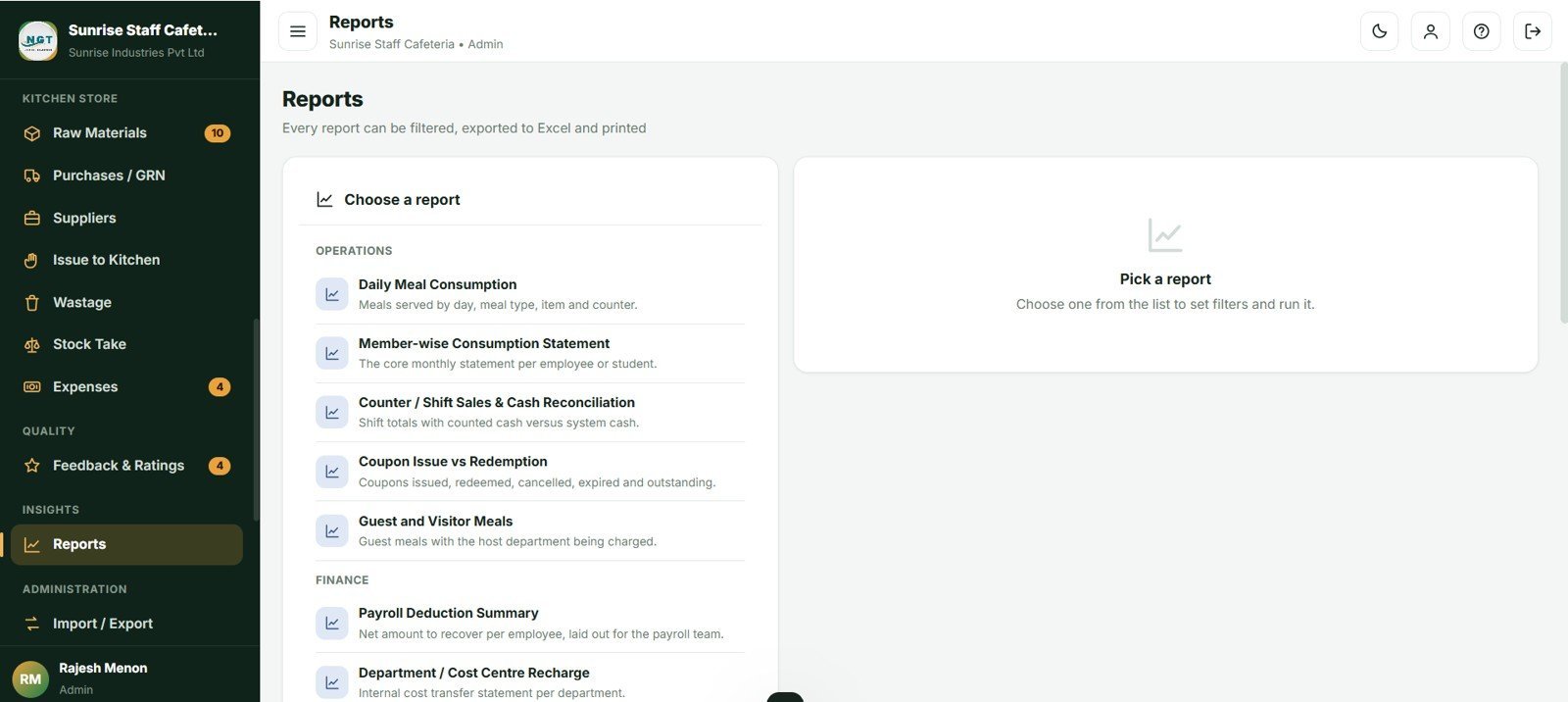
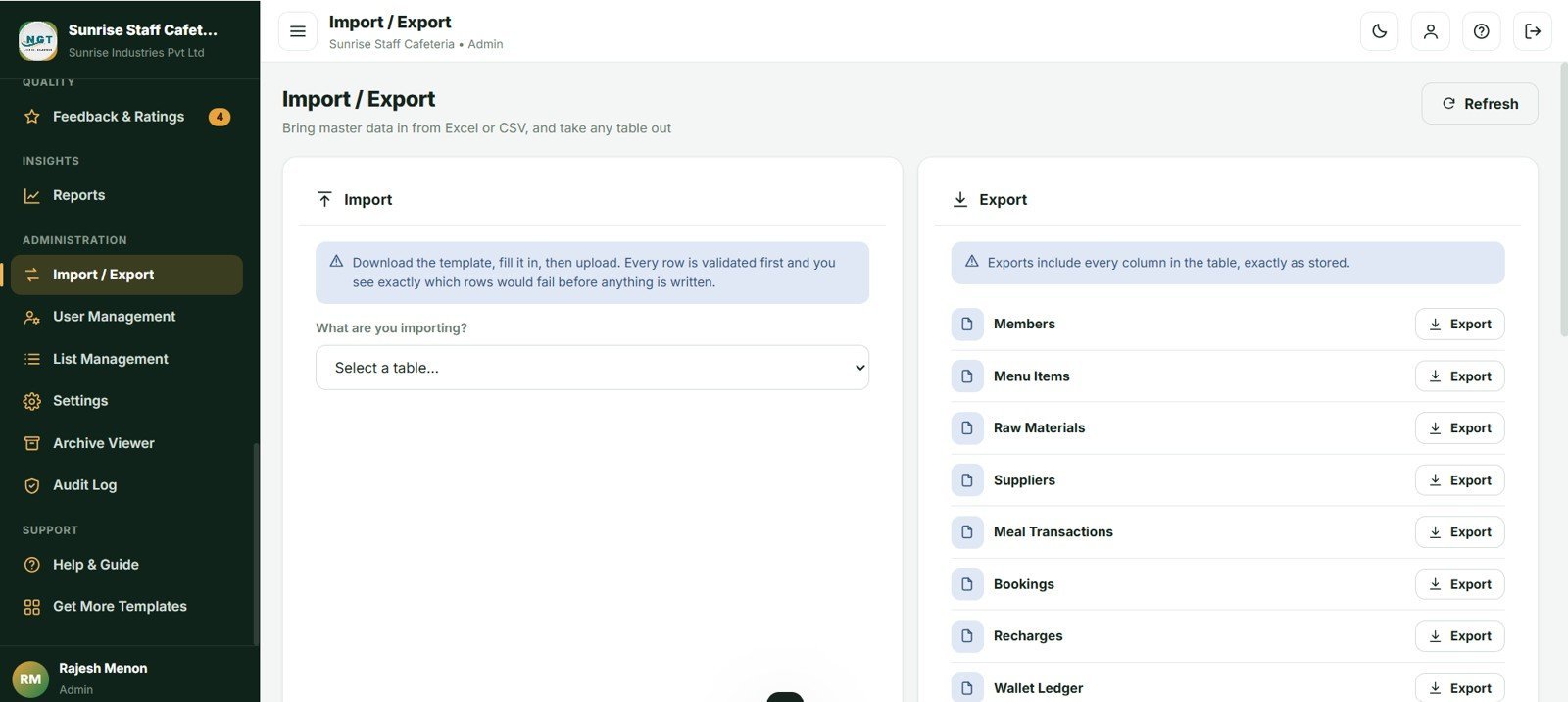

The Cafeteria and Canteen Management System Web App runs 31 linked database tables, 29 screens and 20 built-in reports on a single Google Sheet. It tracks 10 live dashboard KPIs, splits every meal between the company and the employee across 4 subsidy categories, and ships with 62 days of realistic sample data so every chart is populated the first time you sign in. Deployment takes about 5 minutes.
🚀 Try the Live Demo Before You Buy
We have deployed this web app in our own Google account so you can test every page, every role and every report — with real sample data — before purchasing. No signup, no email required.
🔑 Test Login Credentials
Sign in as Admin1 to access the full canteen dashboard, menu & pricing setup, stock control, staff management and all sales reports — or as Counter1 to run the billing counter, punch orders and print receipts, or Store1 to manage kitchen stock, ingredient issues and purchase entries. 💡 Log in with each role one by one to see exactly how the permissions change.
💡 What you get after purchase: The full source code (Code.gs + Index.html) plus a step-by-step deployment guide so you can deploy your own private instance in your own Google account in under 15 minutes.
🌍 Join 10,000+ customers in 180+ countries using NextGenTemplates to replace paid SaaS tools with one-time-purchase Excel, Google Sheets, Power BI and web-app templates.
✅ Instant download · One-time payment · No subscription · No per-user fees · Lifetime access
🔑 Key Features of the Cafeteria and Canteen Management System
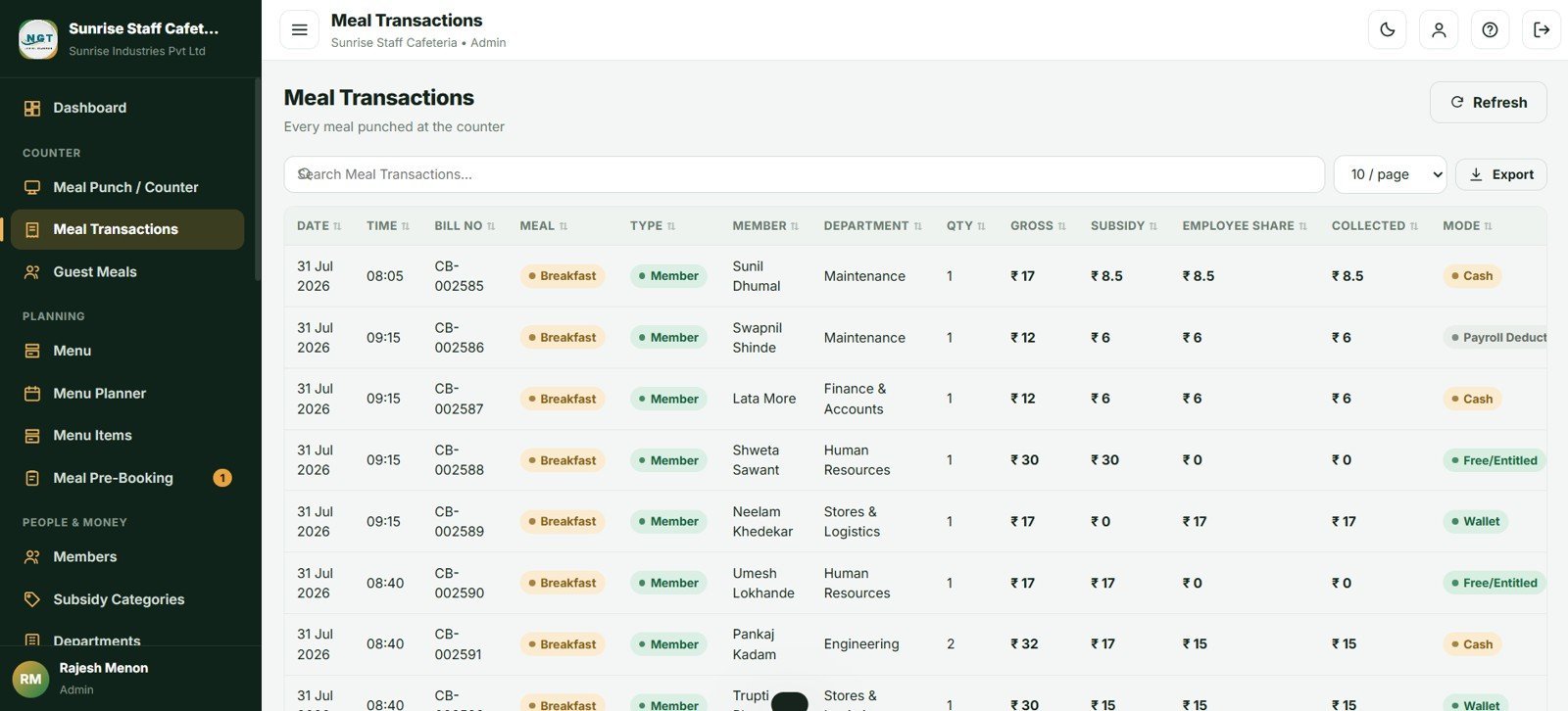
🍽️ Two money flows, handled properly. Subsidised meals are split automatically between the company share and the employee share, then recovered through a prepaid wallet, coupons or a monthly payroll deduction statement. Cash and walk-in sales for guests and contractors are billed separately at the counter.
💰 Four subsidy categories with real rules. Fixed amount per meal, Percent of price, Full Free and No Subsidy. Each carries its own daily entitlement per meal type and an optional monthly cap. Anything taken beyond the entitlement is charged automatically at the full cash price.
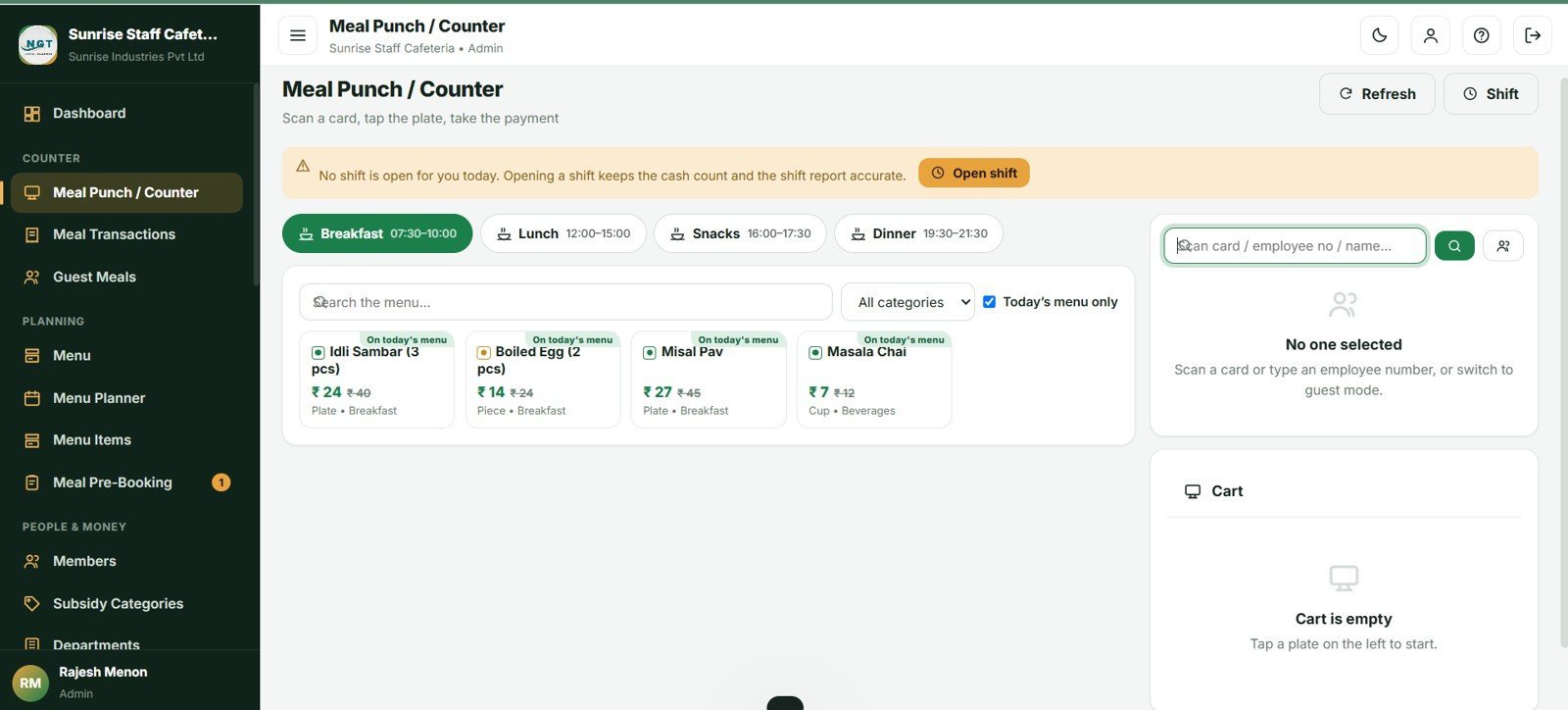
🖥️ A counter screen built for speed. Scan a card or type an employee number, tap big item tiles, and watch the employee share and company subsidy update live. Split one bill across wallet, coupon, cash, card, UPI and payroll deduction. Press F2 to search, F4 to save, Esc to clear.
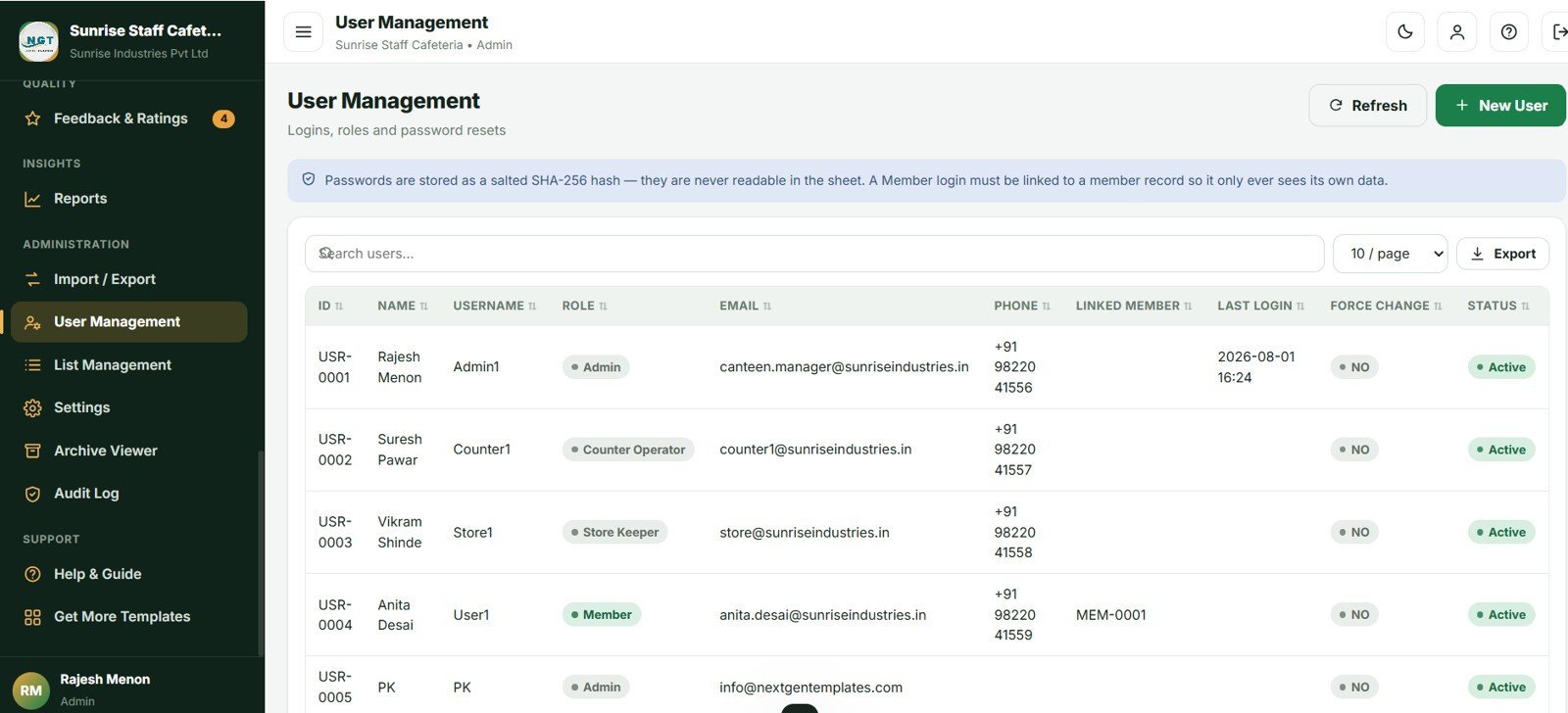
🔒 Four roles, enforced on the server. Admin, Counter Operator, Store Keeper and Member each see only what they should. Passwords are stored as salted SHA-256 hashes and never leave the server.
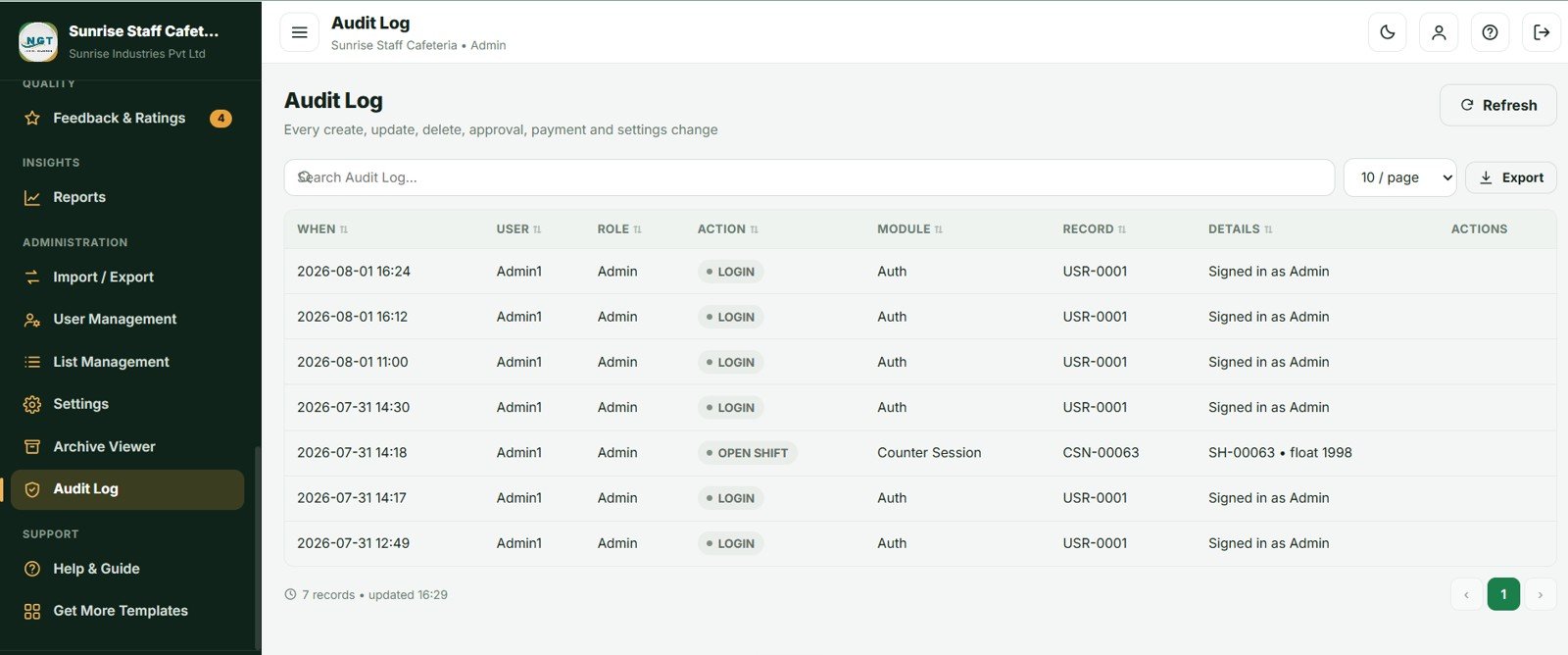
📦 Full kitchen store control. Stock moves through four controlled doors only — purchase receipt in, issue to kitchen out, wastage out and stock-take adjustment — with low-stock email alerts to the Admin and Store Keeper.
📦 What’s Inside the Cafeteria and Canteen Management System
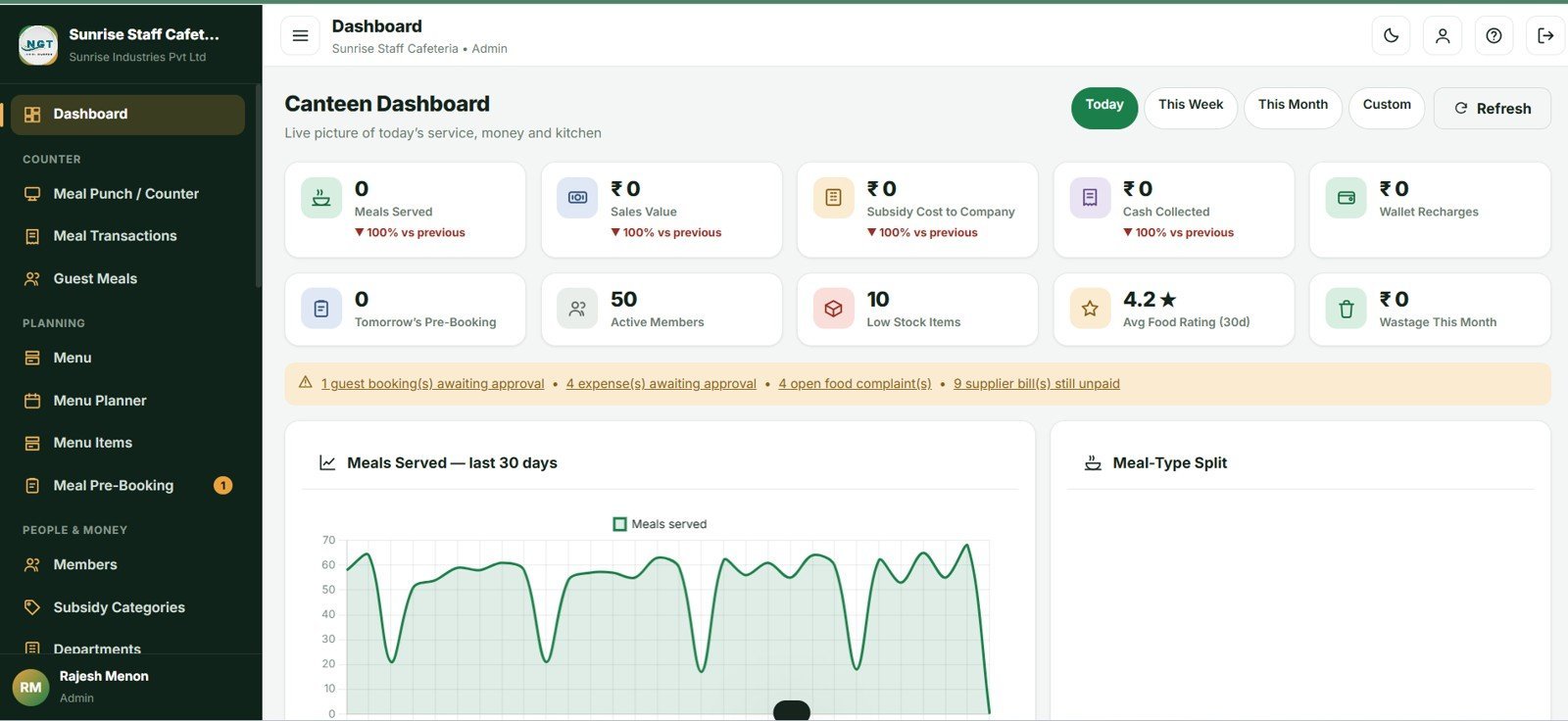
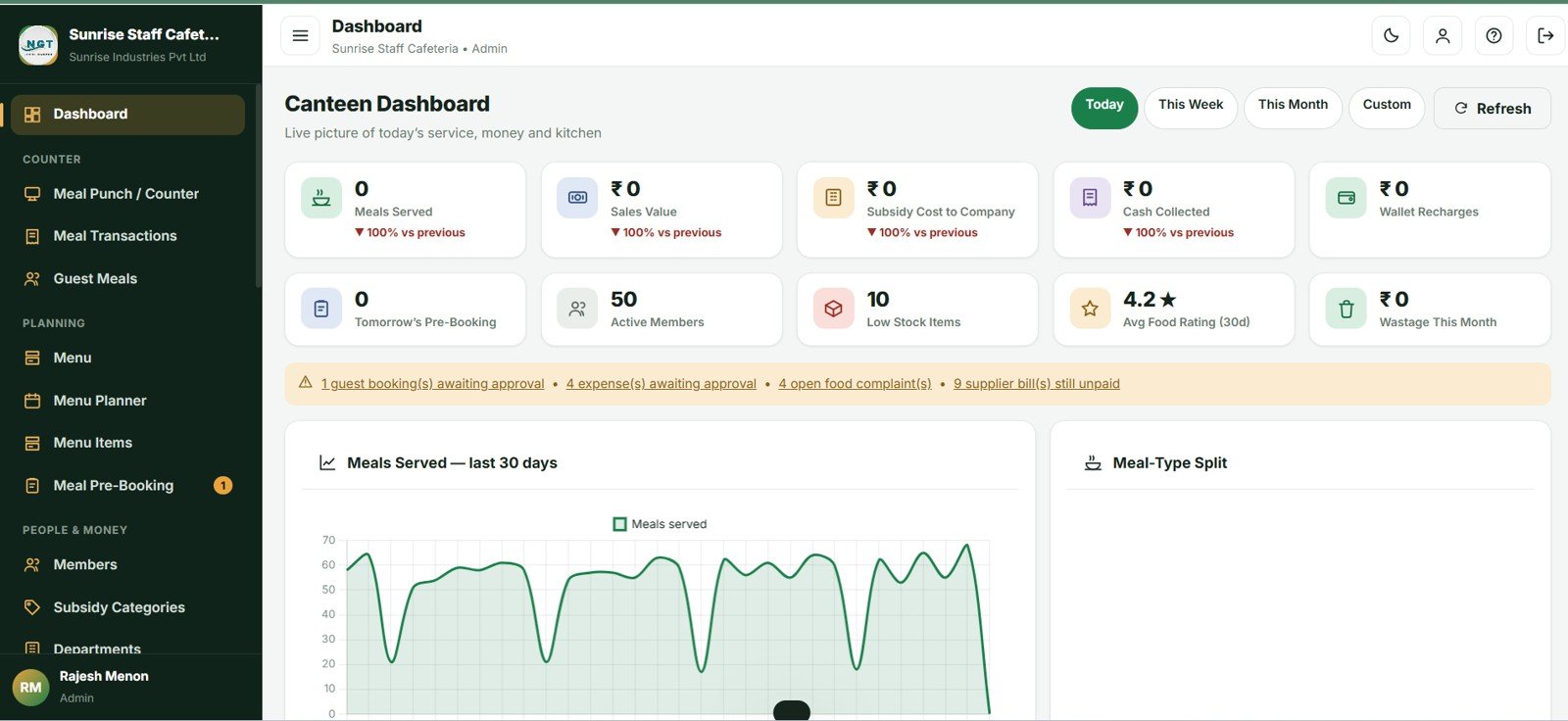
Dashboard — 10 KPIs and 6 charts
Meals Served, Sales Value, Subsidy Cost to Company, Cash Collected, Wallet Recharges, Tomorrow’s Pre-Booked Headcount, Active Members, Low Stock Items, Average Food Rating and Wastage Value. Charts include Meals Served by Day, Meals by Meal Type, Consumption Value by Department, Quantity Sold by Menu Item, Subsidy vs Employee Recovery by Month, and Collection by Payment Mode.
Meal Punch, Counter POS and Shift Close
Member photo, department, subsidy category, wallet balance and remaining entitlement load on lookup, with a duplicate-punch guard. At day end the shift panel reconciles opening float, system cash, counted cash and variance, then locks the day for that counter.
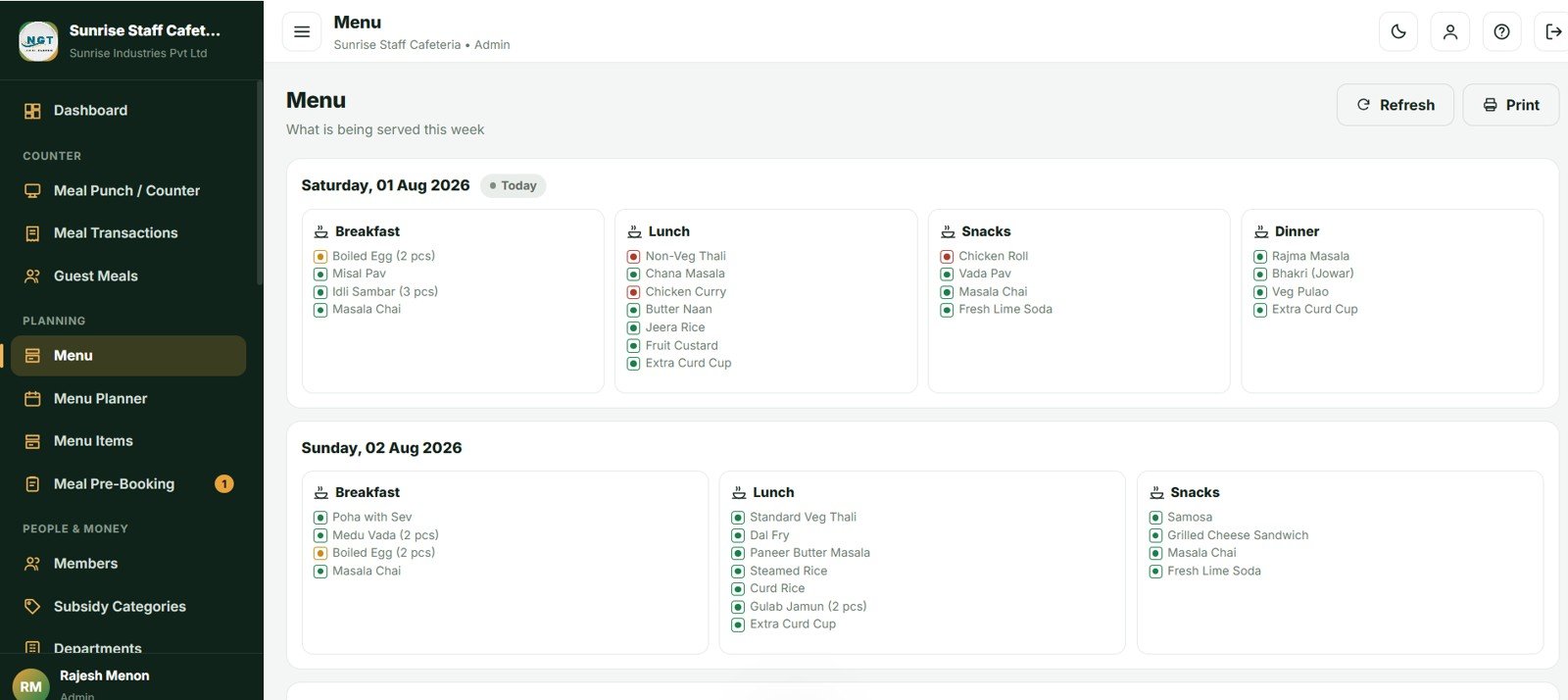
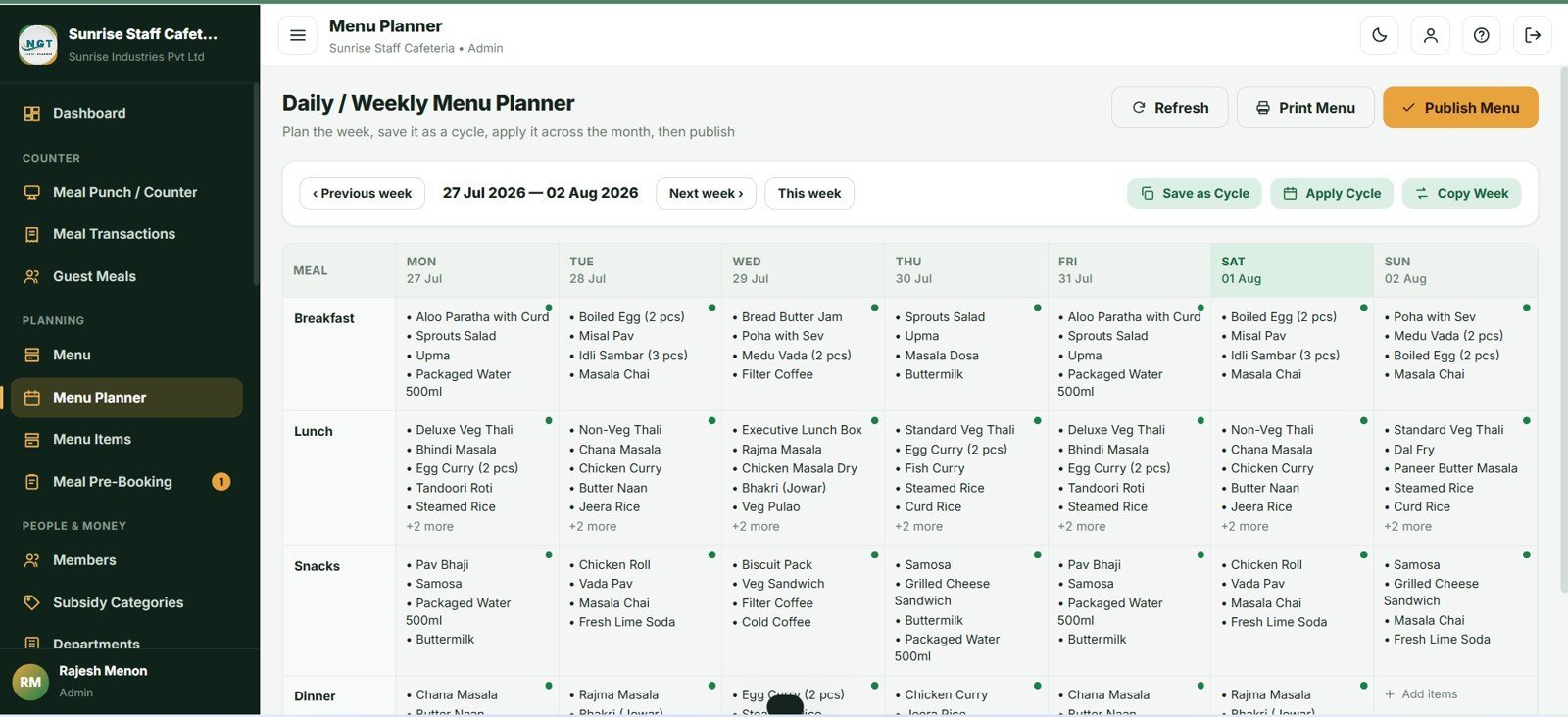
Menu Planner, Cycles and Pre-Booking
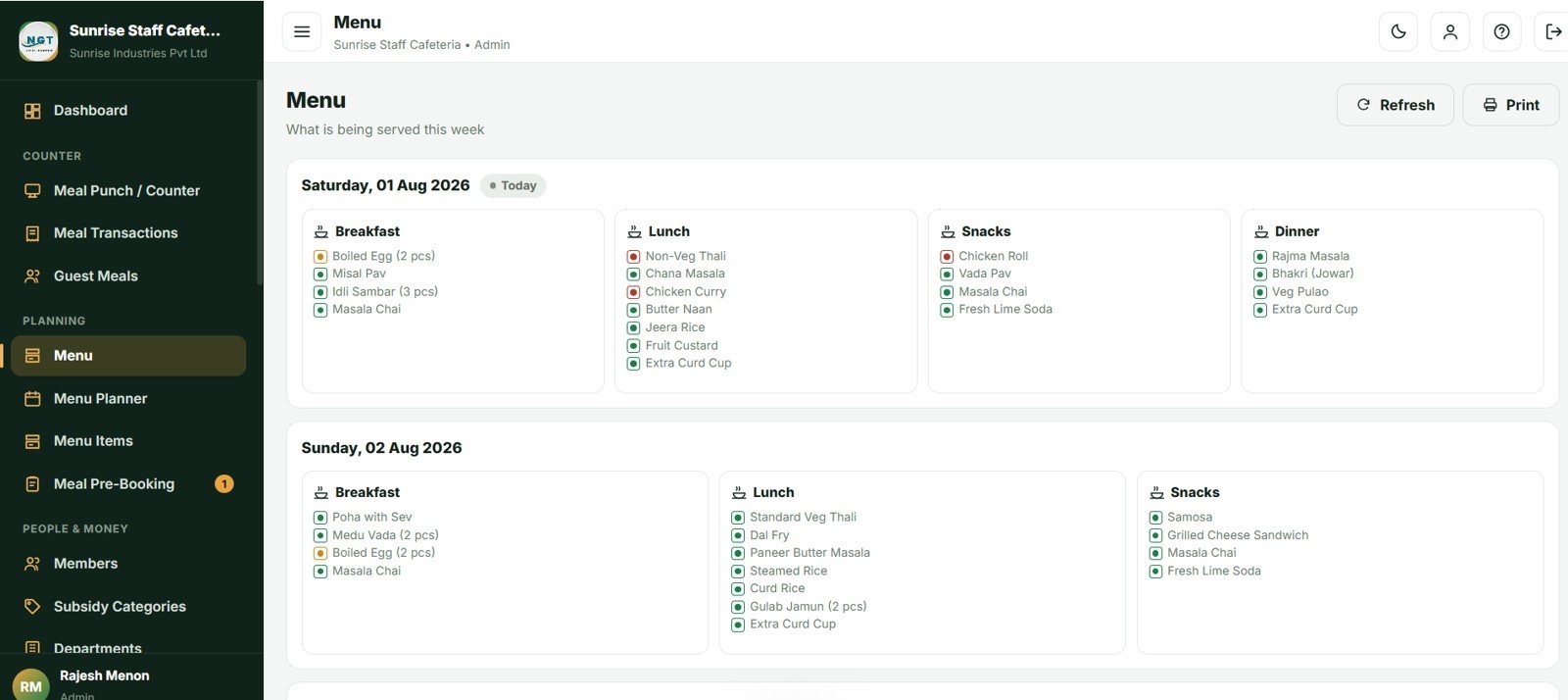
A 7-day by 4-meal grid. Plan one week, save it as a named cycle, apply it across a month, then publish so members can pre-book. The kitchen receives plate counts by meal, department and dish, and Booked vs Served reports the variance afterwards.
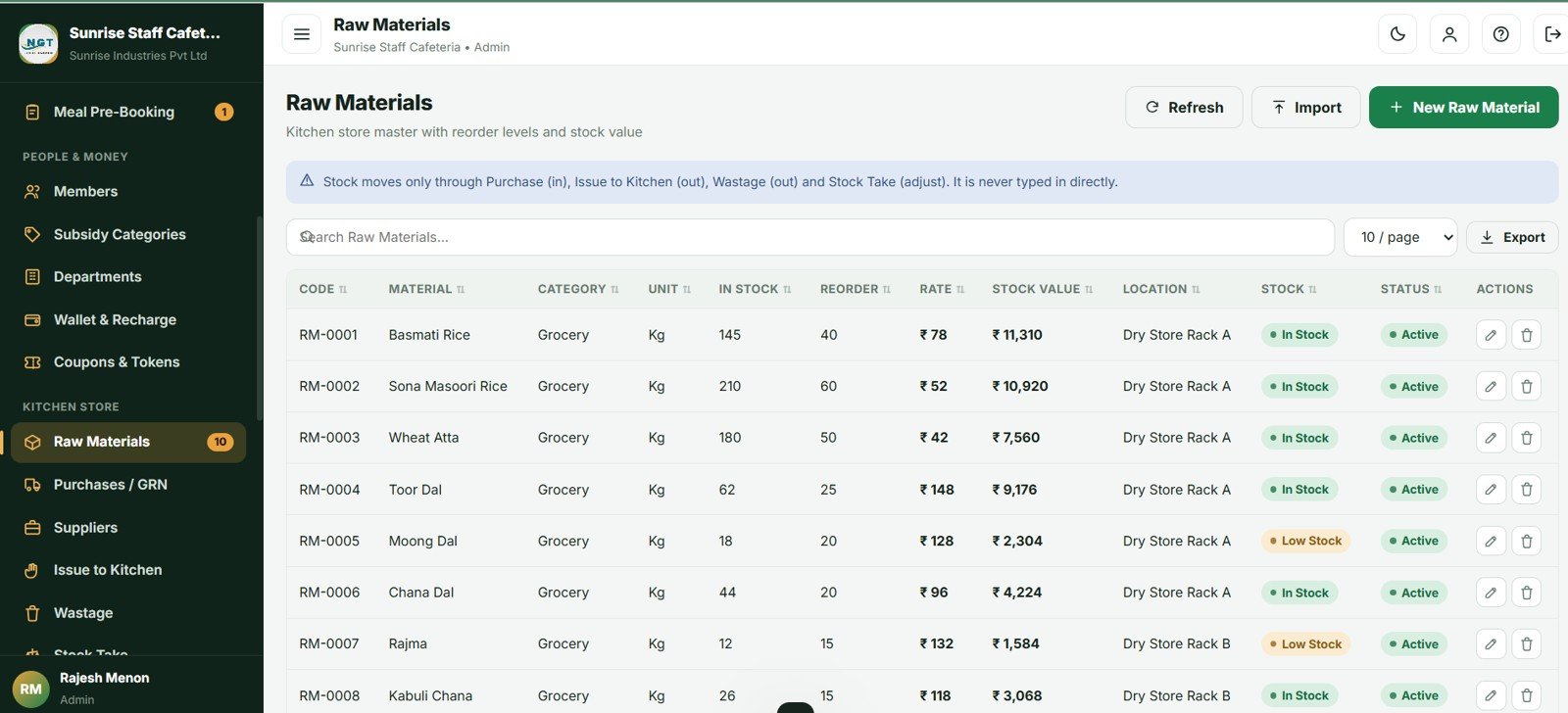
Wallet, Coupons, Kitchen Store and 20 Reports
Prepaid wallet with a full per-member ledger, serialised coupon batches with reconciliation, and a complete kitchen store. Reports include the Payroll Deduction Summary, Department Recharge, Subsidy Cost, Member Statement, Counter Shift Sales, Stock Valuation, Cost per Meal and Contractor Monthly Billing.
📊 Cafeteria and Canteen Management System vs. Excel Canteen Tracker vs. Paid Canteen SaaS — Where This Fits
| Feature | Cafeteria and Canteen Management System | Excel Canteen Tracker | Paid Canteen SaaS (Zeta, Sodexo, CaterTrax) |
|---|---|---|---|
| Cost | $39.99 one-time ✅ | $0–$30 one-time | $2–$6 per employee / month |
| Platform | Google Sheets + Apps Script, browser-based ✅ | Desktop Excel file | Vendor cloud |
| Setup time | About 5 minutes ✅ | Immediate | 2–8 weeks onboarding |
| Automatic subsidy split | Yes — 4 category types with caps ✅ | Manual formulas | Yes |
| Prepaid wallet + payroll deduction | Both, with full ledger ✅ | No | Yes |
| Meal pre-booking + kitchen indent | Yes, with cut-off rules ✅ | No | Usually a paid add-on |
| Kitchen stock & wastage | Included ✅ | Separate file | Separate module |
| Multi-user, real-time | Yes — 4 roles, unlimited users ✅ | One file, one user | Yes, priced per user |
| Year-1 cost at 200 employees | $39.99 ✅ | ~$30 | $4,800–$14,400 |
For canteens that want subsidy automation and payroll recovery without paying per employee every month, the Cafeteria and Canteen Management System sits in the sweet spot.
👥 Who This Template Is For — and Who It’s Not For
✅ This template is built for:
- Corporate cafeterias with 50–2,000 staff recovering meal costs through wallets or payroll
- Factory and industrial canteens running A, B and C shifts with subsidised meals
- School, college and hostel messes managing meal plans and monthly statements
- Hospital staff canteens serving employees, doctors and visitors
- Catering contractors who run a facility and must bill the client company monthly
❌ This template is NOT for:
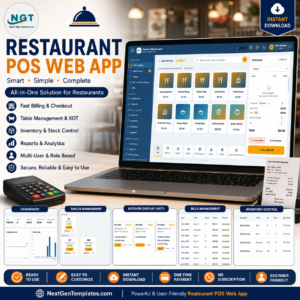
- Public-facing restaurants needing table management, KOT routing and delivery integration — use the Restaurant POS Web App instead
- Enterprises requiring SOC 2 certification, SSO or biometric hardware integration out of the box
- Canteens with no internet access at the counter — this is a browser-based system
⚙️ How to Use the Cafeteria and Canteen Management System
- Create a Google Sheet, open Extensions → Apps Script, and paste Code.cs.txt into Code.gs.
- Create an HTML file named exactly Index and paste Index.txt into it.
- Run setup() once and authorise Sheets, Drive and Gmail access.
- Deploy → New deployment → Web app, execute as Me, access Anyone. Copy the URL.
- Sign in with the supplied admin account and change every default password.
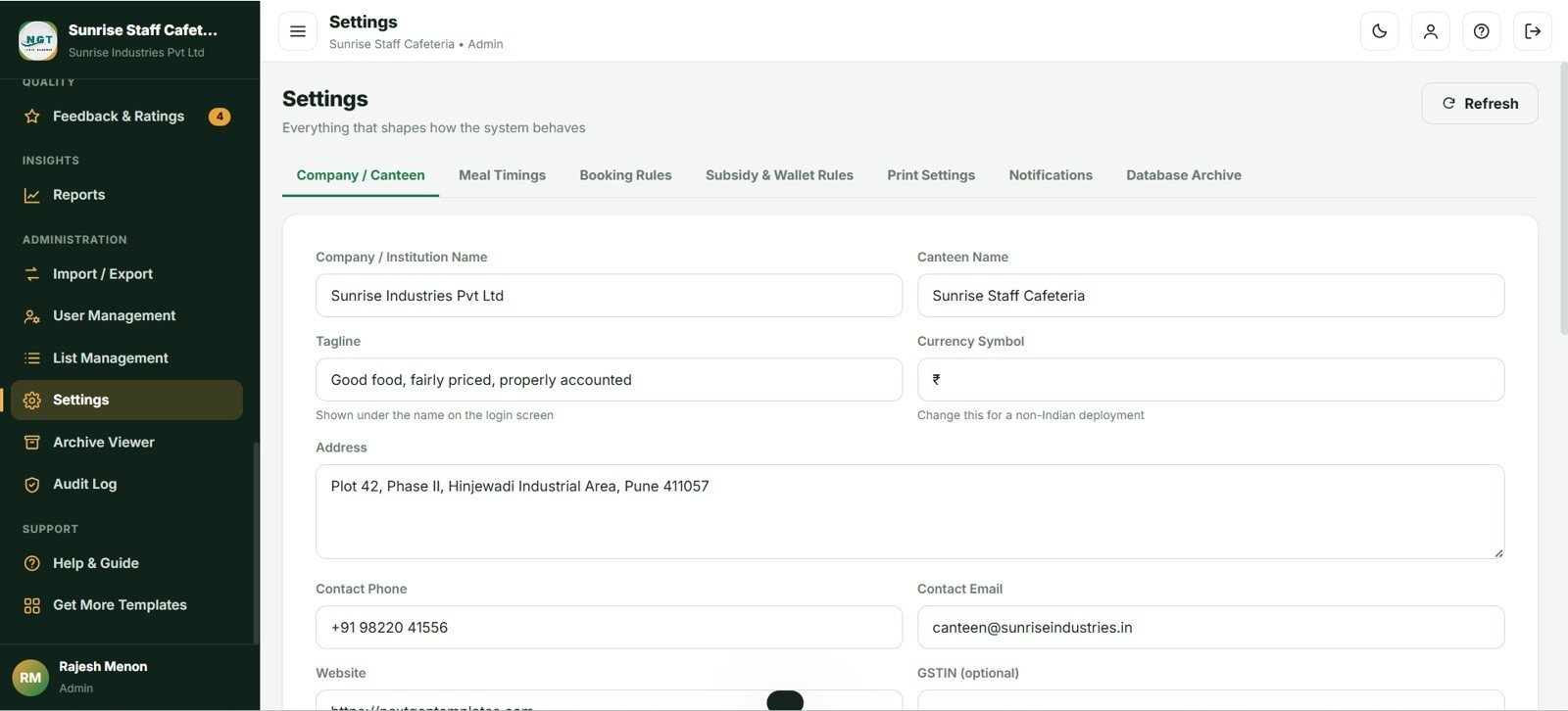
- Set your company profile, meal timings, booking rules and subsidy categories in Settings.
- Import your members, menu items, raw materials and suppliers from Excel or CSV.
- Plan a week in the Menu Planner, save it as a cycle, apply it to the month and publish.
💼 Real-World Use Cases
Ramesh manages a 480-person factory canteen near Pune. Shop-floor staff eat on full subsidy, office staff pay half, contract workers pay full price. He runs the Payroll Deduction Summary on the 1st of each month and hands the Excel export straight to payroll — a job that used to take two days with registers.
Priya runs HR at a 120-person software company. Meal pre-booking lets the kitchen cook to a real headcount. Booked vs Served showed she was over-cooking lunch by 18% every Friday; fixing that saved more in three months than the template cost.
Annapurna Catering operates a client company’s canteen. They invoice using the Contractor Monthly Billing Summary, with employee collection and company subsidy shown separately so the client’s finance team reconciles in minutes.
❓ Frequently Asked Questions
How does the Cafeteria and Canteen Management System calculate the subsidy split?
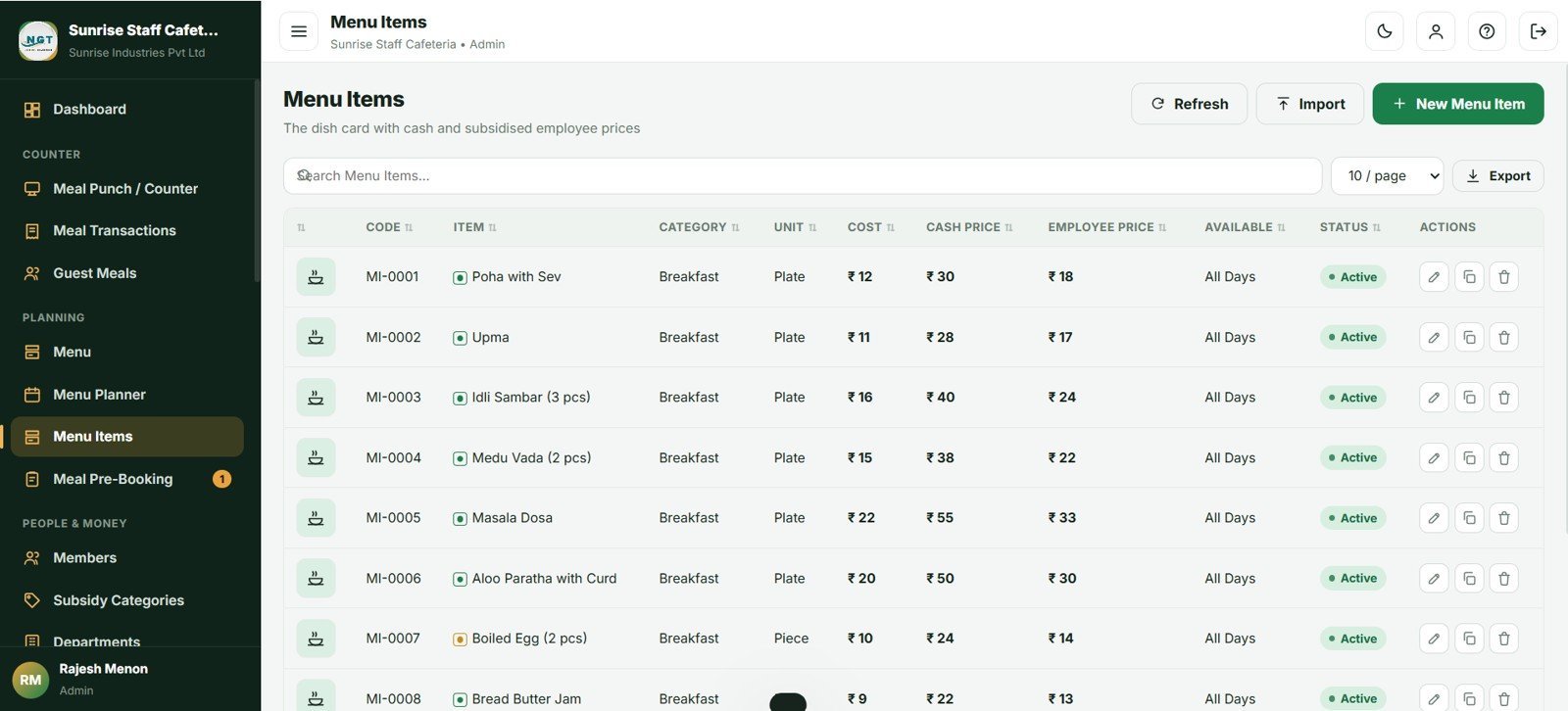
Each menu item carries a cash price and a subsidised employee price. Each member belongs to a subsidy category — Fixed, Percent, Full Free or No Subsidy — which decides how the employee price is shared. Daily entitlement limits and monthly caps are applied automatically at the counter.
How long does setup take?
About 5 minutes. Paste two files into an Apps Script project, run setup() once, and deploy as a web app. The Cafeteria and Canteen Management System arrives with 62 days of sample data so every dashboard and report is populated immediately.
How does this compare to paid canteen SaaS like Zeta or Sodexo?
Paid canteen platforms typically charge $2–$6 per employee per month, which is $4,800–$14,400 a year for 200 staff. The Cafeteria and Canteen Management System is a one-time $39.99 purchase with unlimited users, and your data stays in your own Google account.
Can multiple counters use it at the same time?
Yes. Each counter operator gets their own login, shift, cash count and shift report. Bill numbers are generated under a script lock so two counters saving at the same moment can never produce a duplicate.
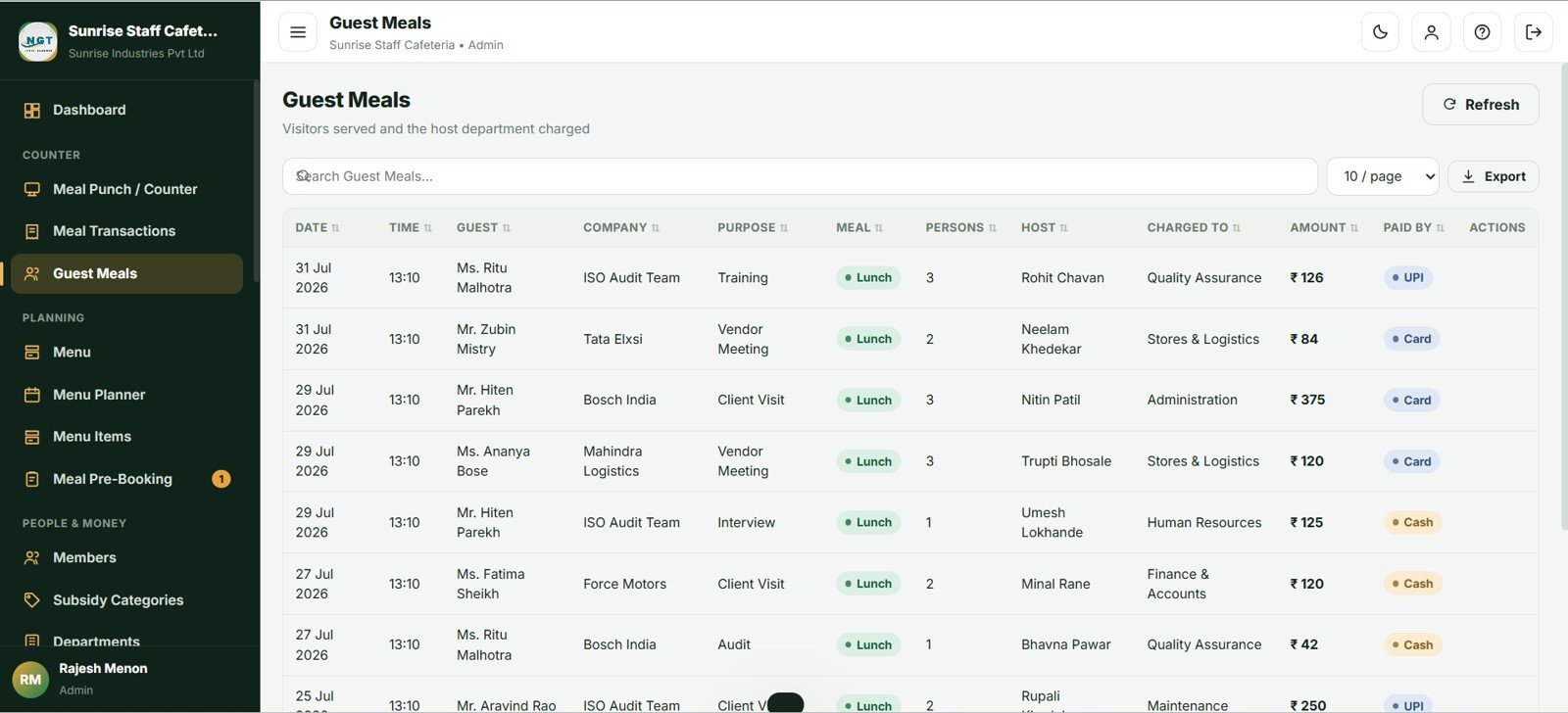
Does the system handle guest and visitor meals?
Yes. Guest mode records the visitor name, company, purpose and host employee, bills at the full cash price with no subsidy, and charges the host department. The Guest and Visitor Meal Report shows every guest with the department being recharged.
What happens when a member’s wallet runs out?
You choose the policy in Settings: block the punch, allow up to a credit limit, or allow freely. Low-balance email alerts can be sent to members automatically below a threshold you set.
Will the system slow down as data grows?
No. The built-in Database Archive moves old closed transactions into a dated copy in your Drive while keeping all master data and open money in the live file, so the system stays fast for years.
👤 About the Author
Built by PK — Microsoft Certified Professional with 15+ years of Excel, Google Sheets and Power BI experience. Founder of NextGenTemplates, reaching 300K+ subscribers across YouTube channels (@PK-AnExcelExpert, @NextGenTemplates, @NeoTechNavigators). Every template is hand-built and tested before release.
🔗 Explore Related Templates
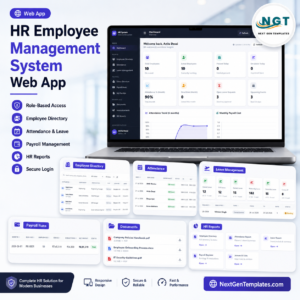
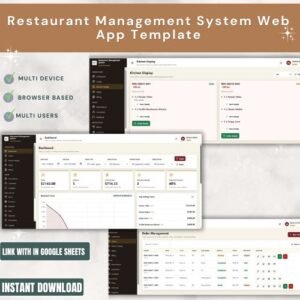
Running other food-service operations? The Restaurant Management System Web App covers table service, while the Coffee Cafe POS Web App and Bakery POS Web App handle fast counter retail. For the employee side, pair this with the Payroll and Salary Management System Web App so canteen deductions flow into your salary run, or the HR Employee Management System Web App for the full employee master. Browse the complete Web Apps & Management Systems collection, or explore our Google Sheets Dashboards for reporting-only needs.
📖 Click here to read the Detailed Blog Post
🎥 Visit our YouTube channel for step-by-step video tutorials
👉 YouTube.com/@NextGenTemplates
Watch the demo video:
📅 Last updated: August 2026





























Reviews
There are no reviews yet.