

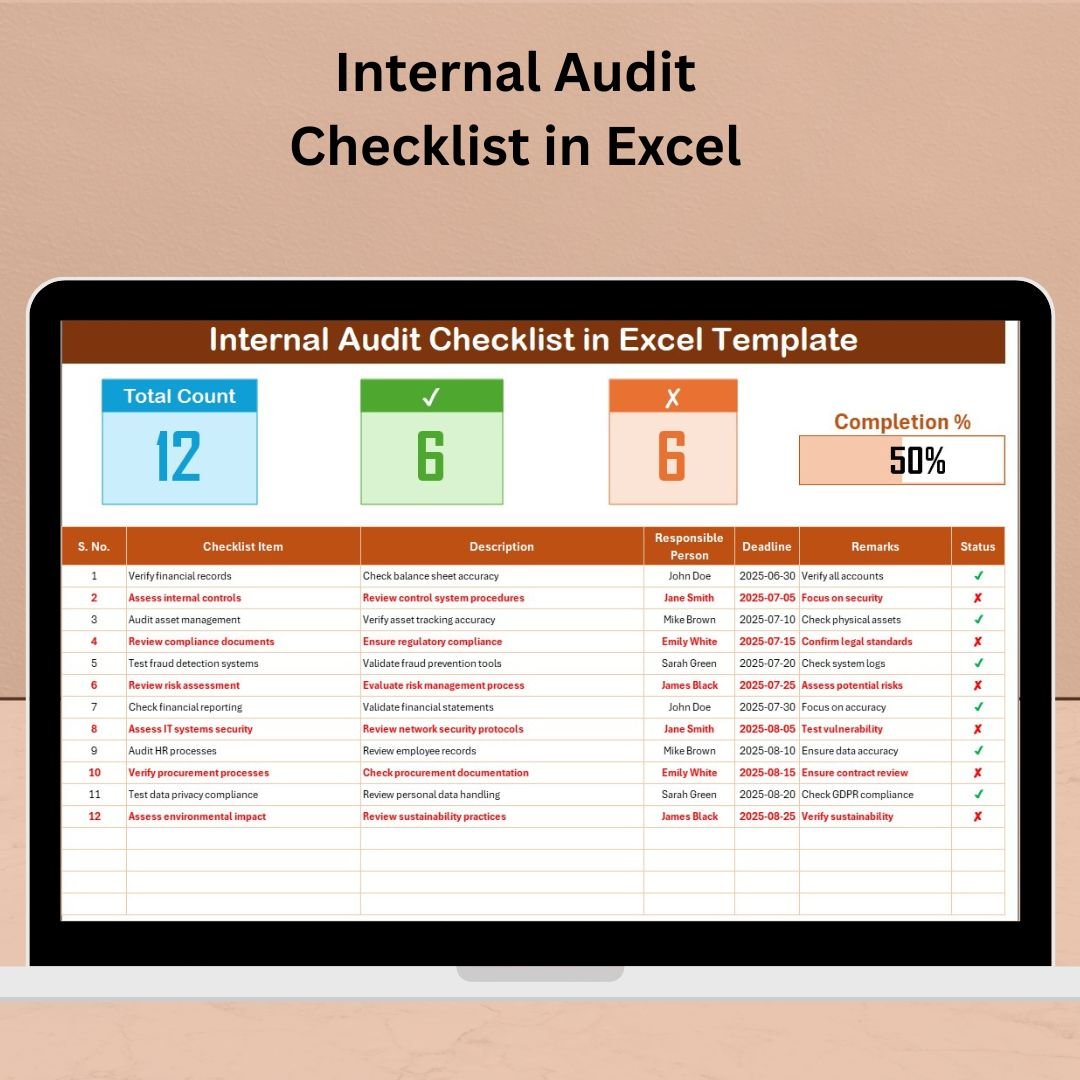

This ready-to-use, fully customizable Internal Audit Checklist helps businesses simplify compliance processes, assign audit responsibilities, and track progress with ease. Whether you’re a compliance officer, business owner, department head, or internal auditor, this tool provides the clarity and control needed to keep your operations audit-ready and risk-free.
🧾 What is the Internal Audit Checklist in Excel?
The Internal Audit Checklist in Excel is a structured, spreadsheet-based tool that allows users to plan, track, and manage internal audit tasks in an organized and transparent way. Unlike expensive audit software, this Excel template offers you flexibility, offline access, and full customizability—without compromising on professionalism or functionality.
✨ Key Features
📋 Main Checklist Sheet
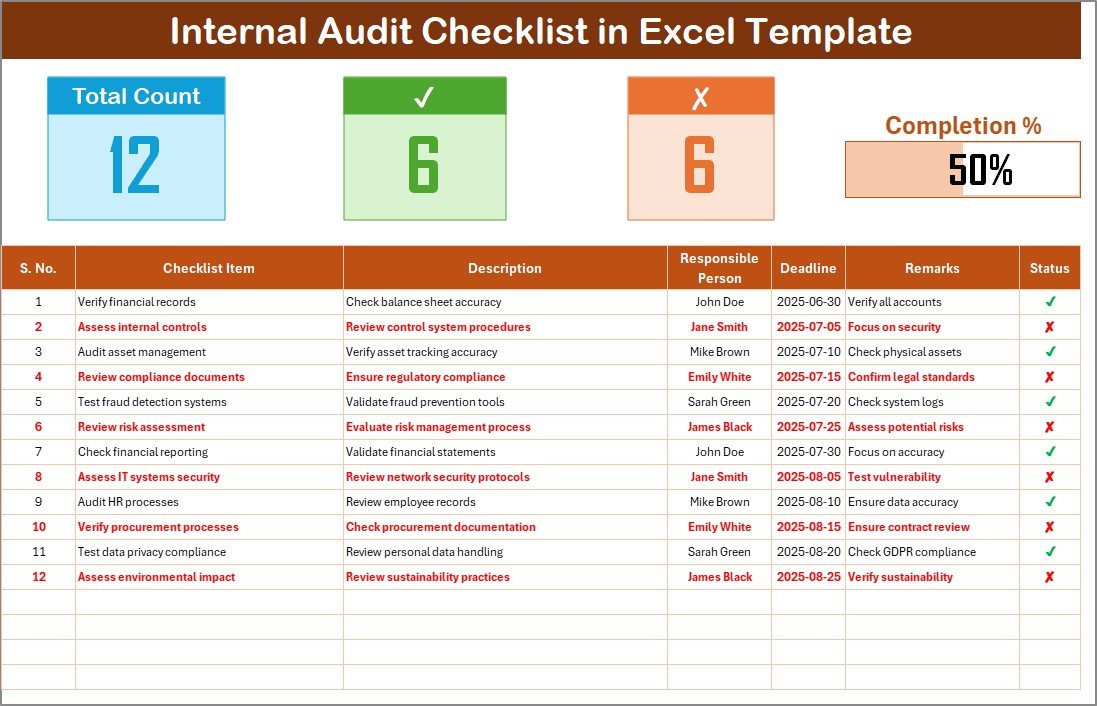
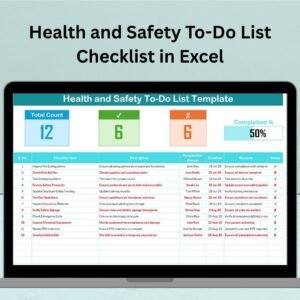
Dashboard showing:
Total checklist items
Completed items (✔)
Incomplete items (✘)
A visual progress bar
Track items using structured columns:
Serial No., Checklist Item, Description, Responsible Person, Deadline, Remarks, Status
📑 List Sheet Tab
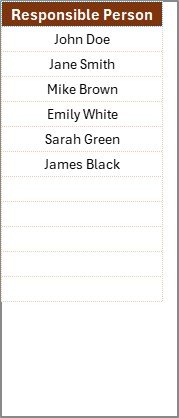
Preloaded drop-down of Responsible Persons
Ensures consistency in task assignment
Reduces manual entry errors
✅ Why Choose Excel for Internal Audits?
No Learning Curve: Most users already know Excel
Offline Access: Use it without internet connection
Cost-Effective: No expensive software required
Fully Customizable: Tailor columns, formulas, or formatting to fit your needs
💡 Key Benefits
🔒 Improved Accountability
Assign tasks with deadlines and responsible persons—everything becomes traceable.
📈 Real-Time Progress Tracking
The dashboard and progress bar give a live snapshot of what’s done and what’s pending.
🧭 Enhanced Visibility
With everything in one place, auditors, managers, and stakeholders can quickly assess audit readiness.
⚙️ Operational Efficiency
Saves time and prevents duplicate work with clearly outlined tasks and statuses.
📁 Multi-Department Usability
Applicable across Finance, HR, IT, Operations, Compliance, and more.
👥 Who Should Use This Template?
Internal Auditors
Compliance Officers
Business Owners
HR, Finance, and IT Managers
Risk Management Teams
ISO/Industry Certification Auditors
🔧 How to Use
Download the Template
Enter Audit Items in the checklist table
Assign Responsible Persons using the dropdown
Set Deadlines and Track Status using ✔ and ✘
Monitor Progress using the dashboard and bar chart
Update the List Sheet to manage team members
📌 Best Practices
Keep checklist items short and specific
Update regularly to reflect new standards
Use color coding for due dates or risks
Lock formula cells to avoid editing errors
Backup the file weekly to maintain version control
🔍 Common Checklist Items (Examples)
Finance: Bank reconciliations, Invoice verification
HR: Employee record updates, Training completion
IT: Backup validation, Access control reviews
Operations: Equipment inspection, Safety drills
🔐 Security Tips
Password-protect your file
Store in secure, shared drives
Limit editing access to key personnel
Take control of your audits, ensure compliance, and reduce risk — all with the Internal Audit Checklist in Excel.
Simple. Smart. Structured.
Visit our YouTube channel to learn step-by-step video tutorials
🔗 Click here to read the Detailed blog post
Watch the step-by-step video tutorial:
Compatibility and Requirements
- Works in Microsoft Excel desktop (Excel 2016 or later, or Microsoft 365).
- The Responsible Person column uses a drop-down list that you maintain on the List sheet.
- To edit the drop-down lists, see Microsoft’s guide Create a drop-down list.
Frequently Asked Questions
What columns does the checklist have?
Serial No., Checklist Item, Description, Responsible Person, Deadline, Remarks and Status.
How do I see audit progress?
The top of the main sheet shows total items, completed items, incomplete items and a progress bar.
How do I mark an item done?
Set its status to a tick for complete or a cross for incomplete, and the counts and progress bar update.
Can I change the list of responsible people?
Yes. Update the names on the List sheet and the drop-down in the checklist picks them up.
Is there a video tutorial?
Yes. A step-by-step video tutorial is on this page.
Related Audit Templates
- Internal Audit Schedule Checklist in Excel: to plan when each audit takes place
- Internal Audit Action Plan Checklist in Excel: for follow-up actions after the audit
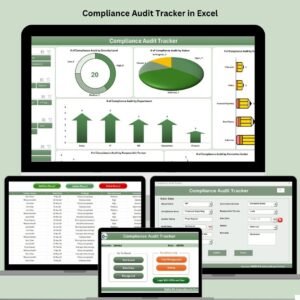
- Compliance Audit Tracker in Excel: to log audits and findings over time
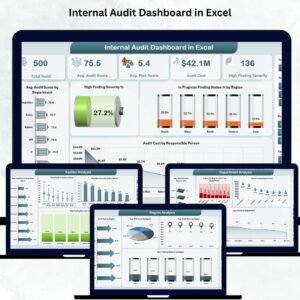
- Internal Audit Dashboard in Excel: to chart audit results
- Quality and Audit Management Bundle: 8 audit templates in one bundle
Browse all Excel checklists or the Excel quality control templates.
































Reviews
There are no reviews yet.