

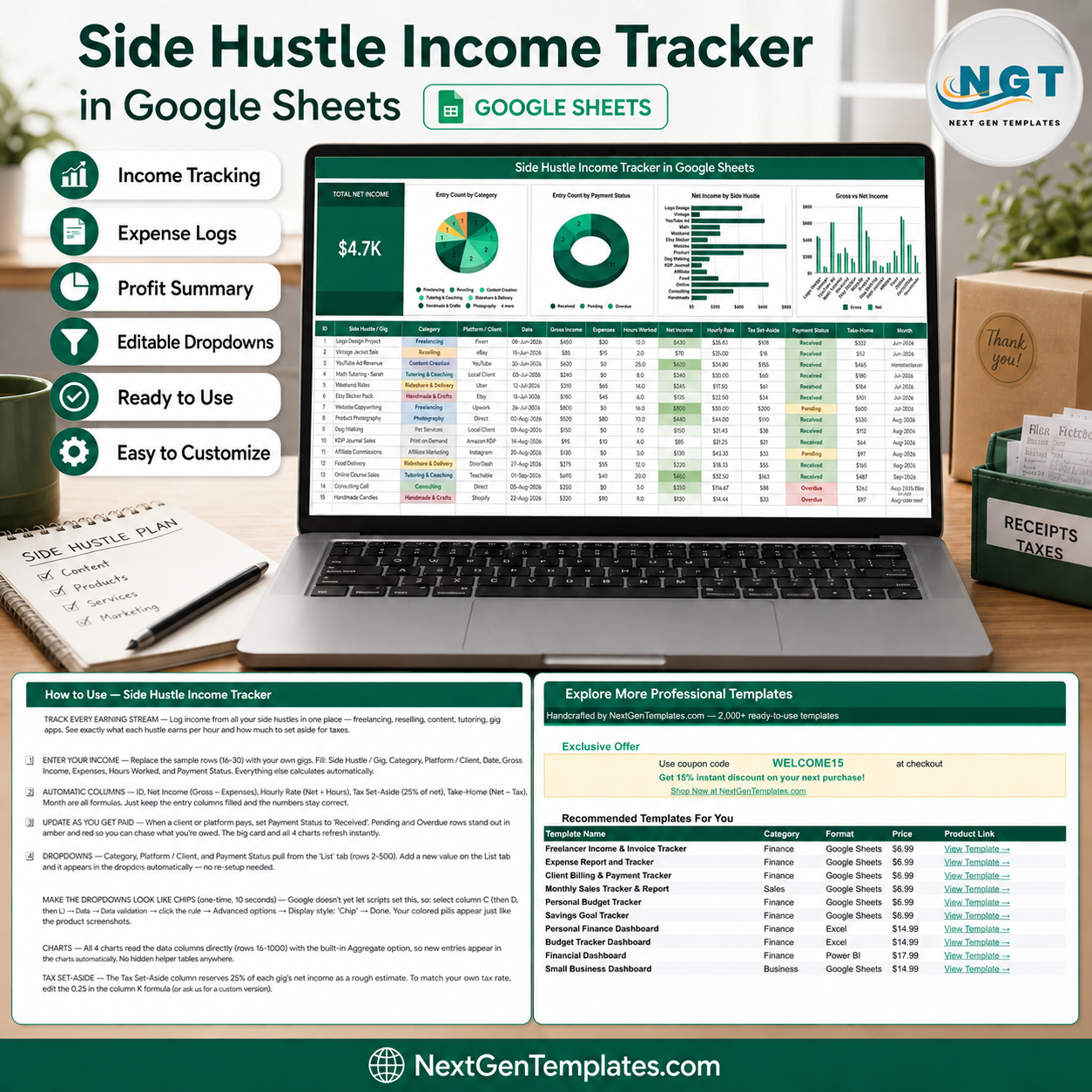

See what every side hustle actually contributes after expenses. The Side Hustle Income Tracker in Google Sheets combines a $4.7K demonstration net-income card, four charts and a detailed 15-column income register in one editable view. It is designed for freelancers, creators, tutors, resellers, delivery partners and small operators who want a practical record of gross income, expenses, hours, net income, tax set-aside and take-home value without another subscription.
Key Features of Side Hustle Income Tracker in Google Sheets
- Total Net Income card: see the combined demonstration net income at a glance.
- Four visual summaries: Entry Count by Category, Entry Count by Payment Status, Net Income by Side Hustle, and Gross vs Net Income.
- Income and cost fields: record Gross Income and Expenses for every activity.
- Time-based insight: Hours Worked and Hourly Rate help compare effort with return.
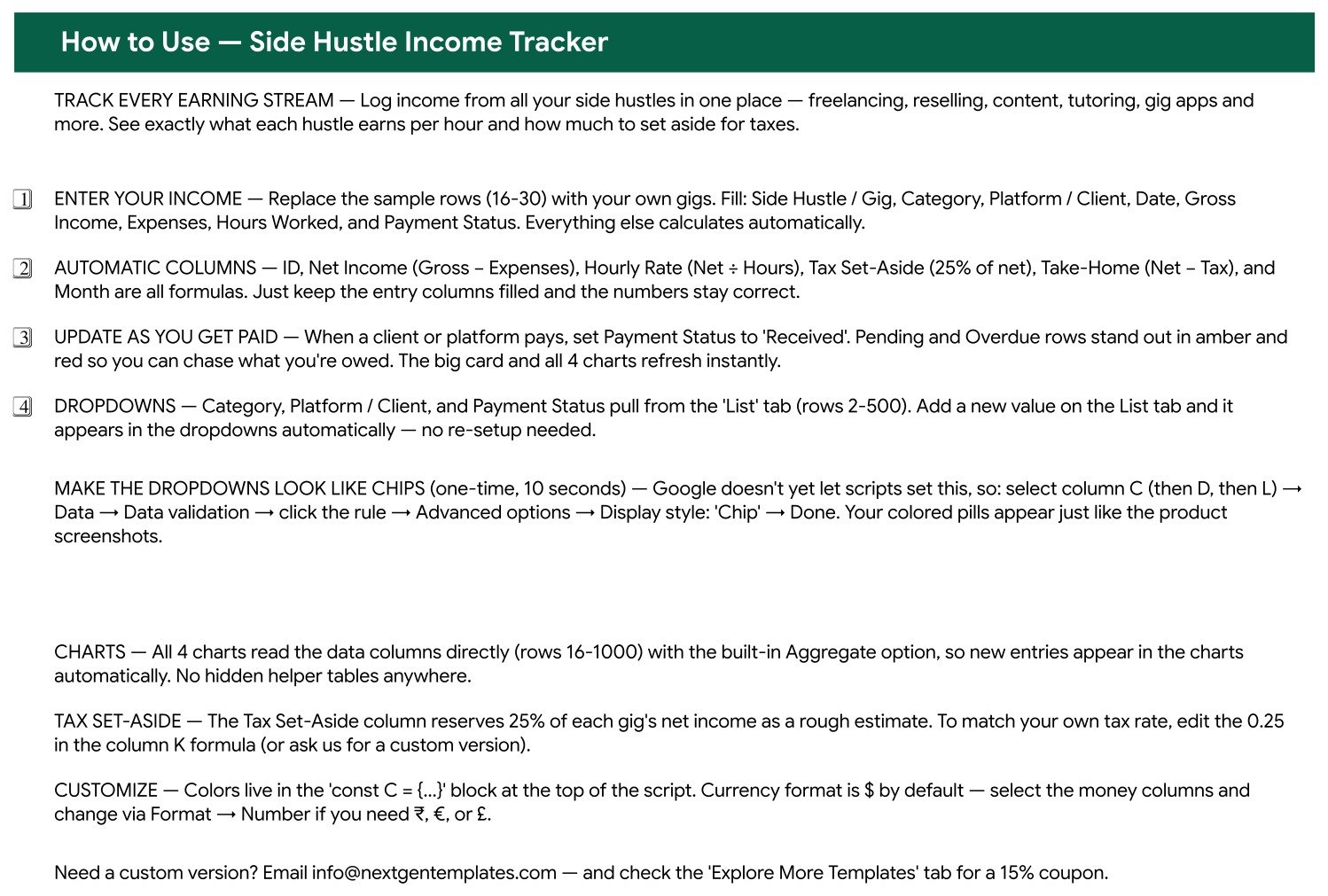
- Formula columns: ID, Net Income, Hourly Rate, Tax Set-Aside, Take-Home and Month calculate from entered data.
- Payment monitoring: Received, Pending and Overdue statuses make uncollected entries visible.
- Editable dropdowns: Category, Platform / Client and Payment Status draw from the List tab.
- Google Sheets workflow: use your own Drive copy and native sharing permissions.
What’s Inside This Side Income Tracker
The main page keeps summary and detail together. The charts show how many records belong to each category and payment status, which gigs contribute the most net income, and the difference between gross and net income. Below them, the register stores ID, Side Hustle / Gig, Category, Platform / Client, Date, Gross Income, Expenses, Hours Worked, Net Income, Hourly Rate, Tax Set-Aside, Payment Status, Take-Home, Month and Notes.

Authentic tracker view with sample income, cost, time and payment-status records
Google Sheets Tracker vs Excel vs Accounting Software
| Consideration | This tracker | Excel workbook | Accounting platform |
|---|---|---|---|
| Cost | One-time template purchase | Template plus Excel access | Usually recurring |
| Platform | Browser-based Google Sheets | Microsoft Excel | Vendor-hosted service |
| Collaboration | Native Drive sharing | Depends on Microsoft setup | Account and plan dependent |
| Visible analysis | One card and four charts | Depends on workbook | Usually configurable |
| Automatic bank feeds and filing | Not included | Not normally included | May be available |
This product is a transparent spreadsheet tracker, not bookkeeping, payroll or tax-filing software. The Tax Set-Aside column uses a 25% demonstration formula that buyers must replace with a rate appropriate to their circumstances. It does not import transactions, issue invoices, reconcile bank accounts or calculate tax liability.
Who This Template Is For
It suits people earning through several small activities: freelance projects, tutoring, content, affiliate work, handmade sales, reselling, delivery work, consulting or direct client services. It is especially useful when the practical question is not only “How much did I receive?” but also “What remained after expenses, how many hours did it take, and is payment still outstanding?”
How to Use the Tracker
- Open the supplied PDF and use its link to create your editable Google Sheets copy.
- Replace the 15 sample records with your own gigs and income activities.
- Enter category, platform or client, date, gross income, expenses, hours and payment status.
- Edit dropdown source values on the List tab when your categories or platforms differ.
- Review Pending and Overdue items separately from Received income.
- Replace the demonstration tax percentage with your own planning assumption after obtaining appropriate advice.
- Use Google’s Drive sharing controls to limit access to financial information.
Real-World Use Cases
A freelance designer
Maya compares net income and effective hourly rate across direct clients and marketplaces, then follows up on Pending entries without counting them as received cash.
A creator with several channels
Daniel records advertising, affiliate and product income alongside related expenses. The category and side-hustle charts show which activities currently contribute the most.
A tutor and weekend seller
Priya keeps lesson income, resale activity and craft sales in one file while still separating each platform and category.
Frequently Asked Questions
Does it connect to my bank or gig platform?
No. Records are entered or pasted manually.
Are the dropdowns editable?
Yes. Category, Platform / Client and Payment Status values are maintained on the List tab. They are editable dropdowns, not automated smart filters.
Does it calculate my tax?
No. Tax Set-Aside is a rough demonstration estimate, not tax advice or a filing calculation.
Can I change the currency?
Yes. Apply the required number format to the money columns in your copy.
Can multiple people edit it?
Yes, subject to the Google Drive permissions you assign.
Does it replace accounting software?
No. It supports personal tracking and review; it does not provide ledgers, reconciliation, statutory reports or filing.
About the Author
Built by PK – Microsoft Certified Professional with 15+ years of Excel, Google Sheets and Power BI experience. Founder of NextGenTemplates, reaching 300K+ subscribers across YouTube channels.
Explore Related Templates
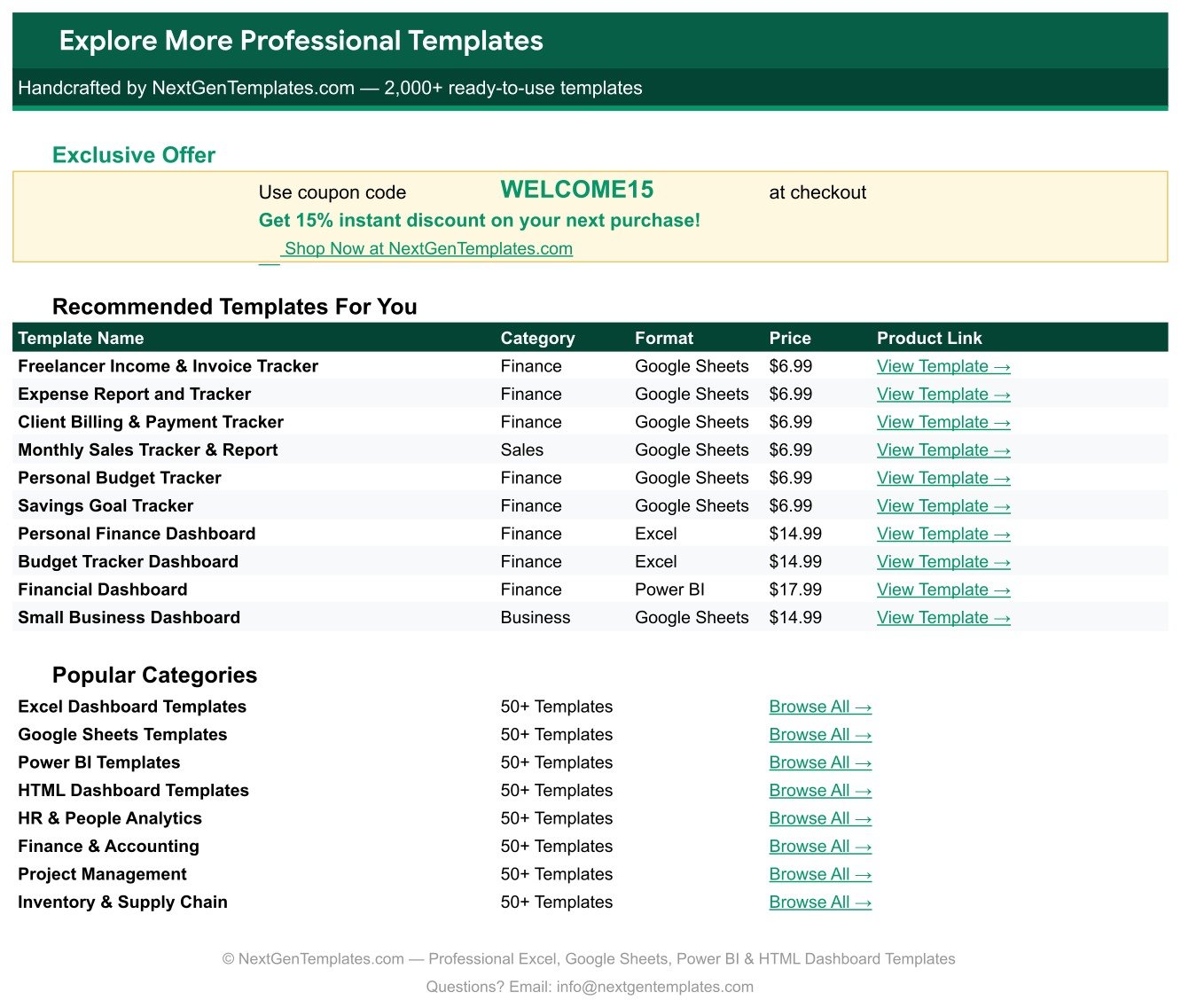
Compare the Multiple Income Streams Tracker, Freelance Income & Expense Tracker and Freelance Gig & Deadline Tracker. Browse the Google Sheets tracker collection for more focused workflows.
Bring income, costs, hours and payment status into one reviewable sheet. Purchase once, create your Drive copy and replace the demonstration records with your own activity.
Watch the step-by-step video Demo:
Compatibility and Requirements
- Works in Google Sheets. You need a free Google account and a web browser.
- Category, Platform / Client and Payment Status are dropdowns fed by the List tab. Google explains dropdowns in Create an in-cell dropdown list.
























Reviews
There are no reviews yet.