The Admission Enquiry Data Entry System in Excel captures every prospective-student enquiry through a 6-field form (Name, Mobile, Course Interested, Source, Status, Follow-up Date) and rolls it into 3 live KPI cards – Total Enquiries, Converted, and Pending – that update the moment you click Add. Setup takes under 5 minutes: open the file, enable macros, and start logging walk-ins and calls.
🌍 Join 8,400+ teams in 40+ countries using NextGenTemplates to replace paid SaaS tools with one-time-purchase Excel, Google Sheets, Power BI, and HTML templates.
✅ Instant download · One-time payment · No subscription · No per-user fees · Lifetime access
🔑 Key Features of the Admission Enquiry Data Entry System in Excel
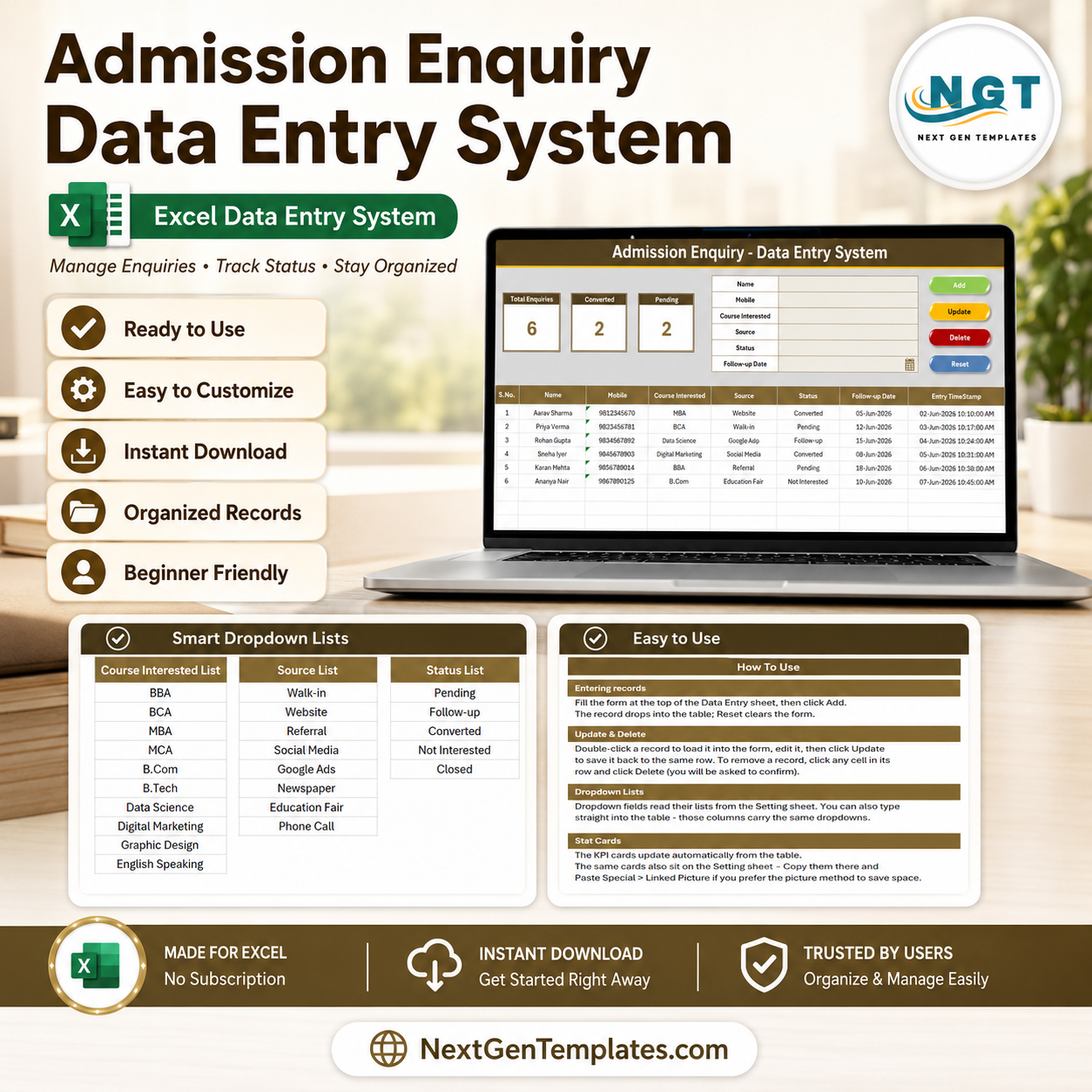
📝 One-screen enquiry form – A 6-field form sits at the top of the Data Entry sheet so a front-desk counsellor can capture a walk-in, call, or web lead without scrolling. Course Interested, Source, and Status are dropdowns, so spelling stays consistent across thousands of enquiry records.
📊 Three live KPI cards – Total Enquiries counts every record, Converted counts rows marked Converted, and Pending counts rows marked Pending. All three recalculate automatically and also sit on the Setting sheet so you can paste them as a linked picture into any report.
🖱️ Four one-click buttons – Add, Update, Delete, and Reset run on a small VBA module. Add appends a timestamped enquiry, Update overwrites the selected row, Delete removes an enquiry after a confirmation prompt, and Reset clears the form for the next prospect.
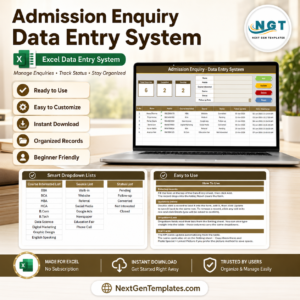
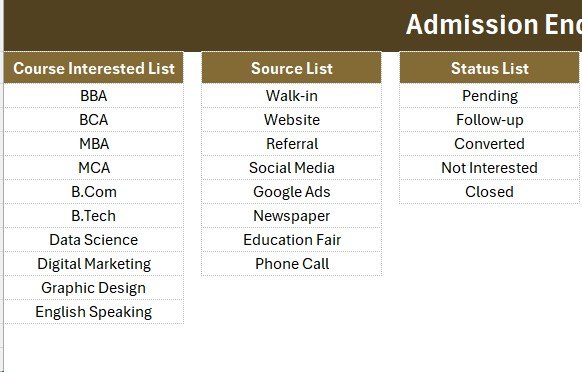
🔽 Editable dropdown lists – The Setting sheet holds the Course list (BBA, BCA, MBA, MCA, B.Com, B.Tech, Data Science, Digital Marketing, Graphic Design, English Speaking), the Source list (Walk-in, Website, Referral, Social Media, Google Ads, Newspaper, Education Fair, Phone Call), and the Status list (Pending, Follow-up, Converted, Not Interested, Closed). Add or remove a row and every dropdown updates on its own, because the lists are wired as named ranges.
🕒 Auto S.No and timestamp – Each saved enquiry gets an automatic serial number and an Entry TimeStamp, plus a dedicated Follow-up Date column so no prospect slips through the cracks.
📦 What’s Inside the Admission Enquiry Data Entry System
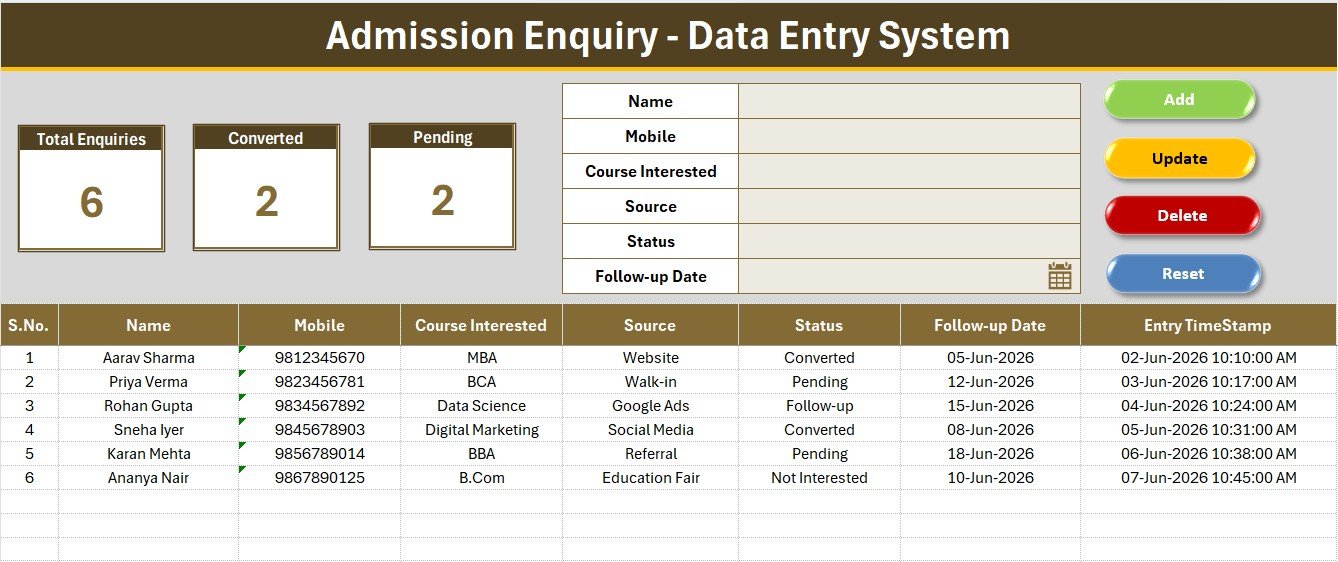
Data Entry Dashboard in Excel
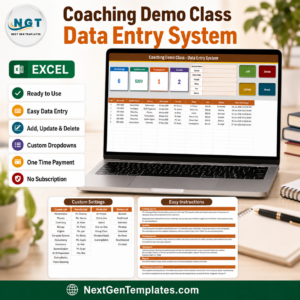
The main sheet shows the heading bar, the 3 KPI cards (Total Enquiries, Converted, Pending), the 6-field enquiry form, the Add/Update/Delete/Reset buttons, and the records table with auto S.No, Name, Mobile, Course Interested, Source, Status, Follow-up Date, and Entry TimeStamp.
Setting Sheet – Dropdowns and KPI Source
This sheet stores the Course, Source, and Status lists that feed every dropdown, plus a copy of the Total Enquiries, Converted, and Pending cards you can paste as a linked picture into a counselling or management report.
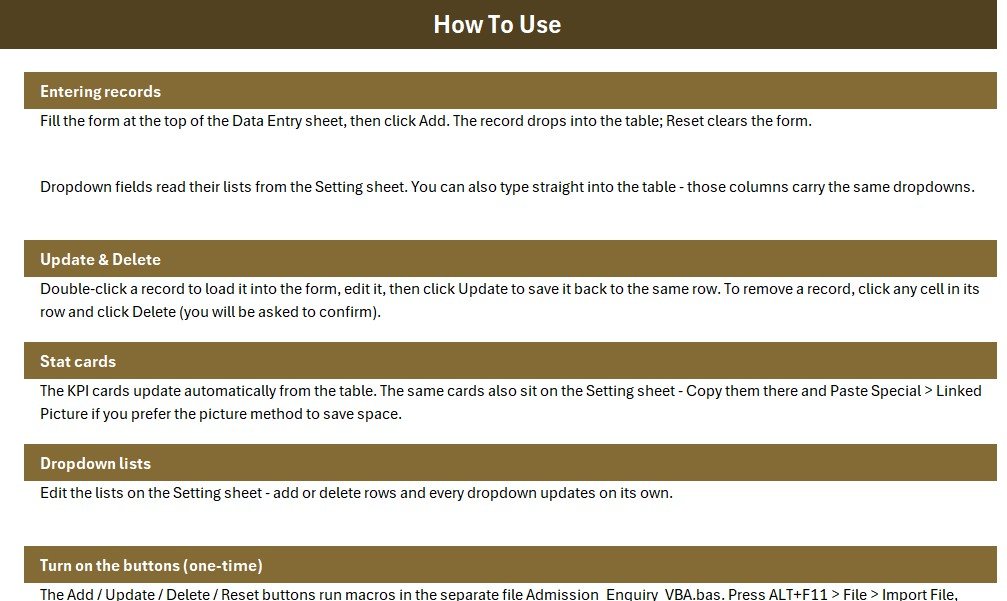
Records Table and Guide
Every saved enquiry lands in a clean hair-grid table with consistent formatting, while the Instructions and Get More Templates sheets explain setup and link to related education tools.
📊 Admission Enquiry Data Entry System vs. Google Sheets vs. Paid Admission CRM – Where This Fits
| Feature | Admission Enquiry Data Entry System | Google Sheets version | NoPaperForms / Meritto / Zoho CRM |
|---|---|---|---|
| Cost | $5.99 one-time | Free – manual build | $25-100 / user / month |
| Platform | Microsoft Excel (offline) | Google Sheets (online) | Cloud SaaS |
| Setup time | Under 5 minutes ✅ | 30-60 minutes | Days + onboarding |
| One-click Add / Update / Delete | ✅ Built-in VBA buttons | Needs Apps Script | ✅ |
| Works offline | ✅ Yes | ❌ No | ❌ No |
| Per-user fees | ✅ None | None | ❌ Charged per counsellor |
| Own your data file | ✅ Yes (.xlsm) | Google account | ❌ Vendor-hosted |
| Live Converted / Pending counts | ✅ Auto KPI cards | Needs formulas | ✅ |
| Year-1 cost at 5 users | $5.99 | $0 | $1,500-6,000 |
For coaching institutes and admission offices that want to log enquiries and watch Converted/Pending counts without paying per-counsellor CRM fees, the Admission Enquiry Data Entry System sits in the sweet spot.
👥 Who This Template Is For – and Who It’s Not For
✅ This template is built for:
- Coaching institutes and tuition centres capturing course enquiries from walk-ins, calls, and ads
- School and college admission desks logging prospects and follow-up dates in one place
- Independent counsellors and small academies that want fast entry plus live Converted and Pending counts offline
❌ This template is NOT for:
- Large universities needing an integrated application portal with online payment and document upload
- Teams that require real-time multi-user cloud editing across many branches at once
- Mac users who cannot enable Excel VBA macros
⚙️ How to Use the Admission Enquiry Data Entry System in Excel
- Open the .xlsm file in Microsoft Excel and enable macros when prompted.
- On the Setting sheet, edit the Course, Source, and Status lists to match your institute.
- Fill the form at the top of the Data Entry sheet and click Add to save a timestamped enquiry.
- Double-click any record to load it into the form, edit it, and click Update; use Delete to remove an enquiry.
- Read the Total Enquiries, Converted, and Pending cards to track your funnel at a glance.
💼 Real-World Use Cases
Neha runs the front desk at a city coaching institute. She logs every walk-in and phone enquiry through the form, picks the course and source from the dropdowns, and checks the Pending card each morning to plan her follow-up calls – without paying $40 per counsellor per month for an admission CRM.
Arjun manages admissions for a digital-skills academy. He uses the Source dropdown to see whether Google Ads or Referrals bring more enquiries, watches the Converted card to track sign-ups against targets, and exports the records table to share a weekly funnel summary with the director.
❓ Frequently Asked Questions
What fields does the Admission Enquiry Data Entry System in Excel capture?
The Admission Enquiry Data Entry System captures 6 fields per enquiry: Name, Mobile, Course Interested, Source, Status, and Follow-up Date. Course Interested, Source, and Status are dropdowns managed on the Setting sheet for consistent entries.
Which KPIs does it calculate automatically?
It calculates 3 live KPIs – Total Enquiries, Converted, and Pending – which update instantly each time you add, update, or delete an enquiry. The same cards also appear on the Setting sheet for reports.
Can I track follow-ups for each enquiry?
Yes. Every enquiry has a Follow-up Date field and a Status dropdown (Pending, Follow-up, Converted, Not Interested, Closed), so you can sort by date and work your pending list in order each day.
Do I need to enable macros?
Yes. The Add, Update, Delete, and Reset buttons run on a small VBA module, so enable macros when Excel prompts you. Without macros you can still type directly into the table, but the buttons will not run.
How long does setup take?
Setup takes under 5 minutes. Open the file, enable macros, edit the Course, Source, and Status lists on the Setting sheet, and start logging enquiries from the form on the Data Entry sheet.
How does this compare to a paid admission CRM?
Paid admission CRMs like NoPaperForms or Meritto often charge $25-100 per user each month. The Admission Enquiry Data Entry System is a one-time $5.99 Excel file you own and run offline – ideal for a single institute that mainly needs enquiry logging and Converted/Pending tracking.
👤 About the Author
Built by PK – Microsoft Certified Professional with 15+ years of Excel, Google Sheets, and Power BI experience. Founder of NextGenTemplates, reaching 300K+ subscribers across YouTube channels (@PK-AnExcelExpert, @NextGenTemplates, @NeoTechNavigators). Every template is hand-built and tested before release.
🔗 Explore Related Templates
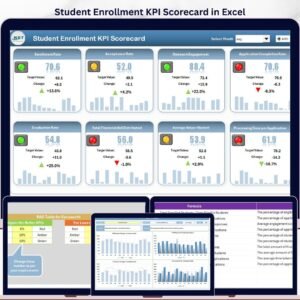
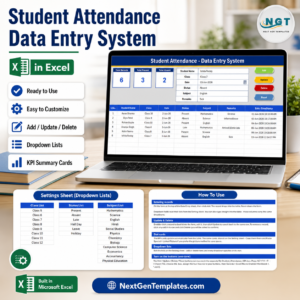
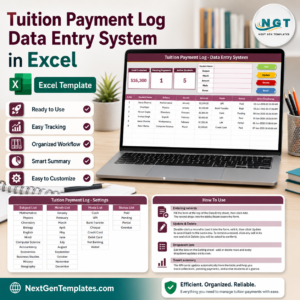
Already capturing enquiries? Track who shows up with the Student Attendance Data Entry System in Excel, then handle money with the Student Fee Collection System in Excel. For reporting, the Student Enrollment KPI Scorecard in Excel turns records into metrics, and the Training Enrollment Data Entry Form suits course sign-ups. Prefer the cloud? See the Student Enrollment KPI Dashboard in Google Sheets. Browse more Education Templates across Excel and Google Sheets.
💎 Save 68% – get this plus 7 more school tools in the Education & School Management Bundle (8 templates for $34.99 instead of $107.92).
📖 Click here to read the Detailed Blog Post
🎥 Visit our YouTube channel for step-by-step video tutorials
👉 YouTube.com/@NextGenTemplates
📅 Last updated: June 2026